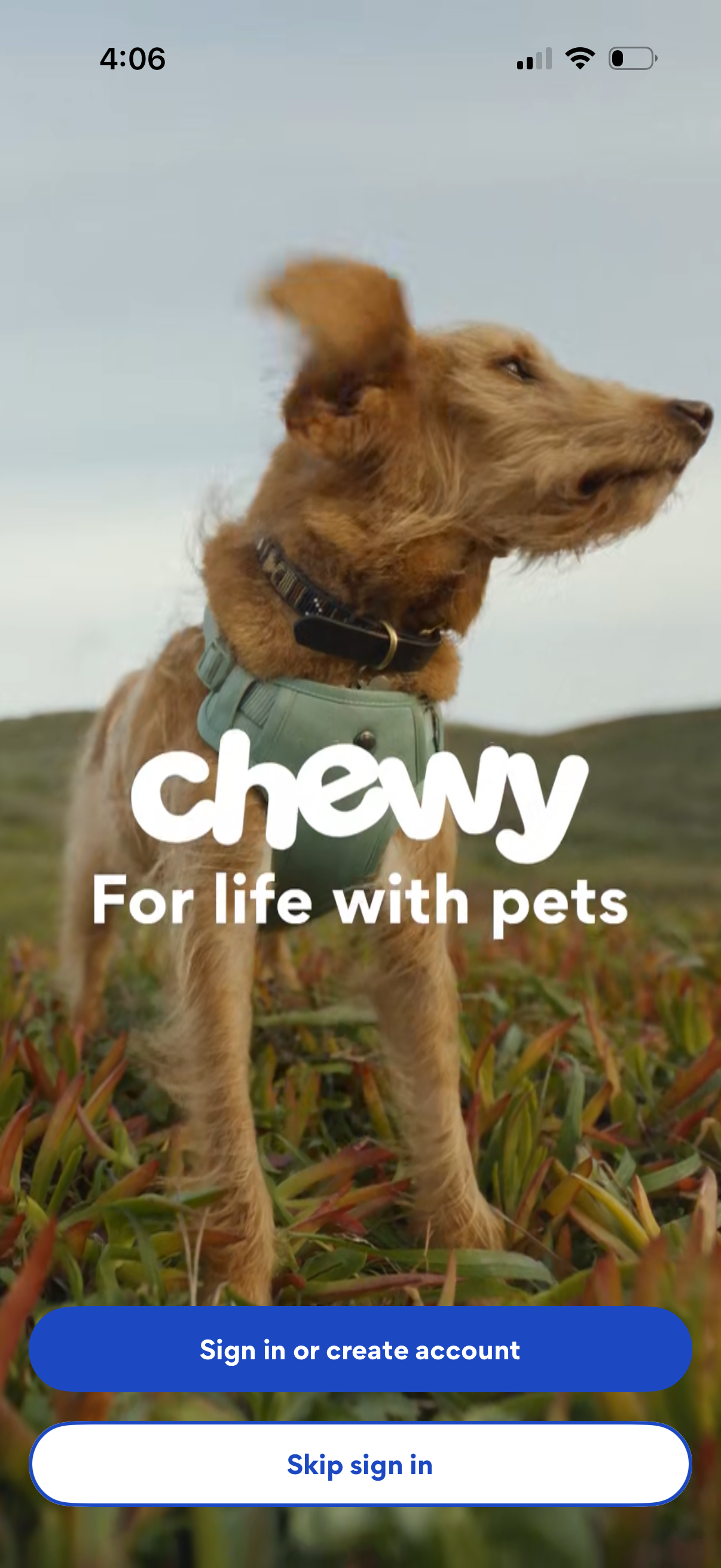
Welcome/splash screen for a pet supplies shopping app with branded hero image and tagline, prompting users to authenticate. Primary actions are “Sign in or create account” and a secondary option to “Skip sign in” to continue as a guest.
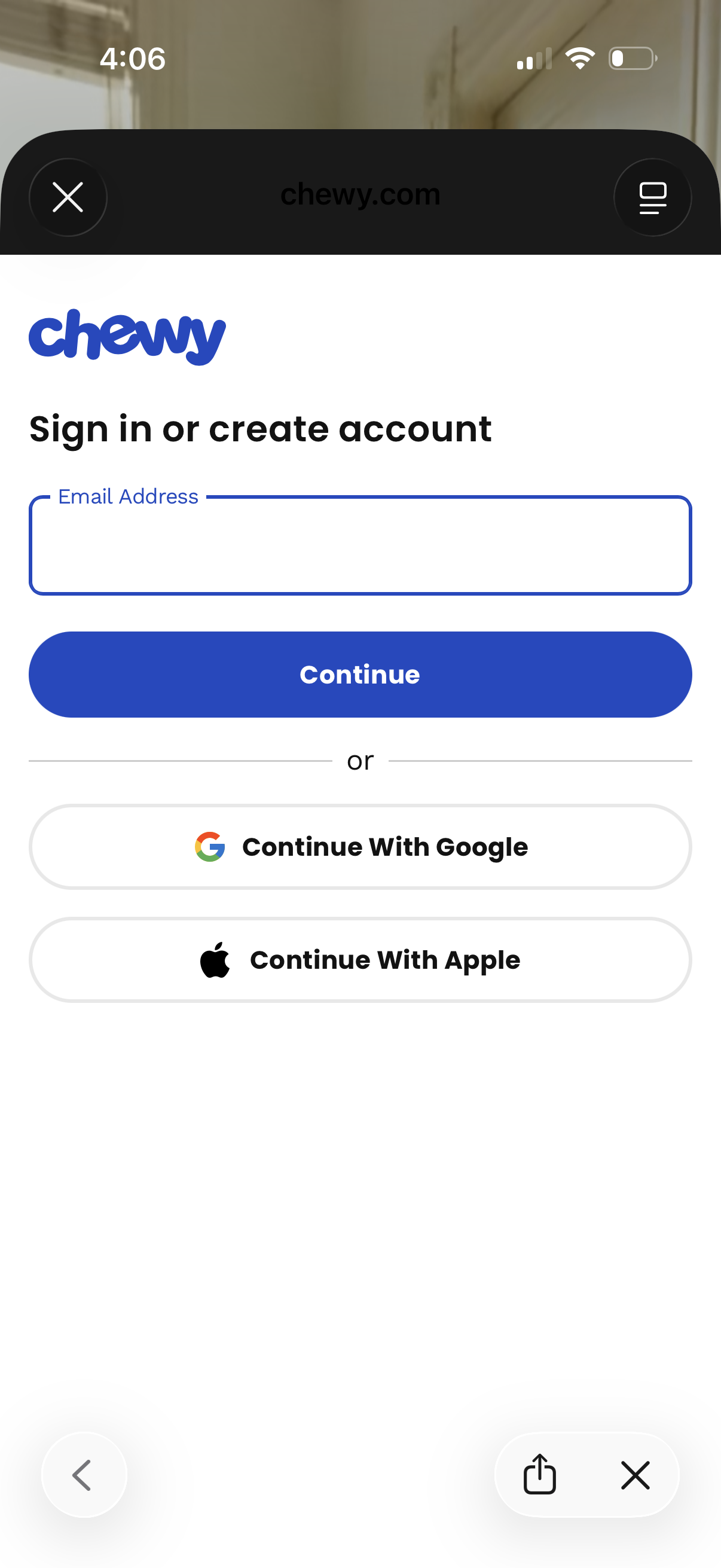
Authentication screen prompting users to sign in or create an account by entering an email address and tapping Continue. Offers alternative social login options with Continue with Google or Continue with Apple, with a close/dismiss control in the header.
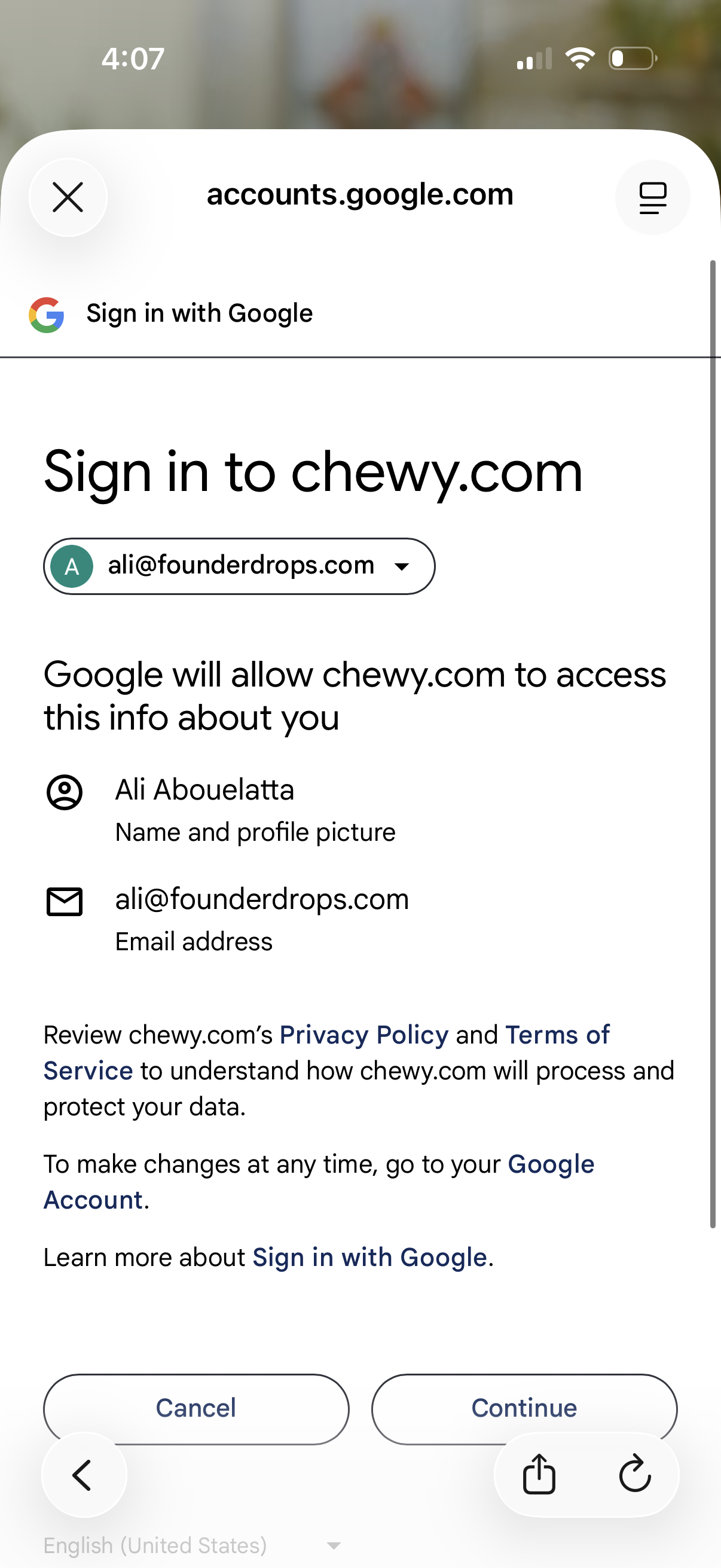
Google OAuth “Sign in with Google” consent screen for signing into a third-party website, showing the selected Google account and the profile and email data the site will access. Users can review privacy/terms links and choose Cancel or Continue to authorize login.
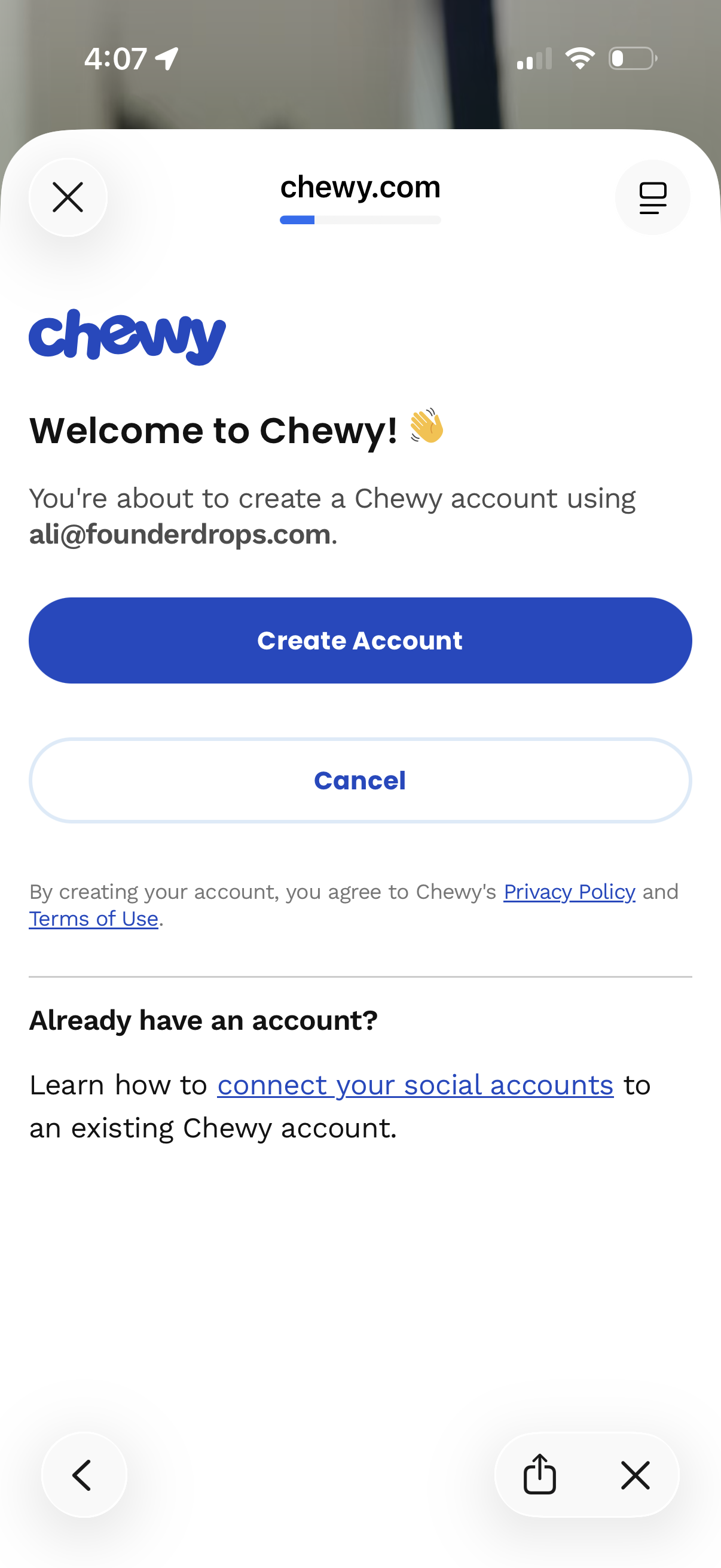
Account creation confirmation screen for Chewy that pre-fills the user’s email and asks to create a new account, with primary actions to Create Account or Cancel. Includes links to Privacy Policy and Terms of Use plus an option for existing users to connect social accounts to an existing account.
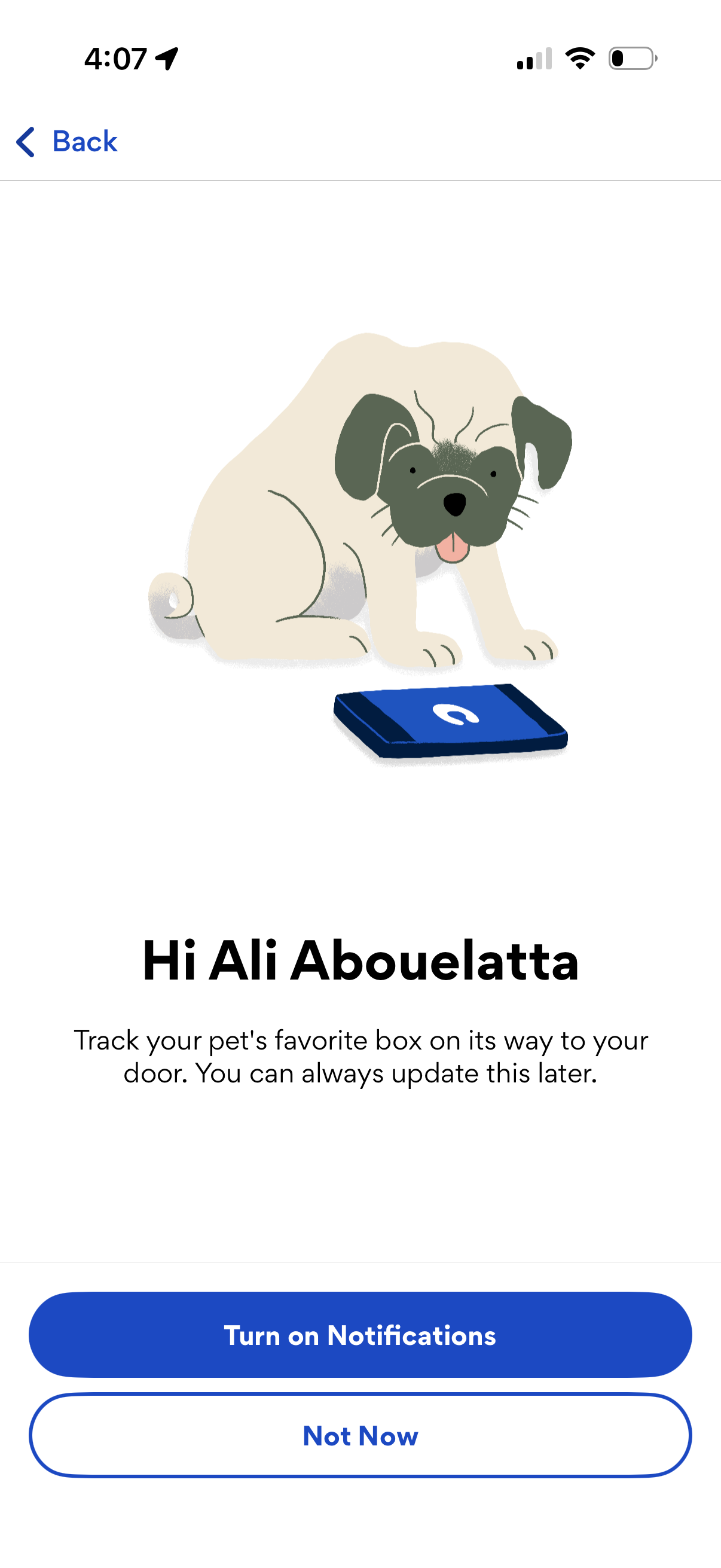
Onboarding prompt asking the user to enable push notifications for tracking a pet delivery box on its way to their door. Includes primary CTA “Turn on Notifications,” secondary option “Not Now,” and a back button.
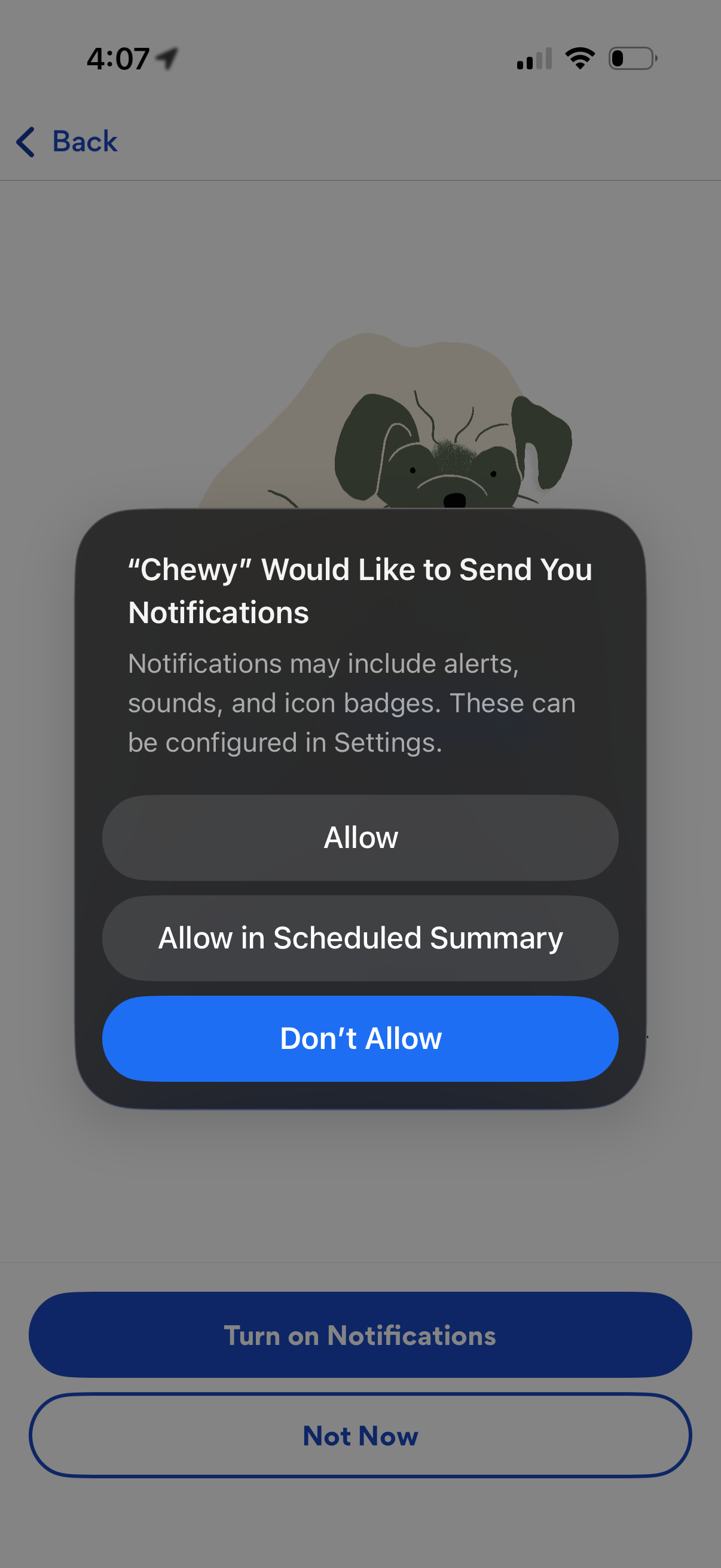
iOS push notification permission prompt overlay asking the user to allow app notifications, with options to Allow, Allow in Scheduled Summary, or Don’t Allow. The underlying onboarding screen encourages turning on notifications with primary and secondary actions.
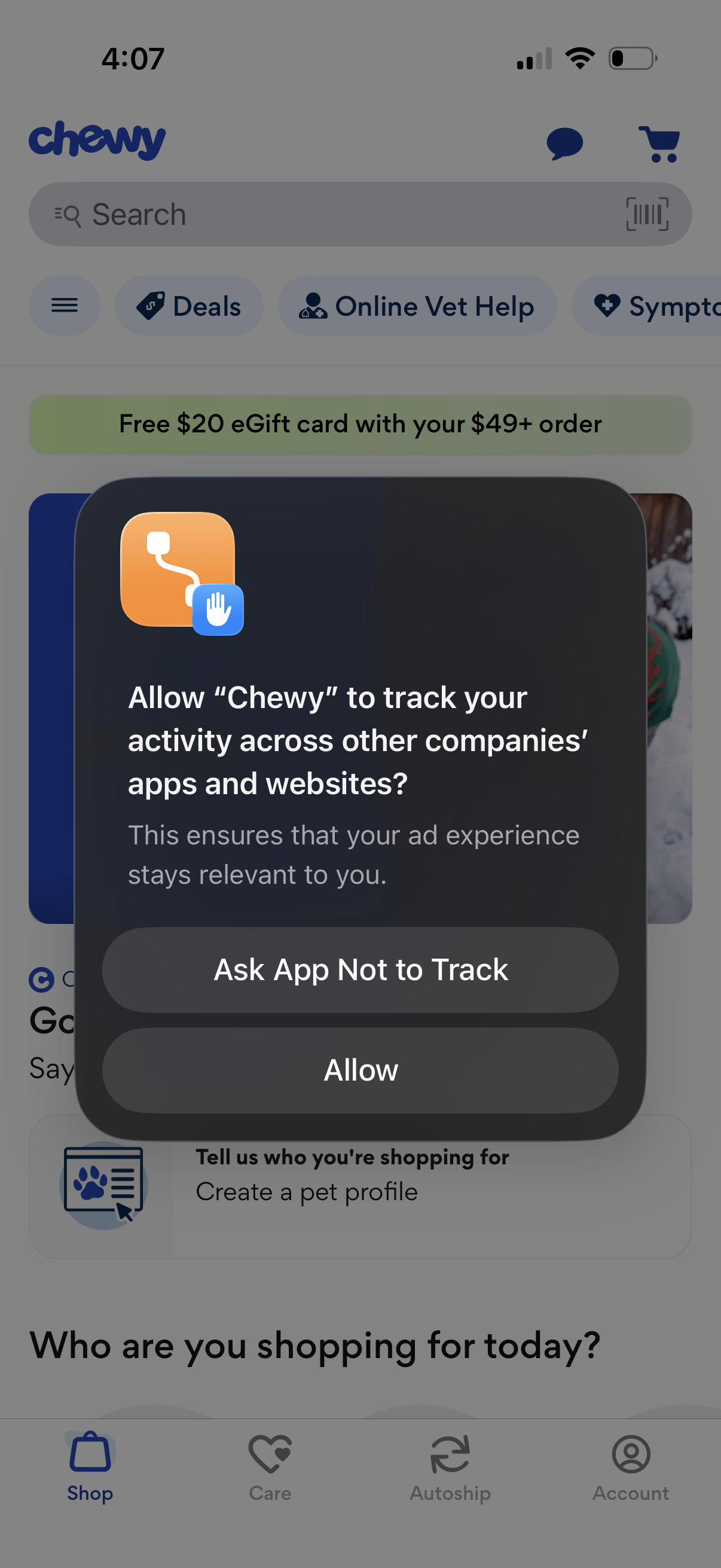
iOS App Tracking Transparency permission modal asking whether to allow the app to track activity across other companies’ apps and websites, with primary actions “Ask App Not to Track” and “Allow,” shown over a shopping home screen.