Deep Research

Chat screen with a bottom-sheet attachment/action menu for ChatGPT, offering camera capture and access to all photos plus shortcuts to tools like Create image, Deep research, Web search, and Study and learn. The overlay supports selecting media or switching to specific assistant modes from within a conversation.
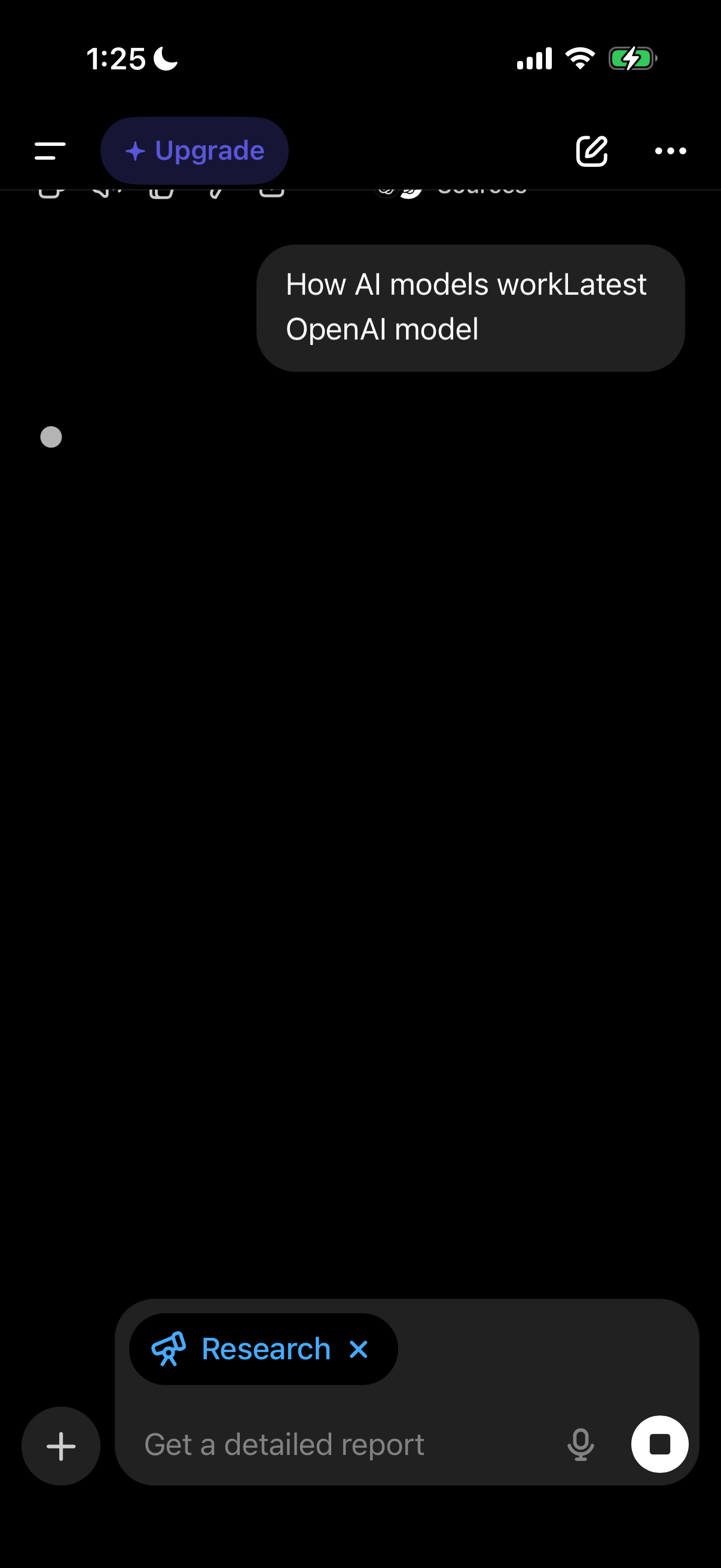
AI chat interface in dark mode showing a user prompt asking about how AI models work and selecting an “OpenAI model,” with an “Upgrade” CTA in the header plus compose controls for adding attachments, using voice input, and sending. The message composer includes a “Research” mode toggle to generate a detailed report.

Chat conversation screen in an AI assistant app showing a response asking the user to clarify whether they want a simple overview or a deeper technical explanation of how the latest OpenAI model works. Includes top navigation with upgrade and menu actions, message interaction controls (copy, like/dislike, share), and a bottom input bar with a “Research” mode chip and microphone/voice input.
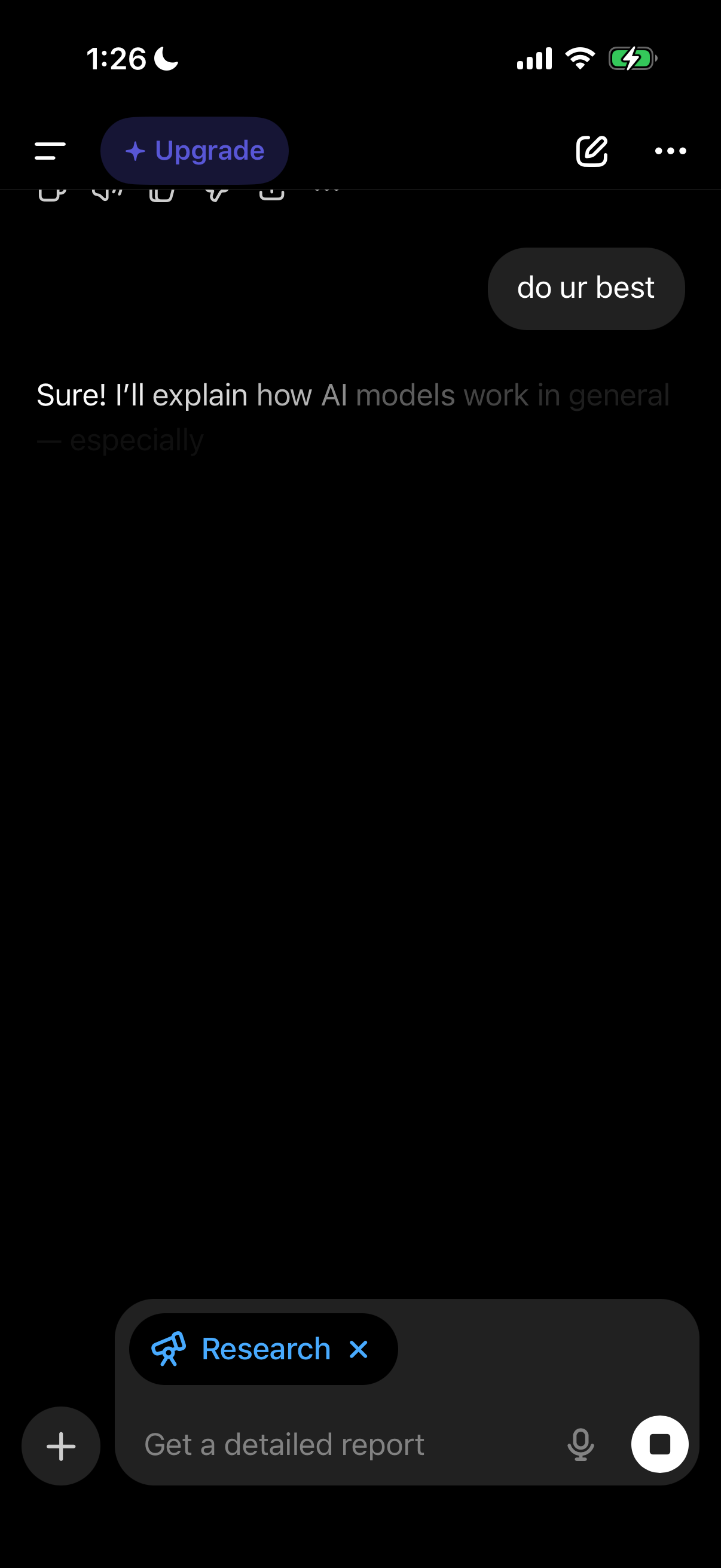
Dark-mode AI chatbot conversation screen showing a user message and the assistant’s reply, with a prompt composer that supports attachments, voice input, and sending. The bottom input includes a selected “Research” mode/tag and an “Upgrade” call-to-action appears in the header alongside menu and compose options.
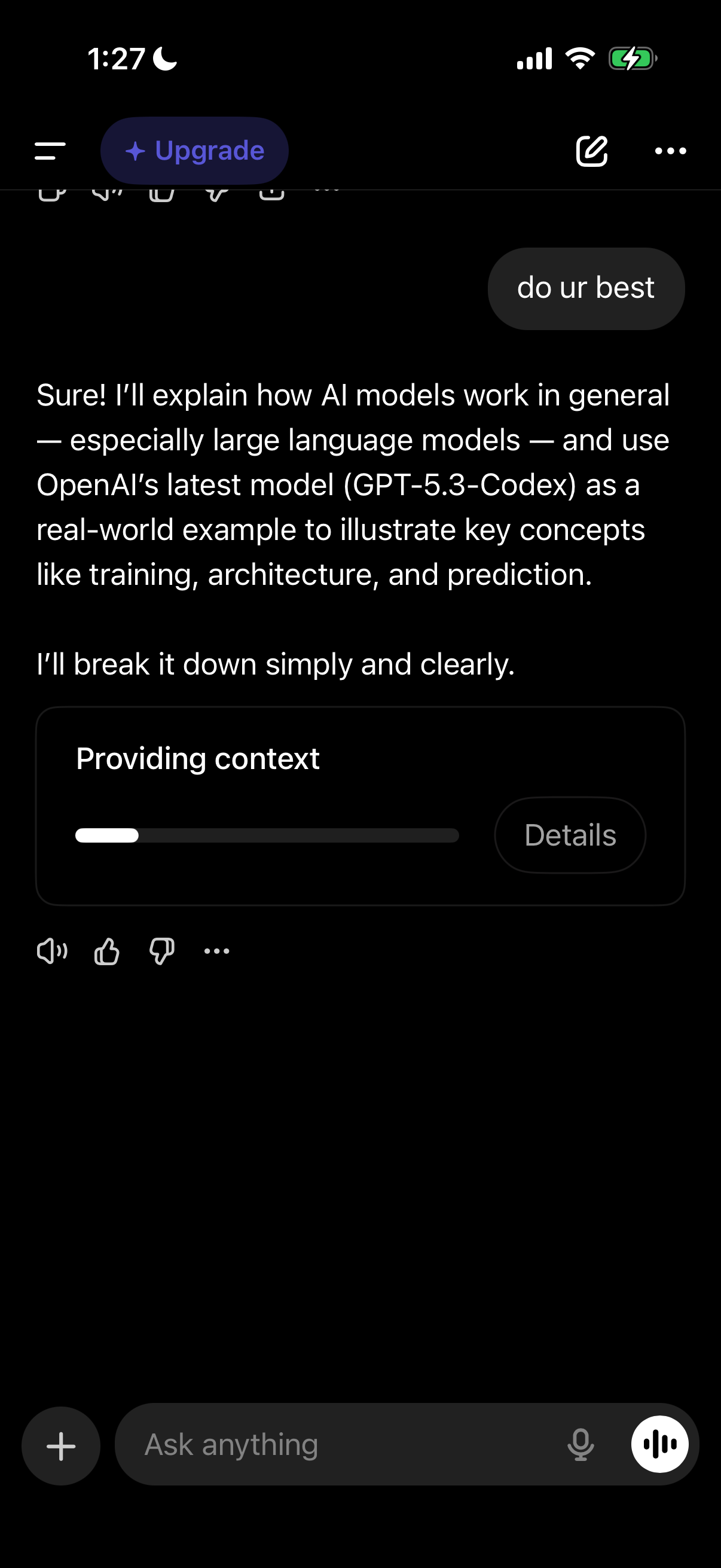
AI chat conversation screen showing an assistant response with a visible generation step/status card (“Providing context”) including a progress indicator and a Details button. The interface includes an Upgrade CTA, message actions (like/dislike, speaker/audio, more options), and a bottom input bar with attachments and voice controls to ask a new question.