Connect Gmail
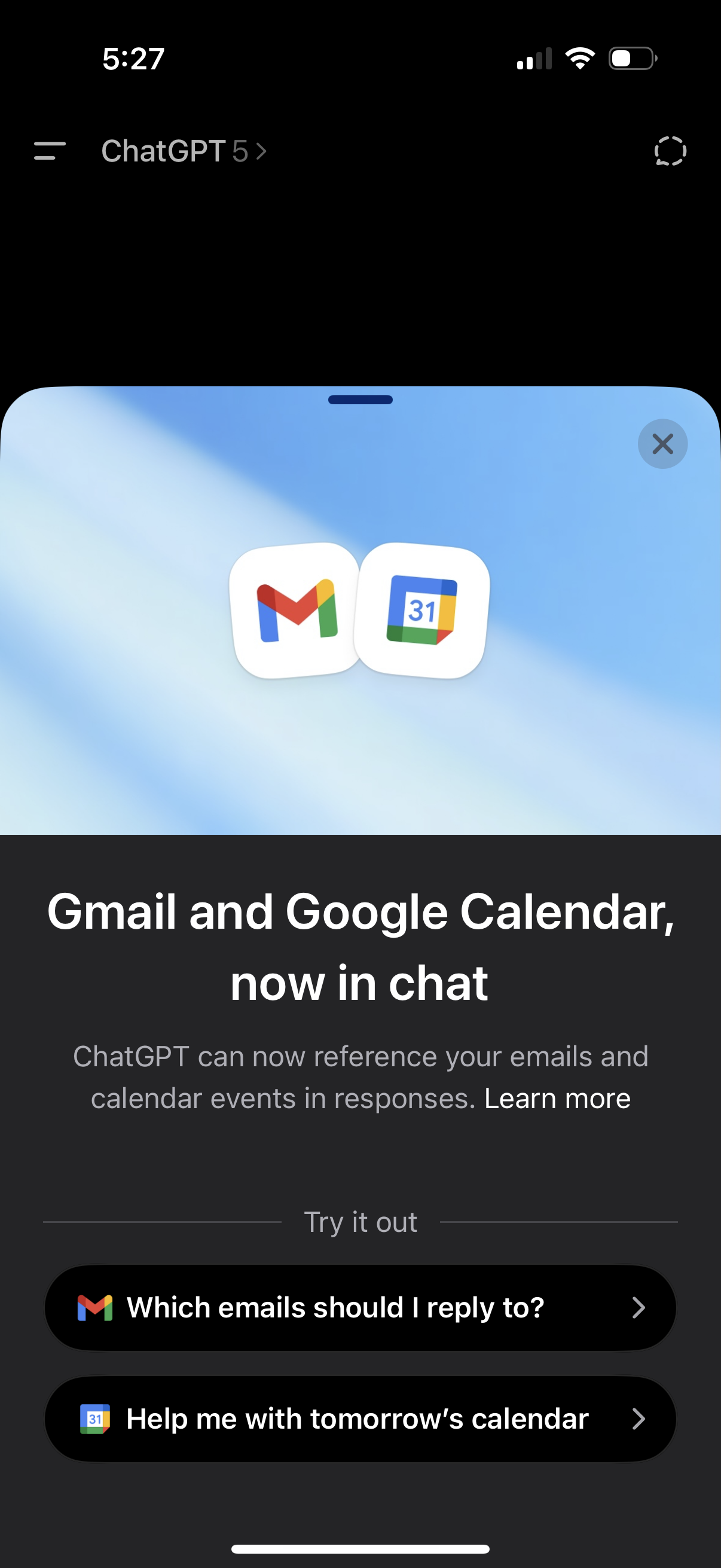
In-app promotional modal announcing Gmail and Google Calendar integration in a chat app, explaining that the assistant can reference emails and calendar events. Includes a dismiss (X) control and “Try it out” quick-start prompt buttons like replying to emails or helping with tomorrow’s calendar.
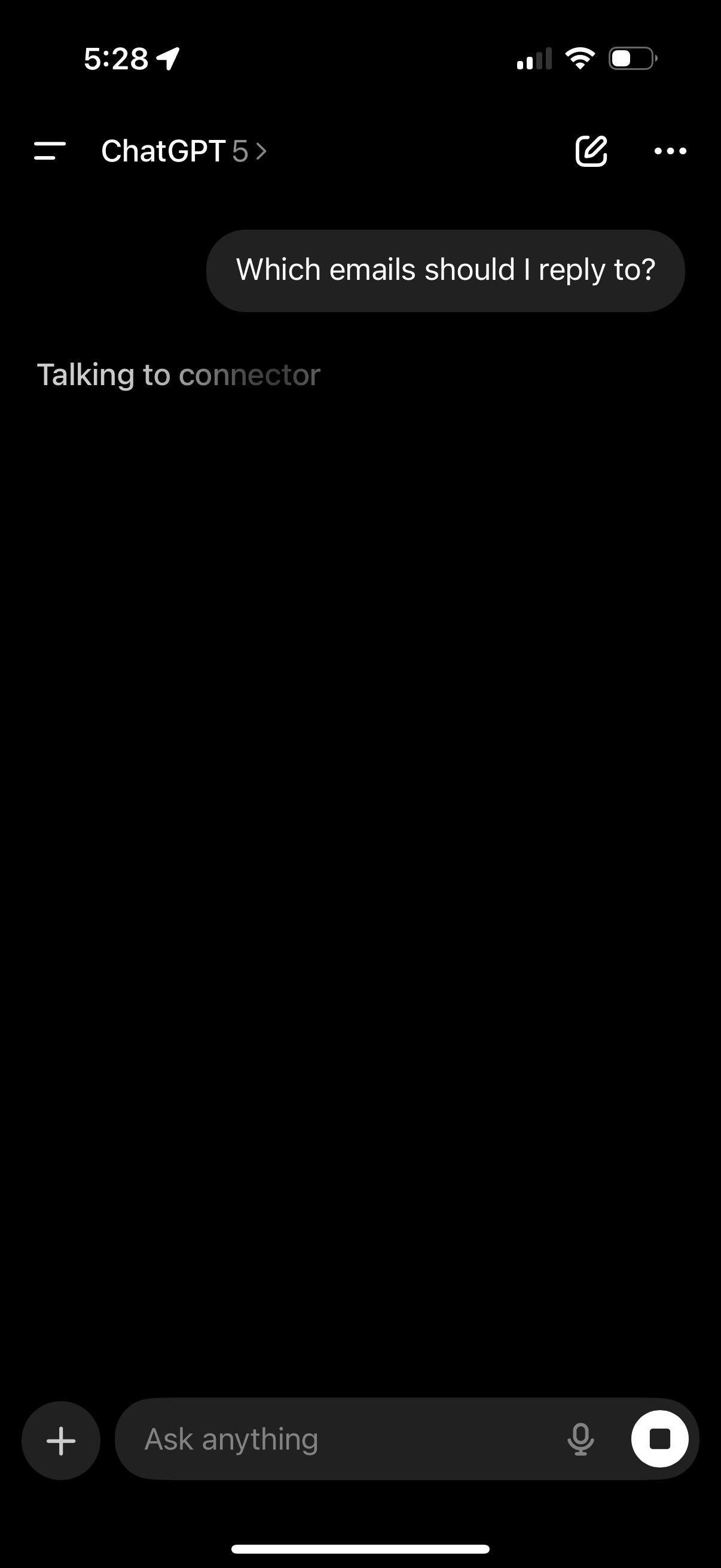
Chat interface showing an AI assistant responding to a prompt about prioritizing which emails to reply to, with a status message indicating it’s “Talking to connector” to fetch connected account data. Bottom composer includes a text input (“Ask anything”), add attachment button, microphone for voice input, and a stop button to interrupt the response.

Third-party integration consent screen to connect Gmail to an AI assistant, explaining it will redirect to Google for sign-in and permission confirmation along with privacy and data-control details. Primary action is a “Continue to Google” button with an option to close the modal.