
Chat screen with a bottom-sheet attachment/action menu for ChatGPT, offering camera capture and access to all photos plus shortcuts to tools like Create image, Deep research, Web search, and Study and learn. The overlay supports selecting media or switching to specific assistant modes from within a conversation.
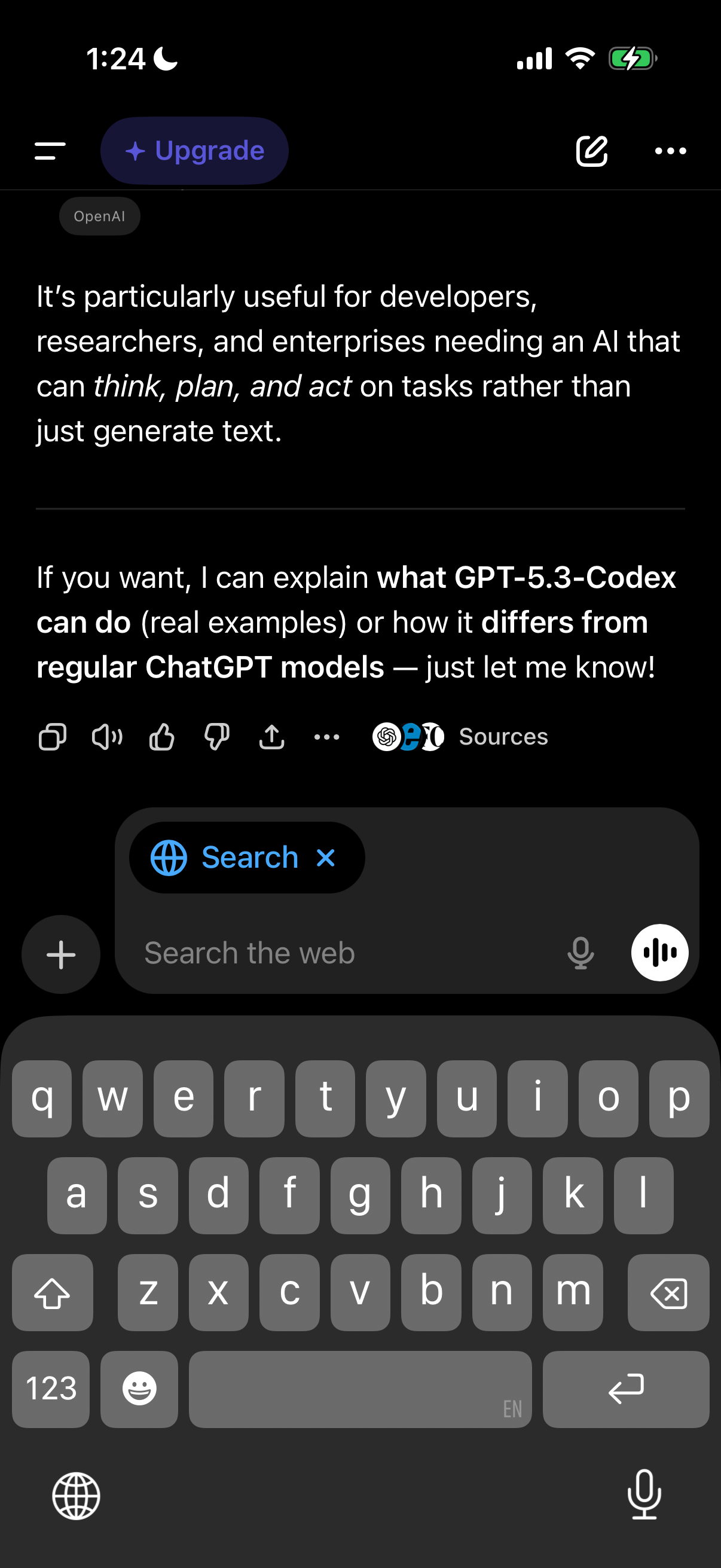
Dark-mode AI chat conversation screen showing a response with message action buttons (copy, text-to-speech, like/dislike, share) and a “Sources” indicator. At the bottom is a web search-enabled message composer with “Search the web” input, plus/attachment button, microphone/voice input toggle, and an Upgrade prompt in the header.
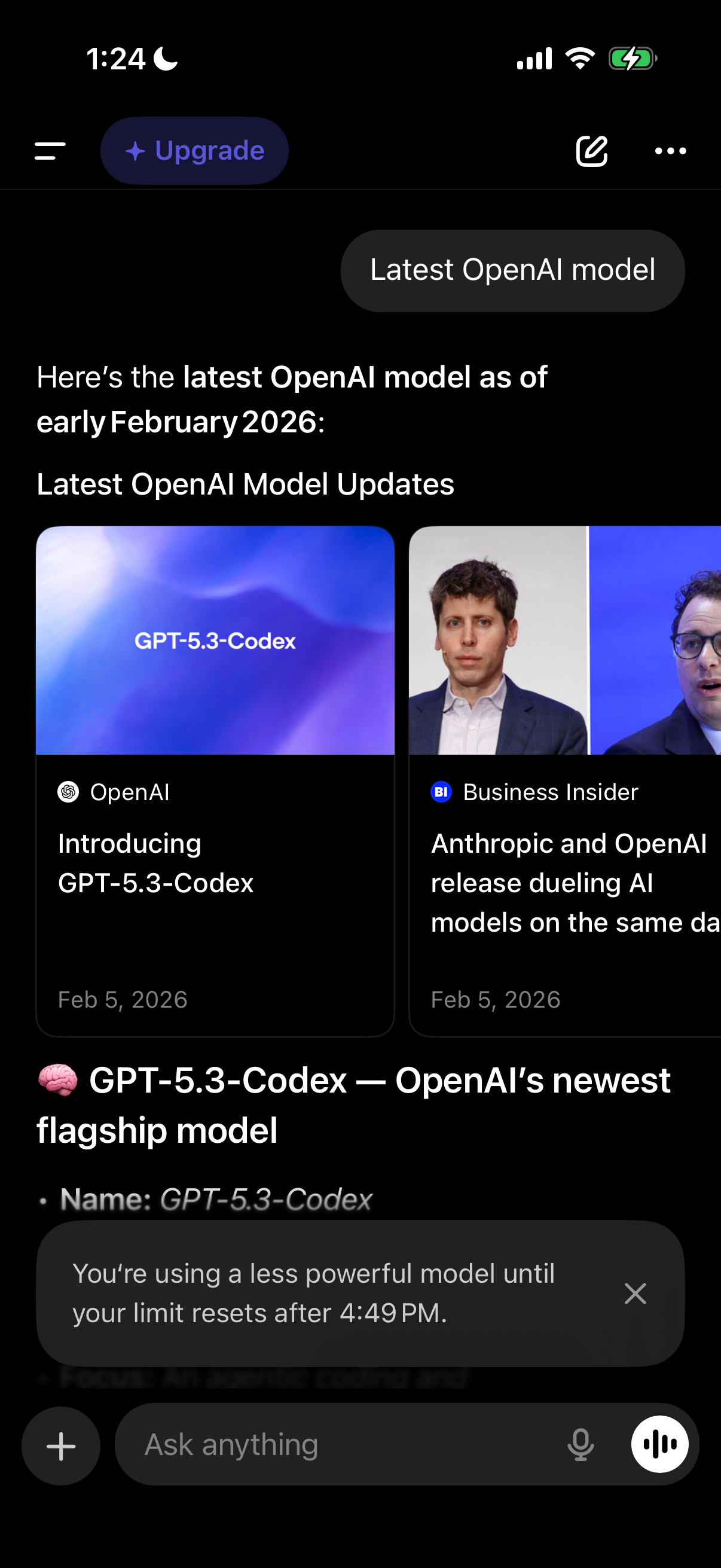
AI chat conversation screen showing a response about “latest OpenAI model updates,” including linked article cards with thumbnails and sources for further reading. The UI includes an upgrade CTA, message composer with plus and voice input, and a banner warning that a less powerful model is being used until the usage limit resets.