AI Image Generation

AI image editing/generation chat home screen prompting users to “create better and faster images,” with a text input to ask anything plus microphone/voice control and an add attachment button. Top navigation includes a hamburger menu, an Upgrade CTA for premium, and icons to add contacts or access more options.

Chat screen with a bottom-sheet attachment/action menu for ChatGPT, offering camera capture and access to all photos plus shortcuts to tools like Create image, Deep research, Web search, and Study and learn. The overlay supports selecting media or switching to specific assistant modes from within a conversation.
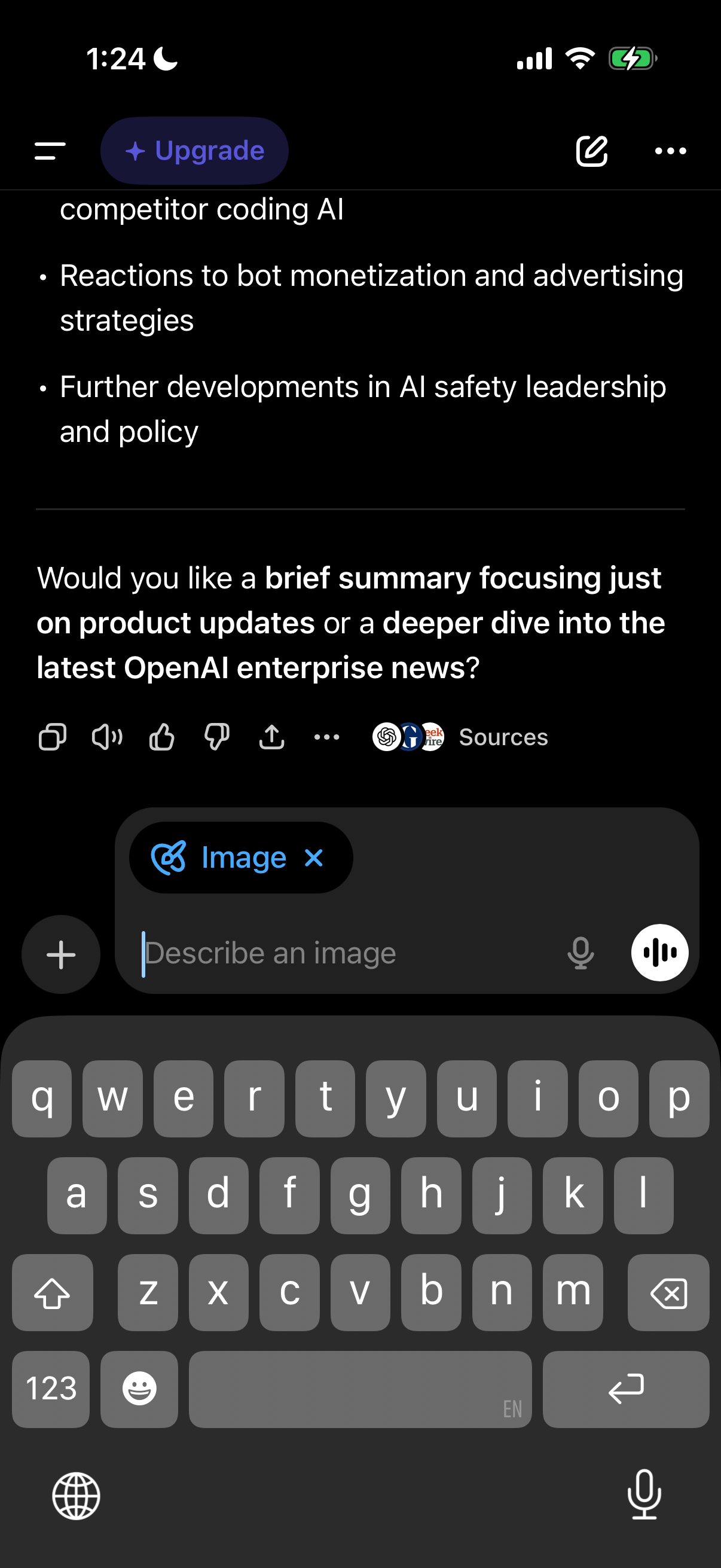
Chat-based AI assistant screen showing a response with bullet-point insights and a follow-up prompt asking the user to choose between a brief summary or a deeper dive. Includes message actions like copy/share/feedback, a “Sources” option, and a bottom input composer with image attachment mode, microphone/voice input, and send controls.

AI chat screen showing an in-progress image generation state with a large image placeholder and “Creating image” status. A usage-limit upsell banner prompts upgrading to a paid plan with a “Get Plus” button, while the bottom composer includes attachment and voice options.