customize chat
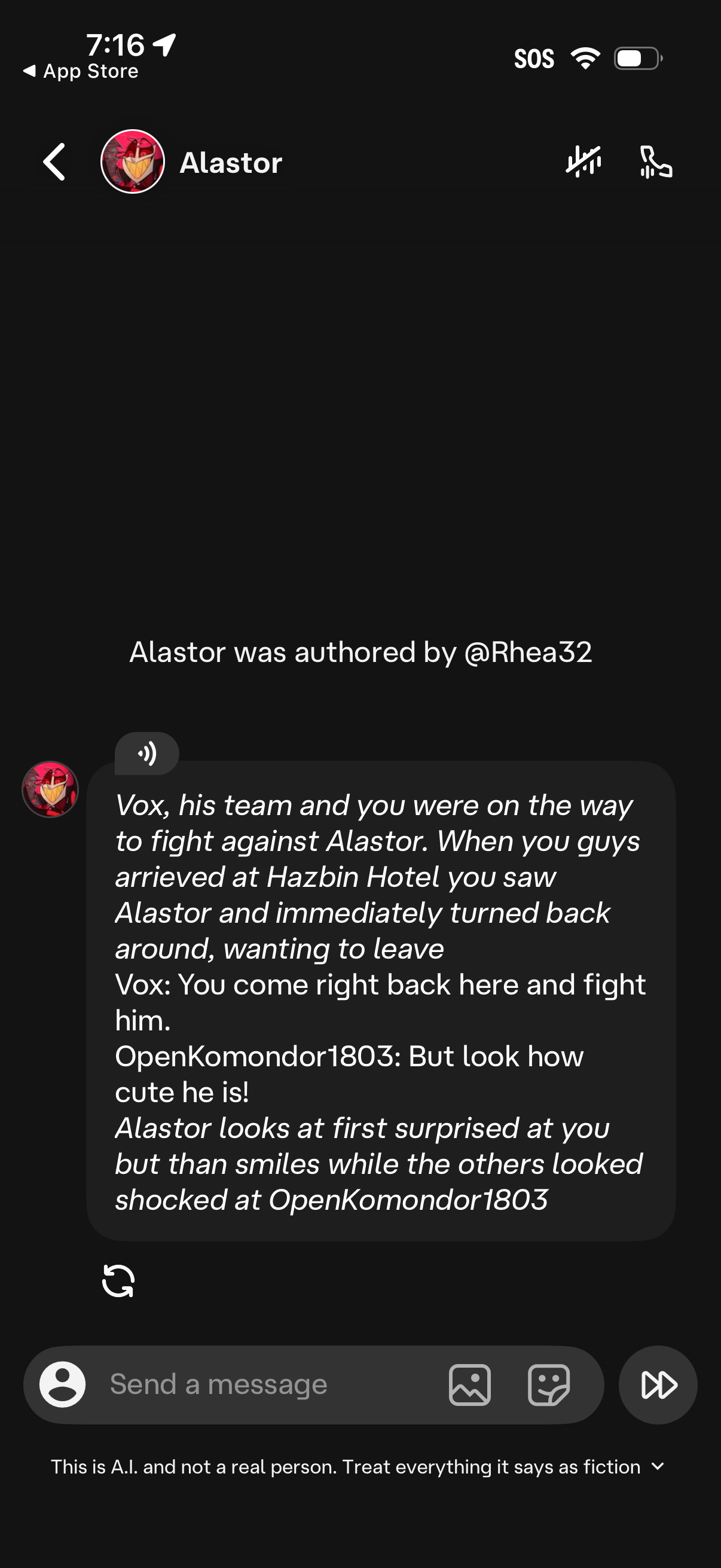
AI chatbot conversation screen with a character profile header, showing a generated story-style message and an attribution note for the bot’s author. Includes actions to mute or call, a text input field to send a message, buttons to attach photos/stickers, a refresh/regenerate response icon, and a disclaimer that the chat is AI fiction.

Chat conversation screen with a character/bot, showing a bottom sheet for customizing the chat experience including adding a persona, generating “imagine” content, selecting scenes, changing layout and wallpaper, choosing voice playback, and accessing memory, history, and chat style. The header includes controls to mute or toggle voice and other chat actions for the selected character.
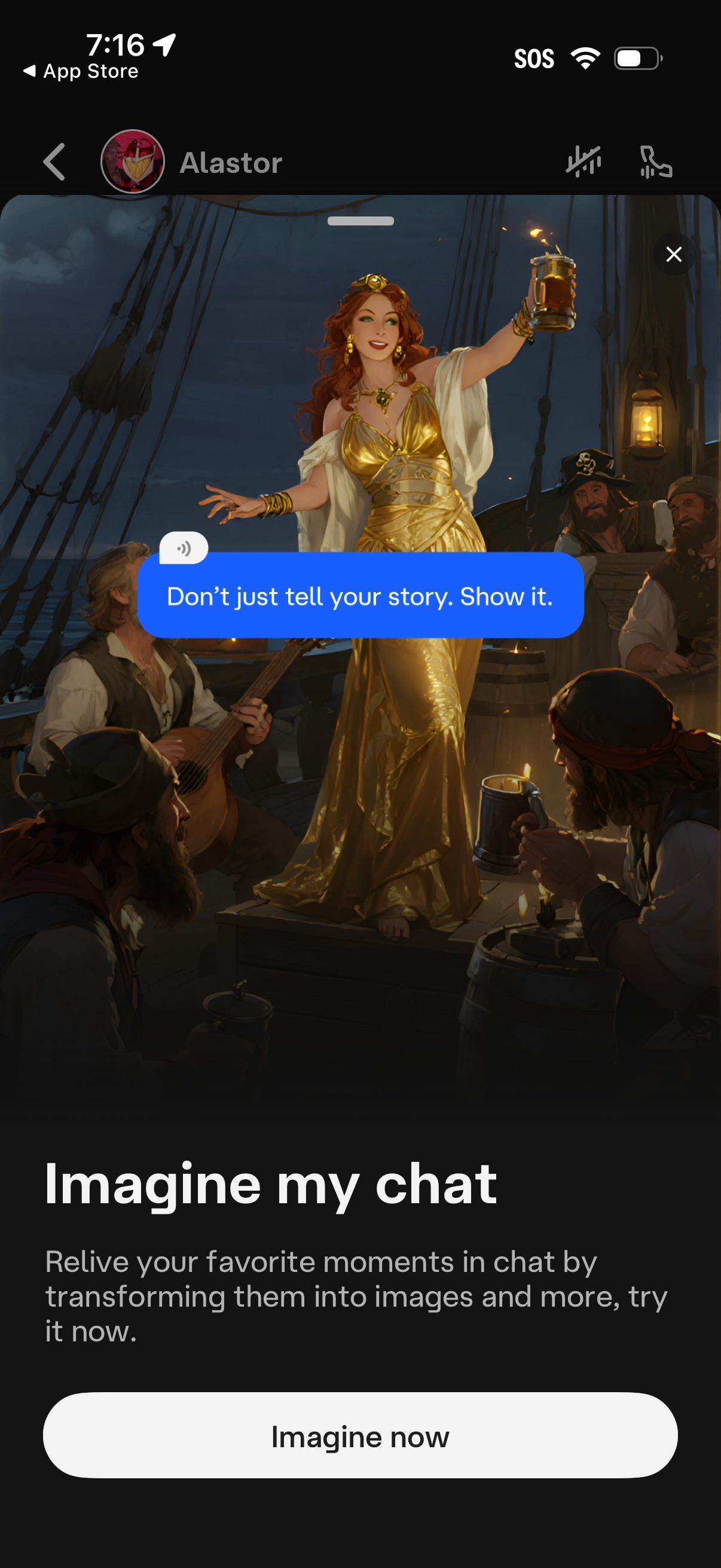
Chat app feature promo screen introducing an “Imagine my chat” tool that transforms favorite chat moments into AI-generated images and more. Includes a large preview illustration, brief value proposition text, and a primary CTA button to “Imagine now,” with close and navigation controls at the top.
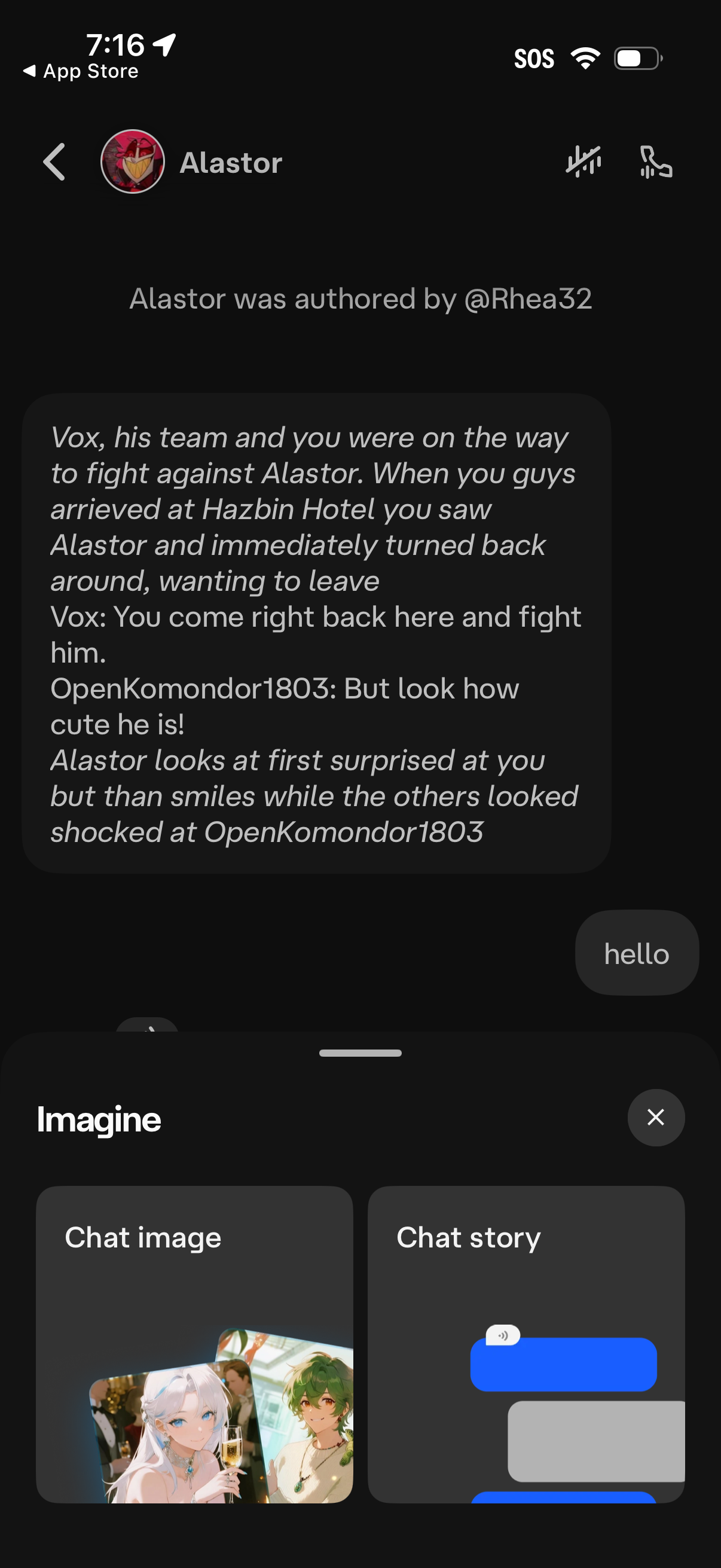
Chat conversation screen with a character/bot profile header, back navigation, and quick actions for muting and voice calling. The thread shows a long story-style message and a text input, while a bottom “Imagine” creation panel lets users generate either a chat image or a chat story from within the conversation.
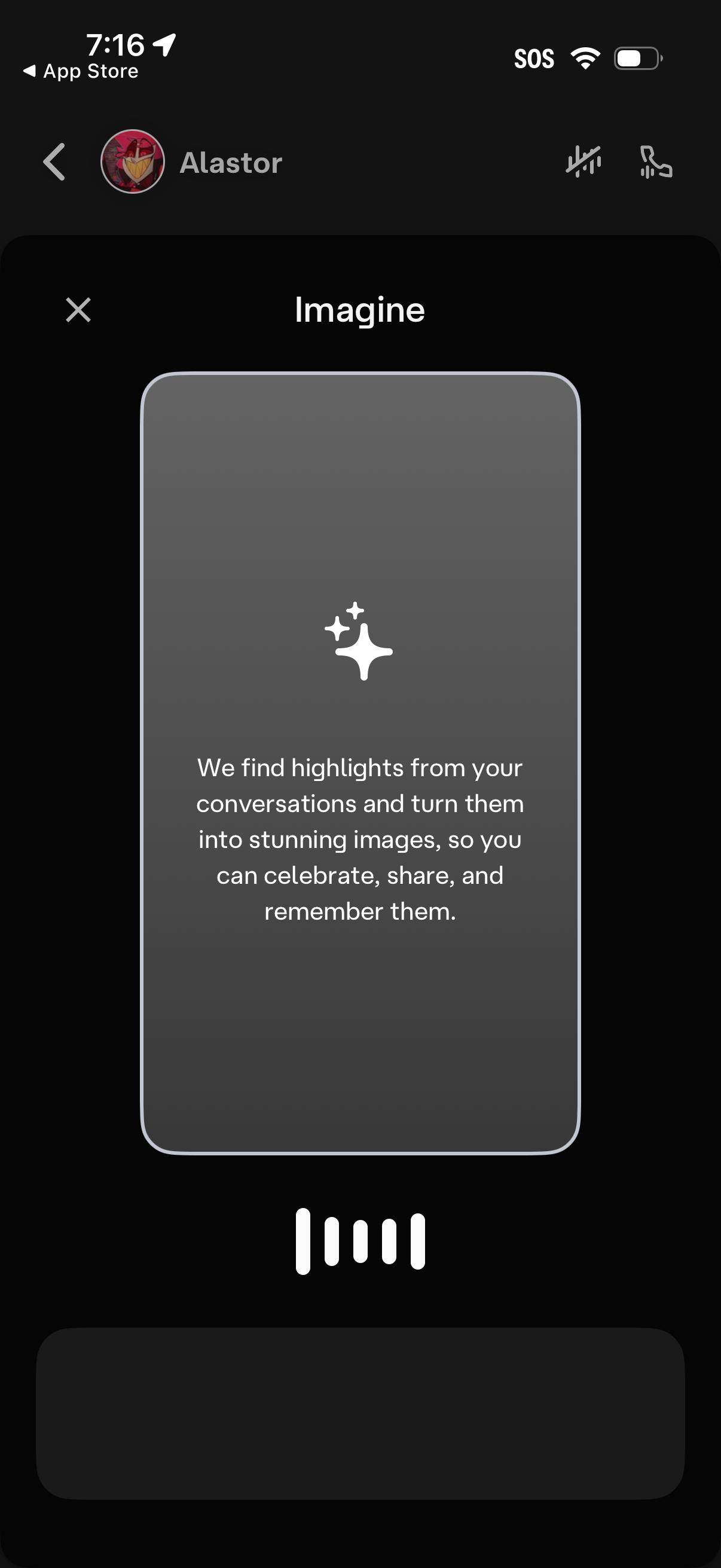
Onboarding tooltip modal for an “Imagine” feature inside a chat app, explaining that the app will extract highlights from conversations and automatically turn them into shareable image memories. The screen shows a dismiss (X) control and a carousel-style progress indicator for multiple onboarding steps.

Chat conversation screen with a character/bot profile header, including options to mute and access call/voice controls, showing a large message bubble and a user reply draft. A bottom sheet modal announces the user is using an experimental beta feature and requires tapping “Continue” to proceed.