Sign up
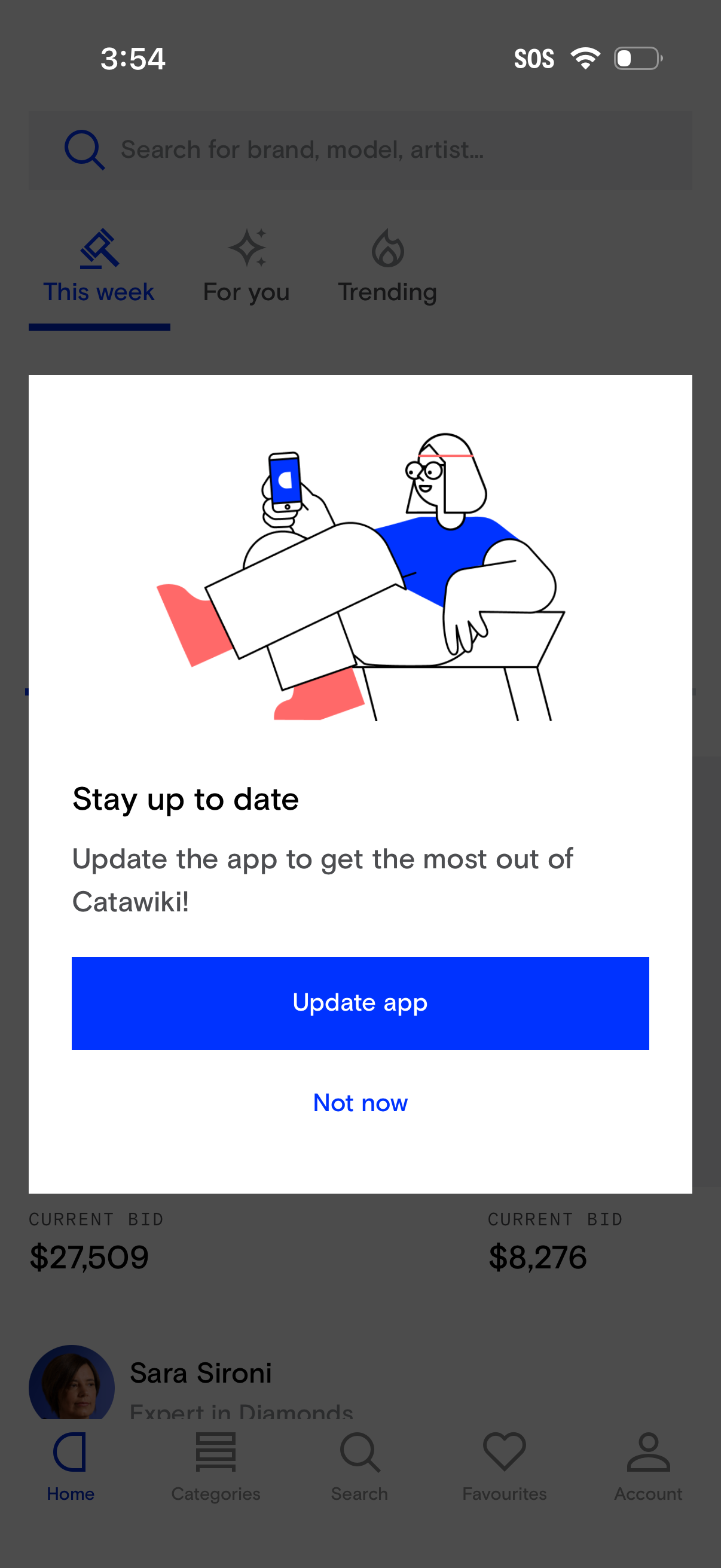
Modal update prompt overlaying the home feed, asking users to update the app to stay up to date. Provides primary CTA to “Update app” and a secondary “Not now” option to dismiss and continue.
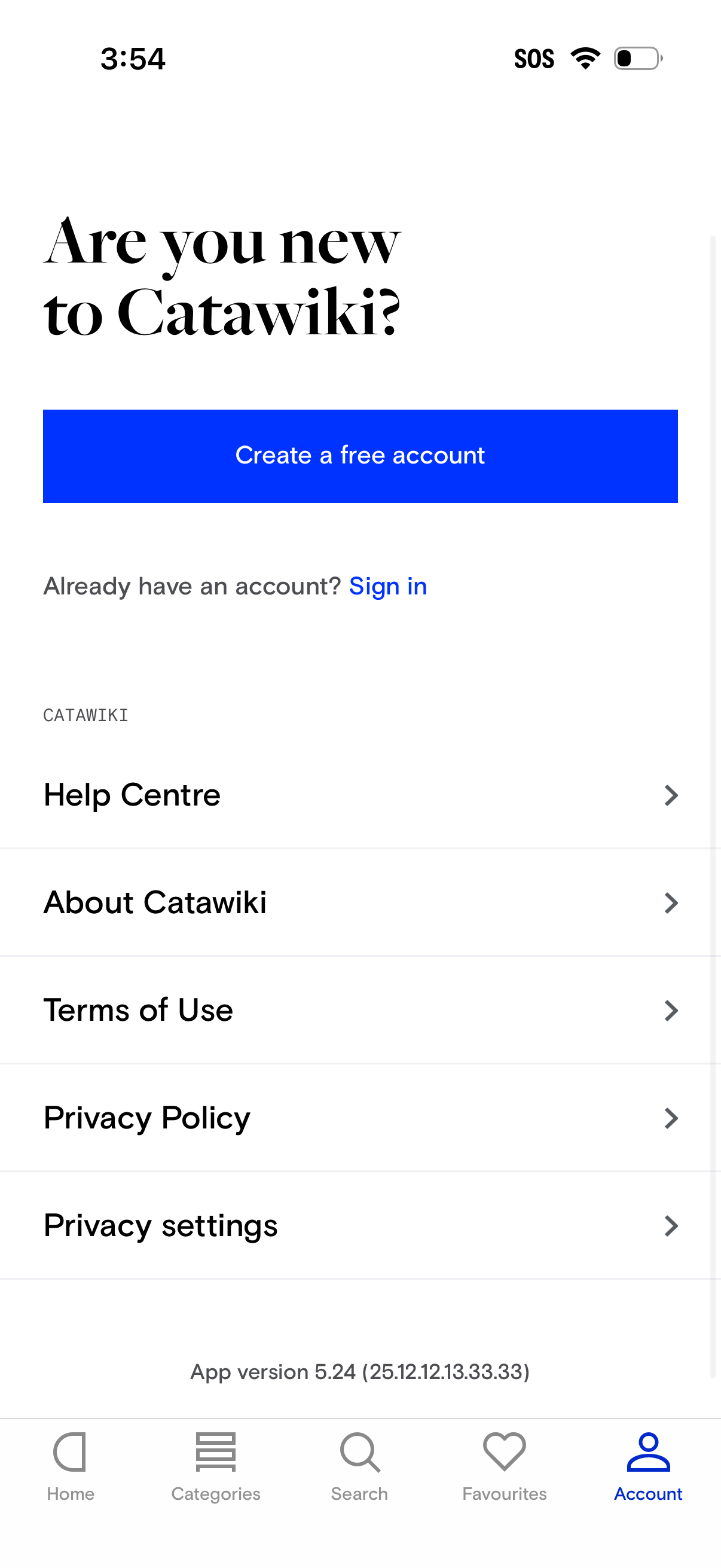
Account tab onboarding screen prompting new users to create a free account or sign in, with a prominent primary CTA button and secondary sign-in link. Below are account/support and legal navigation links such as Help Centre, About, Terms of Use, Privacy Policy, and Privacy settings, plus app version info and a bottom tab bar.
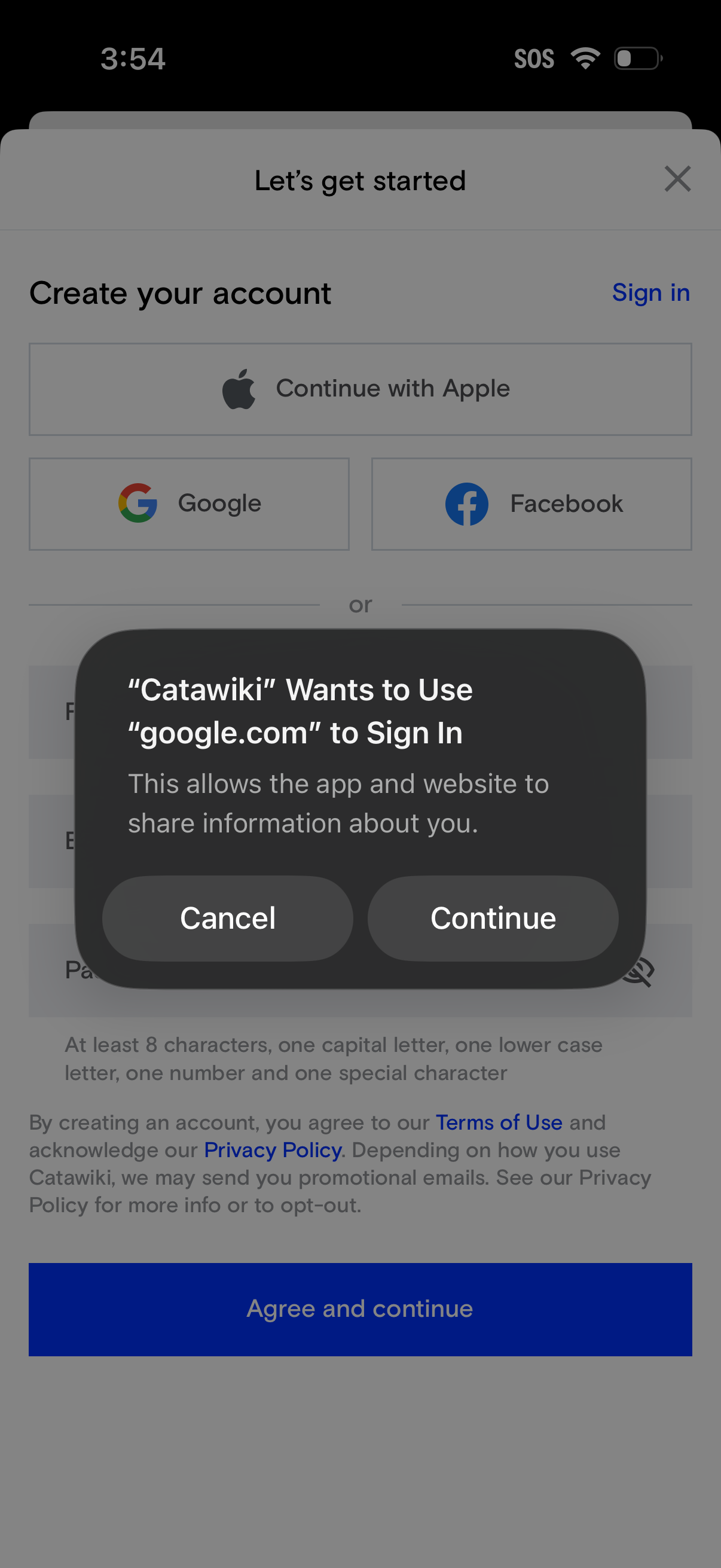
Account creation and sign-in onboarding screen offering social login options (Continue with Apple, Google, Facebook) alongside an email/password form and “Agree and continue” button. An iOS permission dialog overlays the page asking to use google.
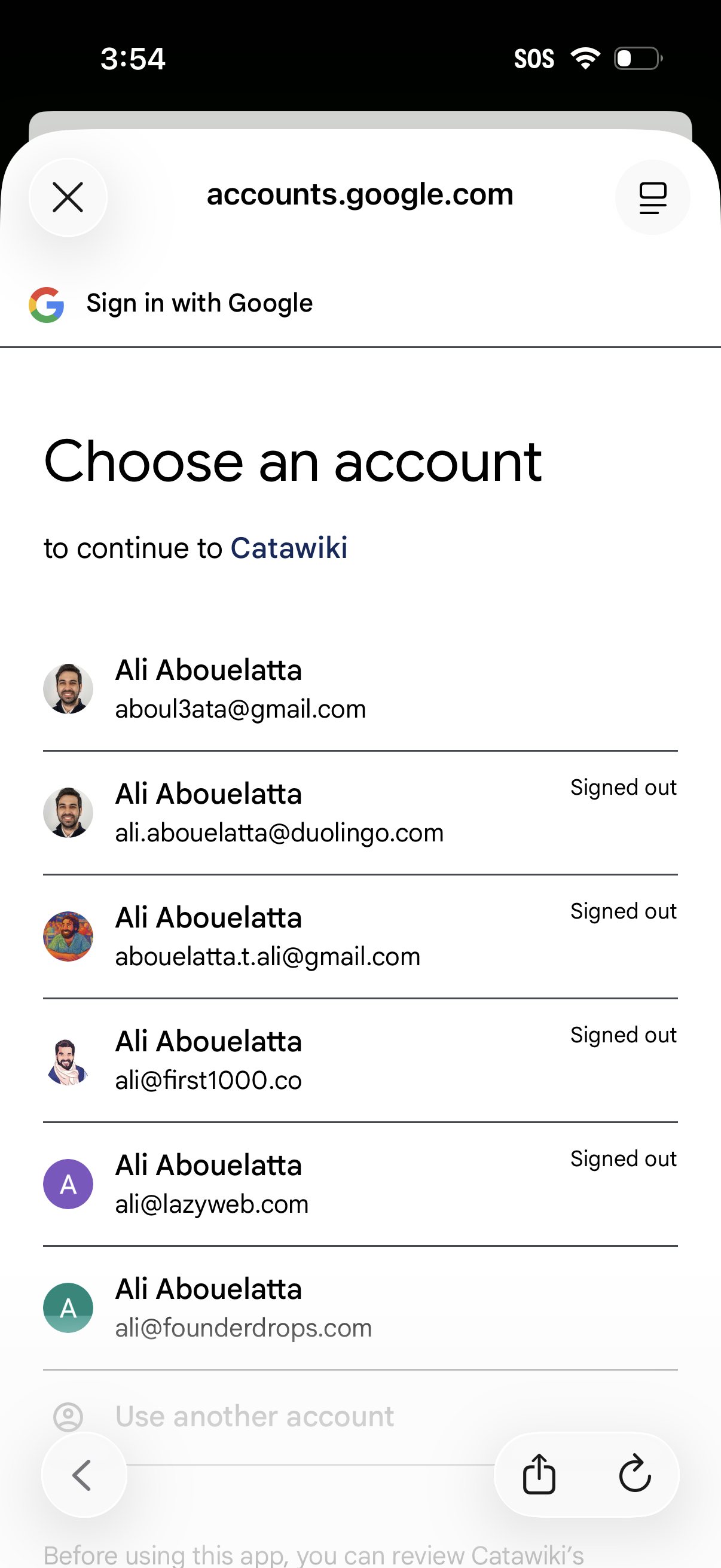
Google OAuth “Sign in with Google” account picker screen prompting the user to choose an existing Google account (showing avatar, name, email, and signed-out status) to continue to a third-party app/website. Includes option to use another account and a close/dismiss control.
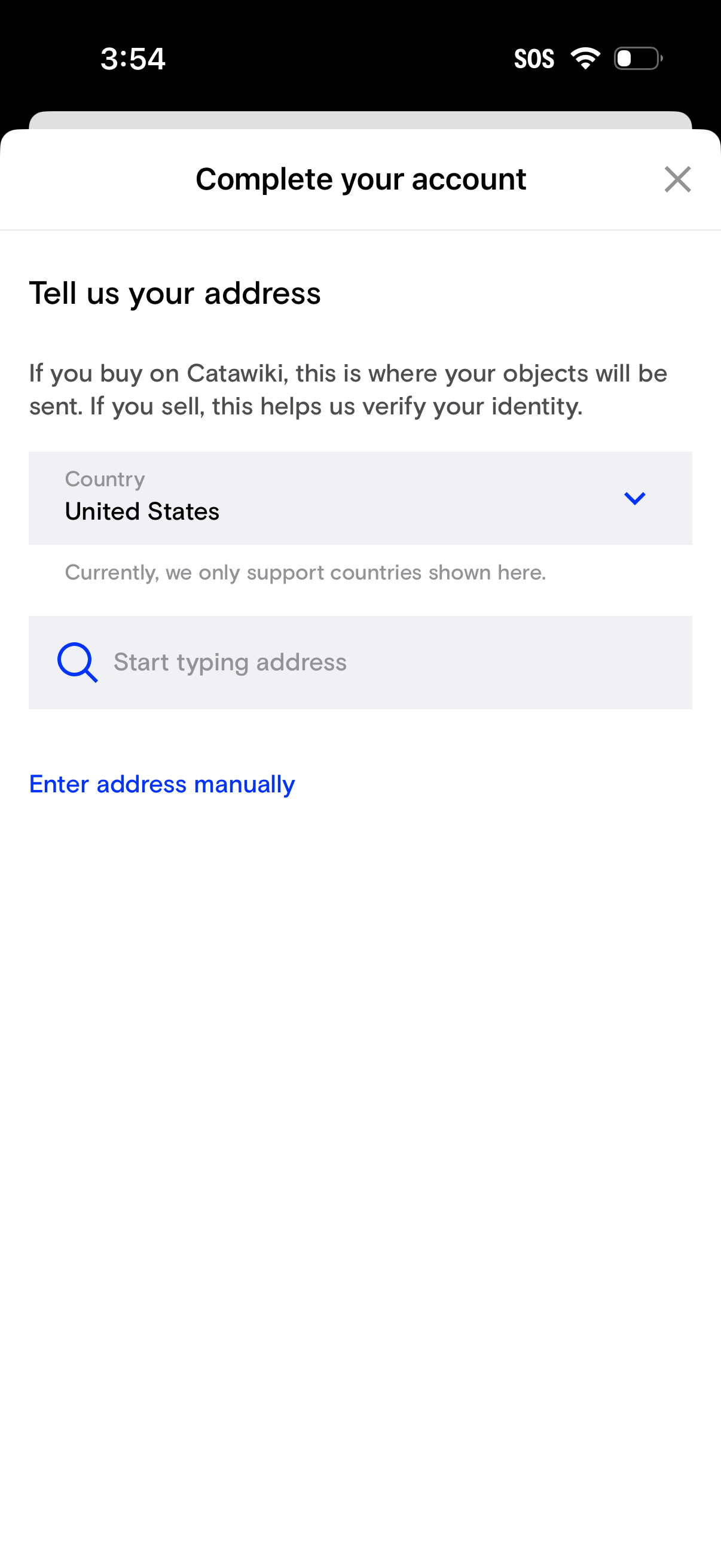
Account setup screen prompting the user to enter their shipping/verification address, with a country dropdown selector and an address search field to start typing. Includes an option to enter the address manually and a close button to dismiss the flow.
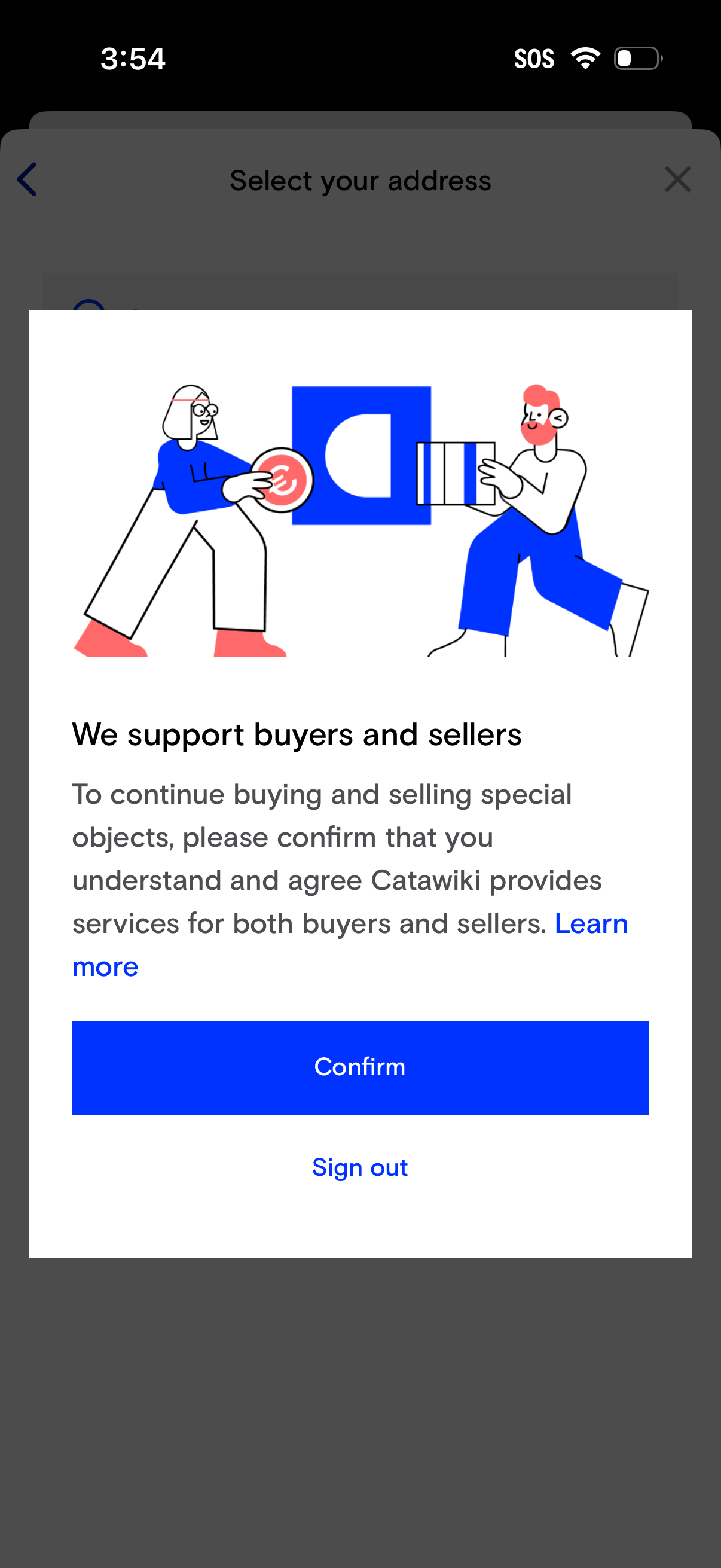
Modal consent dialog prompting users to confirm they understand the marketplace provides services for both buyers and sellers in order to continue buying and selling. Includes a “Learn more” link, a primary “Confirm” button, and a secondary “Sign out” option.