Onboarding
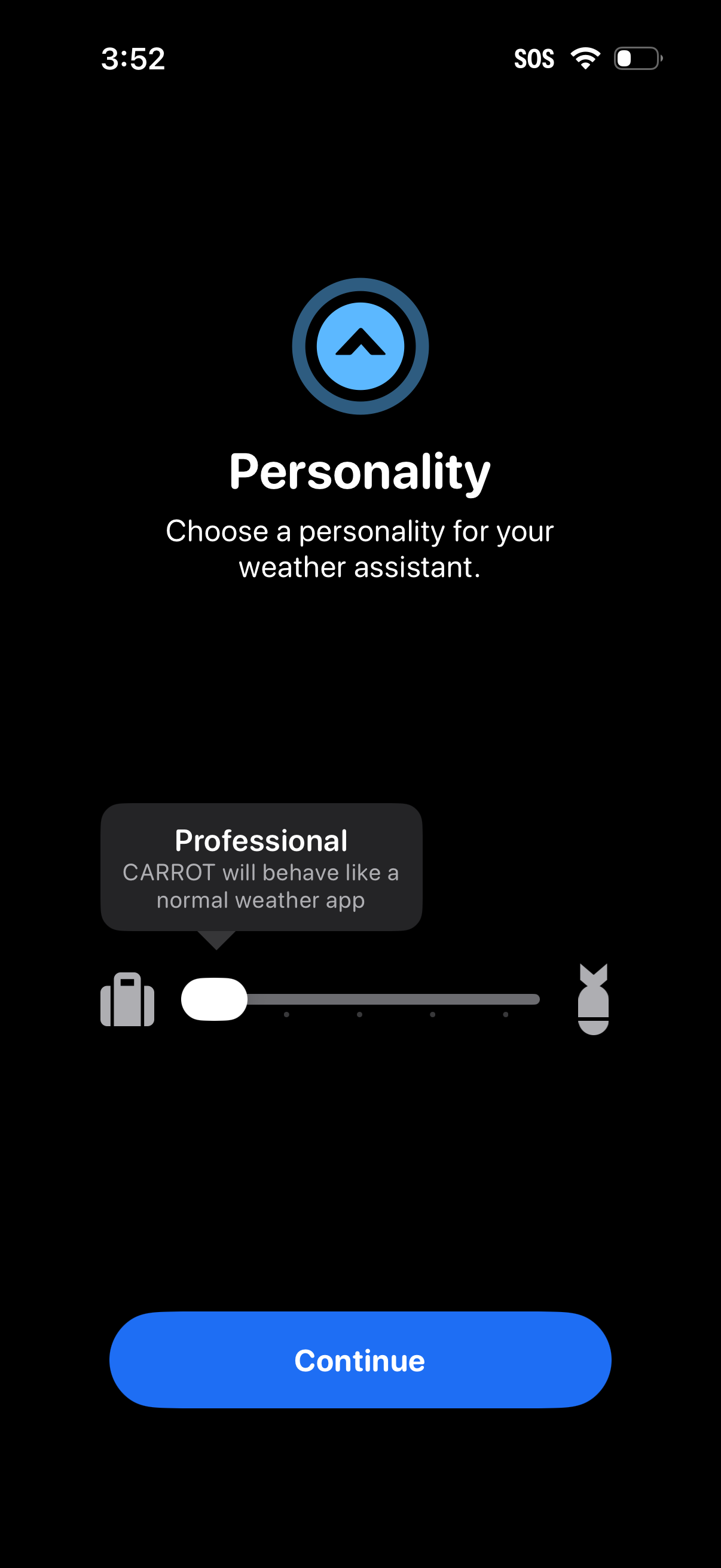
Onboarding customization screen for a weather assistant that lets users choose the assistant’s personality style using a slider with a preview tooltip description (e. g.
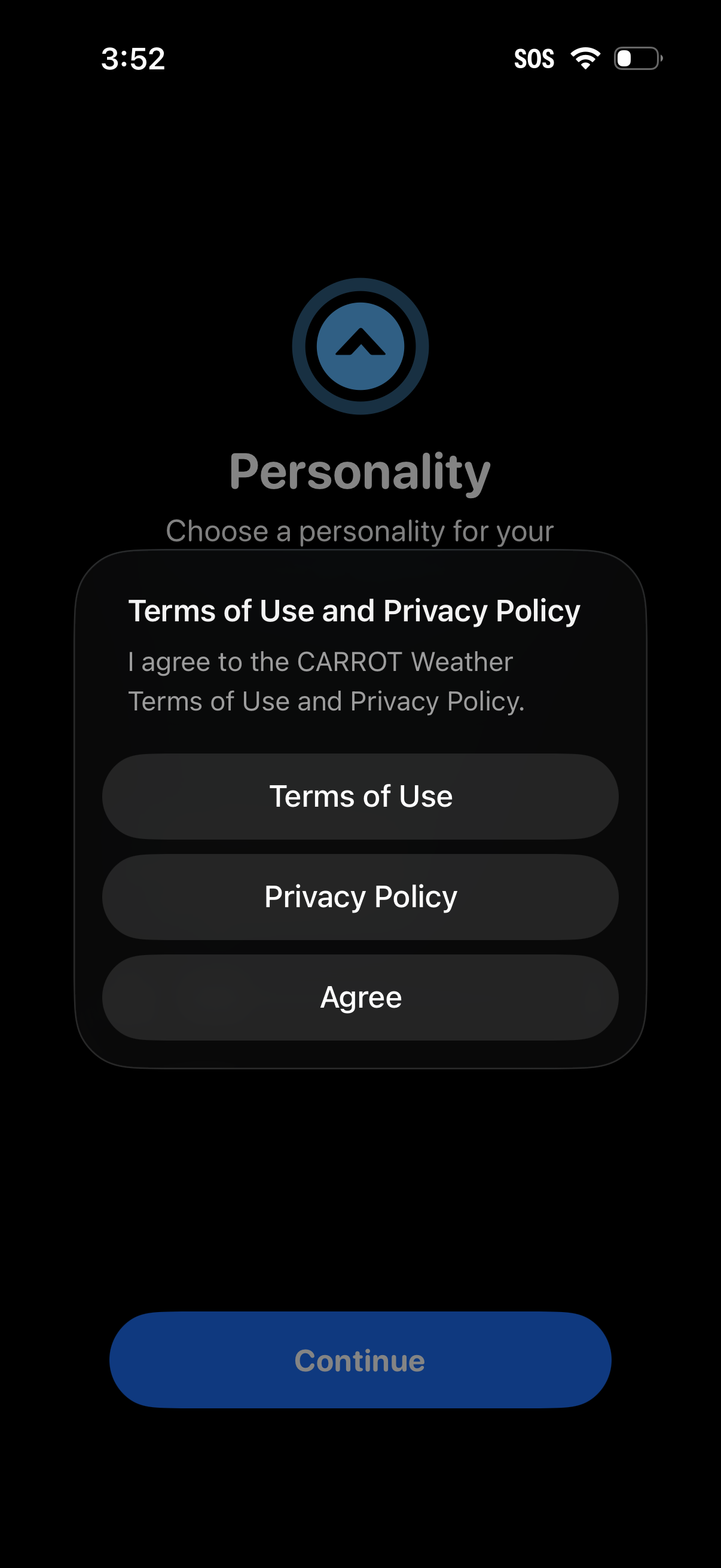
Onboarding consent modal prompting the user to agree to the app’s Terms of Use and Privacy Policy before continuing. The dialog includes buttons to view “Terms of Use,” view “Privacy Policy,” and tap “Agree,” with the primary Continue action disabled until acceptance.
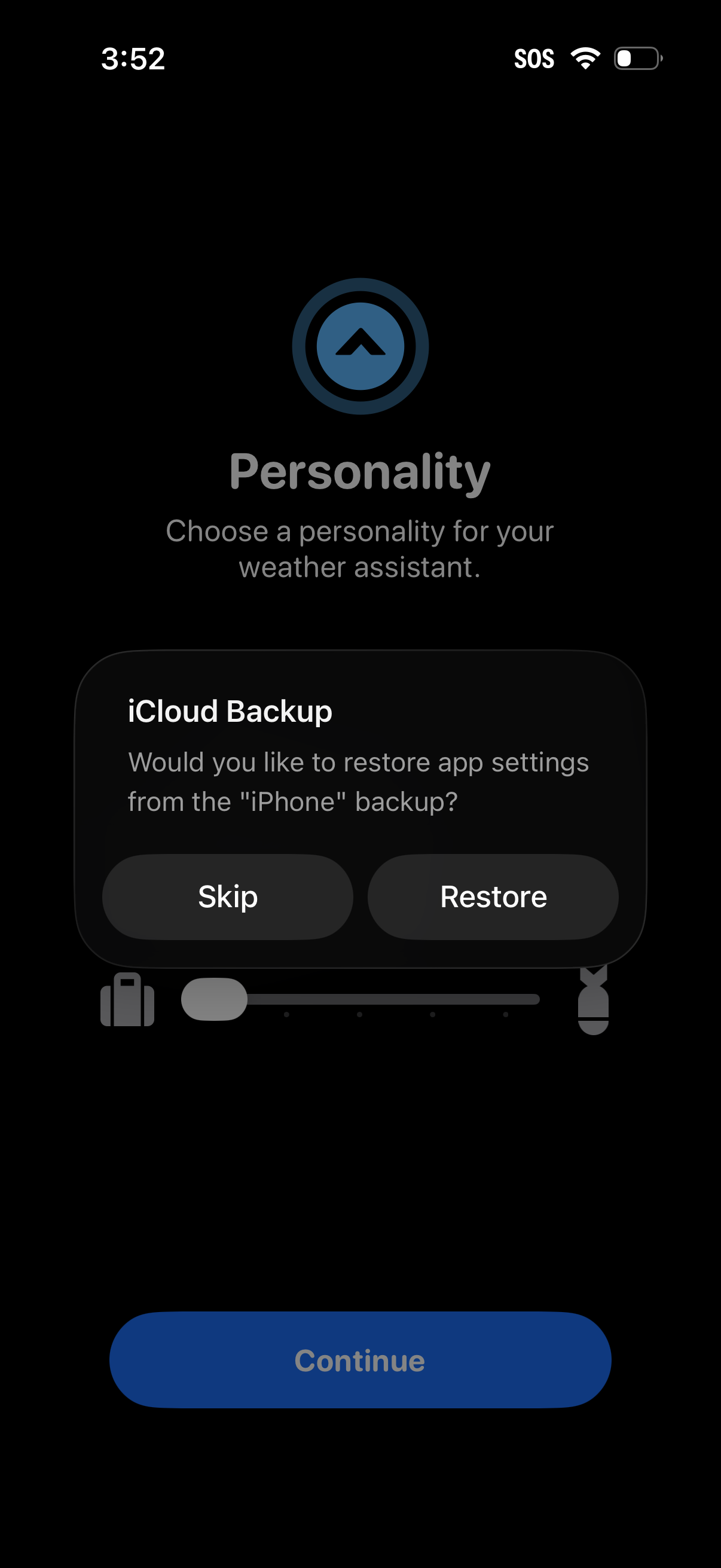
Onboarding settings screen for a weather assistant where the user chooses a “Personality,” with a progress indicator and a disabled Continue button. An iCloud Backup modal prompts the user to restore app settings from an iPhone backup, offering Skip or Restore actions.
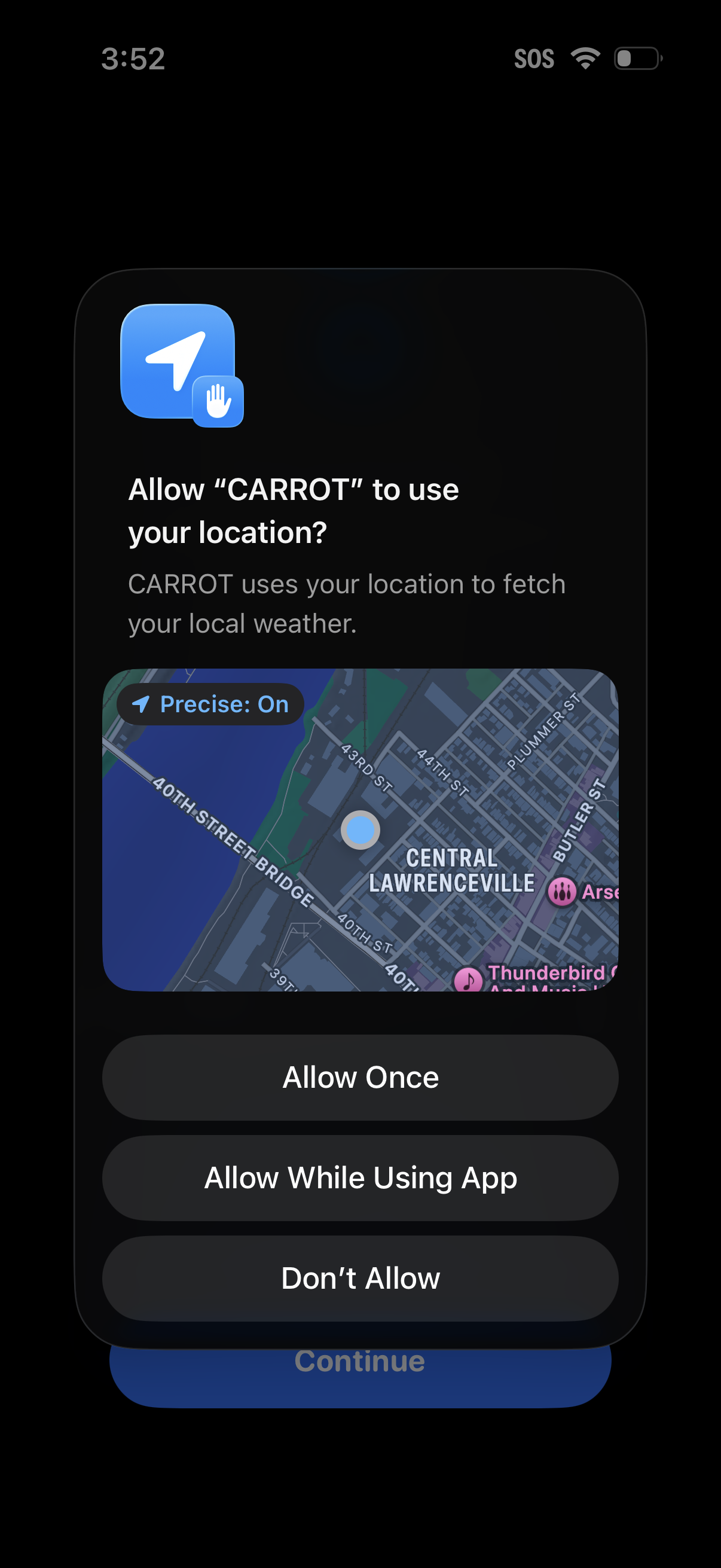
iOS system permission modal requesting location access for a weather app to fetch local weather, showing a map preview with Precise Location enabled. Primary actions offer Allow Once, Allow While Using App, or Don’t Allow.
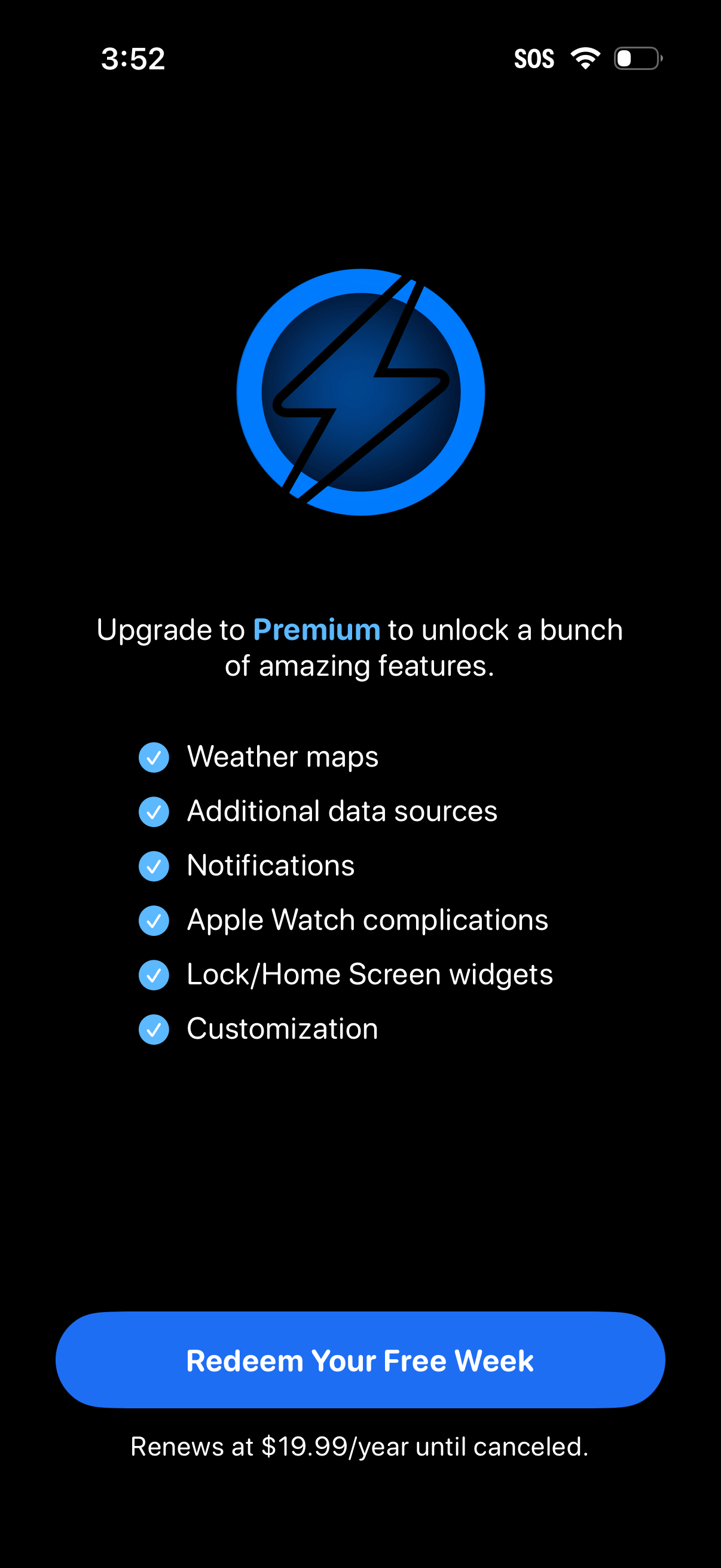
Premium upgrade paywall screen promoting a subscription with a checklist of unlocked features like weather maps, additional data sources, notifications, Apple Watch complications, lock/home screen widgets, and customization. Primary CTA button offers a free trial (“Redeem Your Free Week”) with renewal pricing shown below.
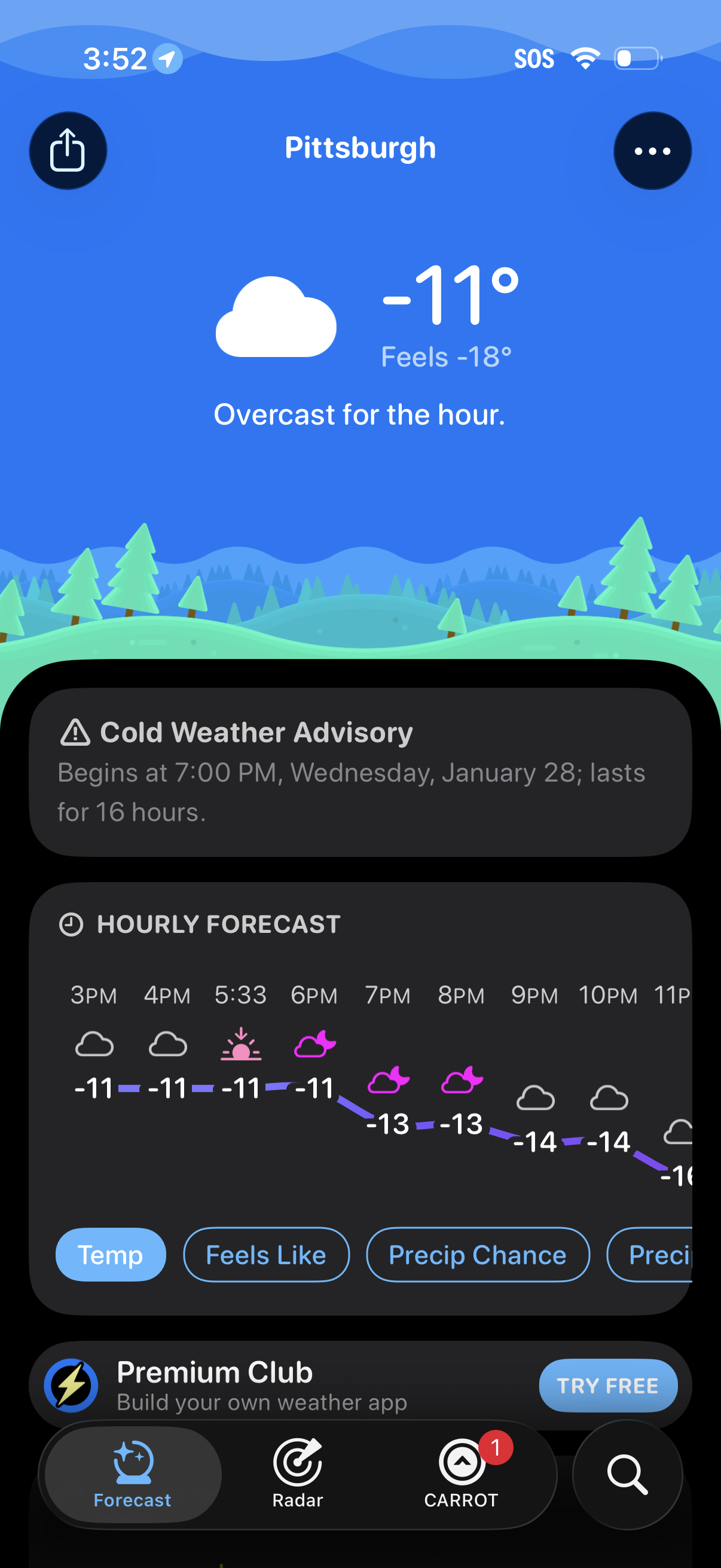
Weather forecast home screen showing current conditions for a selected city with temperature, “feels like,” and a brief status (overcast), plus a cold weather advisory alert. Below, an hourly forecast graph with temperature trend and condition icons includes filter chips (Temp, Feels Like, Precip Chance) and a bottom tab bar for Forecast, Radar, and other sections.