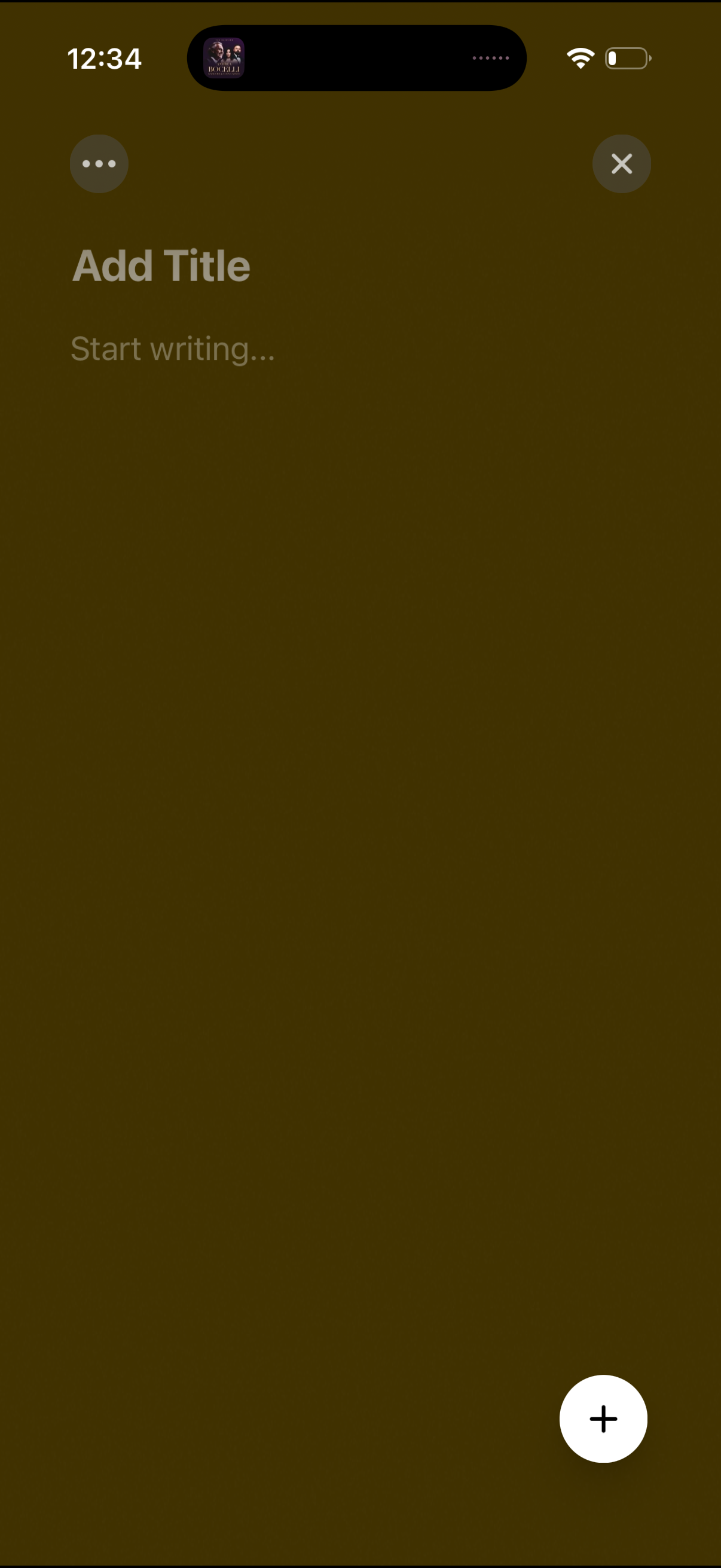
Blank note creation screen with large title field (“Add Title”) and body placeholder (“Start writing…”) for composing a new note. Includes a floating plus action button and top controls for more options and closing/dismissing the editor.
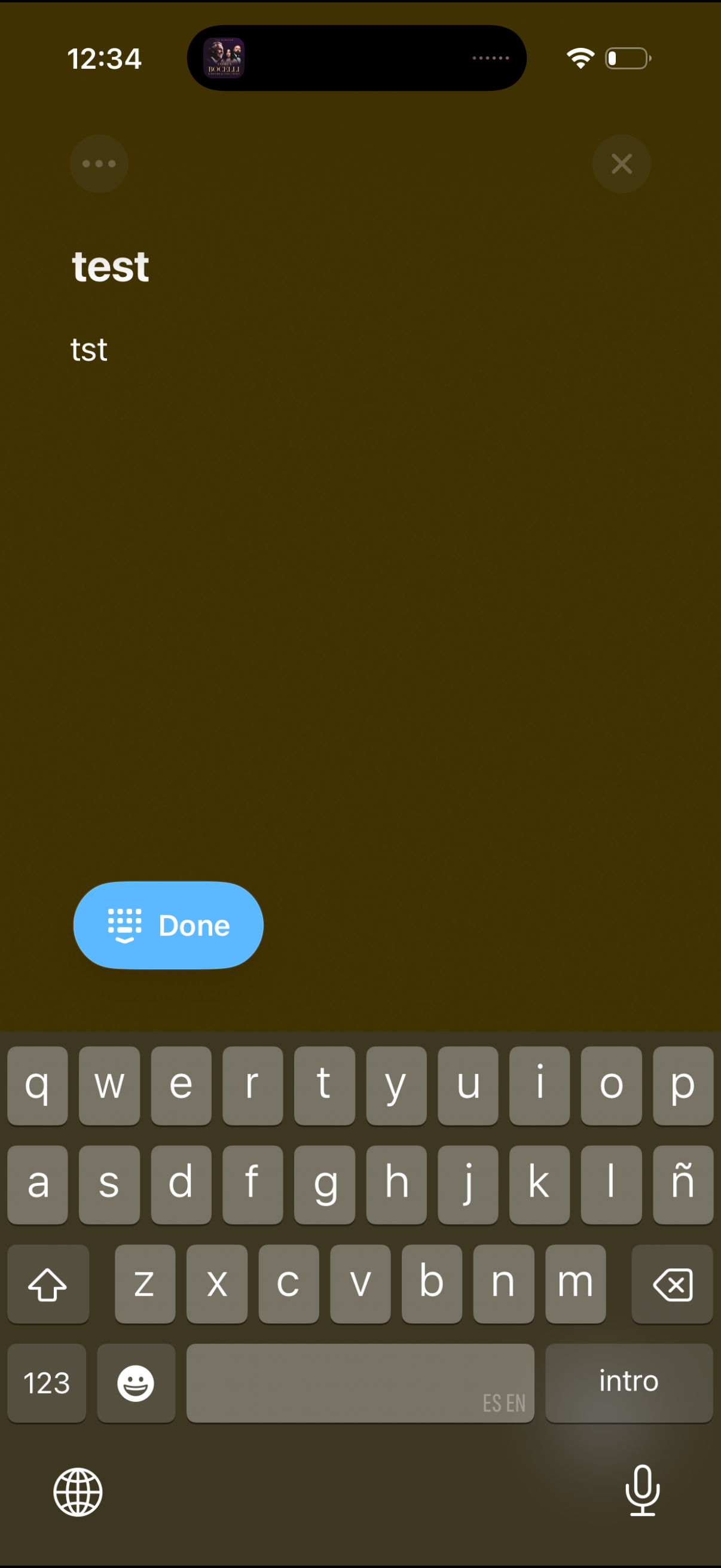
Mobile text entry screen showing a simple note or title and body field being edited with the keyboard open, including an options/menu button, a close (X) to dismiss, and a prominent Done button to save or finish editing. The layout focuses on composing or updating short text content and submitting changes from the editor.
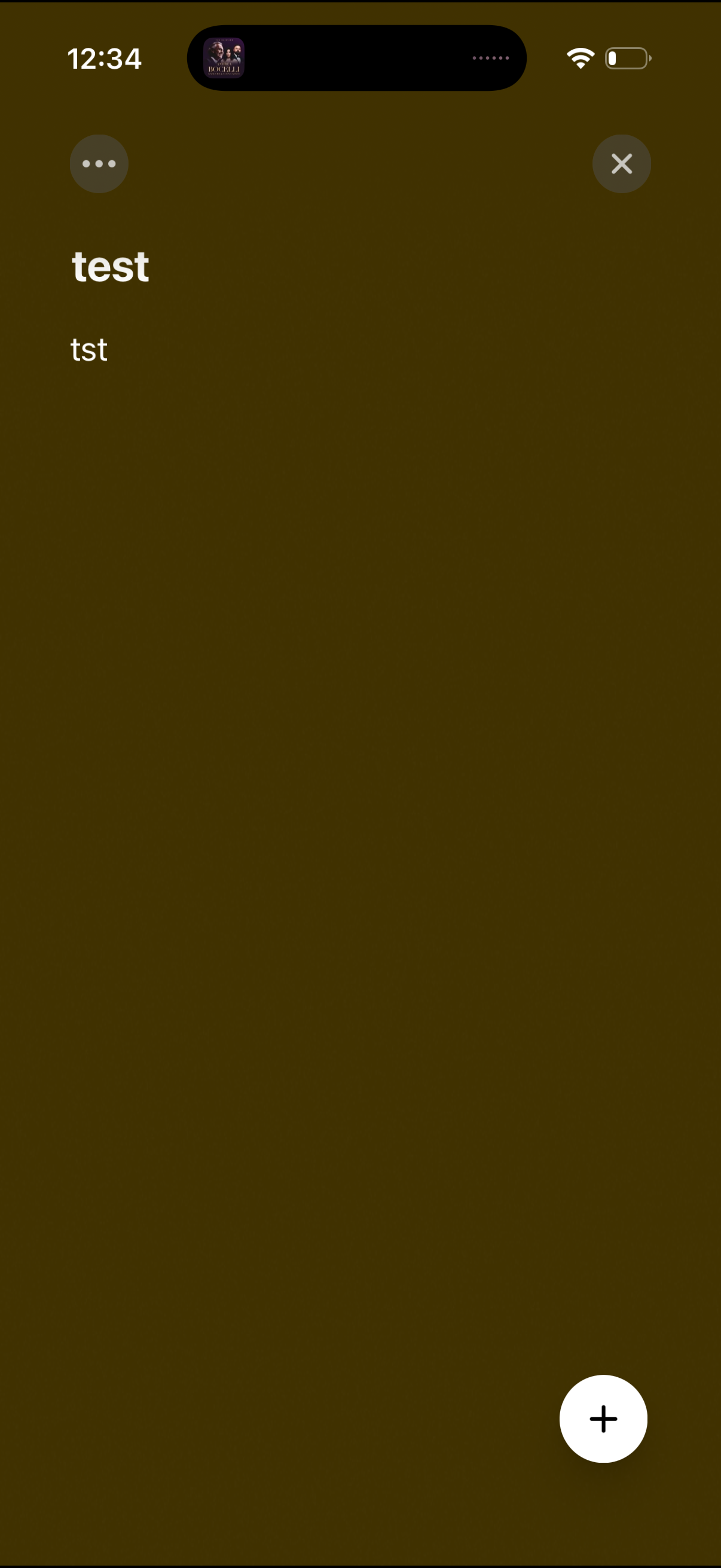
Minimal note or list detail screen showing a title and short body text on a plain background, with a top overflow menu and close button. A floating plus action button in the bottom right allows adding a new item.