Permission Prompts
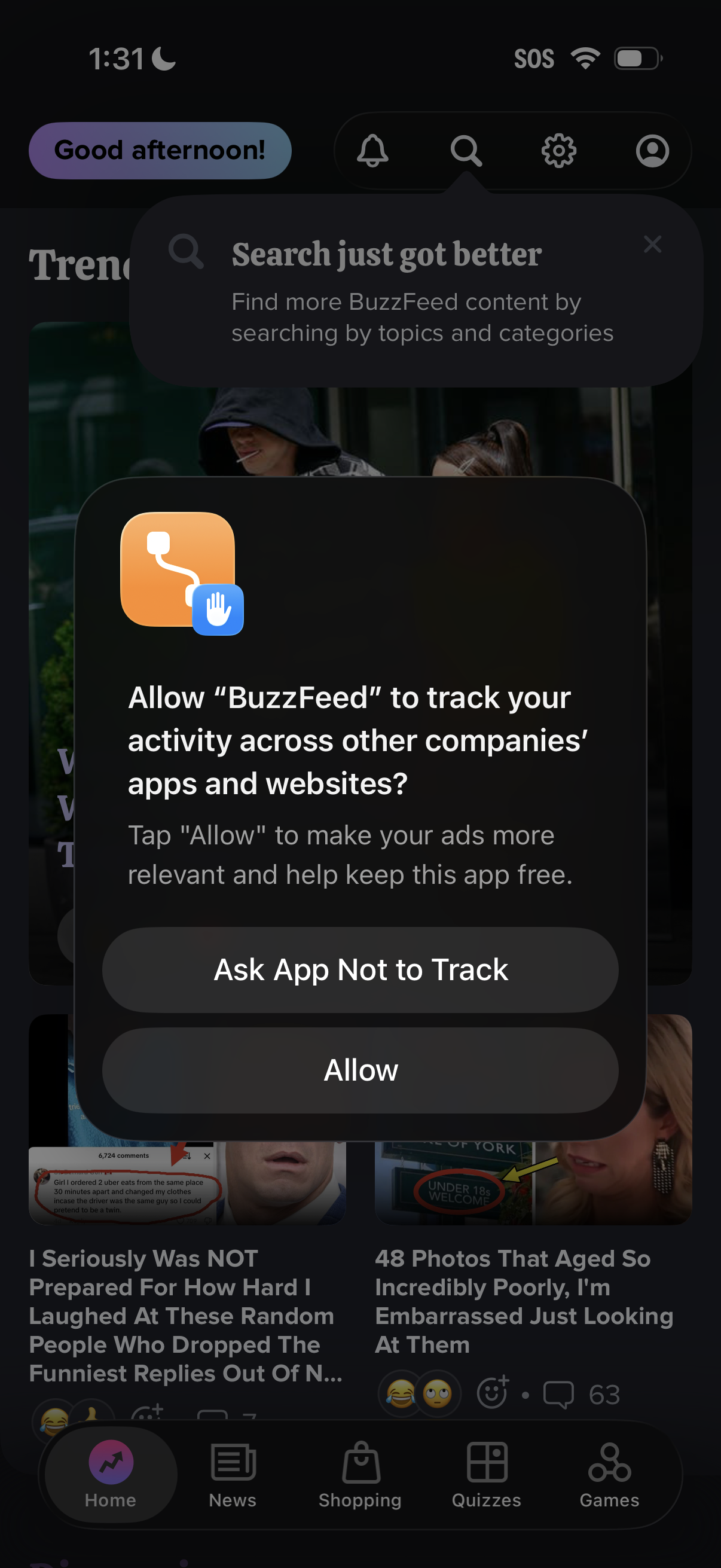
iOS App Tracking Transparency permission prompt asking whether to allow the app to track activity across other companies’ apps and websites, with primary actions to “Ask App Not to Track” or “Allow,” shown over a content feed home screen. A secondary in-app tooltip highlights improved search by topics and categories behind the modal.
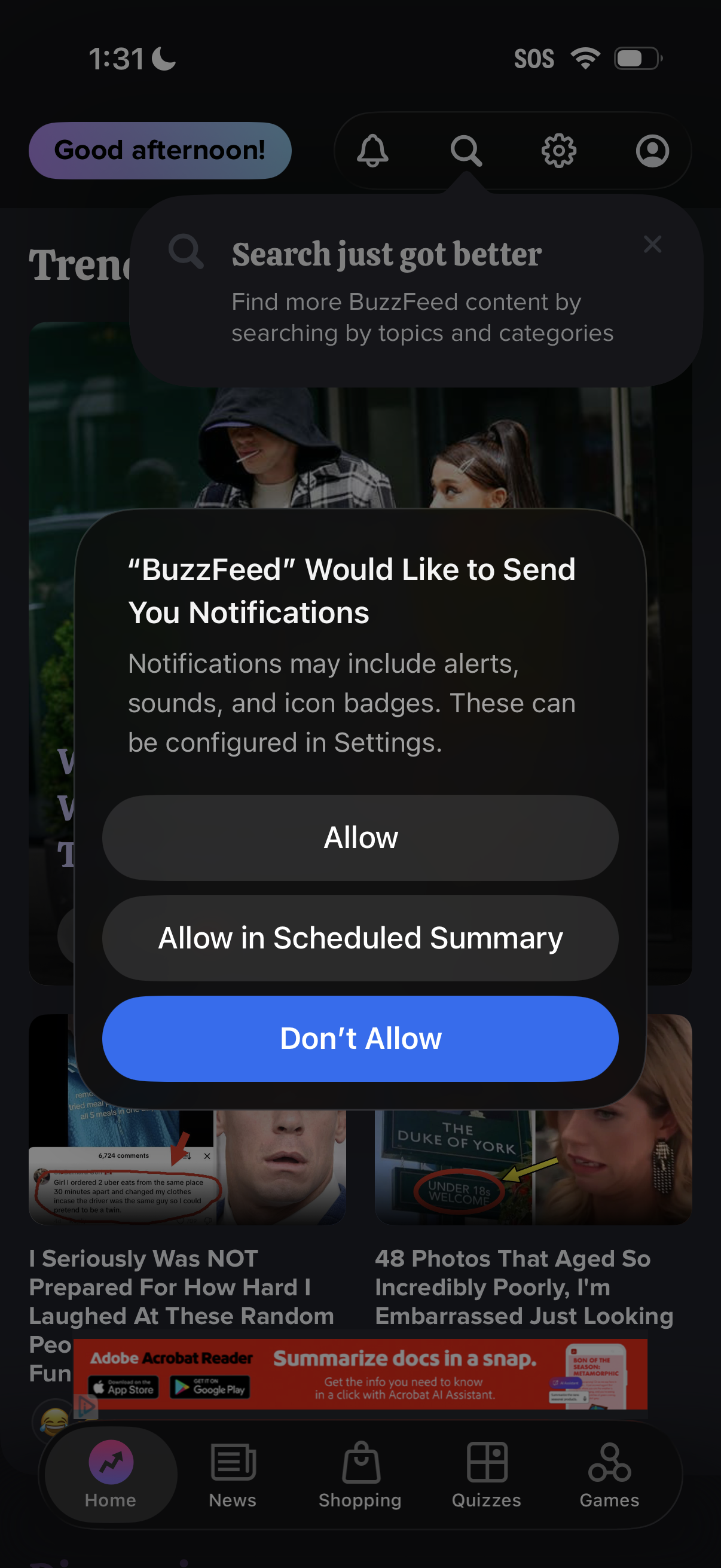
A news/content app home feed is shown with an iOS system permission modal asking to enable push notifications, offering actions to Allow, Allow in Scheduled Summary, or Don’t Allow. The underlying screen includes a top navigation with search, settings, and profile icons and a bottom tab bar for Home, News, Shopping, Quizzes, and Games.
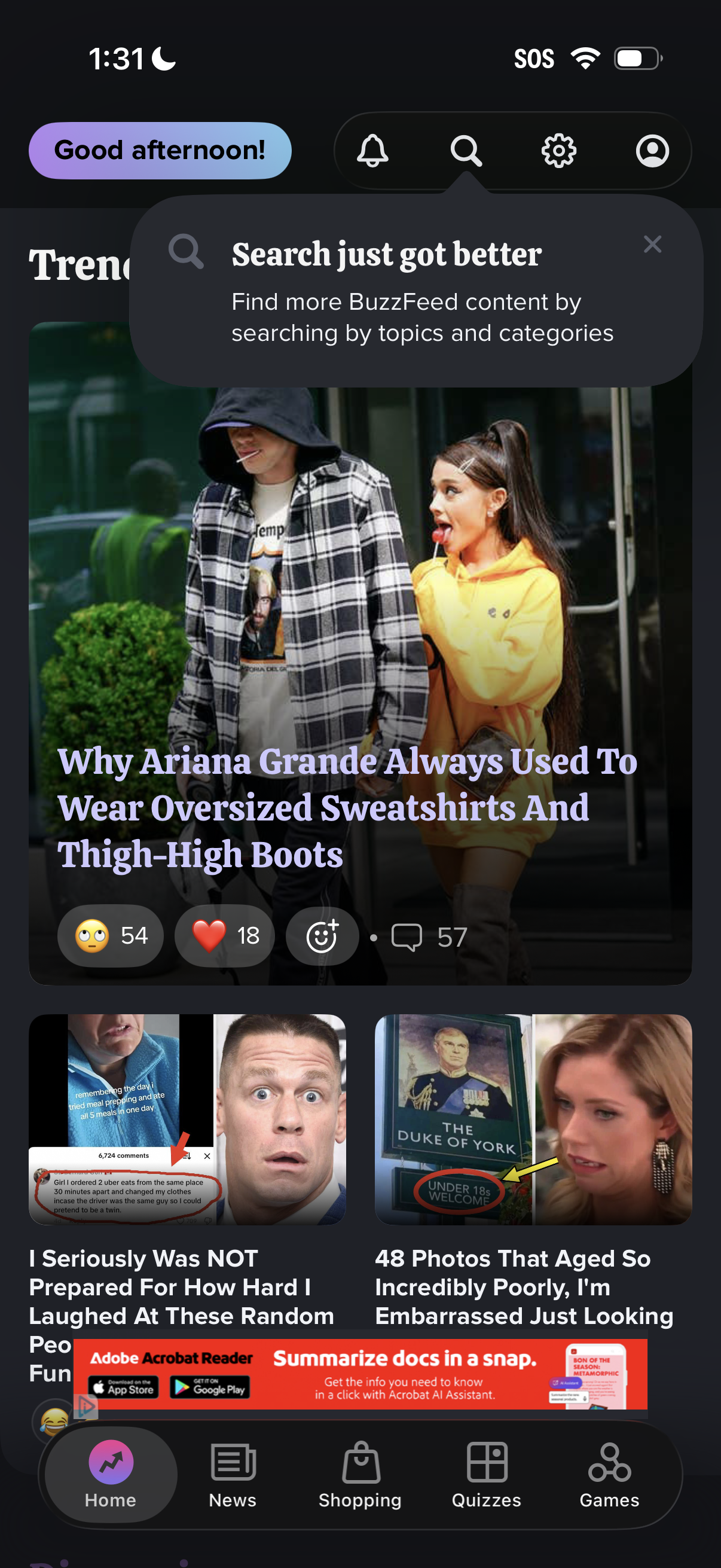
News and entertainment home feed showing trending articles in a card layout with large image headlines and reaction/engagement actions like emoji reactions, likes, and comments. Top navigation includes notifications, search, settings, and profile, with a tooltip promoting improved search by topics and categories, plus a bottom tab bar for Home, News, Shopping, Quizzes, and Games.
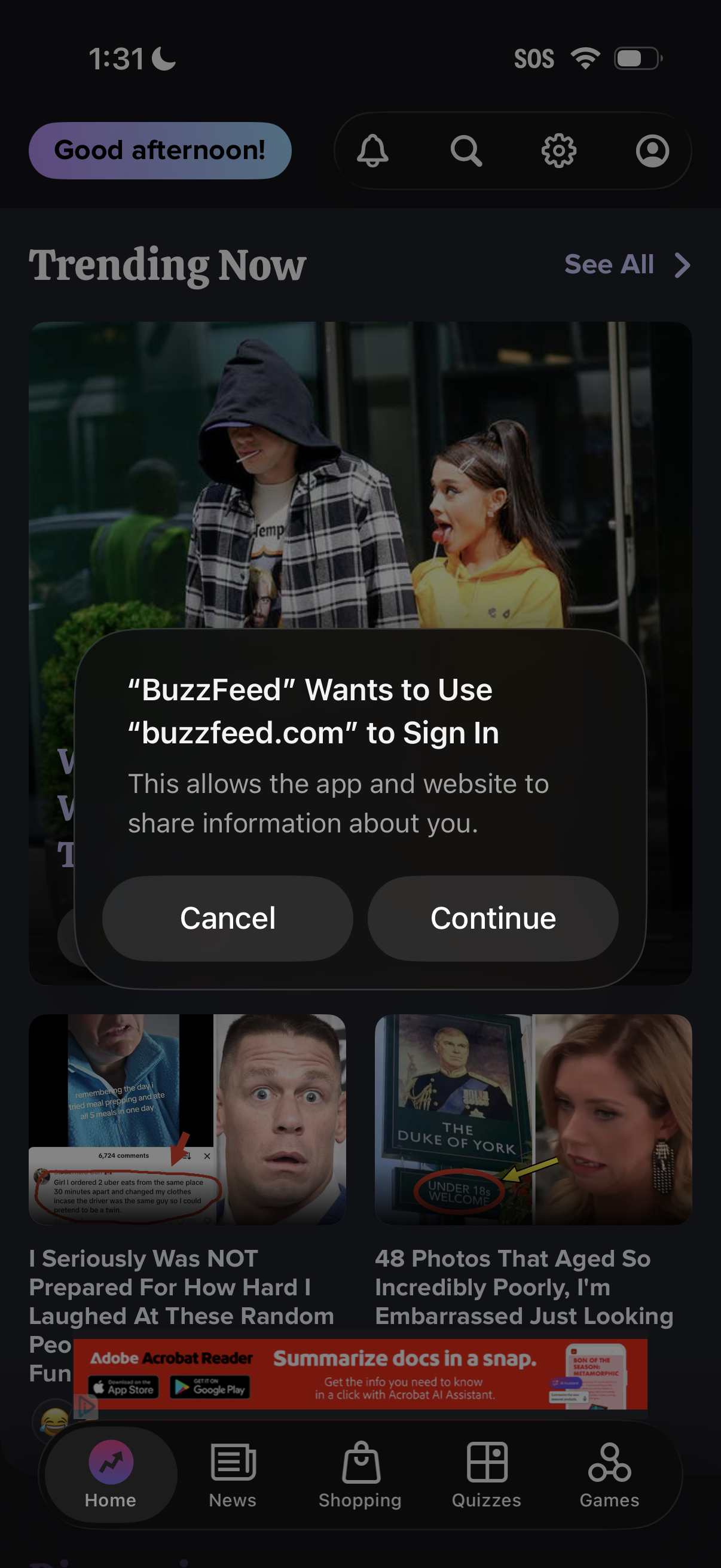
A content feed home screen with a “Trending Now” section and bottom navigation is shown with an iOS web sign-in permission prompt asking to use a website domain to sign in and share information. The modal offers primary actions to Cancel or Continue.
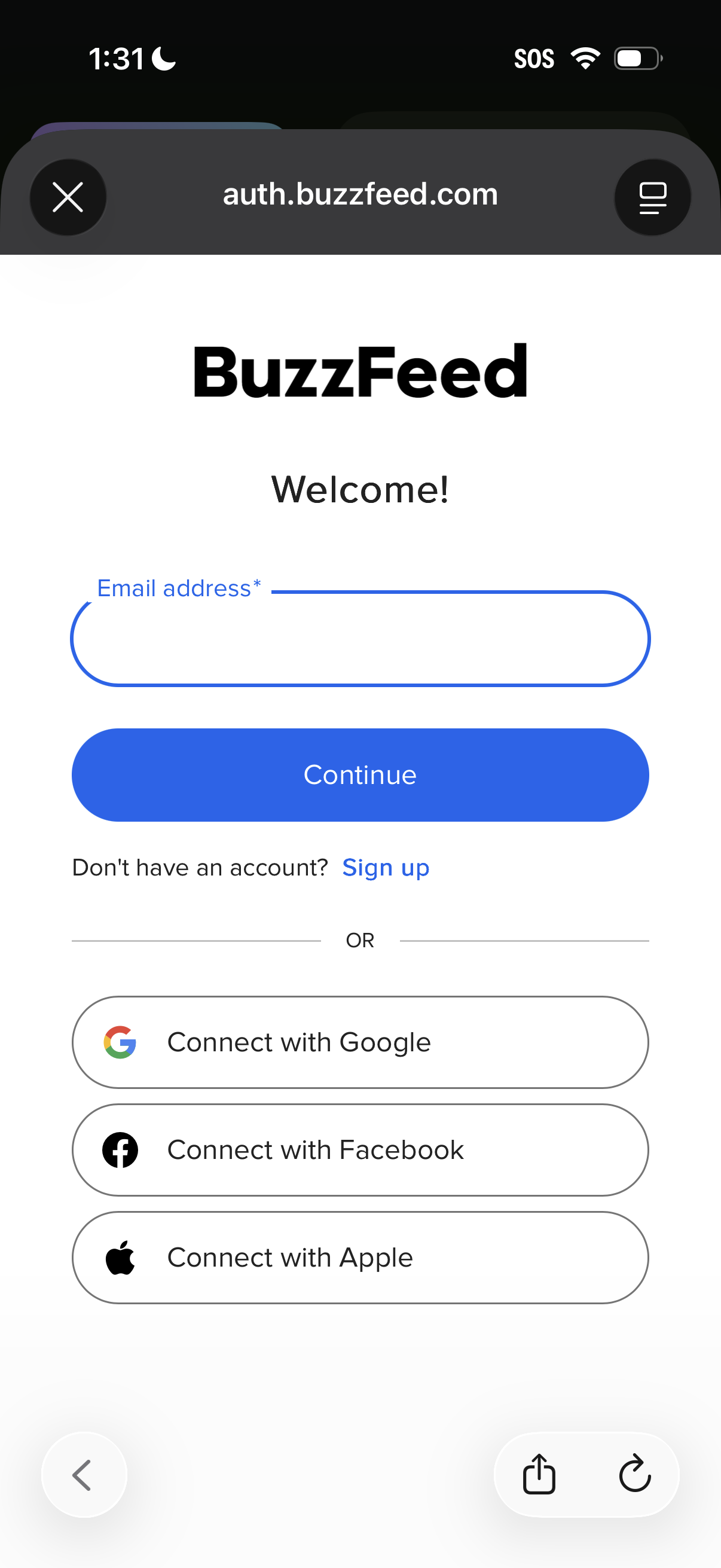
Email-based sign-in screen with a single email address input and a primary Continue button, plus a Sign up link for new users. Includes alternative social login options to connect with Google, Facebook, or Apple.
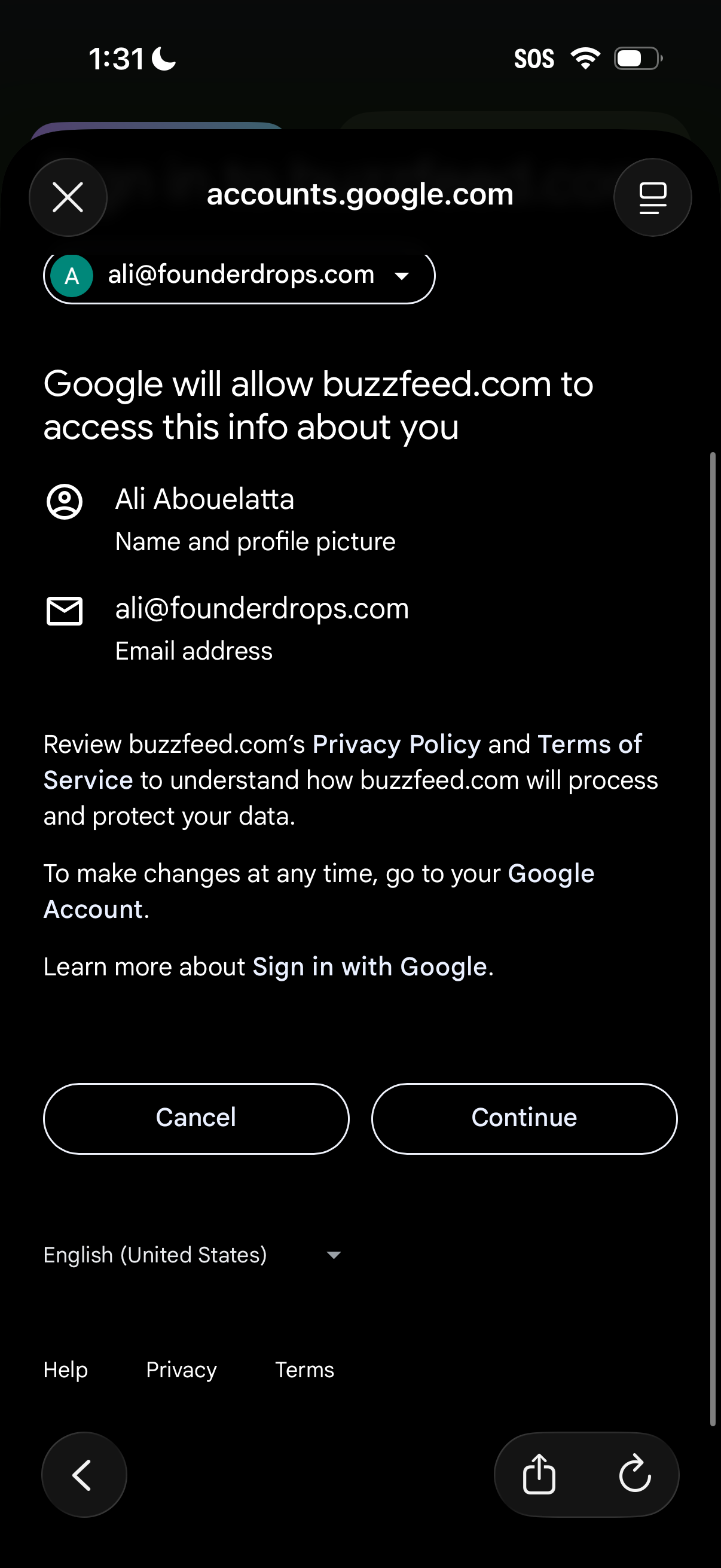
Google “Sign in with Google” OAuth consent screen showing what a third-party site will be allowed to access (name/profile photo and email address) for the selected Google account, with links to privacy/terms. Primary actions are Cancel or Continue to approve the permissions and proceed with login.