choose drink target
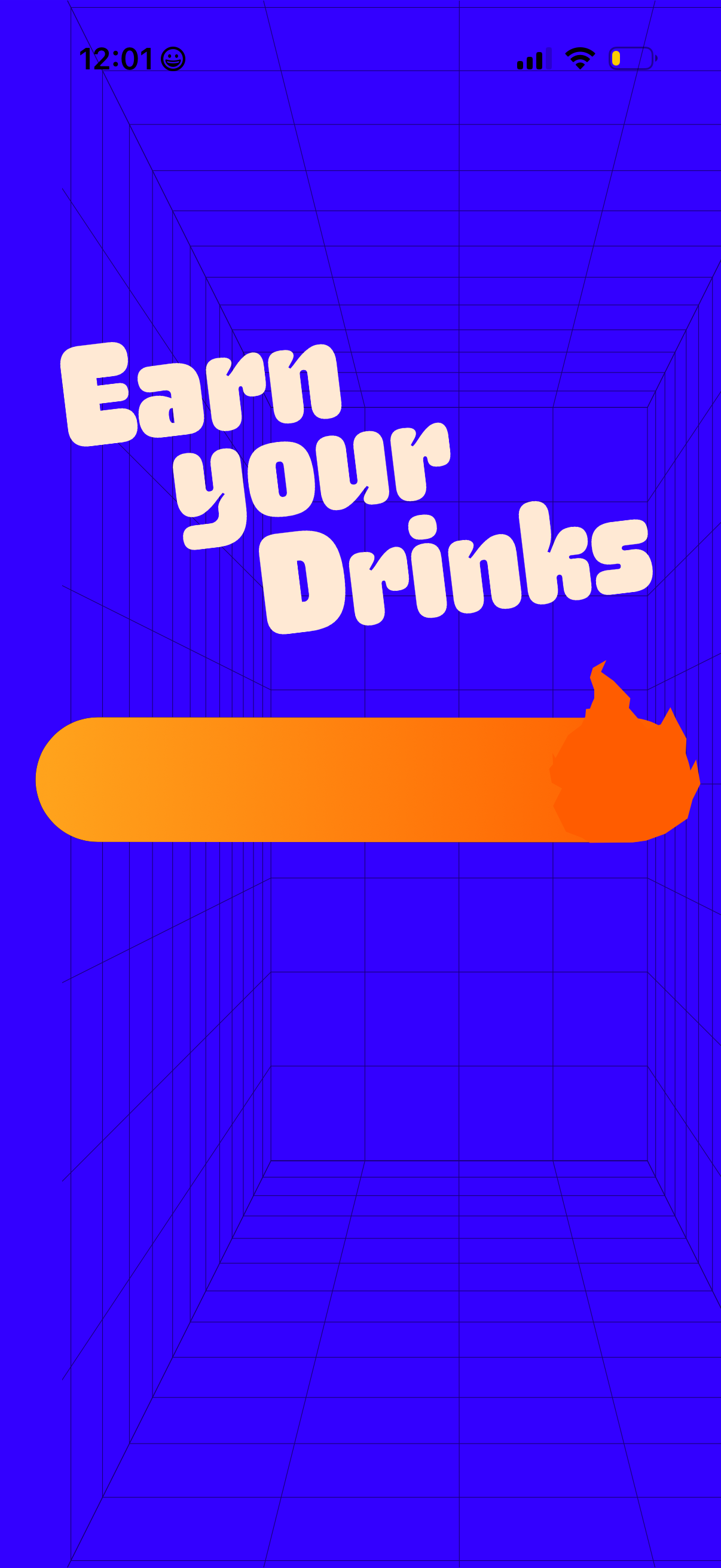
Gamified rewards onboarding screen with a bold headline encouraging users to earn rewards and a large primary call-to-action button to start or continue. Minimal layout focused on a single action for entering the rewards/earn flow.

Onboarding goal-setting screen for an alcohol or calorie tracking app prompting the user to “Set your sip target” with explanatory text about each drink’s calorie cost. The screen highlights a selected drink (Beer, 200 cal) with an illustration and a primary CTA button to choose it (“Beer me”).

Onboarding screen for a drinking or calorie-tracking app prompting users to set a “sip target,” showing a carousel-style selection of an alcoholic drink (wine) with calorie count. A primary CTA button lets the user confirm their choice (“I’ll take a glass”) to proceed.

Goal-setting screen for a drinking or habit-tracking app prompting the user to “Set your sip target,” showing a selected beverage with calorie count and a primary CTA button to start the challenge or target (e. g.
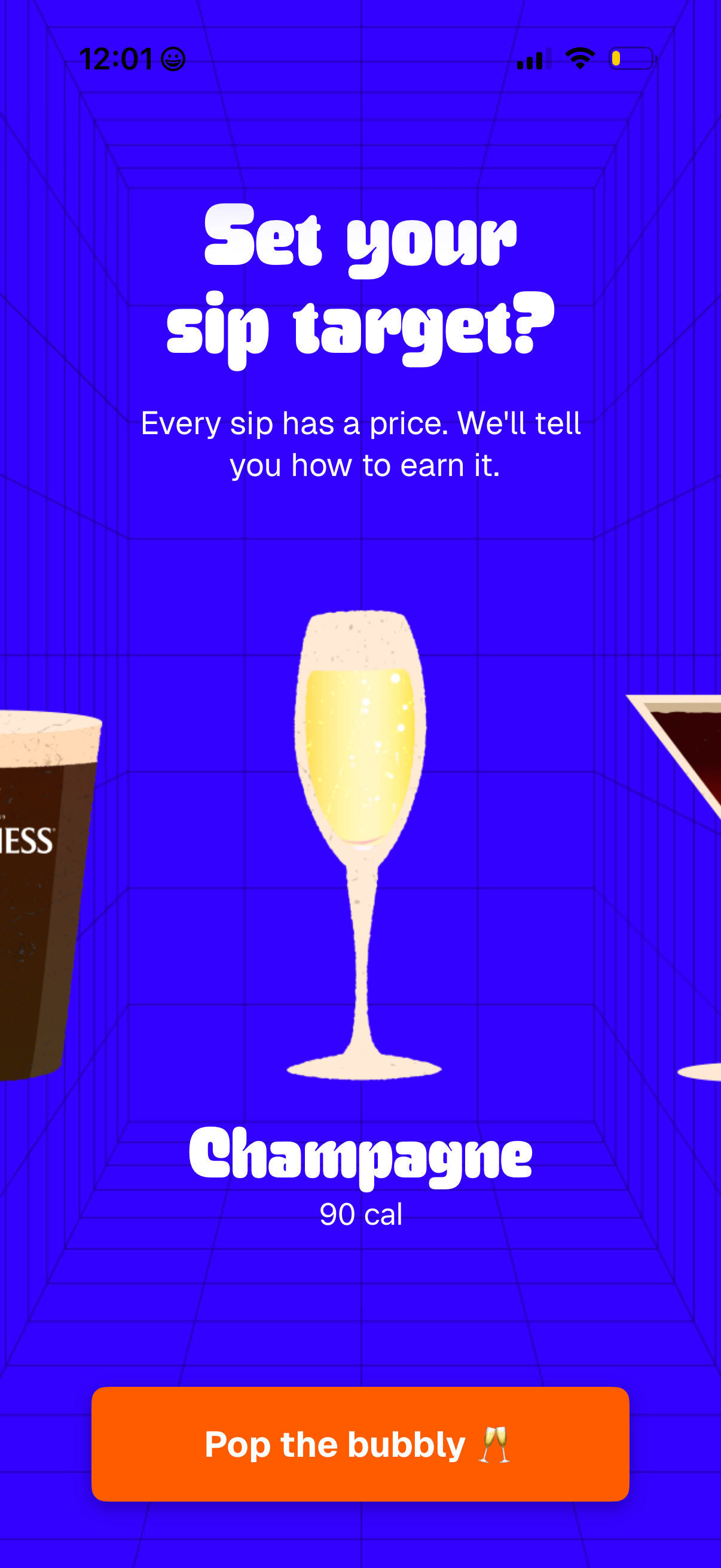
Onboarding screen for an alcohol or calorie-tracking app prompting the user to set a “sip target,” explaining that each drink has a calorie cost and the app will show how to earn it. Displays a selected drink option (champagne with 90 calories) and a primary CTA button to continue (“Pop the bubbly”).
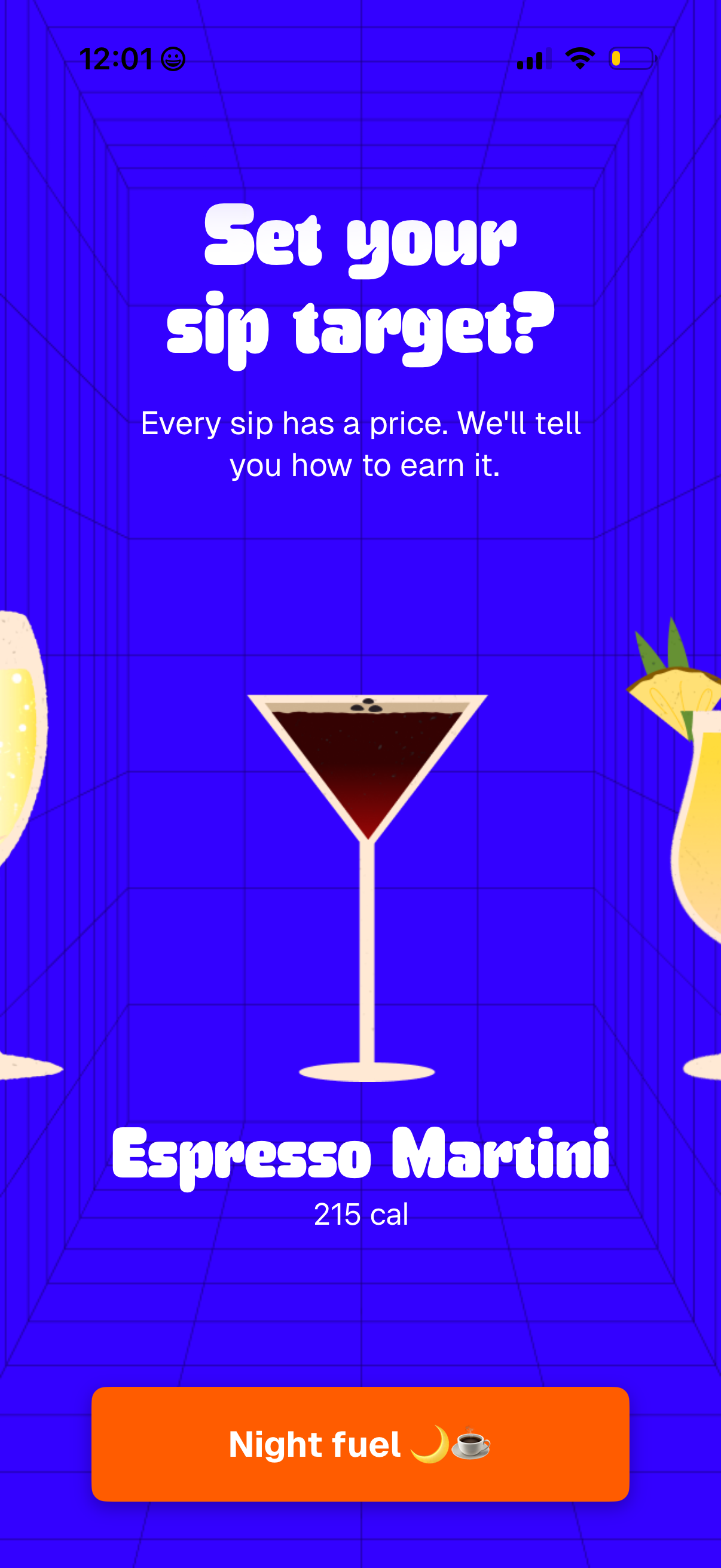
Onboarding-style goal setting screen asking the user to set a “sip target,” explaining that each sip has a price and the app will show how to earn it. Features a highlighted drink selection card (Espresso Martini with calorie count) and a prominent CTA button to confirm the choice (“Night fuel”).
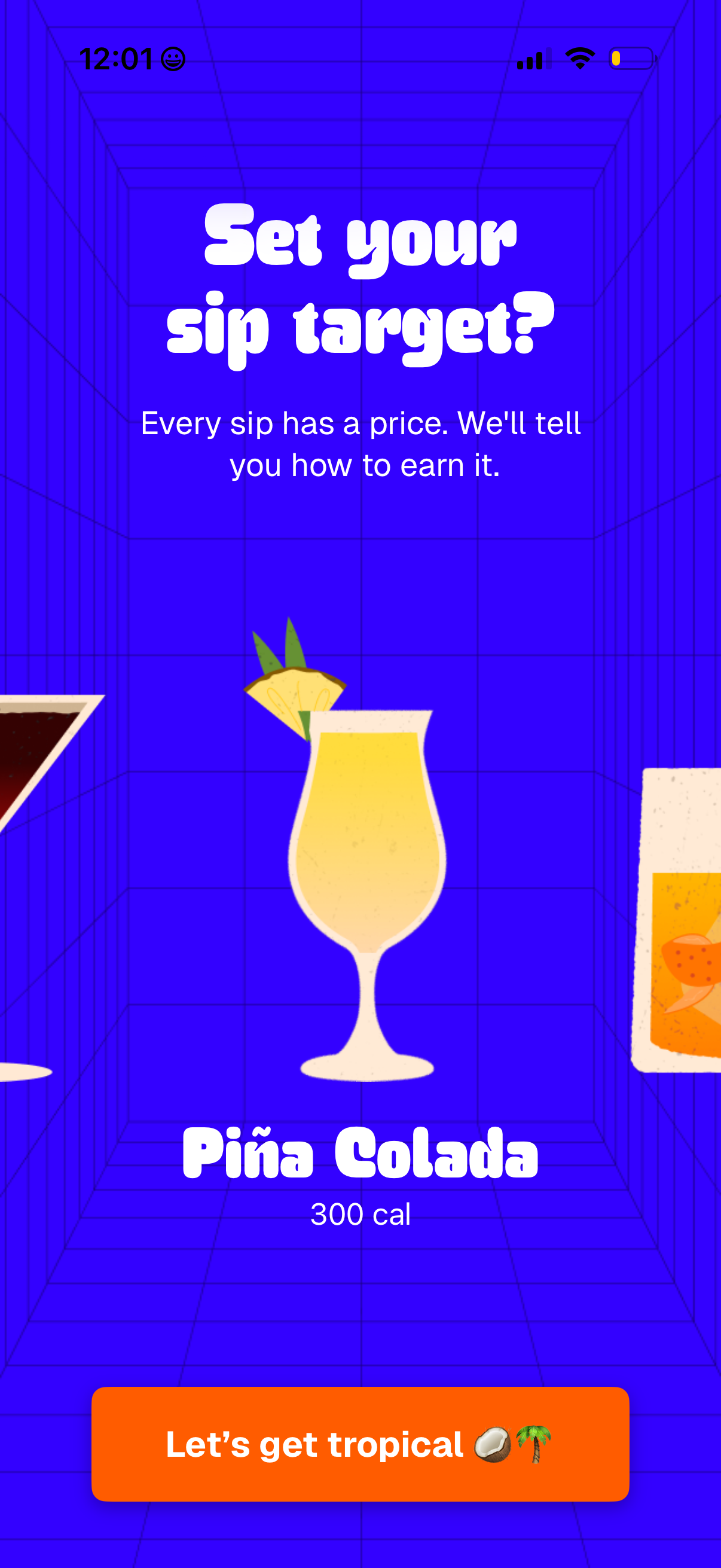
Onboarding screen for a drink or cocktail app prompting the user to set a “sip target,” explaining that each sip has a price and they’ll learn how to earn it. Shows a featured cocktail card (Piña Colada with calorie count) and a primary CTA button to continue.

Onboarding goal-setting screen for a drinking or habit-tracking app asking the user to set a “sip target,” showing a cocktail card with name and calories and a primary CTA button to continue with the selected drink tip.

Onboarding or goal-setting screen prompting users to set a “sip target” for a drink, explaining that each sip has a price and the app will show how to earn it. Features a drink illustration with the selected beverage name and calorie count, plus a primary CTA button to start the “Spritz Season” experience.