Sign up
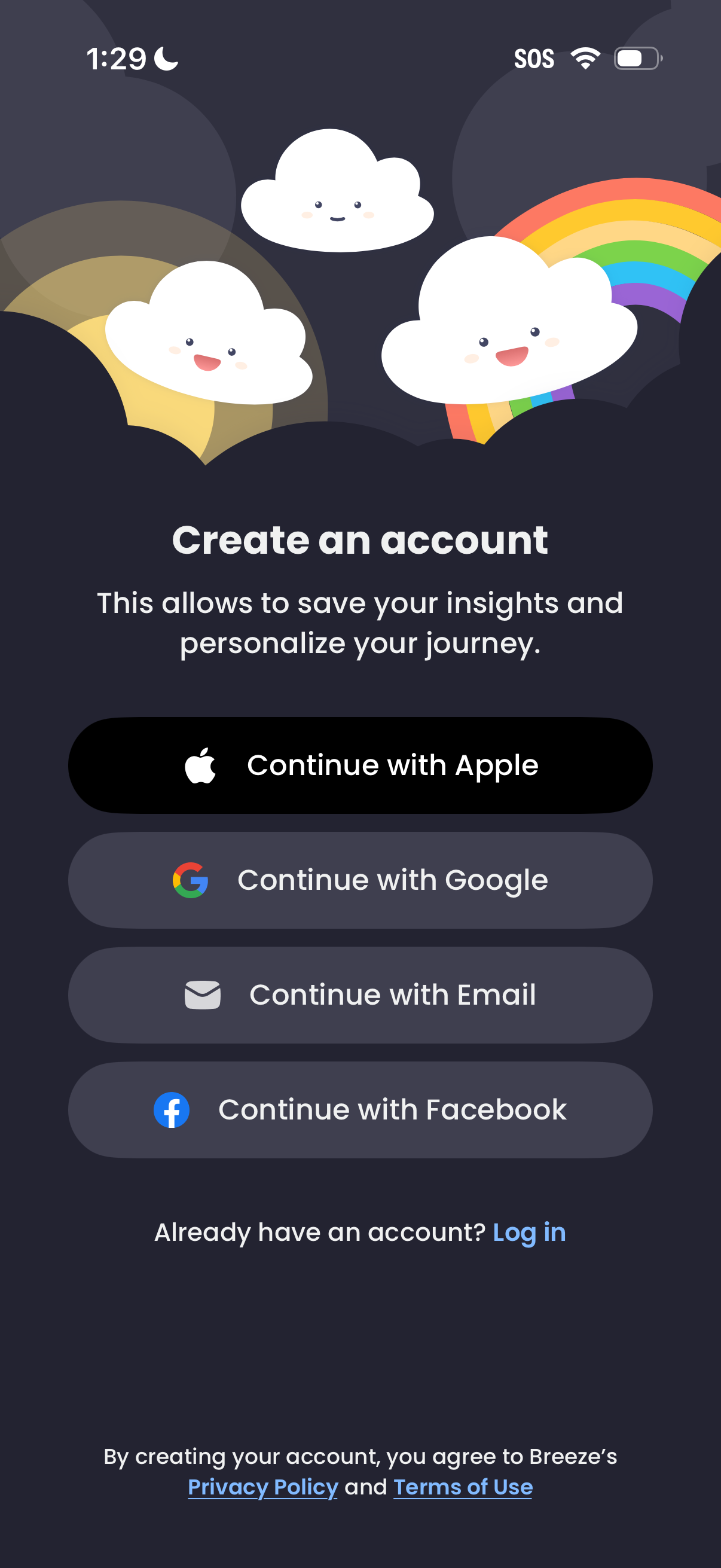
Account creation and onboarding screen offering multiple sign-up methods, including Continue with Apple, Google, Email, or Facebook, with a link to log in for existing users. Includes supporting text about saving insights/personalizing the journey and links to the Privacy Policy and Terms of Use.
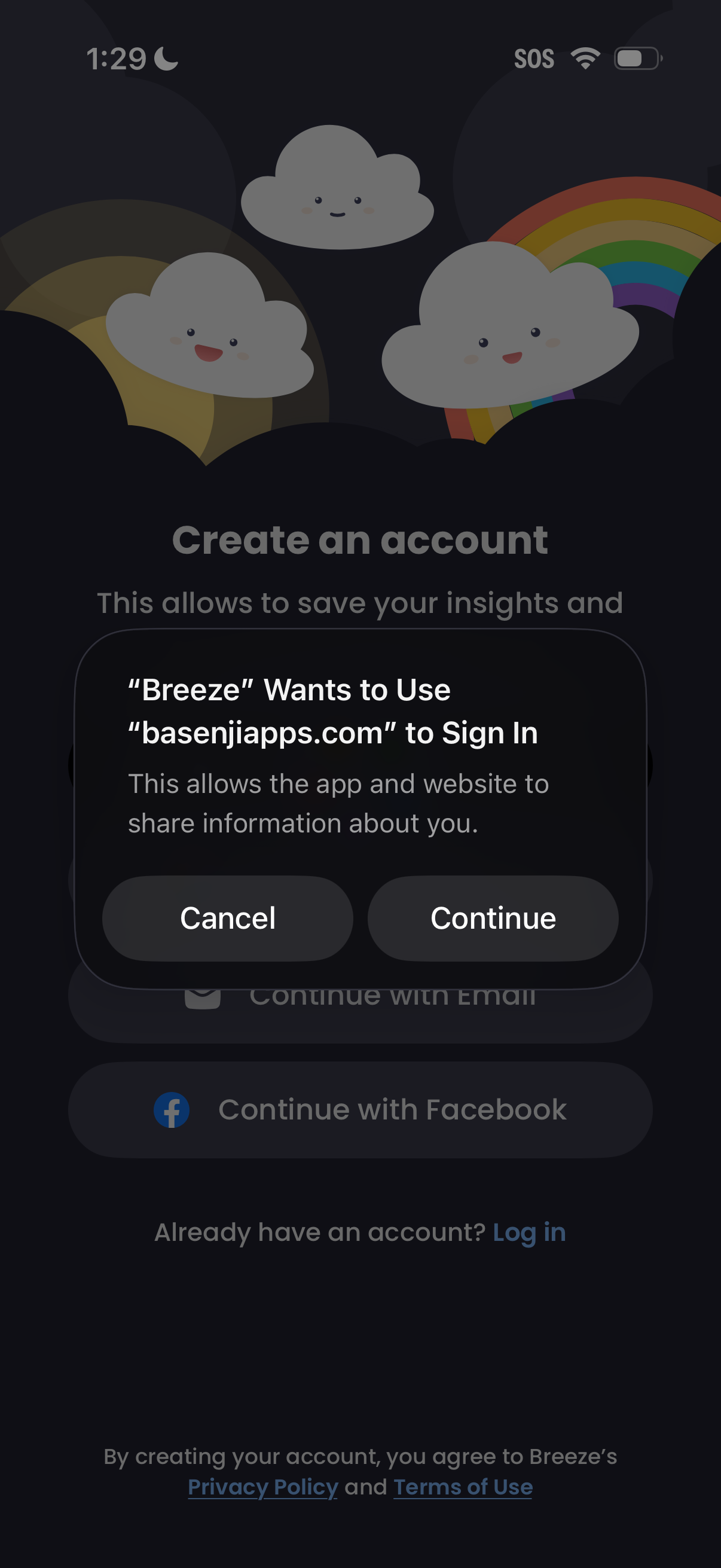
Account creation screen with options to continue using email or Facebook and a link to log in, showing privacy policy and terms. An iOS web-based sign-in permission modal overlays the page asking to allow a website to sign in, with Cancel and Continue actions.
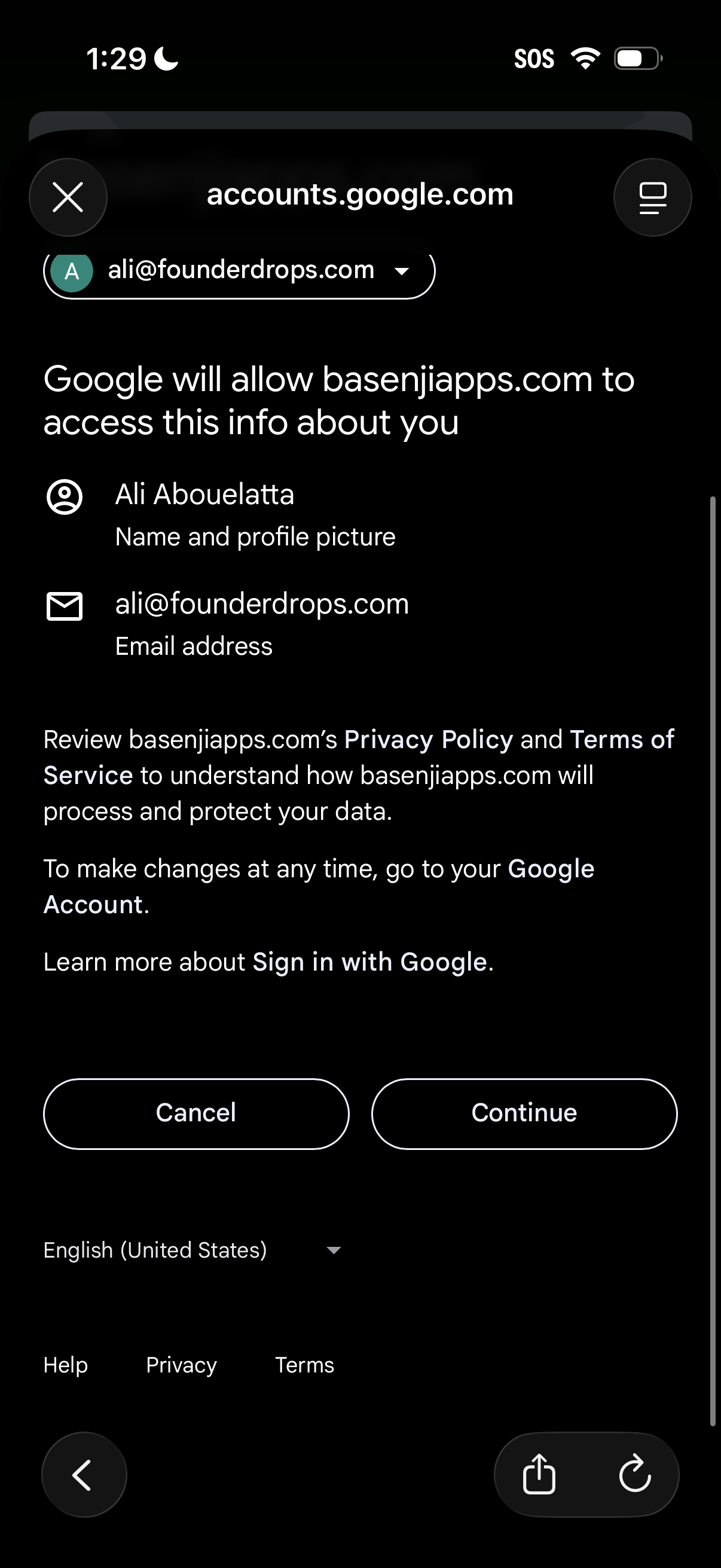
Google OAuth consent screen for “Sign in with Google” showing which profile data (name, profile picture, email address) will be shared with a third‑party app, with links to privacy policy/terms and primary actions to Cancel or Continue.
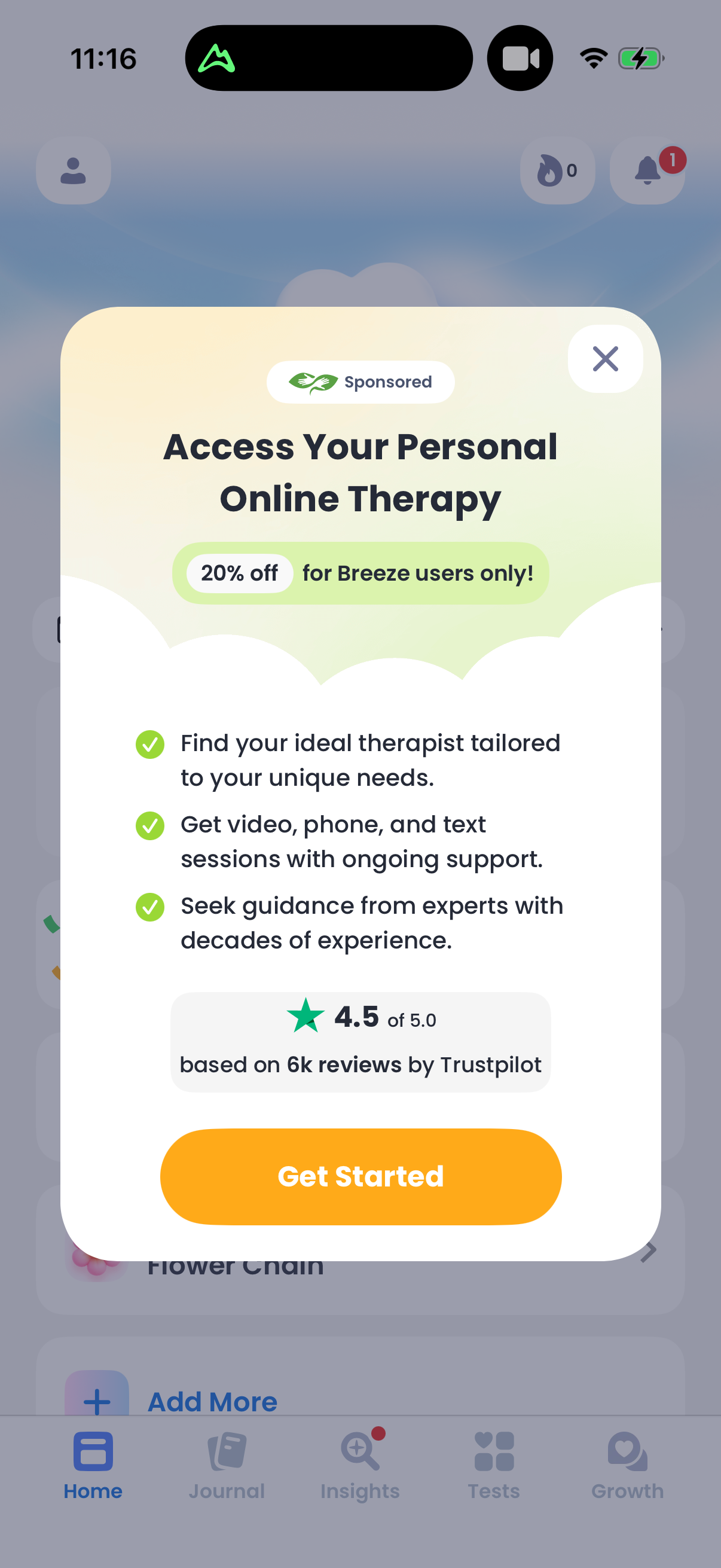
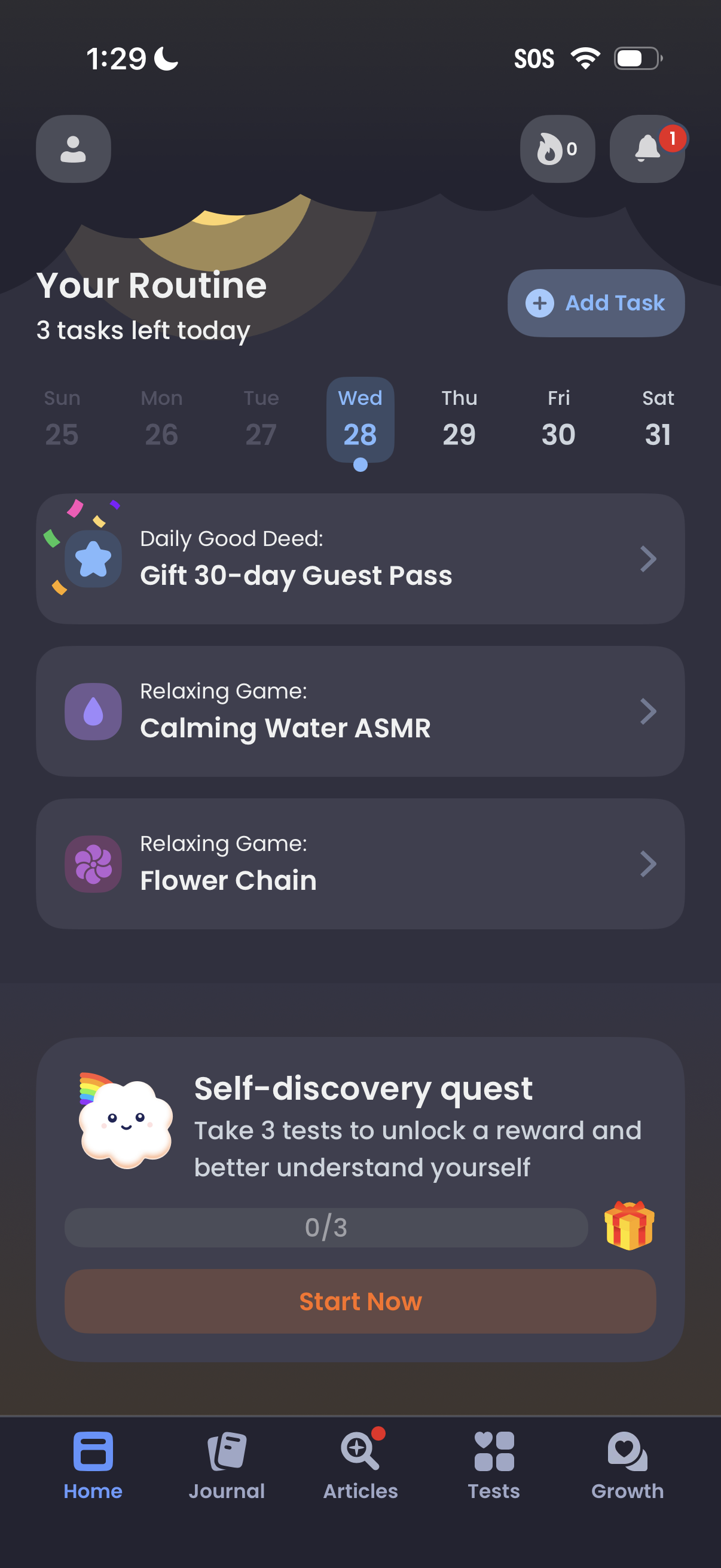
Home dashboard for a self-care routine app showing “Your Routine” with a weekly date selector, remaining tasks count, and an Add Task button to create new activities. The screen lists recommended daily good deeds and relaxing games as tappable cards and promotes a “Self-discovery quest” challenge with progress tracking and a Start Now CTA, plus bottom navigation for Home, Journal, Articles, Tests, and Growth.