View Profile
1
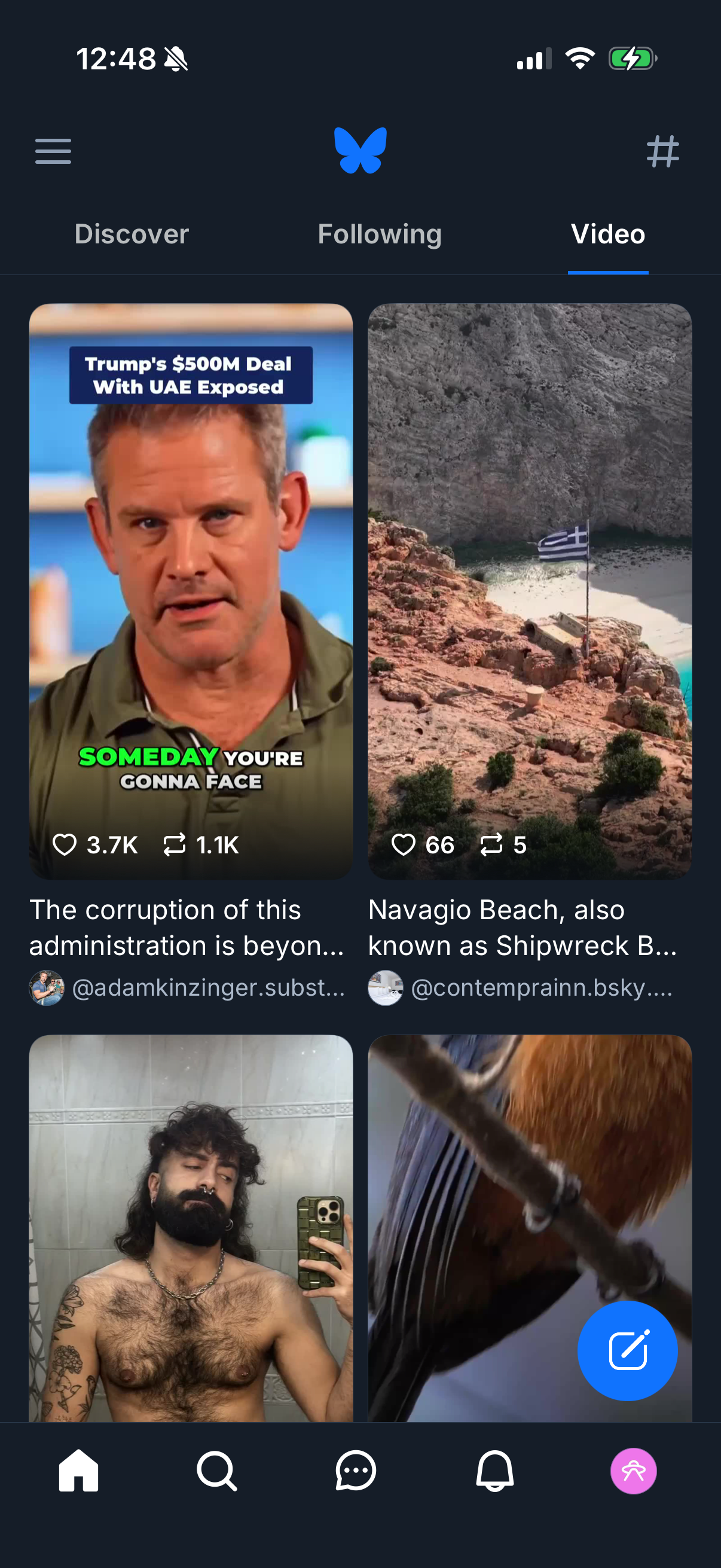
Social media app video feed showing a grid of short video post previews in the “Video” tab with navigation between Discover, Following, and Video. Users can browse thumbnails with captions and author handles, see like/repost counts, open posts, access a side menu or hashtag search, and create a new post via a floating compose button.
2

Social media profile screen showing avatar, handle, follower/following counts, and tabs to browse Posts, Replies, Media, Videos, Likes, and Feeds. The profile is empty with a “No posts yet” state and primary actions to Edit Profile and write/create a new post.