View Notifications
1
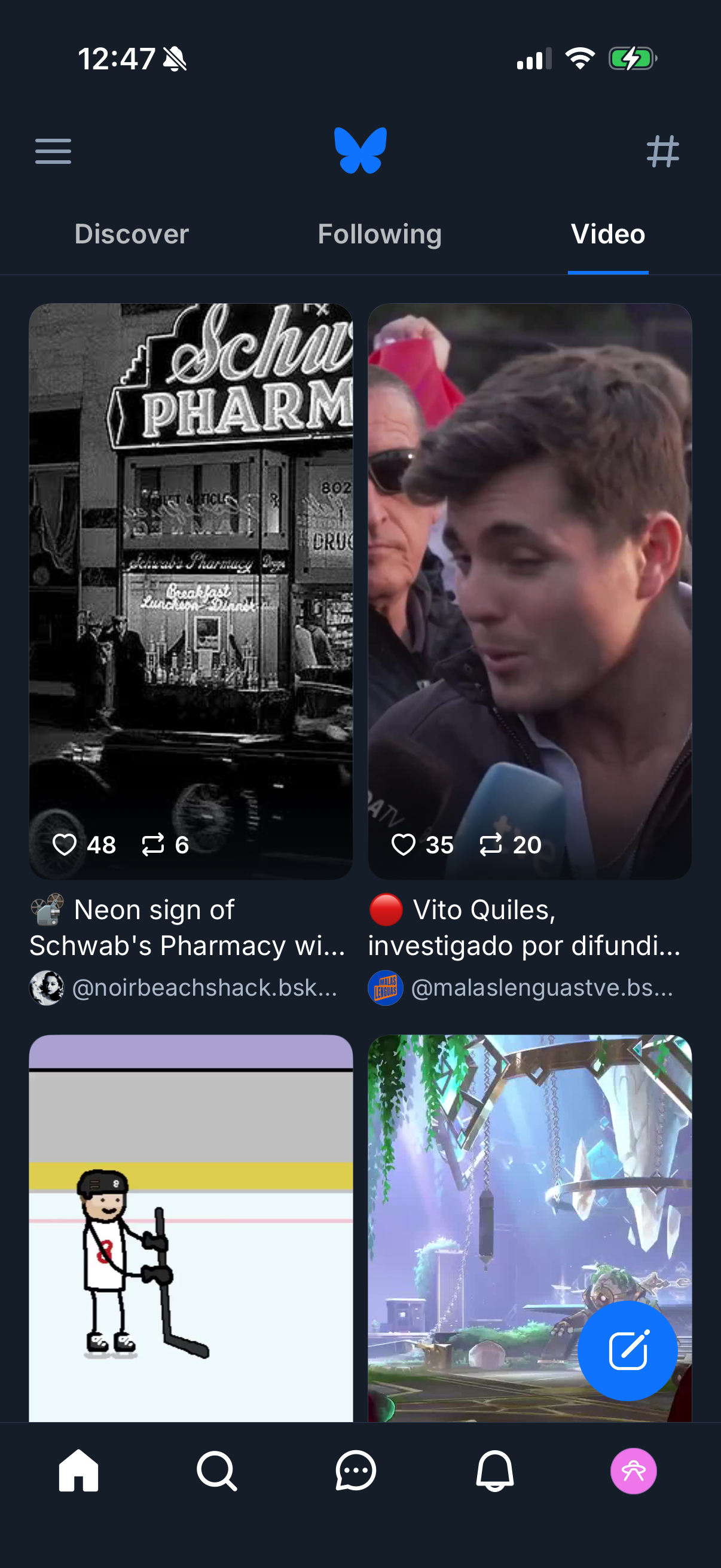
Social media home feed on the “Video” tab showing a grid of video post cards with thumbnails, titles, creator handles, and engagement actions like like and repost counts. Top navigation lets users switch between Discover, Following, and Video, with a bottom tab bar for primary sections plus a floating compose/new post button.
2

Notifications inbox screen with tabs to switch between All notifications and Mentions, showing an empty state message “No notifications yet! ” plus a settings icon for notification preferences.