
Social media video feed screen with tabs for Discover, Following, and Video, showing a grid of video cards with thumbnails, captions, usernames, and like counts. Includes navigation icons for menu and hashtags, a bottom tab bar, and a floating compose/new post button.
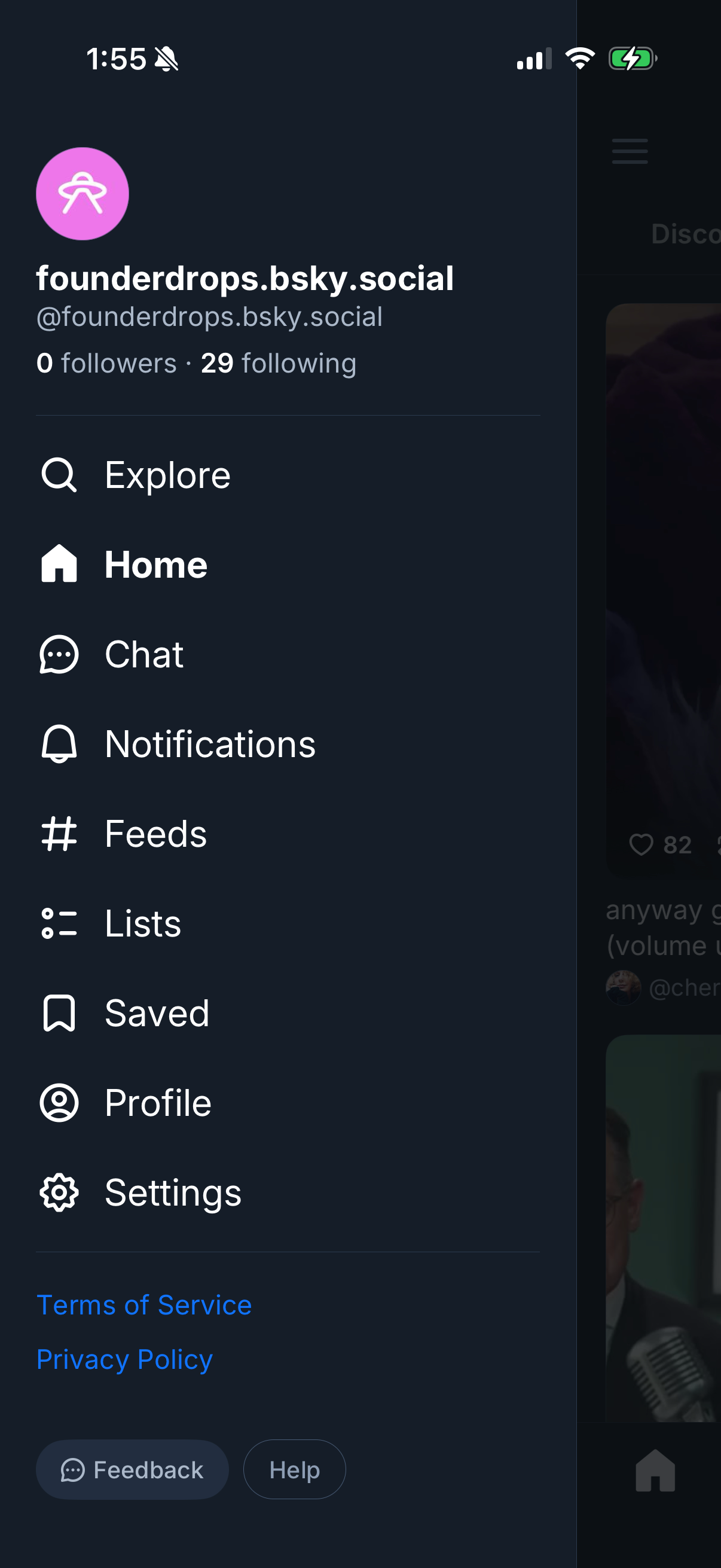
Side navigation drawer for a social networking app showing the signed-in account header with avatar, handle, and follower/following counts, plus primary navigation links. Menu items include Explore/search, Home feed, Chat/messages, Notifications, Feeds, Lists, Saved/bookmarks, Profile, Settings, along with Terms of Service, Privacy Policy, Feedback, and Help.
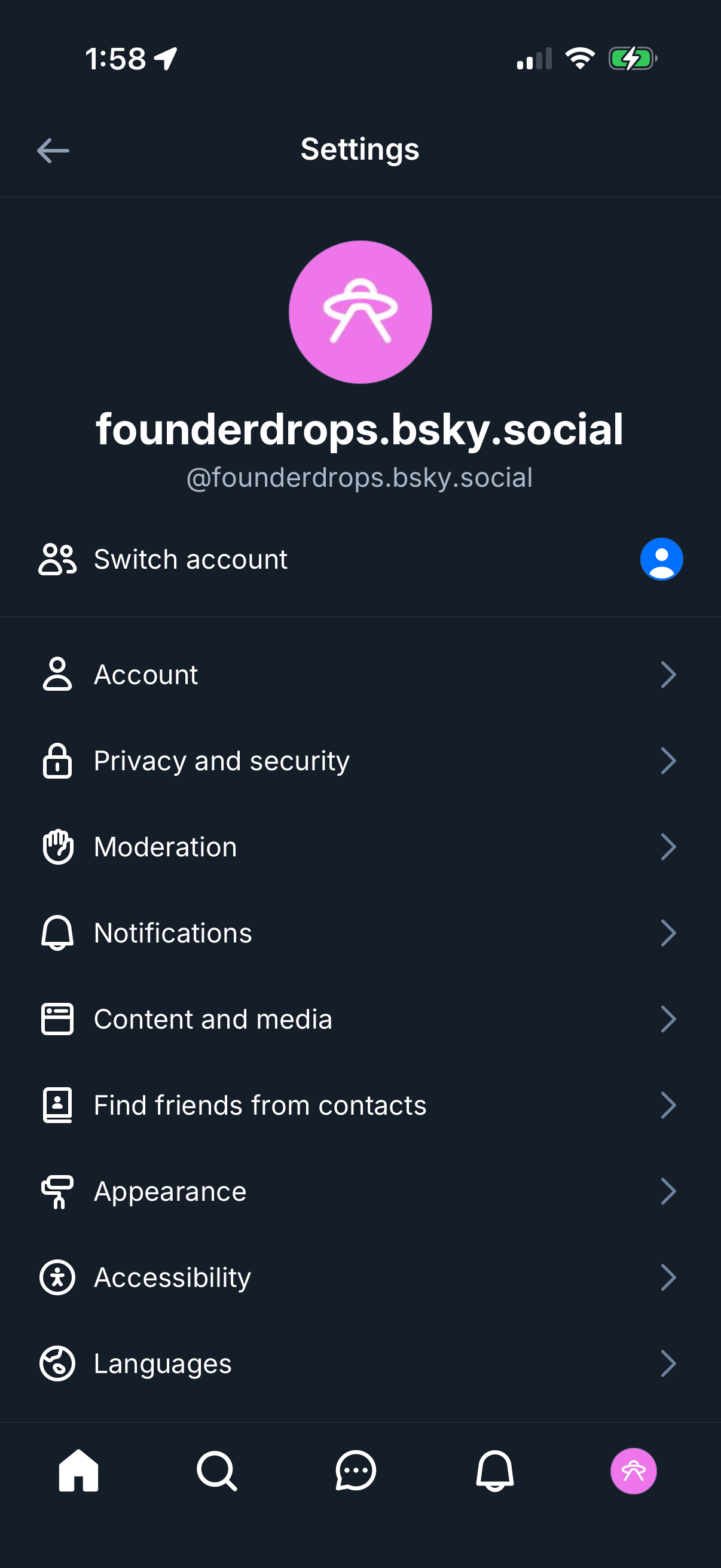
Social media app settings screen showing the logged-in profile and a “Switch account” action, with a list of configuration sections. Options include Account, Privacy and security, Moderation, Notifications, Content and media, Find friends from contacts, Appearance, Accessibility, and Languages.