Search Content

Social media home feed focused on short videos, with tab navigation for Discover, Following, and Video and a grid of video post cards showing previews, captions, author handles, and like/repost counts. Bottom navigation provides access to home, search, messages, notifications, and profile, with a floating compose button for creating a new post.
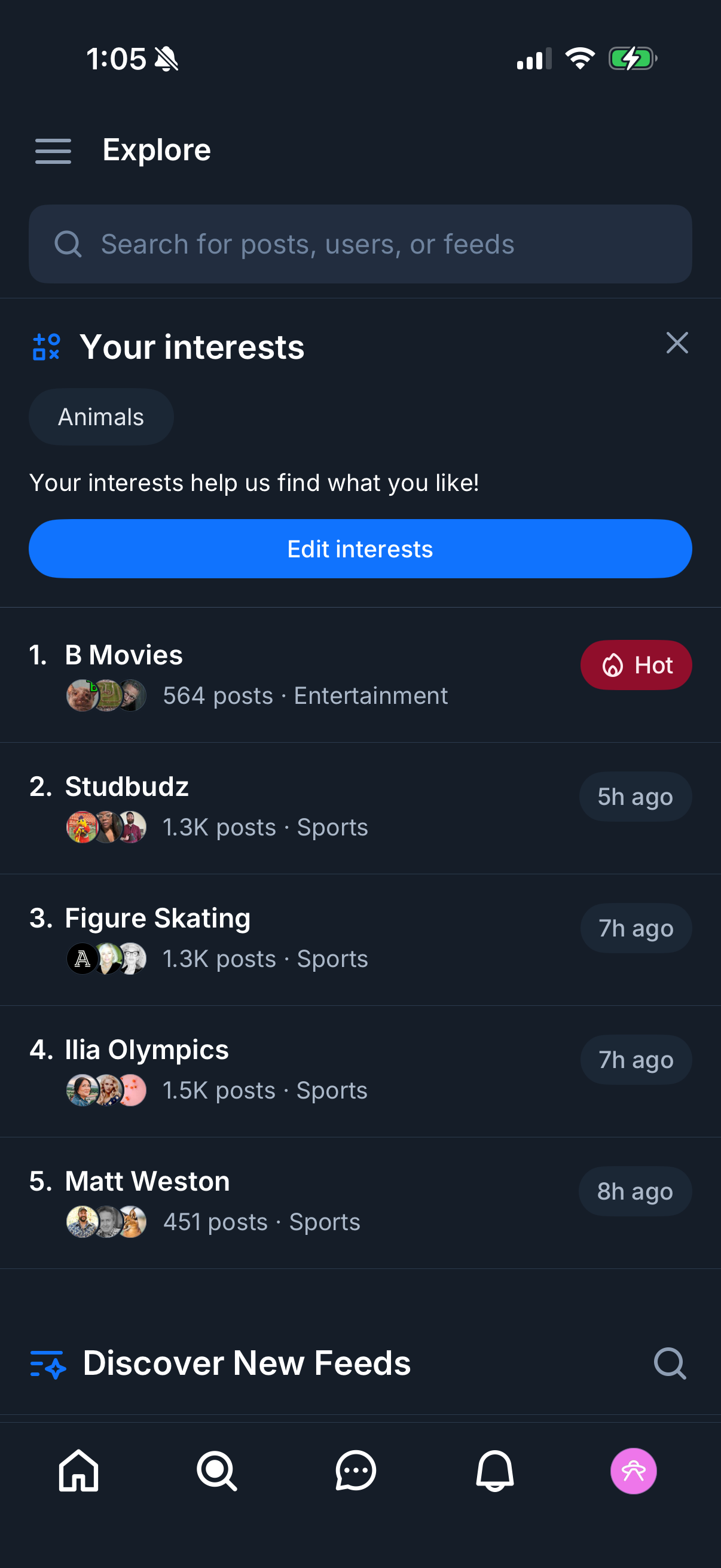
Explore/discover screen in a social app with a search bar for posts, users, or feeds and a “Your interests” section showing selected topics with an option to edit interests. Below, a ranked list of recommended feeds/topics displays post counts, categories, and recency/hot badges to help users discover and follow new feeds.
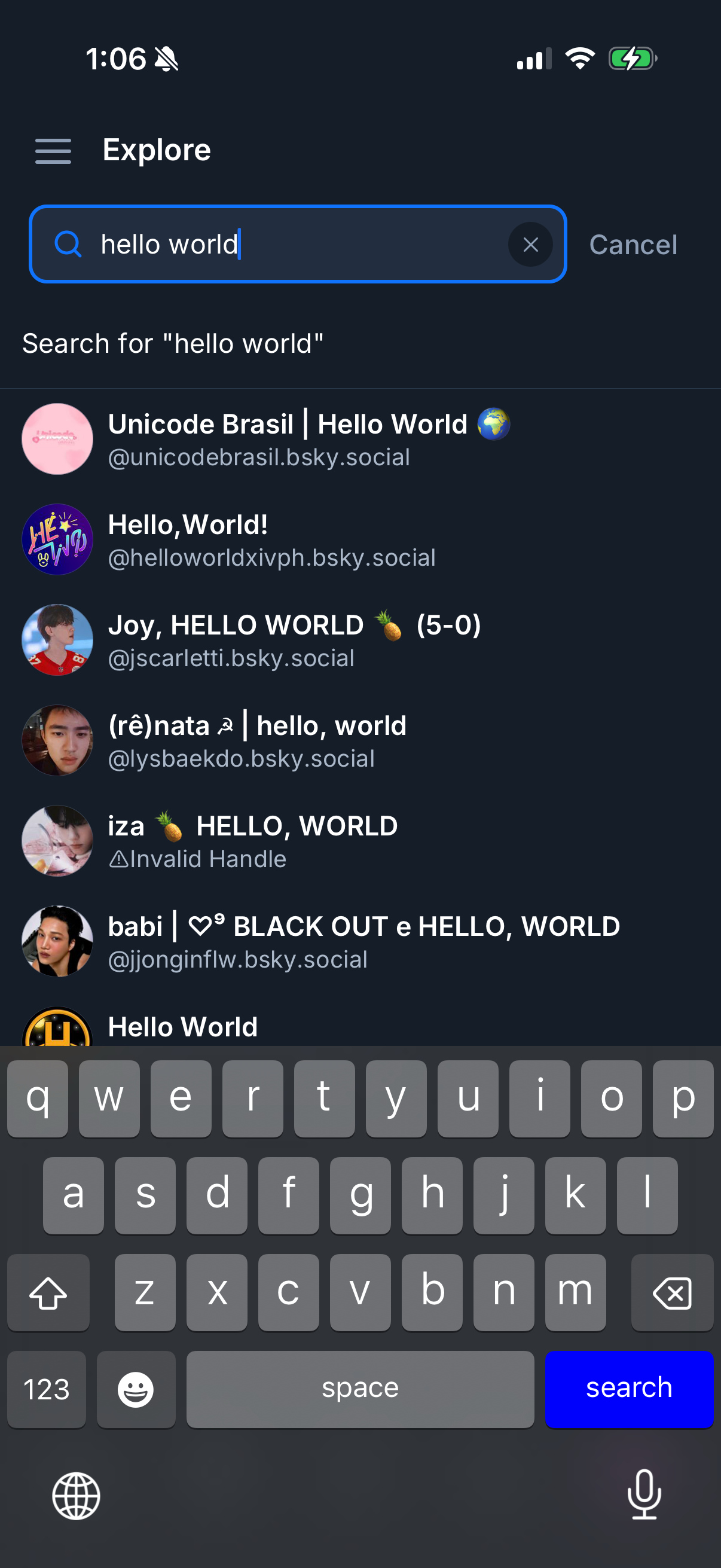
Explore/search screen in a social app showing an active search bar with clear (X) and cancel actions, prompting “Search for” the entered query. Below, a scrollable list of matching user accounts/profiles is displayed with avatars, display names, and handles for selection.