Explore Feeds
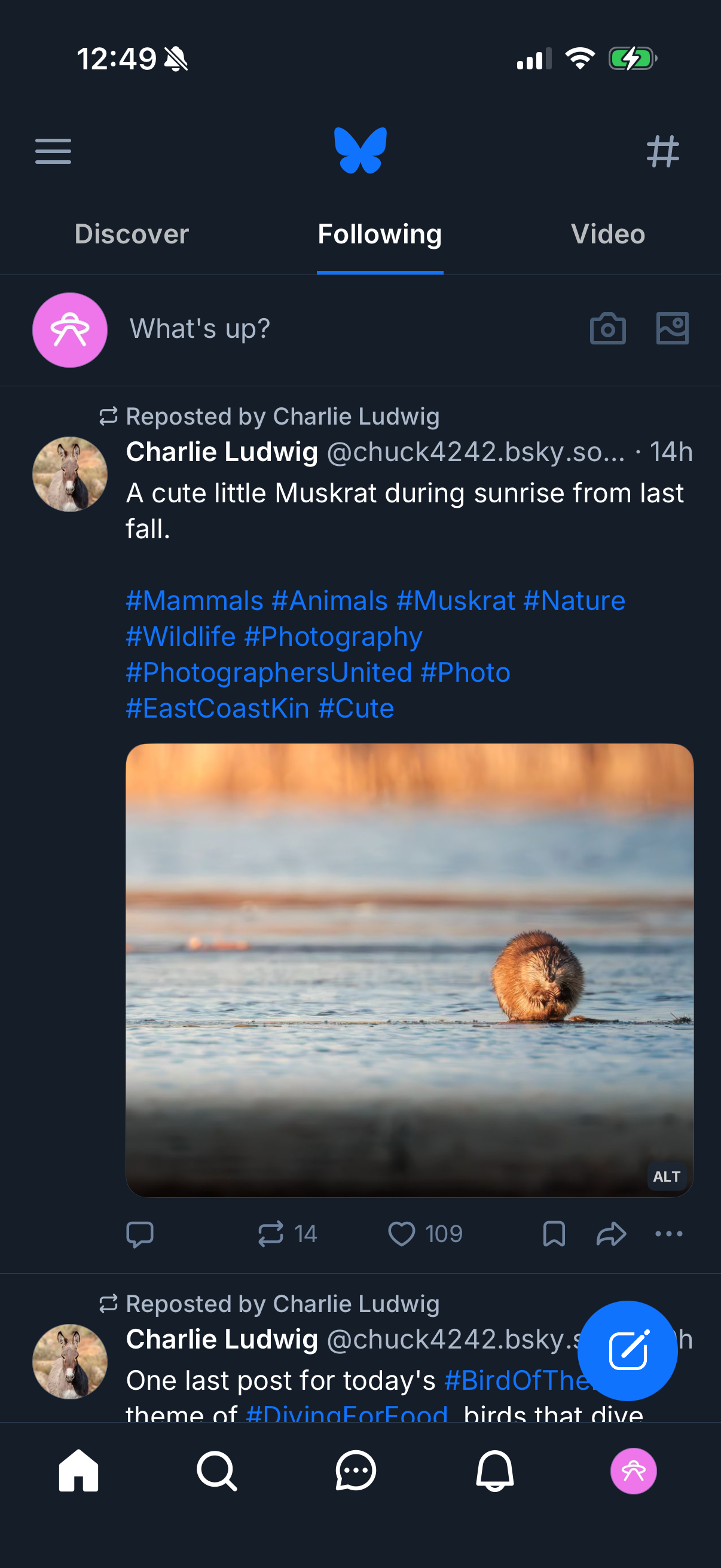
Dark-mode social media home feed on the “Following” tab showing a reposted post with author info, text caption with hashtags, and an attached photo preview. Includes a “What’s up?
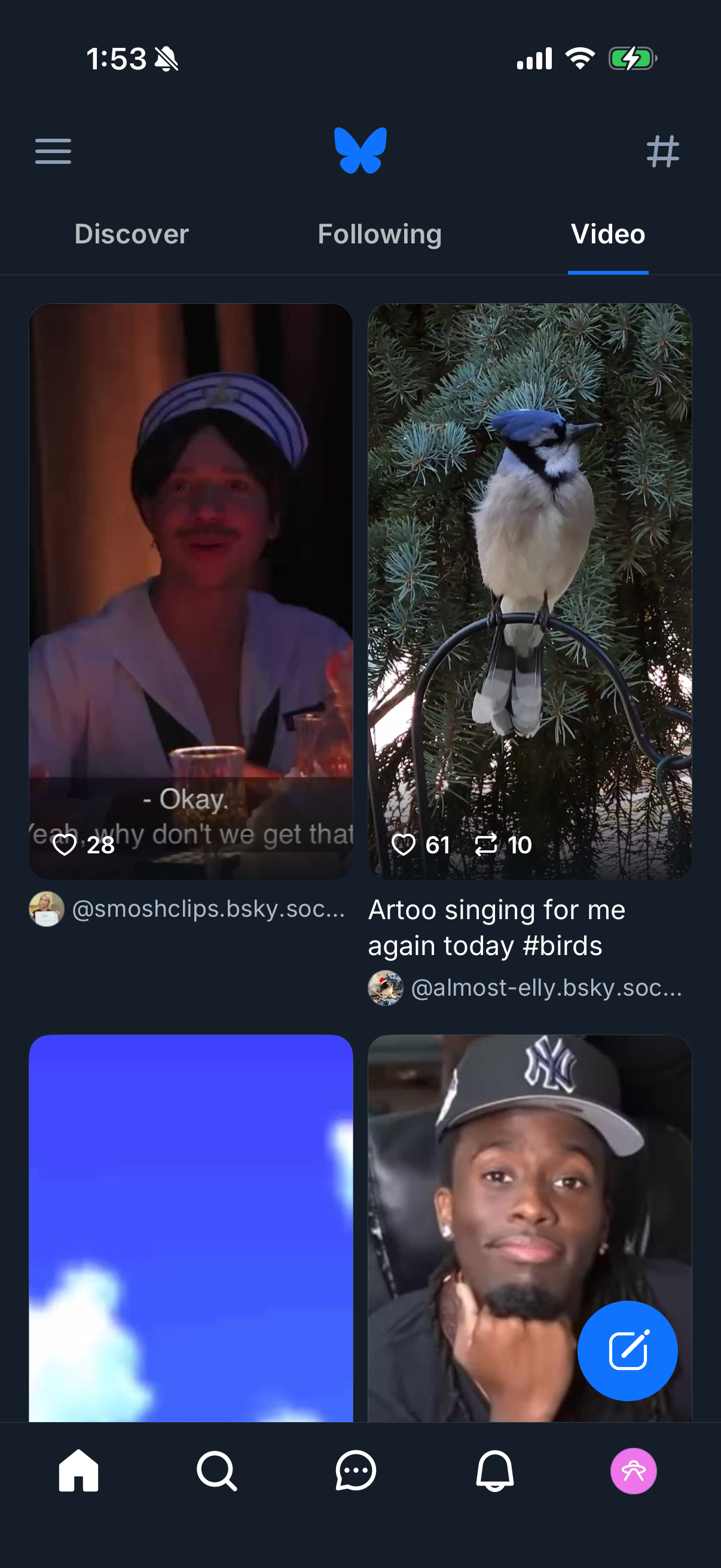
Social media home feed on the “Video” tab showing a grid of autoplay video post previews with captions, usernames, and engagement counts (likes, reposts, comments). Top navigation lets users switch between Discover, Following, and Video feeds, with a bottom tab bar for main sections and a floating compose/new post button.
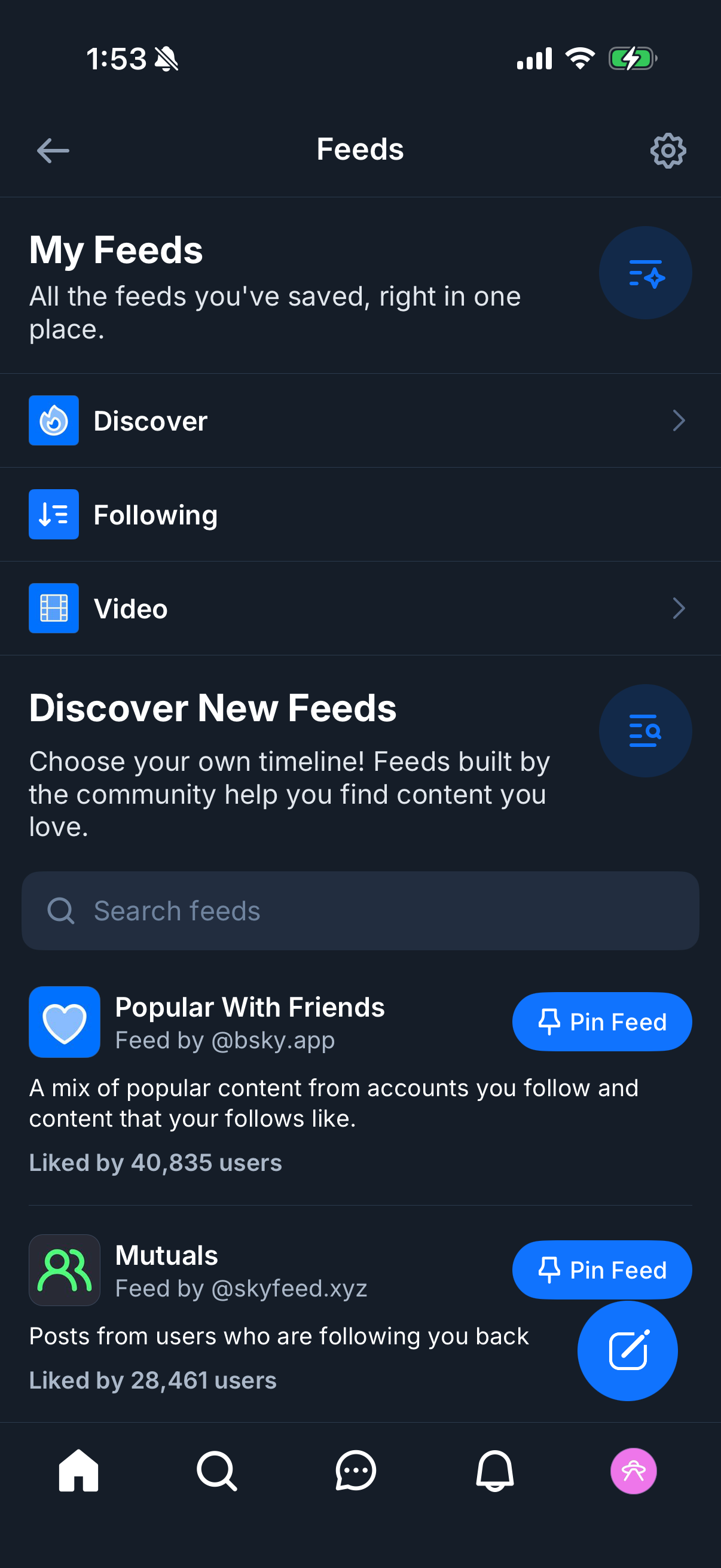
Social app “Feeds” hub where users manage saved timelines, with quick links to Discover, Following, and Video feeds plus a settings icon. Includes a “Discover New Feeds” section with search, community feed listings showing descriptions and like counts, and primary actions to pin a feed or create/add a new feed.