create project from media
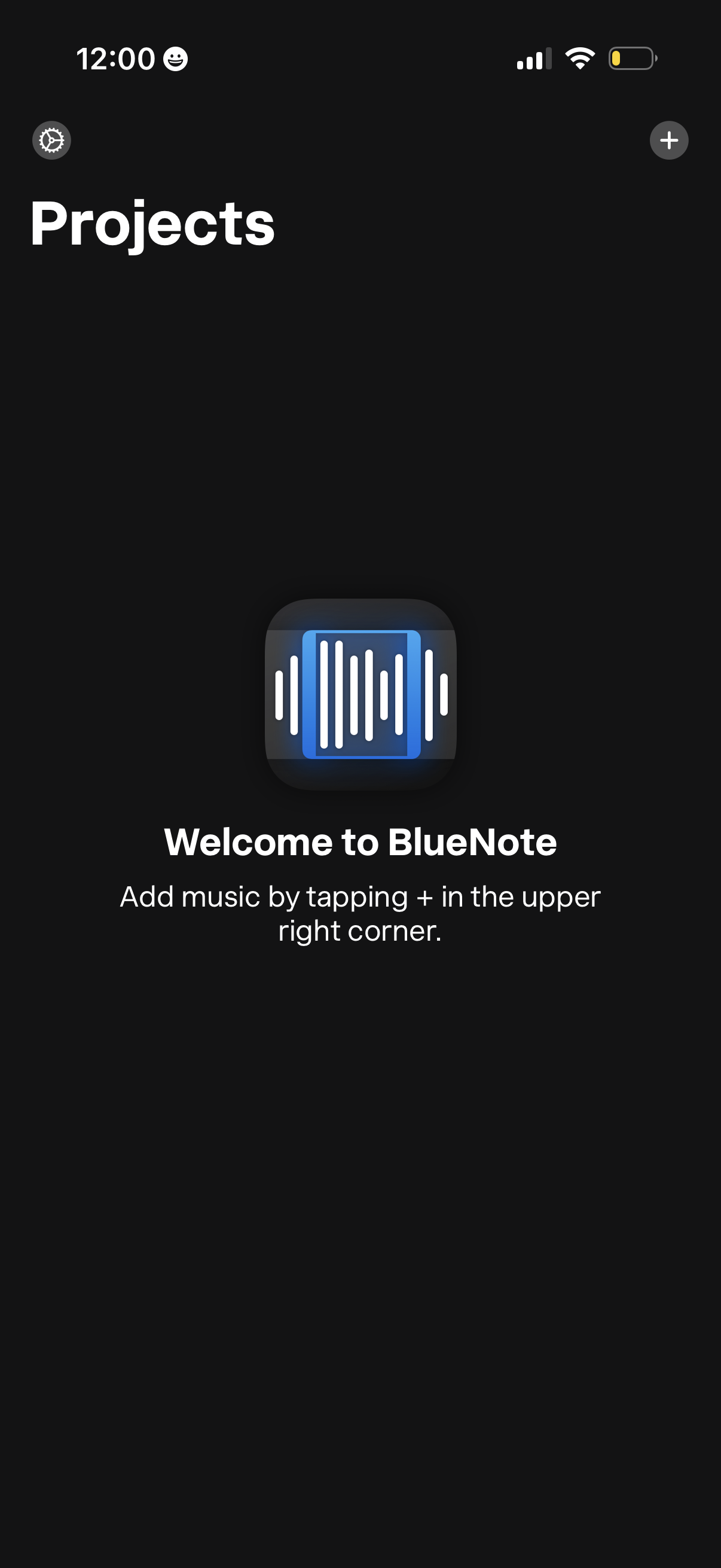
Empty state Projects screen in a music app, welcoming the user and prompting them to add music by tapping the + button in the top-right. Includes a settings icon in the top-left and a primary action to create/add a new project or track.
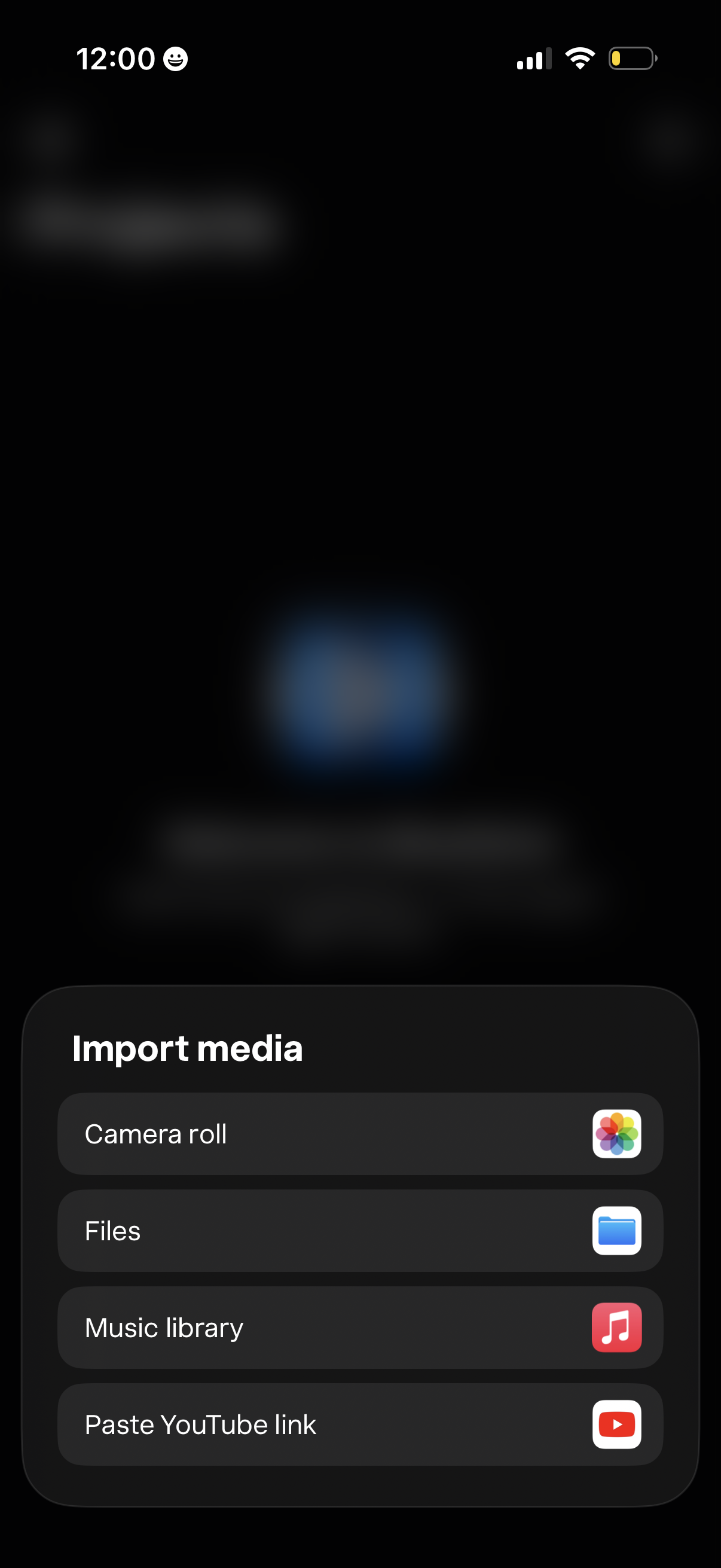
Bottom sheet modal titled “Import media” prompting users to add content, with selectable options to import from Camera roll (photos), Files, Music library, or by pasting a YouTube link.
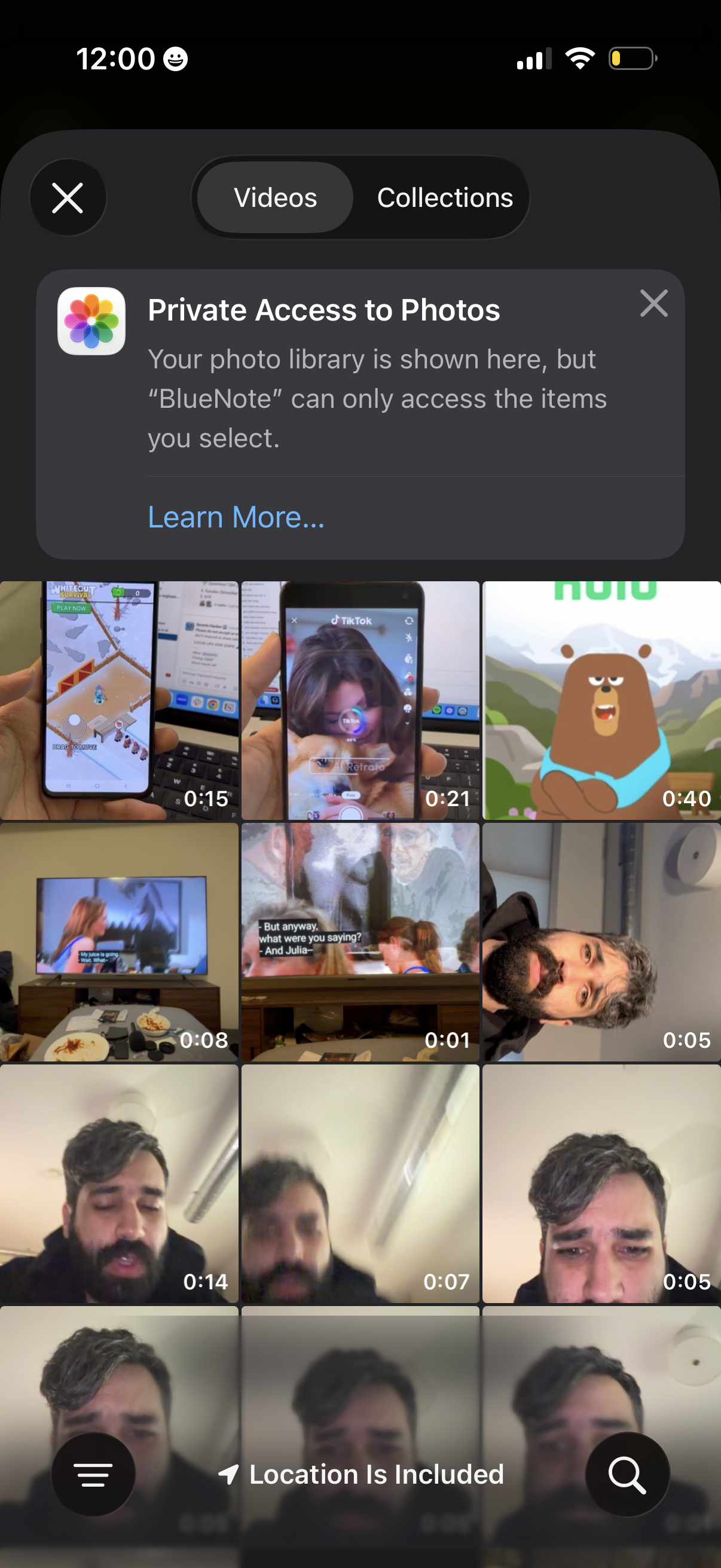
iOS media picker showing a grid of video thumbnails with duration badges, allowing the user to switch between Videos and Collections and select items from the Photos library. A “Private Access to Photos” privacy notice explains the app can only access selected media, with a Learn More link and close controls.
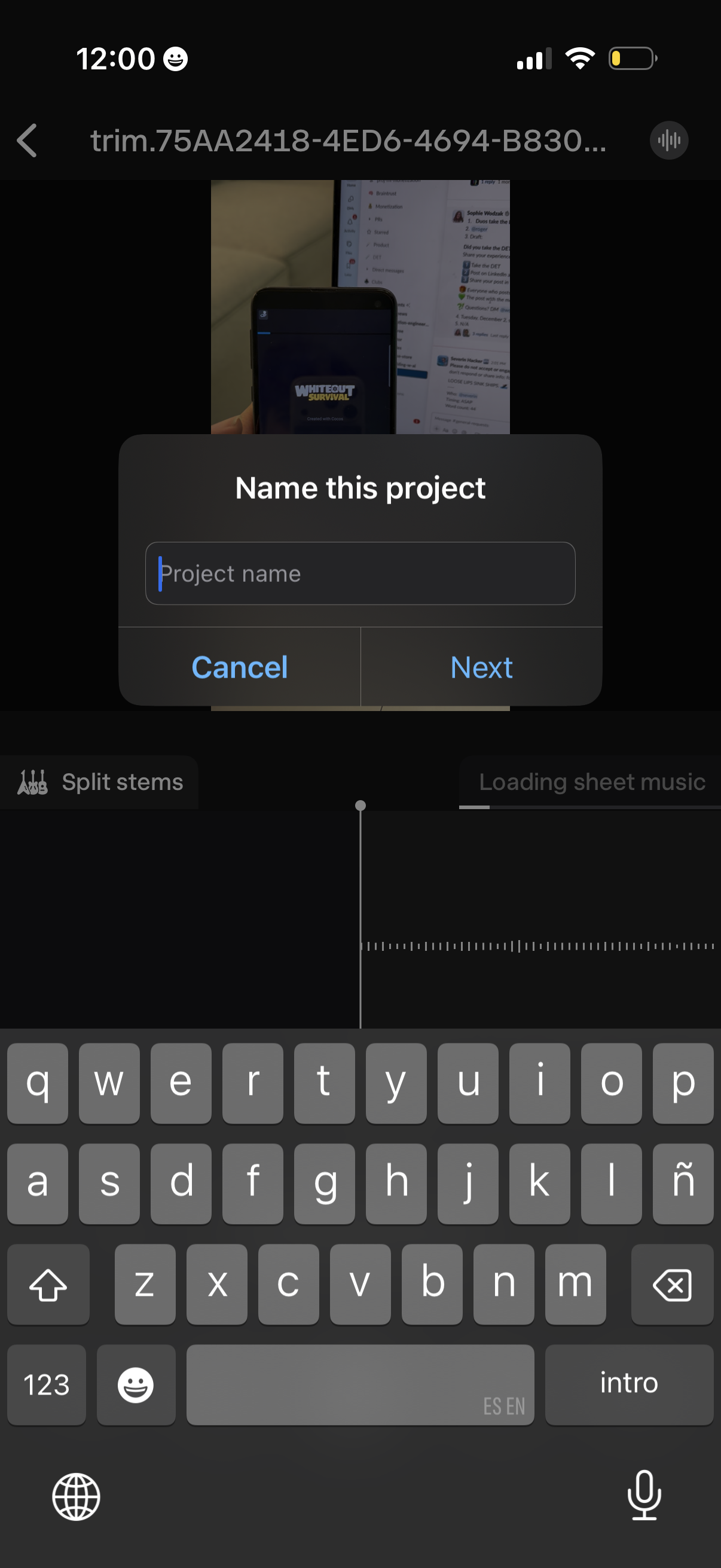
Modal dialog prompting the user to name a new project with a single text field and primary “Next” plus “Cancel” actions. Displayed over an audio/video editing workspace with a timeline and options like splitting stems while the keyboard is open for text entry.
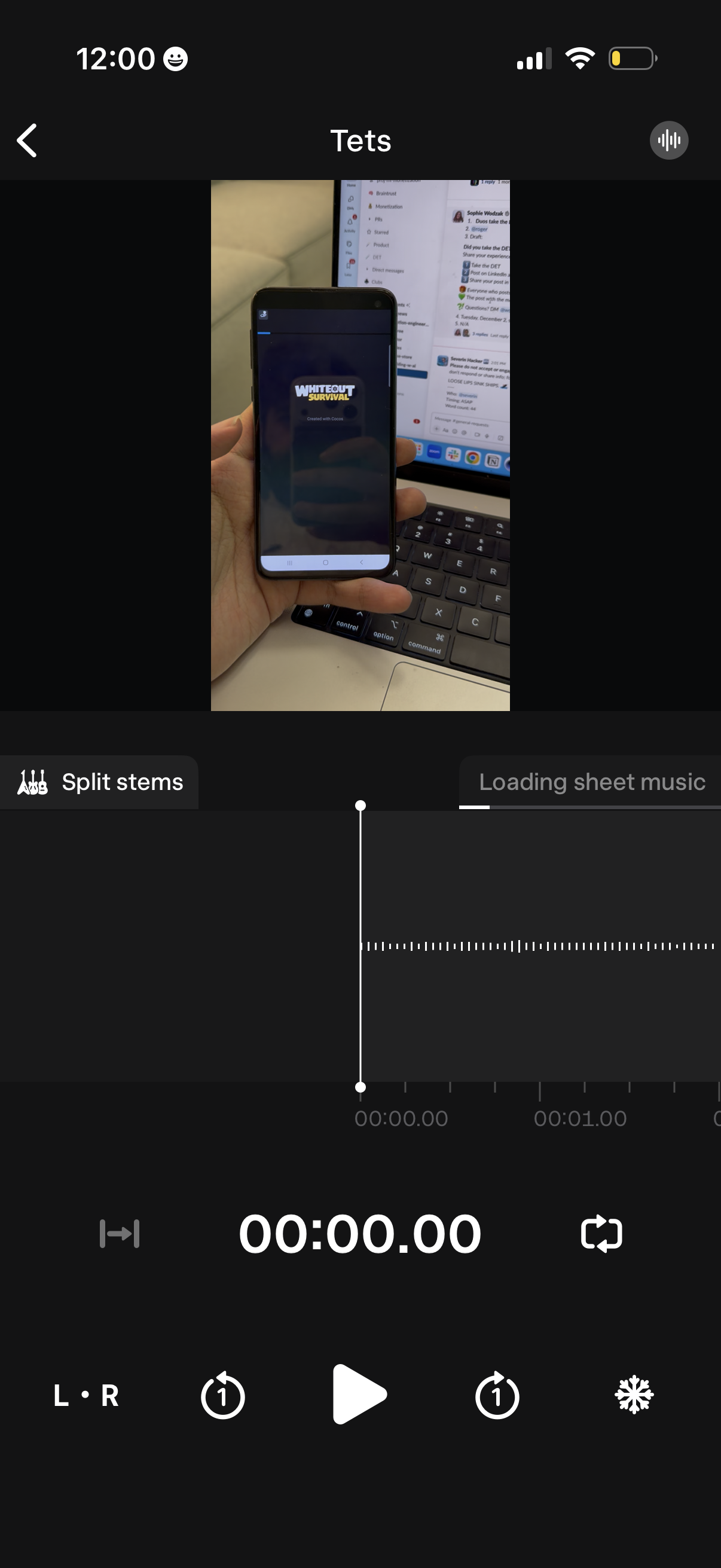
Audio stem-splitting editor screen showing a video preview at the top, a waveform timeline with a playhead and timecode, and playback controls for play/pause, skip/seek, and loop sections. Includes a “Split stems” action and a loading indicator for generating sheet music from the audio.
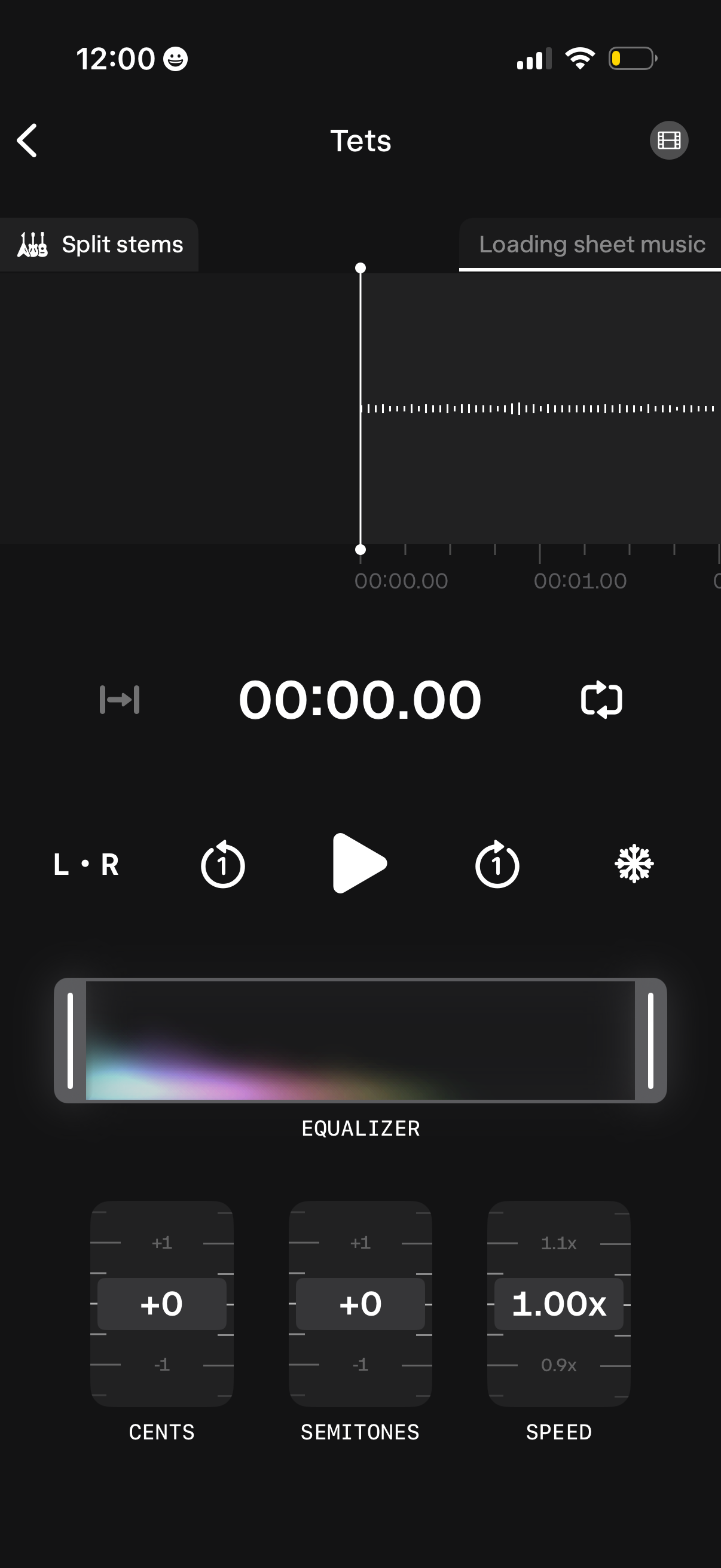
Audio player and practice editor screen showing a waveform timeline with a playhead, loop/repeat controls, left/right channel toggle, and a “split stems” option while sheet music loads. Includes an equalizer panel plus sliders/knobs to adjust pitch in cents and semitones and change playback speed.