sign up with phone
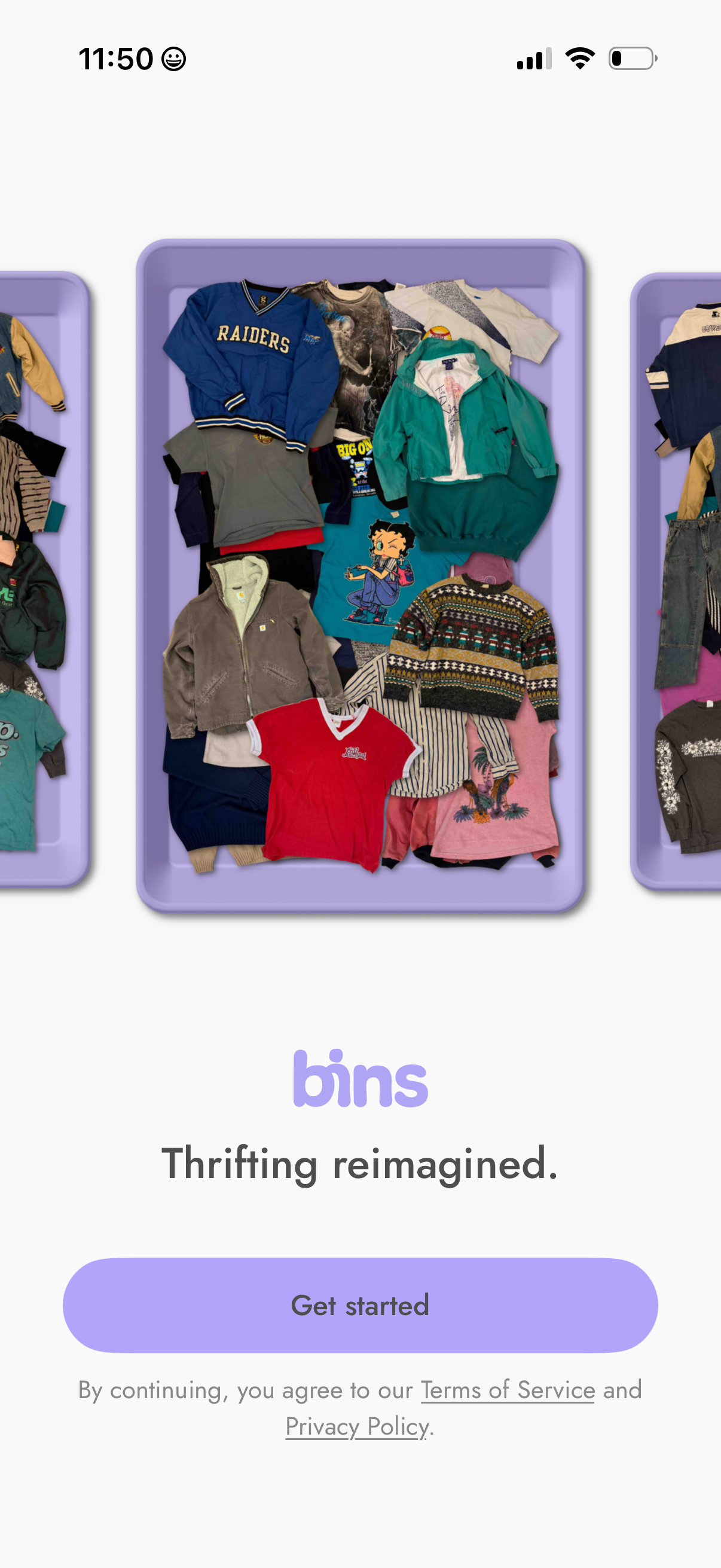
Welcome/onboarding landing screen for a thrifting marketplace app, featuring a hero image of clothing “bins,” the tagline “Thrifting reimagined,” and a primary “Get started” call-to-action. Includes legal consent links to Terms of Service and Privacy Policy.
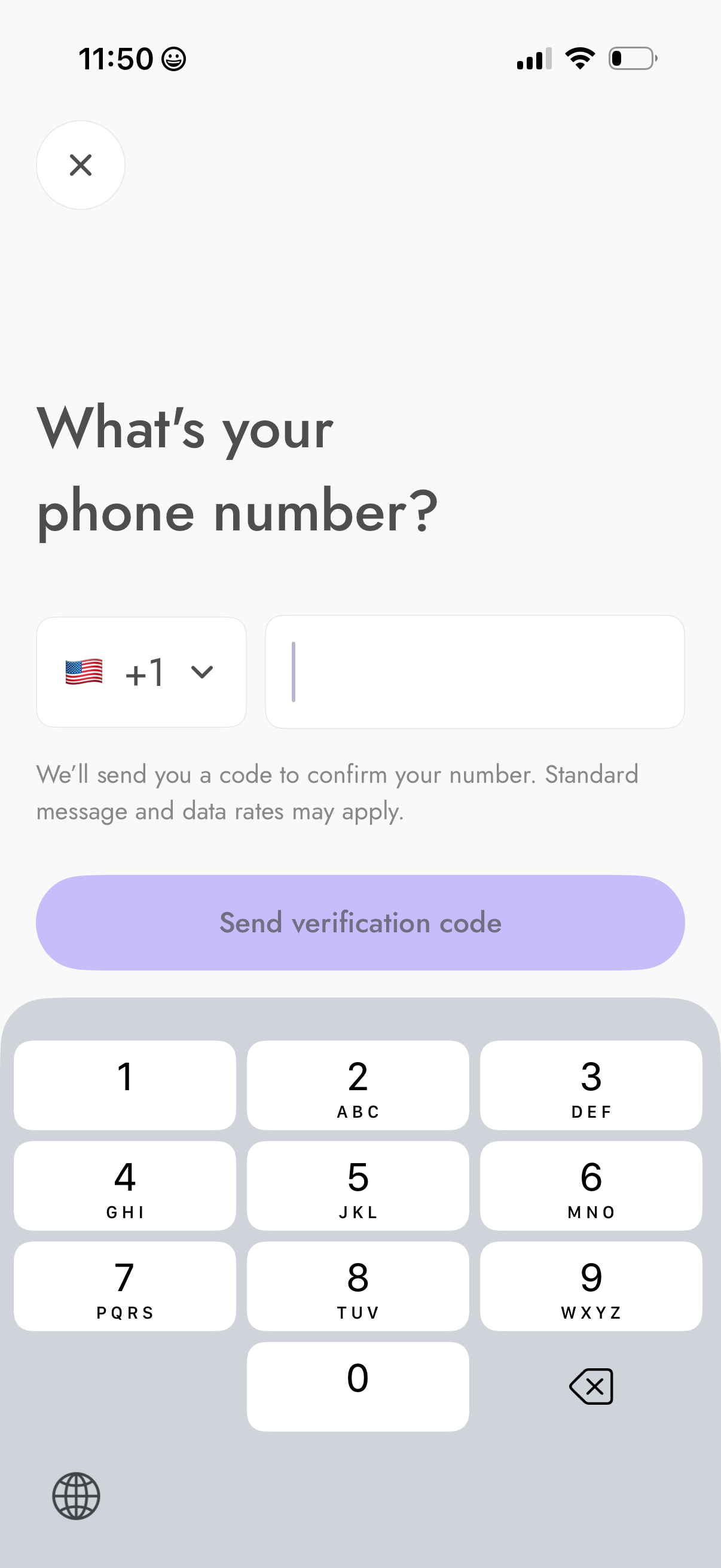
Phone number sign-in/registration screen prompting the user to enter a mobile number with a country code selector and input field. Includes a primary action to send an SMS verification code for confirmation, plus a close button to dismiss the flow.
Web authentication loading screen showing a CAPTCHA-style check with the message “Verifying you're not a robot…” and a progress bar while the site validates the user before allowing access.
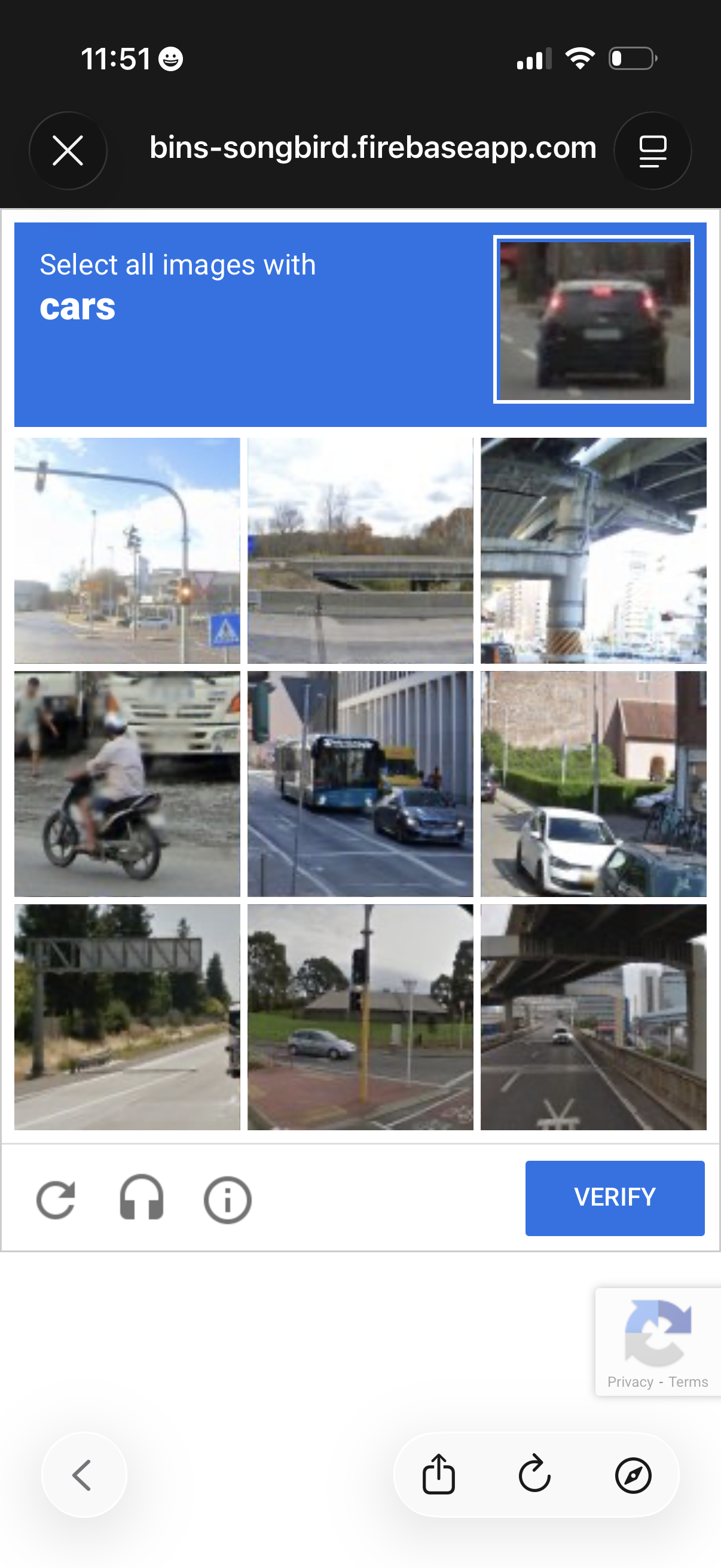
CAPTCHA human verification screen prompting the user to “Select all images with cars” from a 3x3 photo grid, with options to refresh or get help and a primary Verify button to submit the selection.
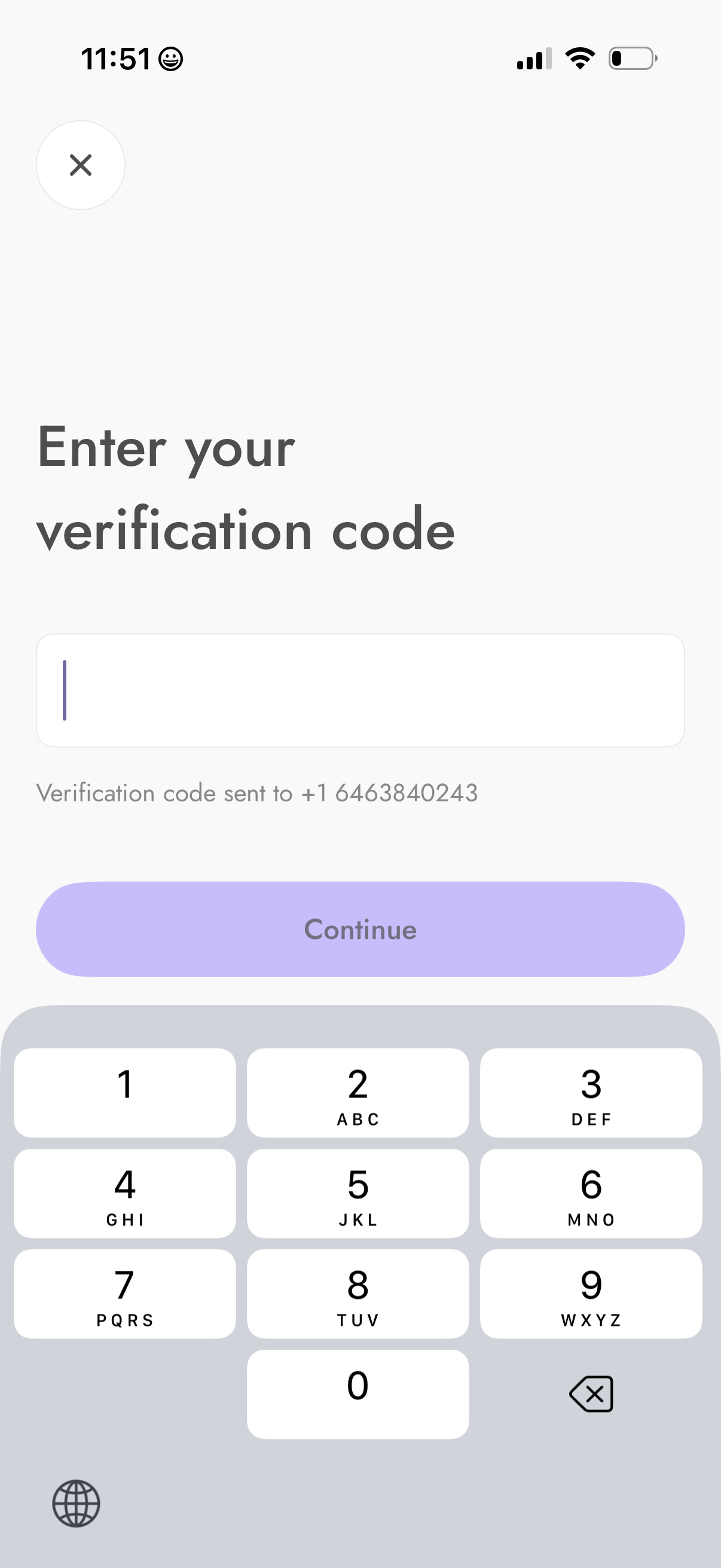
Phone number verification screen prompting the user to enter an SMS verification code, with an input field, note that the code was sent, and a primary Continue button. Includes a close icon to exit and a numeric keypad for code entry.
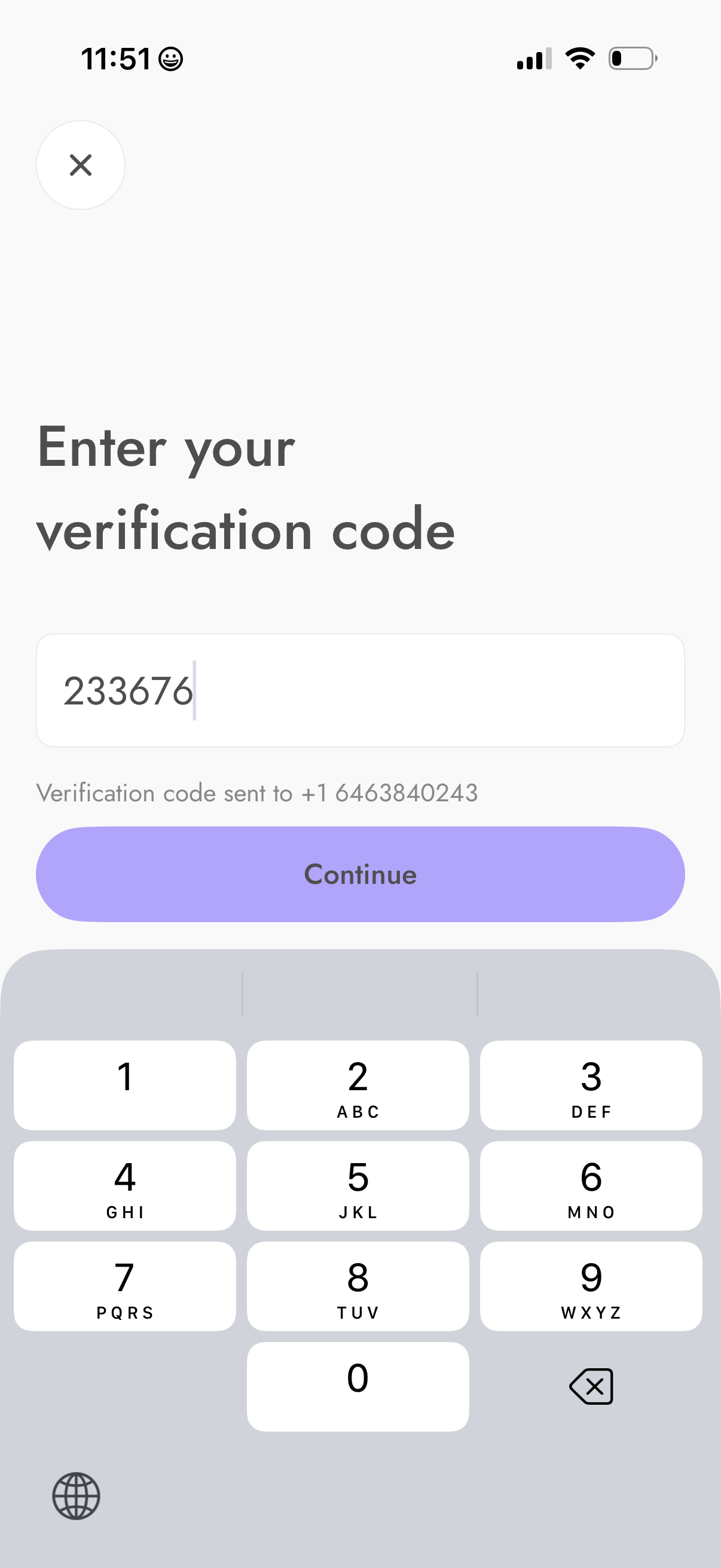
Phone number verification (OTP) screen prompting the user to enter a numeric verification code sent via SMS, with an input field and a primary “Continue” button to proceed. Includes a close/cancel icon and message confirming the destination phone number.
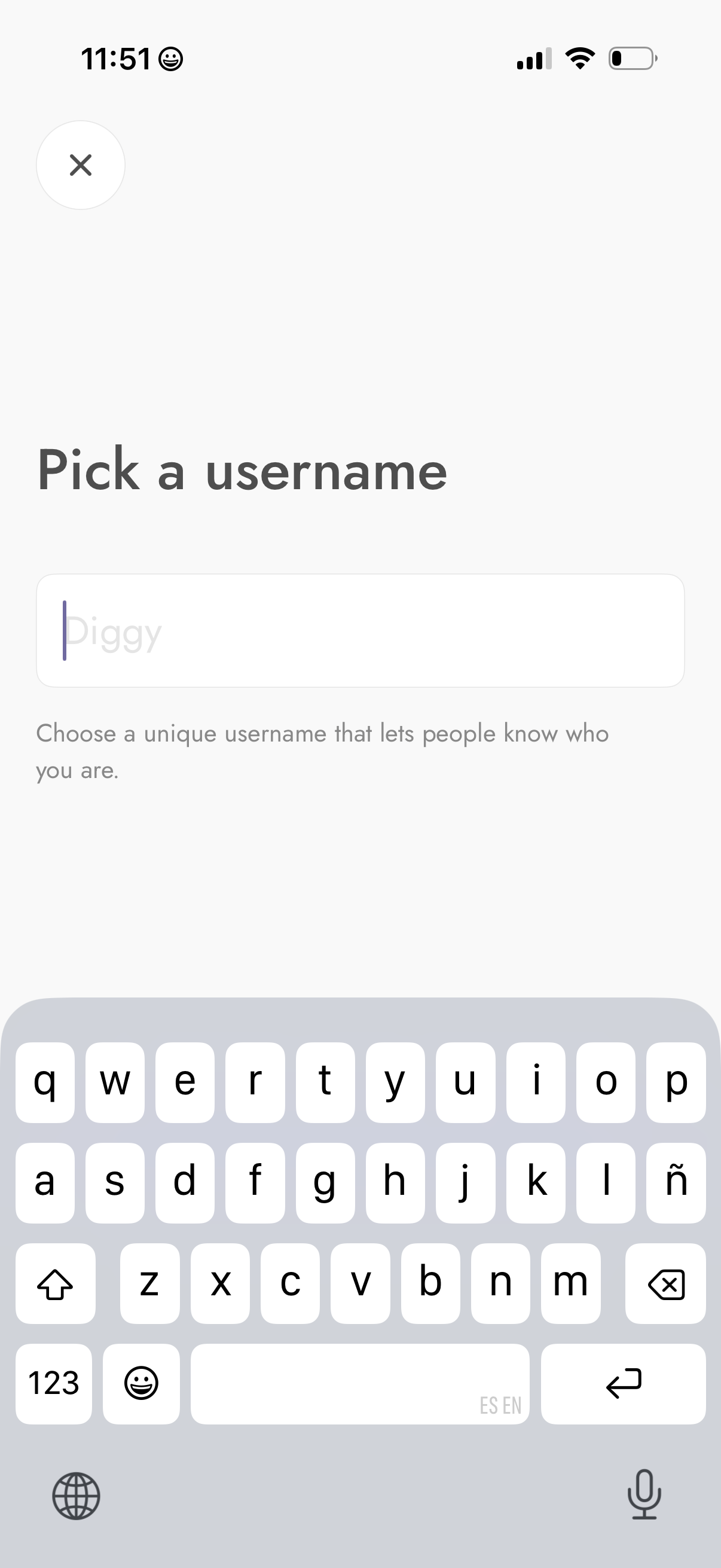
Onboarding account setup screen prompting the user to pick a unique username, with a single text input field and helper copy explaining the purpose. Includes a close (X) button to exit the flow while the keyboard is open for immediate typing.
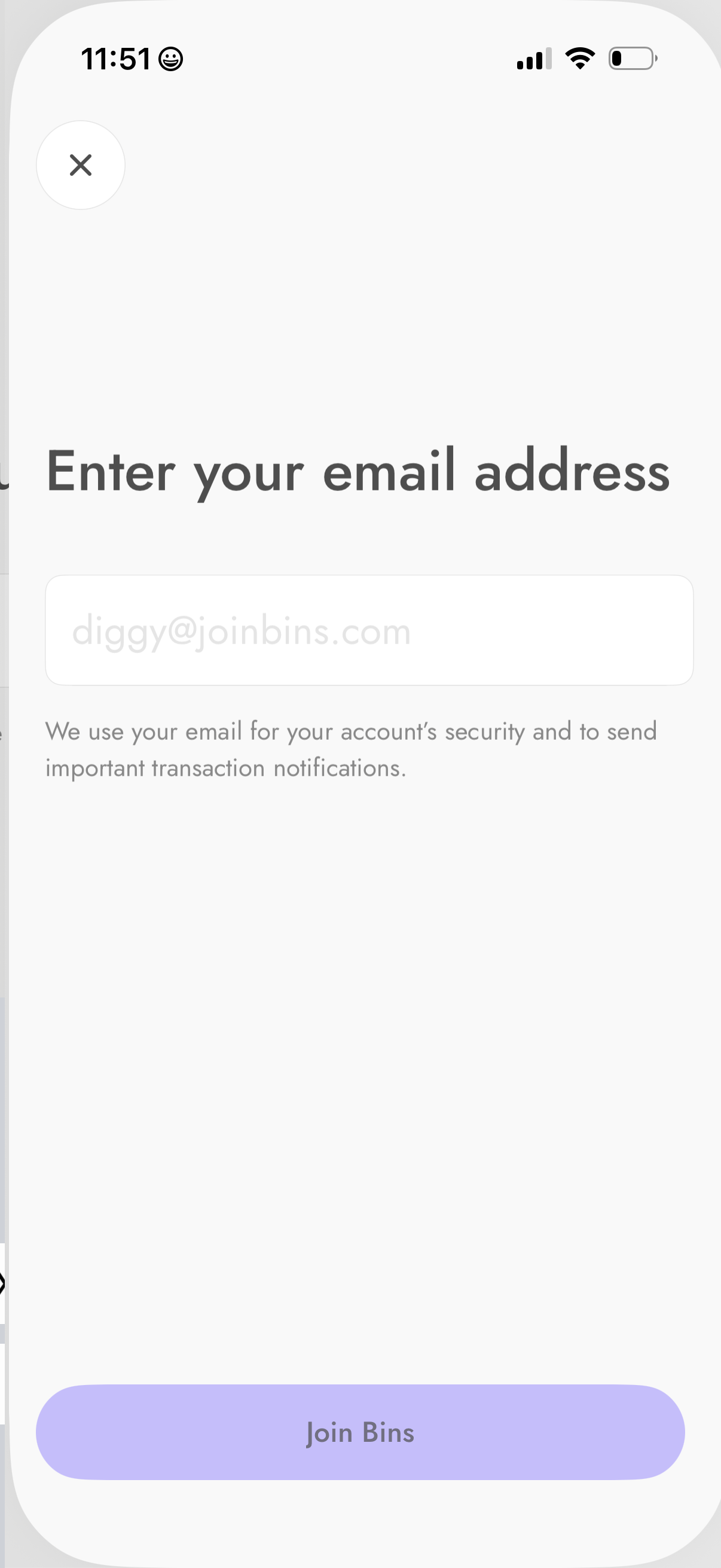
Sign-up onboarding screen prompting the user to enter an email address, with helper text explaining it’s used for account security and transaction notifications. Includes a primary “Join” call-to-action button and a close (X) to exit.
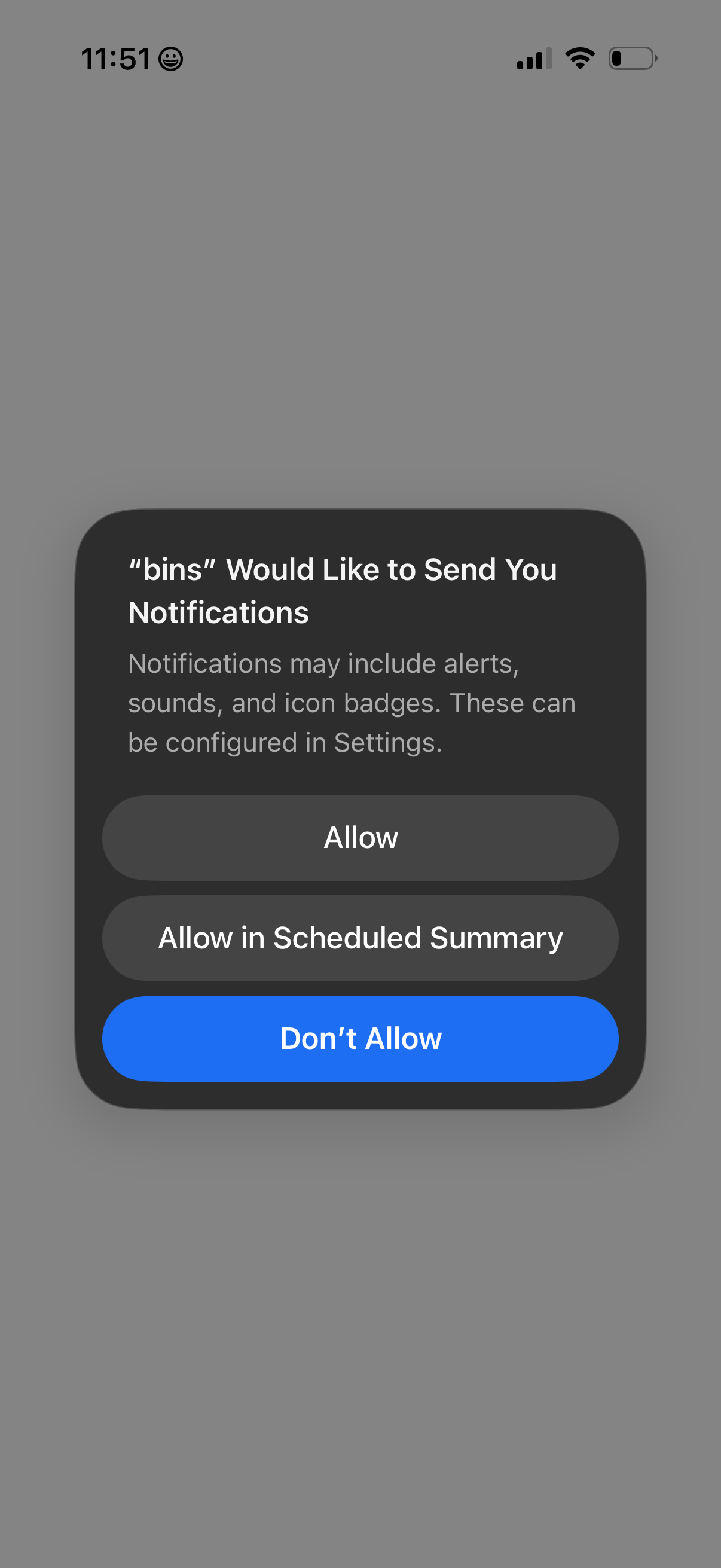
iOS system permission modal asking the user to enable push notifications for an app, explaining that alerts, sounds, and badges can be configured in Settings. Primary actions include Allow, Allow in Scheduled Summary, or Don’t Allow.
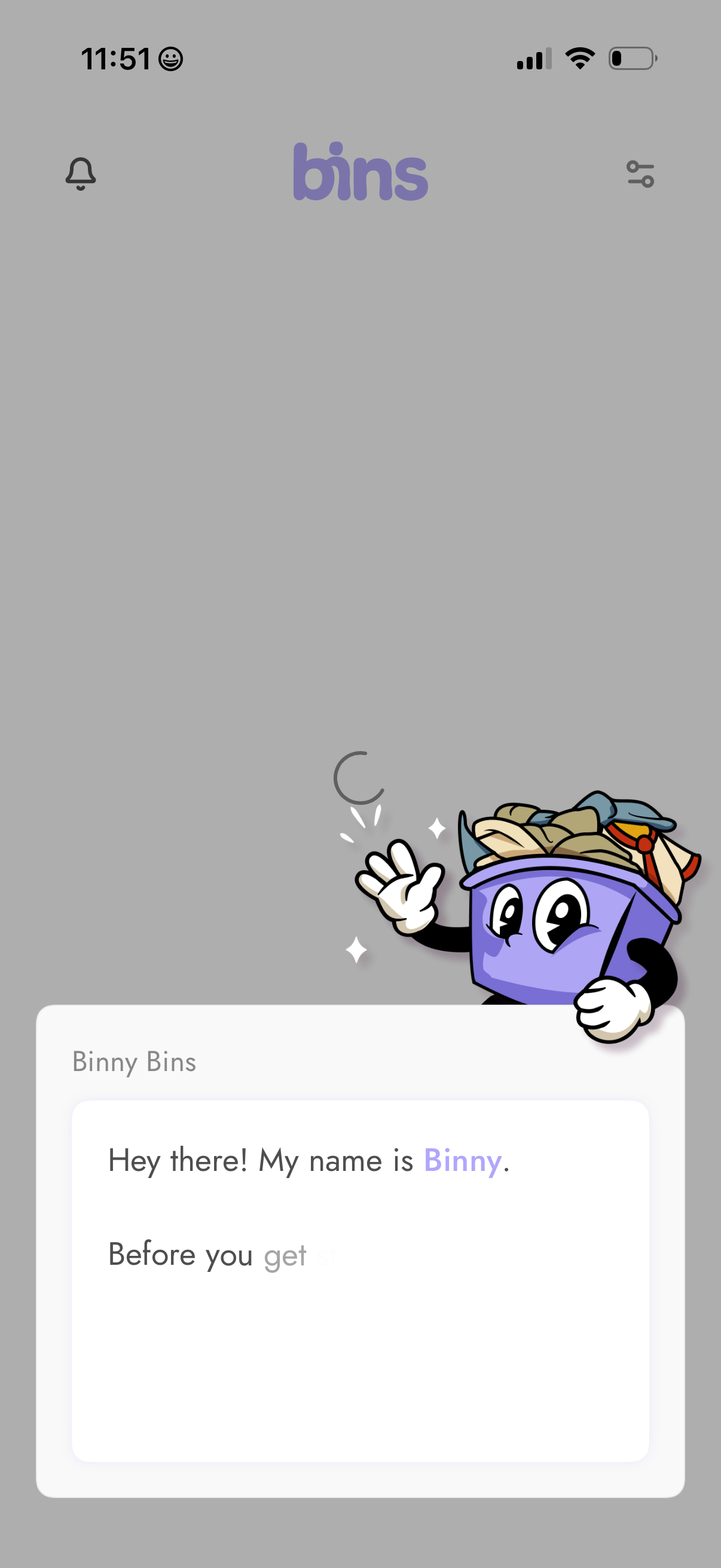
Onboarding welcome screen for a recycling/waste app featuring a friendly mascot assistant introducing itself in a card-style message. The top bar includes notifications and settings/filter icons while the main content loads with a spinner and introductory text panel.