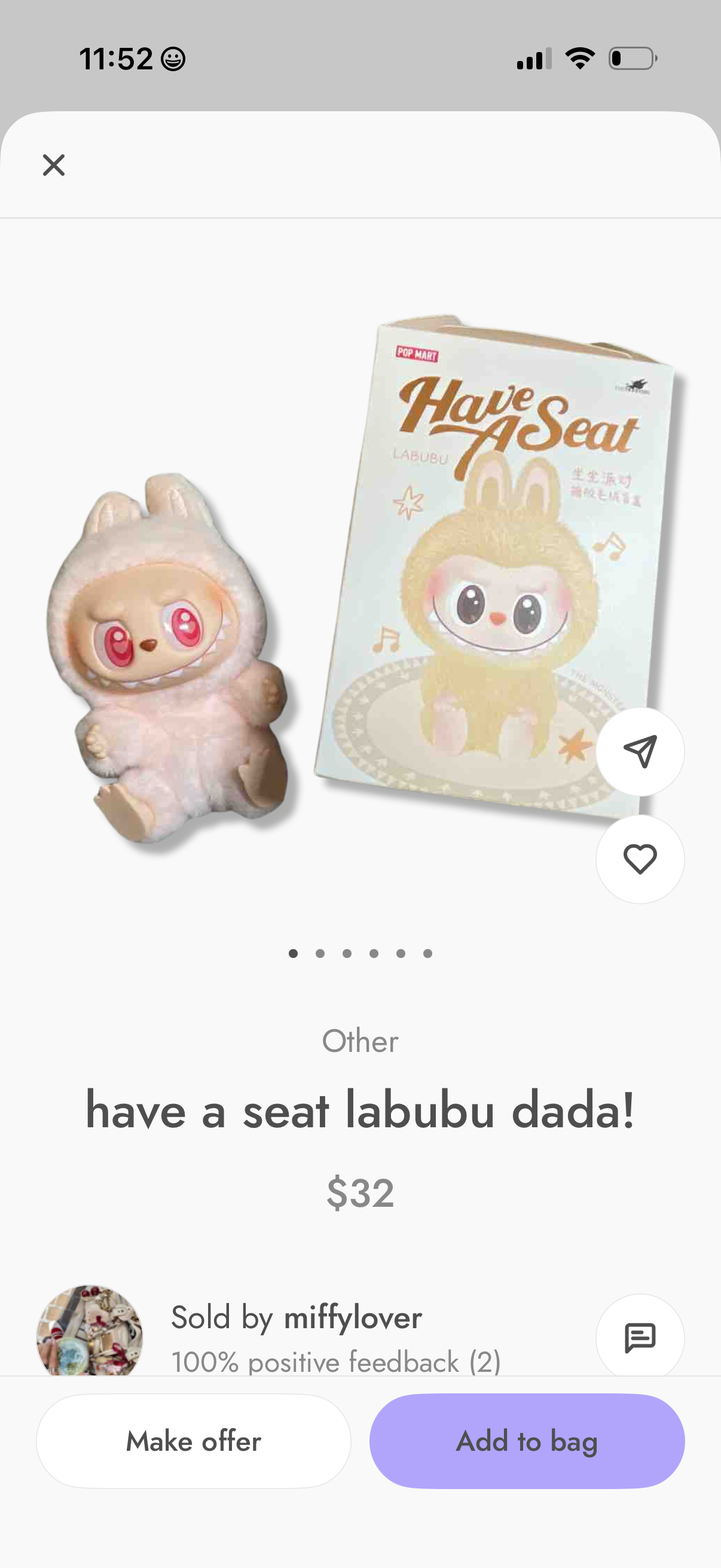
Product detail screen for a marketplace listing showing an image gallery, item title/category, price, and seller profile with rating/feedback. Primary actions include making an offer, adding the item to the bag, saving to favorites, sharing, and messaging the seller.
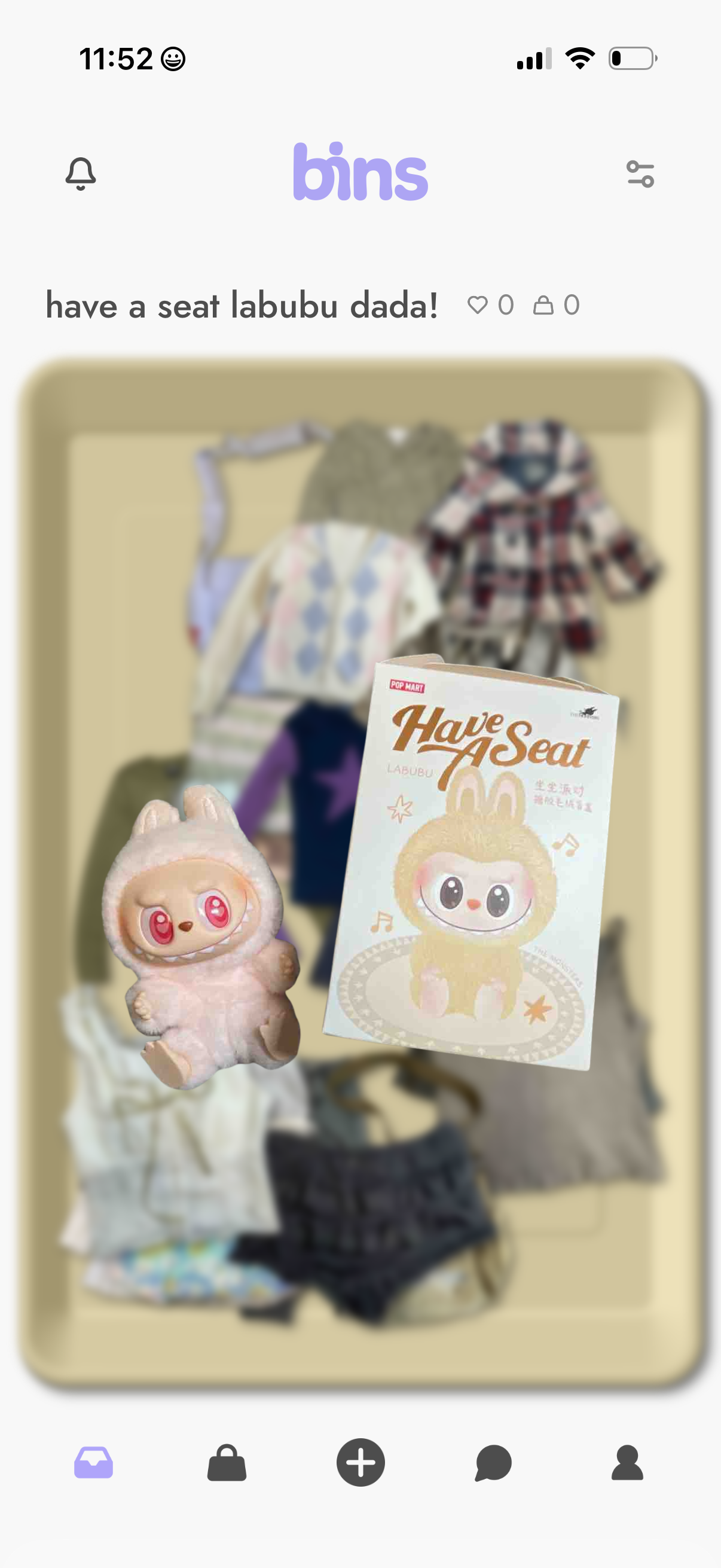
Product detail screen in a marketplace app showing a listing title, large photo of the item, and quick actions for favoriting/liking and adding to cart. Top navigation includes notifications and filters/settings, with a bottom tab bar for browsing, shop, create/post, messages, and profile.
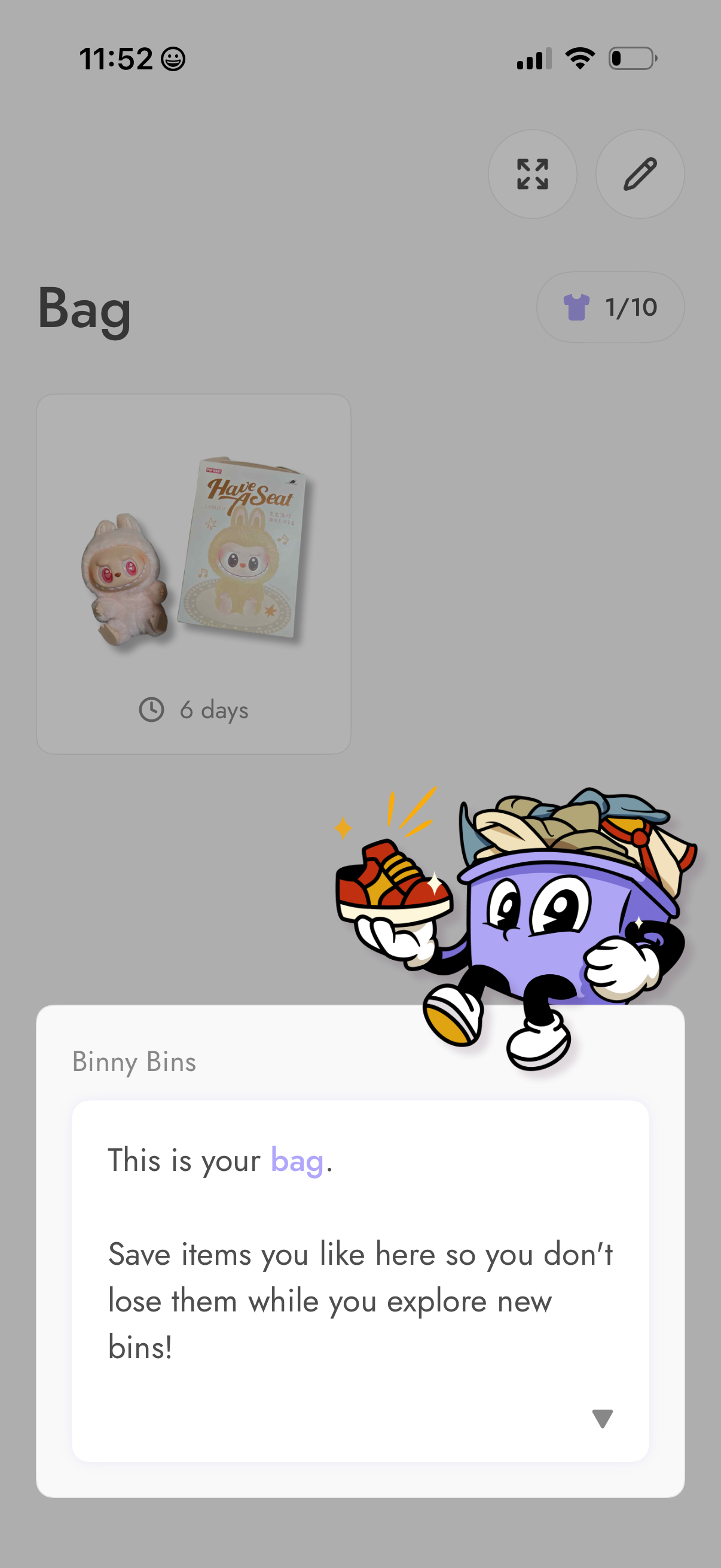
Bag (saved items) screen for a shopping/collectibles app showing a grid card of saved products with a time indicator and a counter for items saved. An onboarding tooltip overlay explains that the bag is where you save liked items to revisit while browsing other bins, with quick actions to expand view or edit.
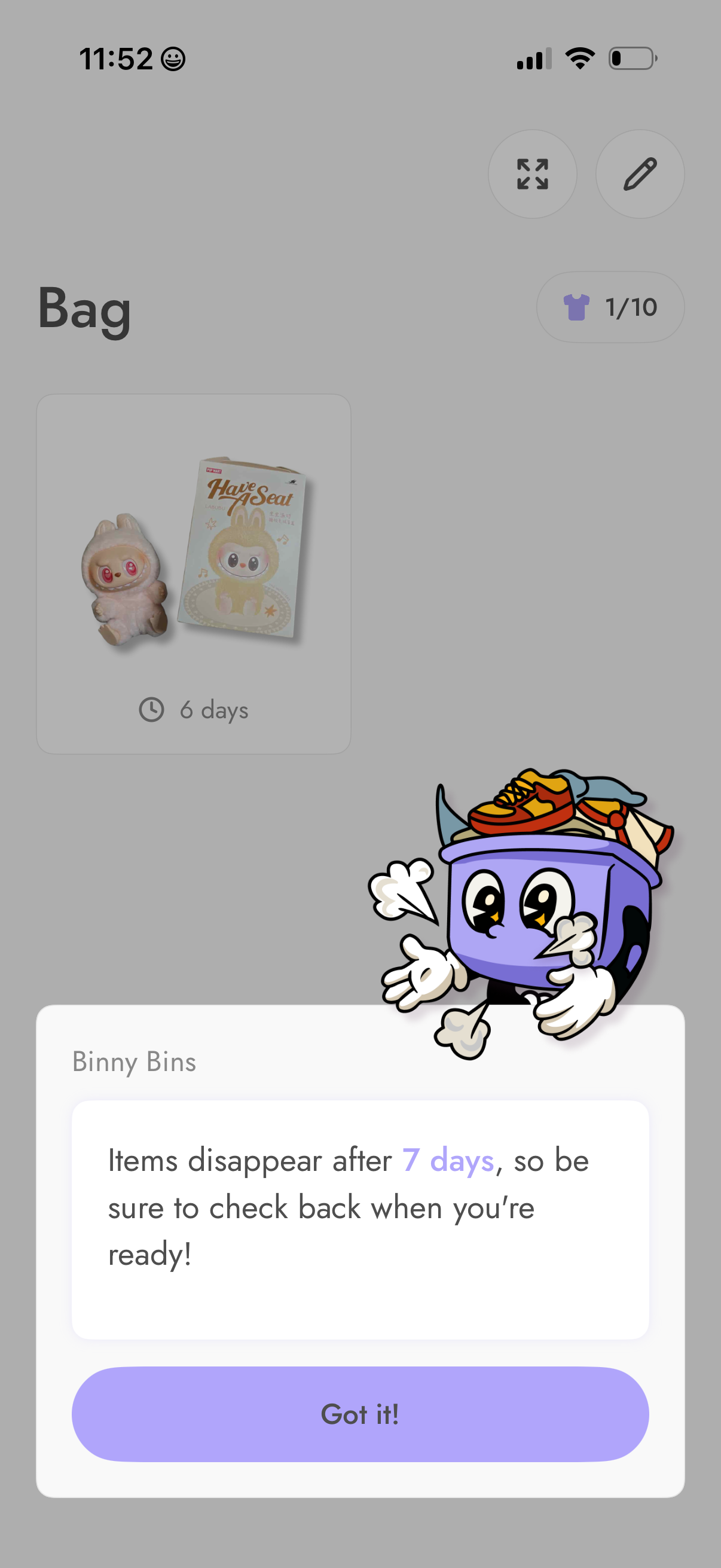
Inventory/bag screen showing saved items as a grid card with thumbnail and remaining days countdown, plus controls to view fullscreen and edit. An onboarding modal explains that items disappear after 7 days and requires confirmation with a “Got it!
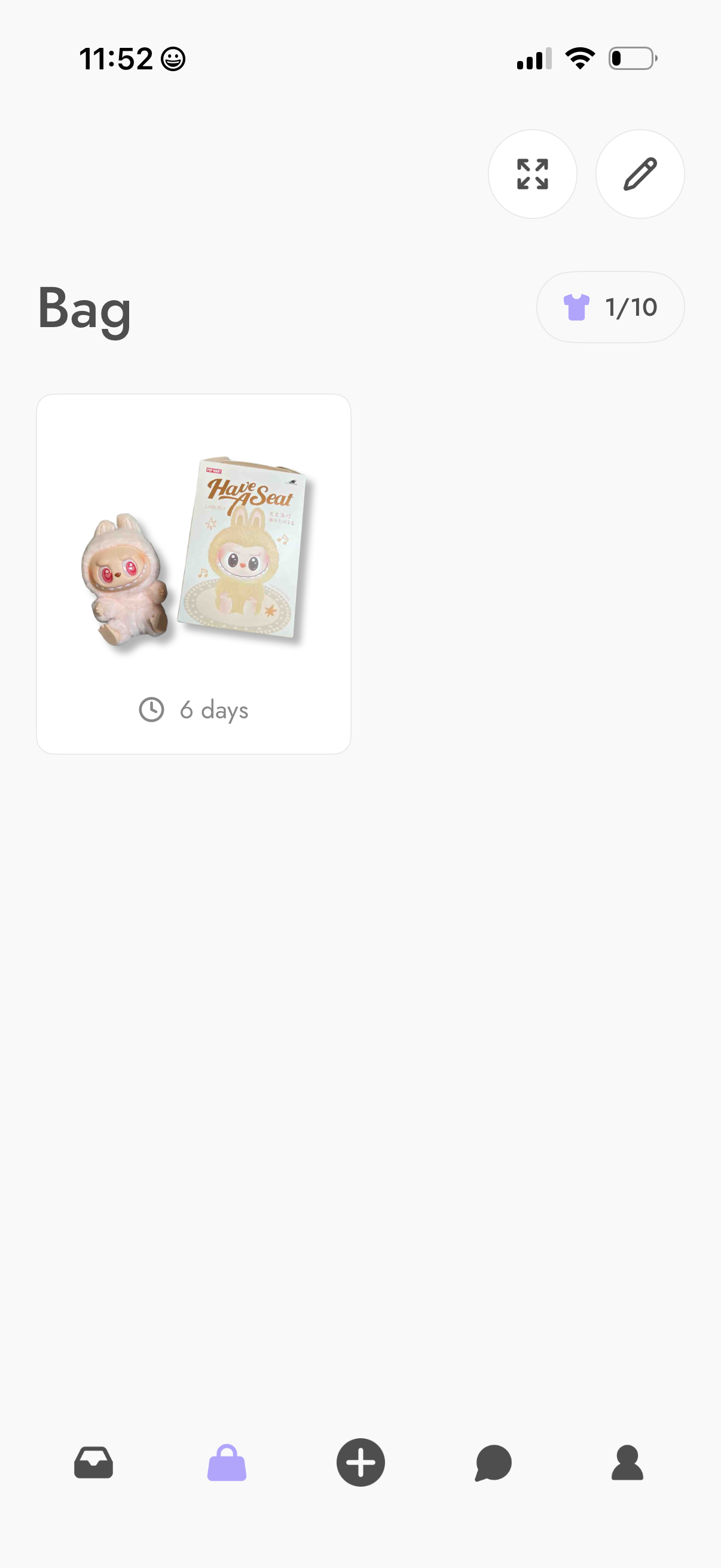
Bag or collection inventory screen showing a grid card of owned items with a thumbnail and time remaining indicator (e. g.