browse messages
1
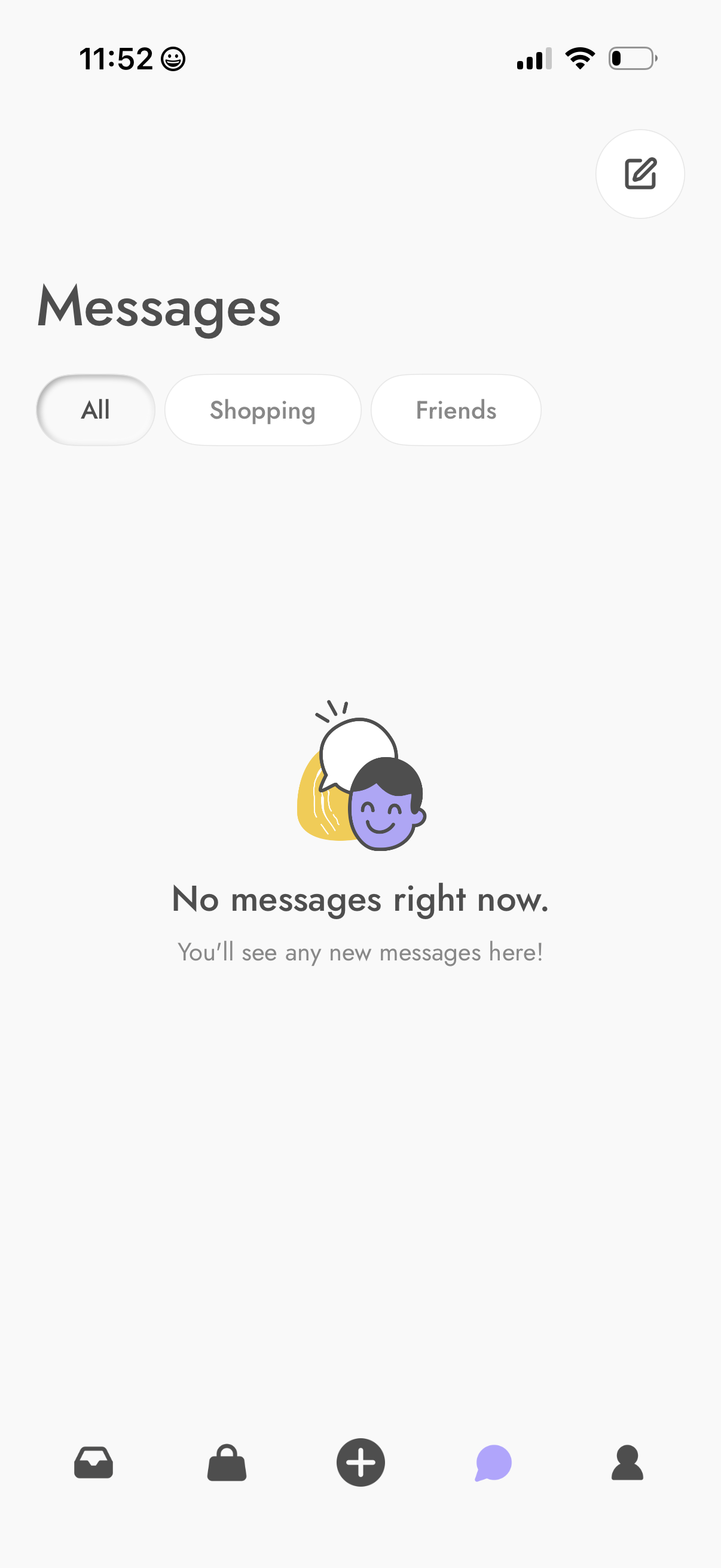
Inbox messages screen showing an empty state with “No messages right now” and category filters for All, Shopping, and Friends. Includes a compose/new message button in the top right and a bottom navigation bar with the Messages tab selected.
2
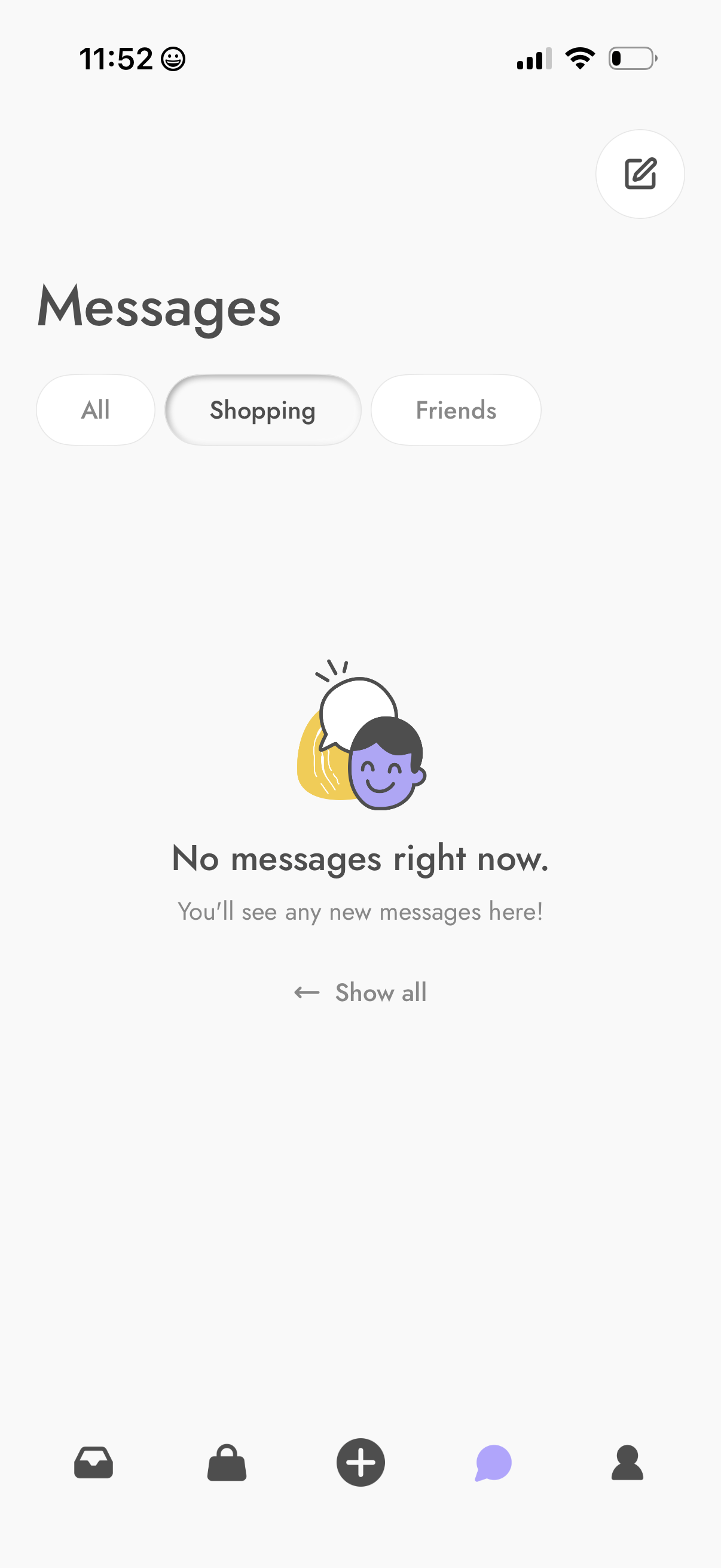
Inbox/messages screen with segmented filters for All, Shopping, and Friends, plus a compose/new message button. Shows an empty state indicating no messages and a “Show all” option to return to the full message list.
3
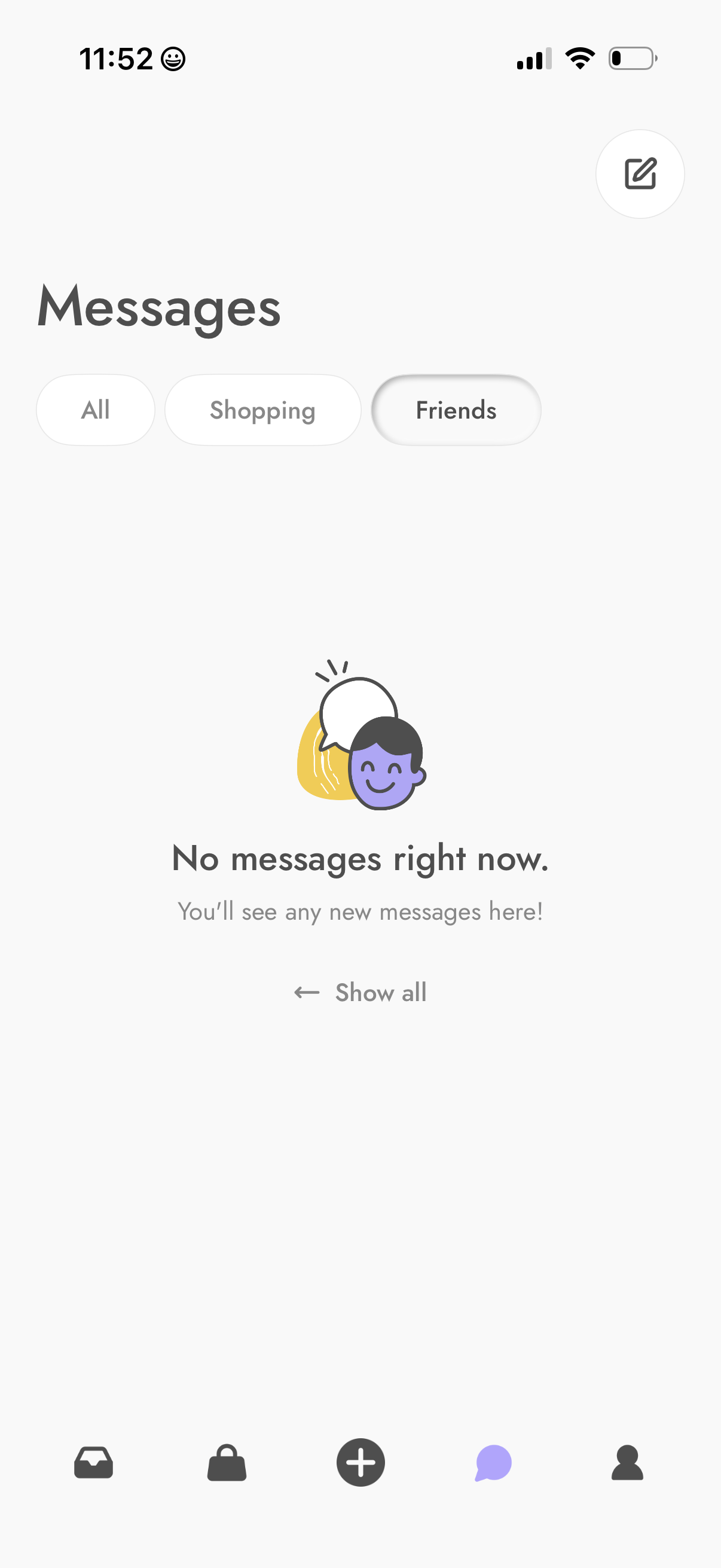
Messages inbox screen with segmented filters for All, Shopping, and Friends, plus a compose/new message button. Shows an empty state (“No messages right now”) with a link to show all conversations and bottom tab navigation.