add shipping address
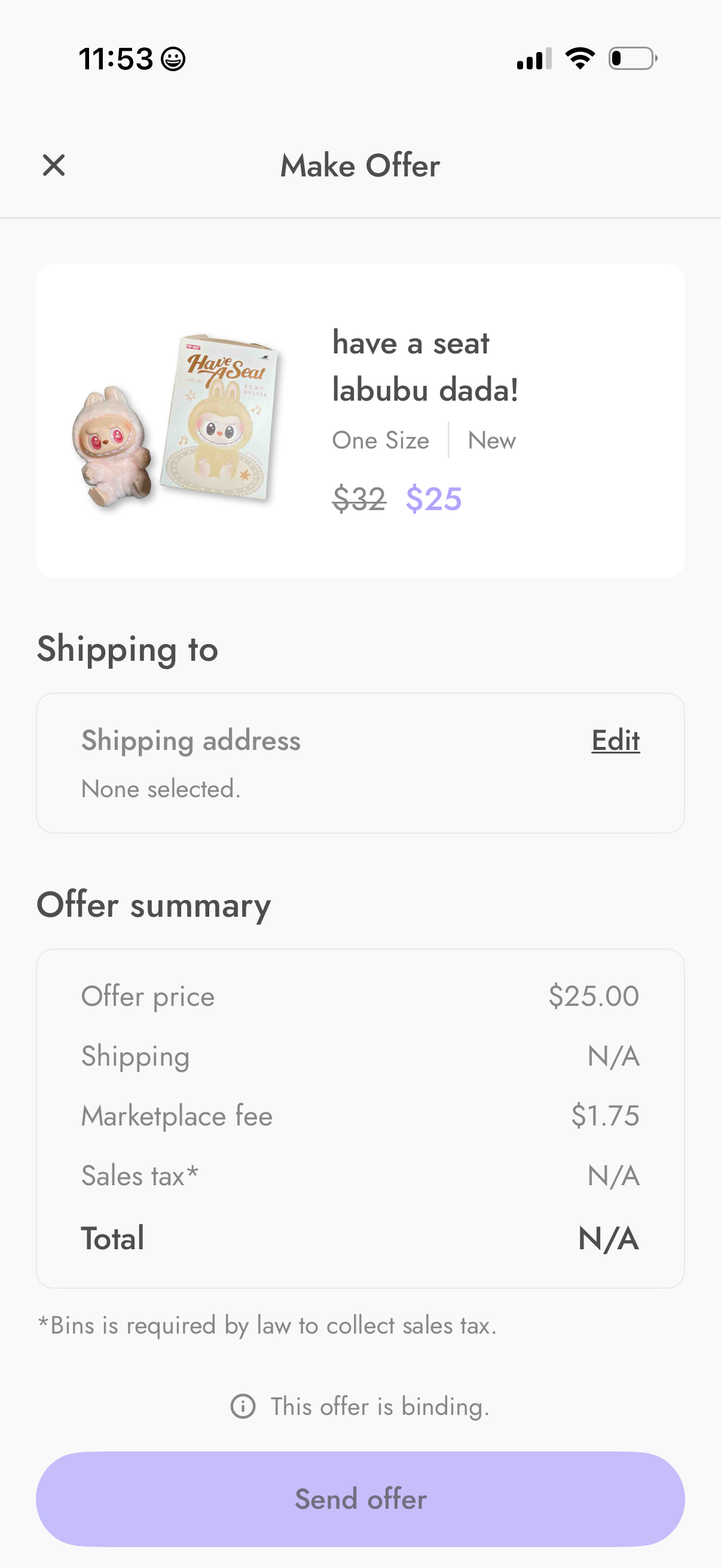
Marketplace “Make Offer” checkout screen showing an item preview with original and offered price, a shipping address selector/edit option, and an offer summary breakdown (offer price, shipping, marketplace fee, tax, total). Includes a binding-offer notice and a primary “Send offer” button to submit the bid.
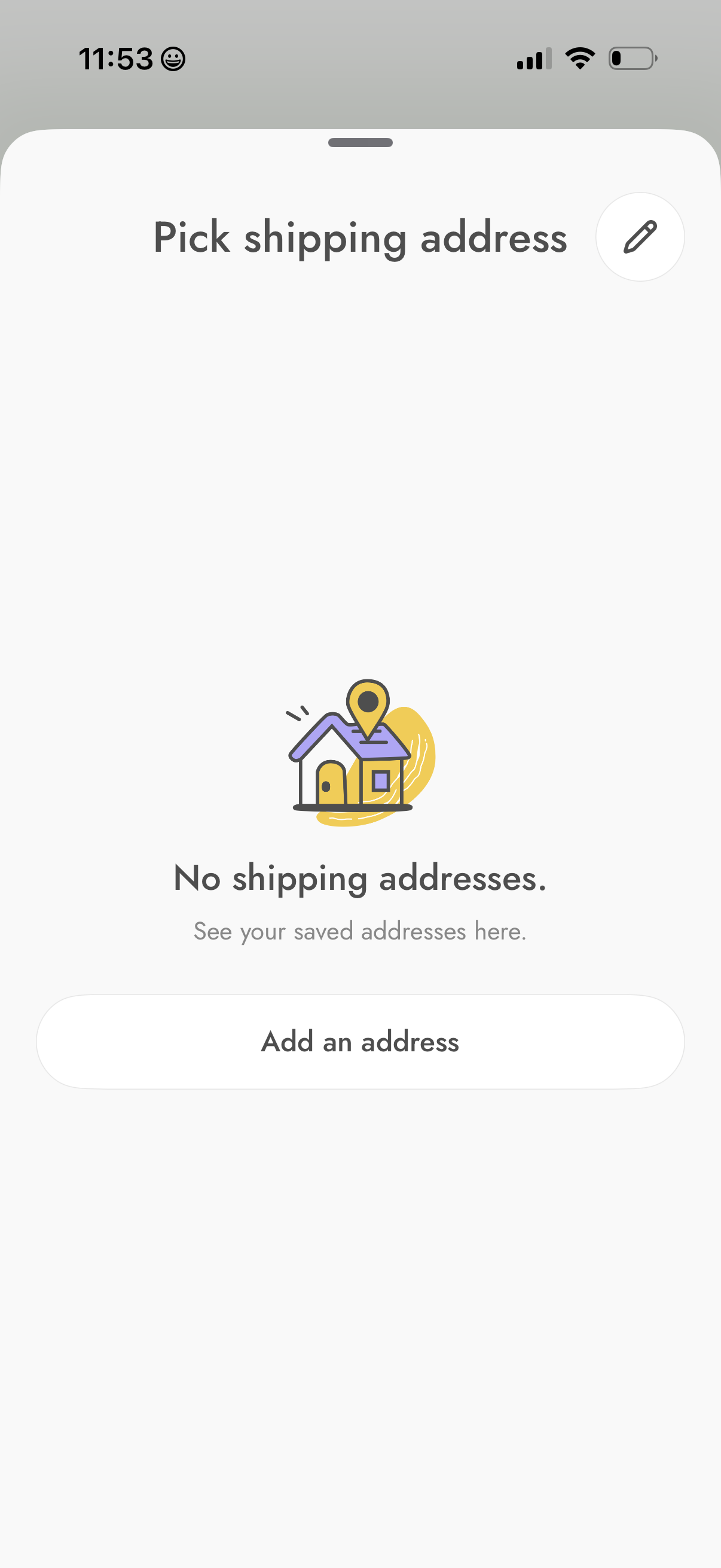
Checkout shipping address selection screen showing an empty state with “No shipping addresses” message and an illustration when no saved addresses exist. Primary action is a large “Add an address” button, with an edit/manage addresses icon in the header.
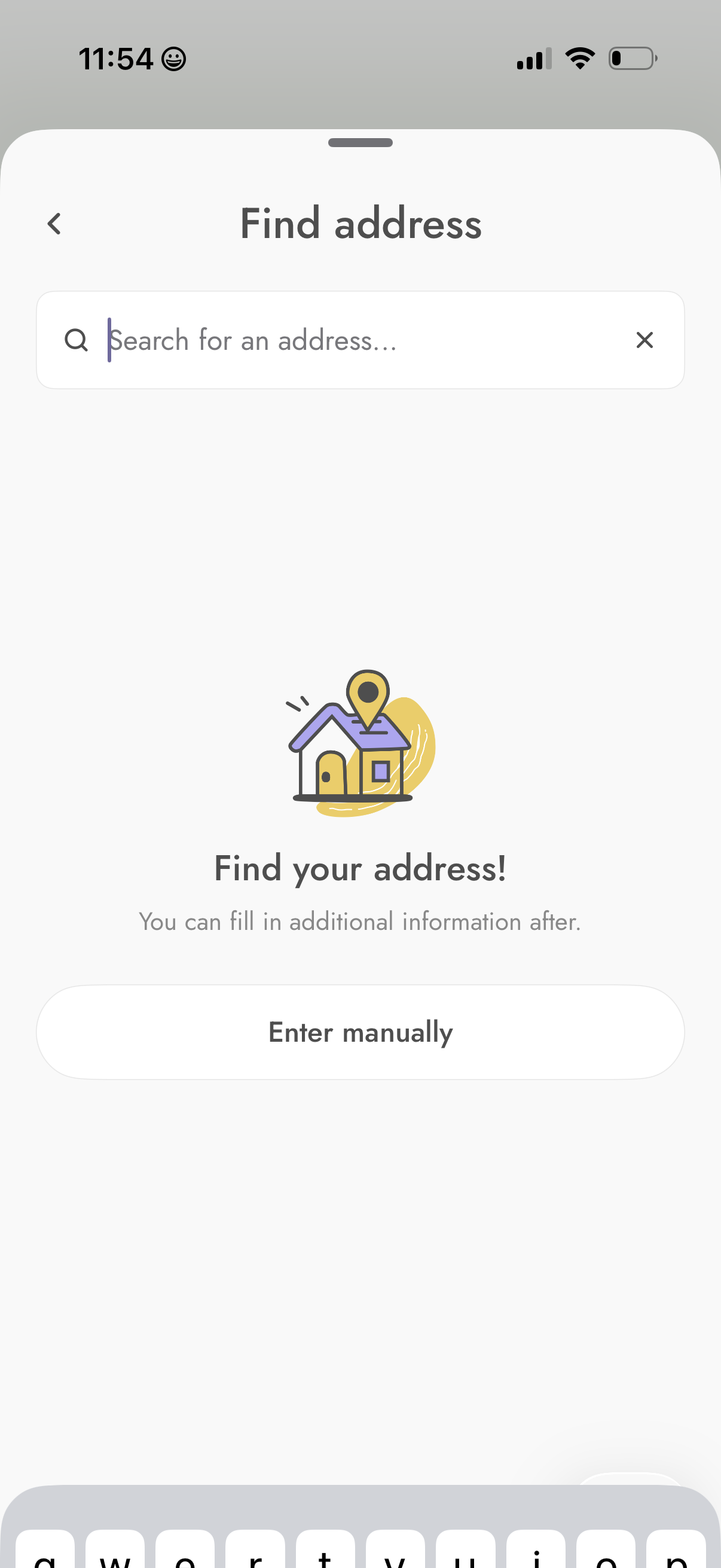
Address lookup screen for entering a delivery or home location, featuring a search bar to search for an address with a clear input option. Provides an alternative “Enter manually” button for adding the address details without search.
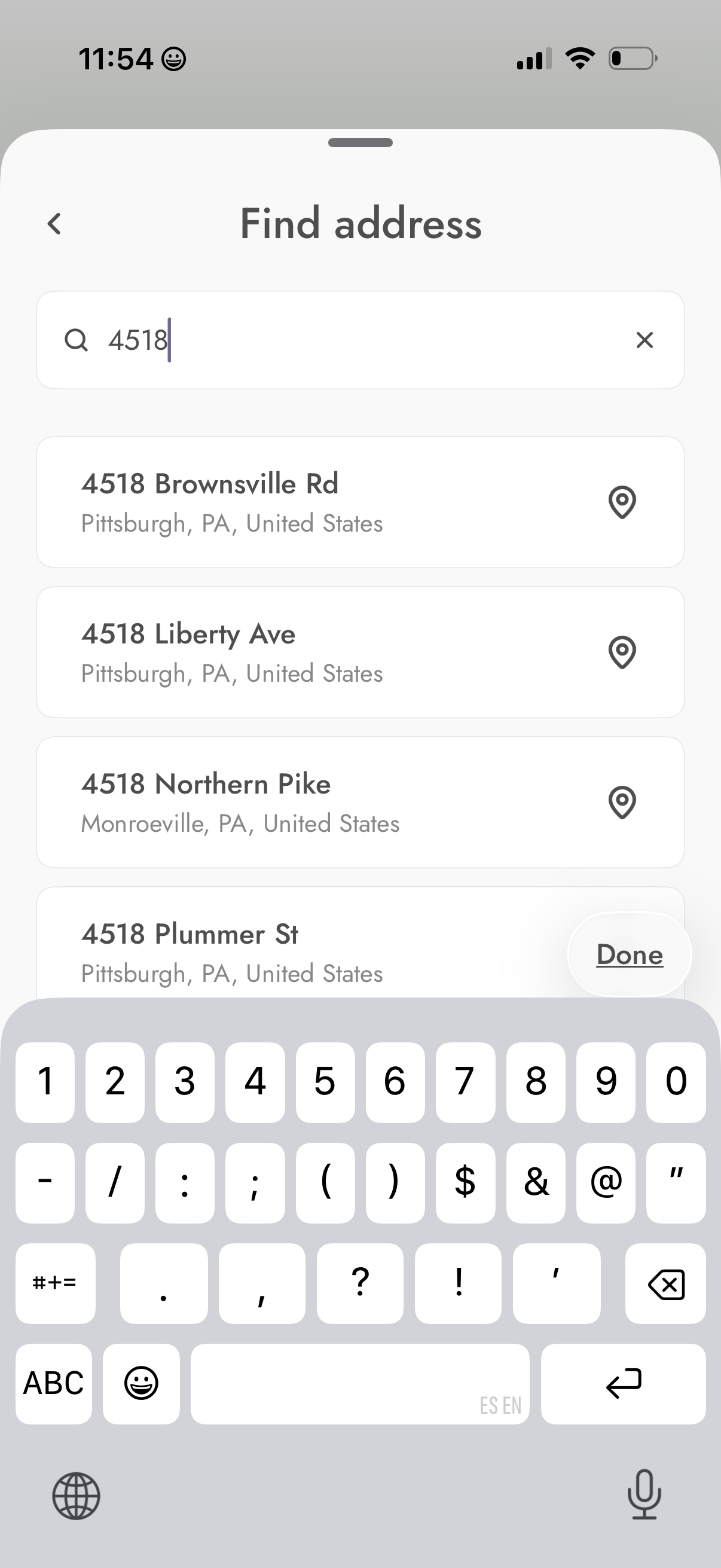
Address search screen with a “Find address” header, a search field (with clear button) for typing a street number/name, and an autocomplete list of matching addresses showing city/state and a location-pin icon for selecting one. Includes back navigation and a Done button to confirm the chosen address.
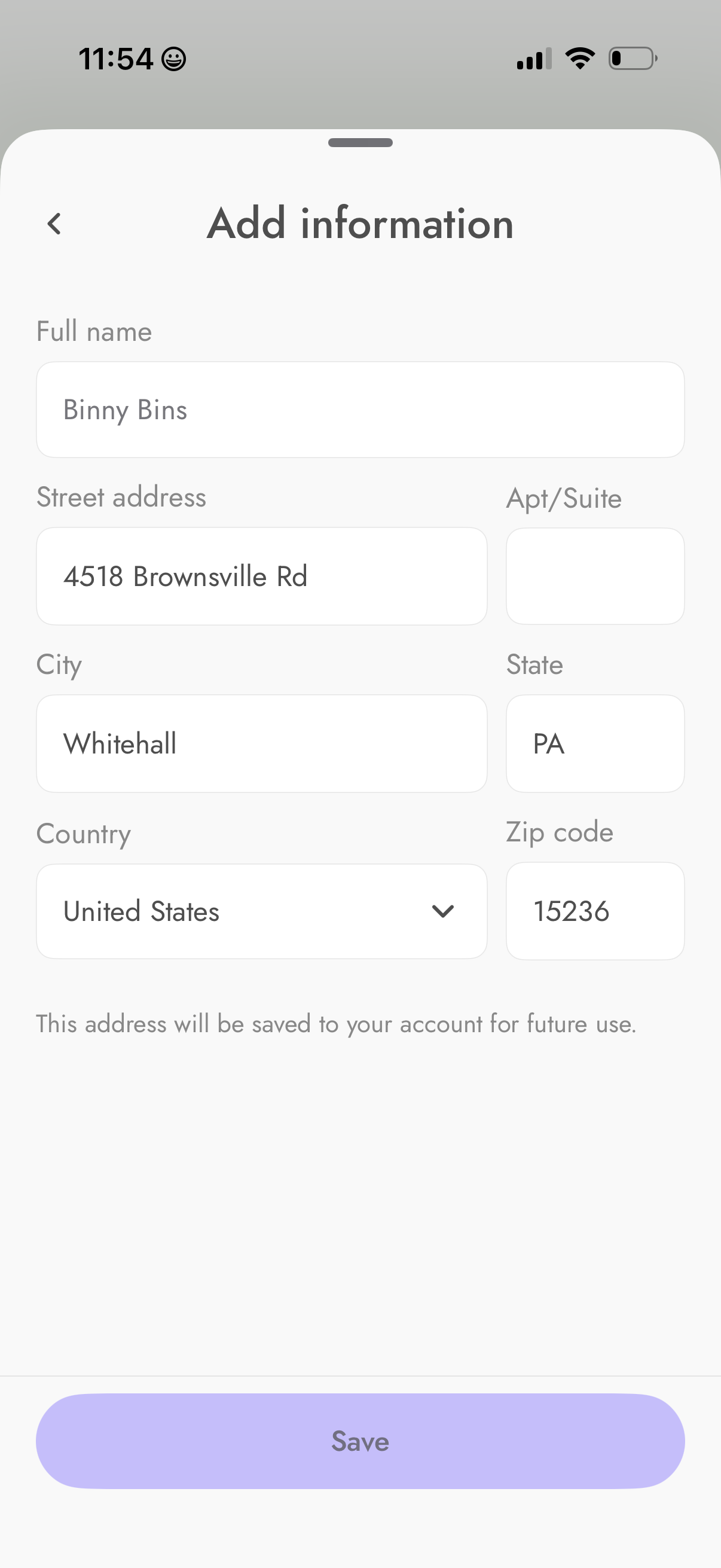
Form screen for adding and saving a mailing/shipping address to a user account, with fields for full name, street address, apartment/suite, city, state, country dropdown, and ZIP code. Includes a back navigation arrow and a primary “Save” button to store the address for future use.
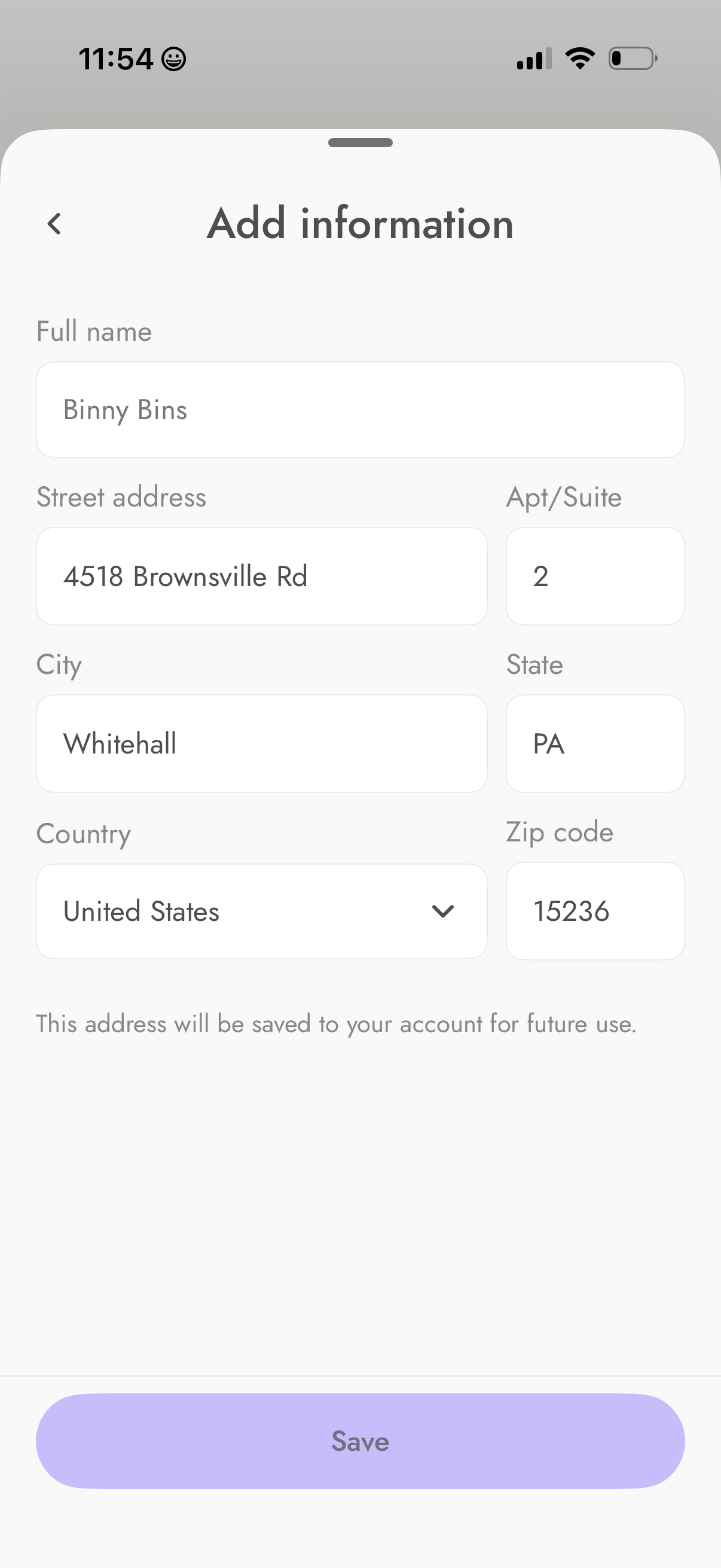
Address entry form screen for adding and saving a user’s shipping/billing address, with fields for full name, street address, apartment/suite, city, state, country dropdown, and zip code. Includes a back navigation and a primary Save button that stores the address to the account for future use.
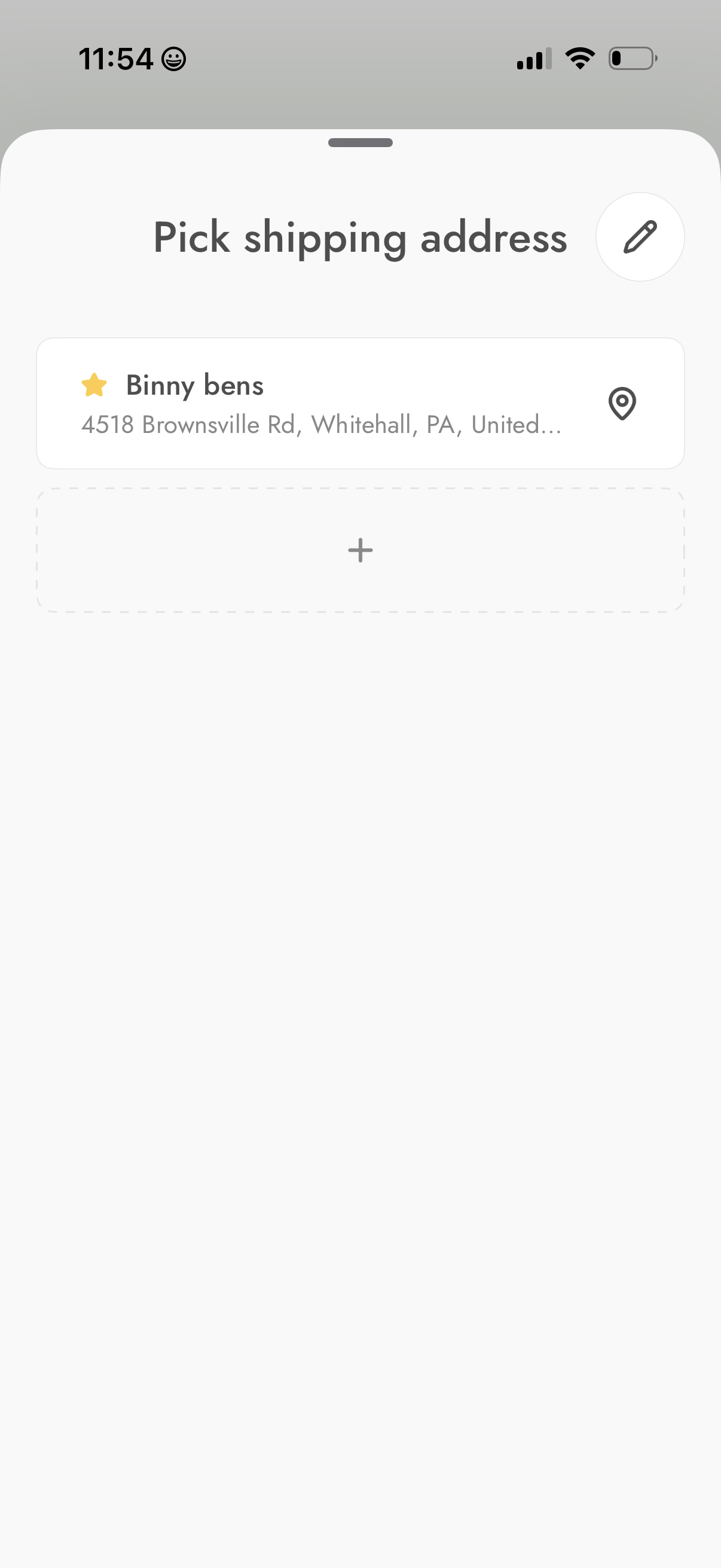
Checkout shipping address selection screen showing a saved favorite address with location icon, plus an option to add a new address and an edit button to manage addresses.