add cash with apple
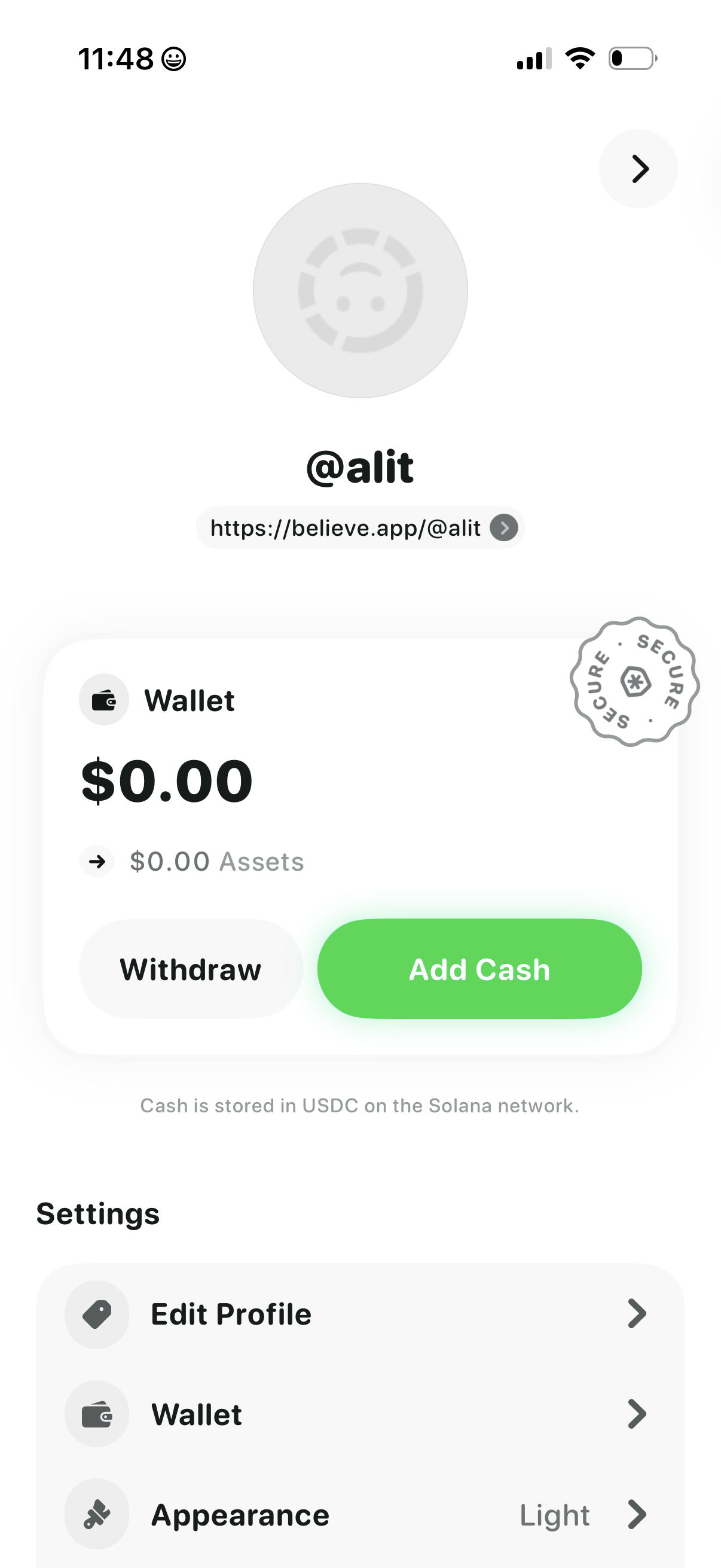
Profile and wallet overview screen showing a user handle and shareable profile URL, plus a wallet card with current balance and asset total and primary actions to Add Cash or Withdraw. Below, a settings list provides navigation to Edit Profile, Wallet details, and Appearance/theme options.
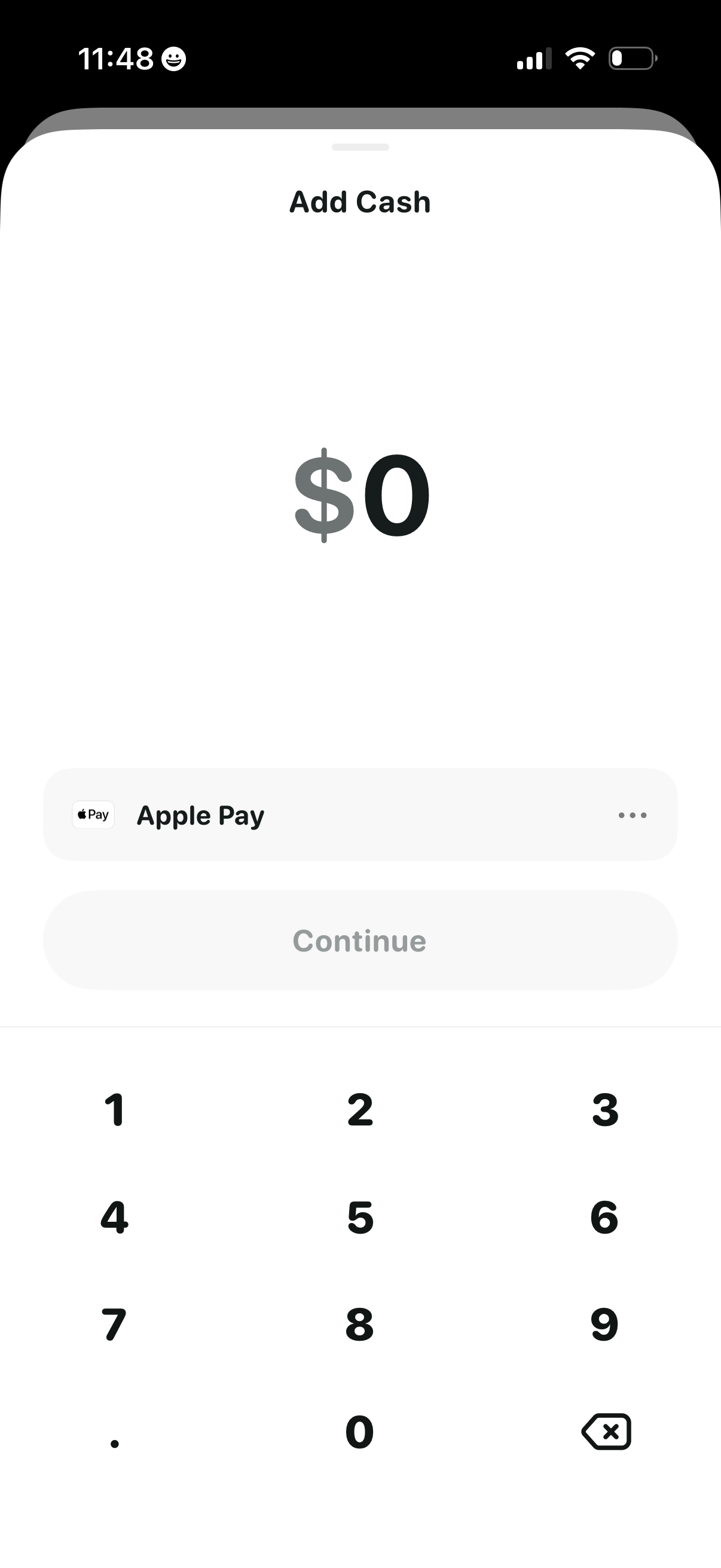
Add cash / top up screen for a wallet showing a large amount input field with numeric keypad, a selected funding method (Apple Pay) with options menu, and a disabled Continue button that becomes enabled after entering an amount.
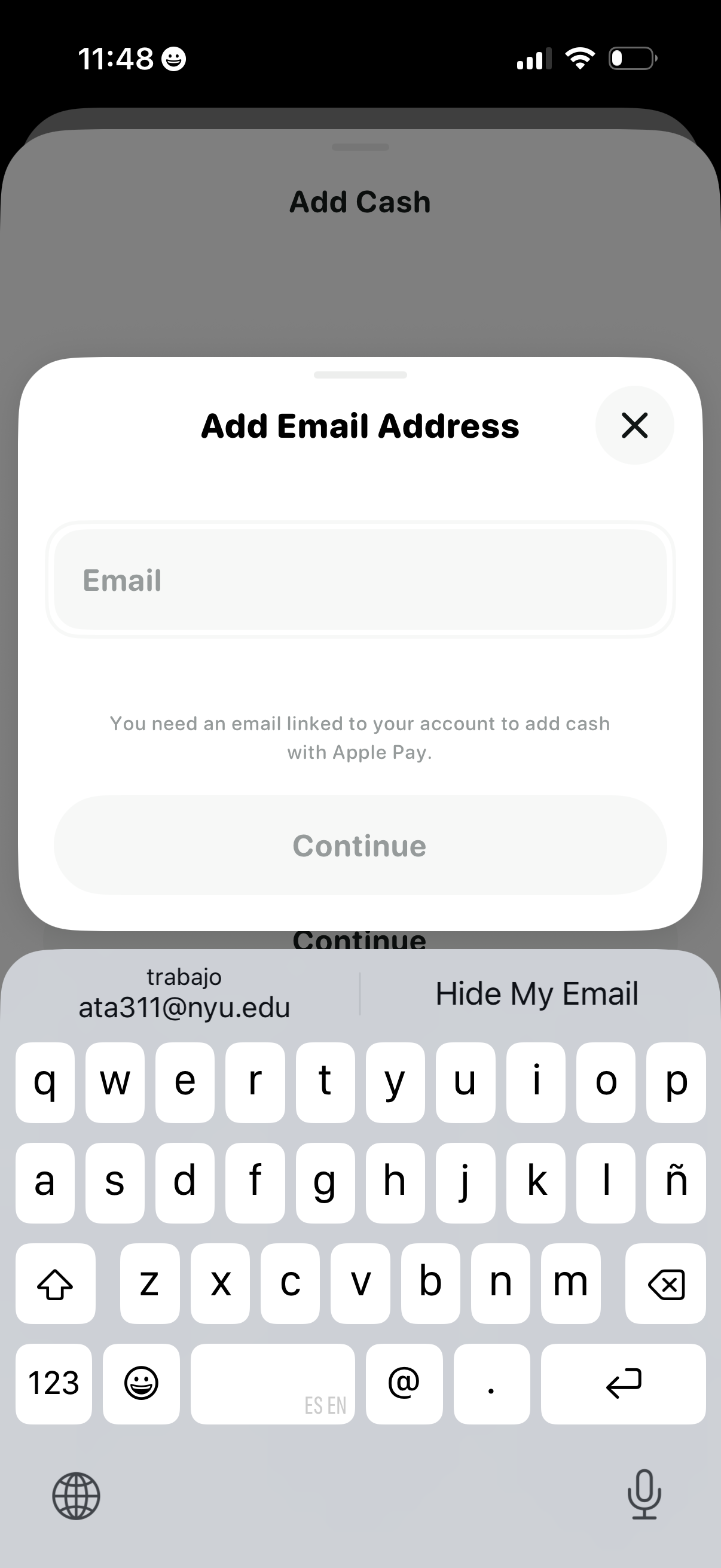
Modal prompt requiring the user to add an email address before they can add cash using Apple Pay, with a single email input field, an explanatory note, and a disabled Continue button until an email is entered, plus a close (X) action.
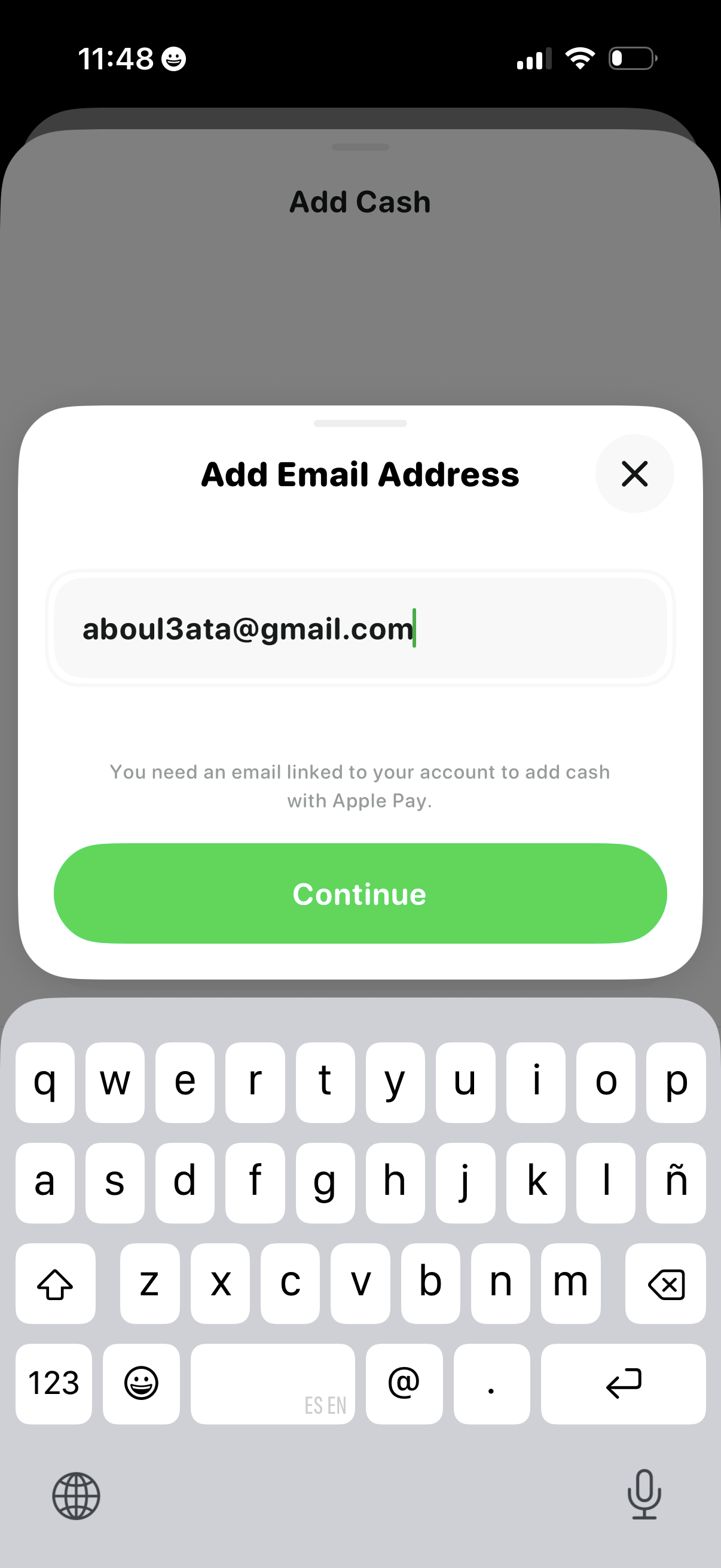
Modal bottom sheet prompting the user to add an email address to their account in order to add cash with Apple Pay, with a single email input field. Primary action is a large “Continue” button, with an X to dismiss/close the modal.
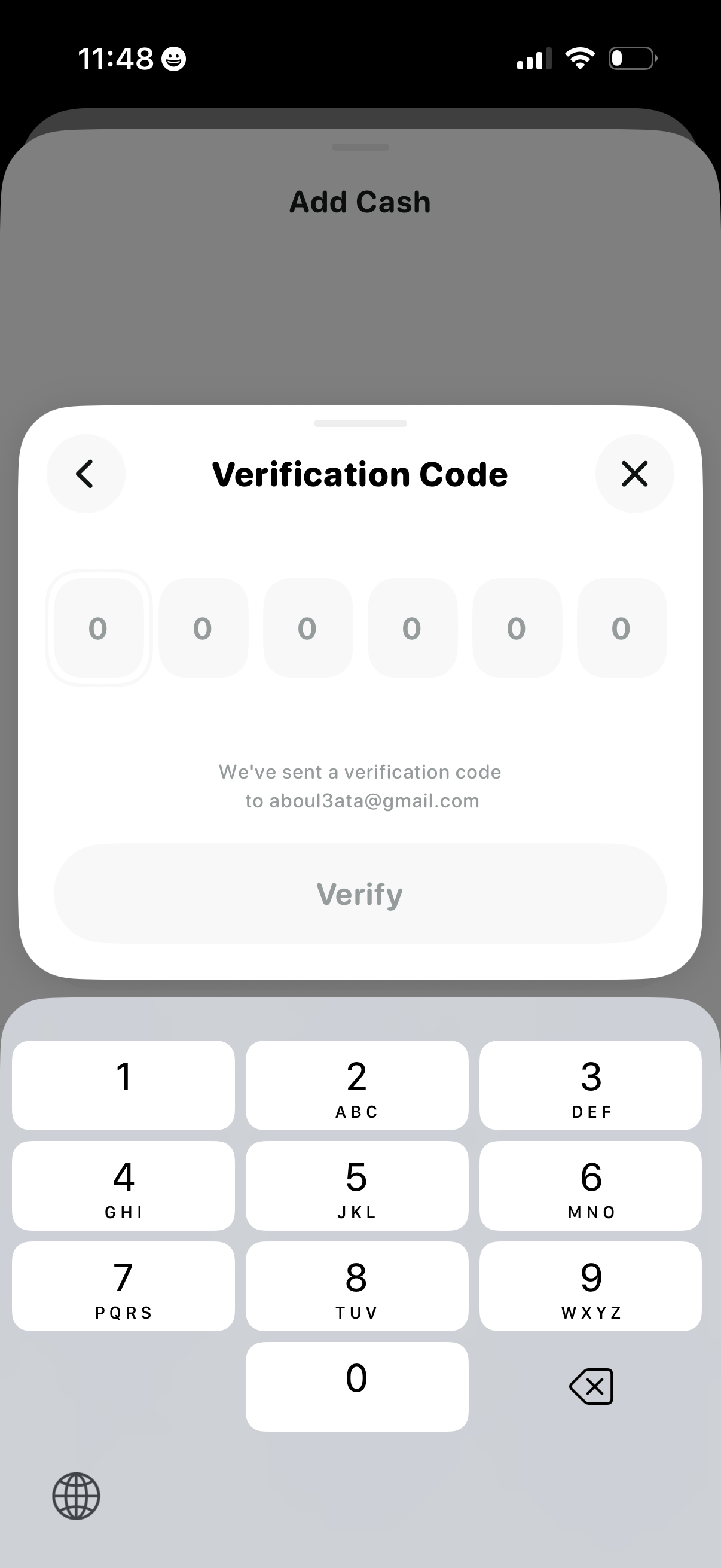
Modal verification code (OTP) entry screen for confirming an action like adding cash, featuring six digit input boxes, message that a code was sent to email, and a disabled/enabled Verify button with back and close controls.