sign in with email
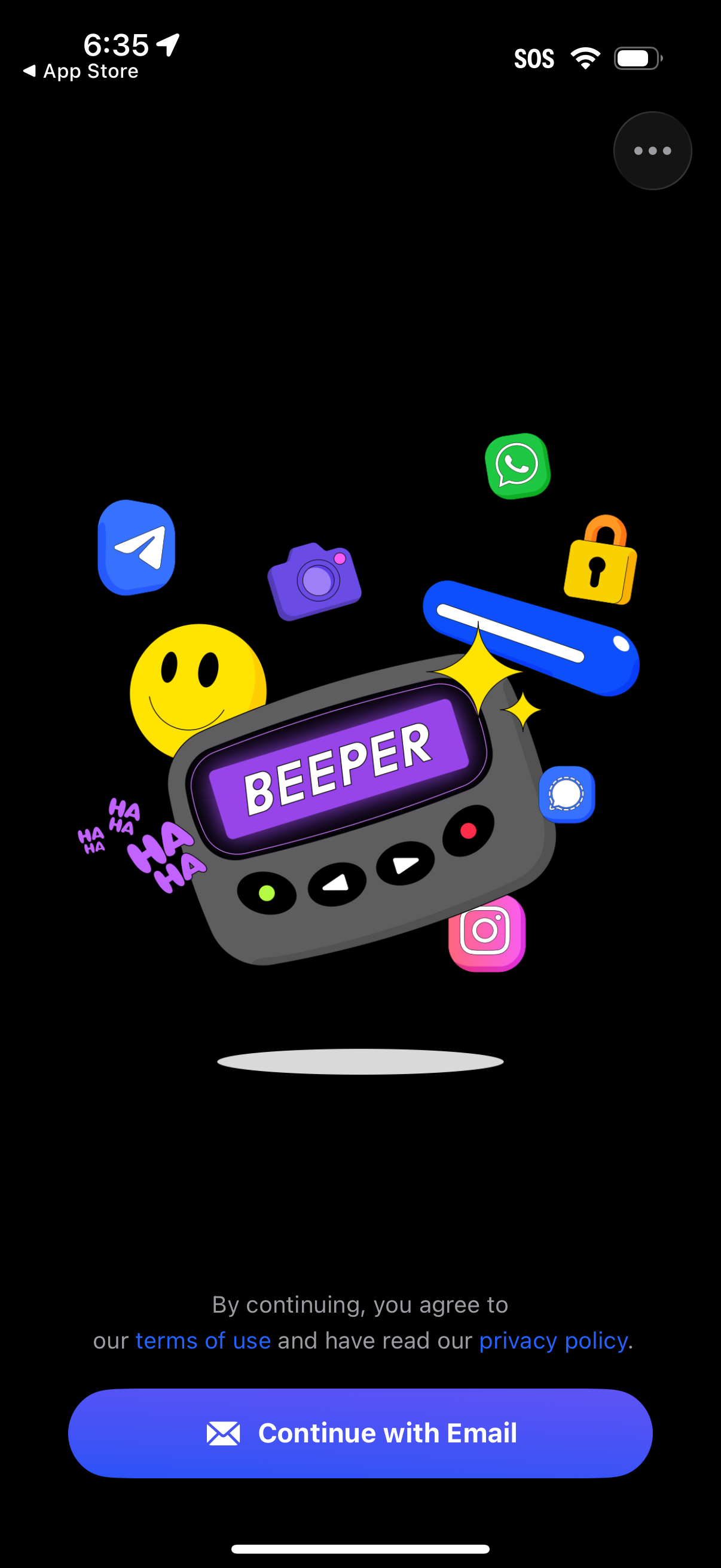
Playful app onboarding/login screen for a messaging app called Beeper, showing a single primary CTA button to “Continue with Email” plus terms of use and privacy policy consent text. Dark themed splash with illustrated floating app icons and an overflow/options button in the top right.
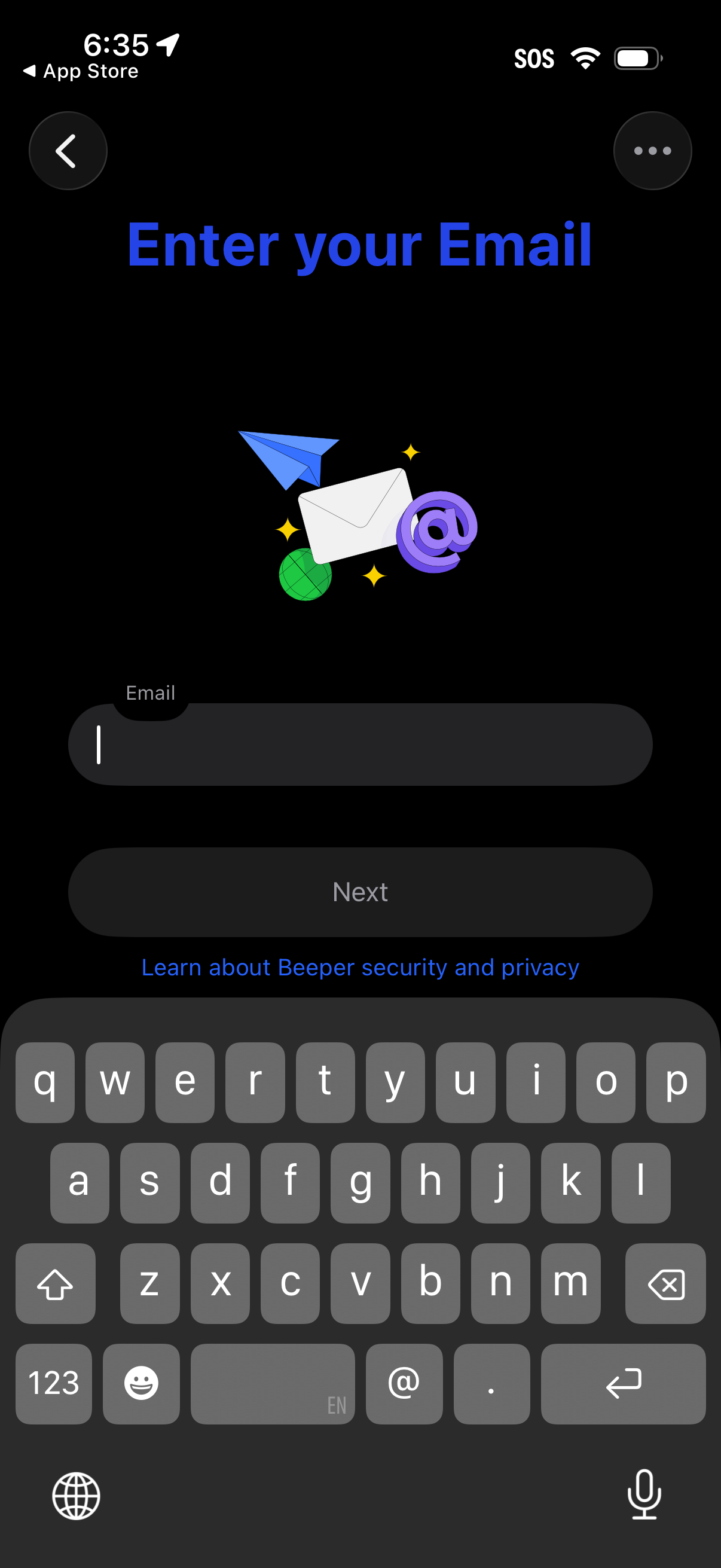
Email entry screen in an onboarding or login flow with a single email input field and a disabled “Next” button that activates after typing. Includes back navigation, an overflow menu, and a link to learn about security and privacy.
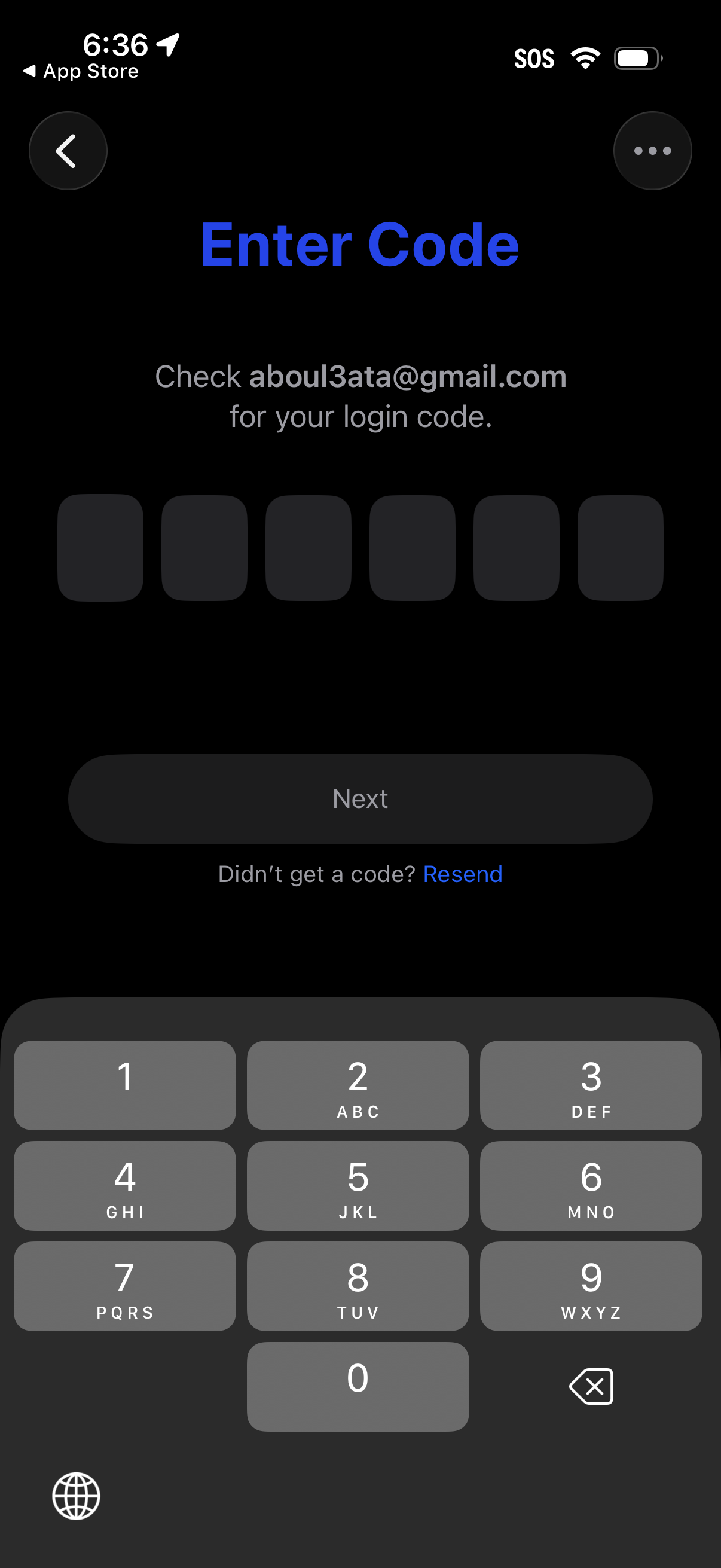
Two-factor authentication login verification screen prompting the user to enter a 6-digit code sent to their email, with six code input boxes and a numeric keypad. Includes a disabled “Next” button until the code is entered and a “Resend” link for not receiving the code.
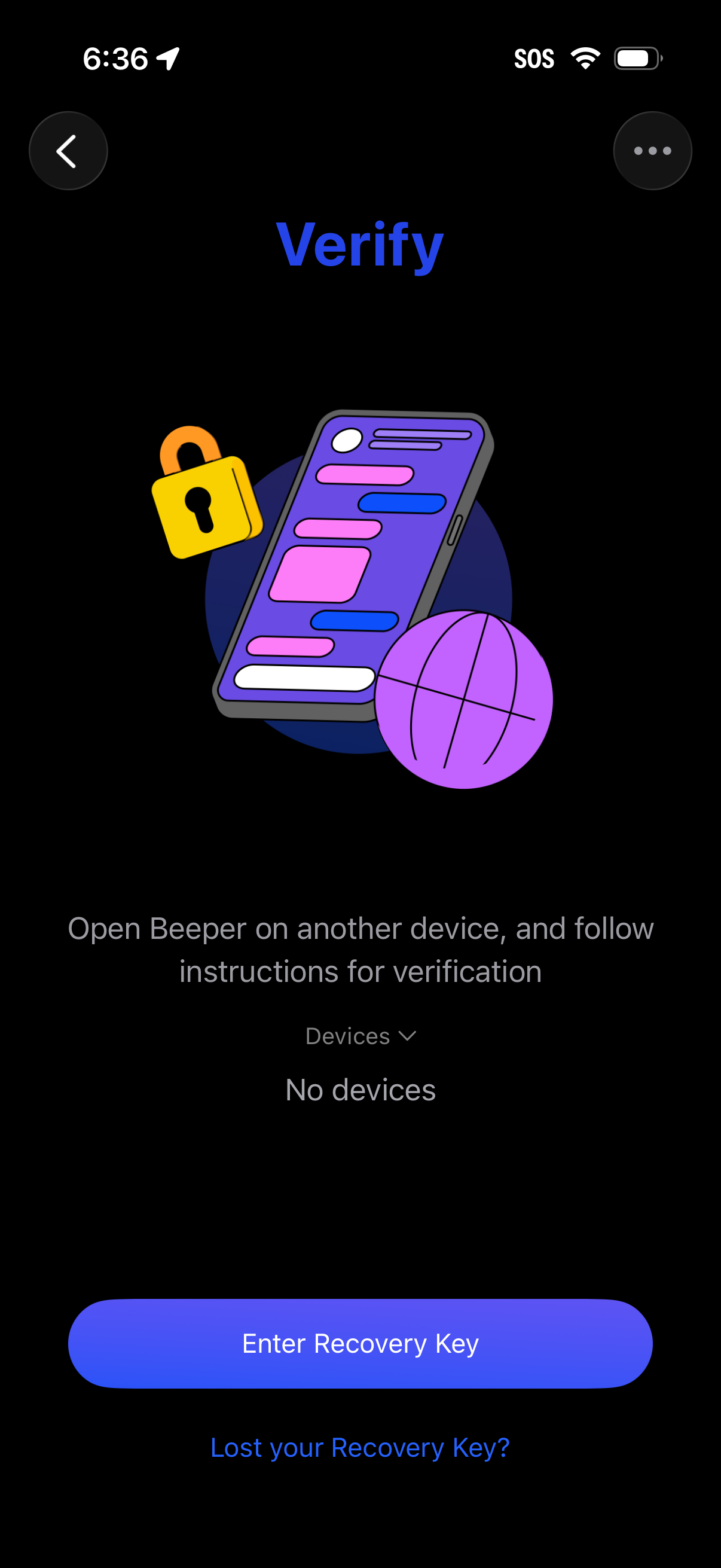
Account verification screen for a messaging app that instructs users to open the app on another device and follow verification steps, with a device selector showing no devices available. Primary action is entering a recovery key, with a secondary link for “Lost your Recovery Key?