Sign In

App launch splash screen for a real estate property search app, showing a centered logo on a solid green background while the application loads.
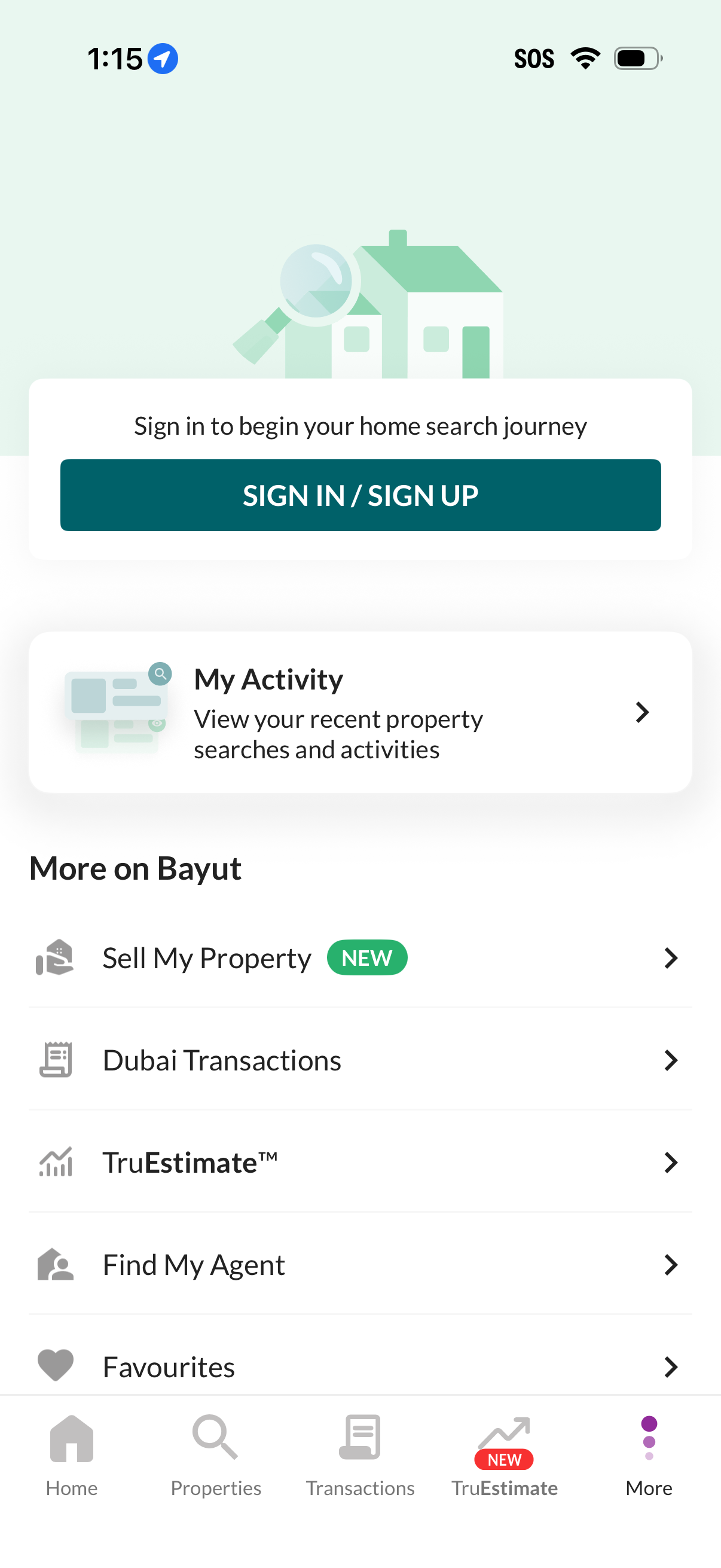
Real estate app “More” or profile menu prompting users to sign in/sign up to start a home search journey. Provides quick access to My Activity (recent searches), Sell My Property, Dubai Transactions, property valuation (TruEstimate), Find My Agent, and Favourites, with a bottom tab bar for Home, Properties, Transactions, TruEstimate, and More.
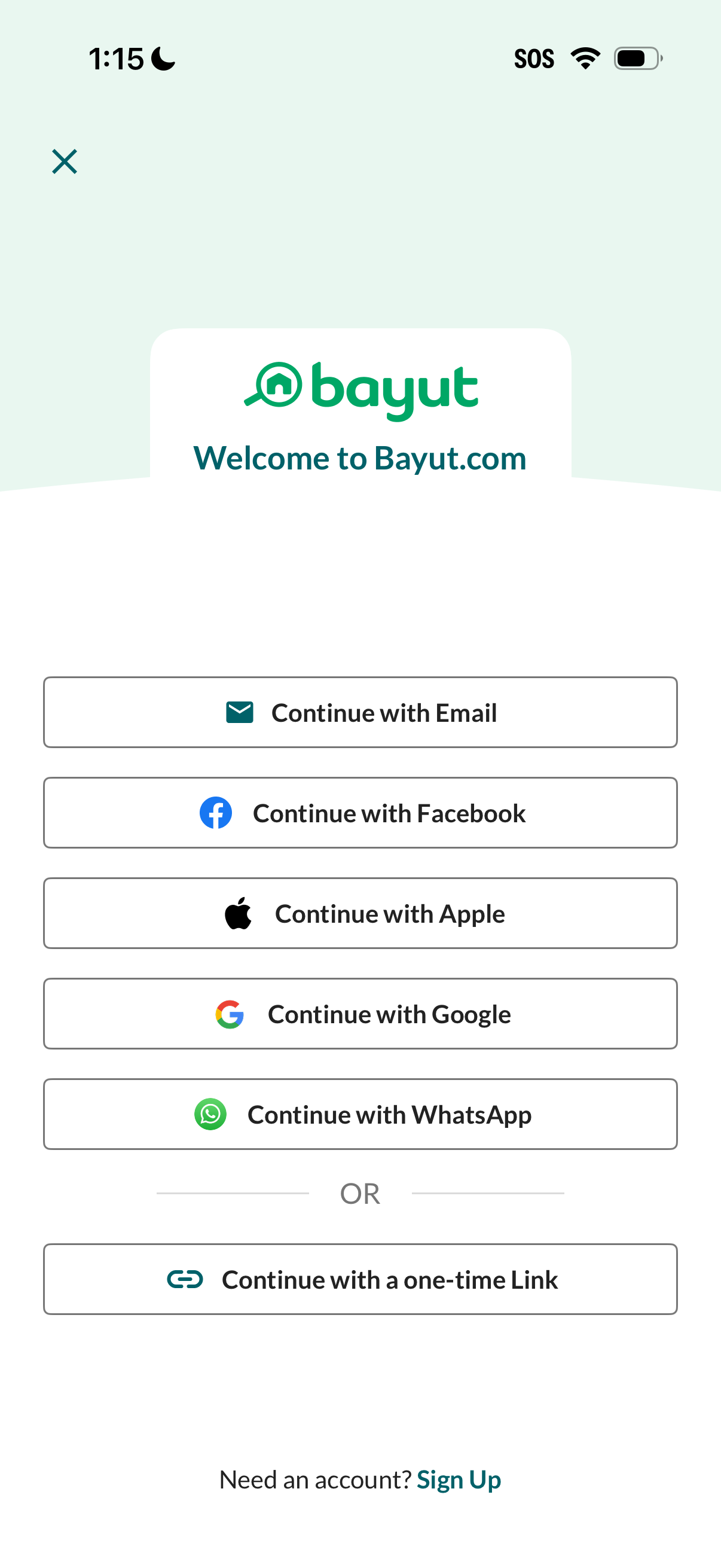
Welcome/login screen offering multiple authentication options, including continue with email, Facebook, Apple, Google, WhatsApp, or a one-time link. Includes a close button to dismiss and a Sign Up link for creating a new account.
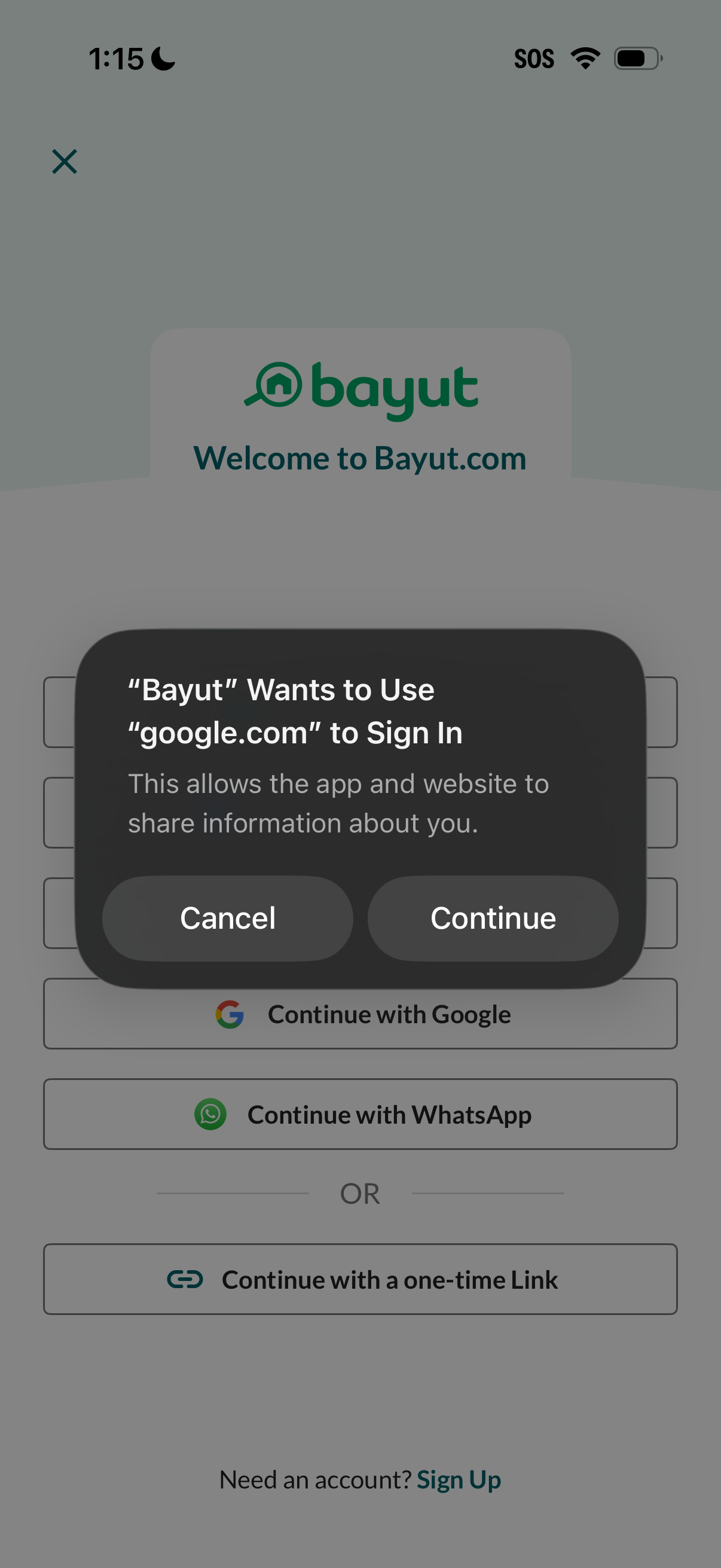
Mobile sign-in screen for an app/website showing multiple authentication options (continue with Google, WhatsApp, or a one-time link) plus a sign up link. An iOS permission alert overlays the page asking to allow Google.
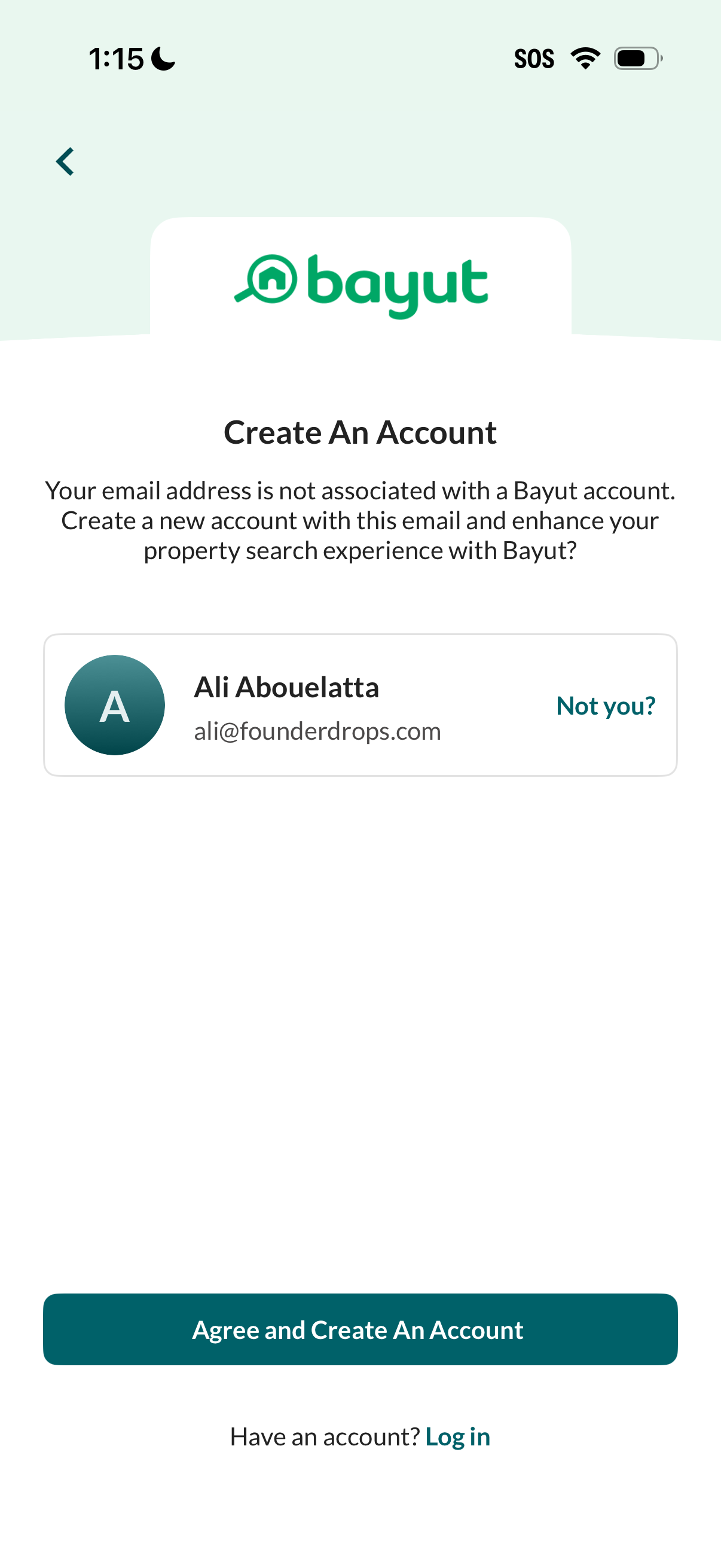
Account creation prompt for a property search app indicating the entered email isn’t associated with an existing account, showing the selected name/email with a “Not you? ” option to switch identities.
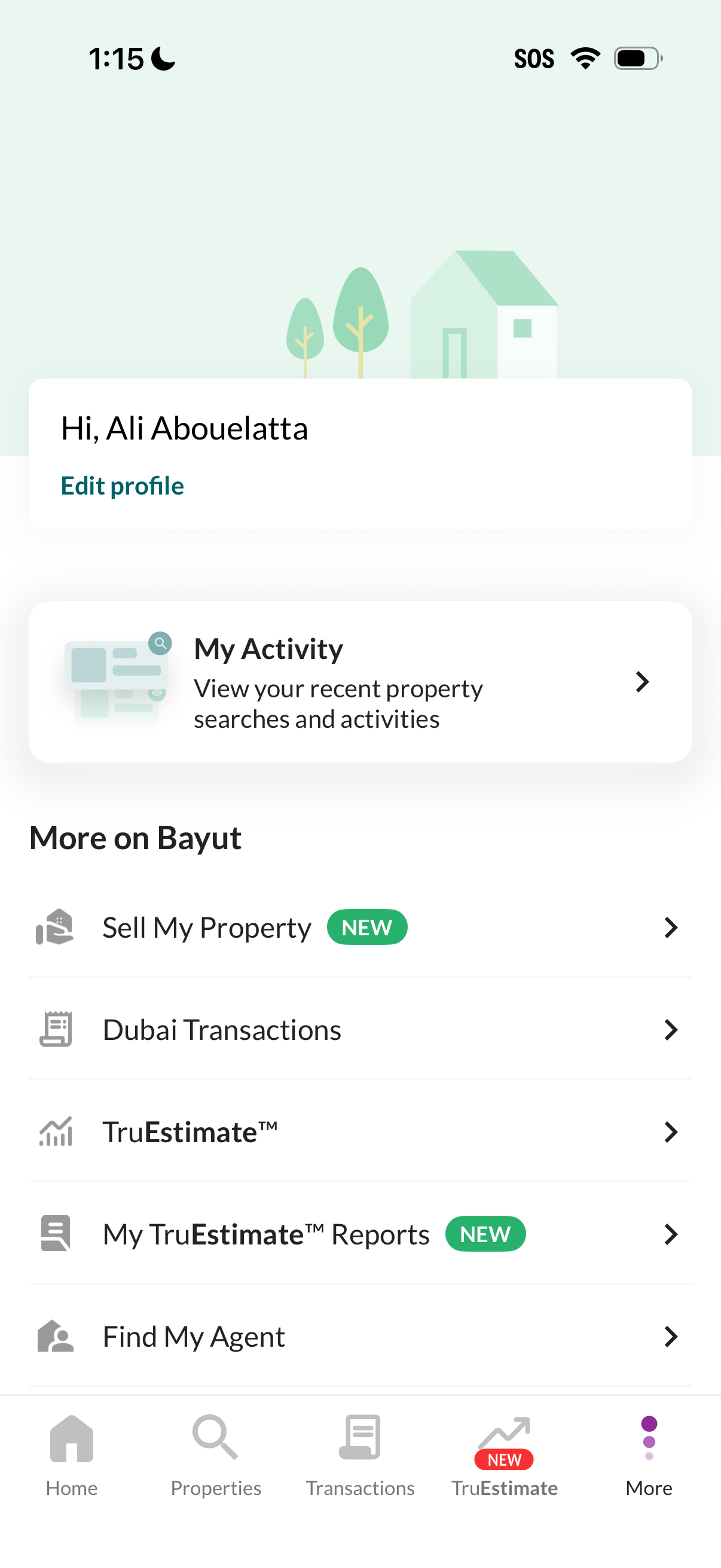
Account/profile “More” screen in a real estate app showing a greeting with an Edit profile action and a My Activity shortcut to view recent property searches and activity. Below is a menu of additional services and tools such as Sell My Property, Dubai Transactions, TruEstimate valuation, TruEstimate reports, and Find My Agent, accessed via a bottom tab bar.