1
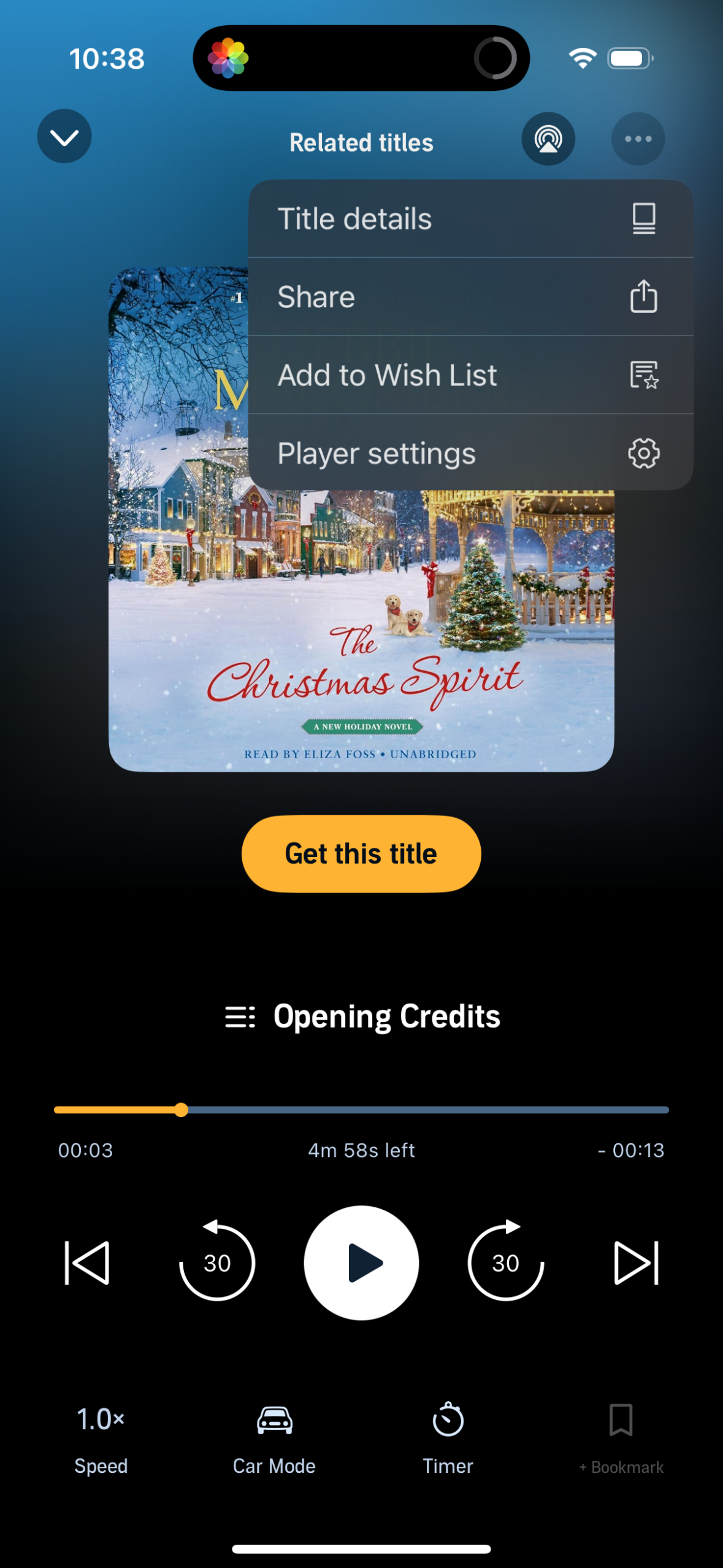
Audiobook player screen showing cover art, playback timeline, play/pause with skip forward/back 30 seconds, speed control, car mode, sleep timer, and bookmarking. An overflow menu provides actions like viewing title details, sharing, adding to wish list, and adjusting player settings, with a prominent “Get this title” purchase button.
2
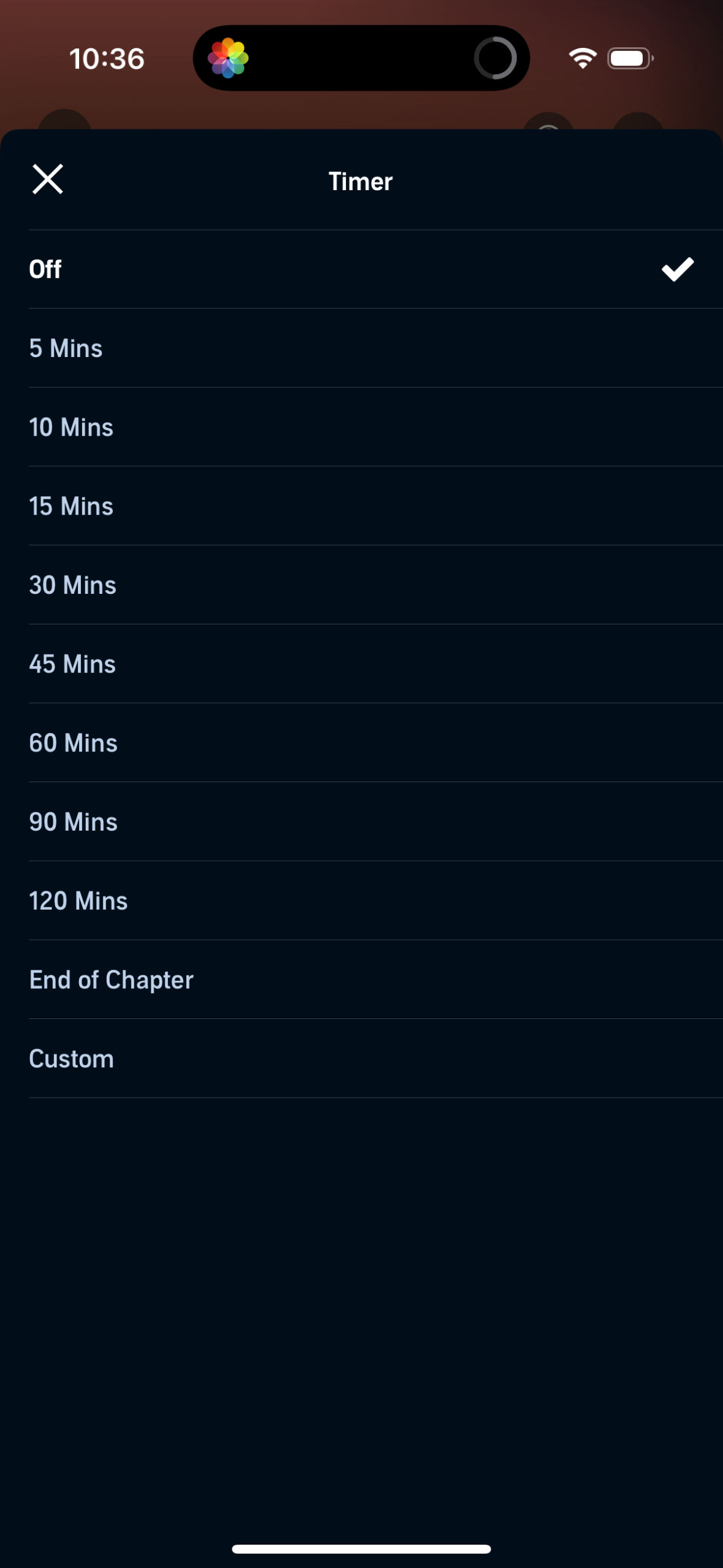
Sleep timer selection sheet that lets users set playback to stop after a chosen duration or event, with options like Off, 5–120 minutes, End of Chapter, and Custom. The modal includes a close icon and a checkmark indicator for the currently selected timer setting.