explore by category
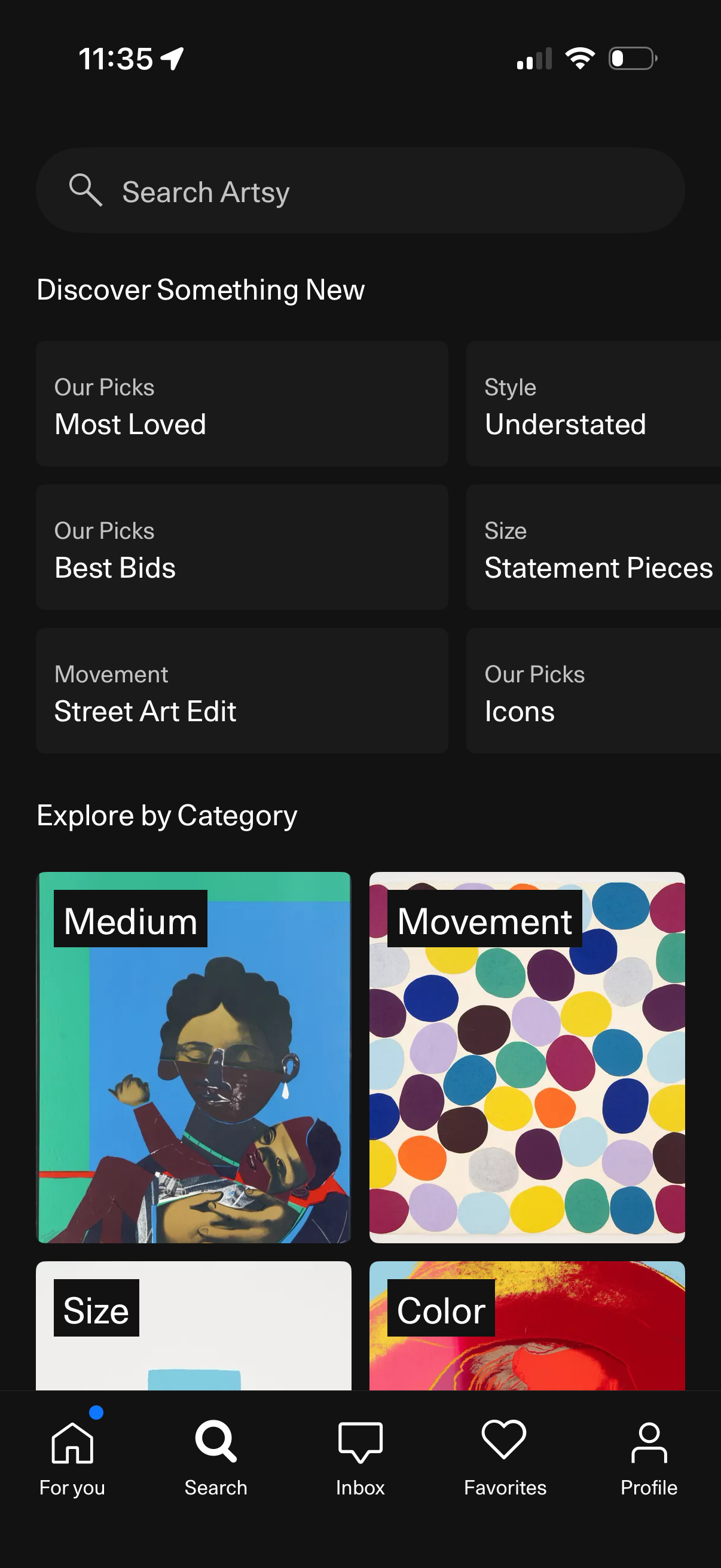
Search and discovery screen for an art marketplace app with a global search bar and curated recommendation tiles like Most Loved, Best Bids, Icons, and style/size/movement filters. Users can also browse “Explore by Category” with visual category cards such as Medium, Movement, Size, and Color to find artworks.
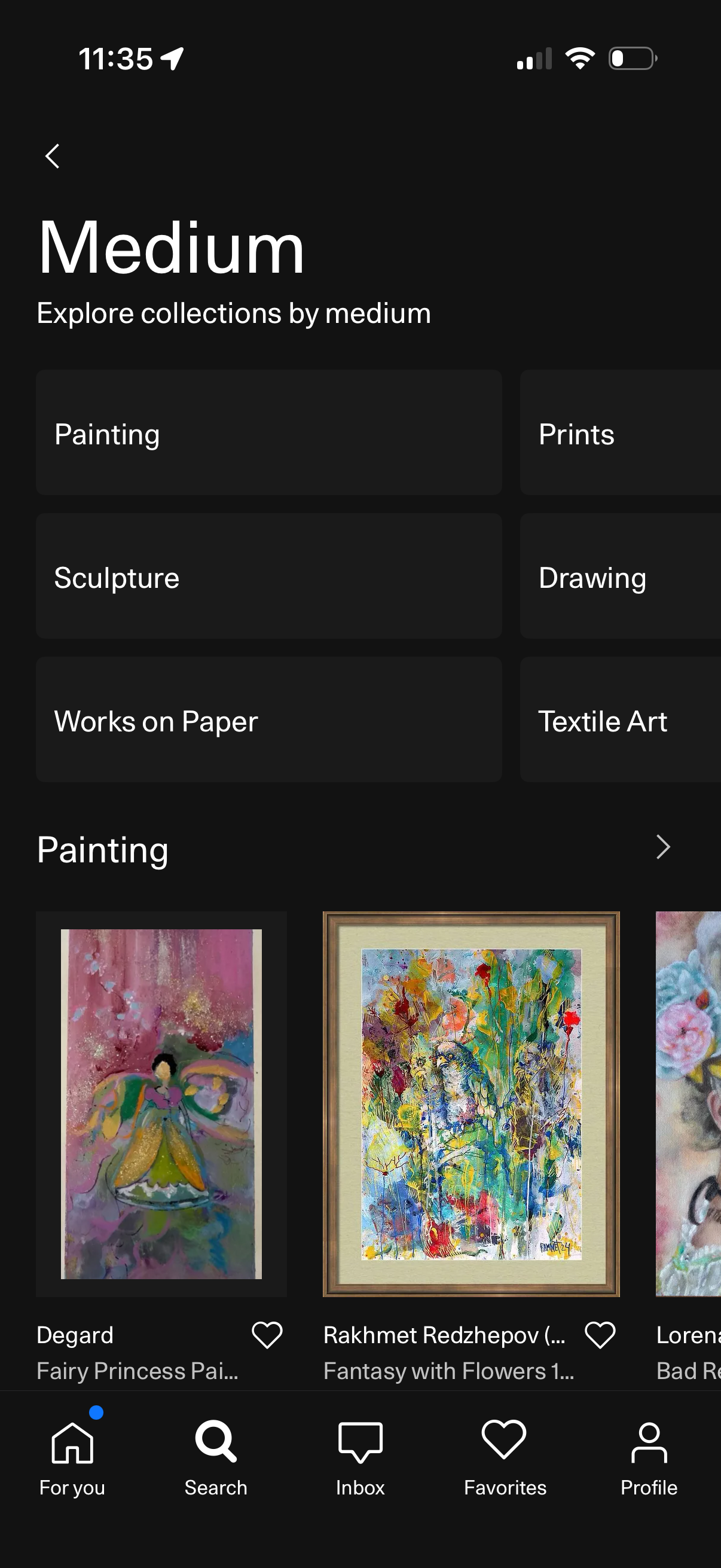
Art marketplace search screen for browsing collections by medium, featuring selectable category tiles (Painting, Prints, Sculpture, Drawing, Works on Paper, Textile Art) and a scrolling grid carousel of artwork listings with thumbnail images and favorite/like actions. Includes back navigation and bottom tab bar for For you, Search, Inbox, Favorites, and Profile.
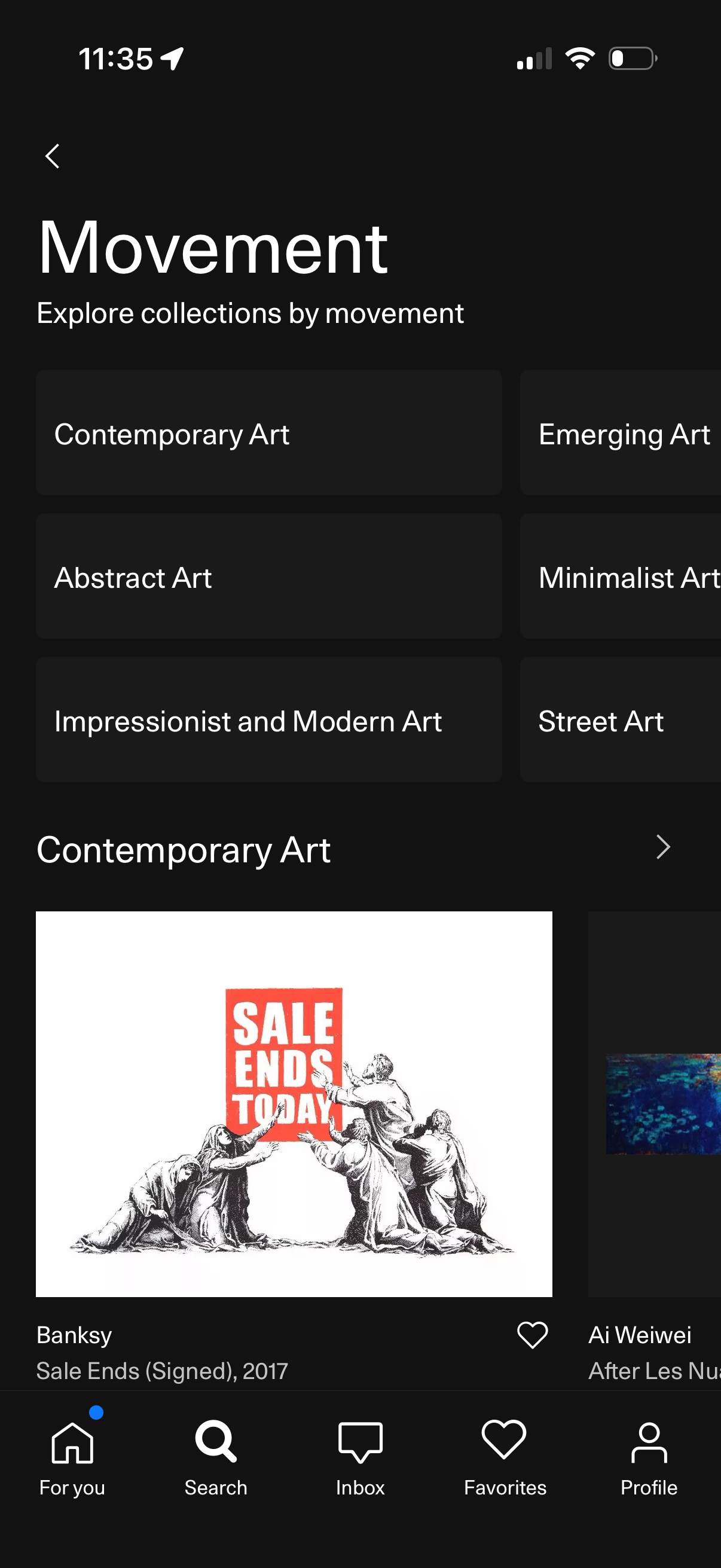
Art discovery browse screen for exploring collections by movement, with tappable category tiles (e. g.
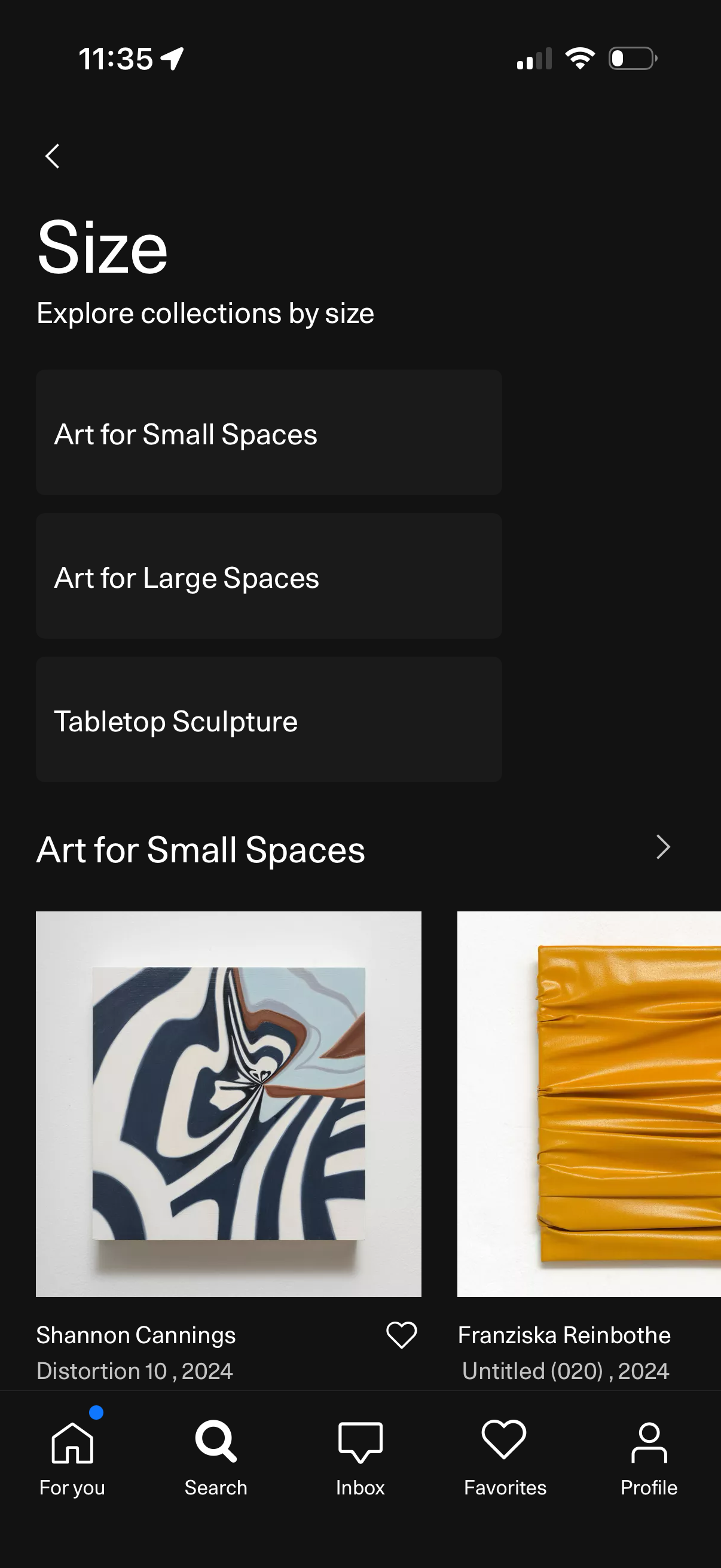
Browse art collections by size with selectable category tiles (Art for Small Spaces, Art for Large Spaces, Tabletop Sculpture) and a scrollable grid of artworks for the chosen category, including artist/title info and a heart button to favorite items. Bottom navigation provides access to Home, Search, Inbox, Favorites, and Profile.
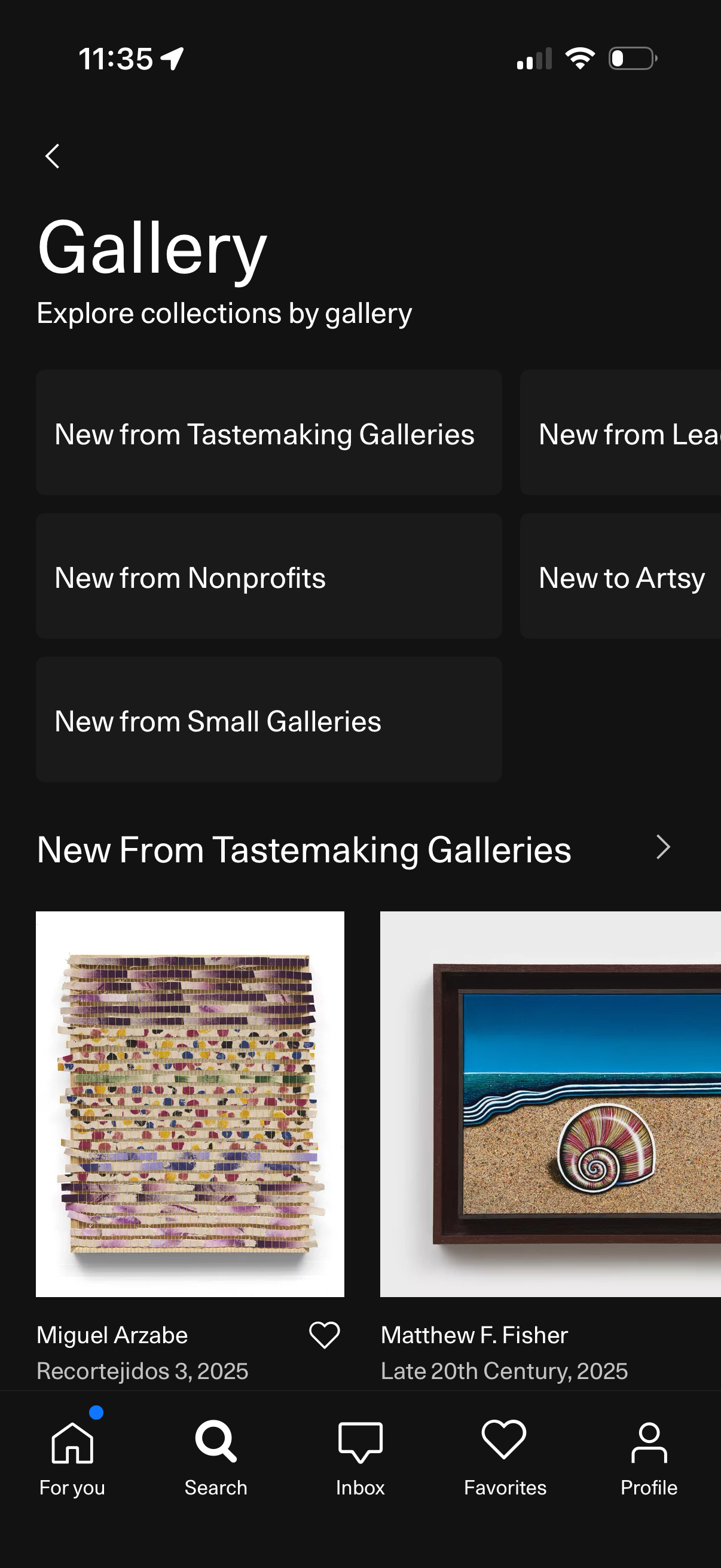
Gallery discovery screen in an art marketplace app that lets users explore curated collections by gallery using category tiles (e. g.
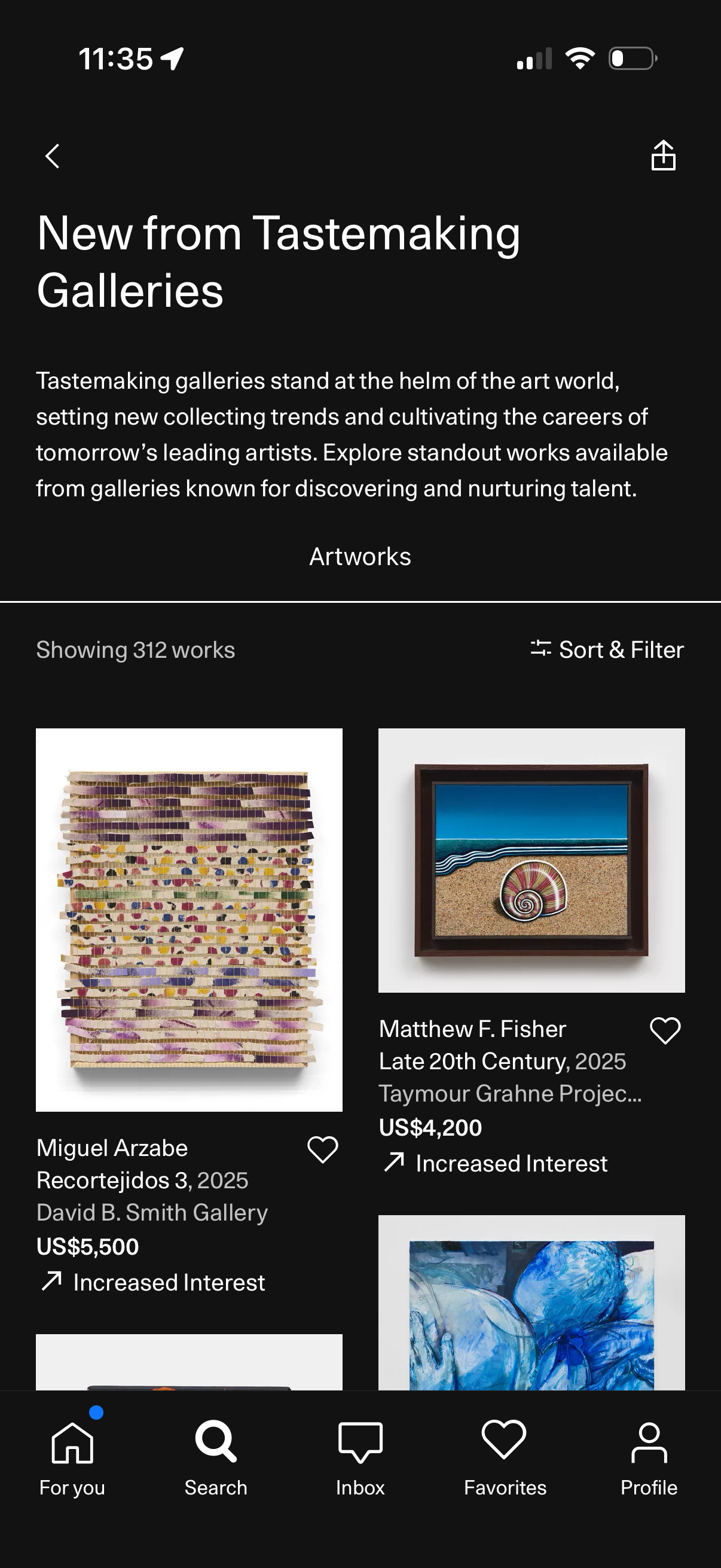
Art marketplace collection screen featuring a curated “New from Tastemaking Galleries” section with an intro description and a grid of artworks showing thumbnail, artist/title, gallery, price, and trend indicator. Users can sort and filter the 312 results, favorite items with a heart icon, navigate back or share, and use the bottom tab bar for For You, Search, Inbox, Favorites, and Profile.
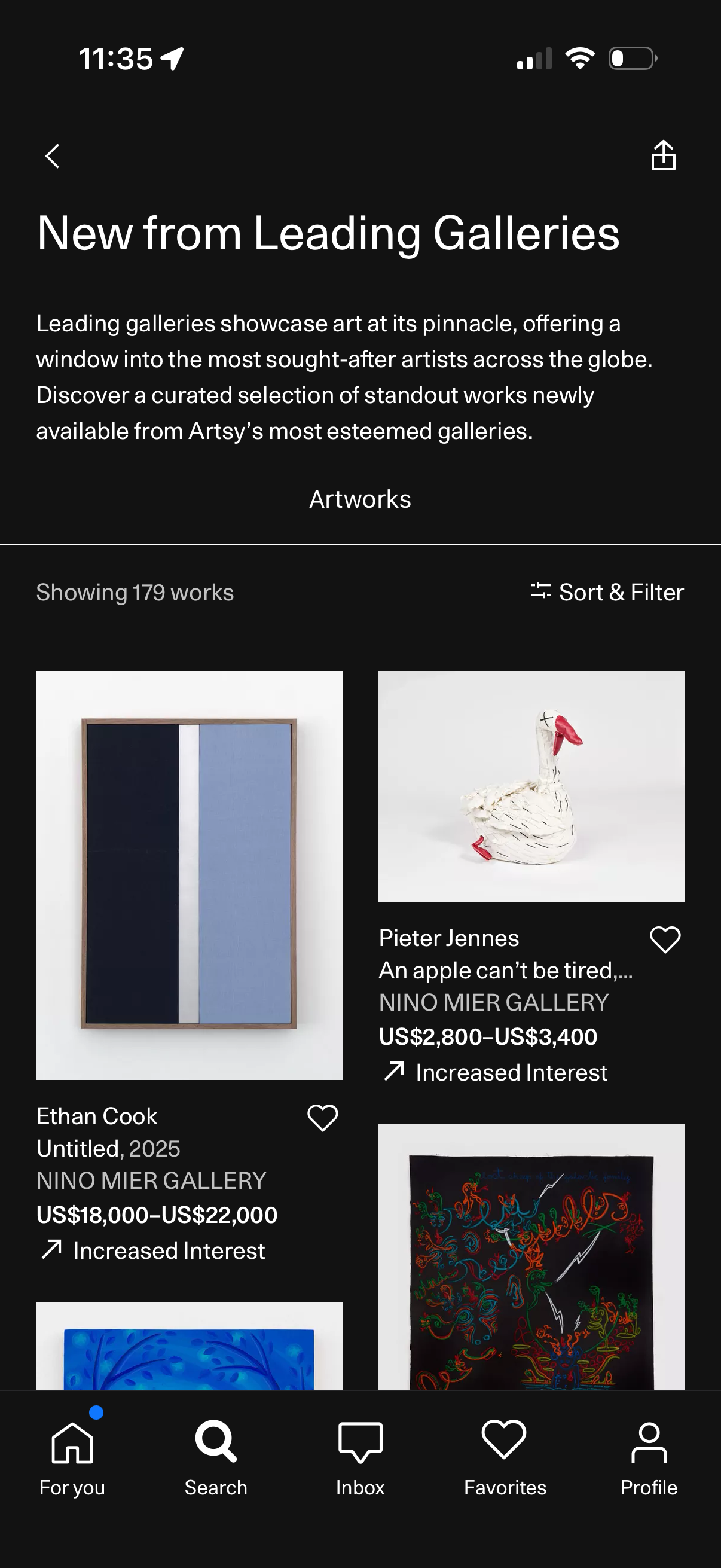
Curated art discovery collection page titled “New from Leading Galleries” showing an introduction and a grid feed of artworks with images, artist/title, gallery name, price range, and a heart button to save favorites. Users can view the total number of works and tap “Sort & Filter” to refine results, with standard navigation and share/back actions.
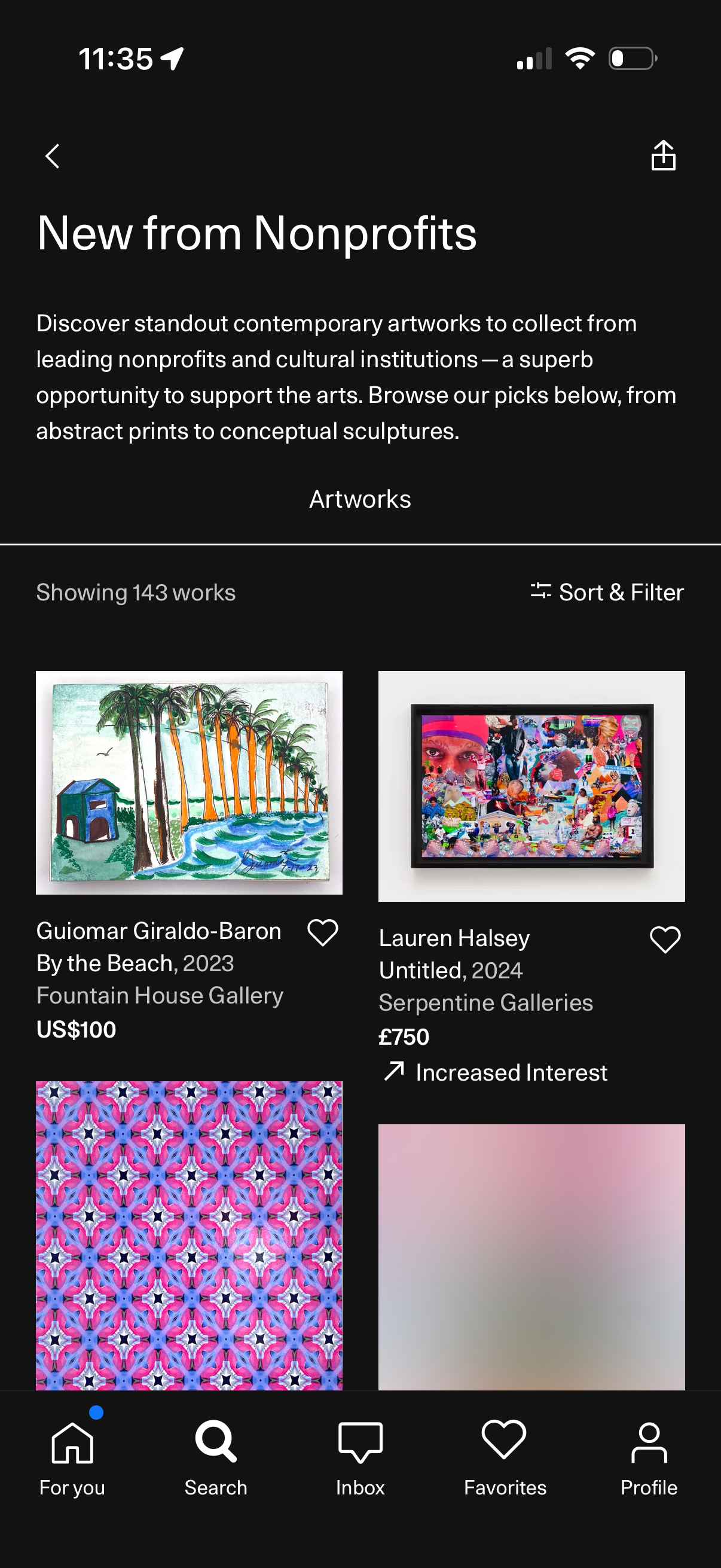
Collection landing page for an art marketplace featuring “New from Nonprofits,” with an intro description and a browsable grid of artworks showing thumbnails, artist/title/year, gallery, and price. Users can sort and filter results, save items to favorites via heart icons, and navigate back or share the collection.
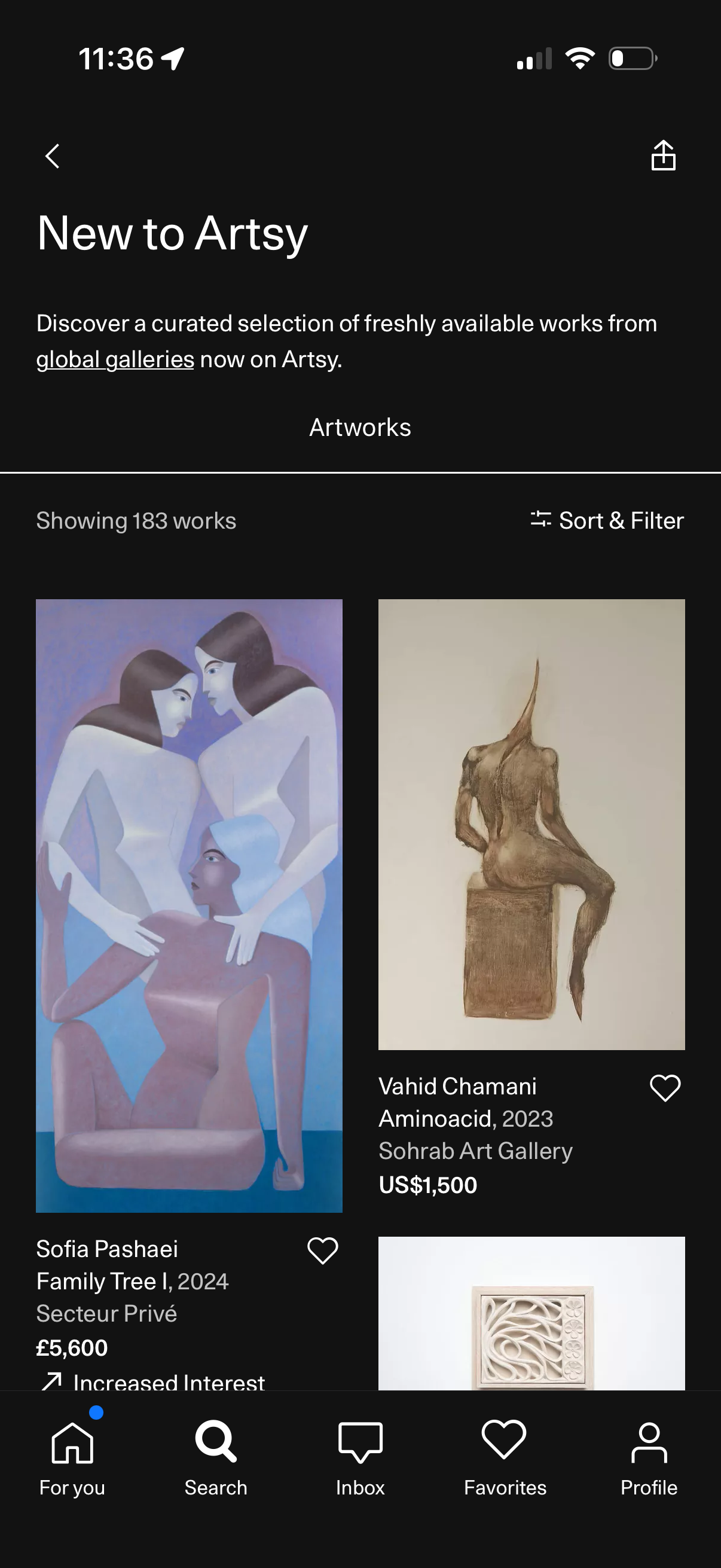
Curated collection page for “New to Artsy” showing a grid feed of newly available artworks from galleries, each card displaying the artwork image, artist name, title/year, gallery, and price with a heart button to favorite. Users can browse the list of works and use Sort & Filter controls to refine results, with navigation back and share actions.
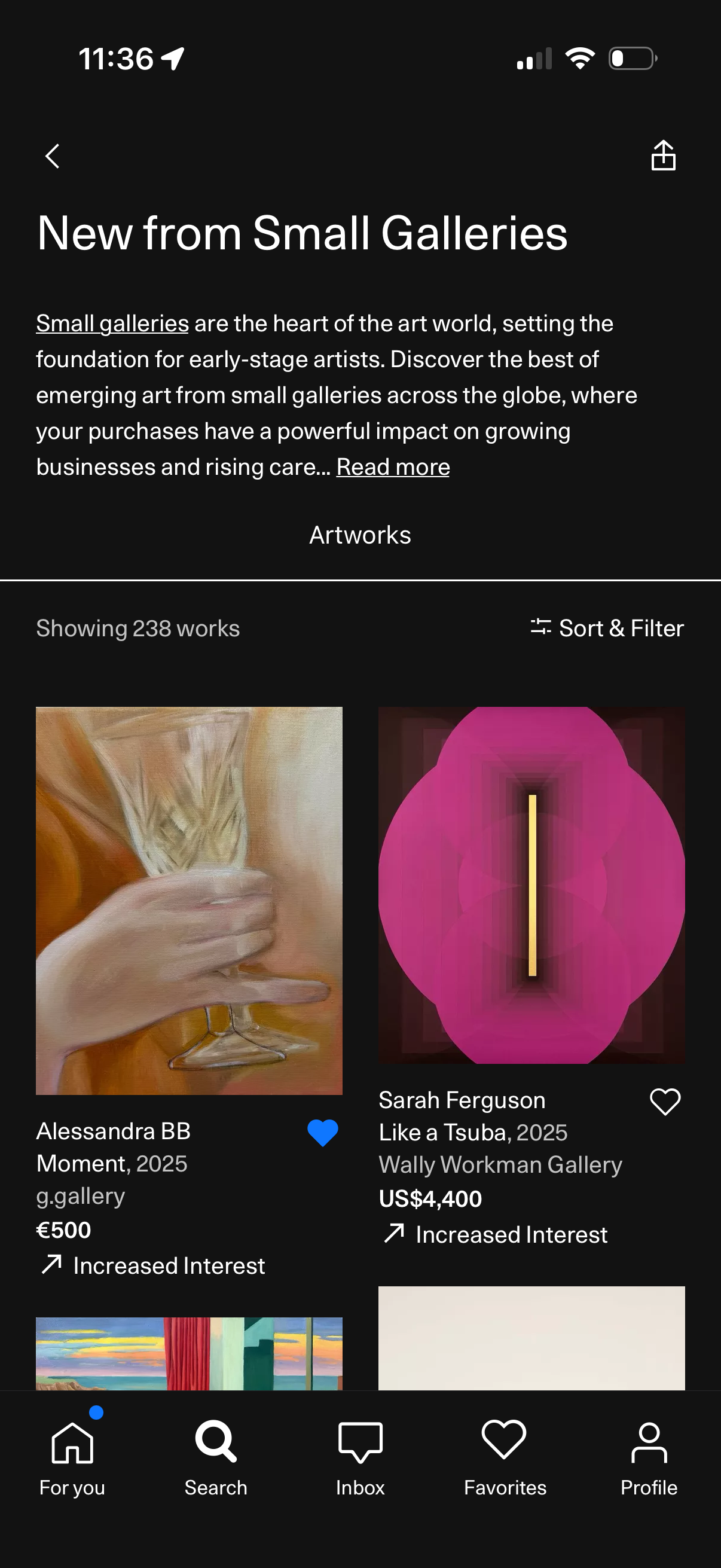
Curated collection page for “New from Small Galleries” showcasing emerging artworks in a scrollable grid with an intro description and a “Read more” link. Users can view artwork cards with image, artist, title, gallery, and price, favorite items with a heart, and refine results using Sort & Filter.