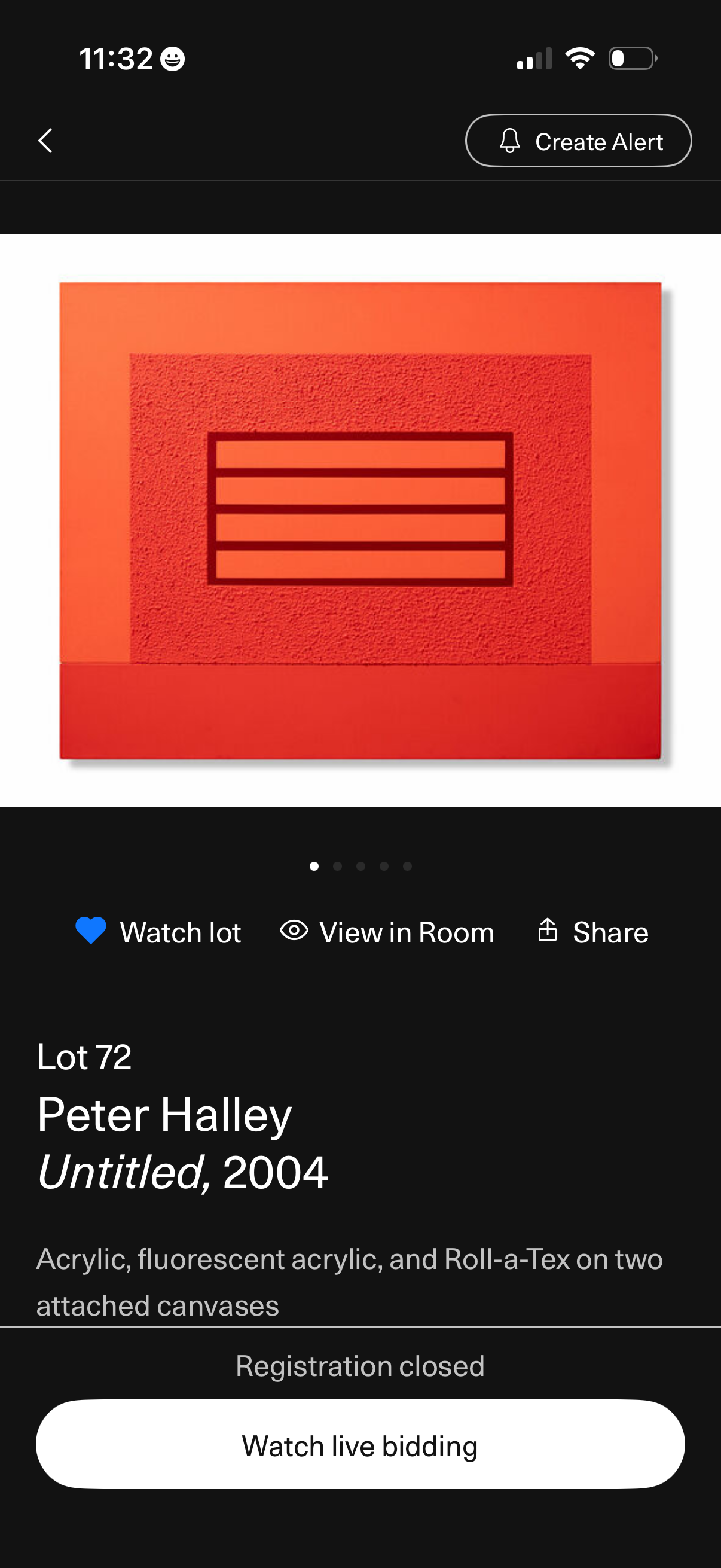
Artwork auction lot detail screen showing a large image carousel with options to watch/favorite the lot, view the piece in AR “View in Room,” share, and create an alert. Displays lot number, artist name, artwork title/year and medium, with status messaging (registration closed) and a primary CTA to watch live bidding.
Loading screen for joining an auction room, showing a circular progress indicator and the message “Entering the auction room. ” Includes a close (X) button to cancel or exit while the room loads.
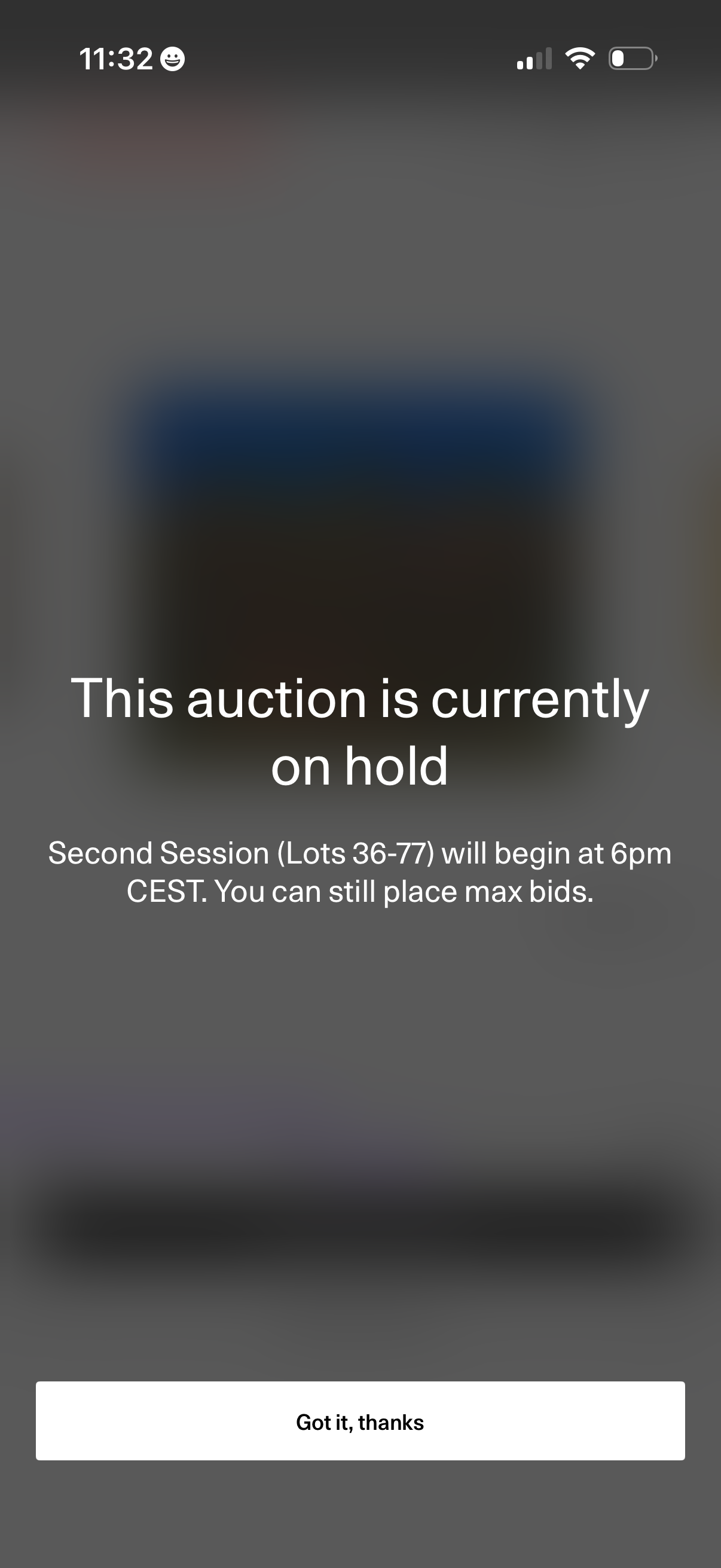
Full-screen auction status message informing users the auction is currently on hold and noting when the next session/lots will begin while still allowing max bids. Includes a single acknowledgment button to dismiss the notice.
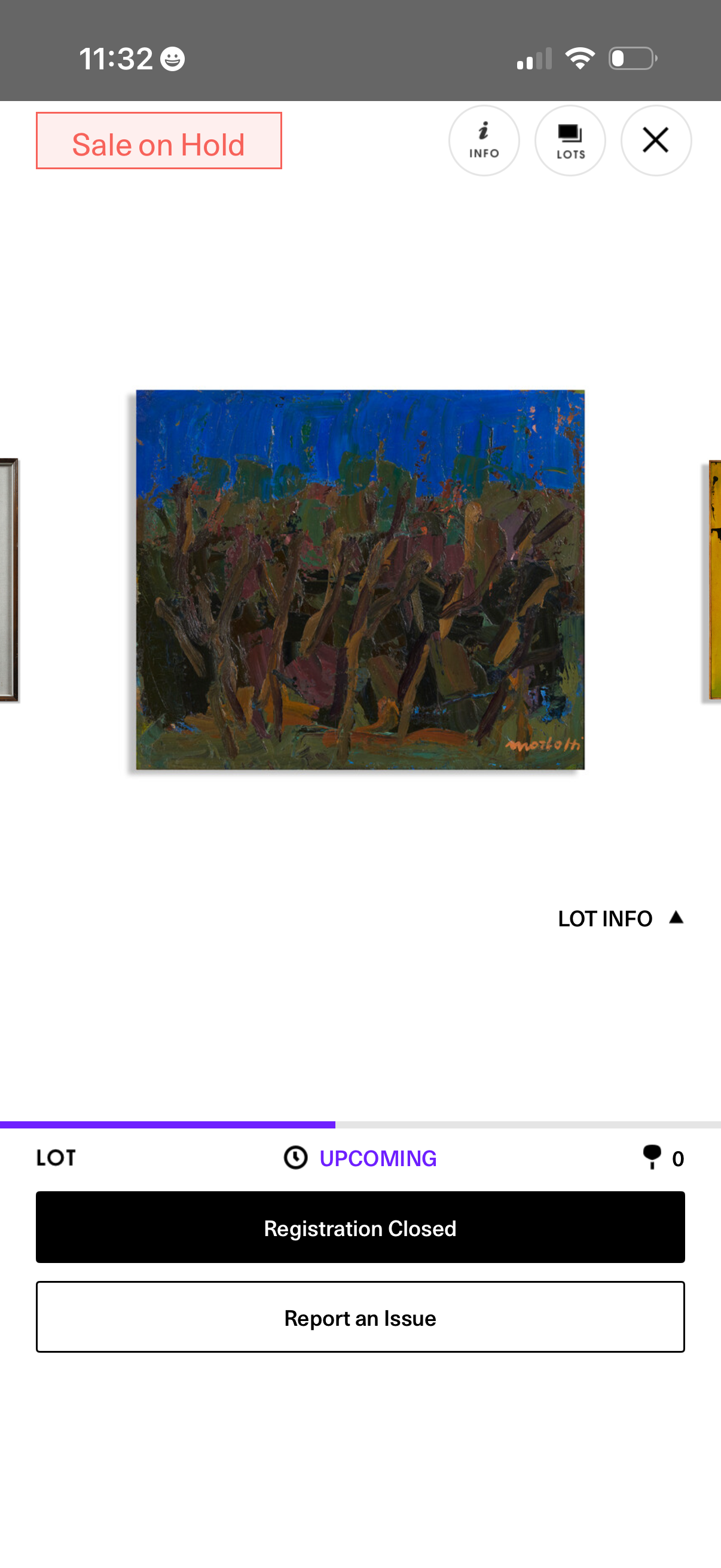
Artwork auction lot detail screen showing a large image preview with options to view lot info, switch lots, and close, plus a “Sale on Hold” status. Bottom action area indicates the auction is upcoming with registration closed and provides a “Report an Issue” button.