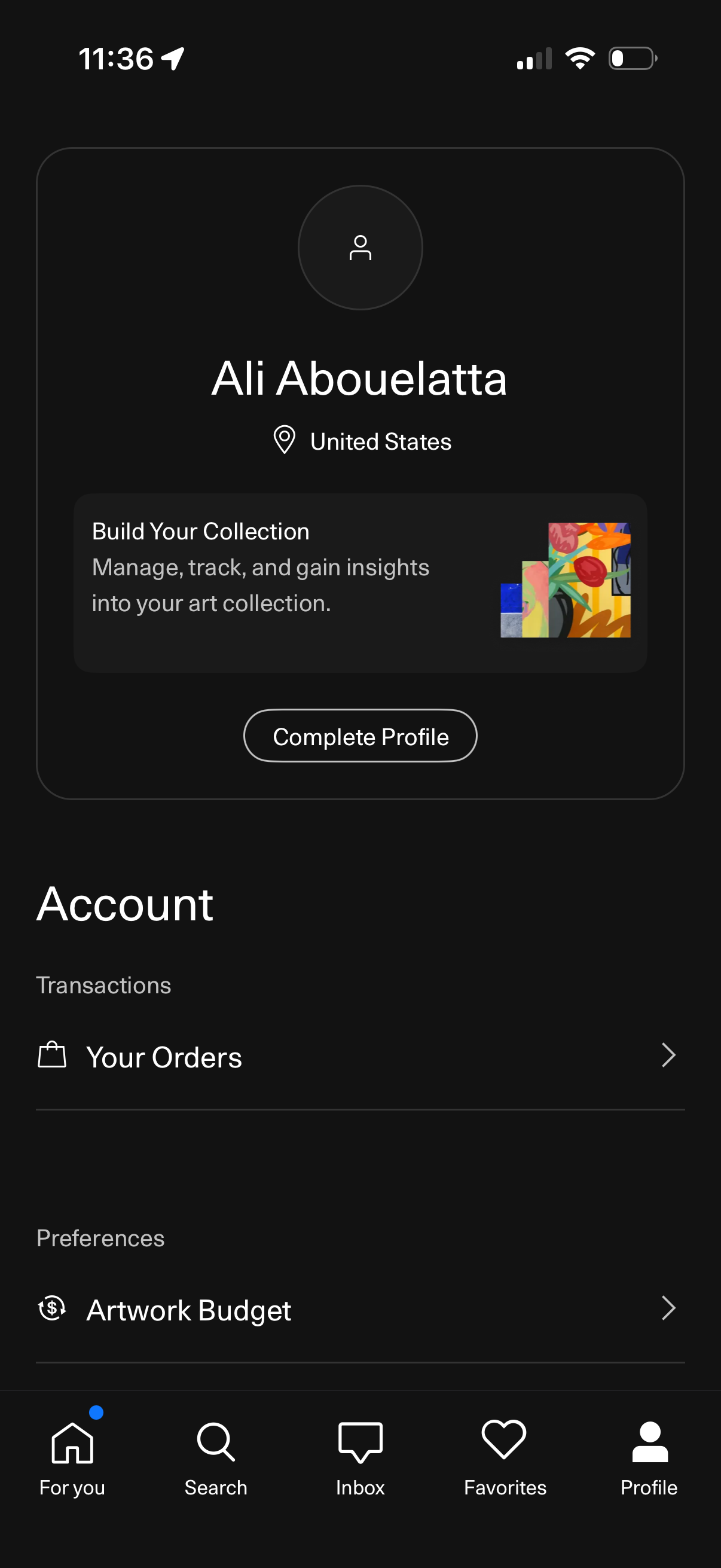
Profile/account screen in an art marketplace app showing the user profile header with location and a prompt to complete the profile and build an art collection. Includes account options to view transaction history and orders, and preference settings like artwork budget, with bottom navigation to home, search, inbox, favorites, and profile.
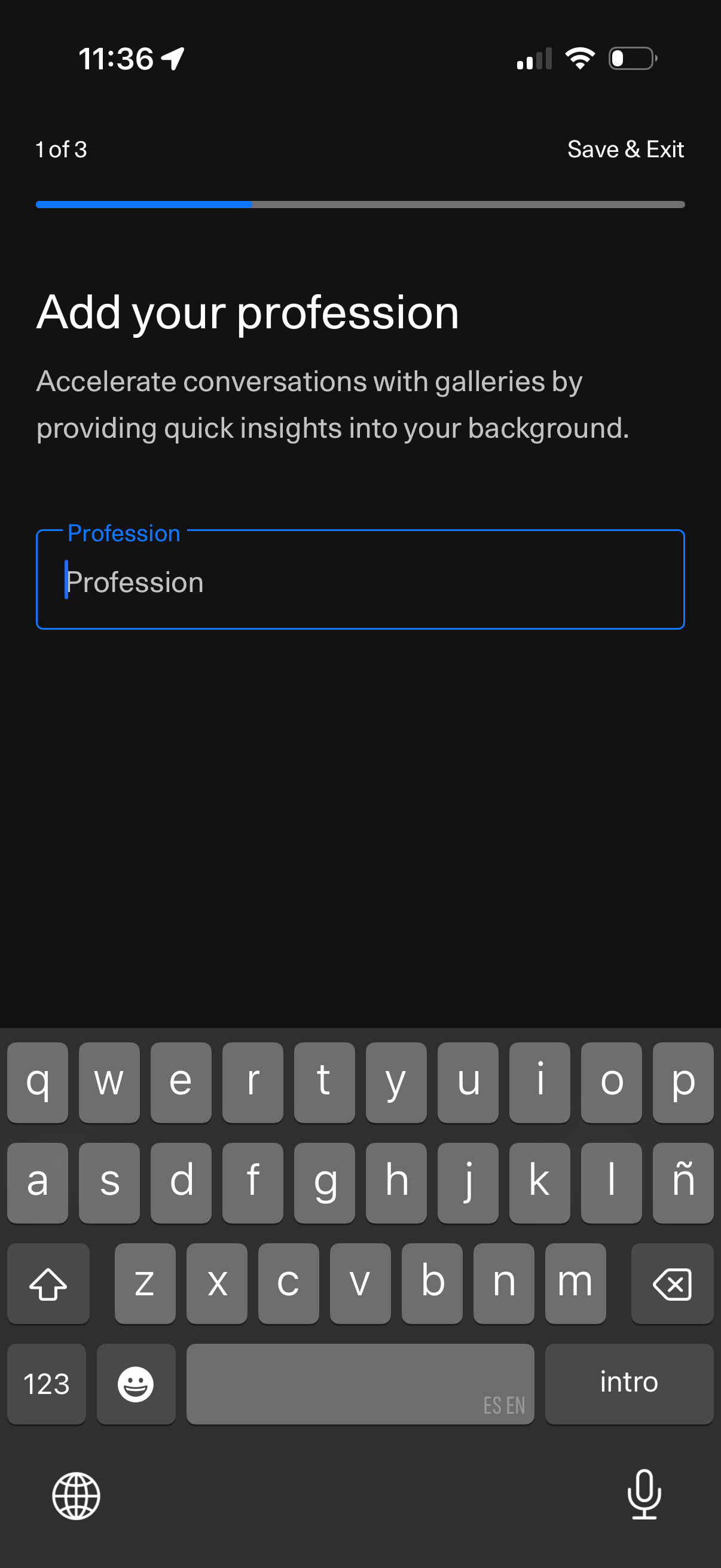
Onboarding profile setup screen prompting the user to add their profession, with a single text input field. Includes a step progress indicator (1 of 3) and a “Save & Exit” option to leave the flow.
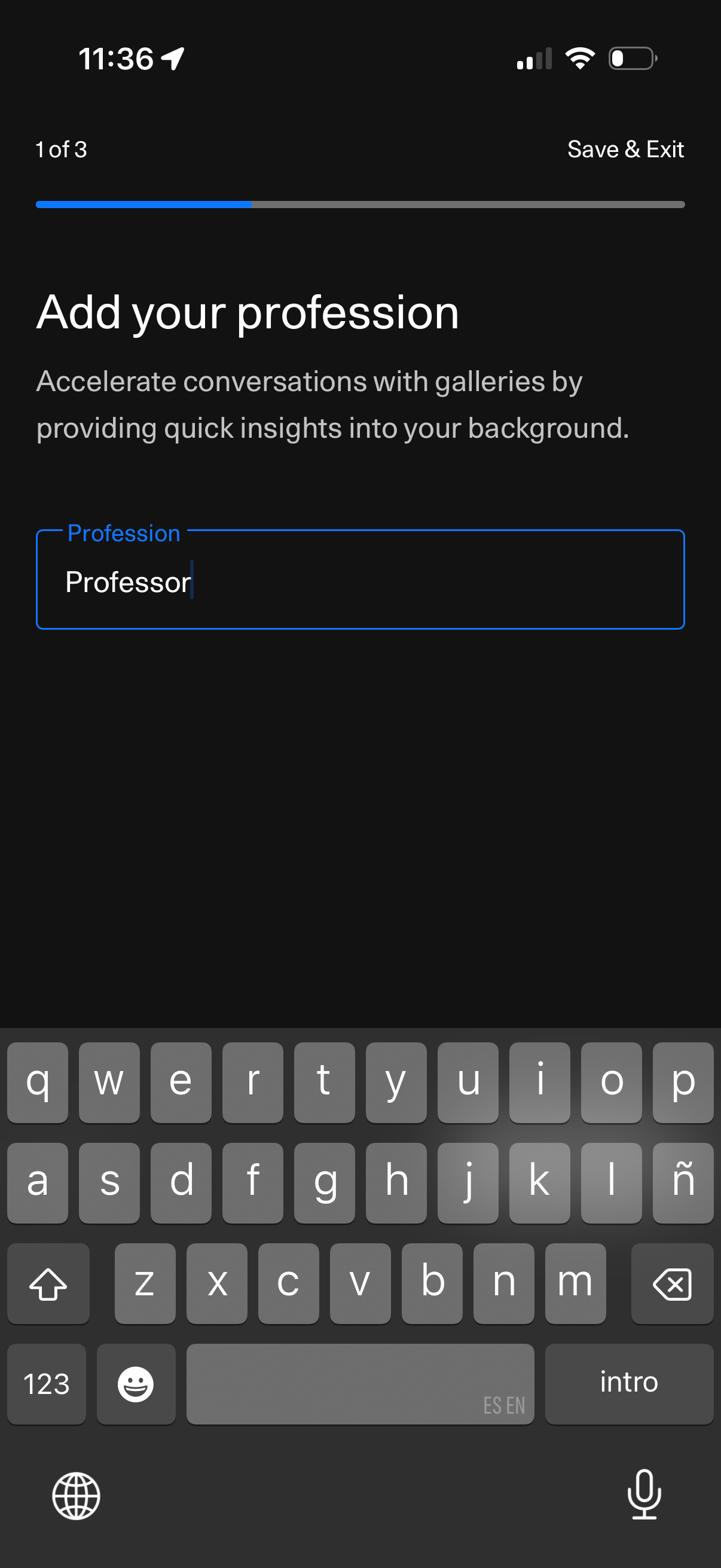
Onboarding/profile setup screen prompting the user to add their profession with a single text input field. Includes a step progress indicator (1 of 3) and a “Save & Exit” option to save progress and leave the flow.
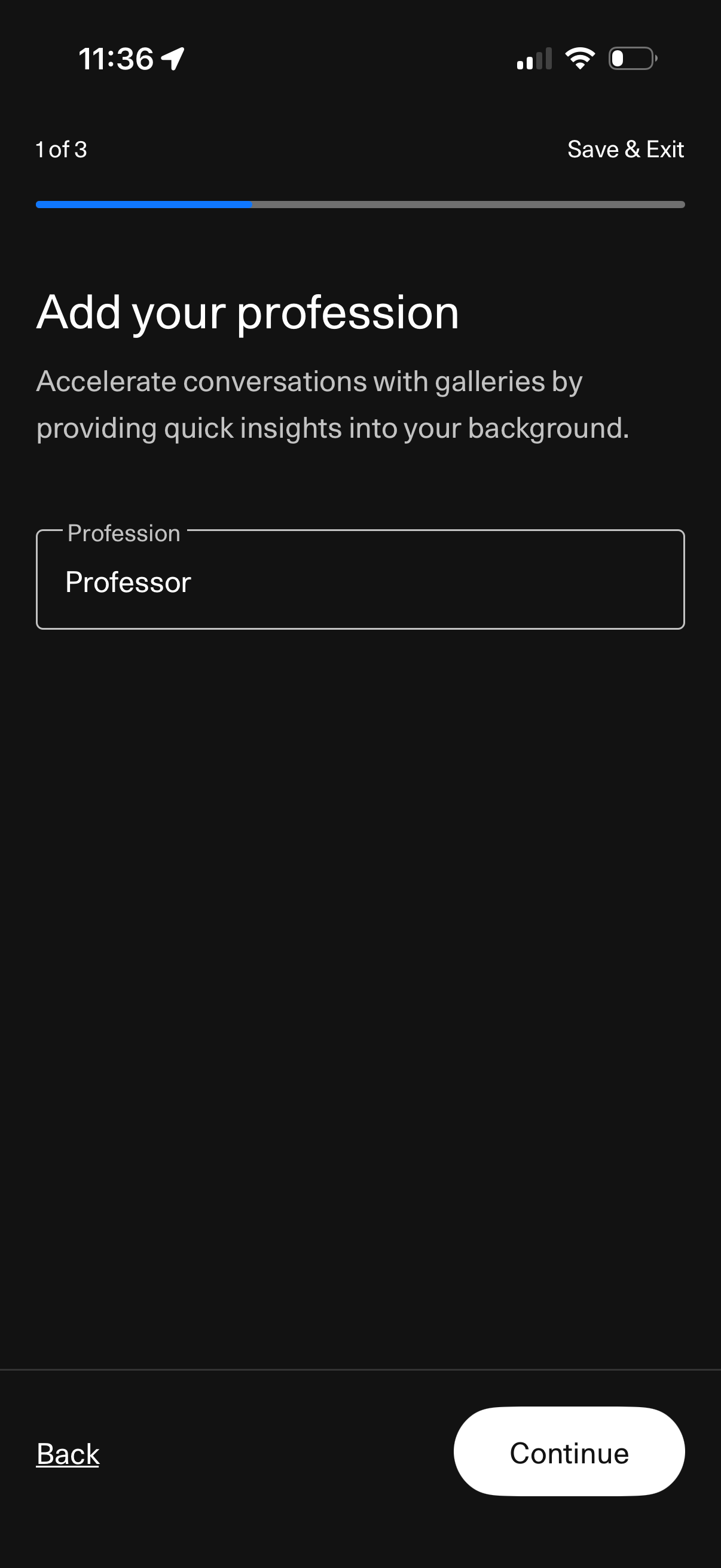
Onboarding/profile setup step to add a user’s profession with a single text input field, progress indicator (step 1 of 3), and navigation actions for Back, Continue, and Save & Exit. The screen explains that adding profession helps provide quick background insights for conversations.
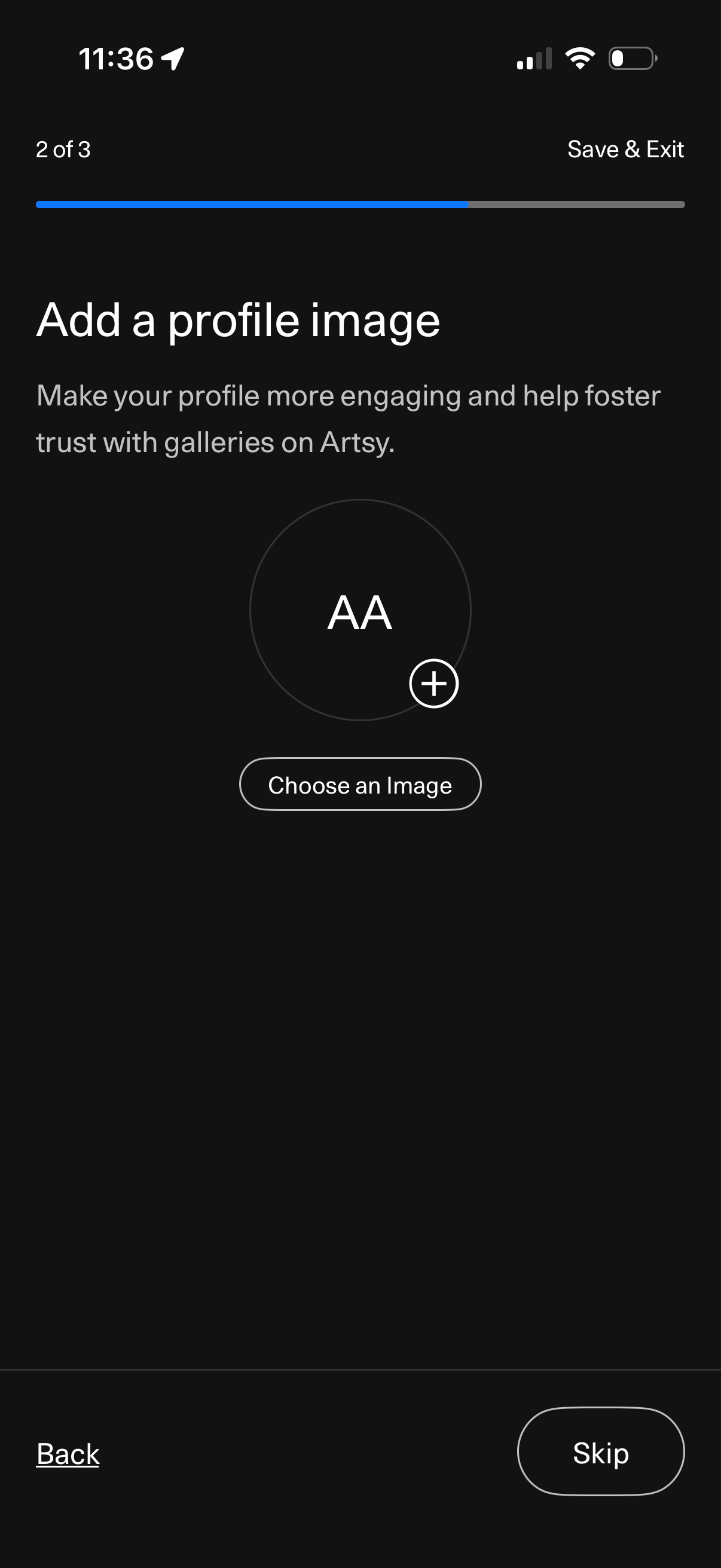
Profile setup onboarding step prompting the user to add a profile picture, showing an avatar placeholder with a plus icon and a “Choose an Image” button. Includes progress indicator (step 2 of 3) and navigation actions to back, skip, or save & exit.
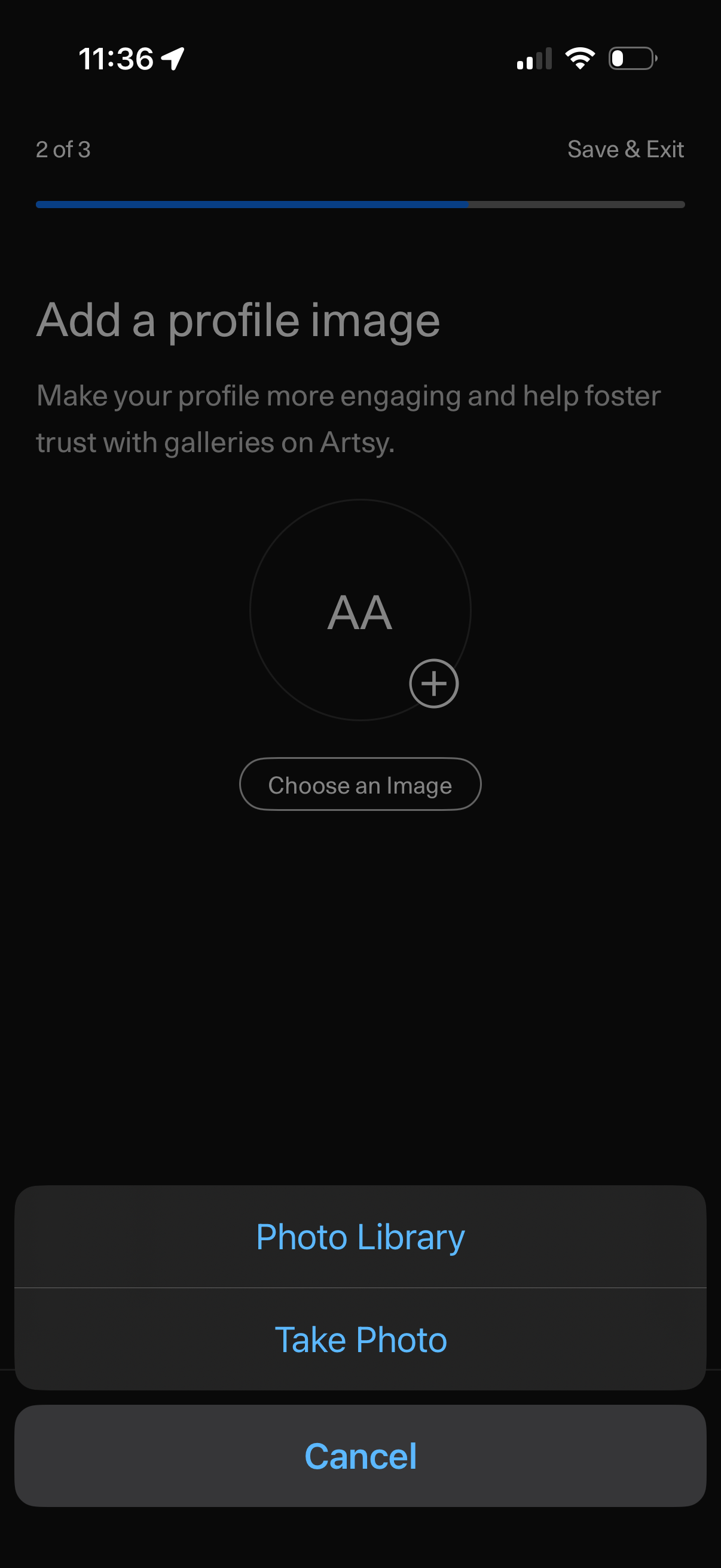
Profile setup onboarding step prompting the user to add a profile image, showing an avatar placeholder with a “Choose an Image” button and progress indicator with Save & Exit. An iOS action sheet offers options to pick from Photo Library, take a new photo, or cancel.
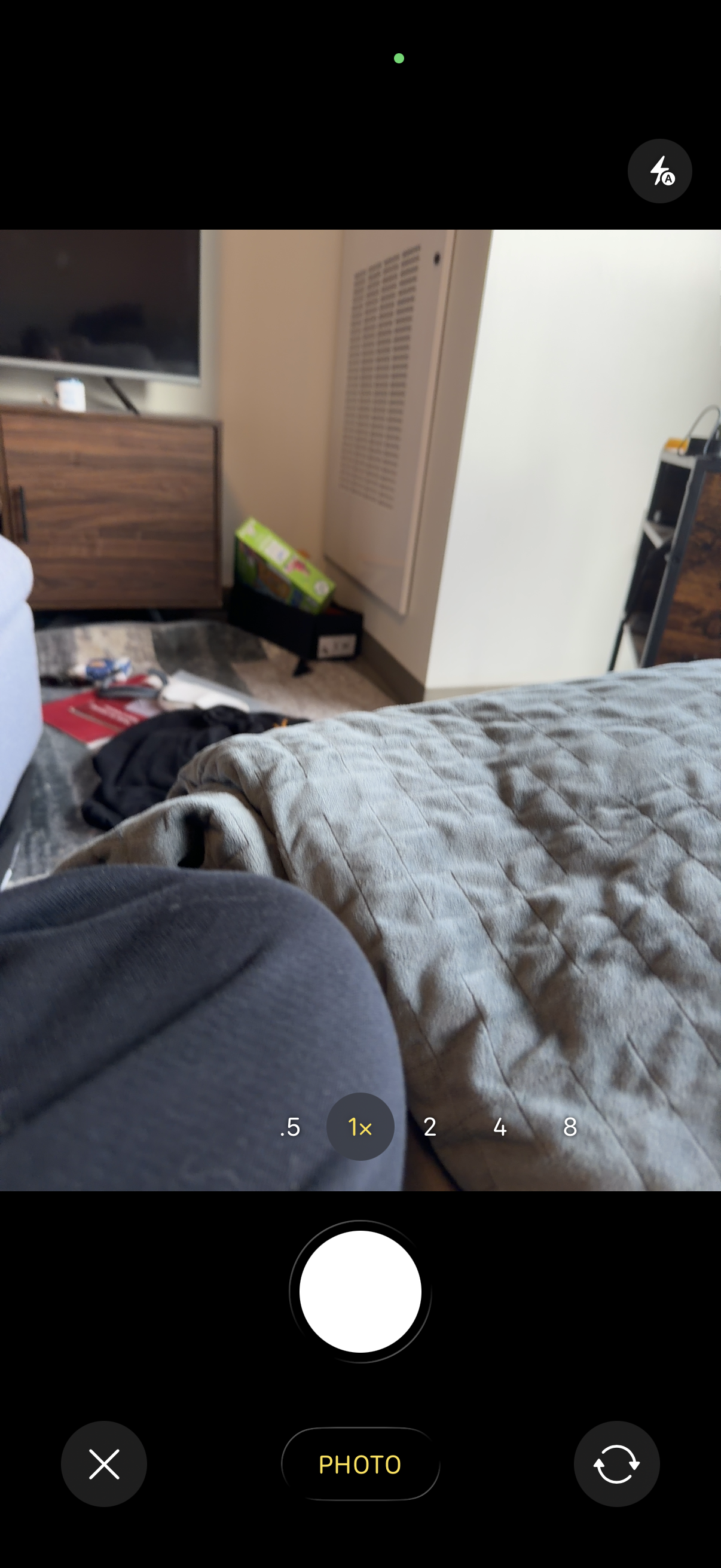
Smartphone camera capture screen in photo mode showing a live viewfinder with a large shutter button, zoom level selector (0. 5–8x with 1x selected), and controls for flash/auto and switching between front and rear cameras.
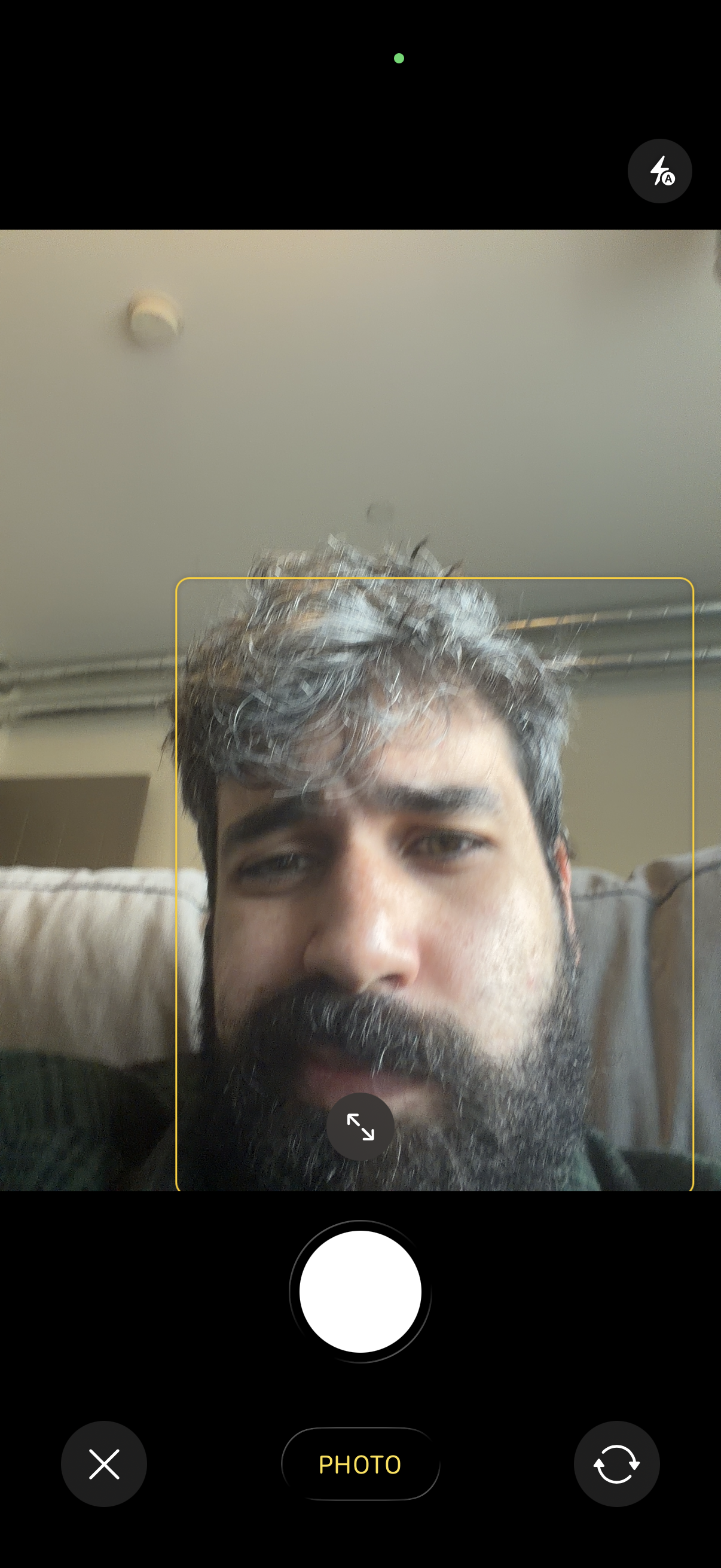
Front-facing camera capture screen with a live preview and face-detection frame to help align the subject, plus controls to take a photo, switch cameras, cancel, and toggle flash/auto settings. Includes a photo mode selector and on-screen gesture/resize hint for positioning the face within the frame.

Photo capture review screen showing a preview of the taken selfie with options to either Retake the photo or confirm by selecting Use Photo. This is a camera confirmation step in an onboarding or profile photo upload flow.
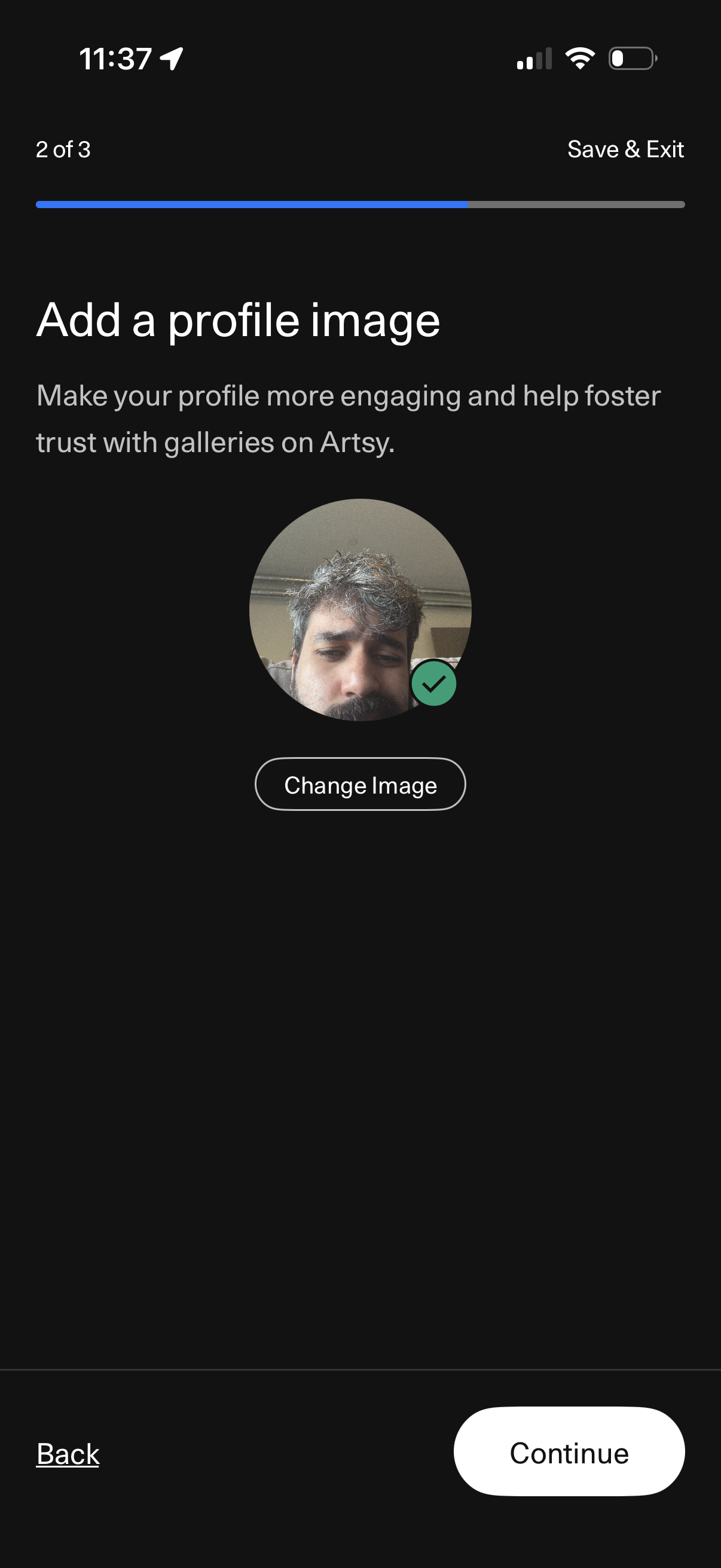
Profile setup onboarding step prompting the user to add a profile image, showing a circular avatar preview with a “Change Image” action to upload/replace the photo. Includes progress indicator (step 2 of 3), navigation options for Back and Continue, and a “Save & Exit” option to finish later.
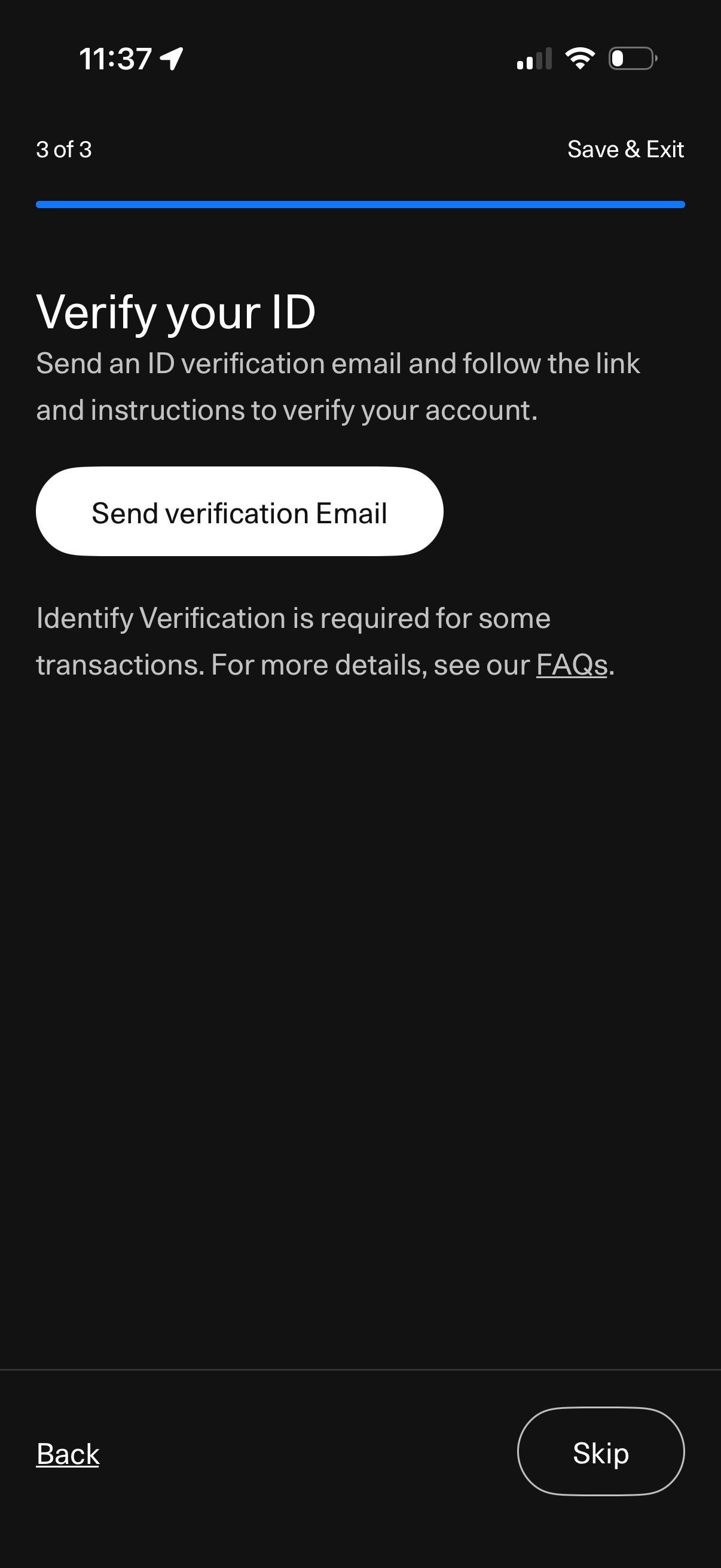
Account onboarding step to verify user identity by sending an ID verification email, with a primary action button to send the verification email and a link to FAQs. Includes navigation controls to go back, skip the step, or save and exit the flow.
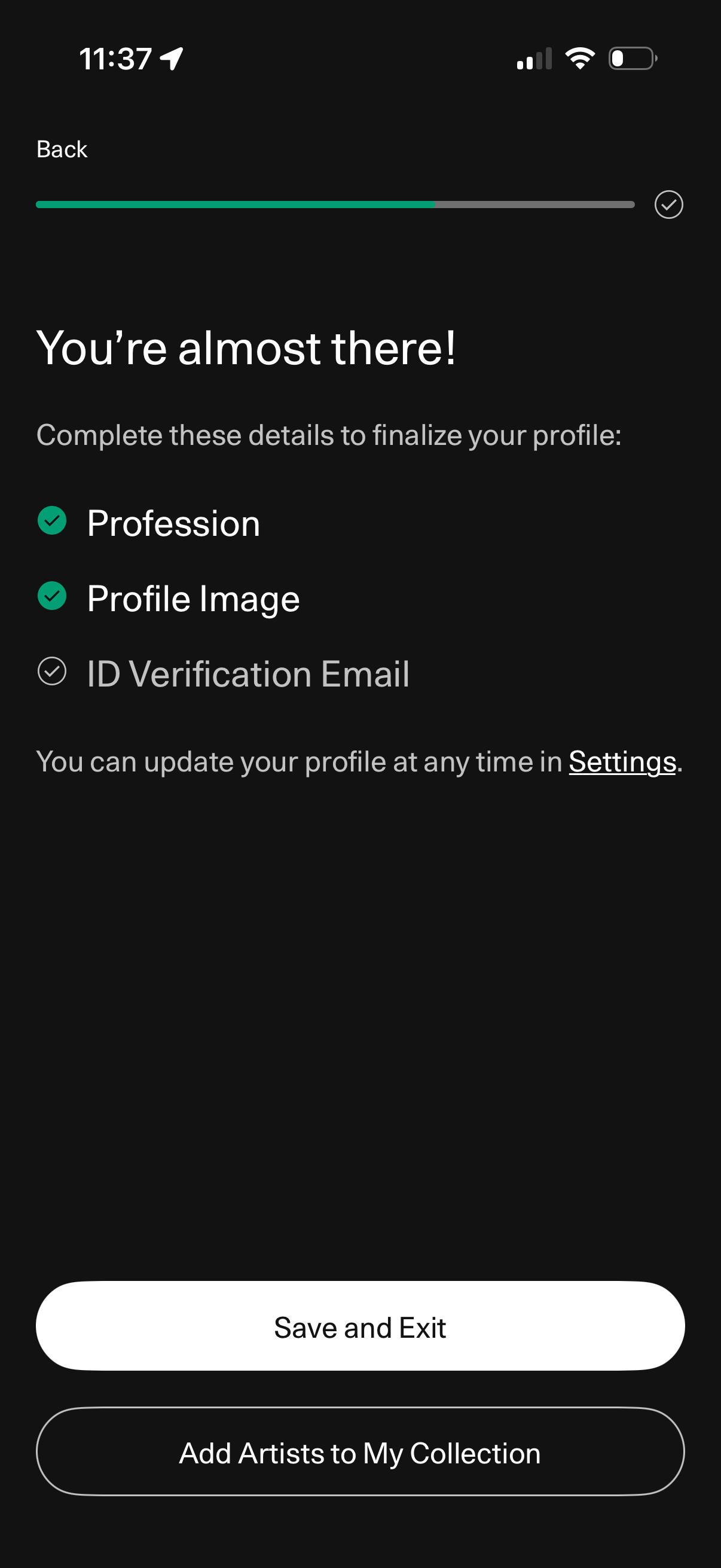
Onboarding “almost finished” profile setup screen showing a progress bar and checklist of required steps (profession, profile image, ID verification email) with completion status. Provides primary actions to Save and Exit or continue by adding artists to a collection, plus a link to update later in Settings.
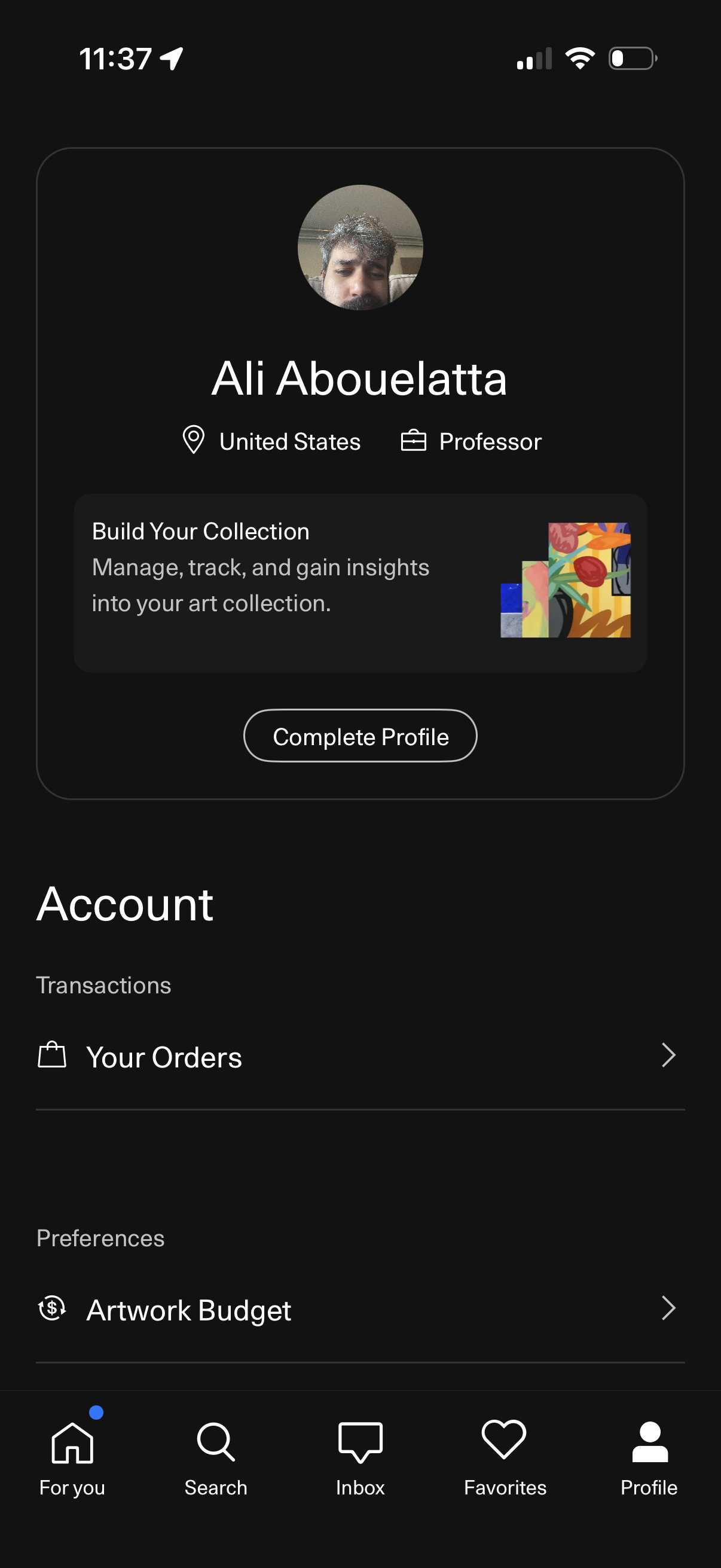
User profile/account screen showing an avatar, name, location and occupation, with a promotional card to build an art collection and a primary “Complete Profile” call to action. The Account section provides navigation to transactions like “Your Orders” and preferences like “Artwork Budget,” within a bottom tab bar (home, search, inbox, favorites, profile).