complete intro tutorial

Welcome onboarding screen introducing the app’s purpose of connecting and organizing content found online privately or with others. Provides a primary help CTA (“How do I use Are.
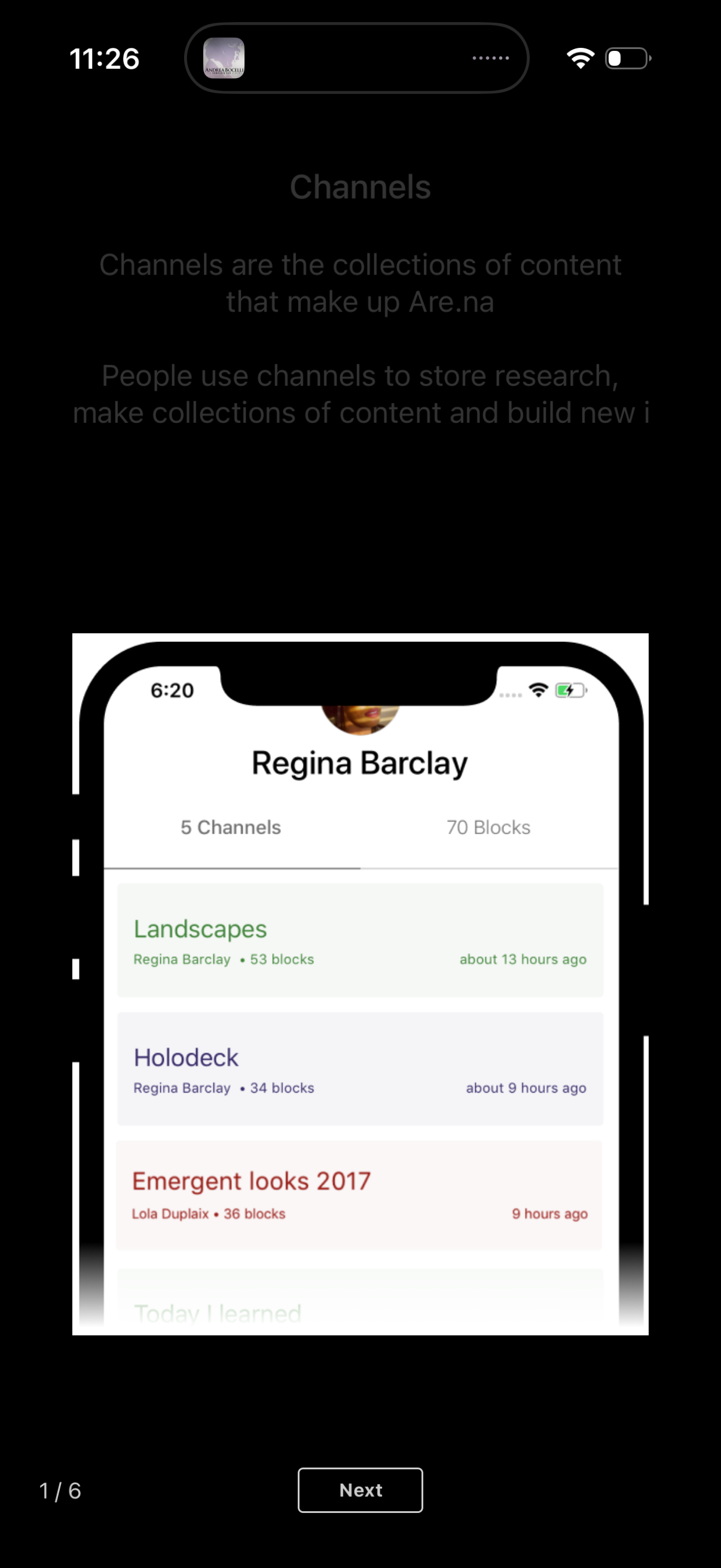
Onboarding tutorial screen introducing “Channels” as collections for storing research and content, shown with an example profile page listing channel cards with block counts and last-updated times. Includes step progress (1/6) and a primary “Next” button to continue the walkthrough.
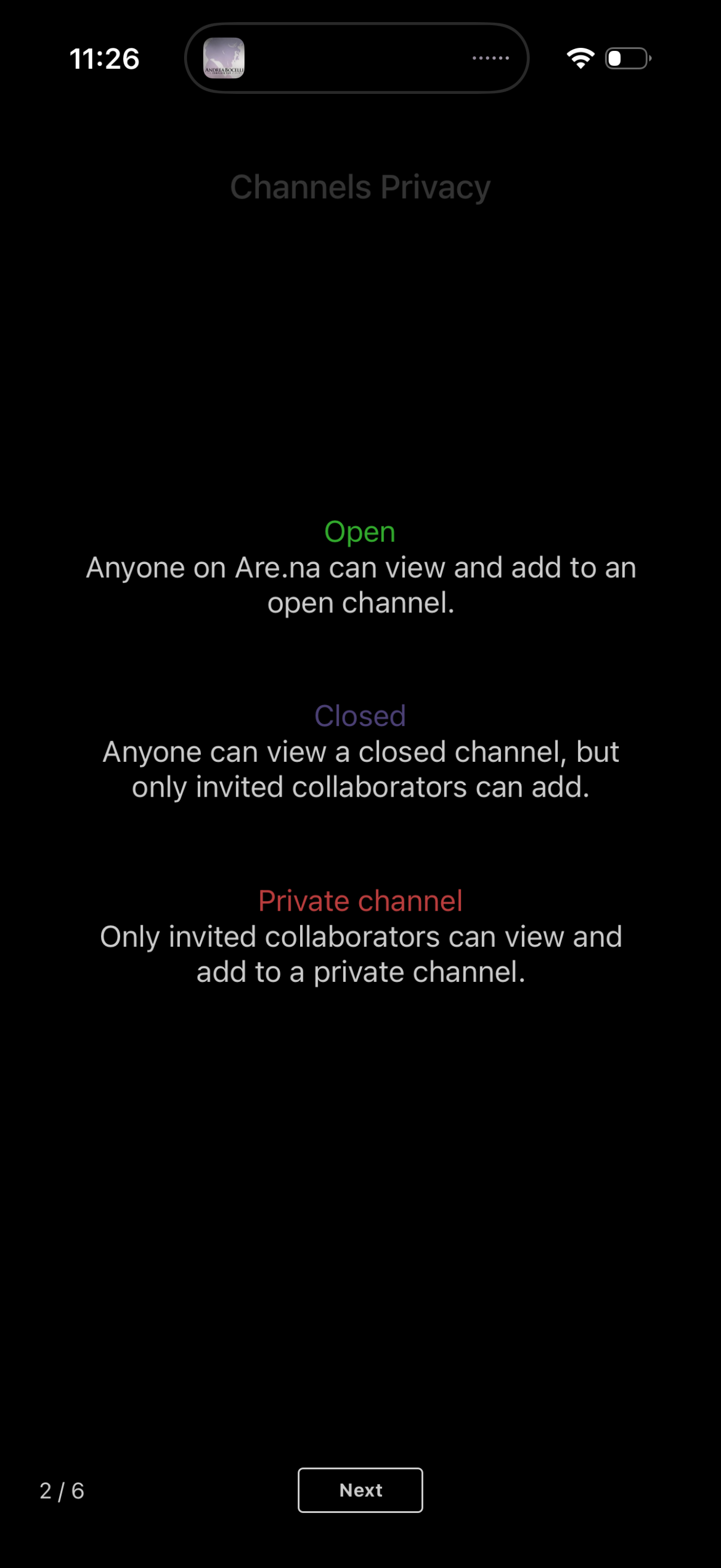
Onboarding screen explaining channel privacy options for creating a channel, describing Open, Closed, and Private access levels and who can view or add content. Includes a “Next” button to continue the setup flow.
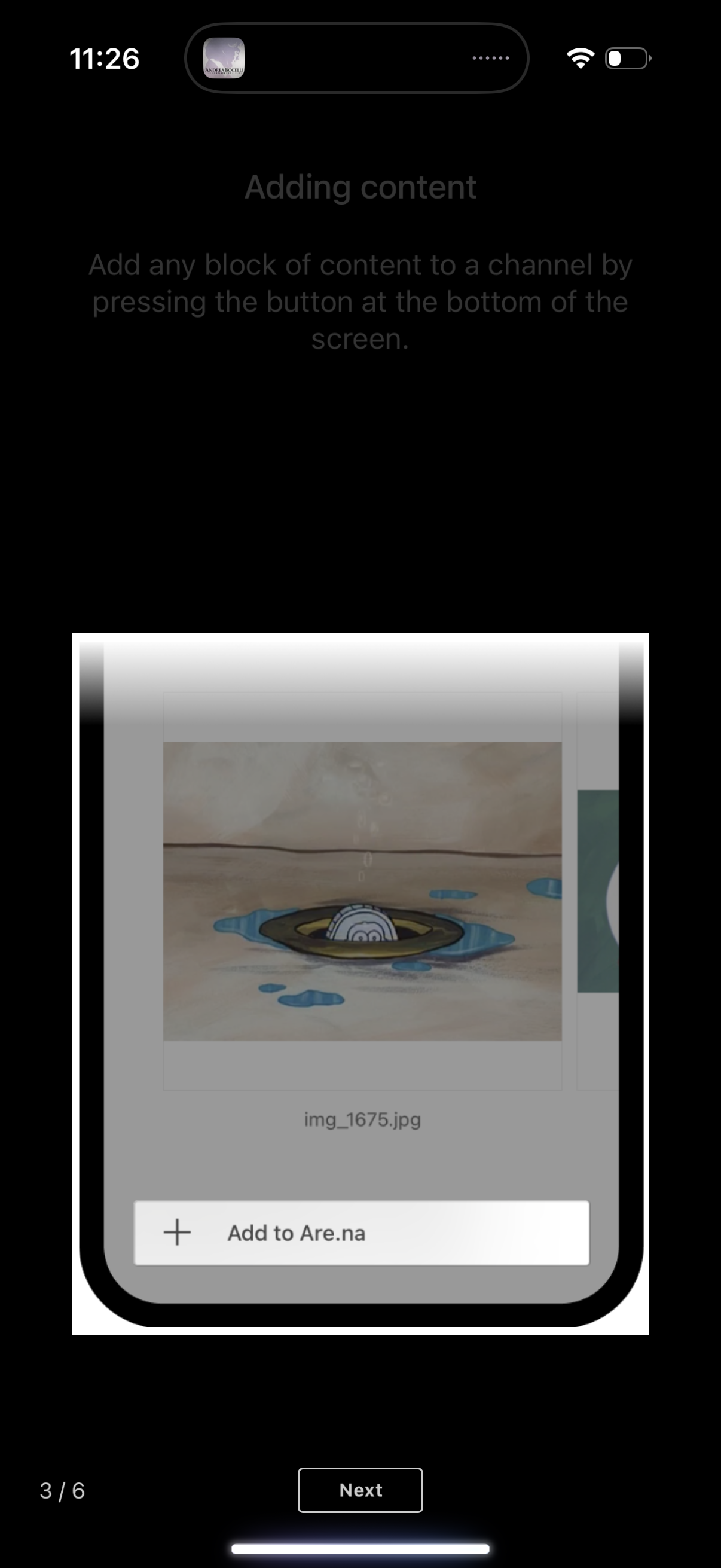
Onboarding/tutorial screen explaining how to add content to a channel, showing an example content card with an image preview and an “Add to…” button. Includes step progress indicator and a “Next” button to continue the walkthrough.

An in-app tutorial screen explaining how to press and hold on a content block to edit, delete, or comment, showing an iOS-style action sheet menu. The contextual menu includes actions like connect, leave comment, share, edit, remove from a collection, and close, with a Next button to continue the walkthrough.

Tutorial overlay explaining the “Connect” feature, prompting the user to tap a Connect button to link a piece of content to another channel. The background shows a content/channel list view dimmed behind the instruction with a “Next” step in the onboarding flow.
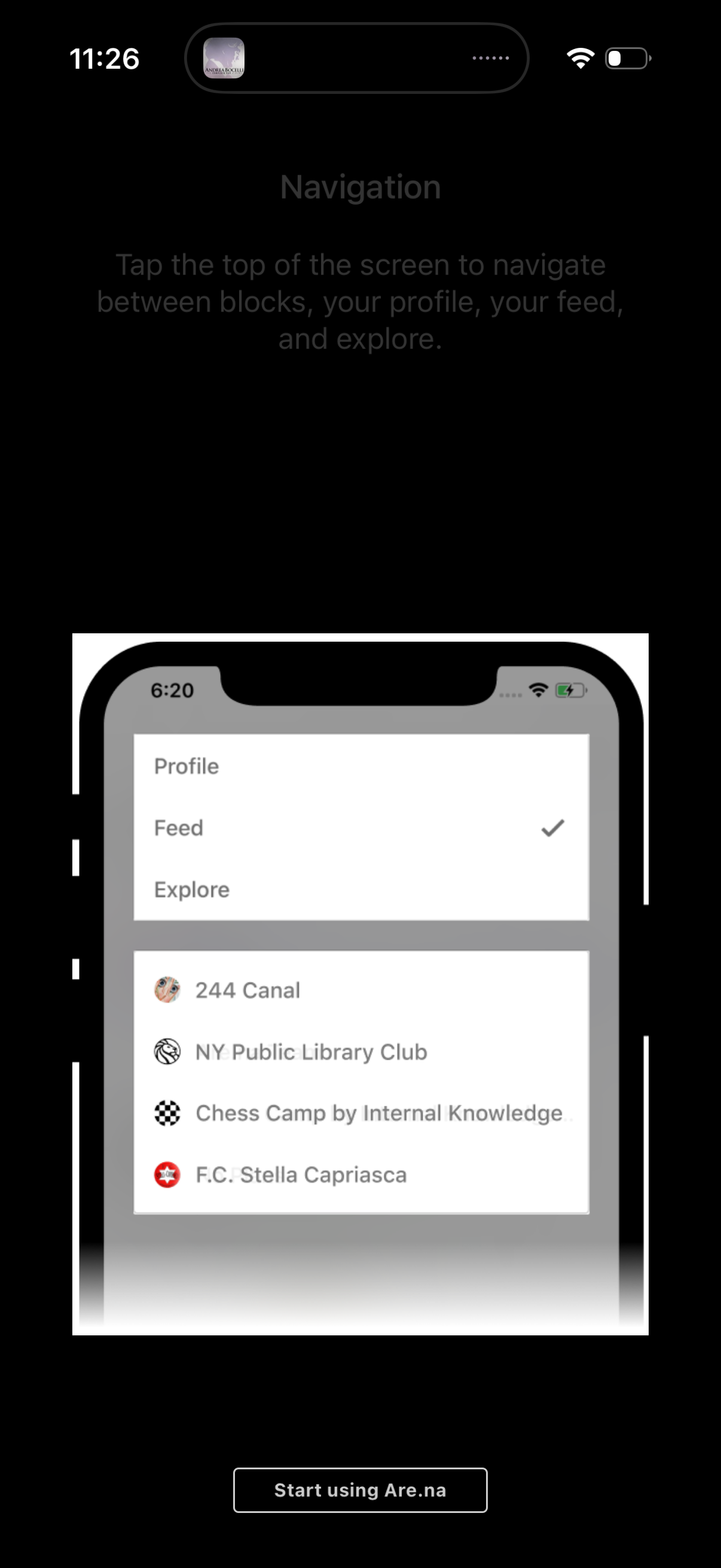
Onboarding tutorial screen explaining top navigation, showing a dropdown menu to switch between Profile, Feed, and Explore with a checkmark indicating the current selection. Includes a preview of a list of communities/blocks and a primary CTA button to start using the app.
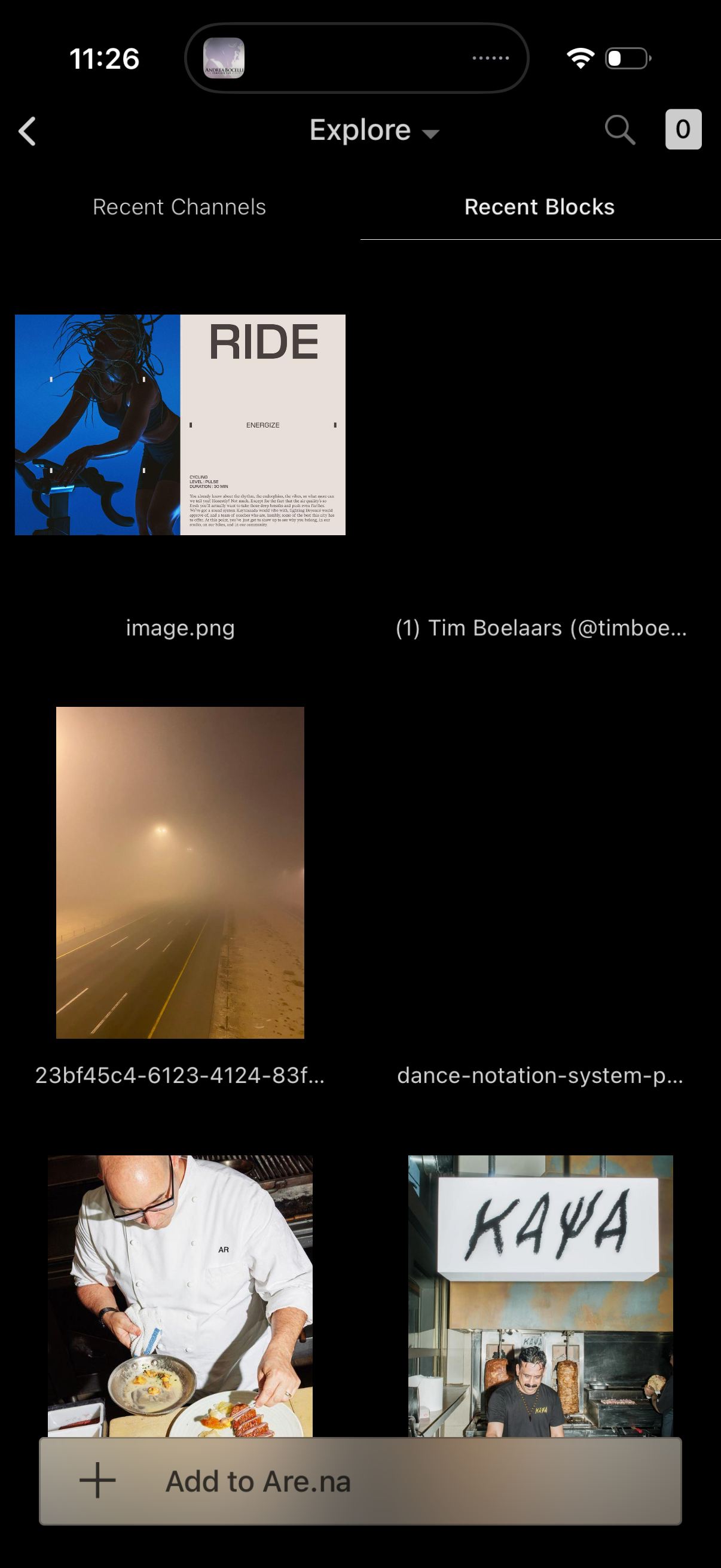
Explore screen for a visual bookmarking app showing a grid of recent blocks/files with image thumbnails and filenames, with tabs to switch between Recent Channels and Recent Blocks. Includes search, back navigation, and a bottom action bar to add the selected item(s) to a board/collection.