browse recent channels
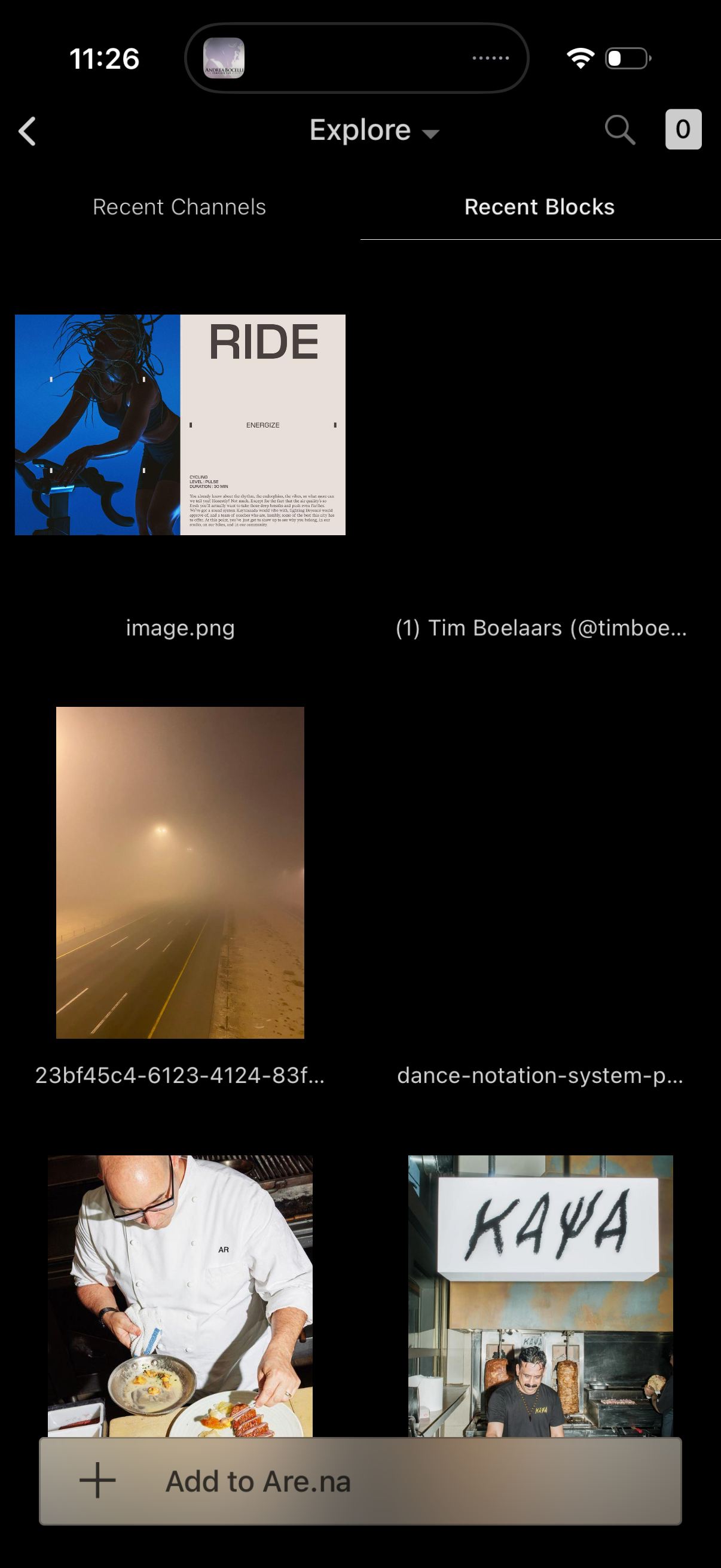
Explore screen for a visual bookmarking app showing a grid of recent blocks/files with image thumbnails and filenames, with tabs to switch between Recent Channels and Recent Blocks. Includes search, back navigation, and a bottom action bar to add the selected item(s) to a board/collection.

Explore screen showing a scrollable list of recent channels with each card displaying the channel name, creator, number of blocks, and last updated time. Top navigation includes back, an Explore dropdown, search, and a counter icon, with a bottom action to “Add to Are.

Collection/board detail screen showing a board title and creator with actions to Follow, Share, and open More options, plus stats like connections and total blocks. Below is a scrollable grid/list of saved content previews (images, links, quotes), with a bottom CTA to “Add to” the board.