Onboarding
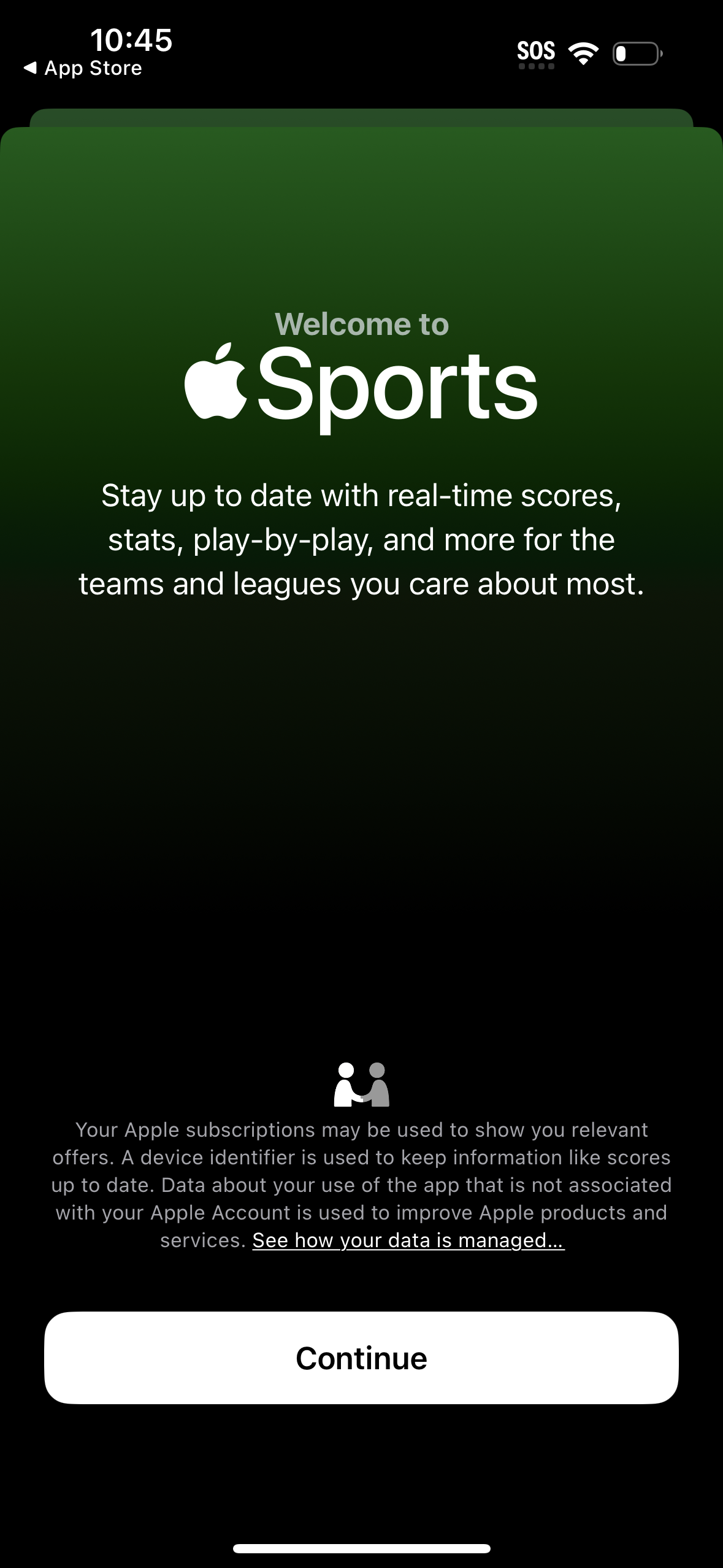
Welcome/onboarding screen for a sports scores app introducing real-time scores, stats, and play-by-play updates for selected teams and leagues. Includes a data/privacy notice link and a primary “Continue” button to proceed into the app.
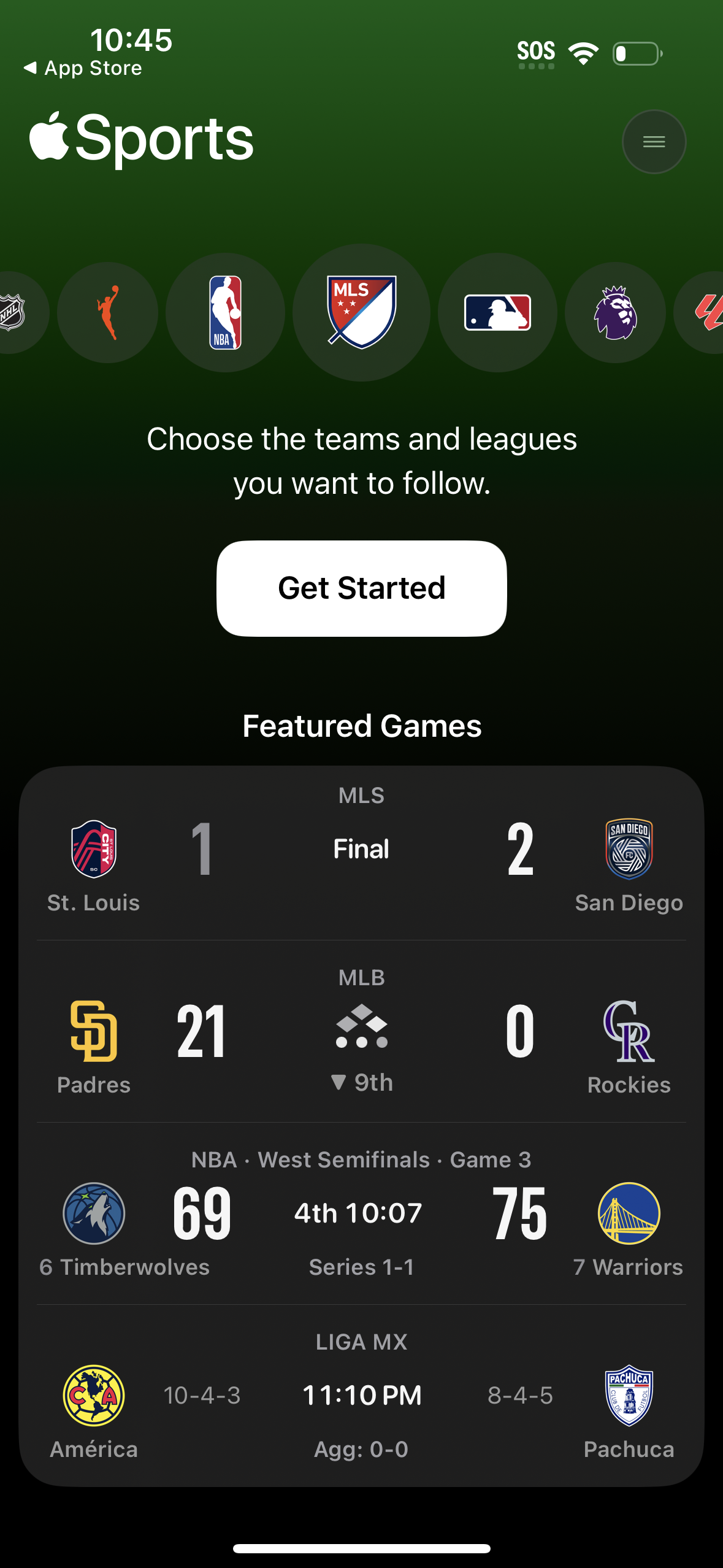
Apple Sports app onboarding/home screen prompting users to choose which teams and leagues to follow with a prominent “Get Started” button and league icons carousel. Below, a “Featured Games” section shows live and final scores across multiple sports in a compact scoreboard list with team logos, game status/time, and series info.
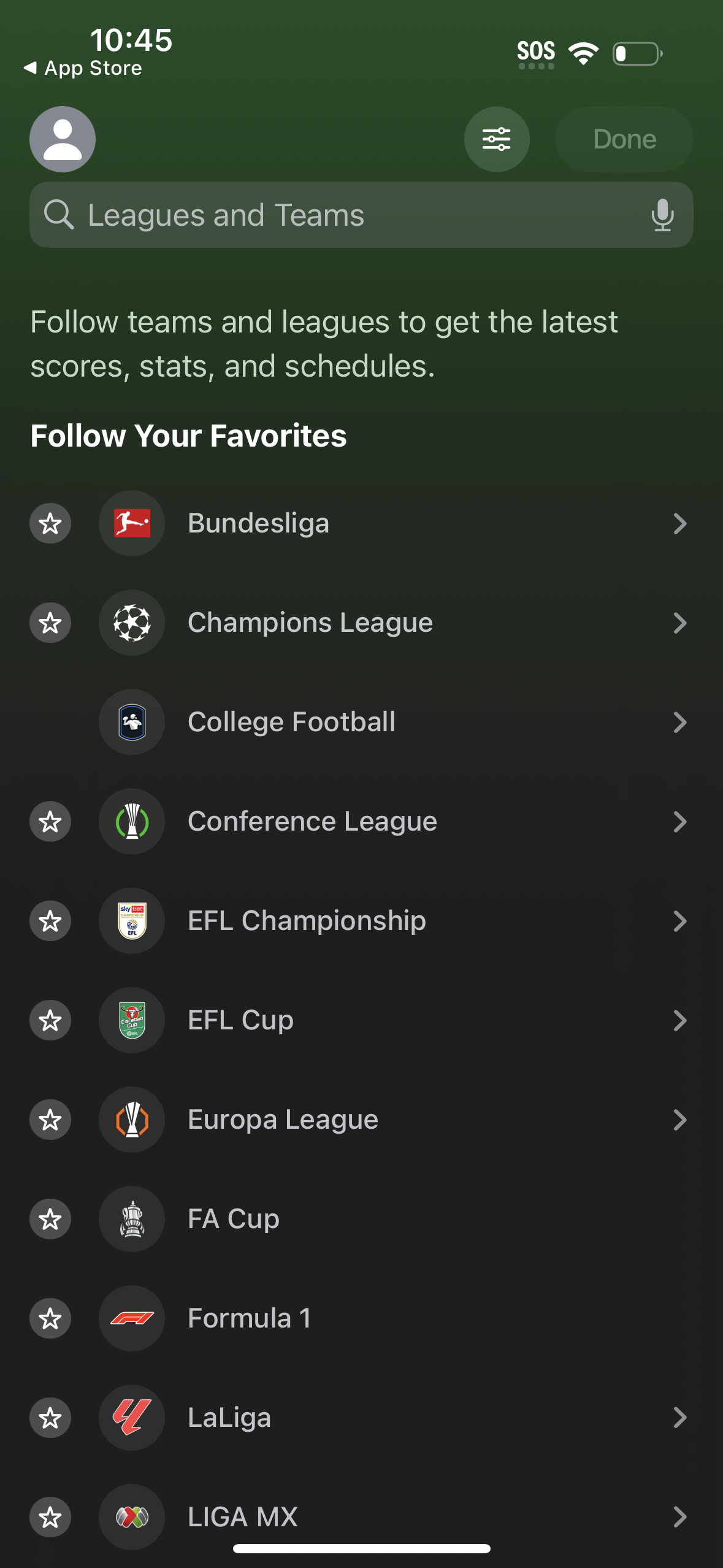
Sports app “Leagues and Teams” search screen for following favorites, with a searchable list of leagues/competitions and star icons to follow or unfollow items for getting scores, stats, and schedules. Includes filter/settings and a Done action, plus row navigation to view league details.

Sports scores home screen with segmented tabs for Yesterday, Today, and Upcoming, showing an empty state message “No Games Today. ” Includes a “My Leagues” selector to filter followed leagues and a menu icon for managing leagues or settings.