create event
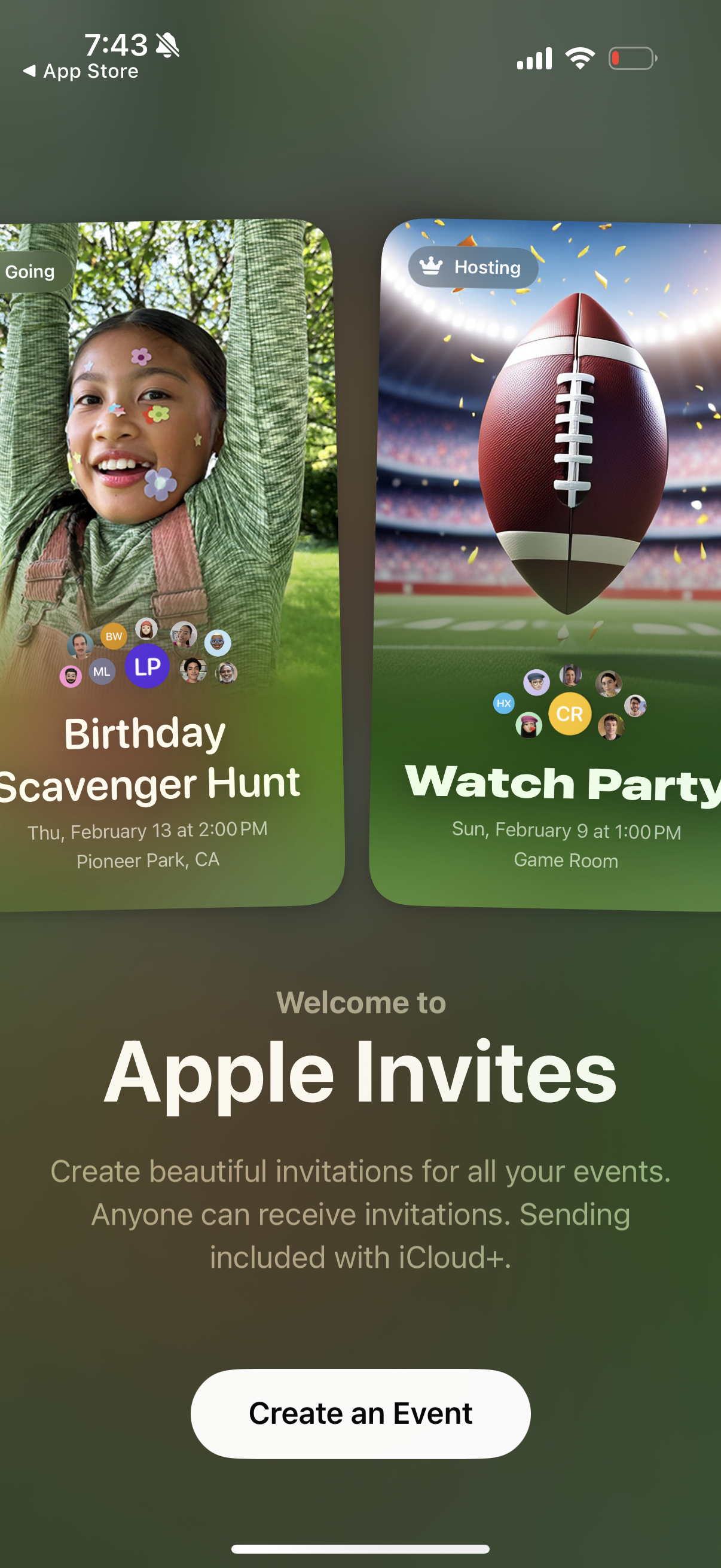
Welcome/onboarding screen for an event invitation app showcasing example invite cards with event title, date/time, location, and attendee avatars with status badges (e. g.
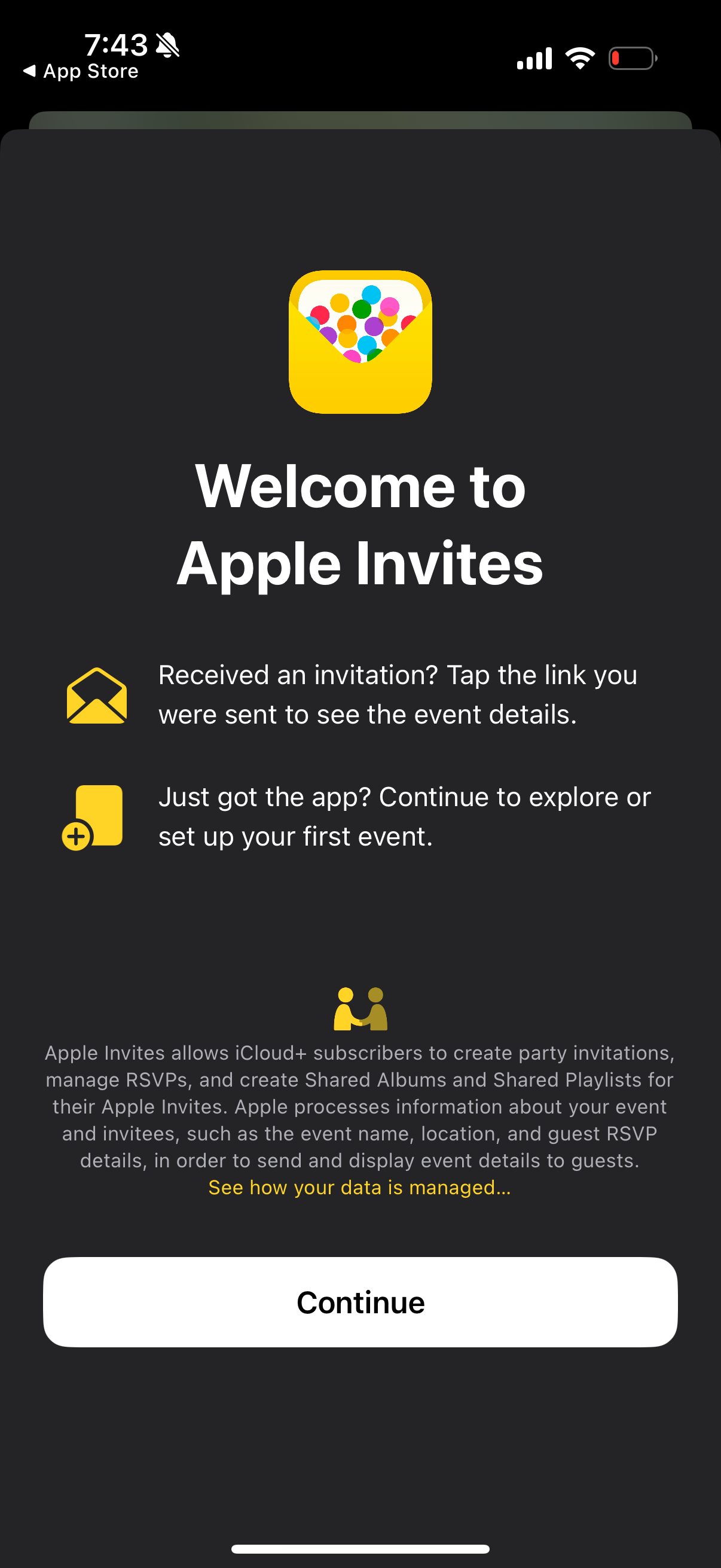
Welcome/onboarding screen for an event invitations app explaining how to view received invitations via a link and how to set up your first event. Includes a brief privacy/data management notice and a primary “Continue” call-to-action to proceed.
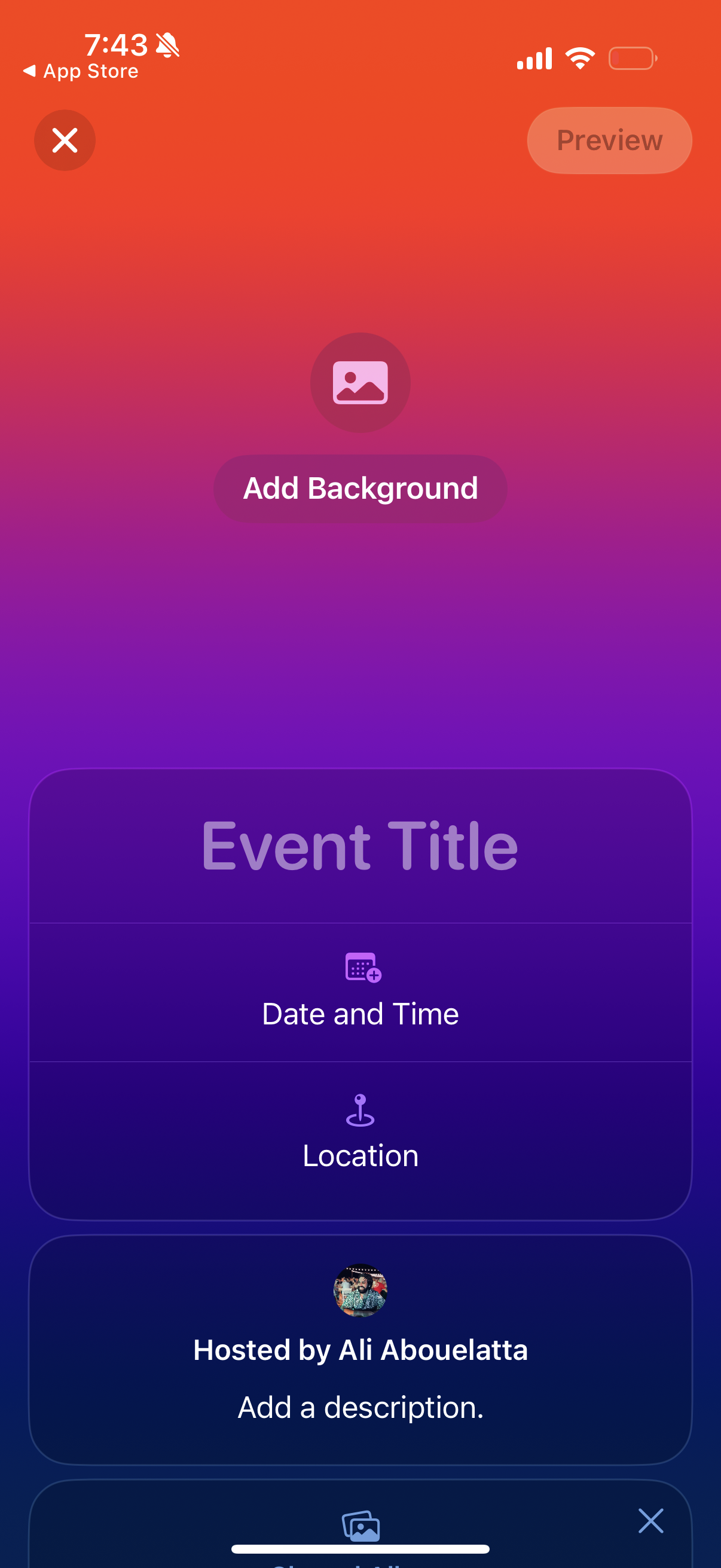
Event creation/edit screen where users design an event card by adding a background image and entering key details like event title, date and time, location, host, and description, with options to preview or close the editor.
A full-screen blurred loading or transition view with only the iOS status bar and a back link to the App Store visible, showing no content or actions besides navigating back.
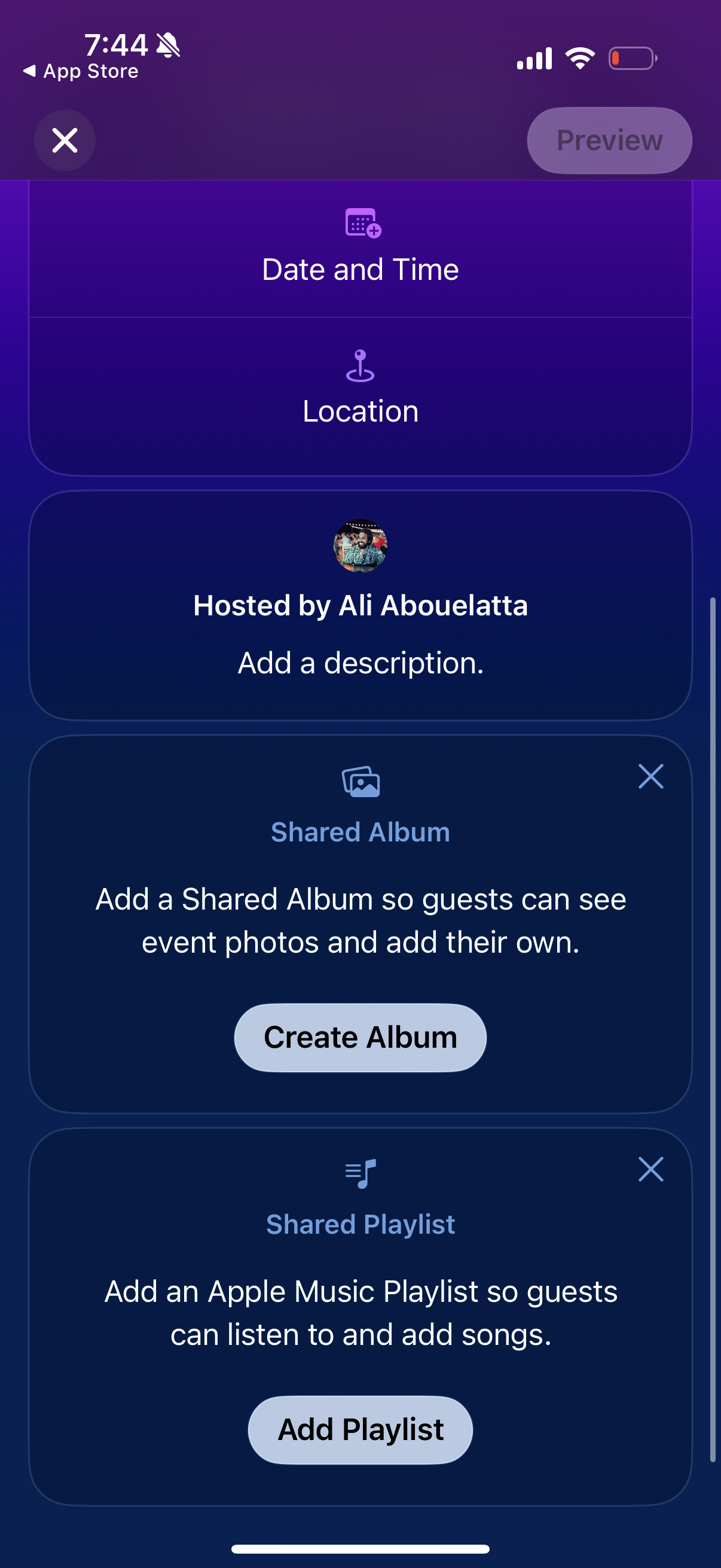
Event creation/editing screen showing sections to add date and time, location, and host description, plus optional guest collaboration features. Users can create a shared photo album for event pictures and add a shared Apple Music playlist, with clear primary actions like Create Album and Add Playlist.
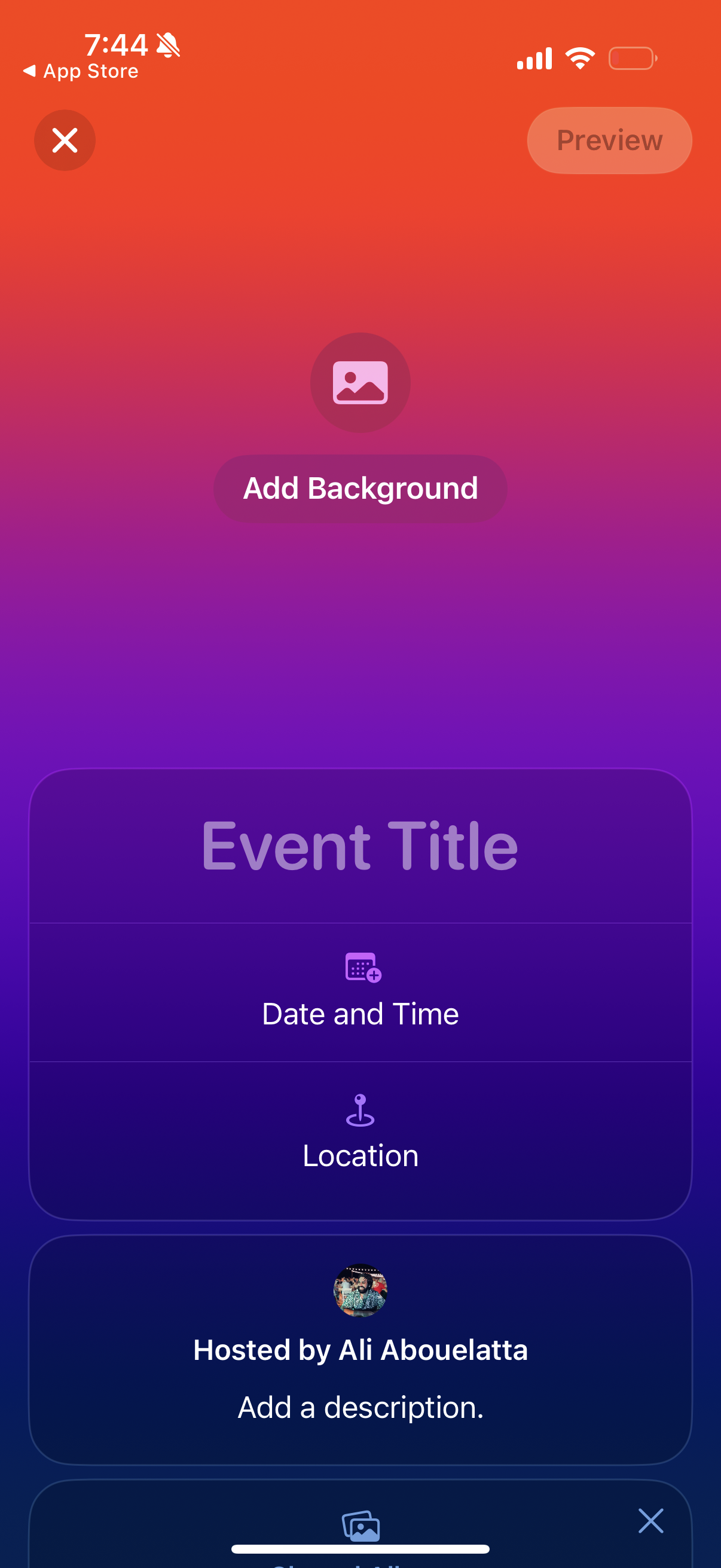
Event creation/editing screen where users can build an event poster by adding a background image and filling in event title, date and time, location, host, and description fields. Includes a preview action and close/cancel controls.