Workout lesson
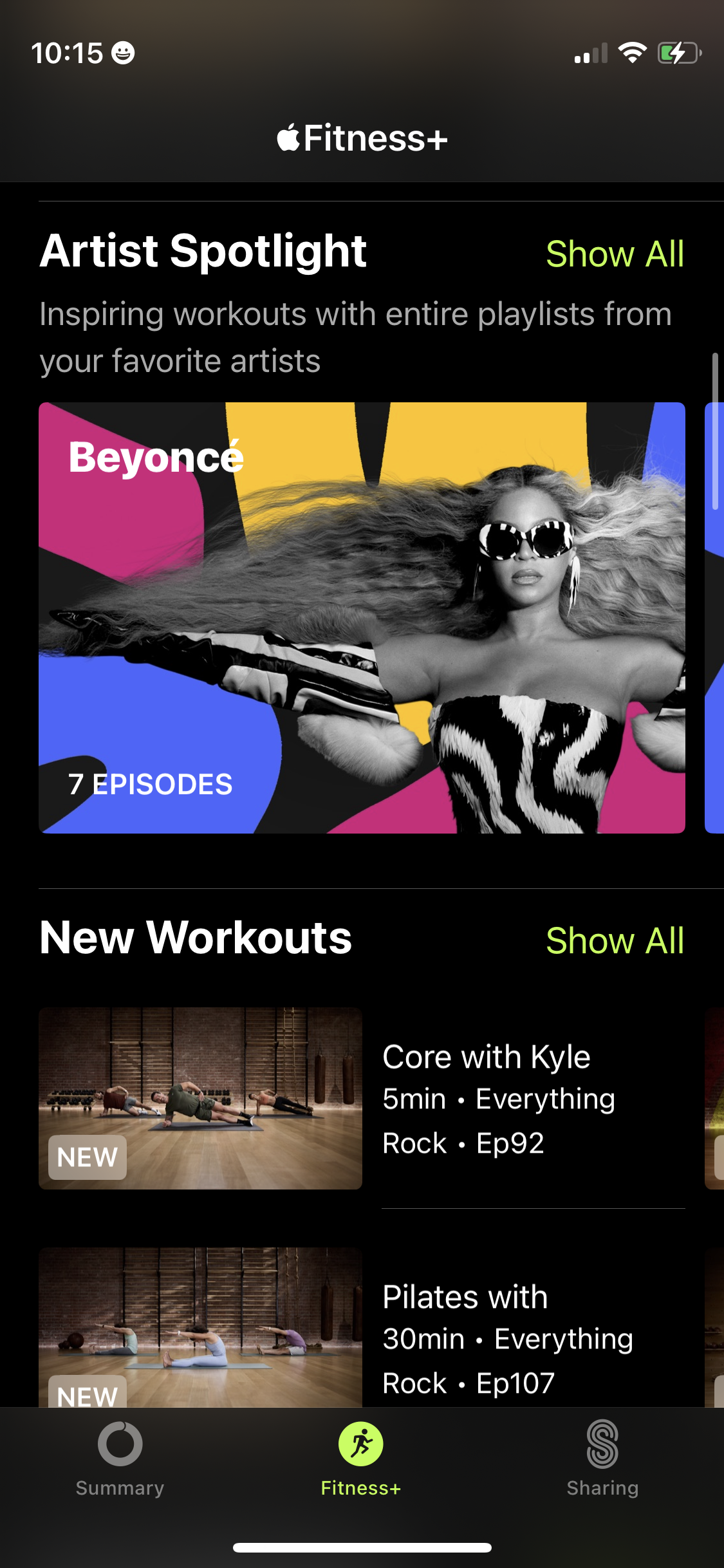
Apple Fitness+ browse/discovery screen highlighting curated workout collections, including an “Artist Spotlight” series and a “New Workouts” list with episode counts, duration, music genre, and trainer details. Users can tap “Show All” to view full lists and select individual workout cards from the feed.
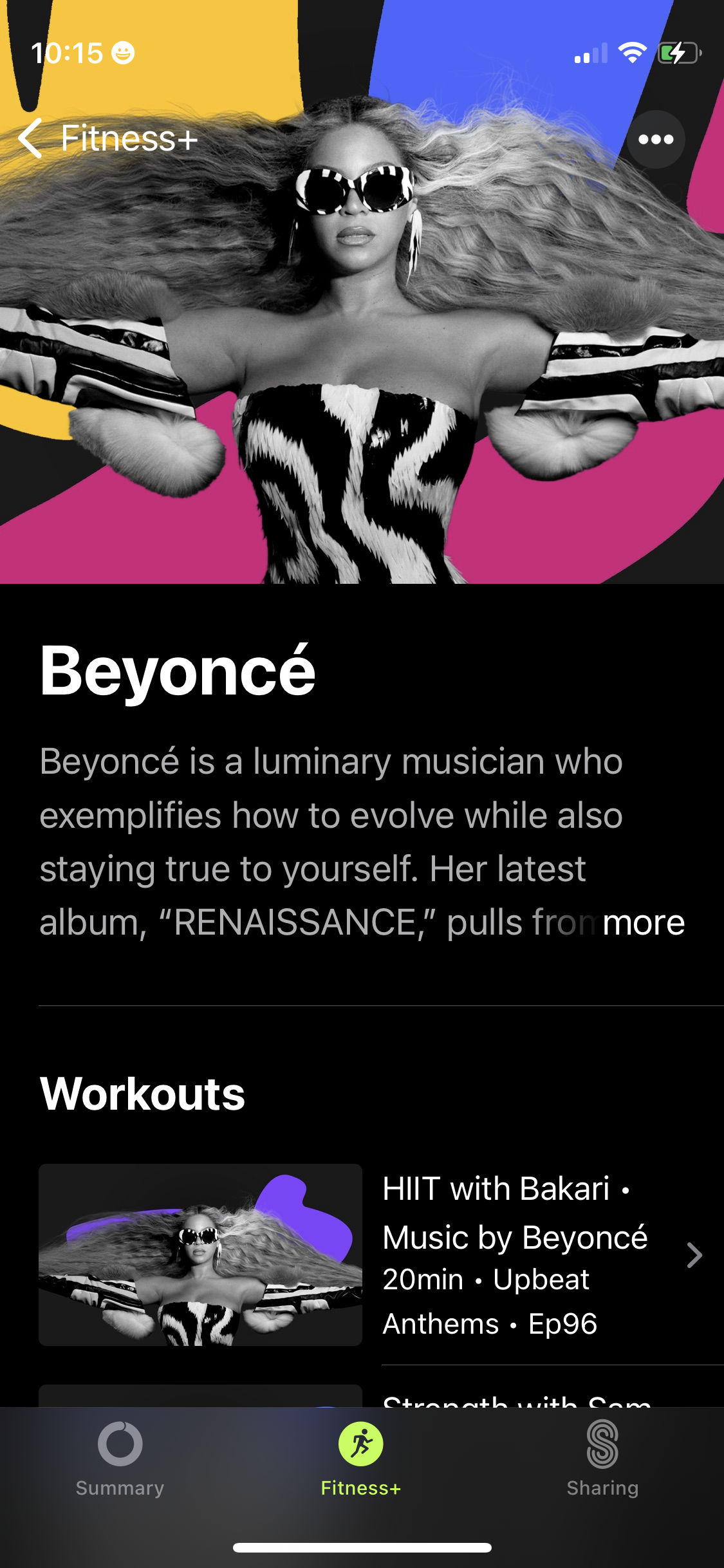
Fitness app artist spotlight page featuring a large hero image, artist bio snippet with “more” expansion, and a curated list of music-driven workouts tied to the artist with duration, genre/mood, and episode details. Includes navigation back and overflow menu plus a bottom tab bar to switch sections like summary, fitness content, and sharing.
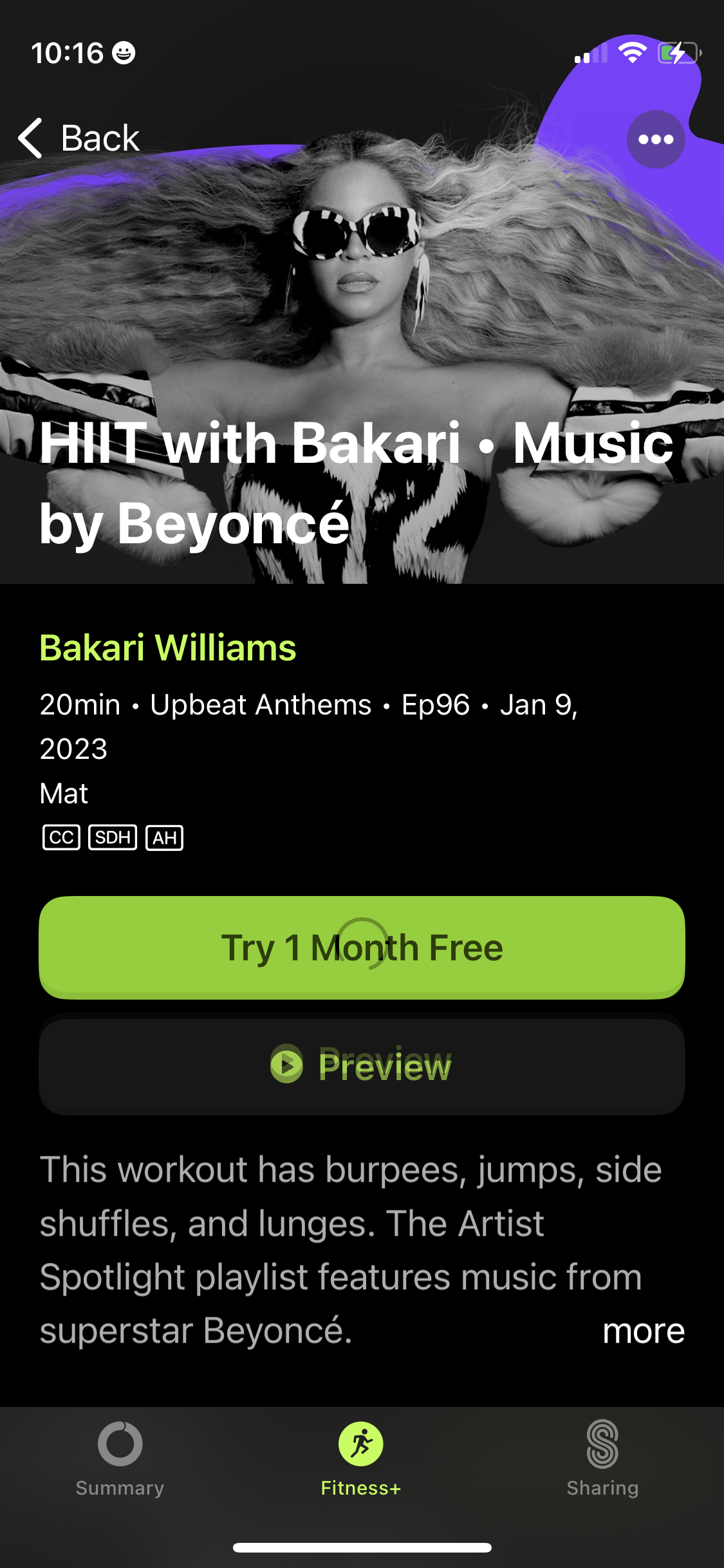
Workout class detail screen for a HIIT session showing title, trainer name, duration, genre/playlist, episode date, and accessibility badges, with a large hero image. Primary actions encourage subscription with “Try 1 Month Free” and a “Preview” button, plus a short workout description with a “more” link and overflow menu.