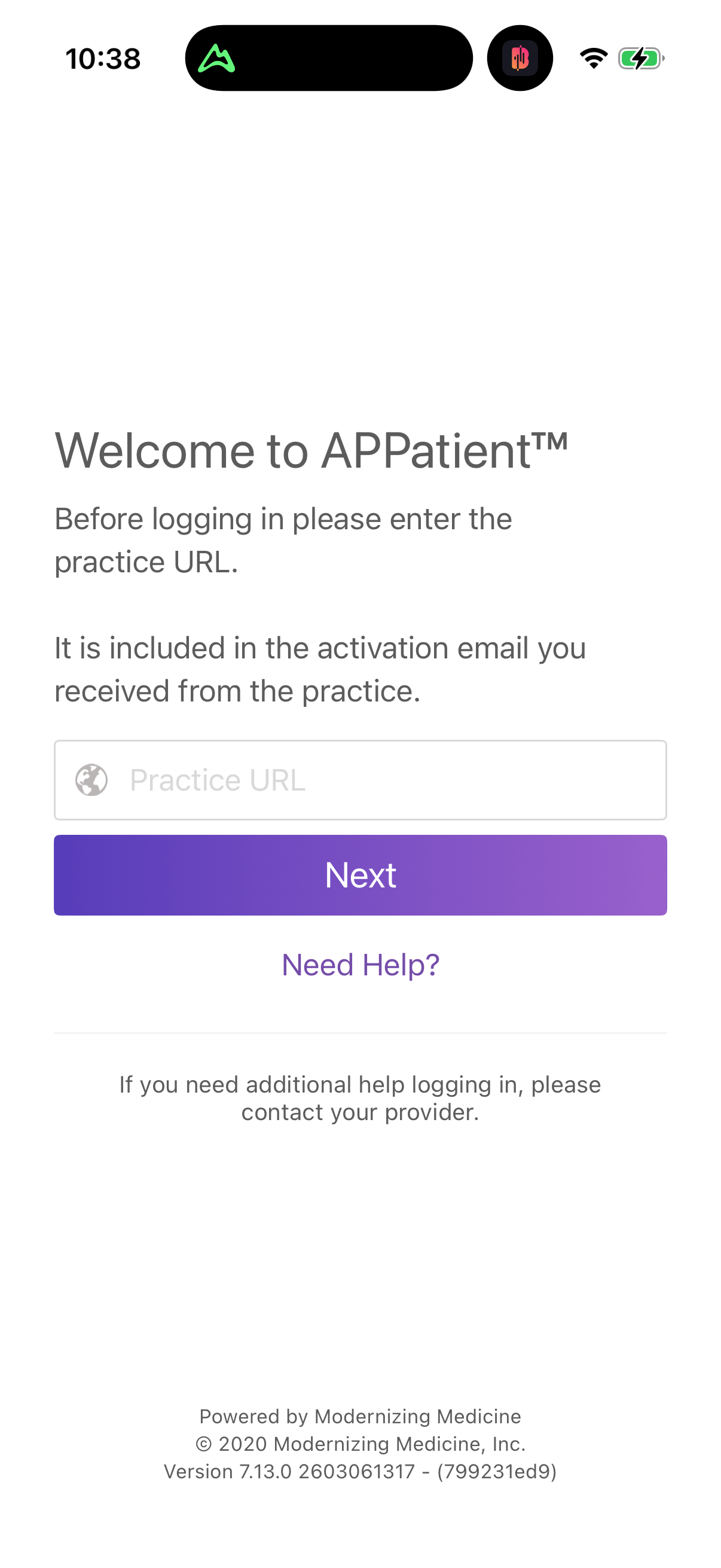
Sign in
1
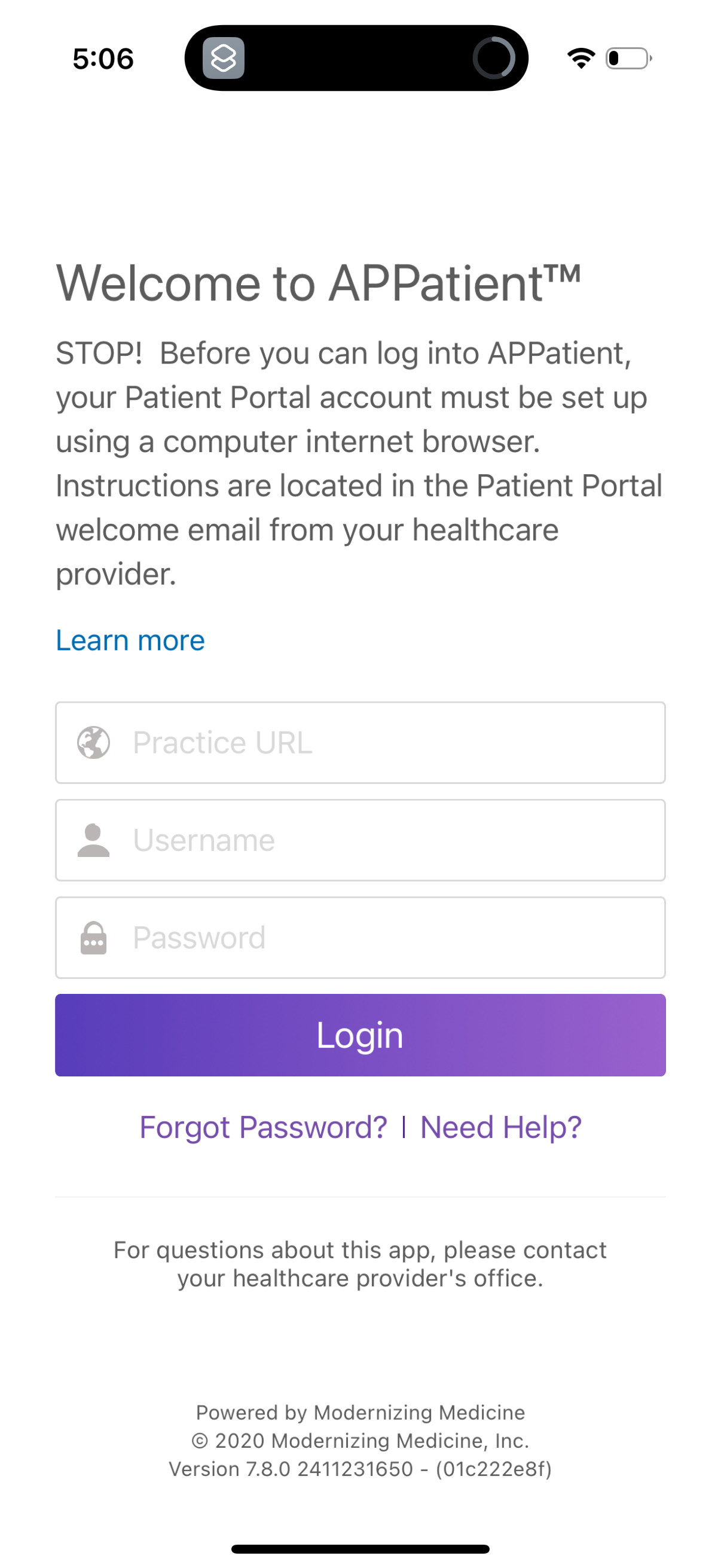
Patient portal app login screen with a welcome message and notice that the account must be set up in a web browser first, with a “Learn more” link. Users can enter Practice URL, username, and password to log in, with options for “Forgot Password?
2