enable microphone for recording
1
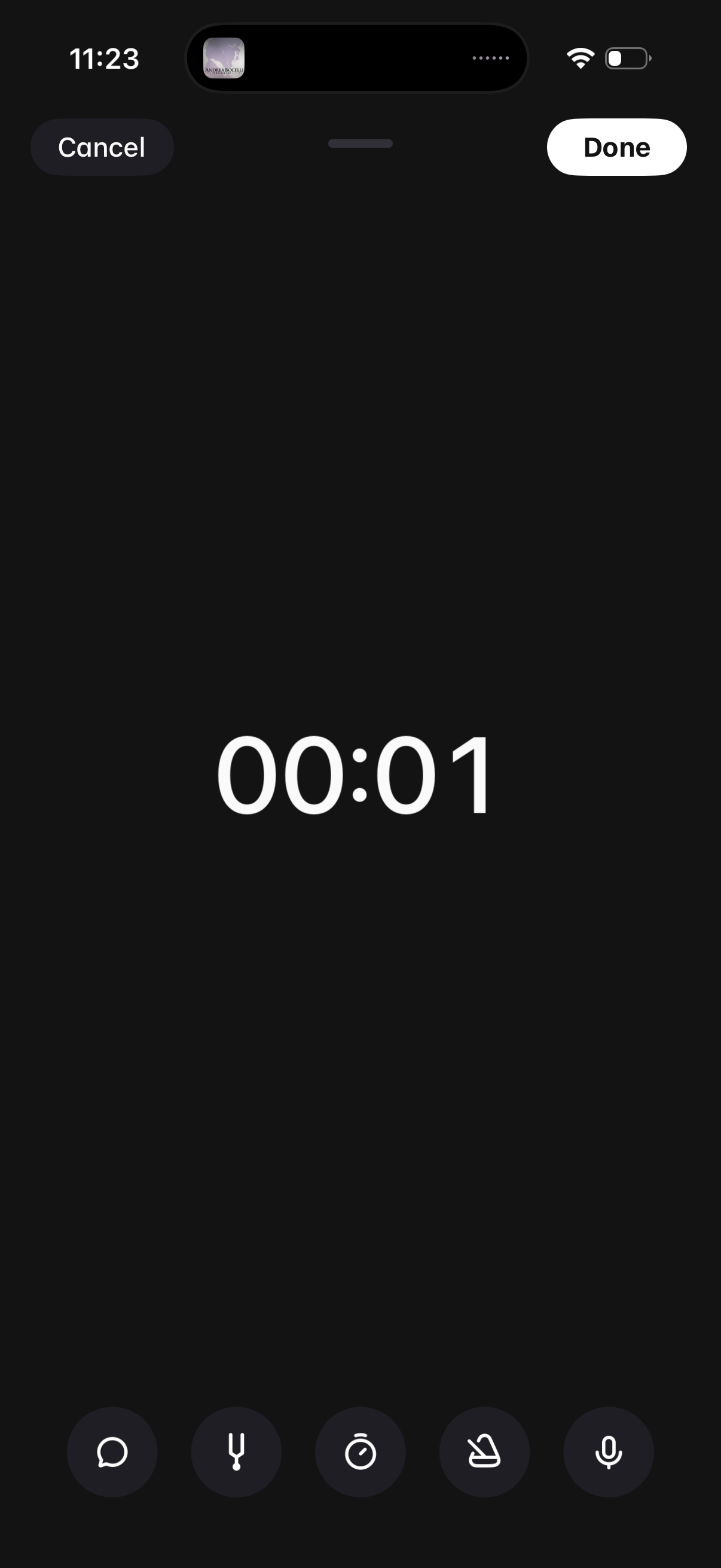
Audio voice recording screen with a large elapsed-time counter and quick controls for recording options like transcript, timer, and settings. Primary actions are Cancel to discard or Done to save and finish the recording.
2
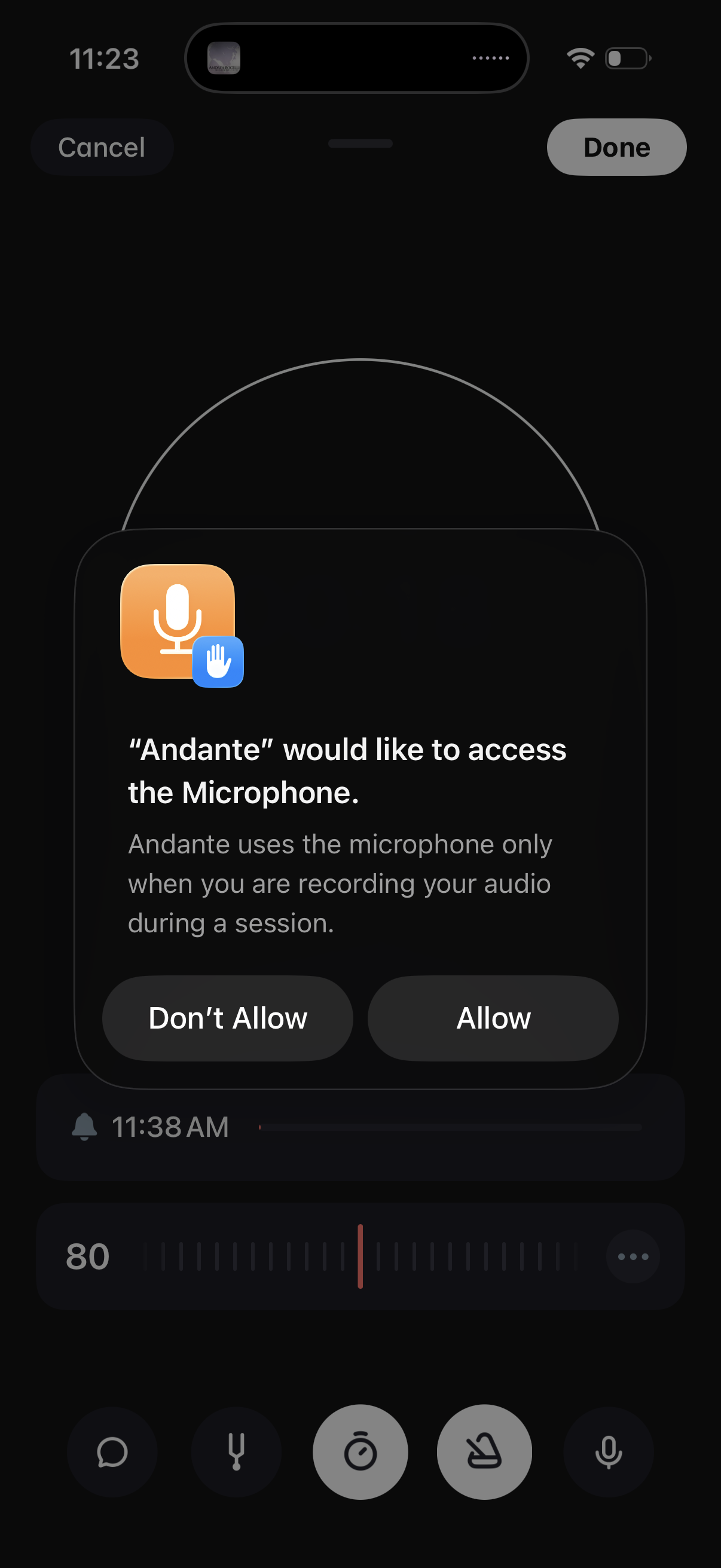
iOS system permission modal requesting microphone access for an app, explaining the mic will be used during recording in a session. The alert provides primary actions to Allow or Don’t Allow, overlaying a recording/session interface.
3
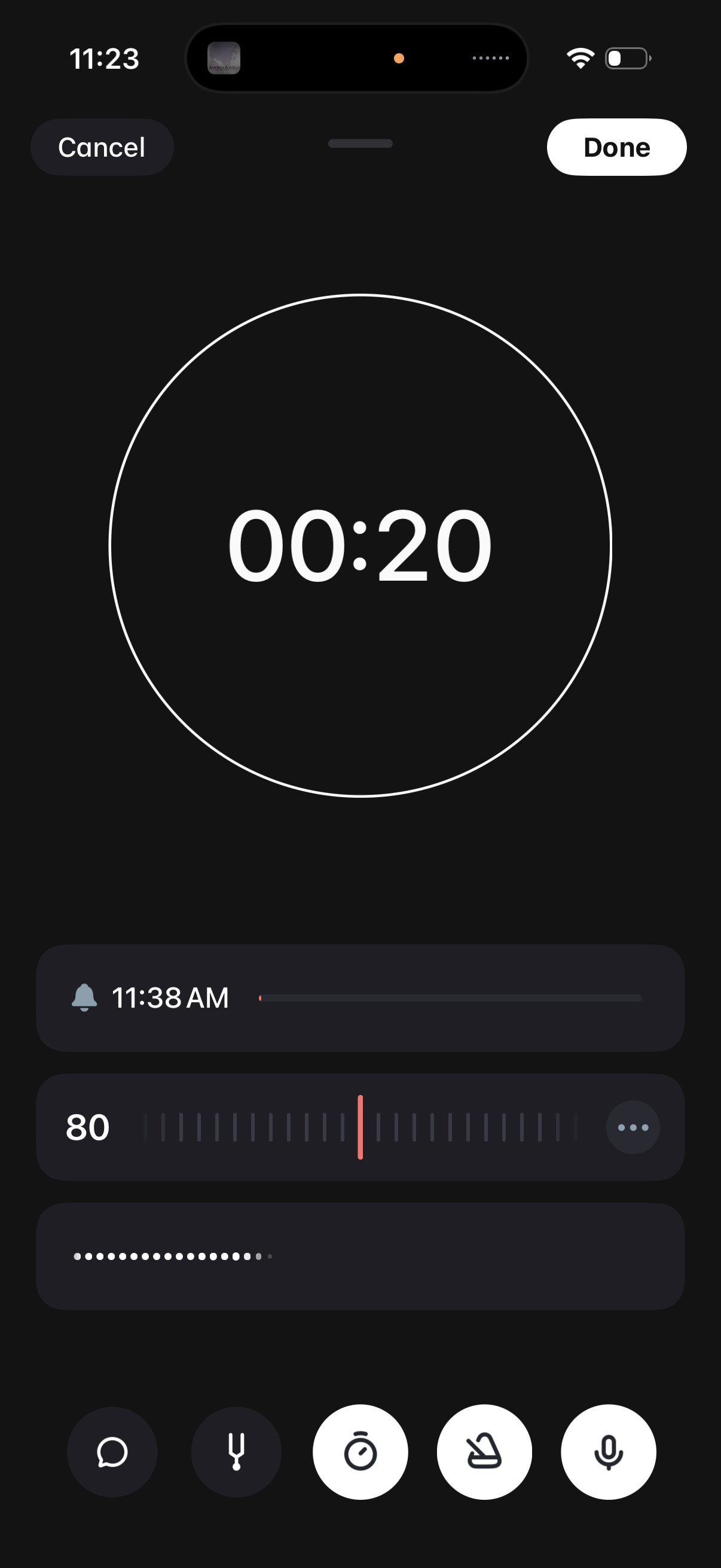
Alarm or timer setup screen with a large circular countdown preview and controls to cancel or save. Users can adjust the alarm time and volume/level using sliders and quick action buttons before tapping Done.