complete onboarding
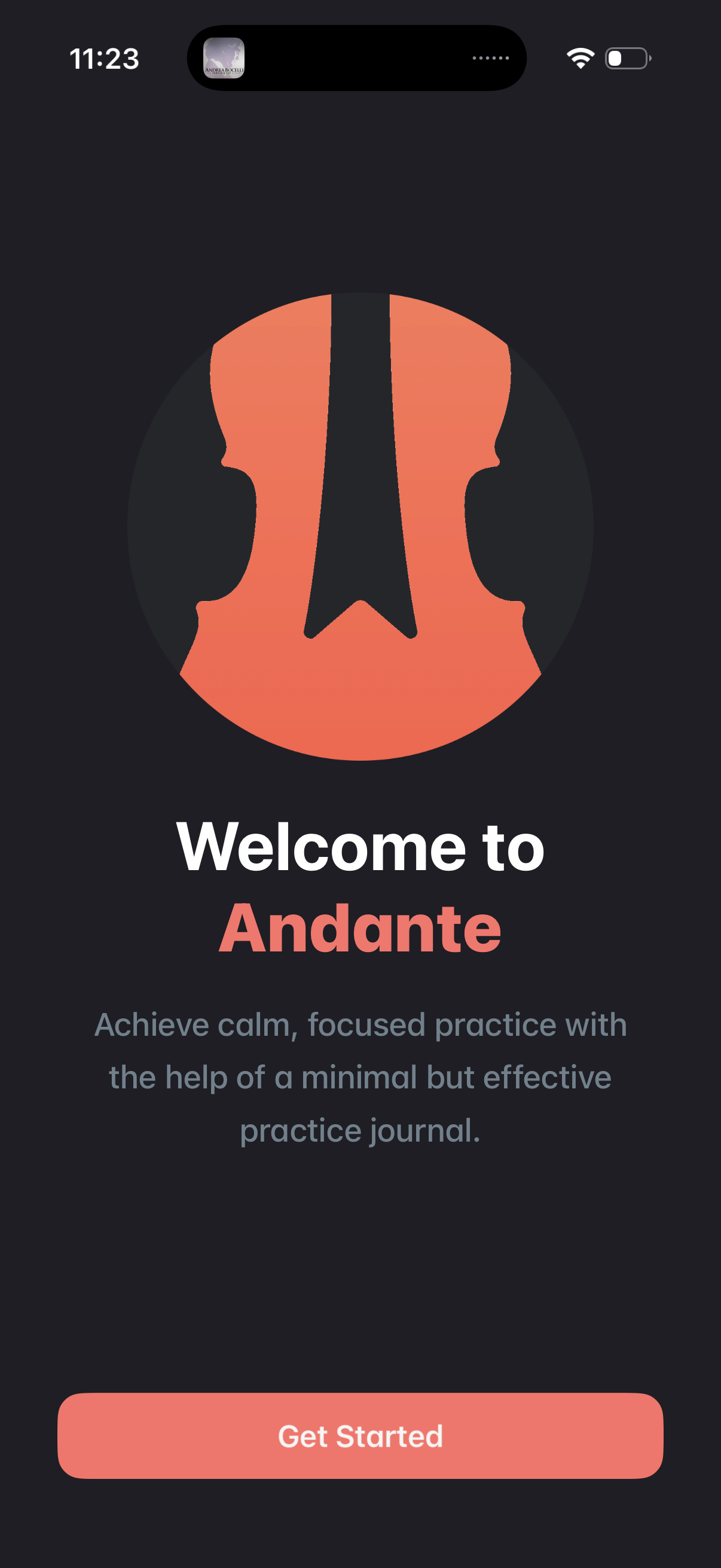
Welcome/onboarding screen for a music practice journal app, showing the app logo, a brief value proposition about calm focused practice, and a primary “Get Started” CTA to begin setup or sign up. Dark themed splash-style introduction screen.
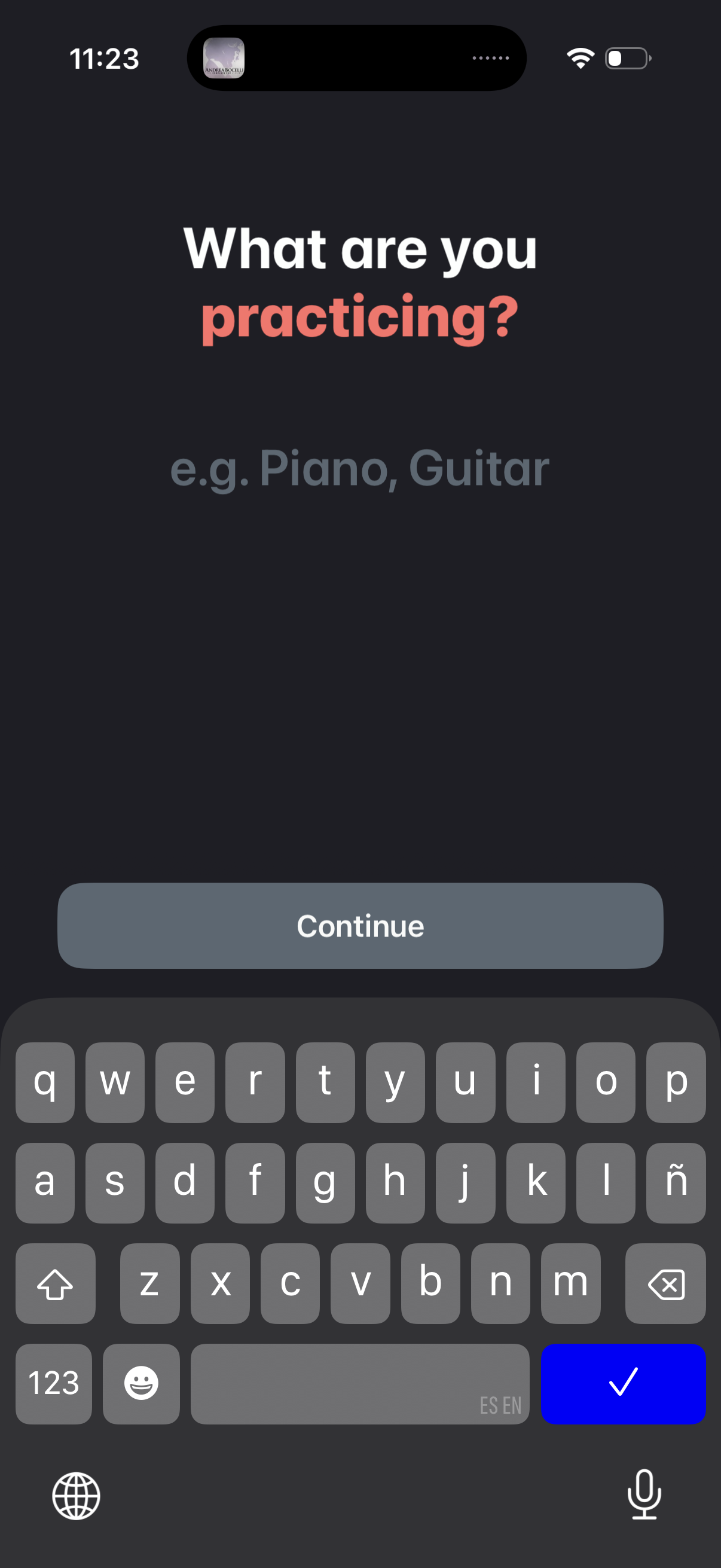
Onboarding question screen asking the user to enter what they are practicing (e. g.
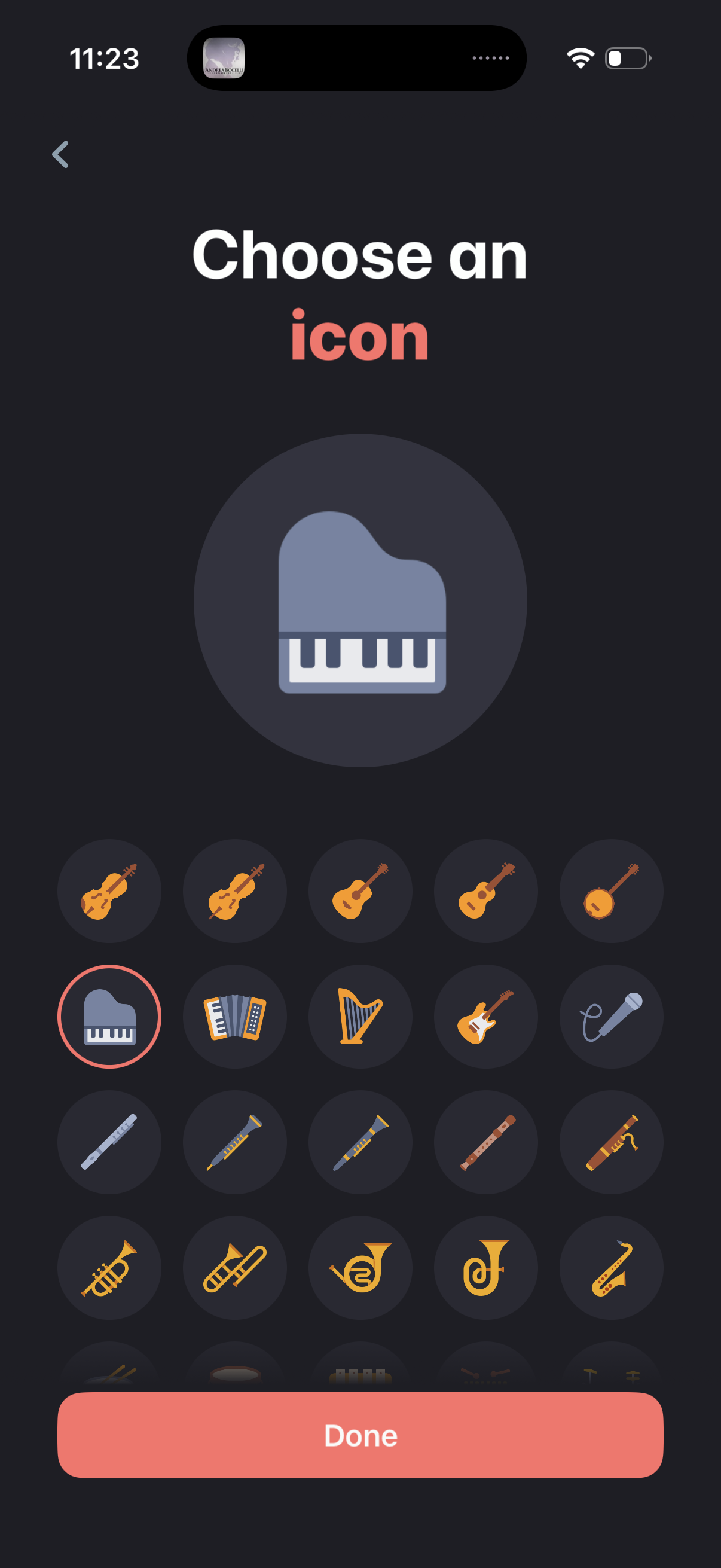
Icon picker screen for selecting an instrument icon, showing a large preview of the currently selected icon and a grid of icon options. Users can go back or tap Done to confirm and save the chosen icon.
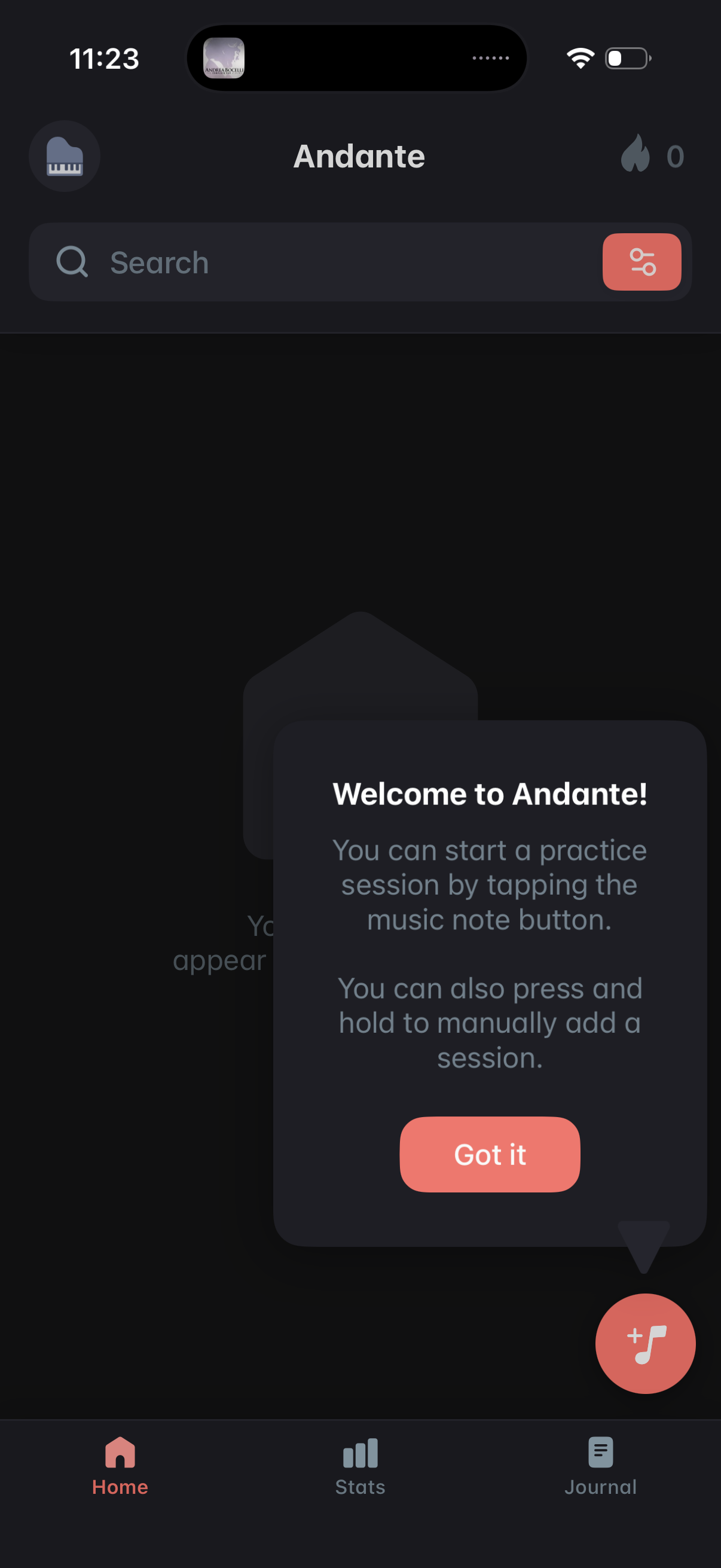
Home dashboard of a music practice tracking app with a search bar and filter controls, plus bottom navigation for Home, Stats, and Journal. An onboarding tooltip explains starting a practice session via a floating music-note add button (tap or long-press to manually add) with a “Got it” dismissal.
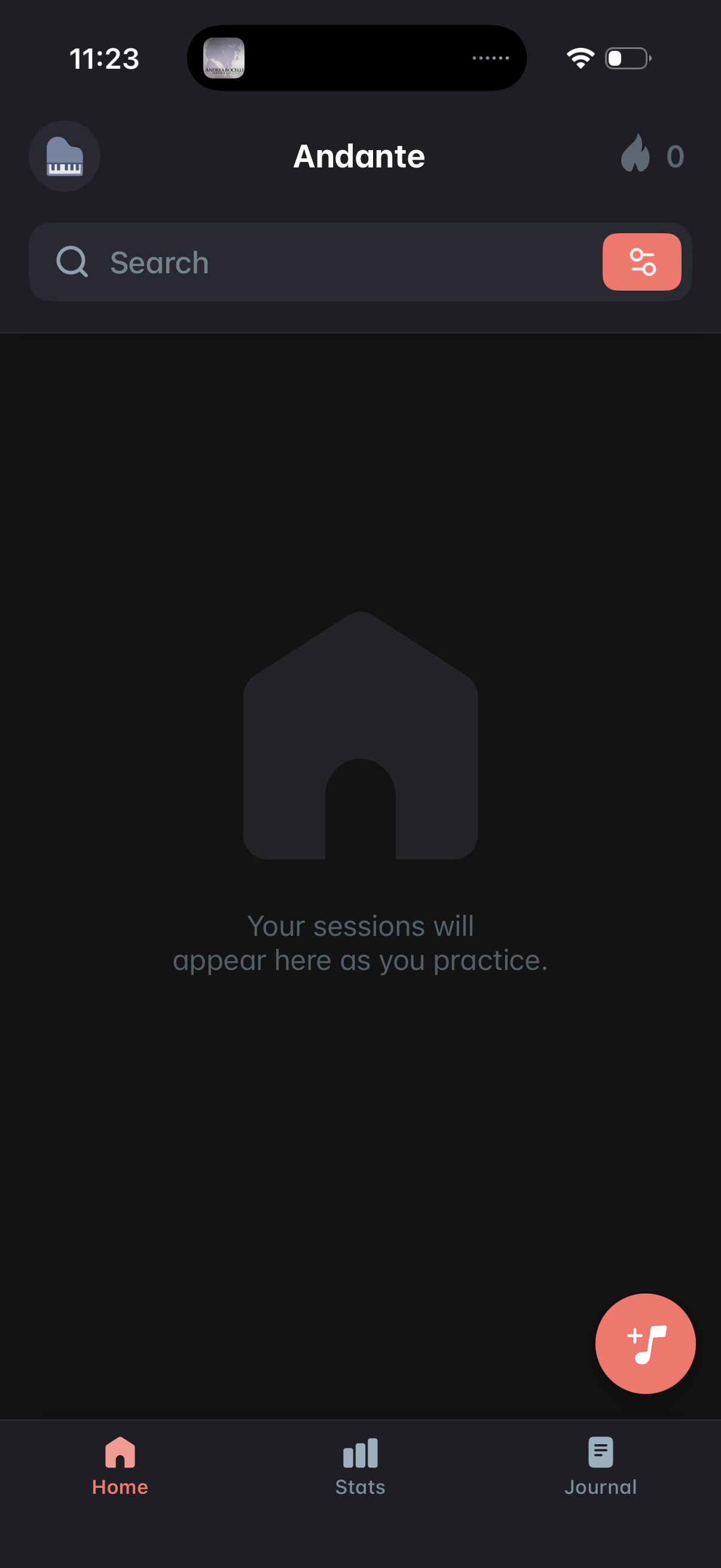
Home dashboard of a music practice app showing an empty state where practice sessions will appear, with a search bar and filter button for finding sessions. Includes a floating action button to start/add a new practice session and bottom navigation tabs for Home, Stats, and Journal.