Sign up
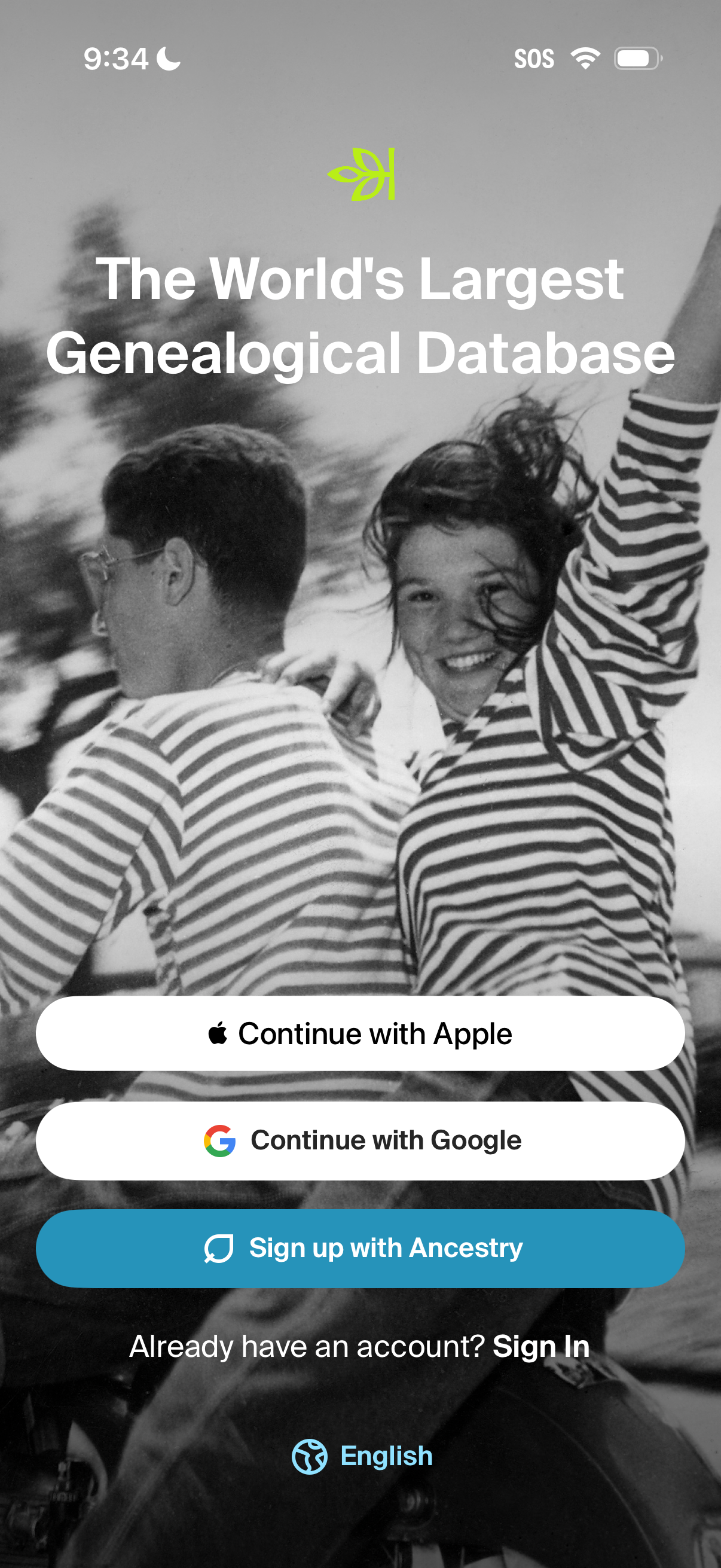
Onboarding welcome screen for a genealogy app highlighting “The World’s Largest Genealogical Database” with authentication options to continue with Apple, continue with Google, or sign up with email, plus a Sign In link for existing users and a language selector.
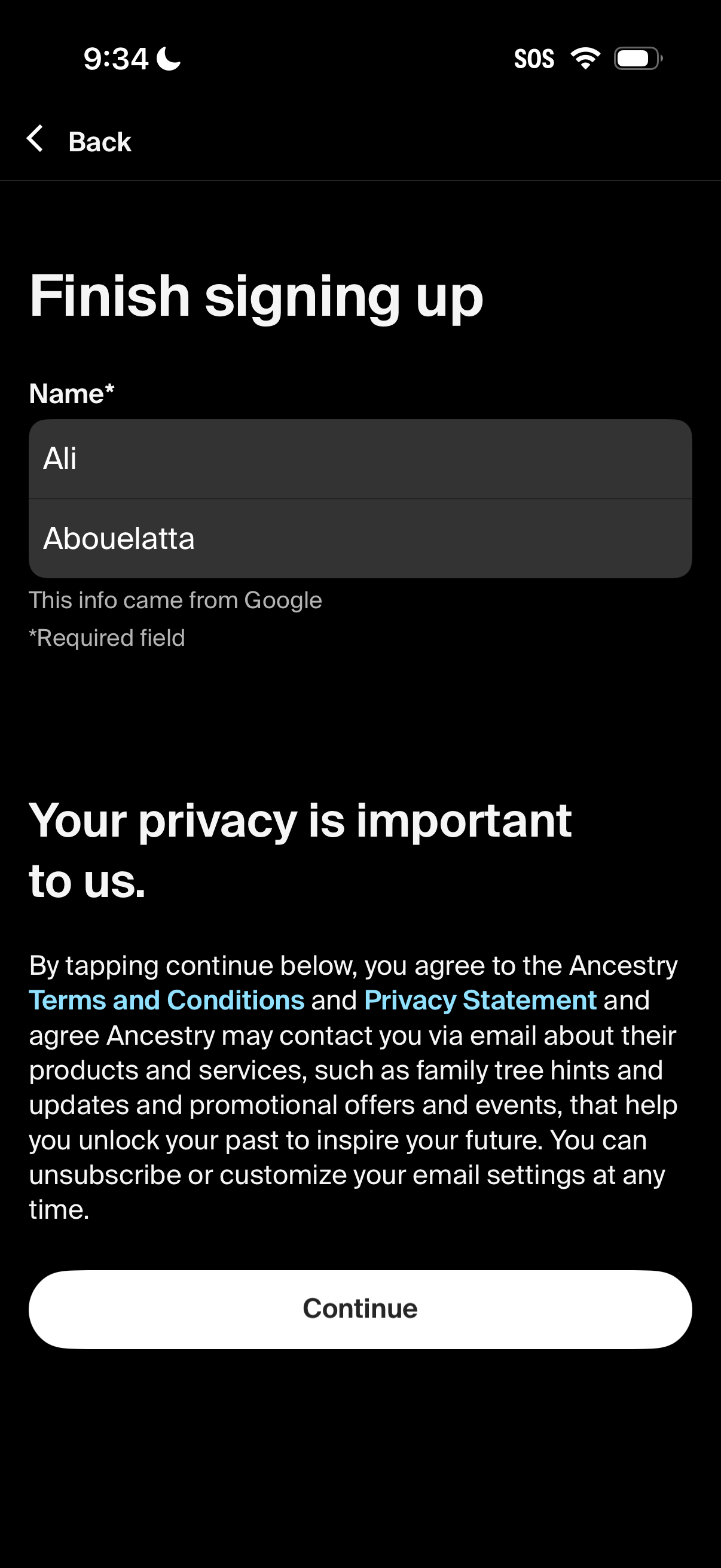
Account signup completion screen that asks the user to confirm their name (prefilled from Google) and proceed. Includes privacy consent text with links to Terms and Conditions and Privacy Statement, plus a primary Continue button and back navigation.
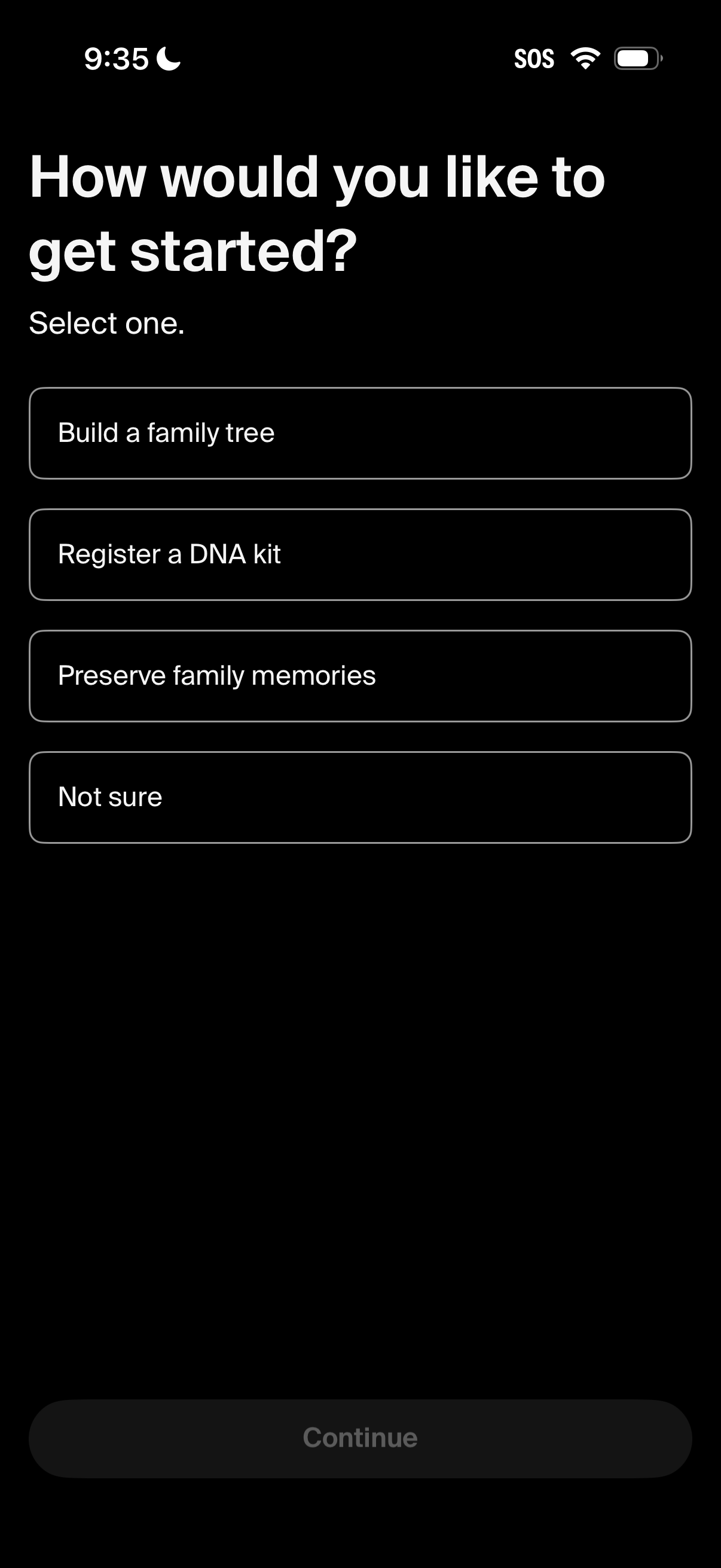
Onboarding preference selection screen asking “How would you like to get started? ” with options to build a family tree, register a DNA kit, preserve family memories, or choose “not sure,” followed by a disabled Continue button until a choice is made.