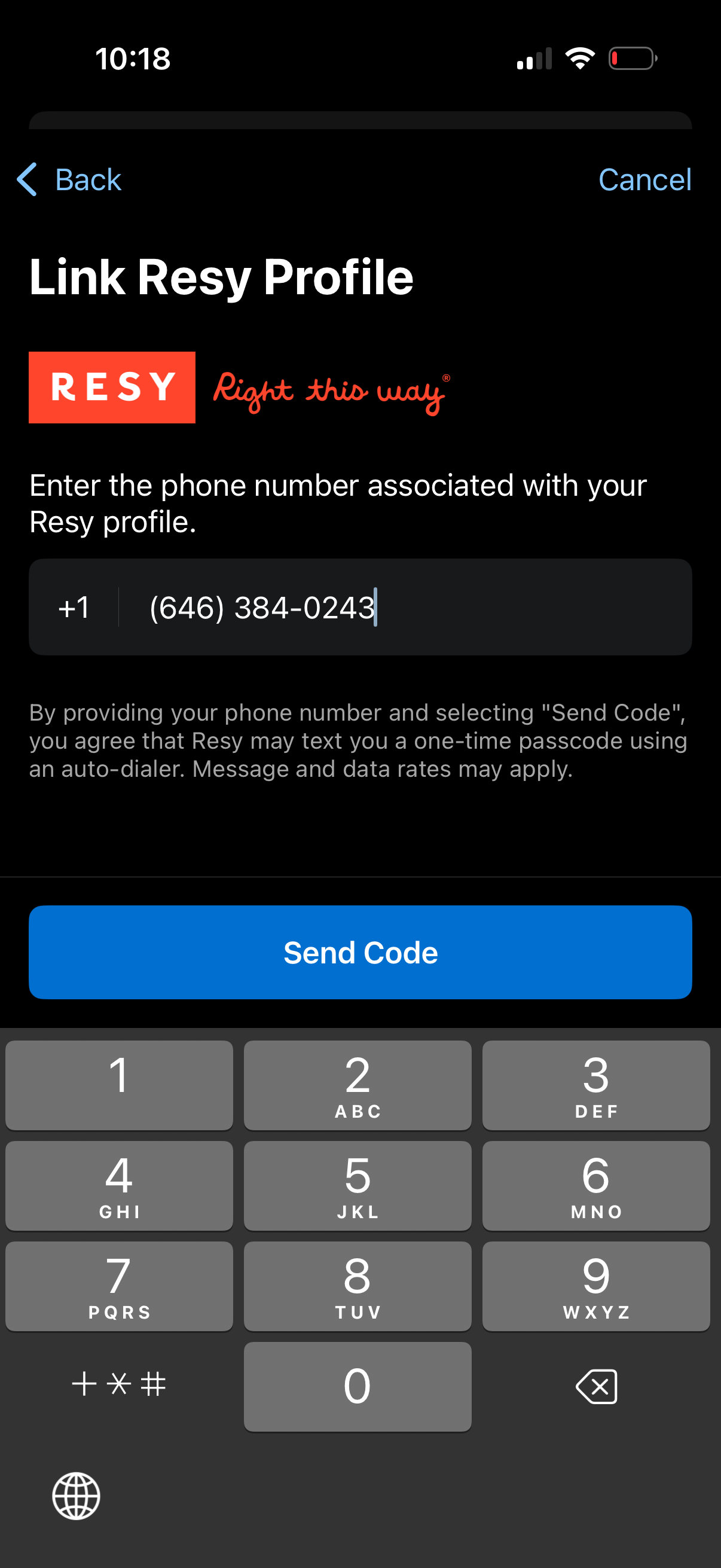
Screen for linking a Resy account by entering the phone number associated with the Resy profile, with back/cancel navigation and an SMS consent disclaimer. Primary action is a “Send Code” button to request a one-time passcode for verification.

Phone number verification screen prompting the user to enter a 6-digit SMS code, with a single code input field and an option to resend a new code. Primary action is a “Verify Code” button, with navigation controls to go back or cancel.

Confirmation success screen indicating a restaurant reservation profile has been linked to an online account, enabling access to upcoming reservations and dining recommendations. Includes guidance on how to unlink the accounts via customer support and a primary “Done” button to finish.