Return Refund Selection
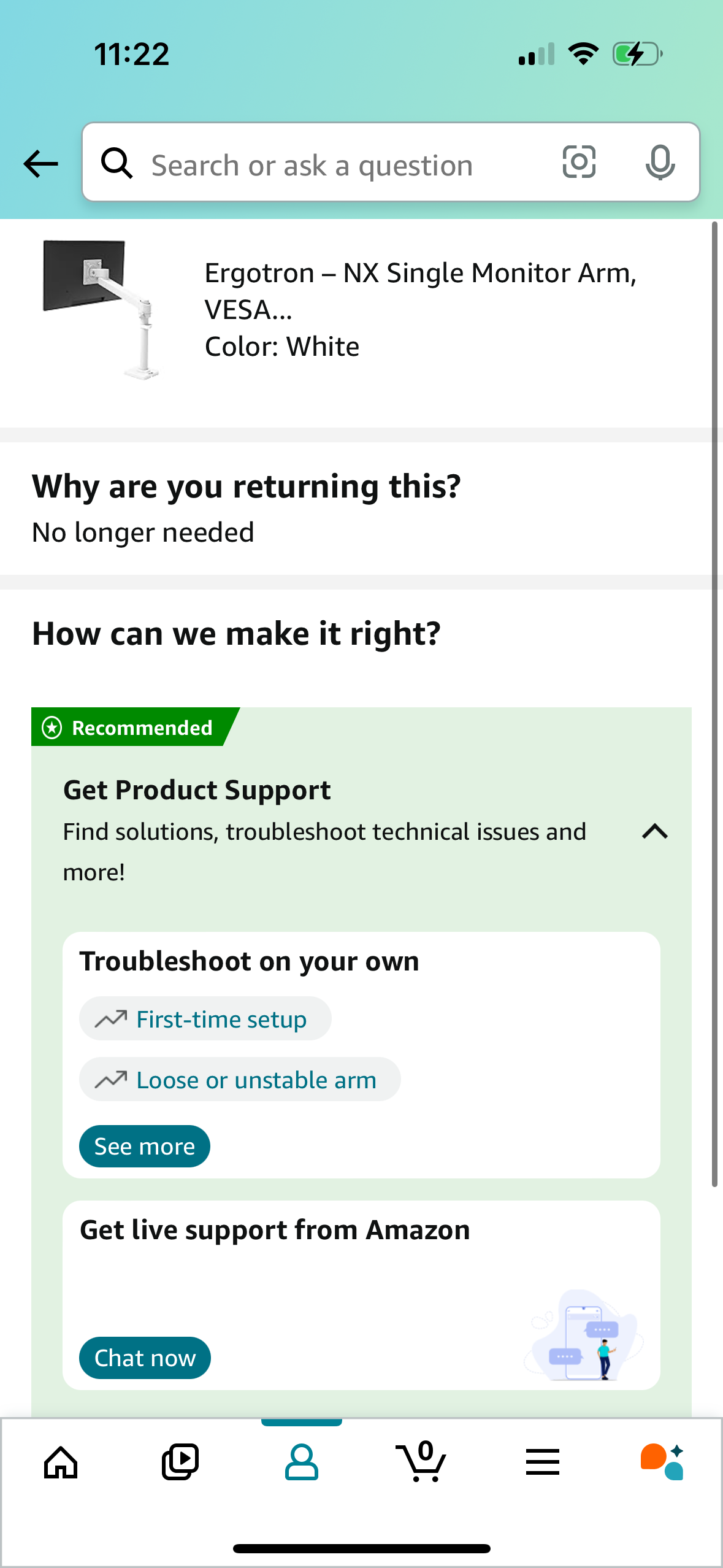
Ecommerce order return flow screen asking for the reason for return (“Why are you returning this? ”) and offering resolution options under “How can we make it right?
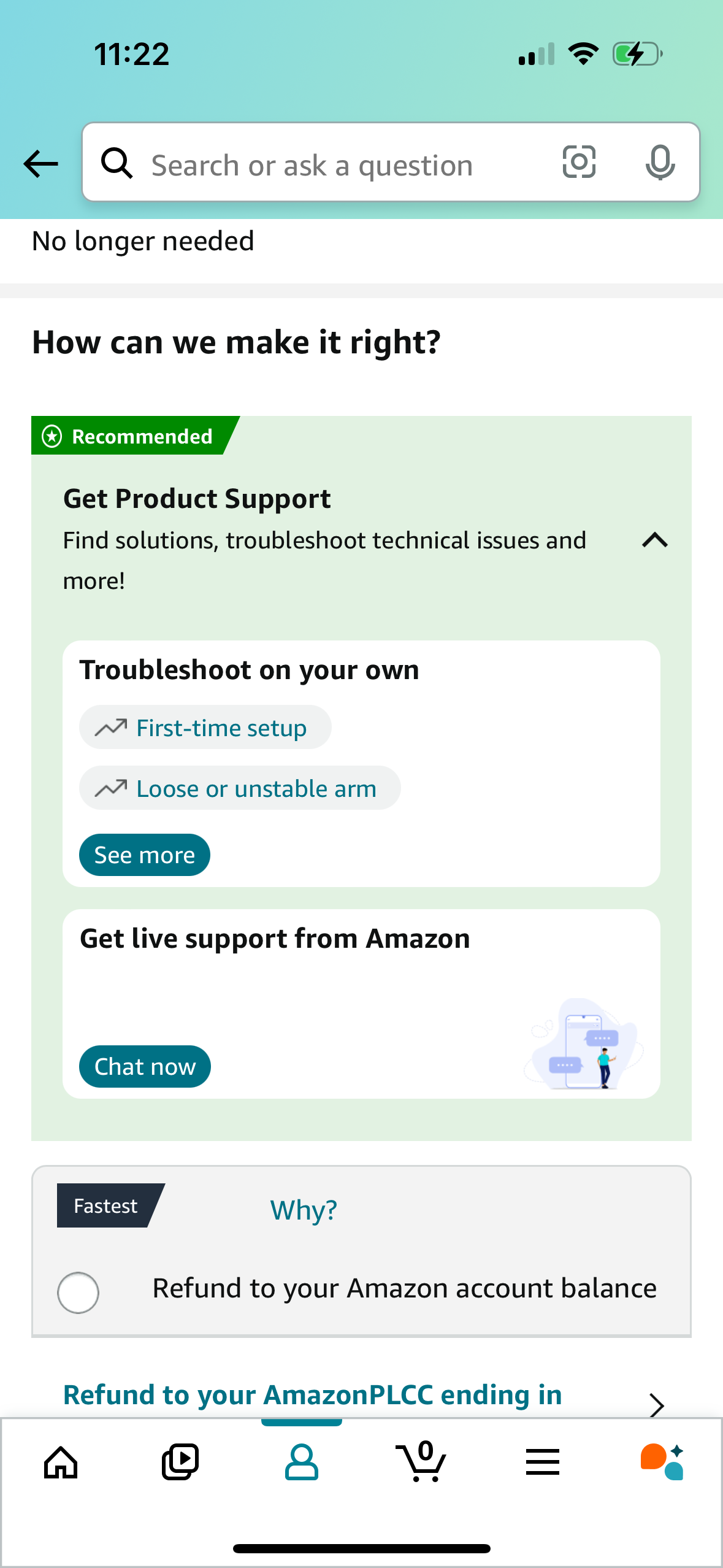
Customer support and returns help screen with a search bar to ask a question, showing recommended product support options for self-service troubleshooting and a “Chat now” button for live support. Below, a refund resolution section lets users choose a refund method (e.
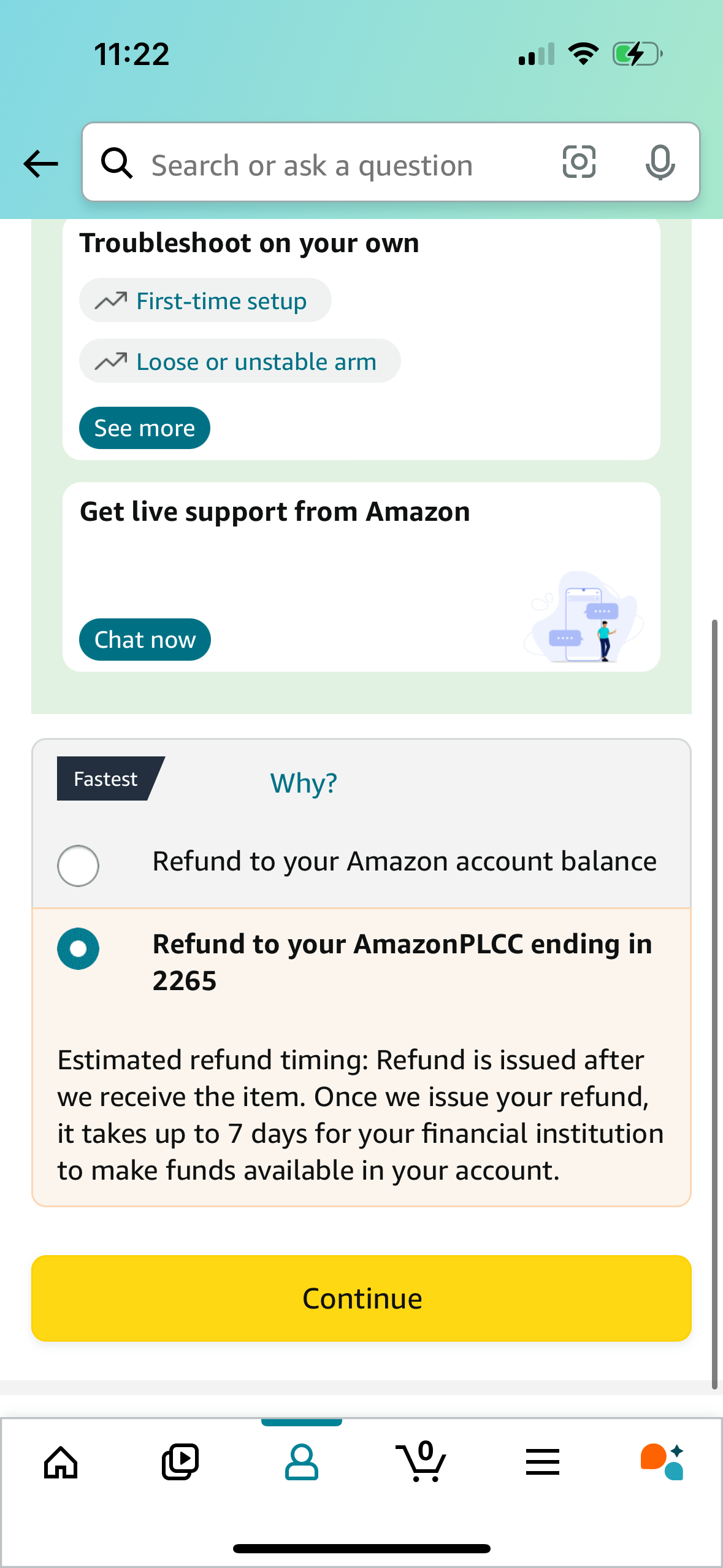
Customer support and returns screen with a search bar to ask questions, self-service troubleshooting topics, and an option to chat with live support. Below, a refund method selector uses radio buttons to choose where the refund goes (account balance or card) with estimated timing details and a primary Continue button to proceed.
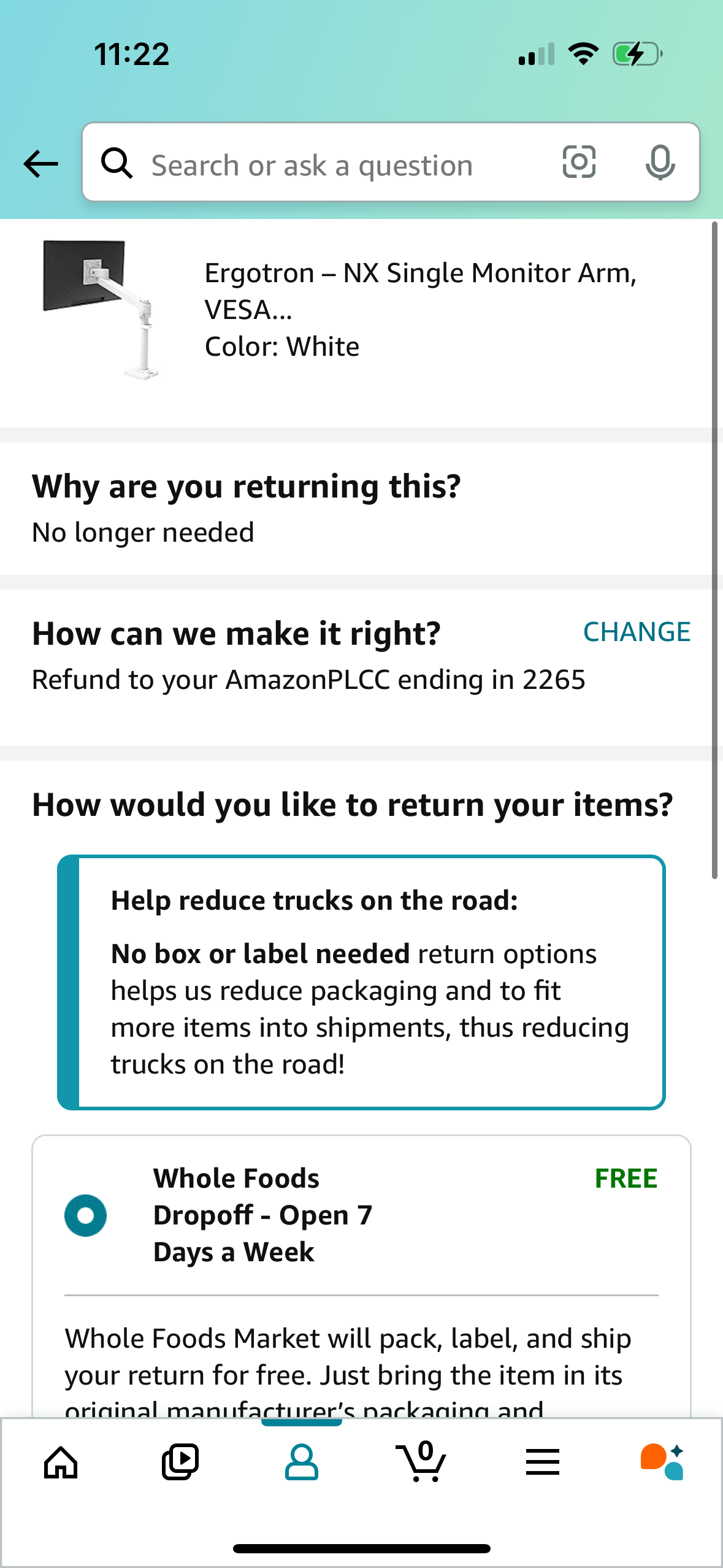
Ecommerce returns flow screen showing the selected product, return reason, and refund method with an option to change payout destination. Users choose a return method from available drop-off options (e.
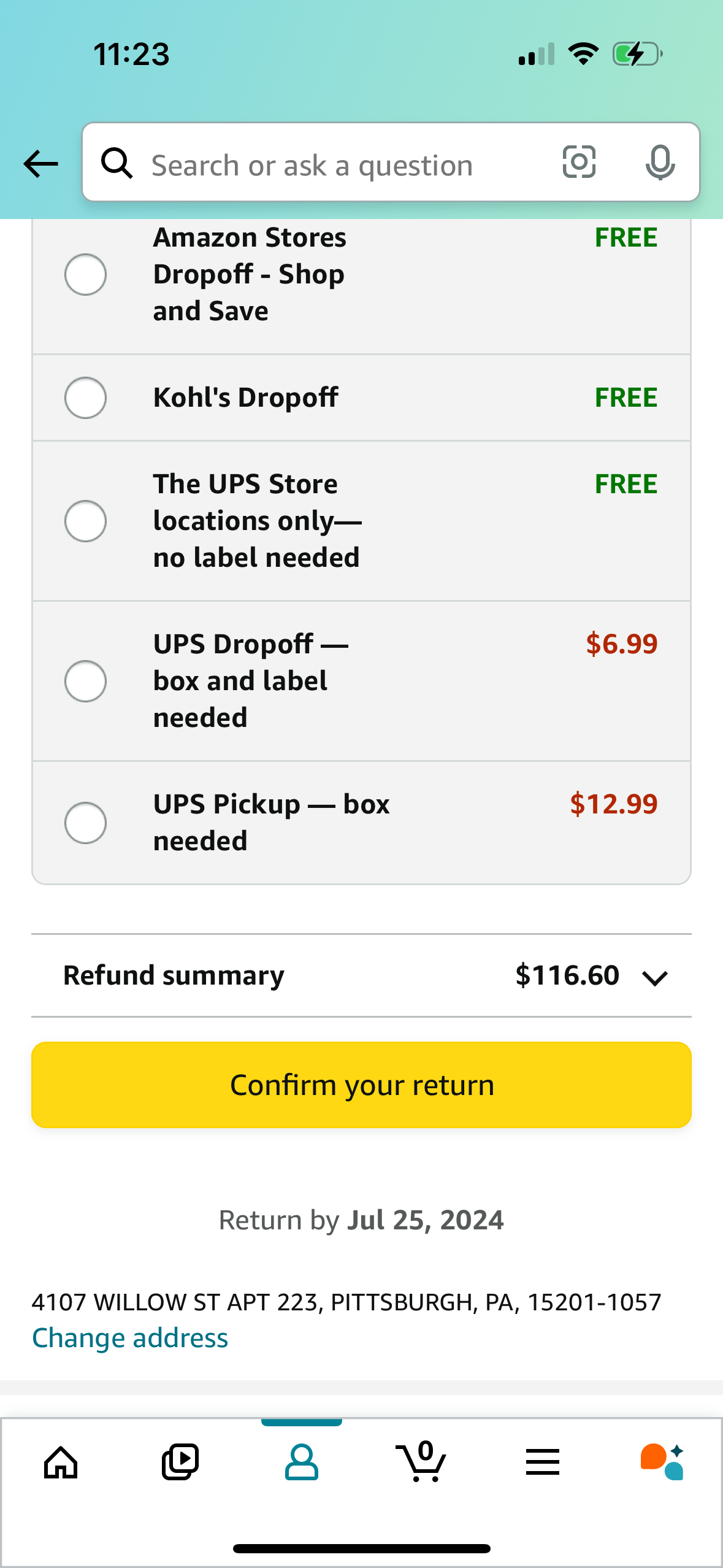
Return method selection screen for an online order return, showing a list of drop-off and pickup options (Amazon Stores, Kohl’s, UPS Store no-label, UPS drop-off with label, UPS pickup) with radio buttons and associated fees/free labels. Includes a refund summary amount, a primary “Confirm your return” button, a return-by deadline, and an option to change the return address.
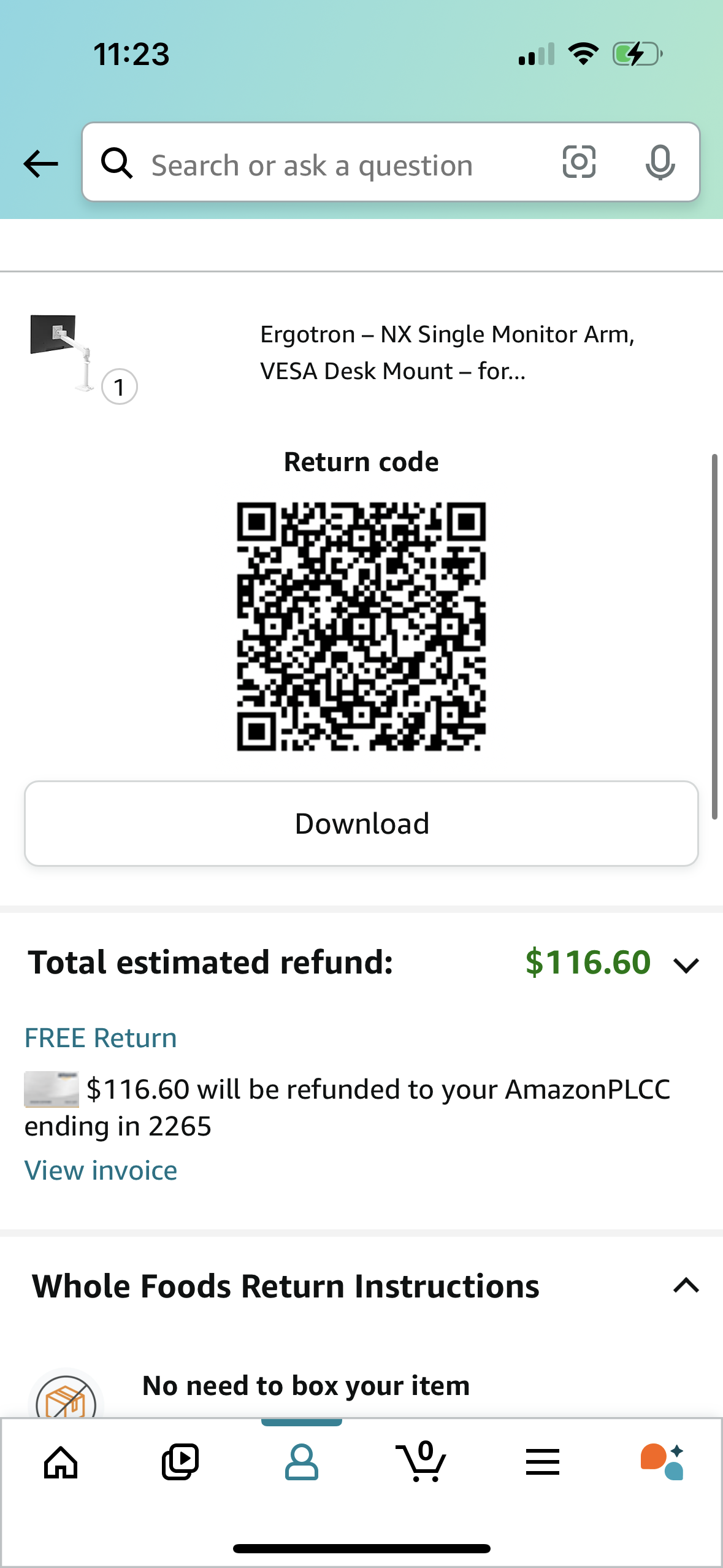
E-commerce return confirmation screen showing a QR code return code for an item and a button to download the code for in-store drop-off. Displays total estimated refund amount and free return details with expandable return instructions for a specific return location.