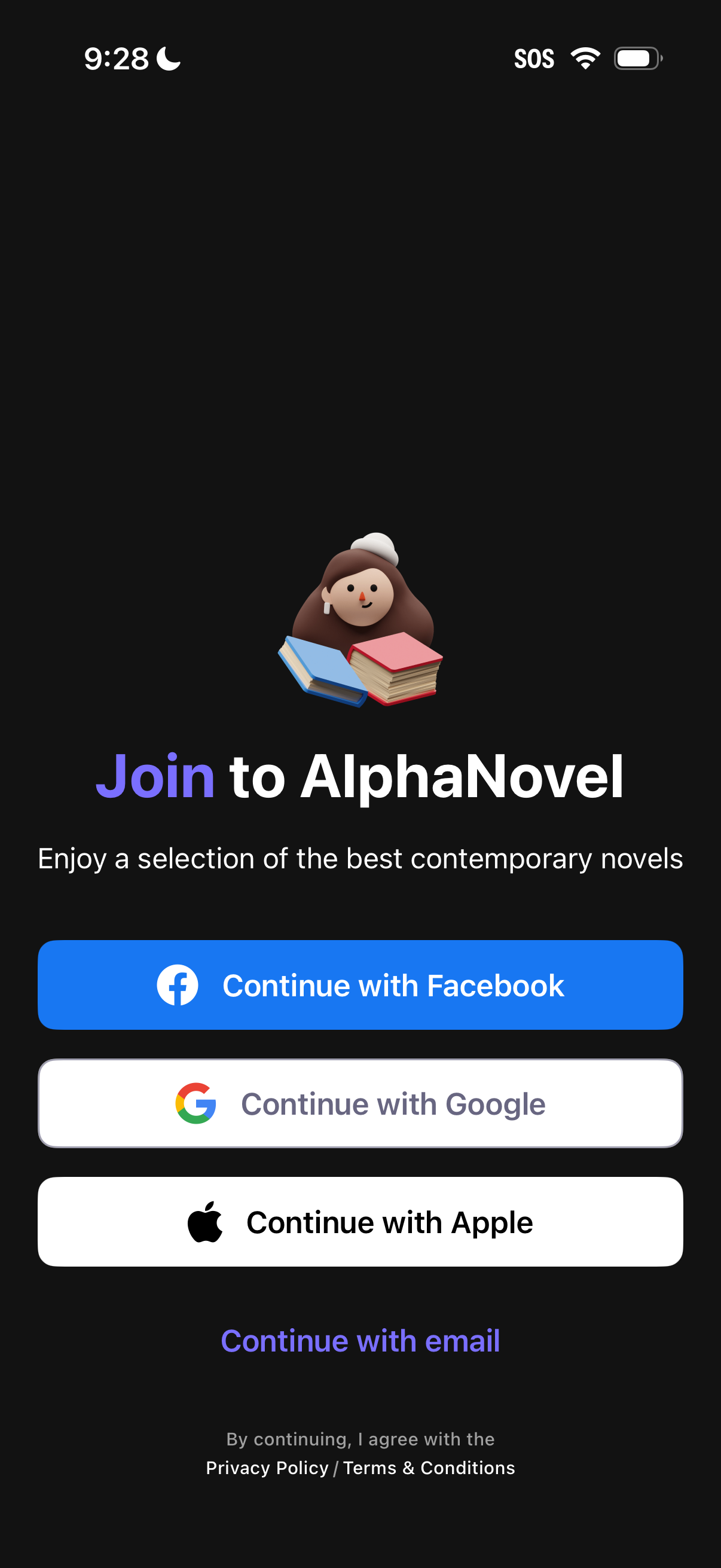
Sign up/login onboarding screen for a reading app inviting users to join and access contemporary novels. Offers multiple authentication options with large social sign-in buttons for Facebook, Google, Apple, plus a “continue with email” link and privacy policy/terms acknowledgement.

In-app Safari browser sheet opened to accounts. google.

App launch/loading splash screen showing the Alphanovel logo and brand name on a dark background with a spinning progress indicator while the app initializes.

Google OAuth sign-in screen prompting the user to choose an existing Google account to continue to a third-party app, showing a list of saved accounts with signed-in/signed-out status. Provides actions to select an account, use another account, or cancel/close the login flow.

Google OAuth “Sign in with Google” consent screen for signing into an app, showing the selected Google account dropdown, privacy/terms disclosure about shared profile info, and primary actions to Cancel or Continue.
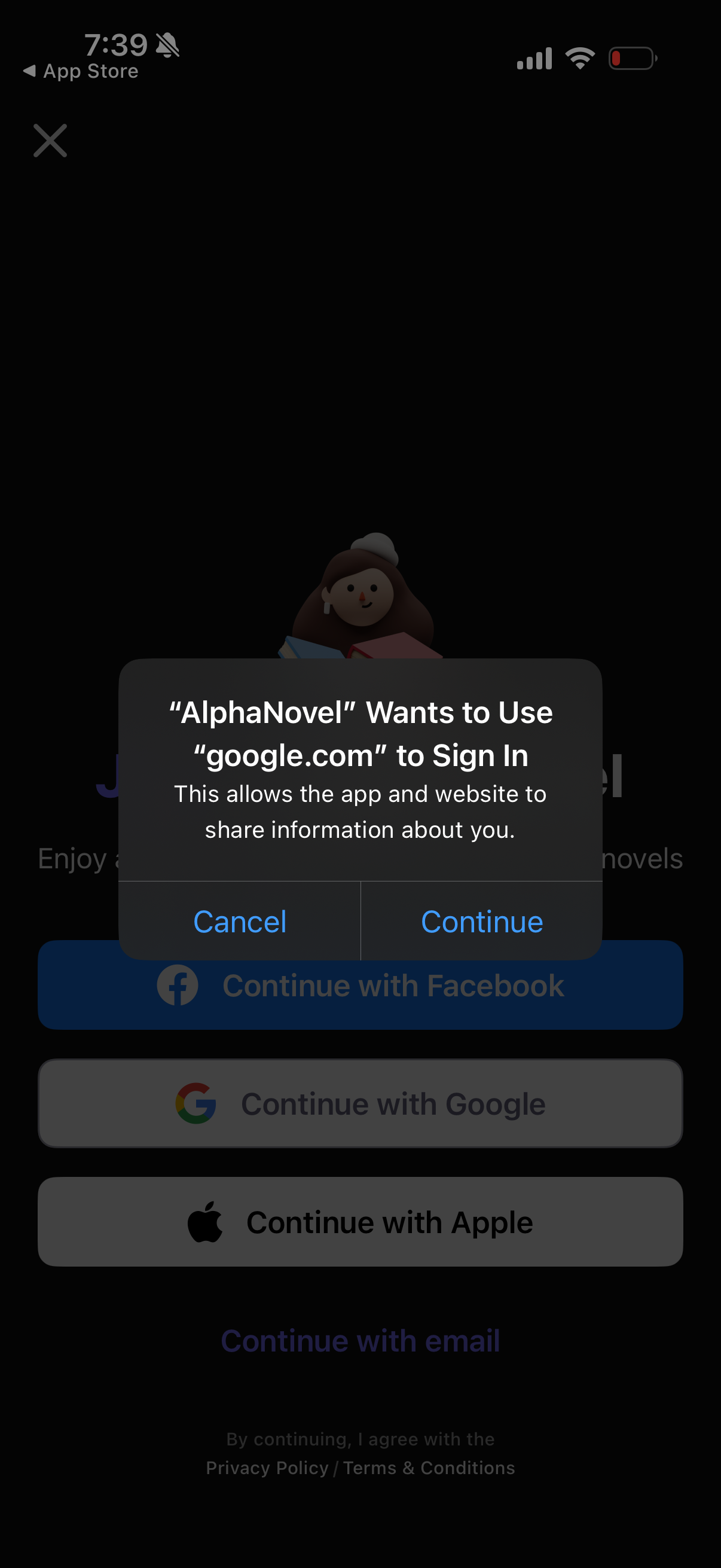
iOS system permission alert prompting the user to allow an app to use a third-party website (Google) for sign-in, explaining data sharing and offering Cancel or Continue. The underlying onboarding login screen shows social sign-in options (Facebook, Google, Apple) and an email sign-in link.

Google OAuth sign-in confirmation screen in a web modal for logging into an app, showing the selected Google account, a disclosure about sharing name/email/profile photo, and primary actions to Cancel or Continue. Includes links to privacy policy/terms, language selector, and Google account management info.

Sign-up/login onboarding screen for a novel reading app prompting users to join and start reading, with social authentication options to continue with Facebook, Google, Apple, or email. Includes a close button and a note that continuing agrees to the privacy policy and terms.
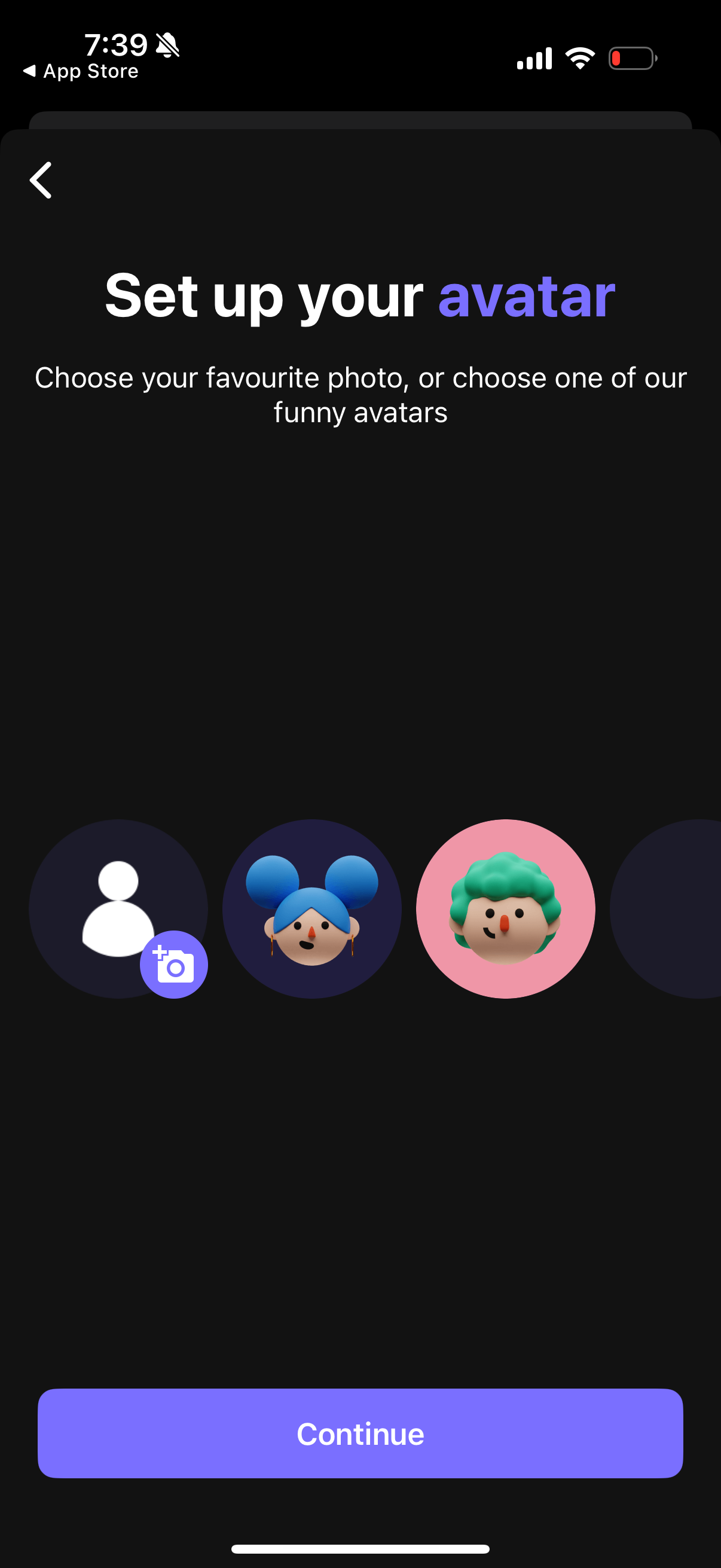
Onboarding profile avatar setup screen that prompts the user to choose an avatar by uploading a photo (camera/add photo) or selecting from a row of preset cartoon avatars. Includes a back button and a primary “Continue” CTA to confirm and proceed.

Welcome/onboarding screen prompting the user to enter their name with a single text field and a primary Continue button, with an option to close the modal.
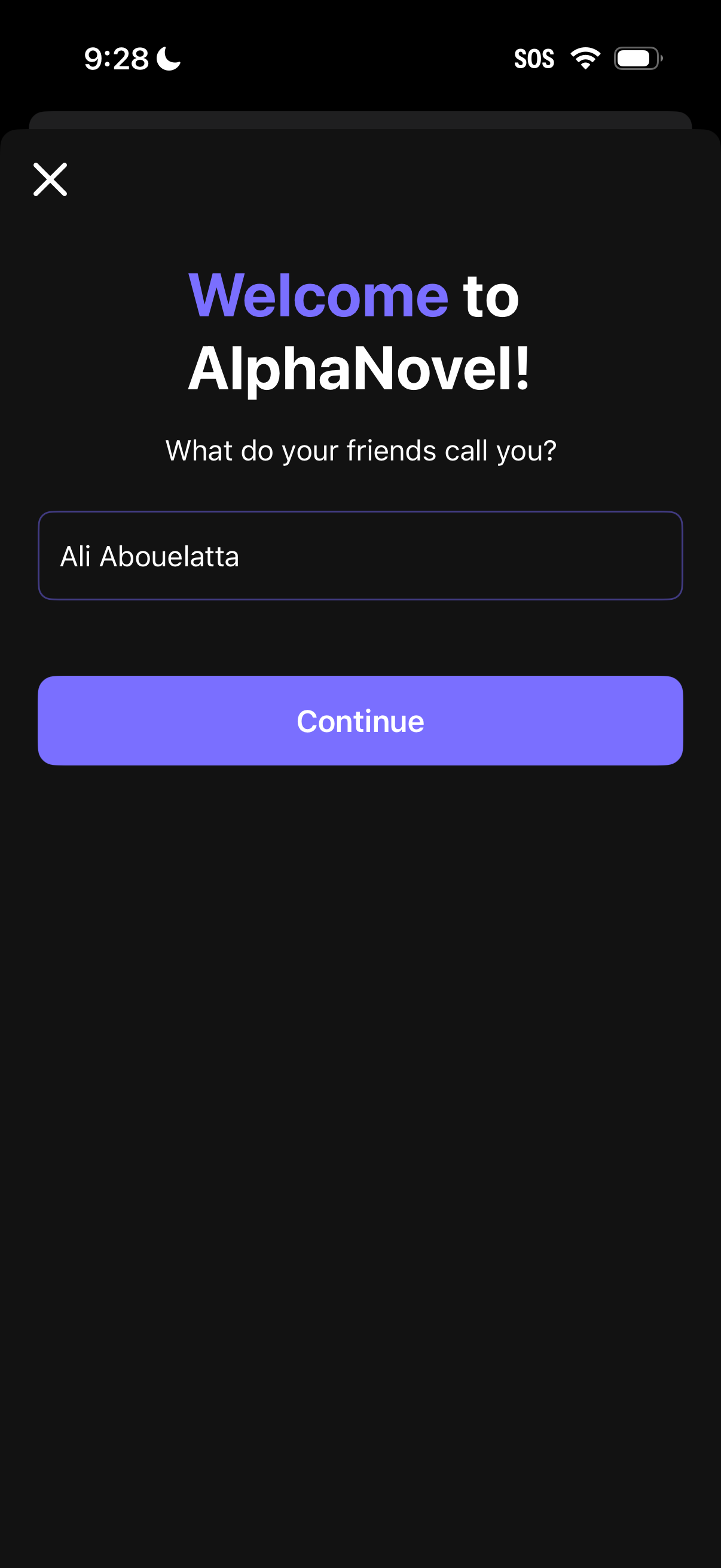
Welcome/onboarding screen prompting the user to enter the name or nickname their friends call them, with a text input field and a primary Continue button to proceed, plus a close (X) icon to dismiss.
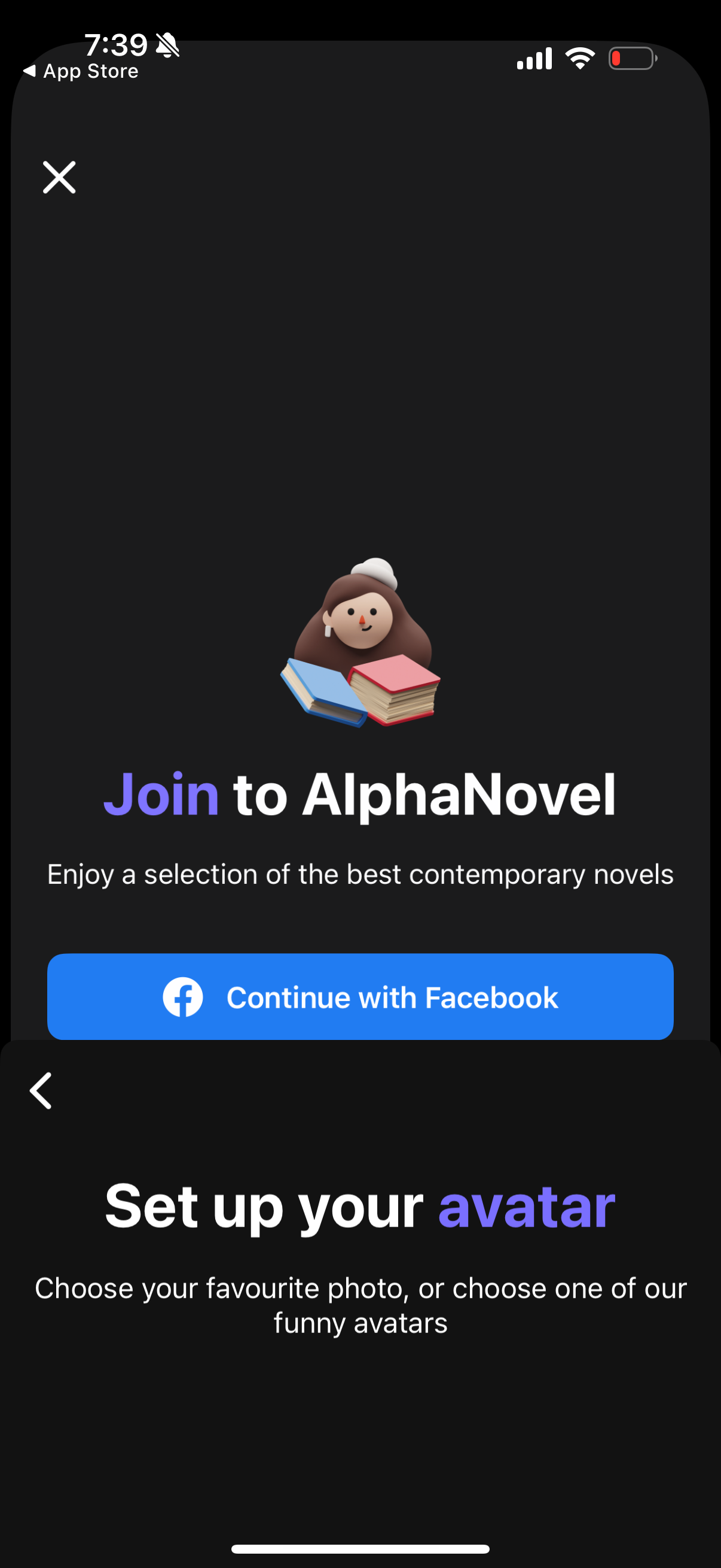
Sign-up onboarding screen for a reading/novels app inviting users to join and access contemporary novels, with a primary social login CTA to “Continue with Facebook” and a close button. The next onboarding step previews avatar setup, prompting users to choose a profile photo or select a fun avatar.
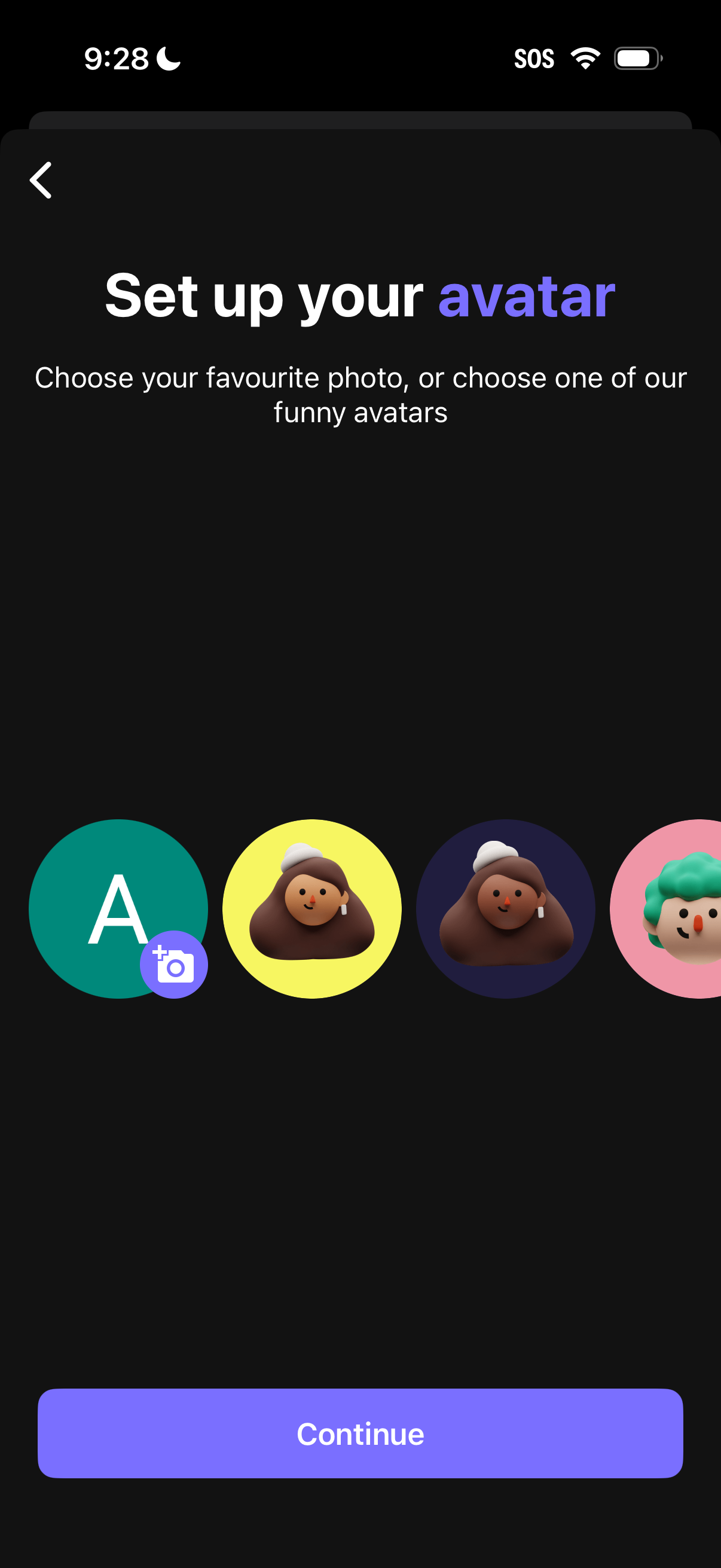
Avatar setup screen prompting users to choose a profile picture or select from a row of preset playful avatars, including an option to add/upload a photo. A back arrow allows navigation and a prominent Continue button confirms the avatar choice and proceeds.

iOS App Tracking Transparency permission popup asking whether to allow the app to track user activity across other apps and websites for personalized content and promotions. Provides primary actions to “Ask App Not to Track” or “Allow,” shown over an onboarding screen with a “Start Survey” button in the background.
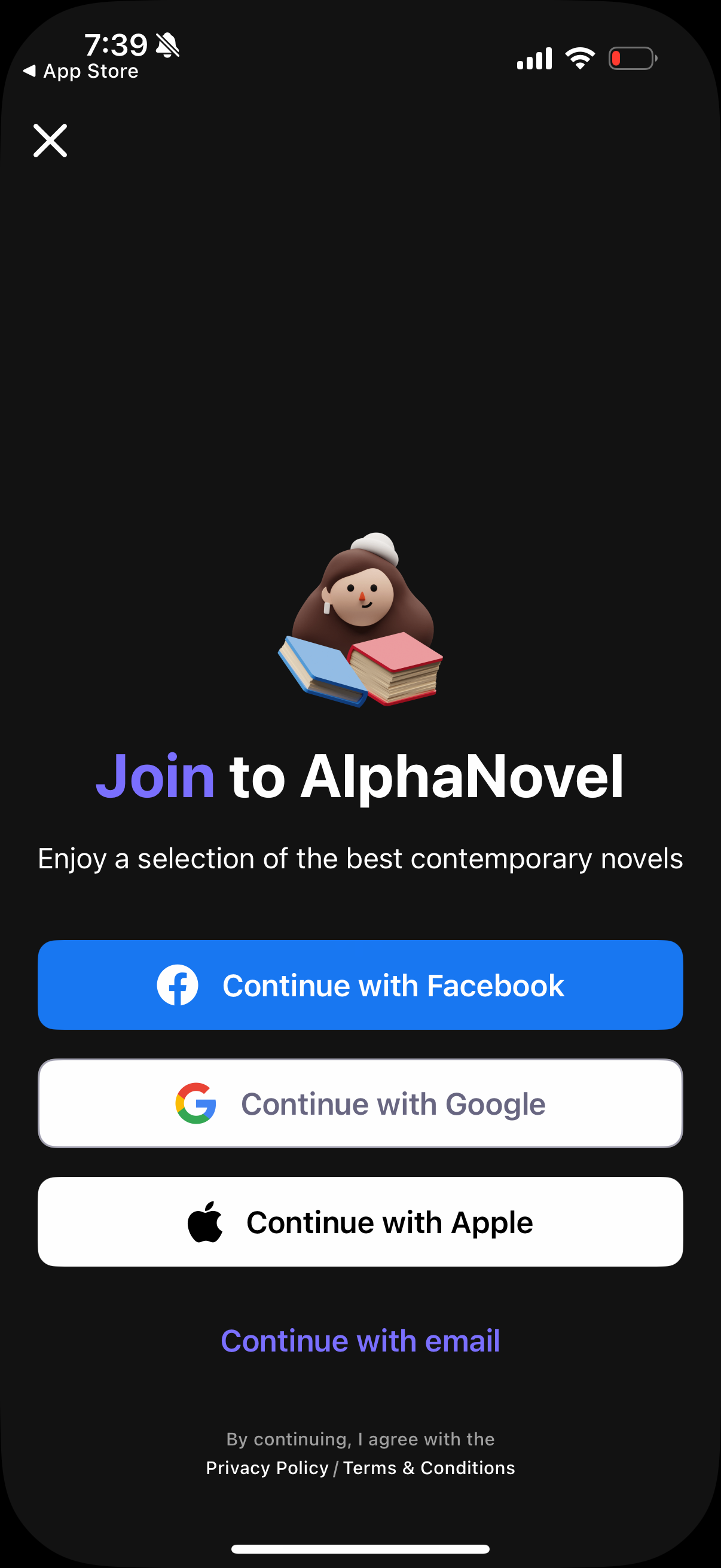
Sign-up/login onboarding screen inviting users to join a reading app, with social authentication options to continue with Facebook, Google, Apple, or email. Includes a close button and a privacy policy/terms consent note at the bottom.
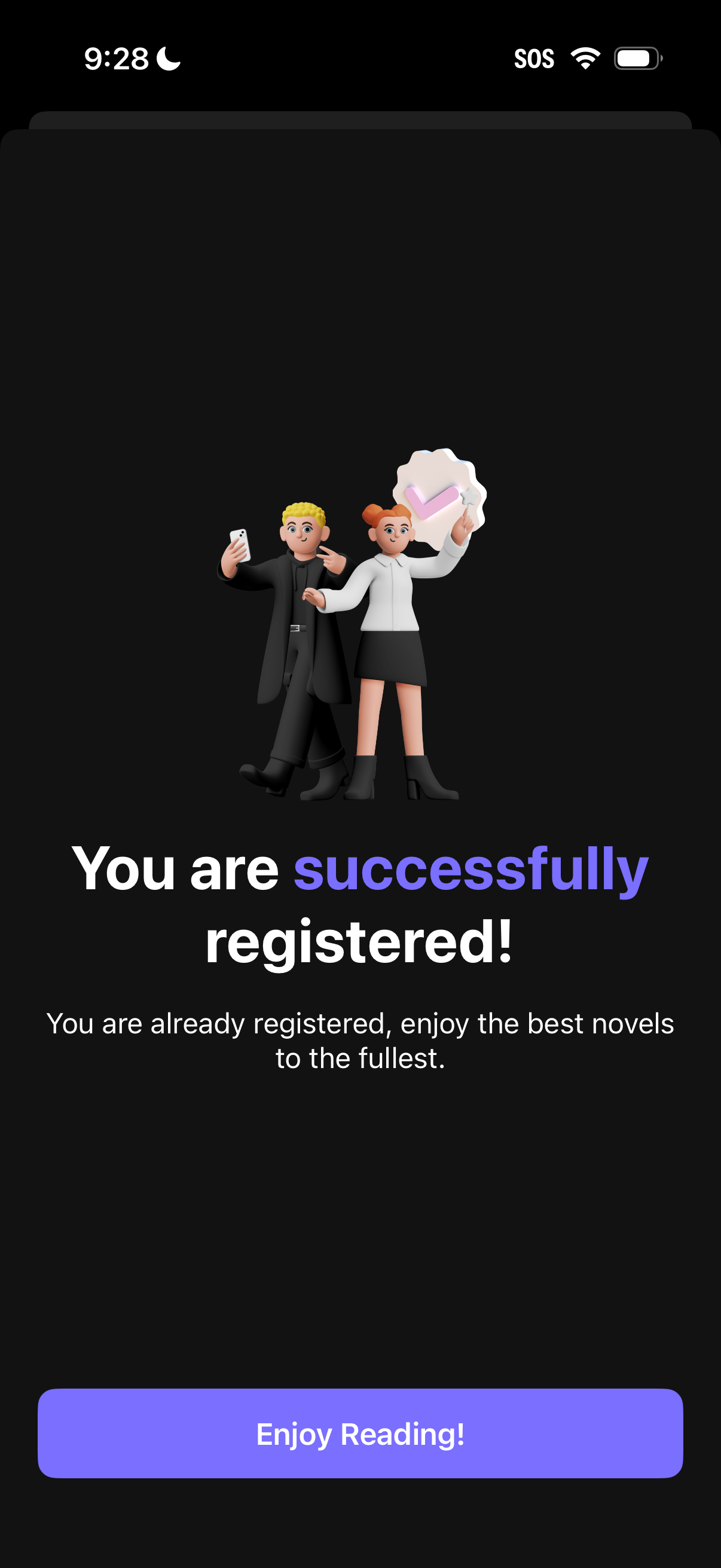
Success confirmation screen after account sign-up/registration, showing a “You are successfully registered! ” message and brief guidance.
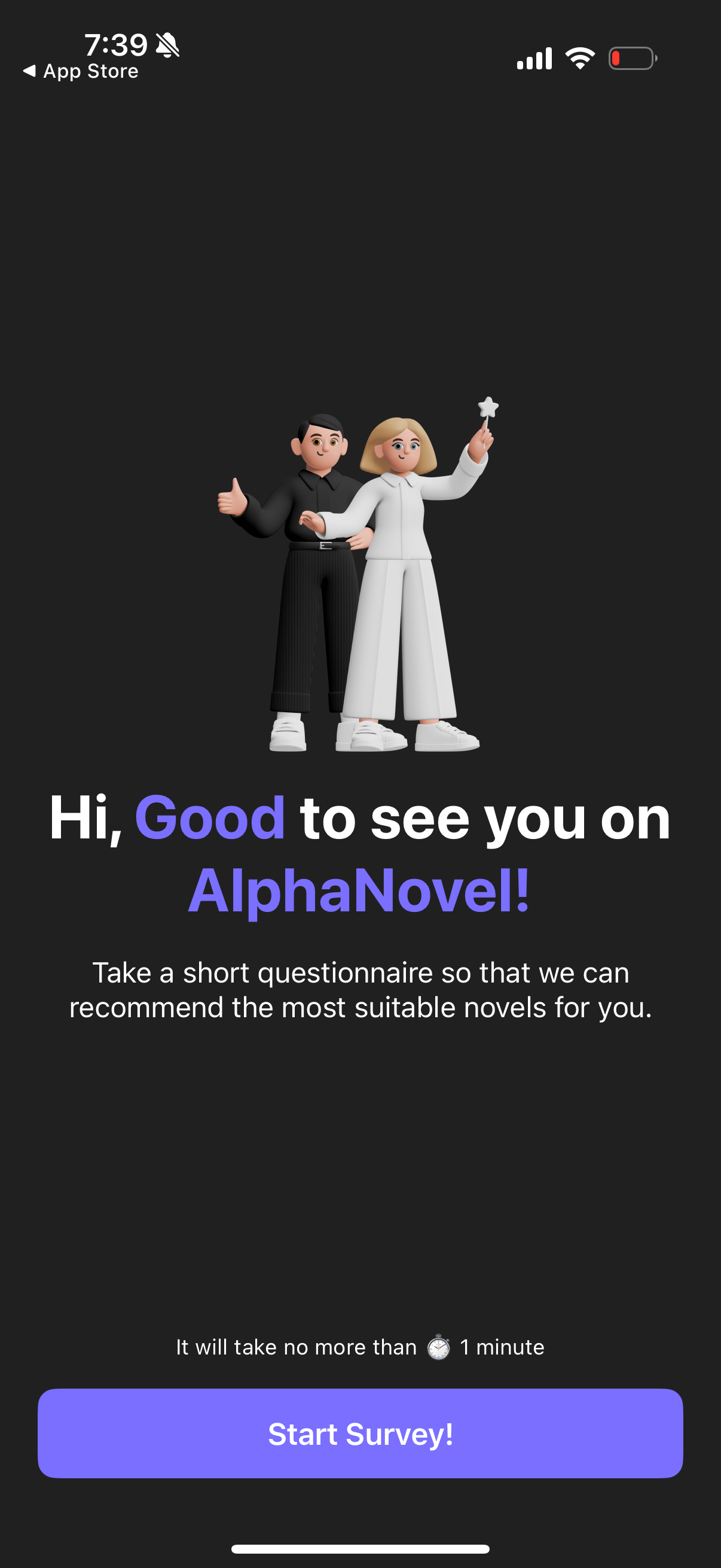
Welcome onboarding screen for a reading/novel app that greets the user and invites them to take a short questionnaire to personalize novel recommendations. Includes a prominent “Start Survey” call-to-action and note that the survey takes about 1 minute.
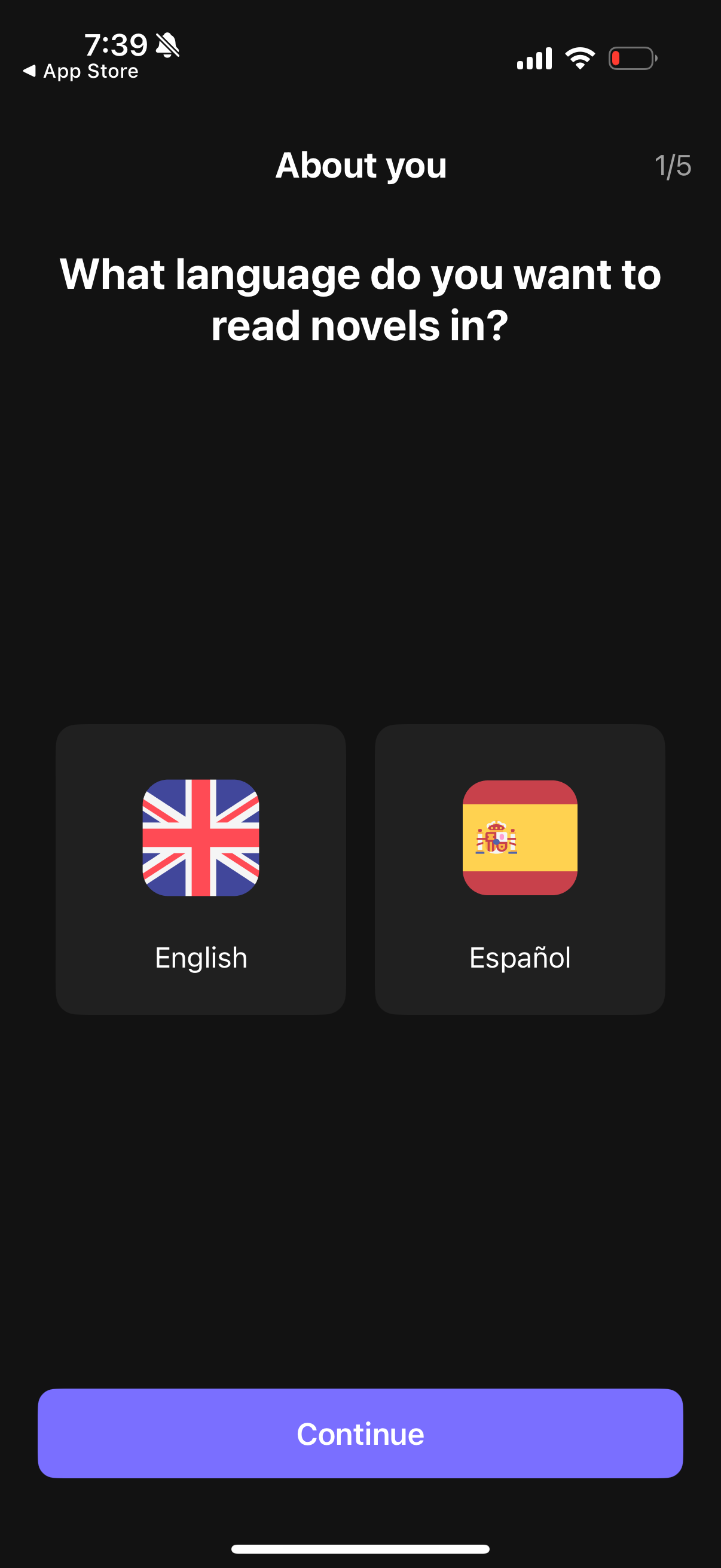
Onboarding preferences screen asking users what language they want to read novels in, showing selectable language cards (English, Español) with flags and a progress indicator. Users choose a language and tap Continue to proceed to the next step.

Onboarding “About you” step asking the user to select their age range from multiple options (18–24, 25–34, 35–44, 45–54, 55+), with a progress indicator and a Continue button to proceed.
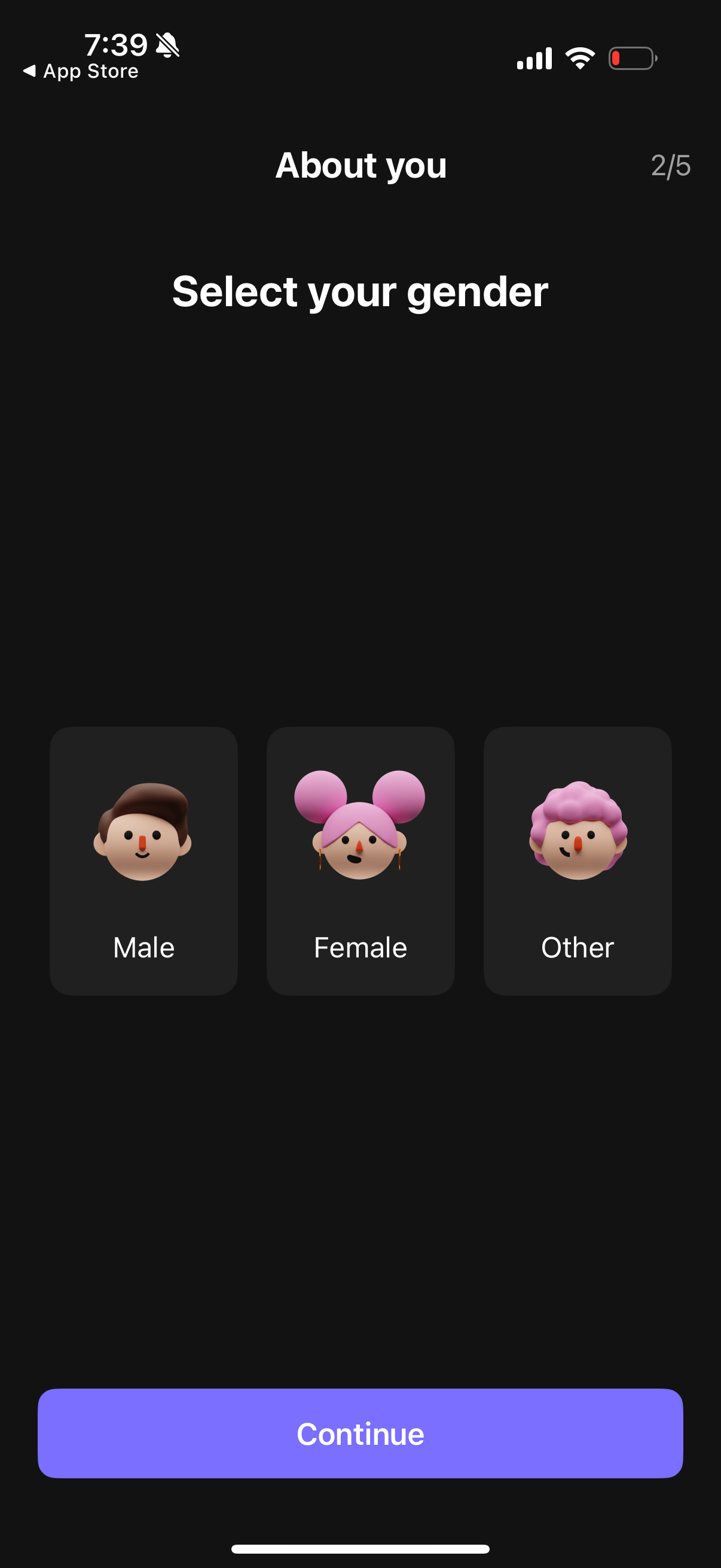
Onboarding “About you” step asking the user to select their gender with three card options (Male, Female, Other) illustrated by avatars. Includes a step progress indicator (2/5) and a primary Continue button to proceed.

Push notification permission prompt for a reading/content app, encouraging users to turn on notifications to be alerted about new chapters, novels, gifts, and special offers. Primary CTA is “Turn On Notifications” with a secondary “Later” dismiss option.

An onboarding preferences screen asking users to choose topics of interest from selectable tag pills (e. g.

iOS system permission modal asking the user to enable push notifications for an app, explaining alerts/sounds/badges and offering actions to Allow, Allow in Scheduled Summary, or Don’t Allow. The underlying onboarding prompt encourages users to “Turn On Notifications” with an option to do it later.
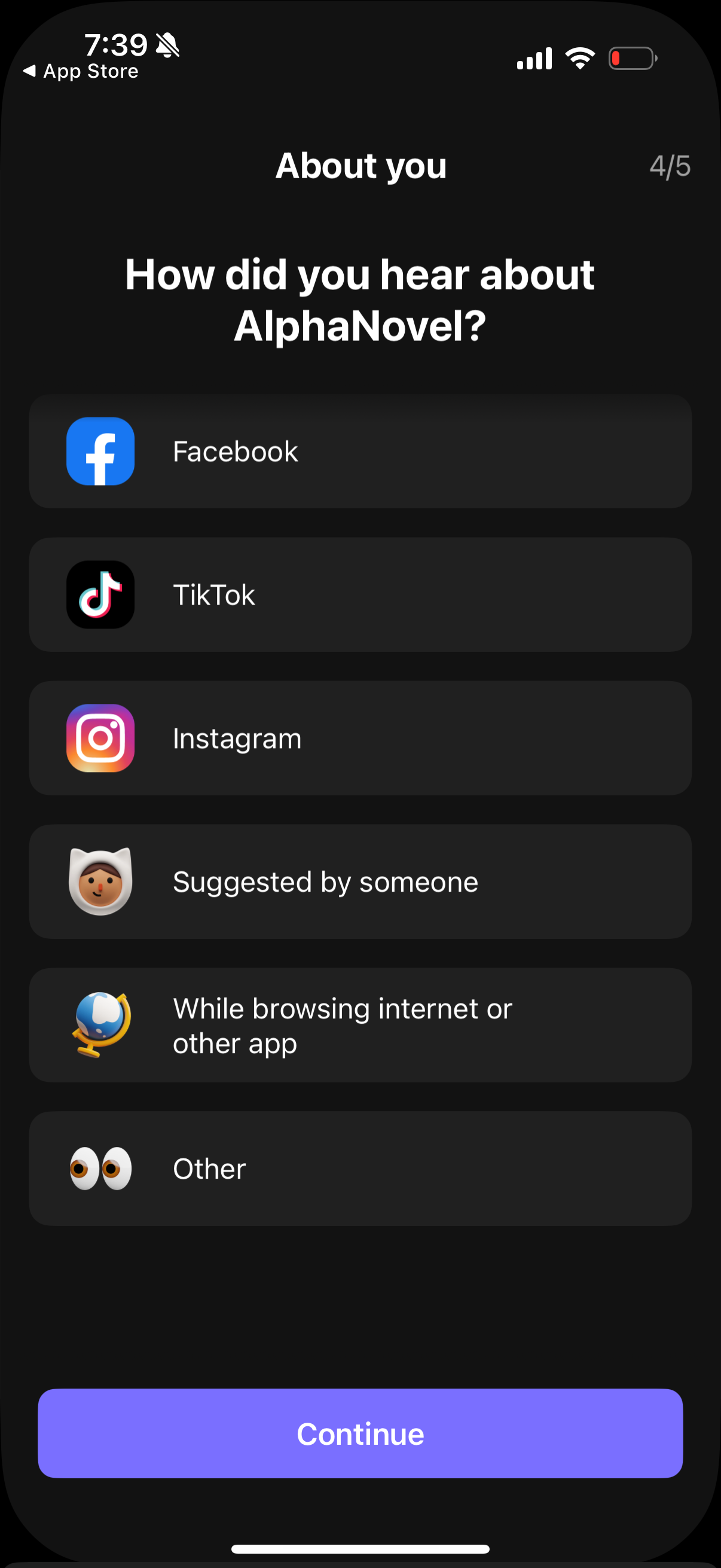
Onboarding survey screen asking “How did you hear about the app? ” with selectable source options (Facebook, TikTok, Instagram, suggested by someone, browsing the internet/other app, other) and a progress indicator with a Continue button to proceed.
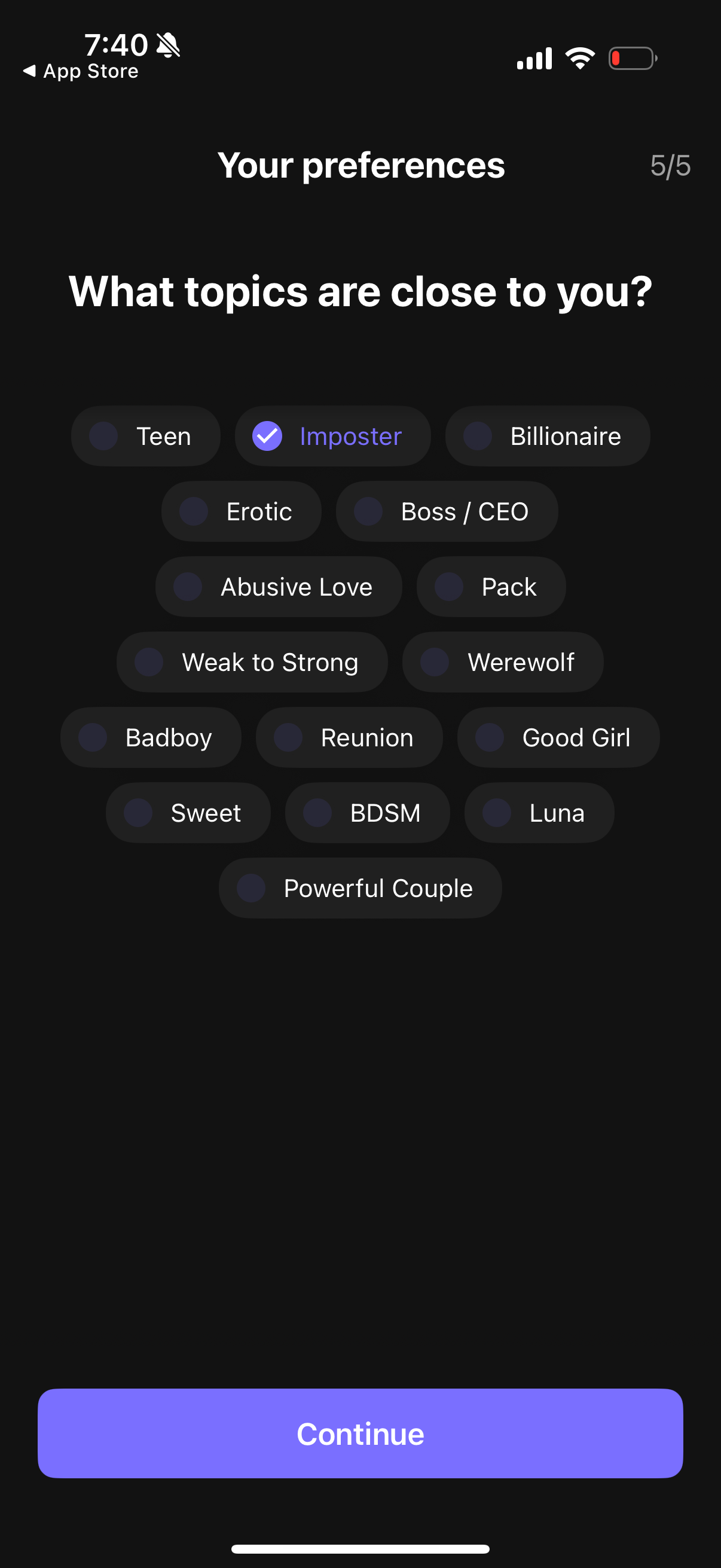
Final step of an onboarding preferences flow asking users to choose topics/genres they’re interested in via selectable pill chips (multi-select tags with a checked state). A prominent Continue button submits the selected interests to personalize recommendations.

Loading/progress screen for a reading or novel discovery app that analyzes the user’s preferences to recommend suitable novels, showing a circular progress indicator with a percentage of novels analyzed. Includes onboarding-style messaging “Picking the right novels for you” while the app prepares personalized recommendations.