Sign up
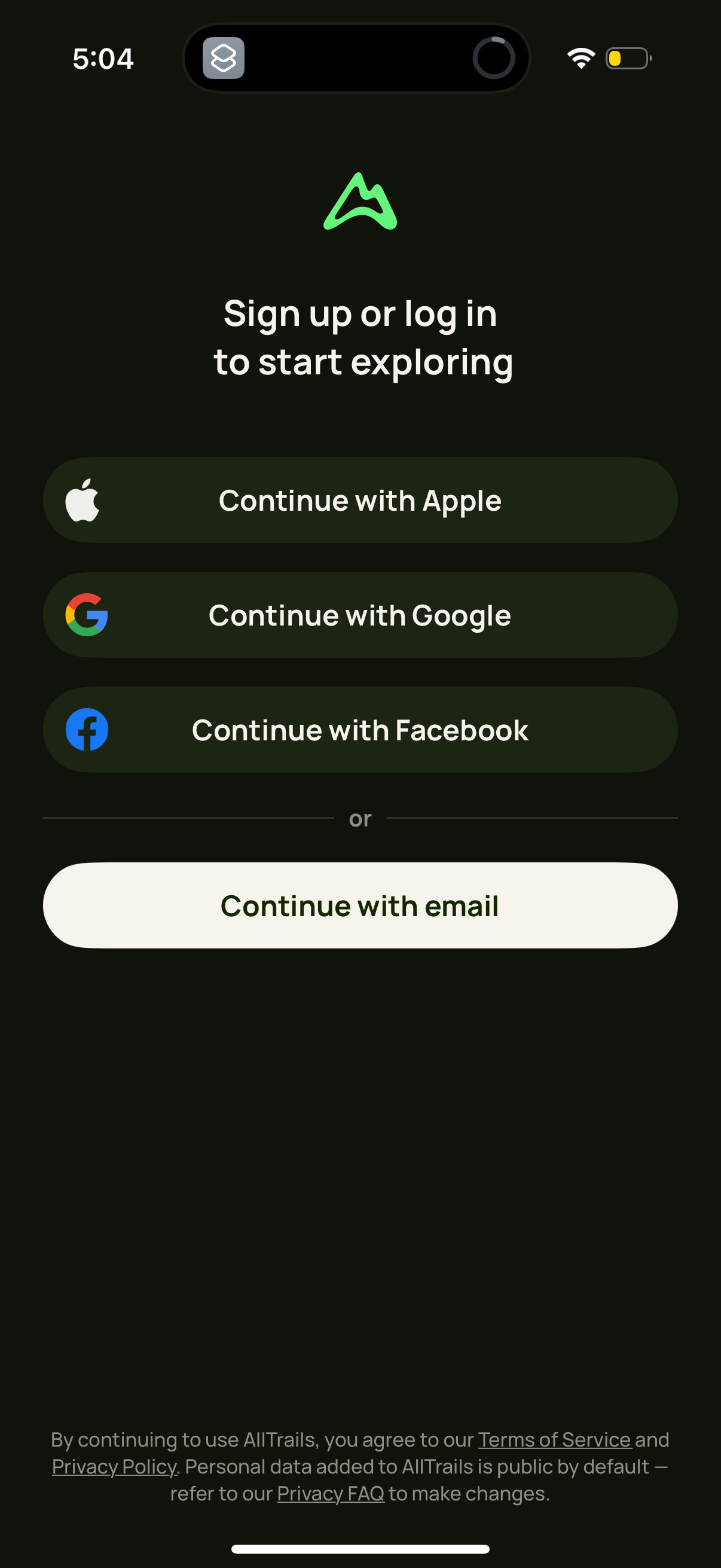
Authentication onboarding screen prompting users to sign up or log in to start exploring, offering social sign-in options via Apple, Google, and Facebook. Includes an alternative “continue with email” button plus links to terms of service and privacy policy.
App launch/splash screen with a centered brand logo on a dark background, shown during loading before entering the main experience. No navigation or actions are available aside from waiting for the app to open.
Loading/processing screen that verifies the user’s device before allowing access to requested content. Displays a “Verifying the device…” message with a progress indicator and note that content will be available after verification.
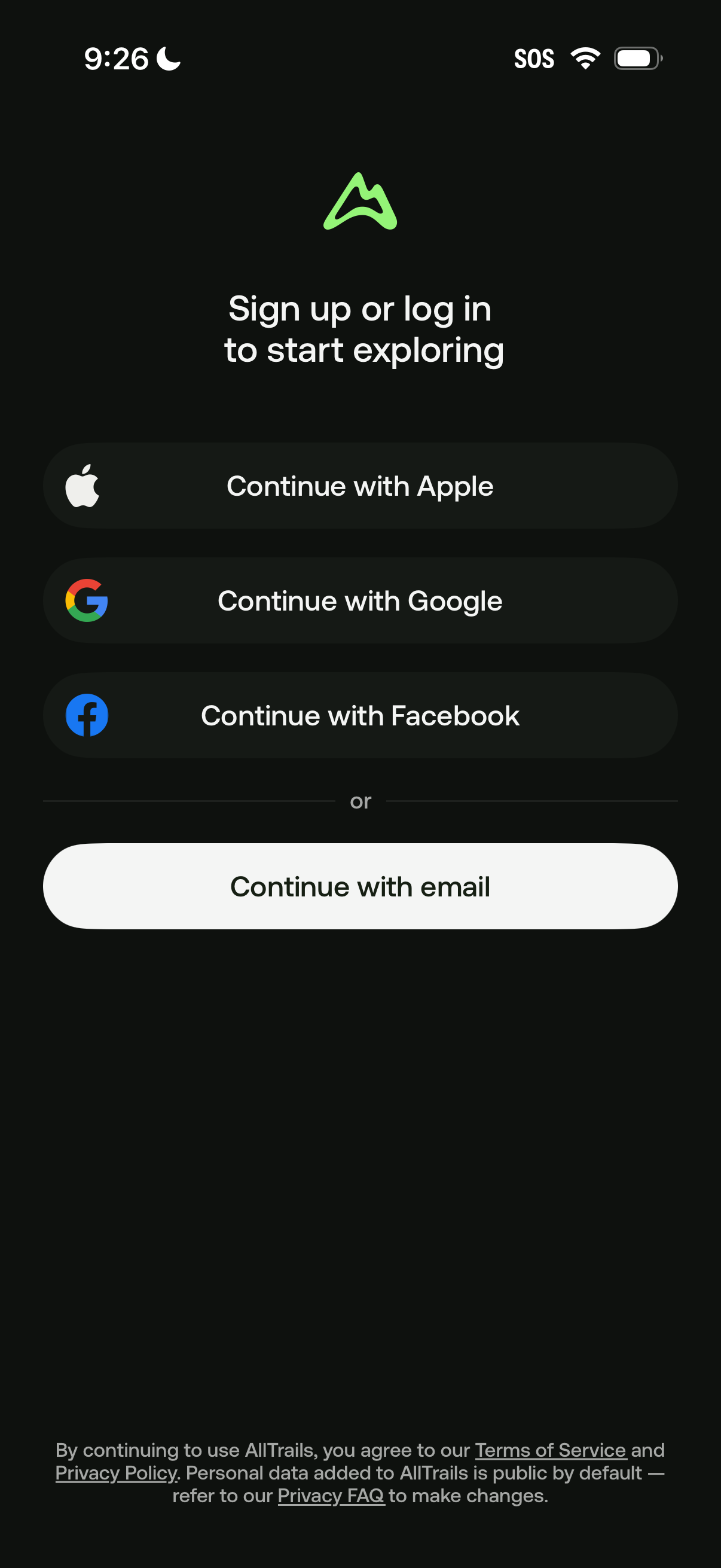
Authentication landing screen prompting users to sign up or log in to start exploring, offering single sign-on options to continue with Apple, Google, or Facebook. Includes an alternate “continue with email” CTA plus terms of service and privacy policy links.
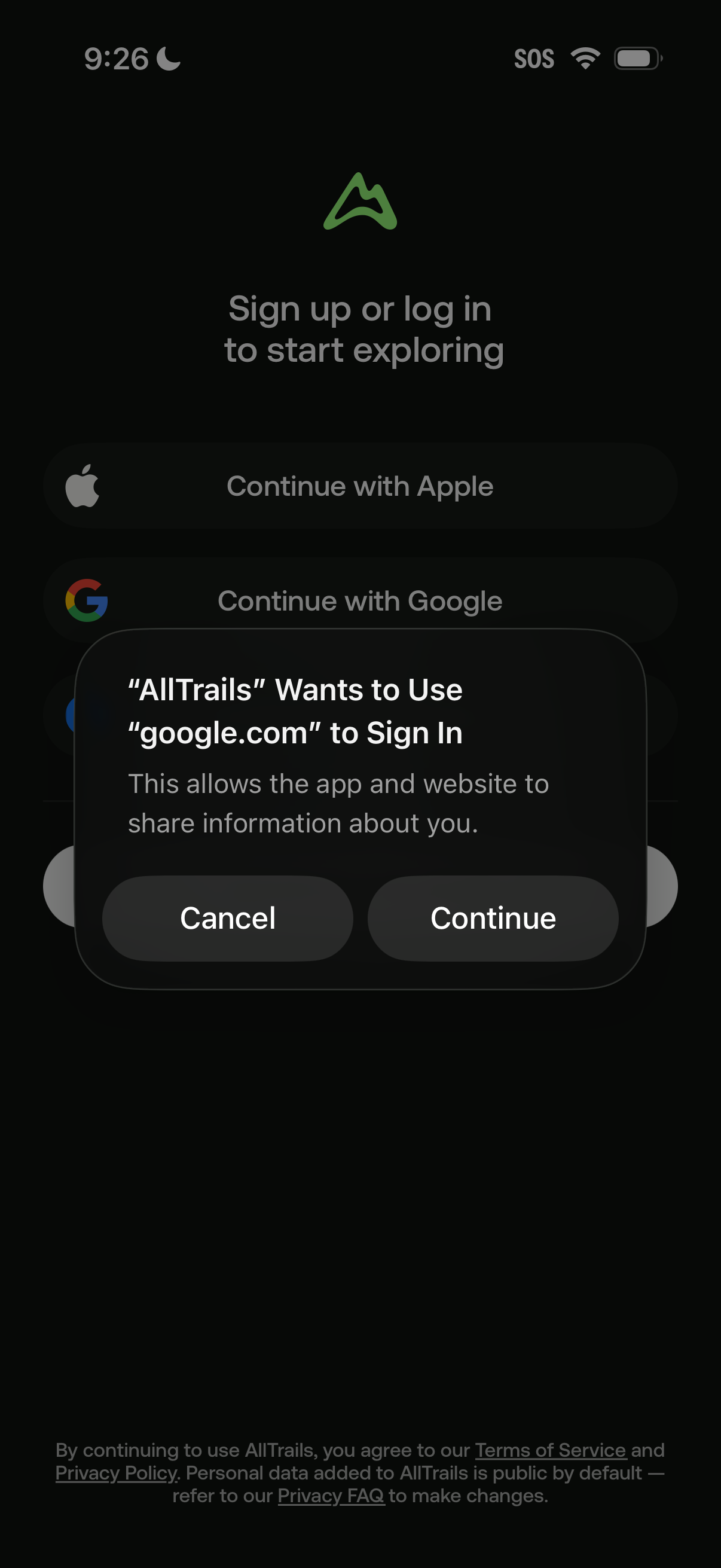
Login/sign-up screen prompting users to start exploring, offering social authentication options like Continue with Apple and Continue with Google. An iOS permission dialog overlays the screen asking to use google.
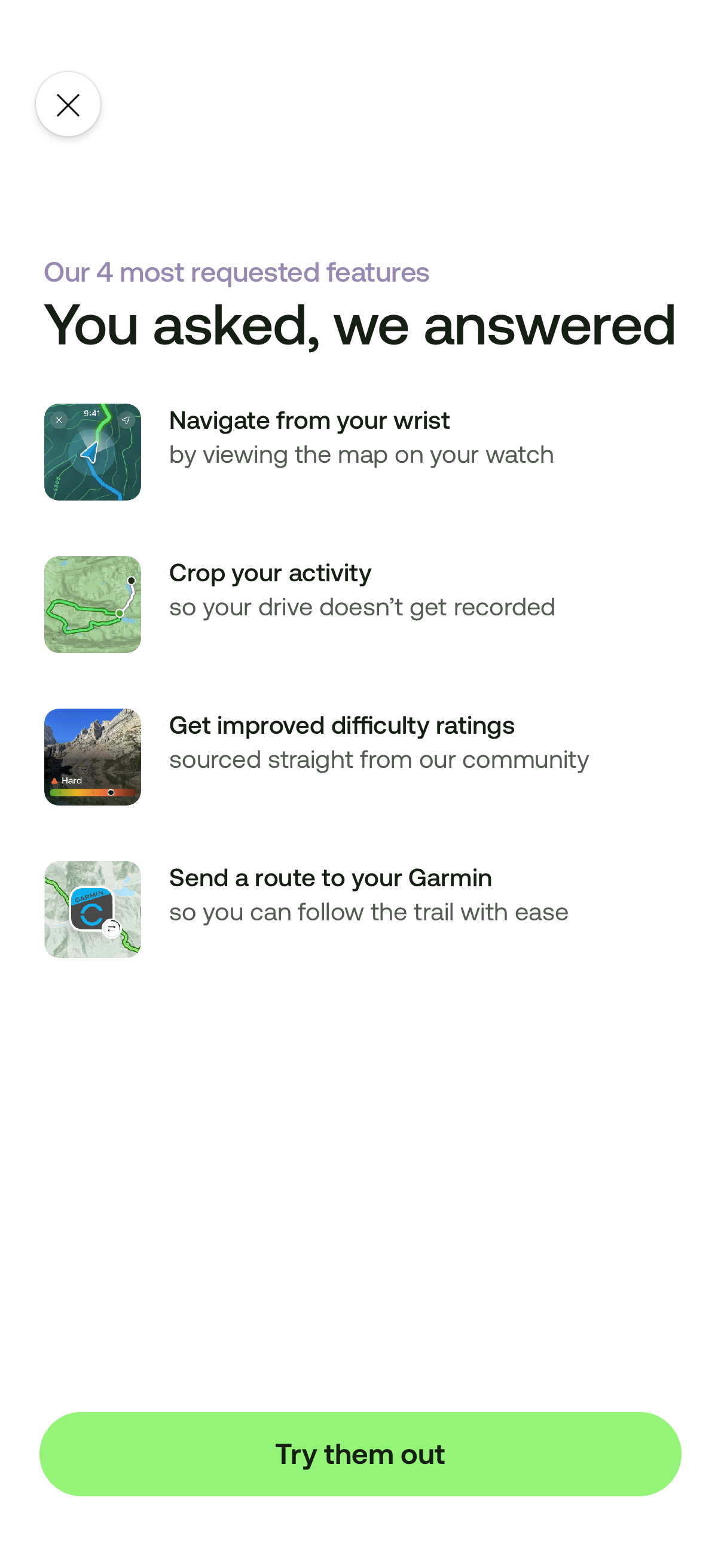
Announcement/feature update modal highlighting four new navigation and activity-tracking features (watch map navigation, crop activity recording, improved community difficulty ratings, and sending routes to Garmin devices). Includes a close icon and a primary “Try them out” CTA to explore or enable the features.