add cash out method
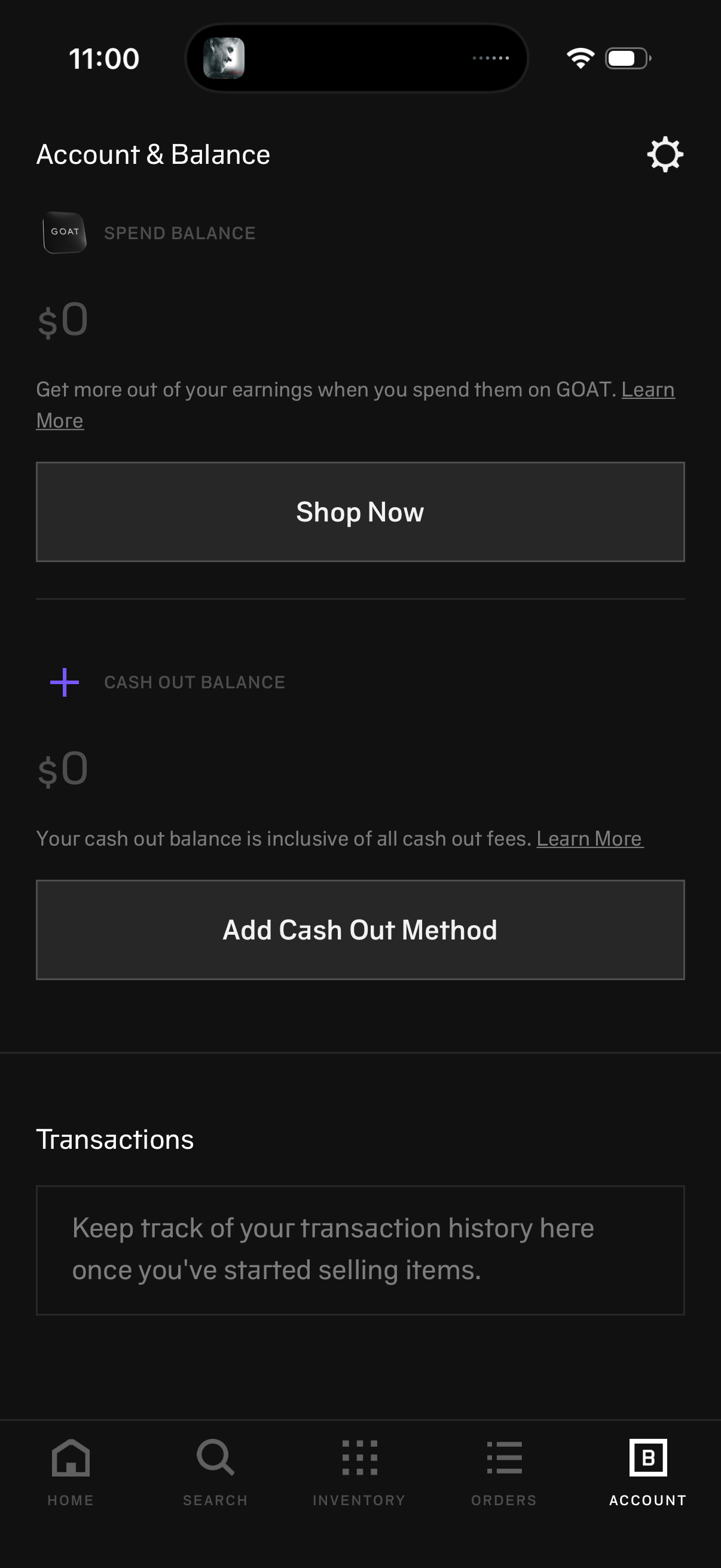
Account & Balance screen showing a user’s spend balance and cash out balance with primary actions to Shop Now and add a cash out/payout method, plus informational “Learn more” links. Includes a Transactions section for viewing transaction history and a settings shortcut in the header.
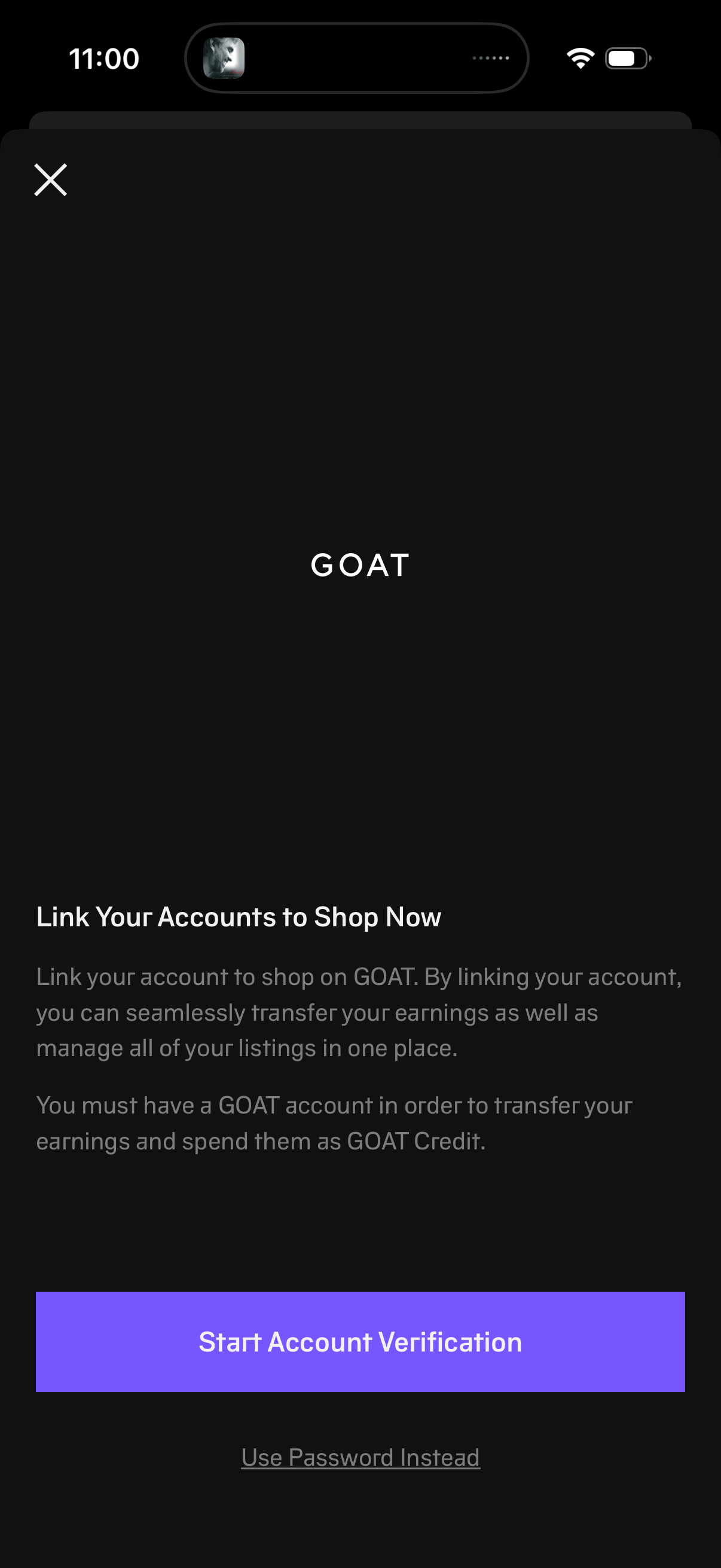
Modal onboarding screen prompting users to link their accounts to shop on GOAT by completing account verification, with explanatory text about transferring earnings and managing listings. Primary action button starts account verification, with a secondary option to use a password instead and a close icon to dismiss.
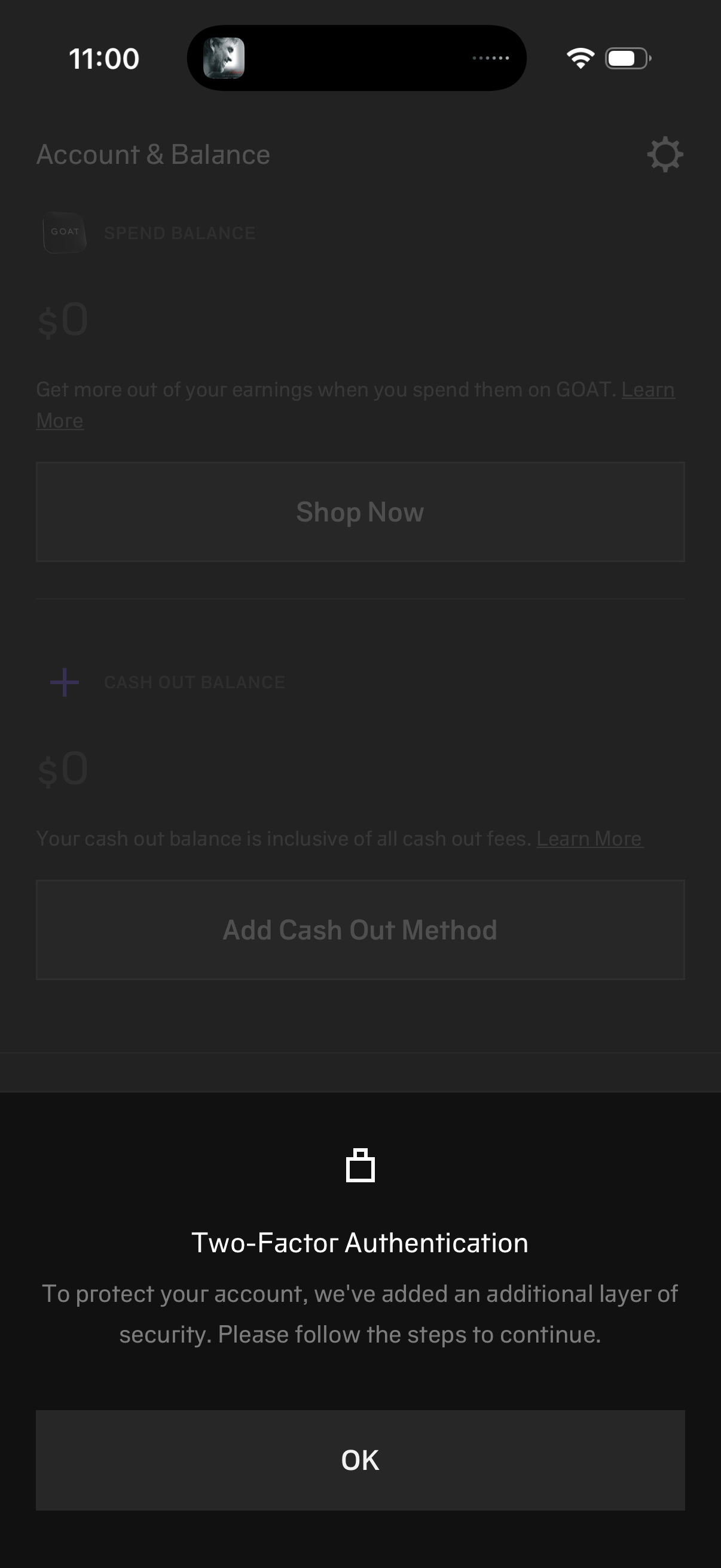
A security modal prompts the user to enable two-factor authentication, explaining it adds an additional layer of protection and asking them to follow steps to continue. The dialog overlays an account and balance screen and provides a single primary action button to acknowledge and proceed.
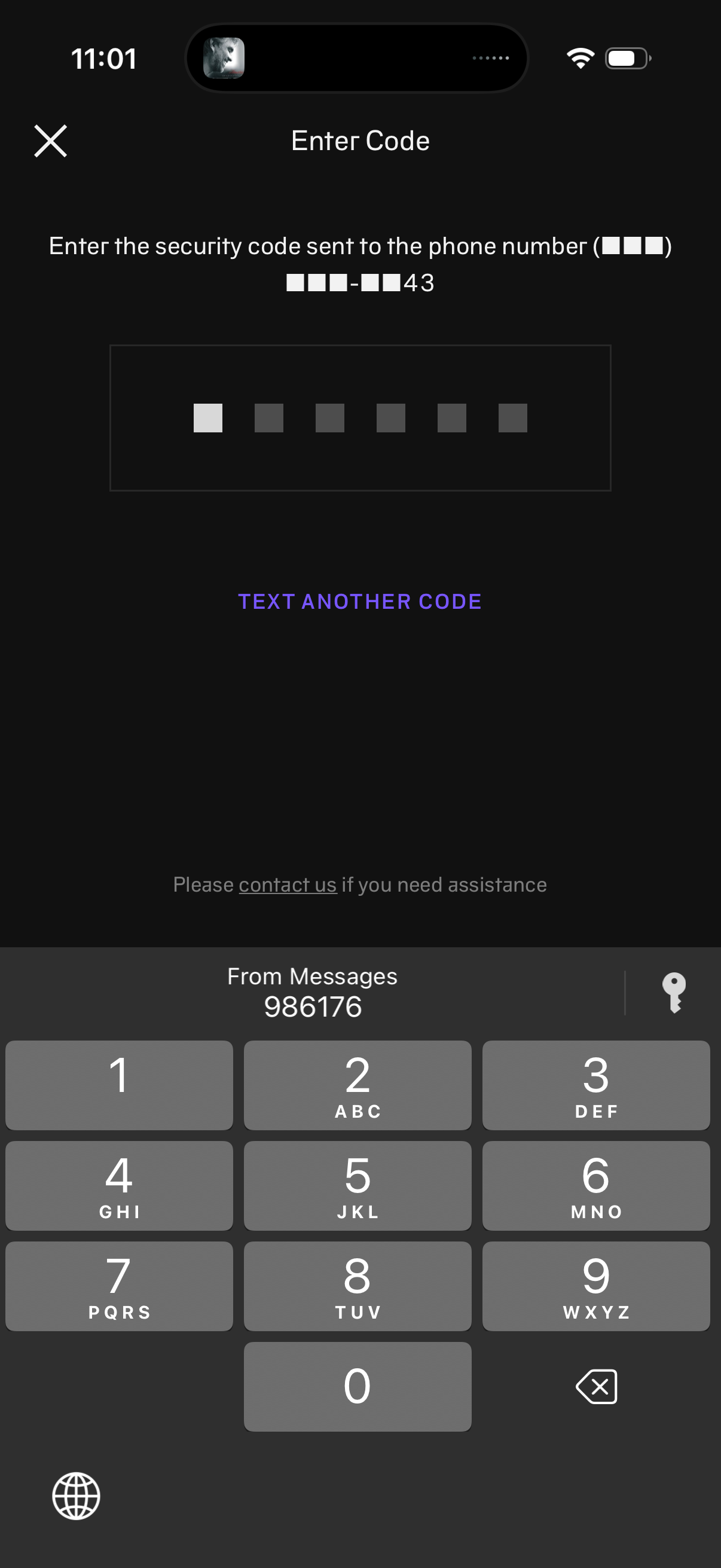
Phone number verification screen prompting the user to enter a 6-digit security code sent via SMS, with an OTP code input field. Includes actions to request “Text another code,” contact support, and close/cancel the flow.
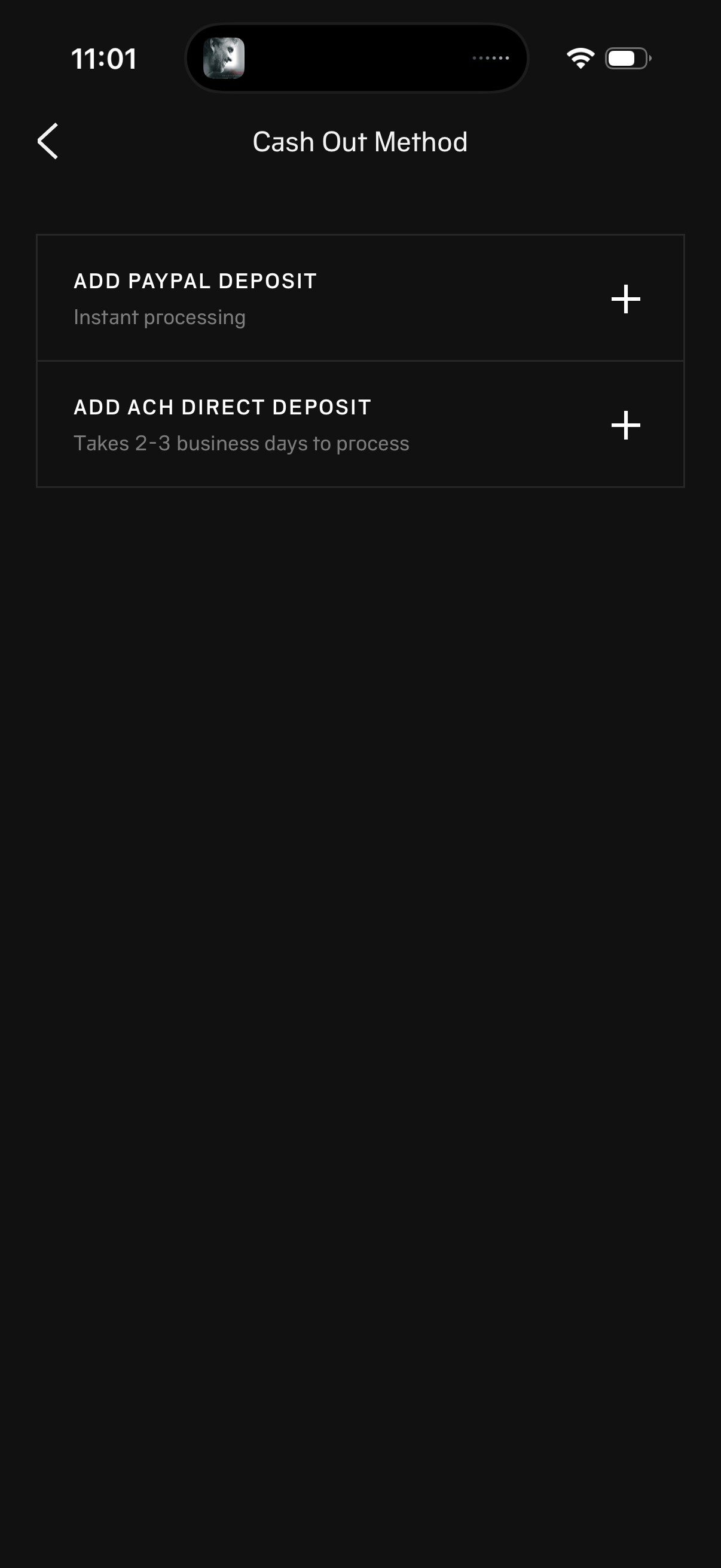
Cash out method selection screen for withdrawing funds, offering options to add a PayPal deposit (instant processing) or add an ACH direct deposit (2–3 business days). Each method has a plus button to link/add the payout account, with a back arrow for navigation.
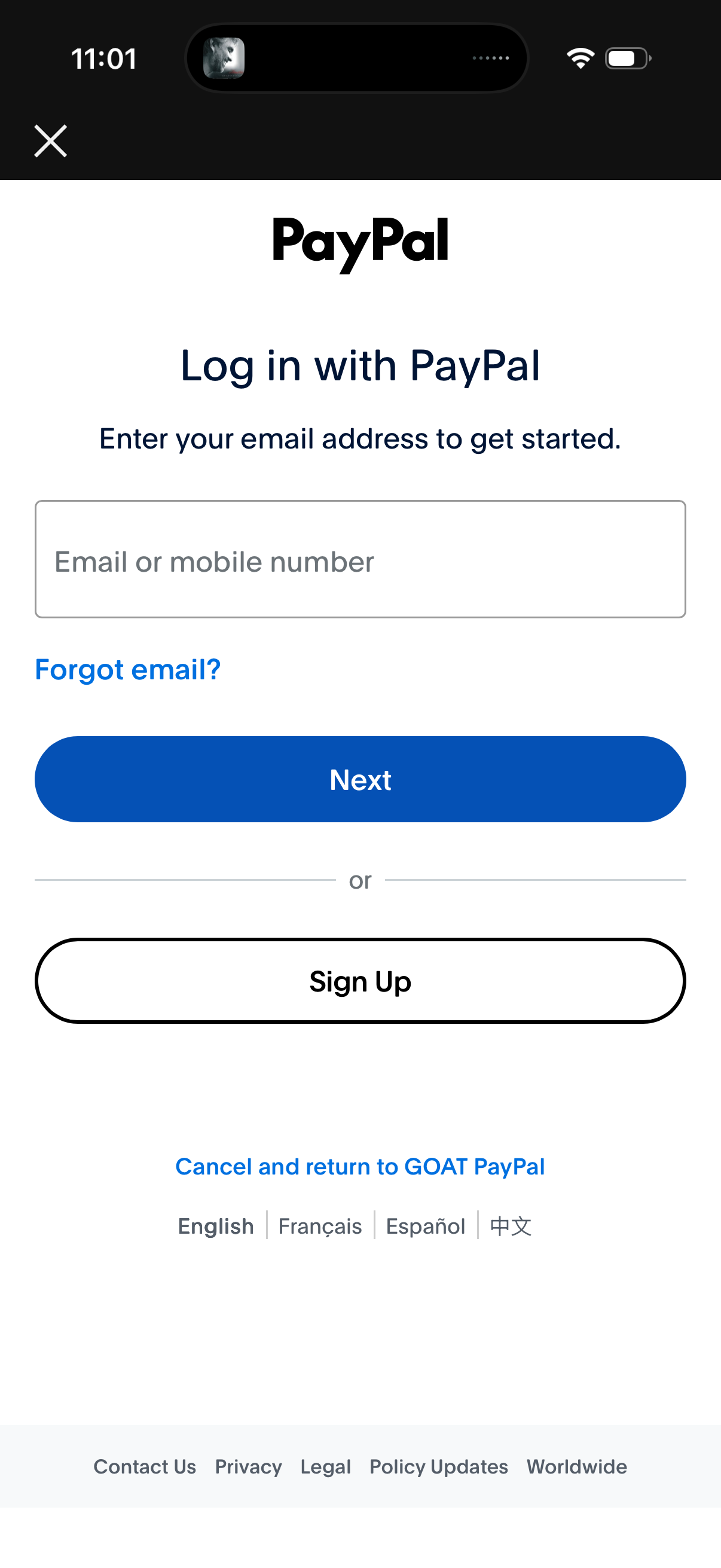
PayPal login screen for third-party checkout/authentication, prompting the user to enter an email address or mobile number to continue. Includes “Forgot email?