Messaging Inbox
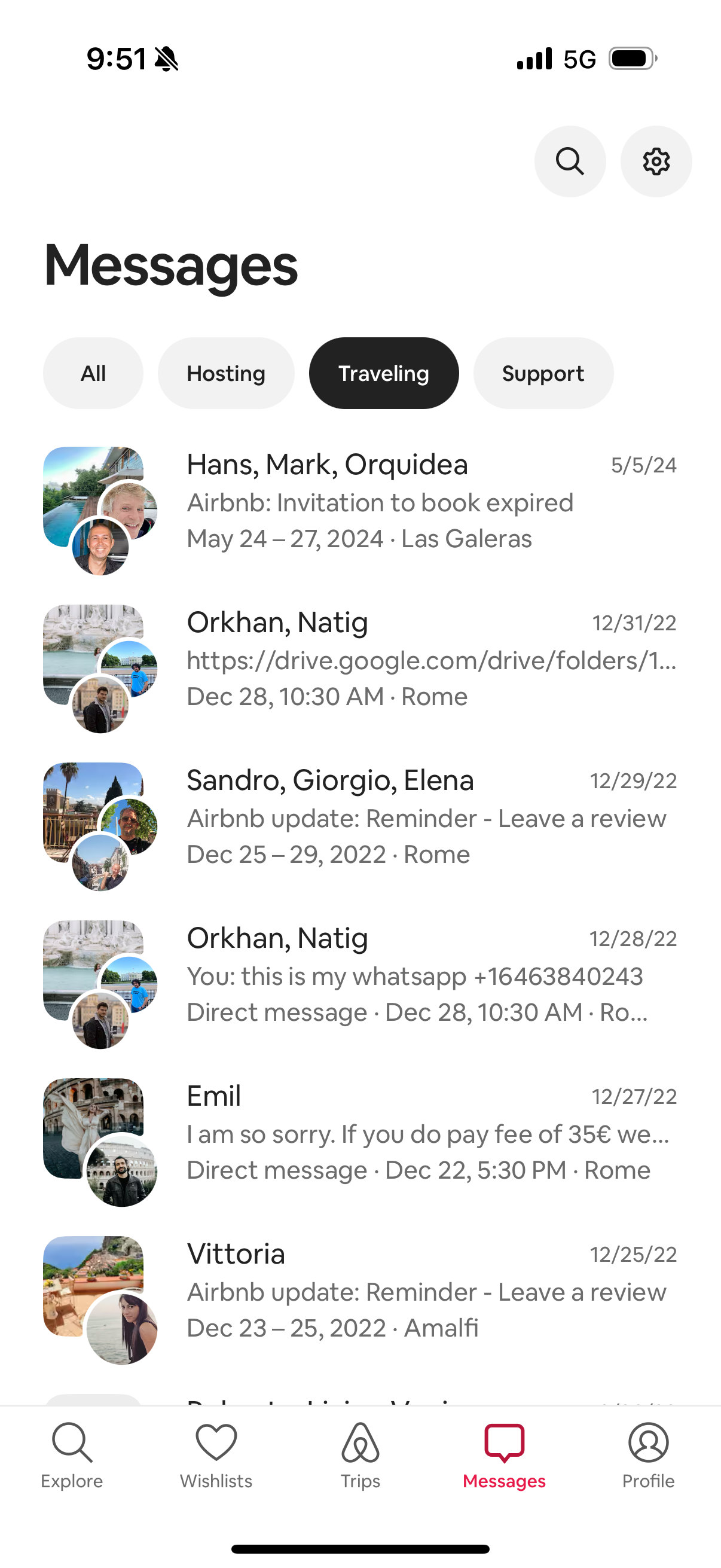
Messaging inbox screen showing a list of conversation threads with contact names, avatars, message previews, trip/stay details, and timestamps. Includes category filter chips (All, Hosting, Traveling, Support) plus search and settings actions to browse and manage messages.
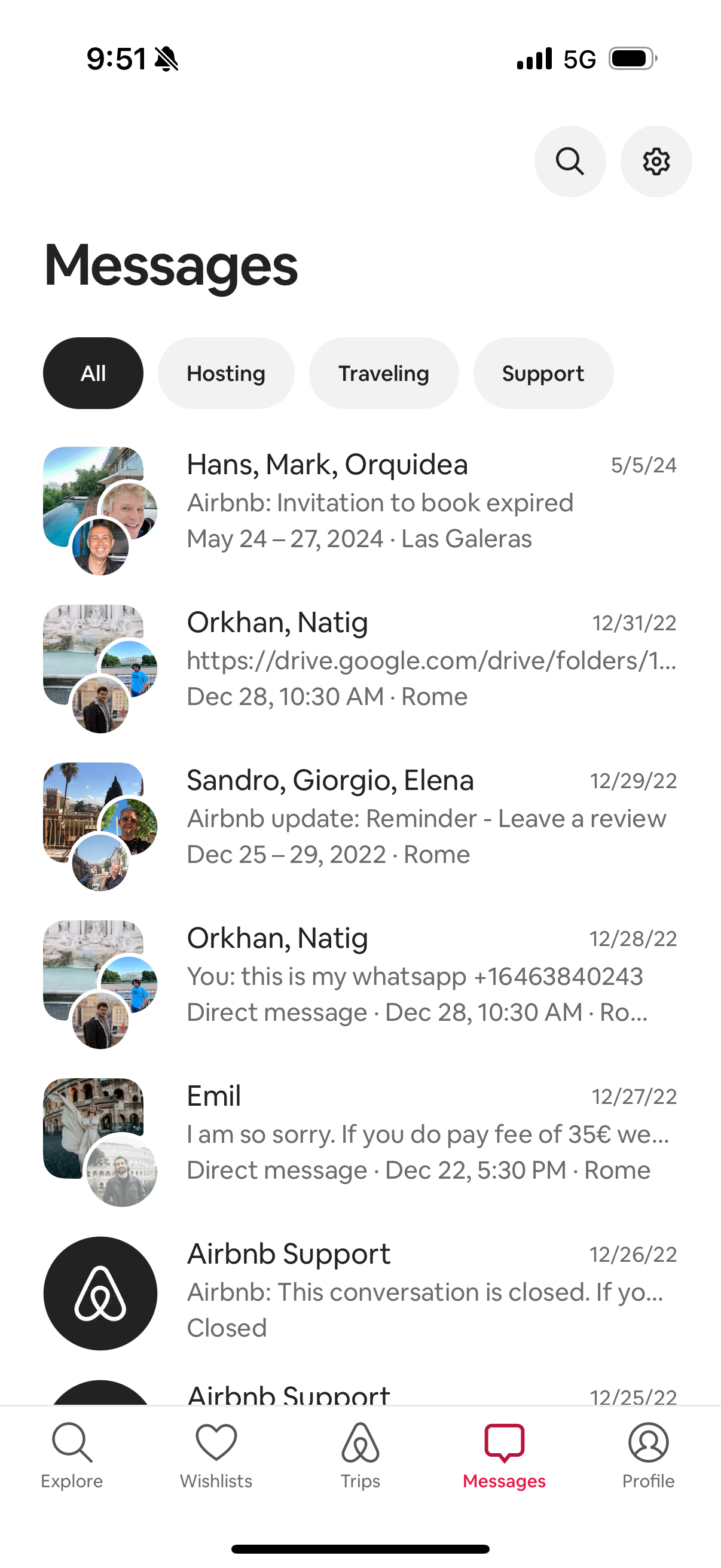
Messaging inbox screen showing a list of conversation threads with participant avatars, last message previews, dates, and trip context details, plus tabs to filter by All, Hosting, Traveling, and Support. Includes search and settings actions in the header and a bottom navigation bar with Messages selected.
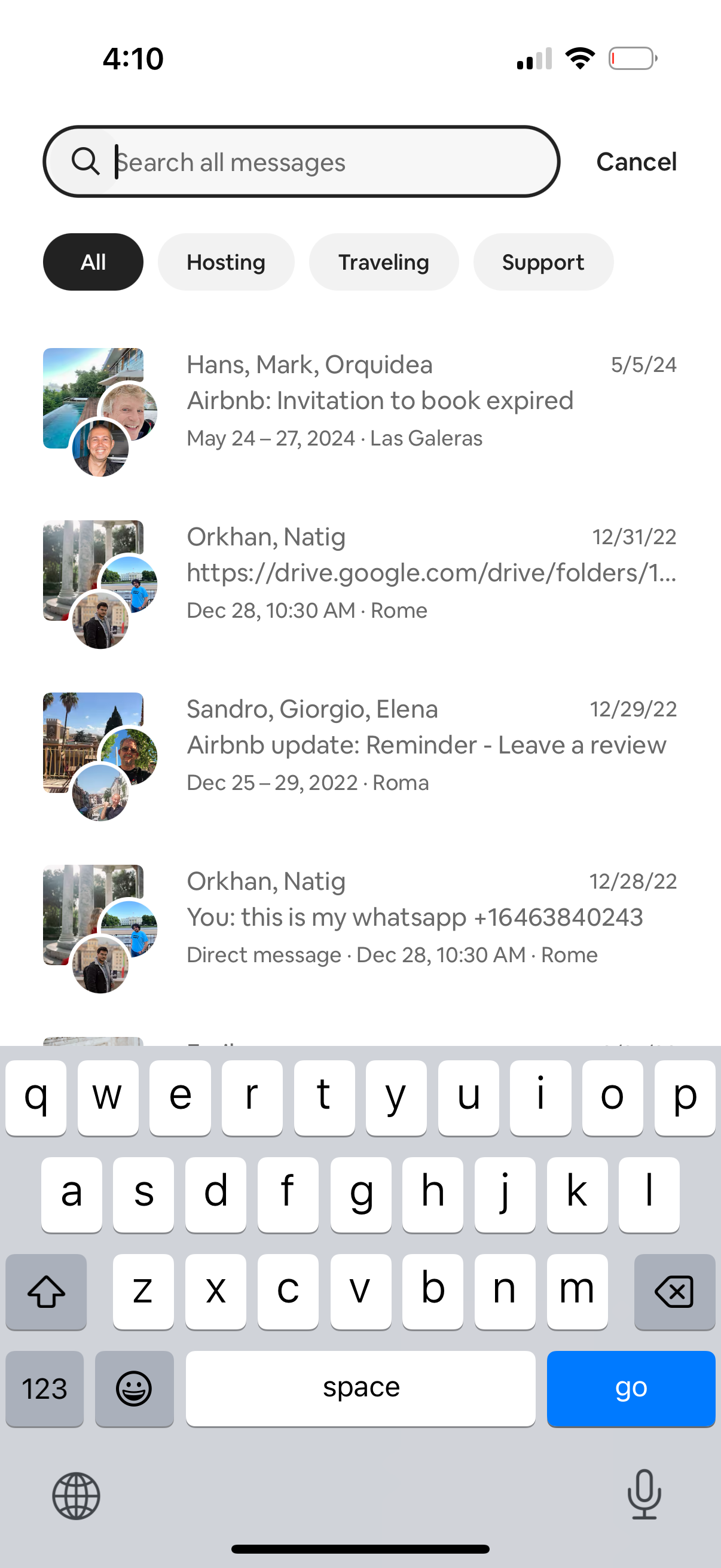
Messaging inbox search screen with a “Search all messages” bar, cancel action, and segmented category filters (All, Hosting, Traveling, Support). Below is a list of message threads showing participant avatars, conversation previews, dates, and trip/context metadata to quickly find specific chats.
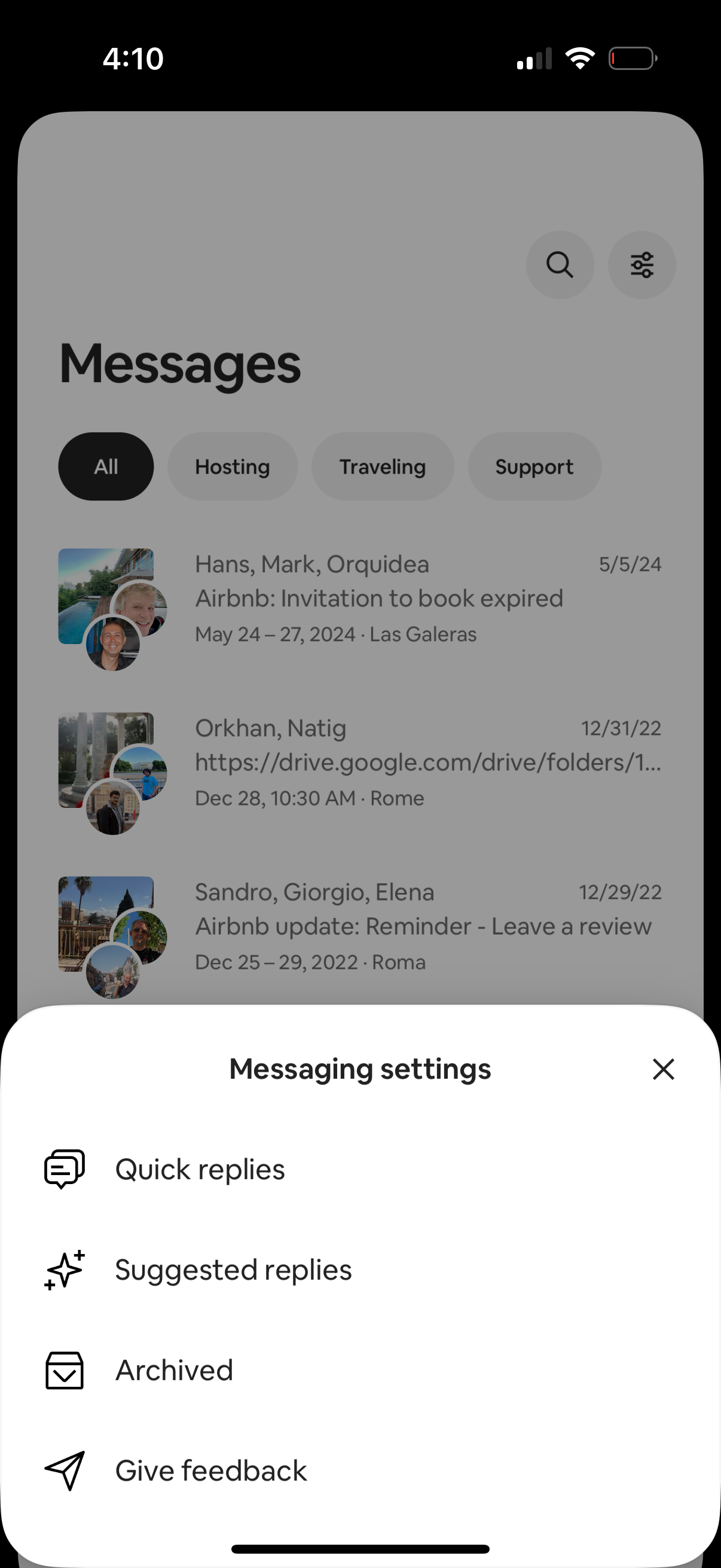
Inbox messages list with segmented tabs to filter conversations (All, Hosting, Traveling, Support) plus search and filter controls. A bottom sheet for Messaging settings is open, offering actions like Quick replies, Suggested replies, viewing Archived chats, and giving feedback.