Sign up

App onboarding welcome screen for an AI art generator, highlighting product value (“AI art studio in your pocket”), social proof with star rating and user count, and a primary CTA button to “Let’s get started! ” with links to Terms of Use and Privacy Policy.
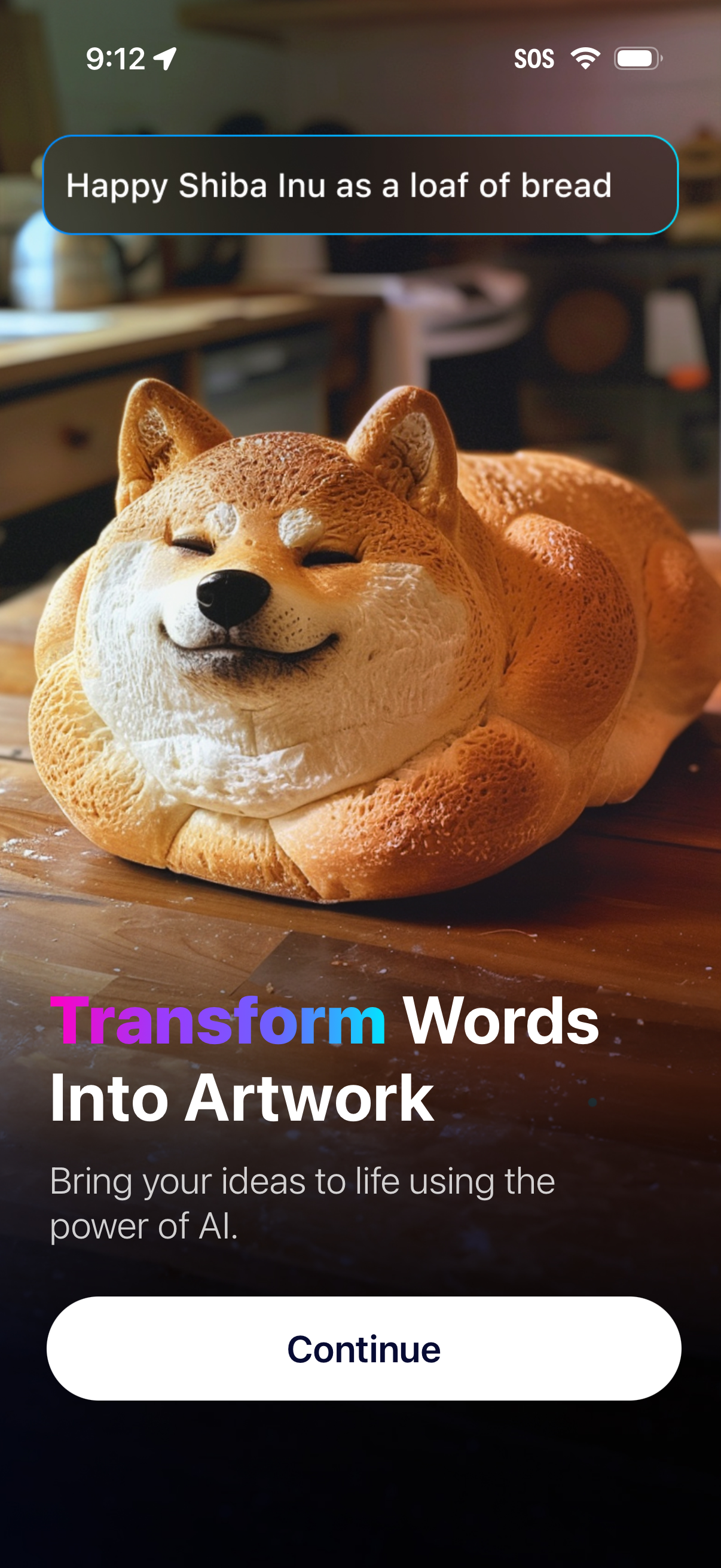
AI image generation onboarding screen that showcases a sample prompt in a text field and a hero preview image, explaining “Transform Words Into Artwork” and inviting users to bring ideas to life with AI. Primary call to action is a “Continue” button to proceed.
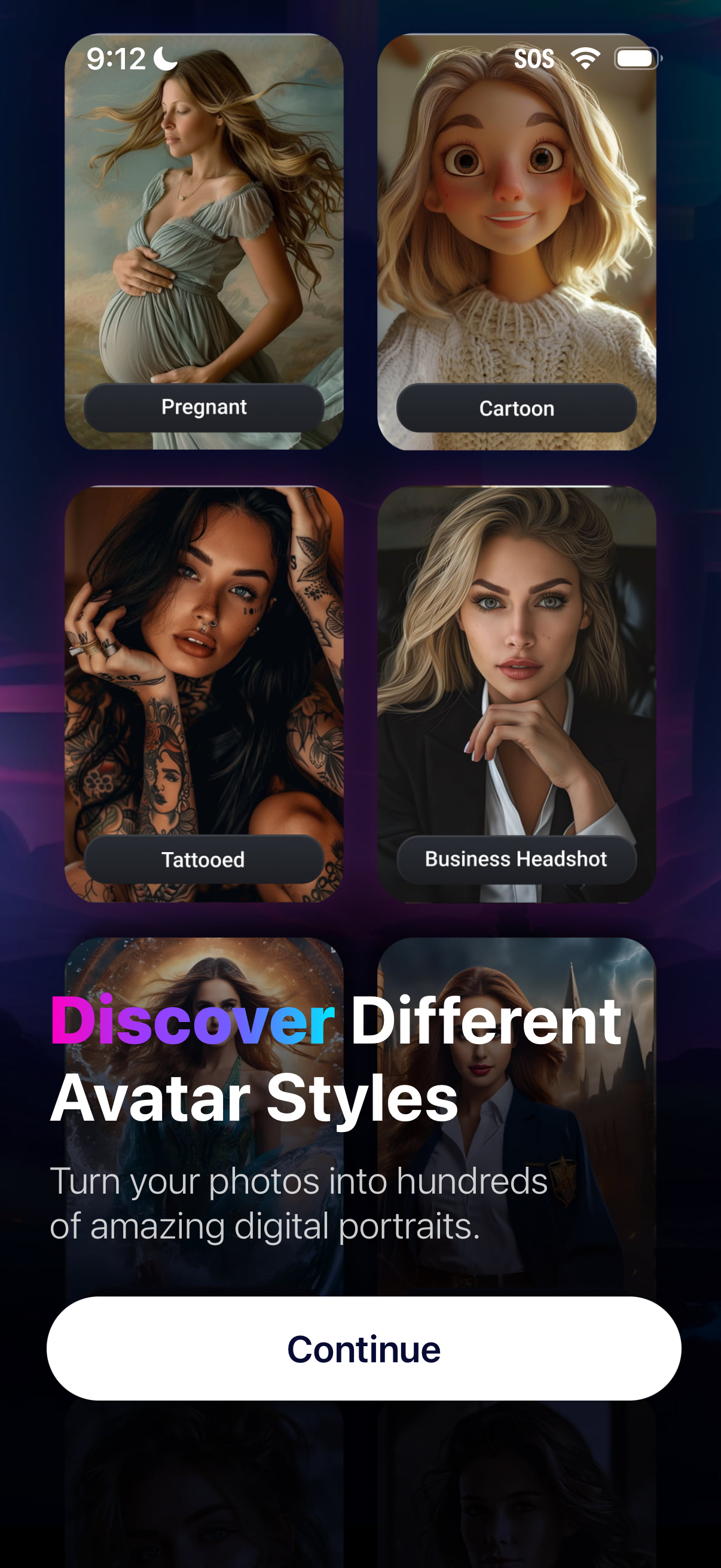
Onboarding discovery screen for an AI photo-to-avatar app showing a grid of selectable avatar style categories (e. g.
Onboarding marketing screen for an AI art/avatar app highlighting 5-star user testimonials and social proof, with a “Join Millions of Happy Users” headline and short value proposition. Primary call to action is a large “Continue” button to proceed into the app.
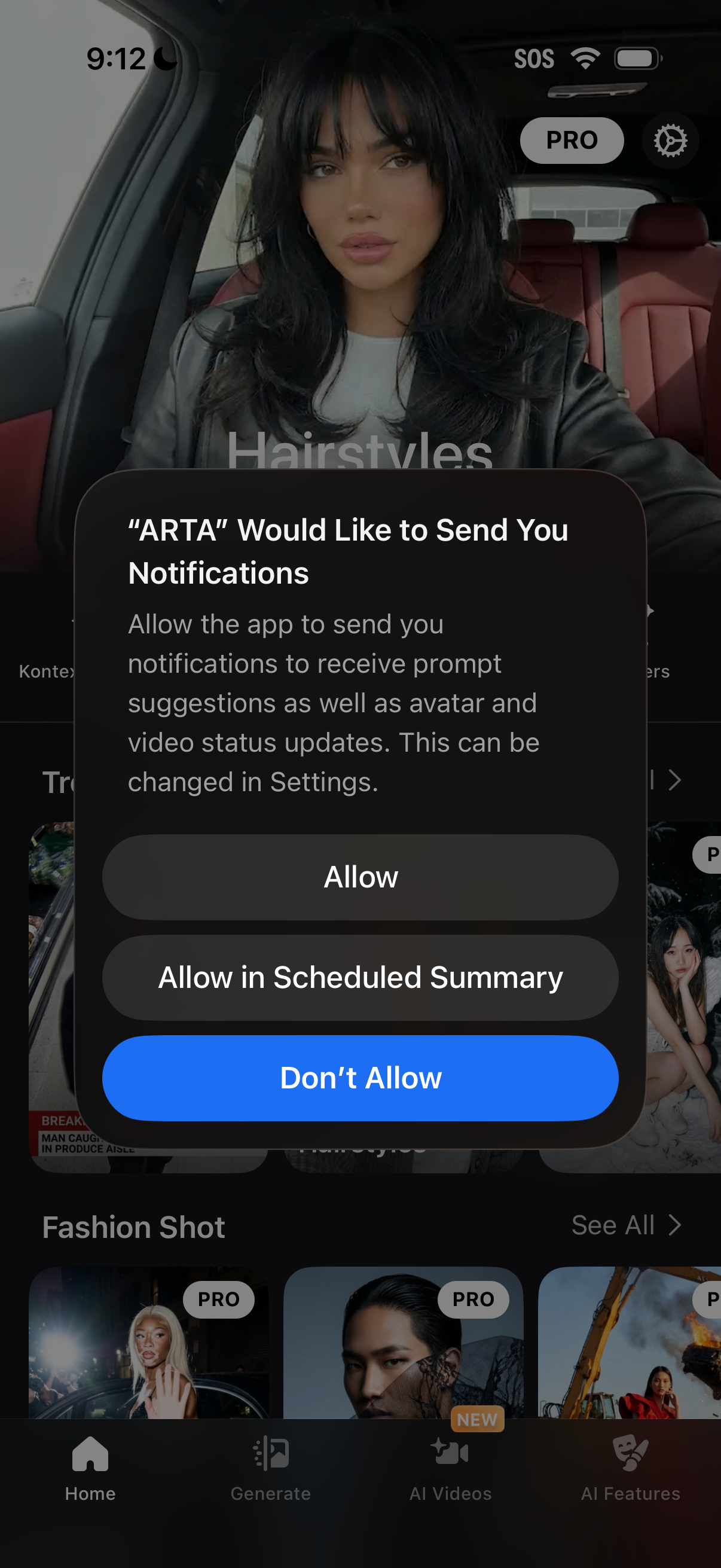
iOS push notification permission prompt overlay asking to allow an AI photo/video app to send notifications for prompt suggestions and avatar/video status updates, with actions to Allow, Allow in Scheduled Summary, or Don’t Allow over the app’s home feed.
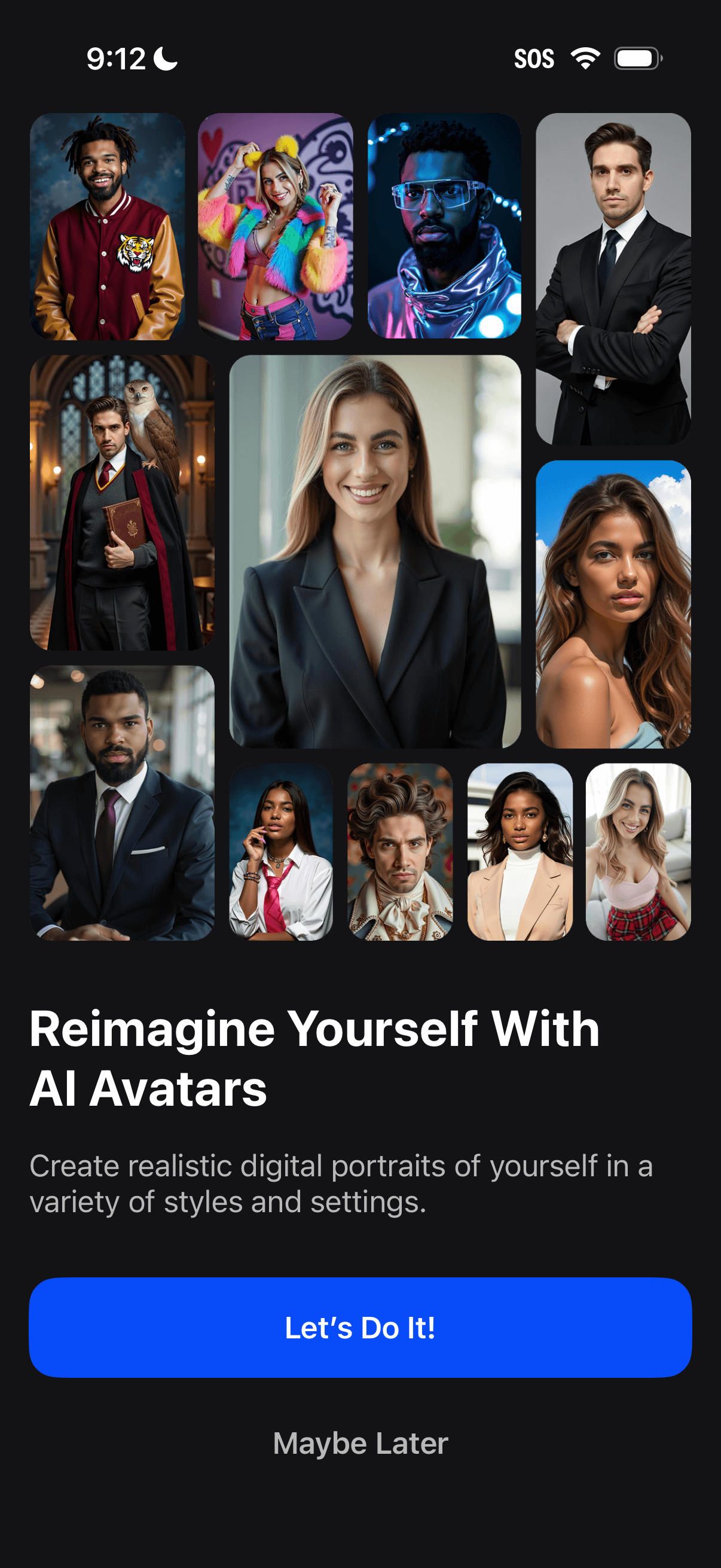
Onboarding promo screen for an AI avatar generator showcasing a collage of stylized portrait examples and explaining you can create realistic digital portraits in different styles and settings. Primary CTA button to start creating (“Let’s Do It!
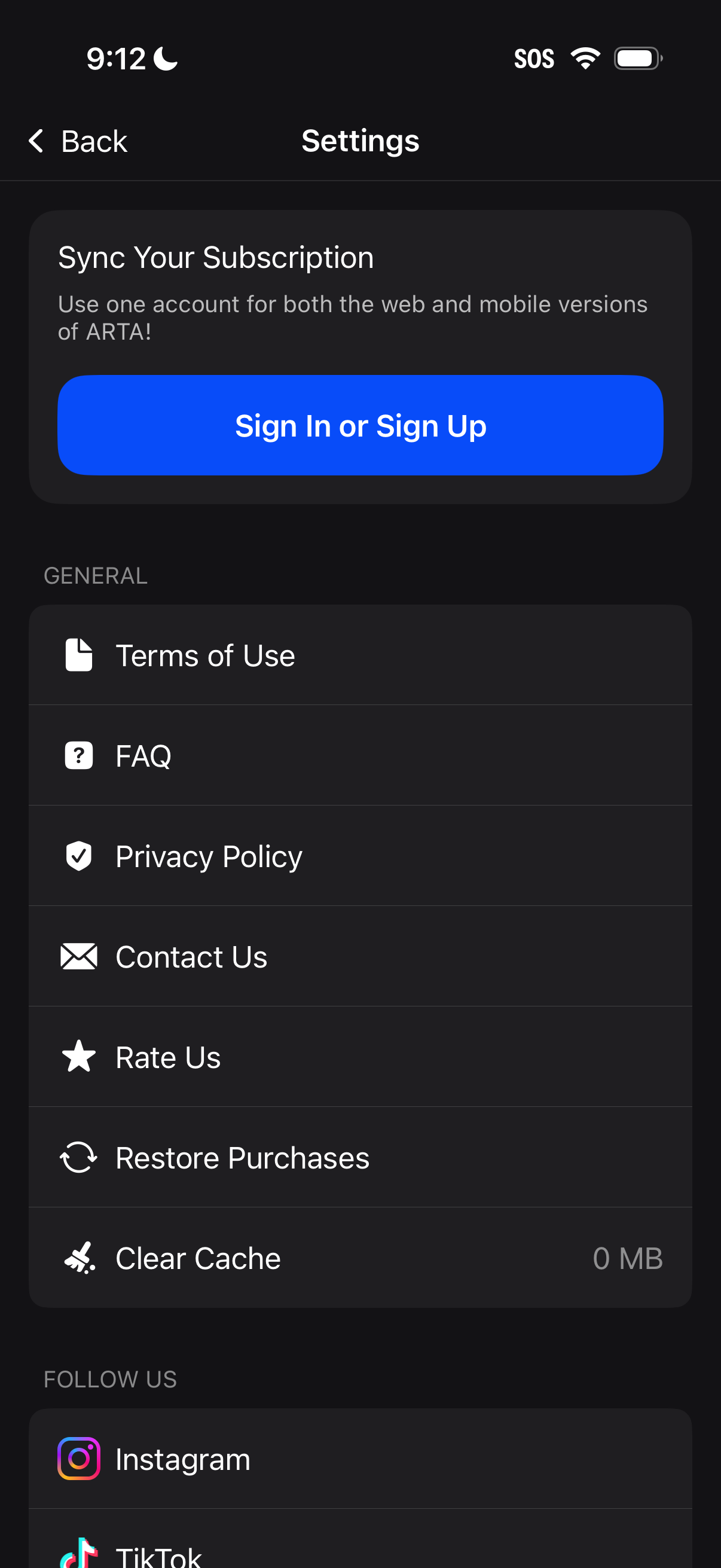
Settings screen with a prominent “Sync Your Subscription” callout prompting users to sign in or sign up to use one account across web and mobile. Includes a general list of support and legal actions such as Terms of Use, FAQ, Privacy Policy, Contact Us, Rate Us, Restore Purchases, and Clear Cache, plus social follow links.
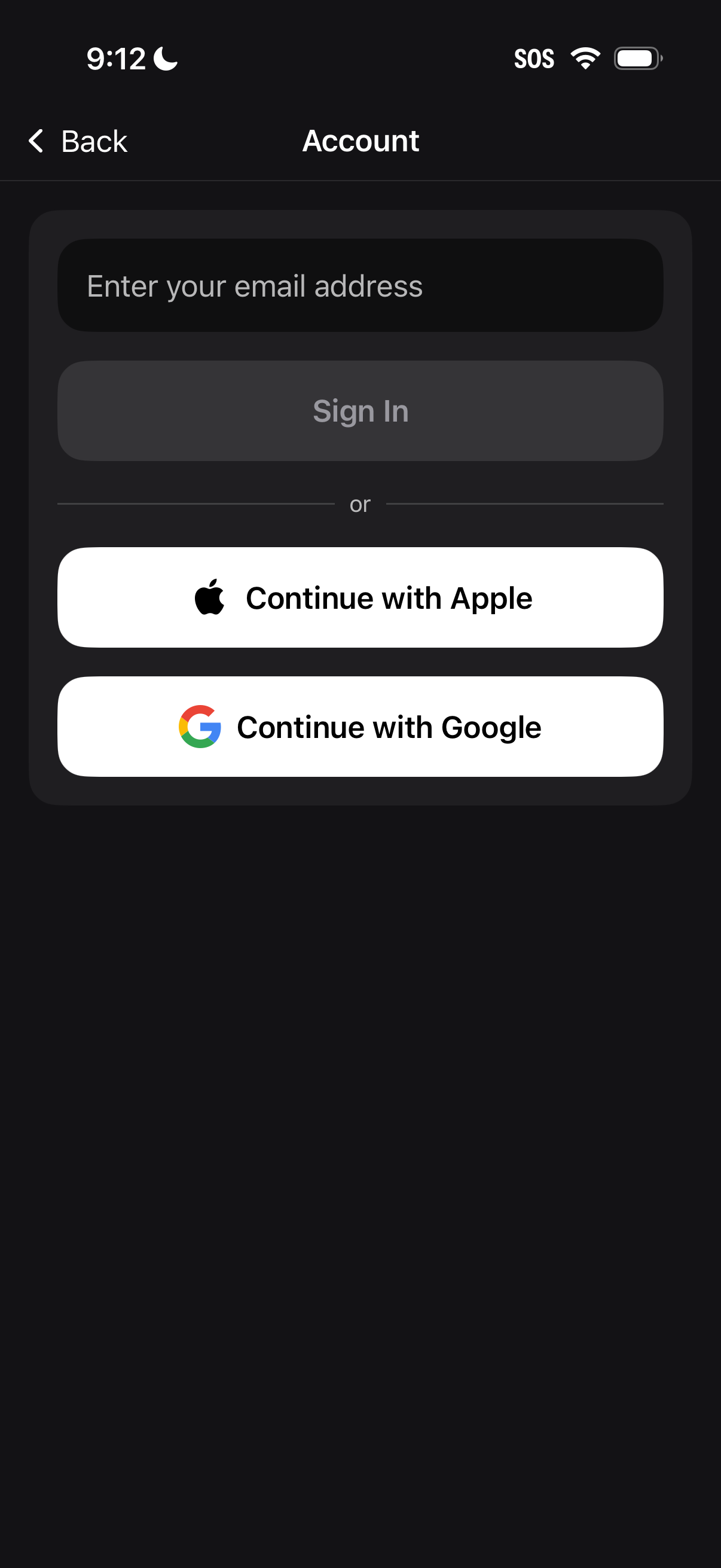
Account sign-in screen with an email address input and primary “Sign In” button, plus alternative authentication options to continue with Apple or Google. Includes a back navigation header and divider indicating multiple login methods.
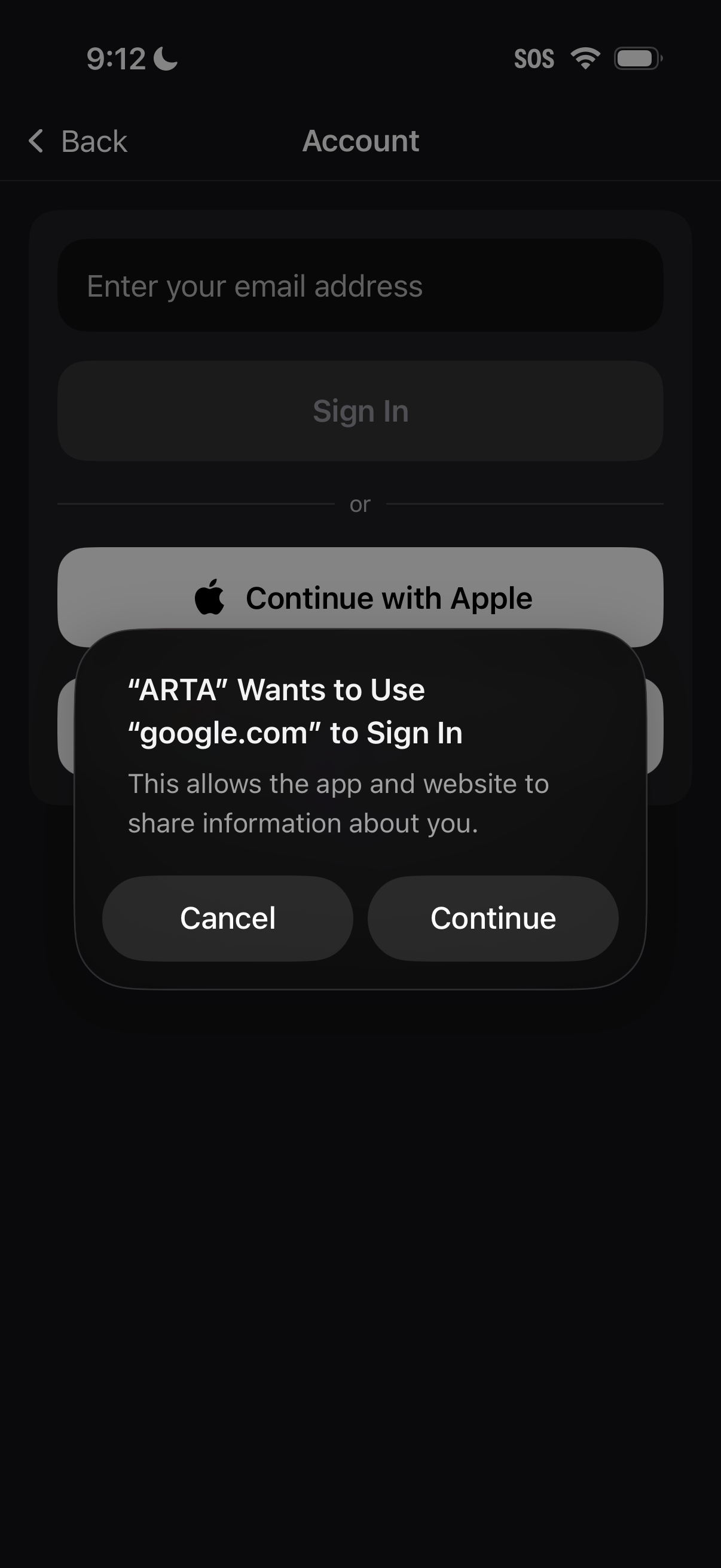
Account sign-in screen with an email address field, a Sign In button, and an alternative “Continue with Apple” social login option. An iOS permission dialog overlays the page asking to allow the app to use an external provider (google.
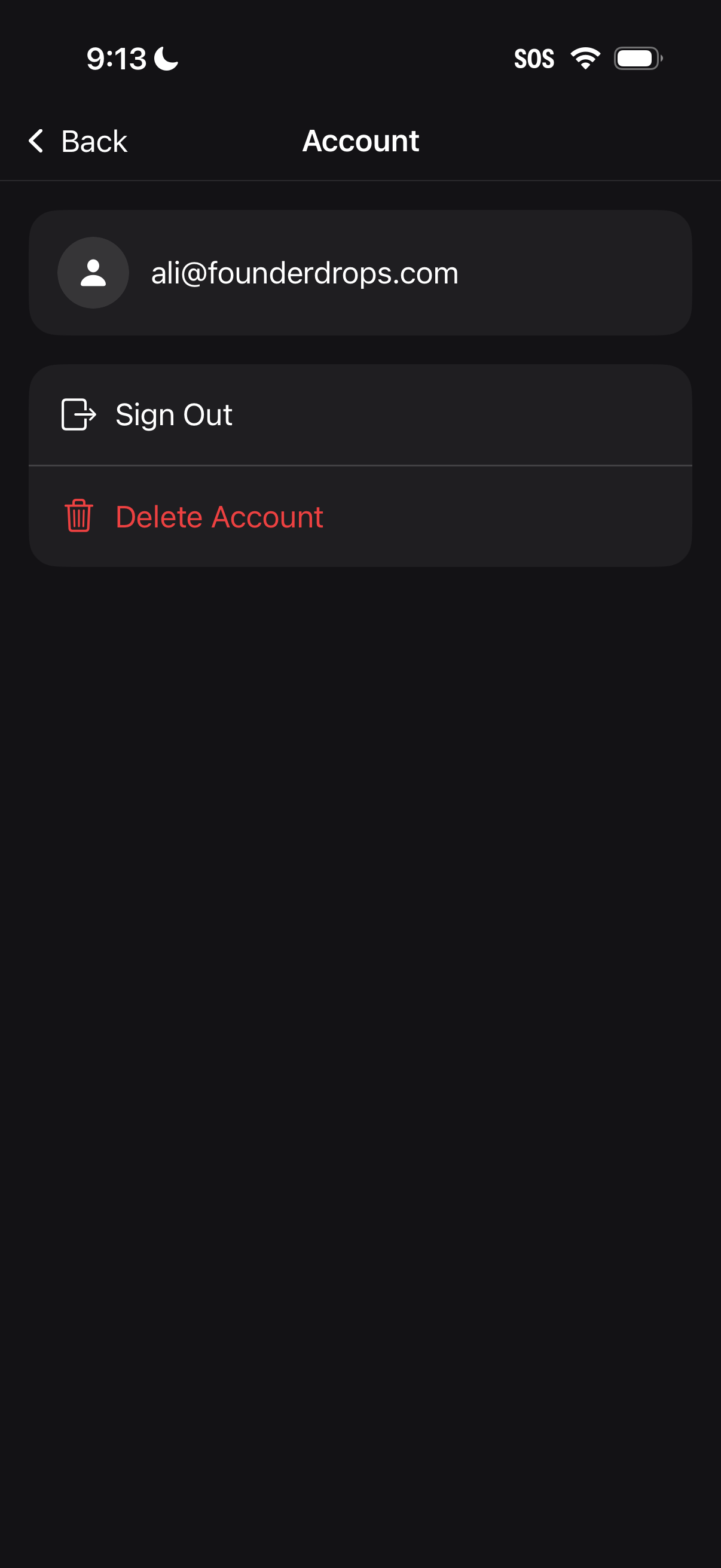
Account settings screen showing the signed-in email address with actions to sign out and permanently delete the account. Includes a back navigation header and a destructive delete option highlighted in red.