start registration
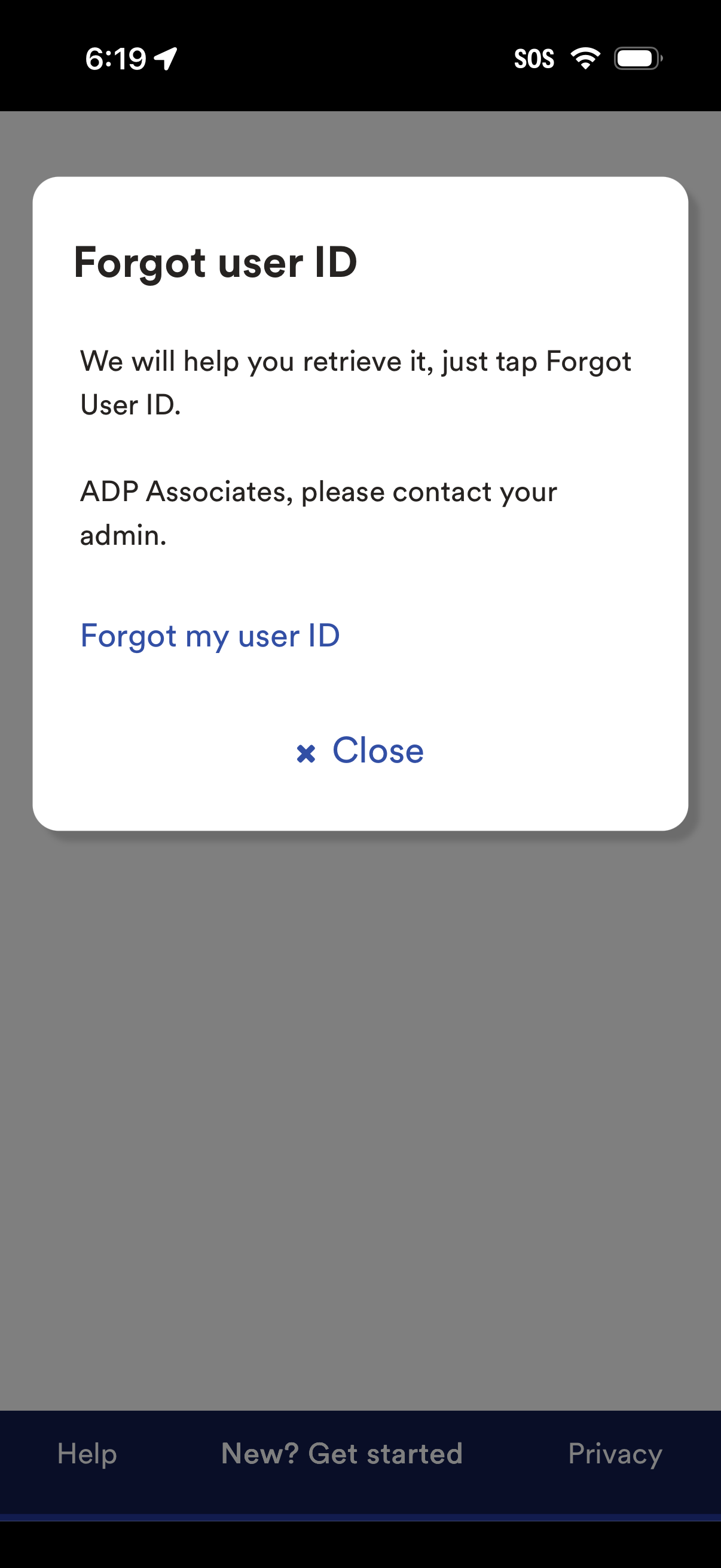
Modal dialog for account recovery that explains how to retrieve a forgotten user ID and provides a primary link to start the “Forgot my user ID” flow. Includes a secondary close action to dismiss the popup.
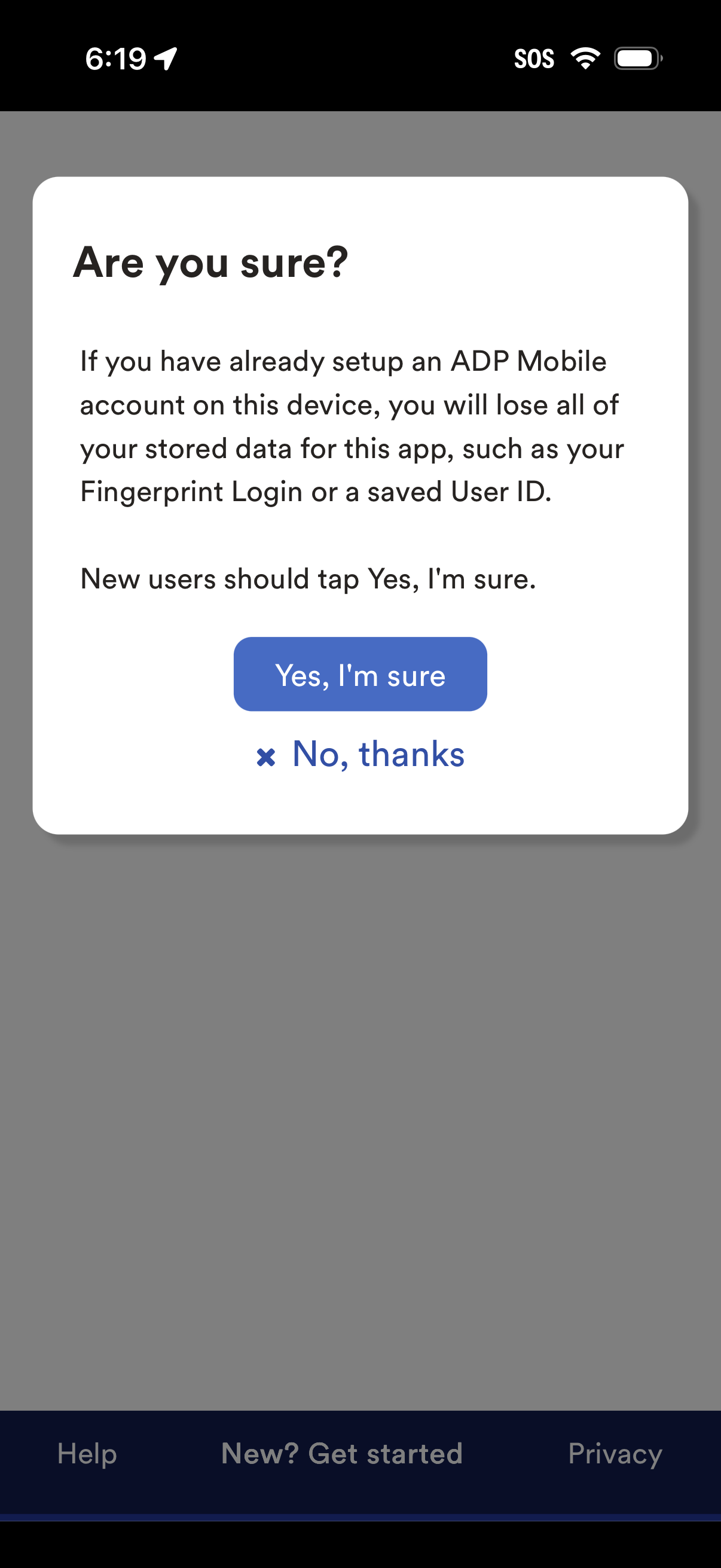
Confirmation modal warning that setting up a new account on this device will erase previously stored app data such as fingerprint login and saved user ID. Primary action is “Yes, I’m sure” to proceed, with a secondary “No, thanks” cancel option.
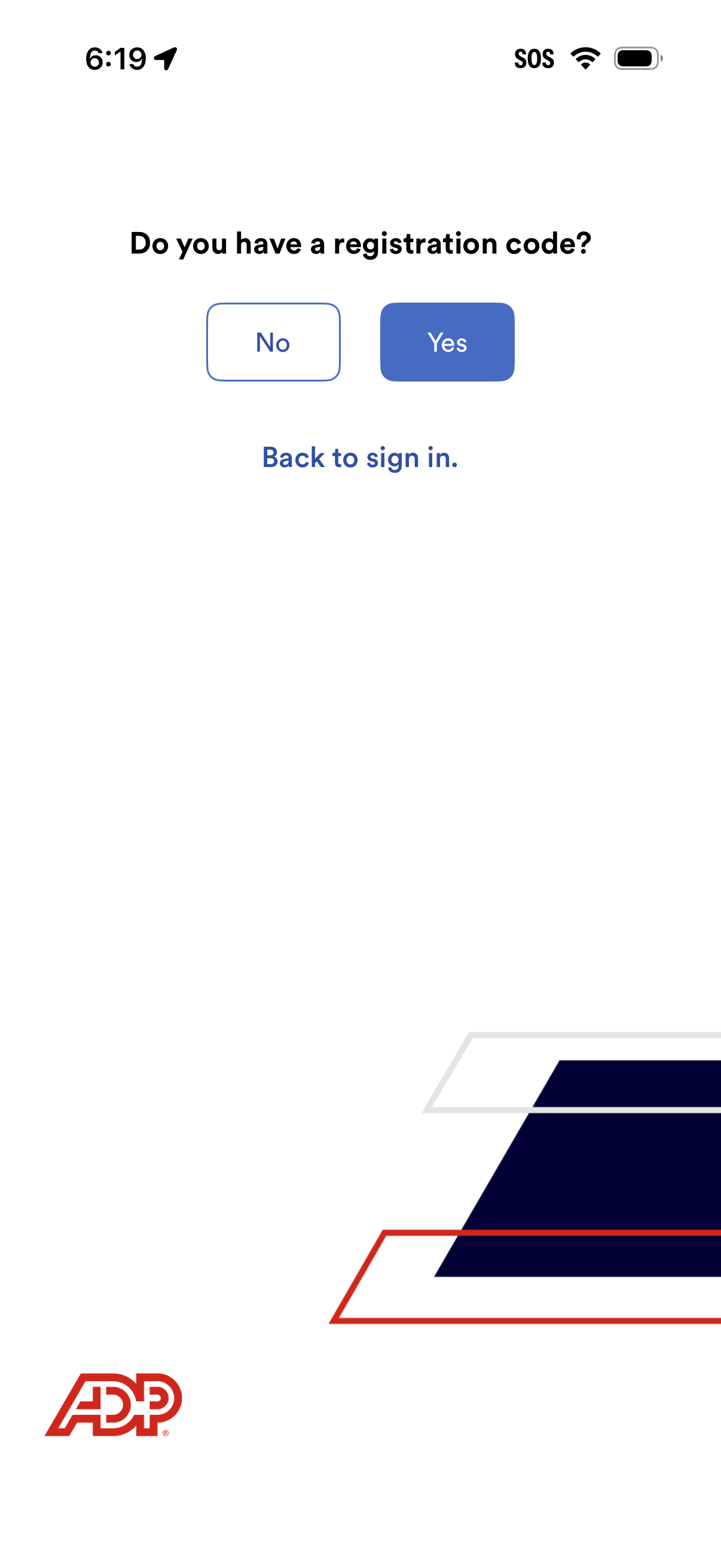
Account registration step asking whether the user has a registration code, with primary Yes/No buttons to continue the signup flow accordingly. Includes a secondary link to go back to the sign-in screen.
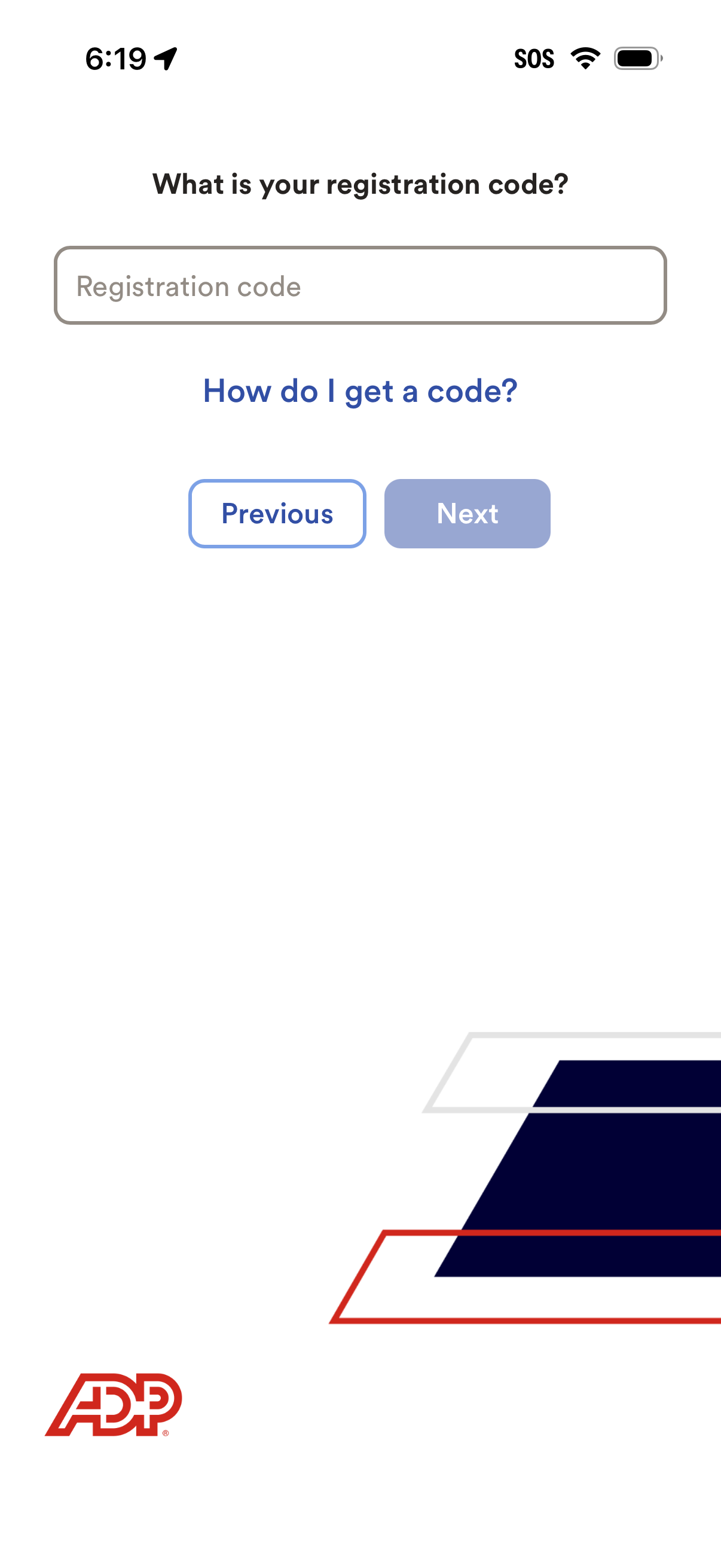
Account registration step asking the user to enter a registration code in a single input field, with a help link for obtaining a code. Navigation controls include Previous and a disabled Next button that becomes available after entering the code.
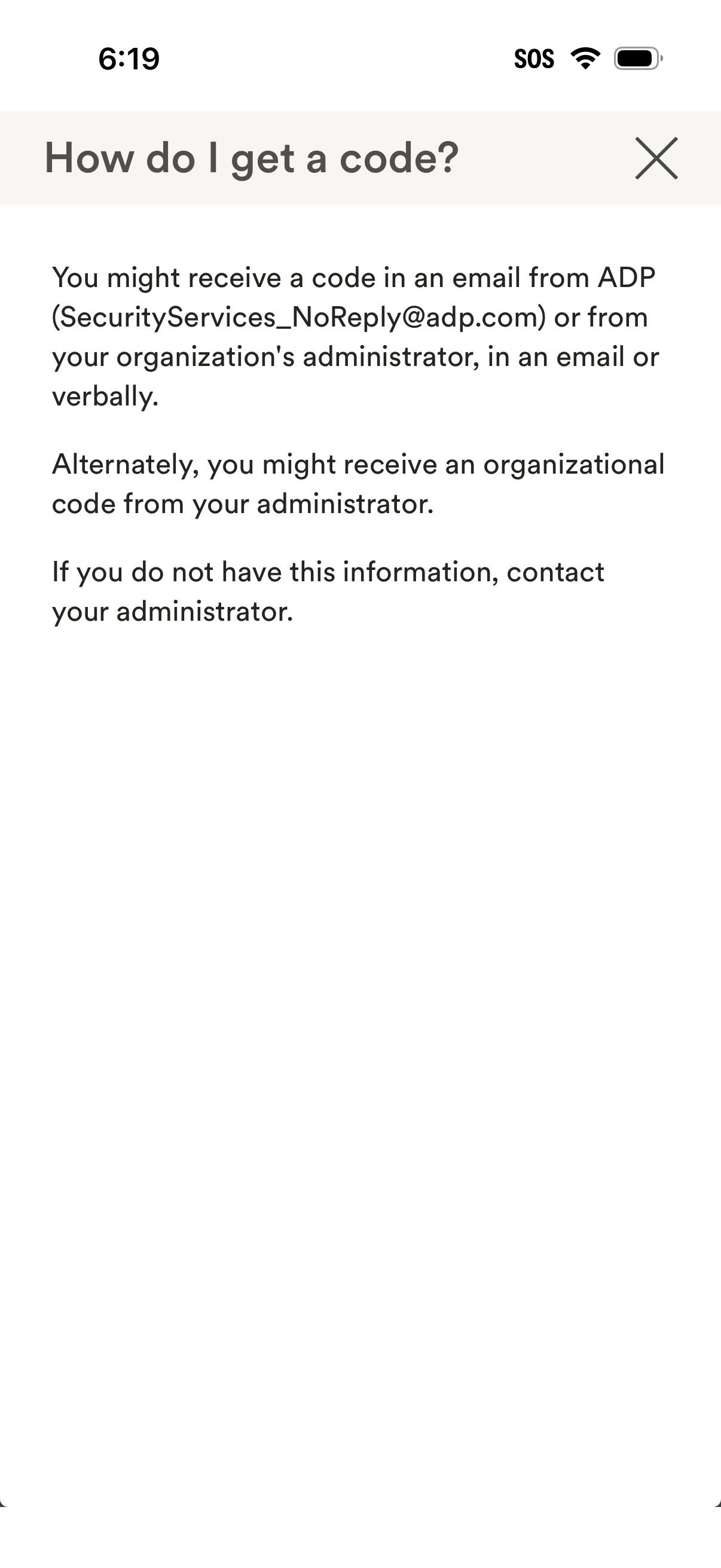
Help and FAQ modal explaining how to obtain a verification or registration code for account access, noting it may be sent via email or provided by an organization administrator. Includes guidance to contact the administrator if the code information is unavailable and a close (X) action to dismiss the overlay.