create account with apple

App launch onboarding choice screen prompting users to either create a new account or sign in to an existing account, with two primary call-to-action buttons (“I’m new” and “I have an account already”) on a minimal dark background.
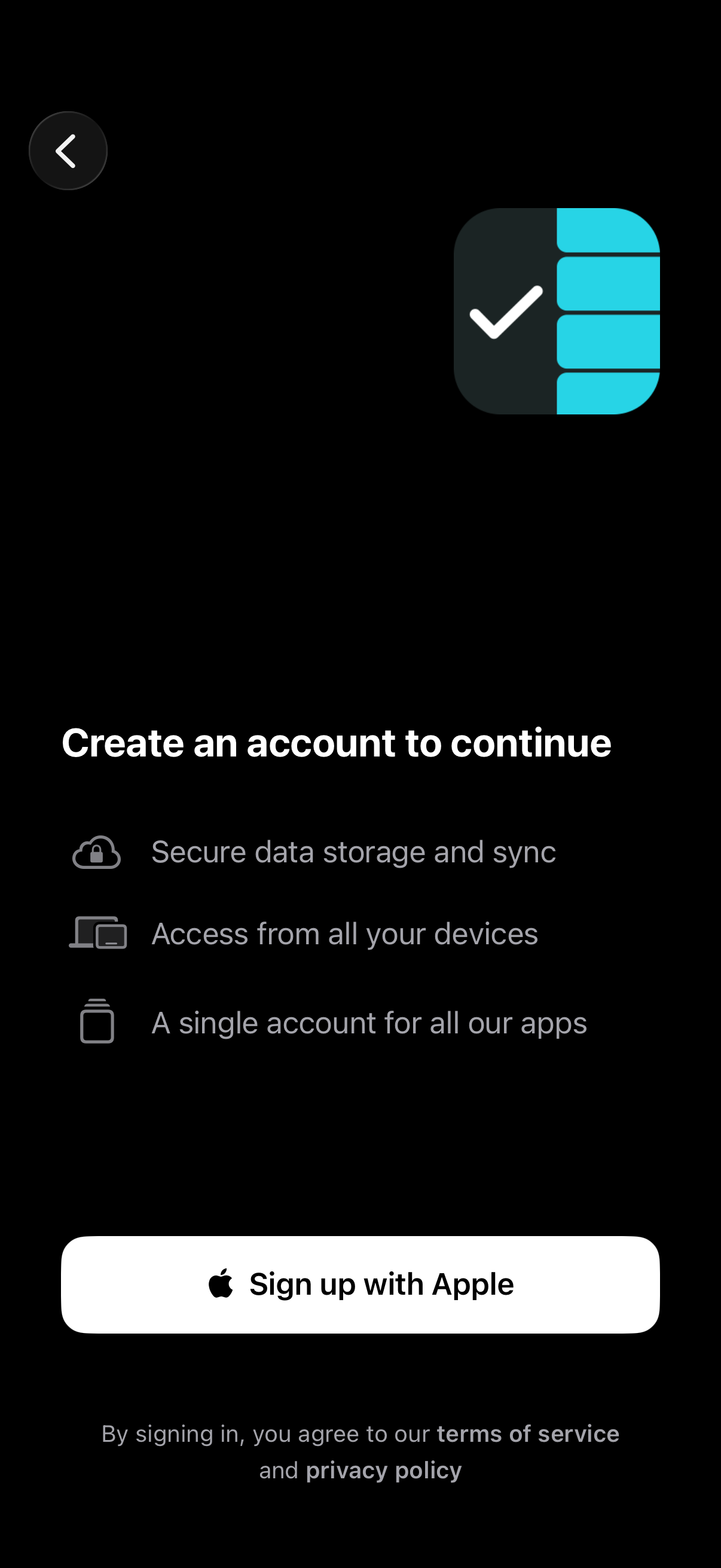
Account creation gate screen prompting users to create an account to continue, highlighting benefits like secure storage and sync, cross-device access, and a single account across apps. Includes a primary “Sign up with Apple” button, back navigation, and terms of service/privacy policy notice.
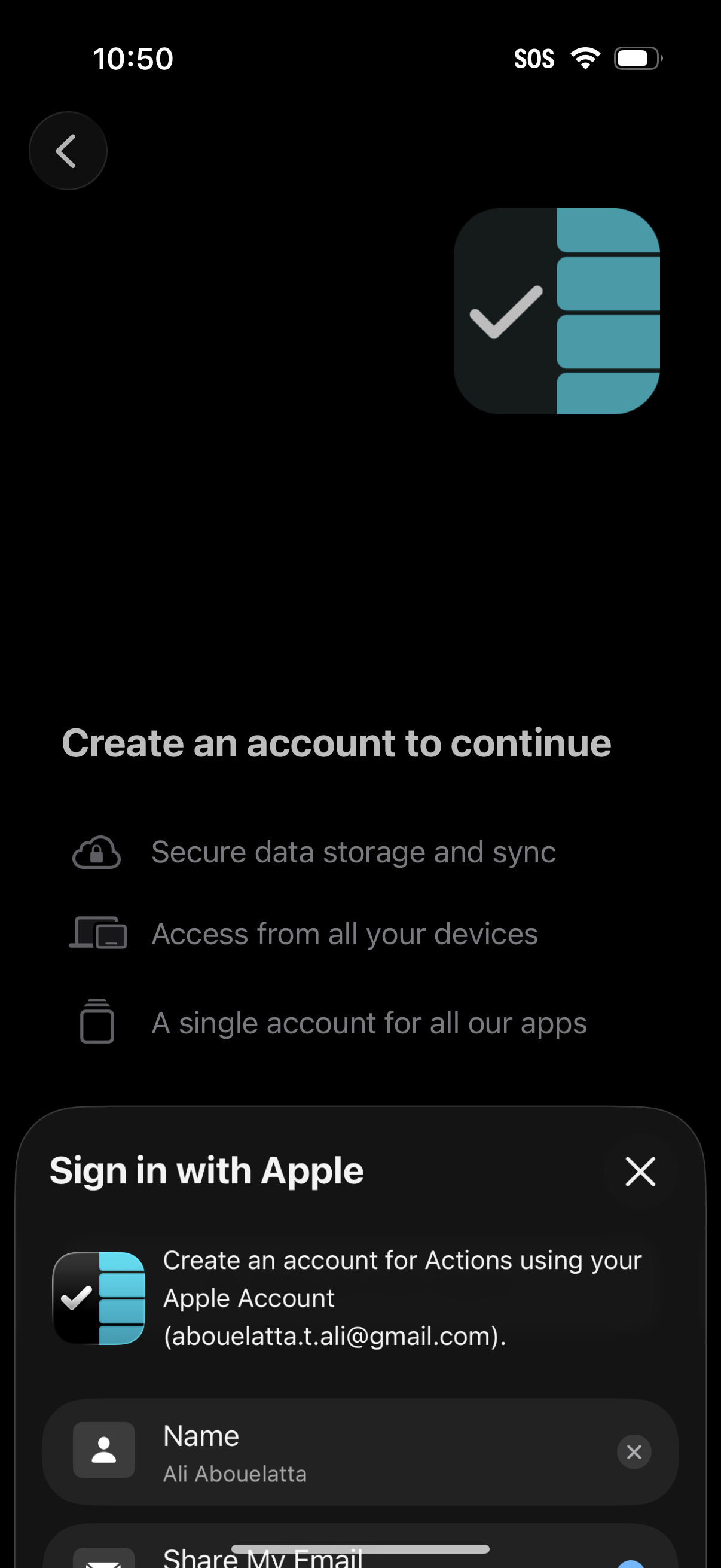
Account creation gate prompting users to create an account to continue, highlighting benefits like secure cloud sync, multi-device access, and one account across apps. A “Sign in with Apple” sheet is presented for onboarding, including a name field and Apple account email, with options to close or go back.
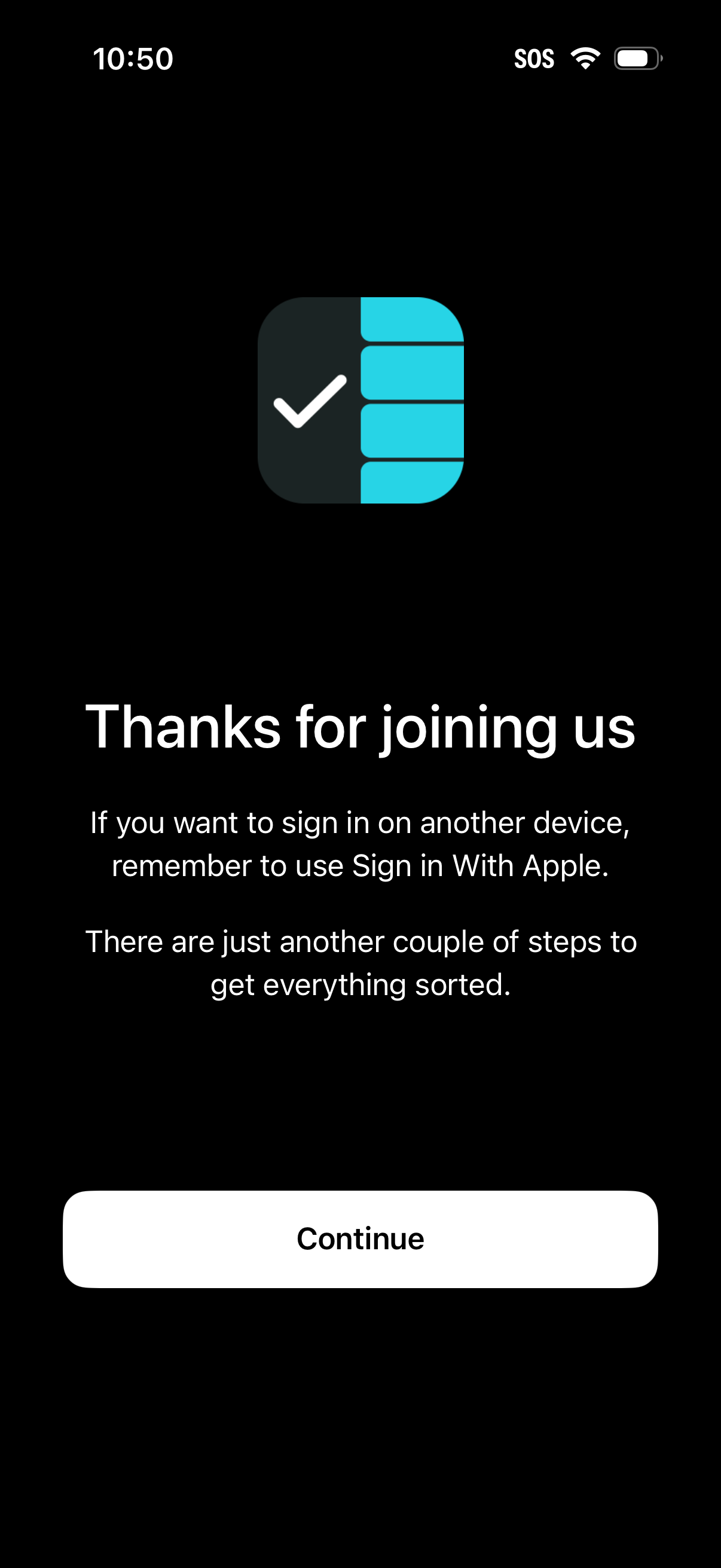
Post-signup welcome and account setup screen confirming the user has joined and prompting them to continue onboarding, with guidance to use Sign in with Apple when logging in on another device. A single primary CTA button (“Continue”) advances to the remaining setup steps.