answer trait questions
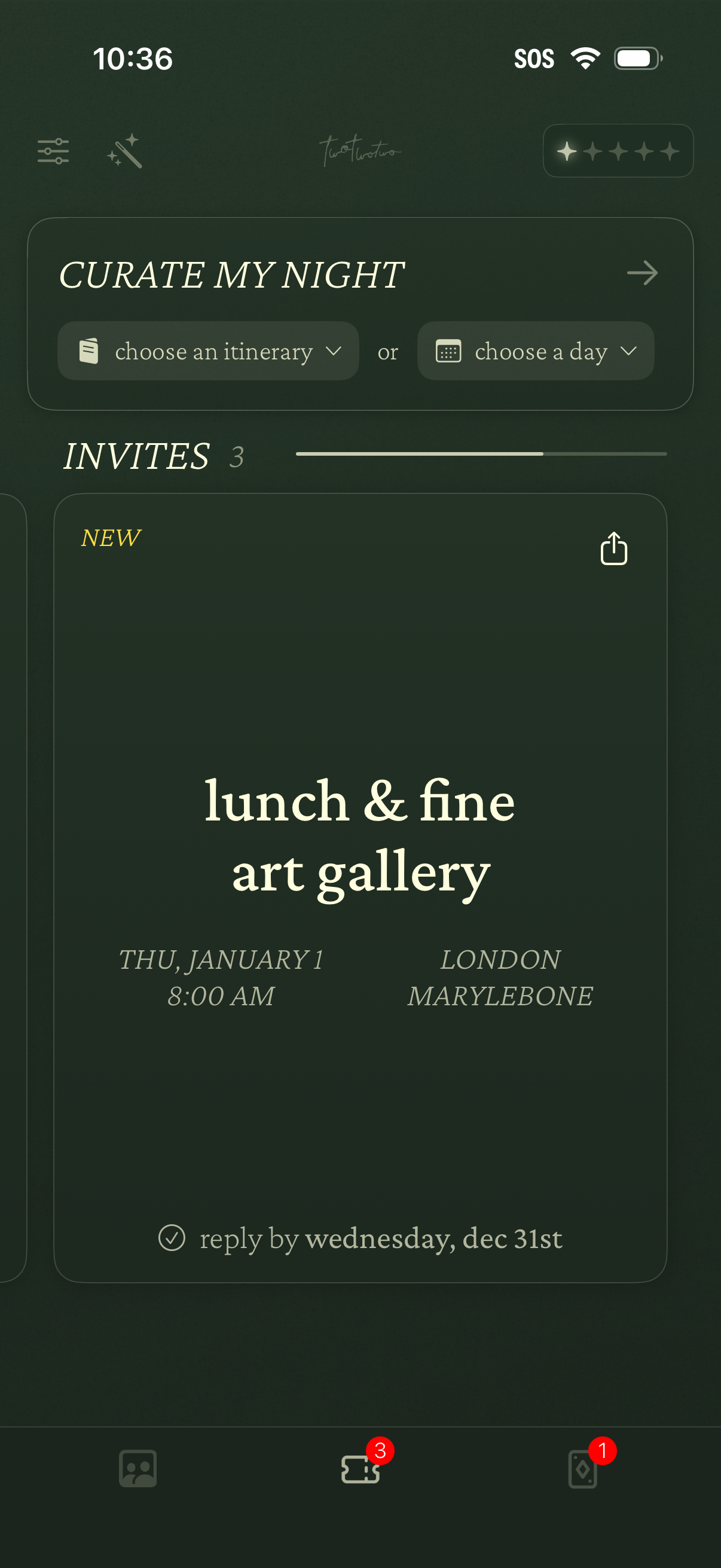
Event planning home screen for curating a night out, with dropdown actions to choose an itinerary or select a day. Displays an Invites section with event cards showing title, date/time, location, RSVP deadline, and a share option, plus bottom navigation with badge counts.
Personality traits assessment question screen asking the user to rate a statement about themselves (“tends to be lazy”) on a 1–5 Likert scale from strongly disagree to strongly agree, with a back navigation option.
Personality traits assessment question screen asking the user to rate a statement (“I see myself as someone who is artistic”) on a 1–5 Likert scale from strongly disagree to strongly agree, with a back navigation option.
Personality traits questionnaire screen asking the user to rate a statement on a 1–7 Likert scale, from strongly disagree to strongly agree. Used for onboarding or assessment by selecting a numeric agreement level for each prompt.
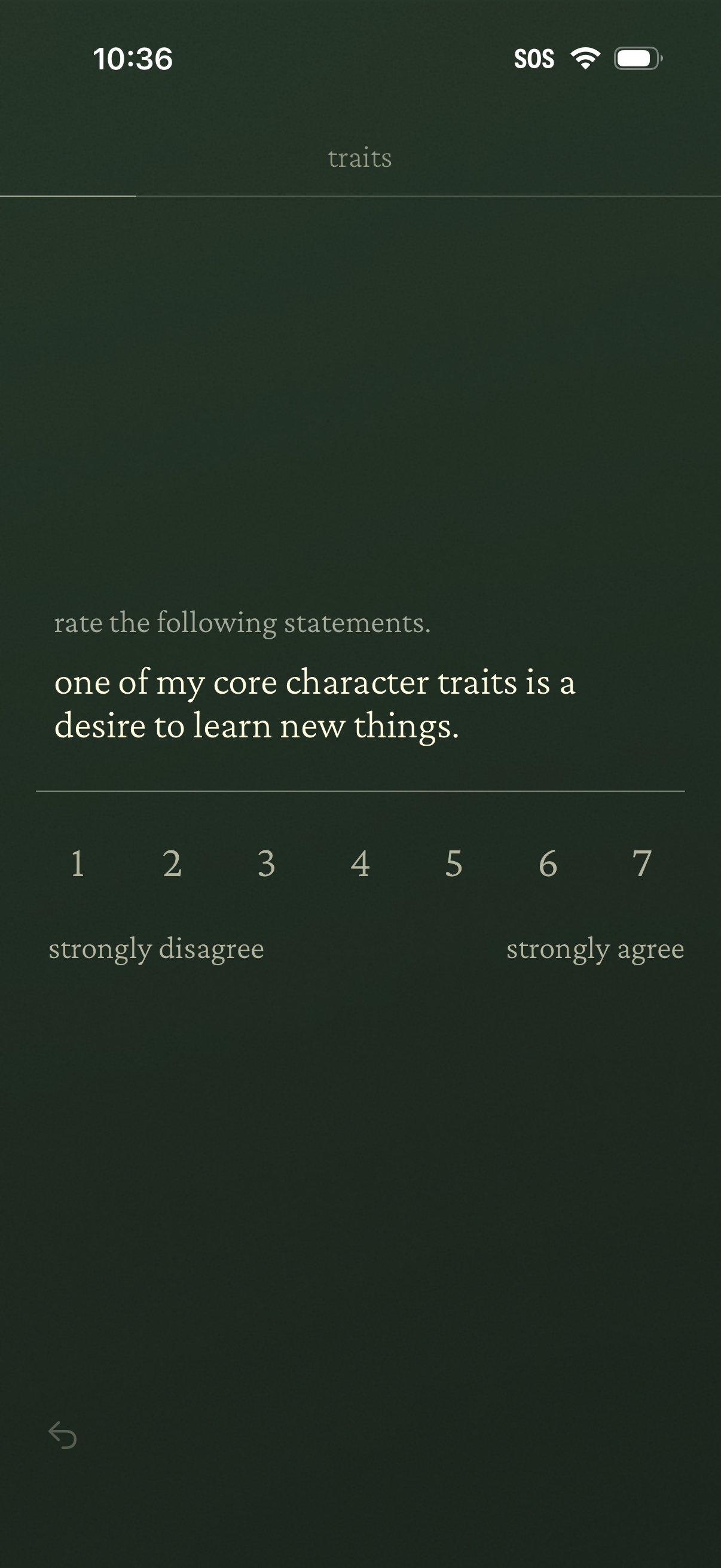
Personality traits questionnaire screen prompting the user to rate a statement about their character on a 1–7 Likert scale from strongly disagree to strongly agree, with a back navigation control.
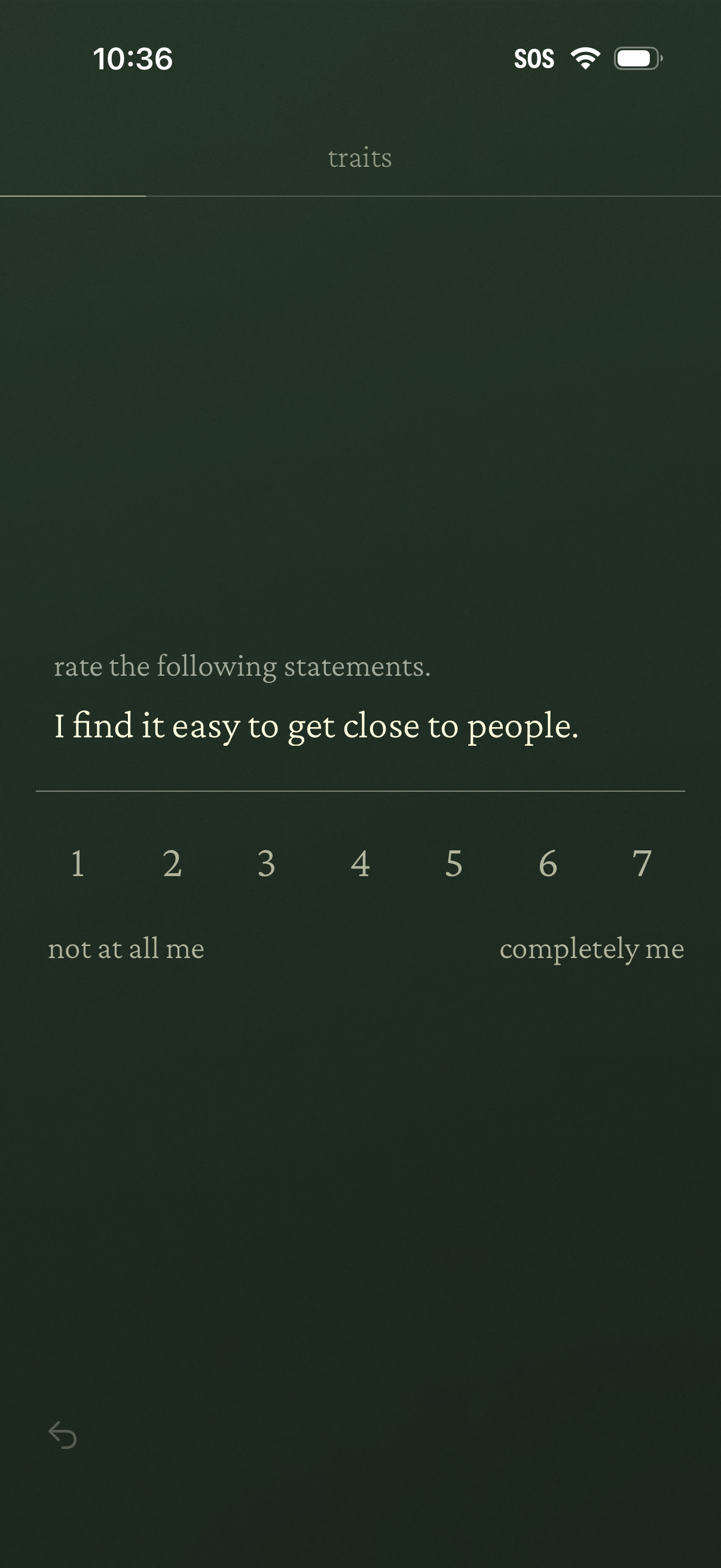
Personality traits questionnaire screen asking the user to rate a statement (“I find it easy to get close to people”) on a 1–7 Likert scale from “not at all me” to “completely me,” with a back navigation control.
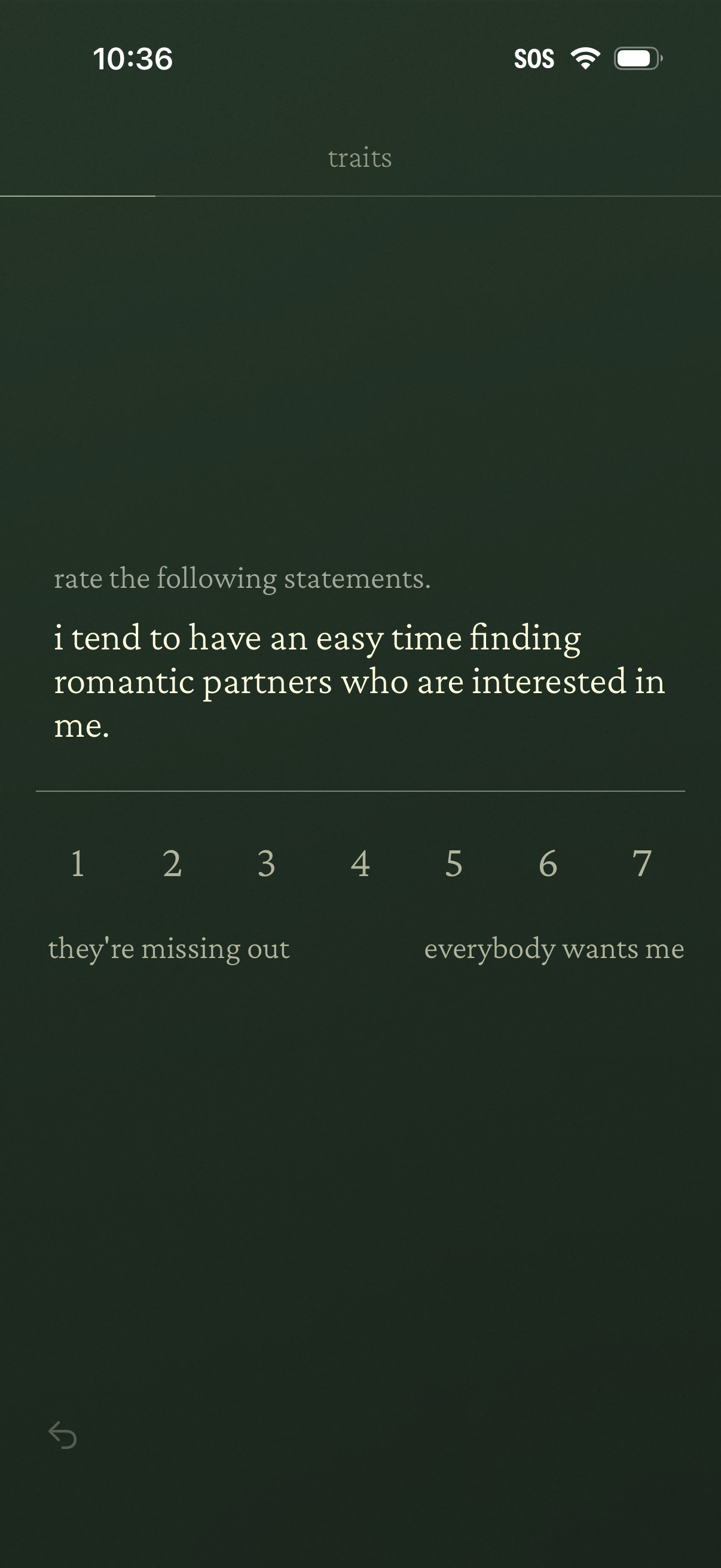
Personality traits questionnaire screen prompting the user to rate a statement about romantic interest using a 1–7 Likert scale. The scale has descriptive anchors from “they’re missing out” to “everybody wants me” with a back navigation option.
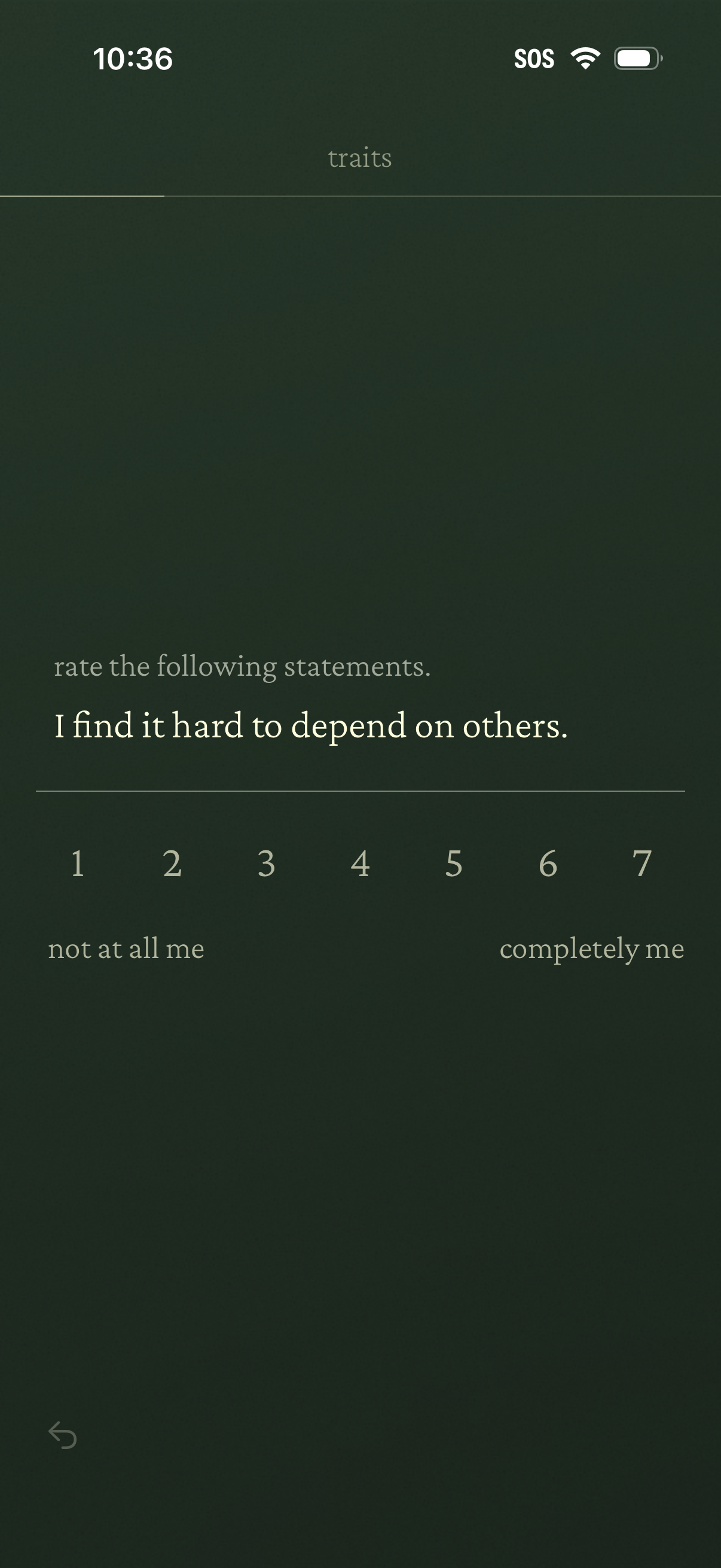
Personality traits assessment screen prompting the user to rate a statement (“I find it hard to depend on others”) on a 1–7 Likert scale. Users select a value between “not at all me” and “completely me” and can navigate back.
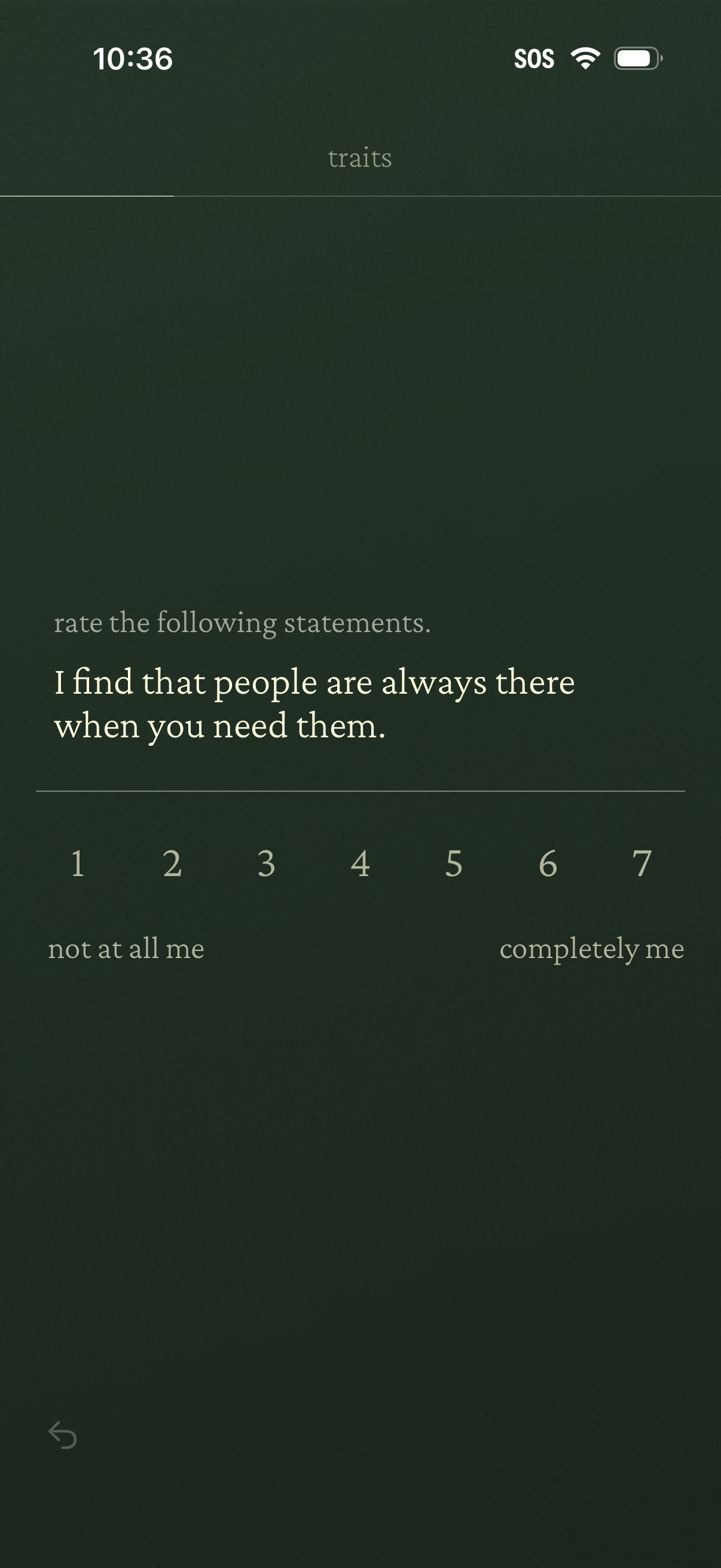
Personality traits questionnaire screen prompting the user to rate a statement on a 1–7 Likert scale. Includes endpoints from “not at all me” to “completely me” for selecting how much the statement applies.
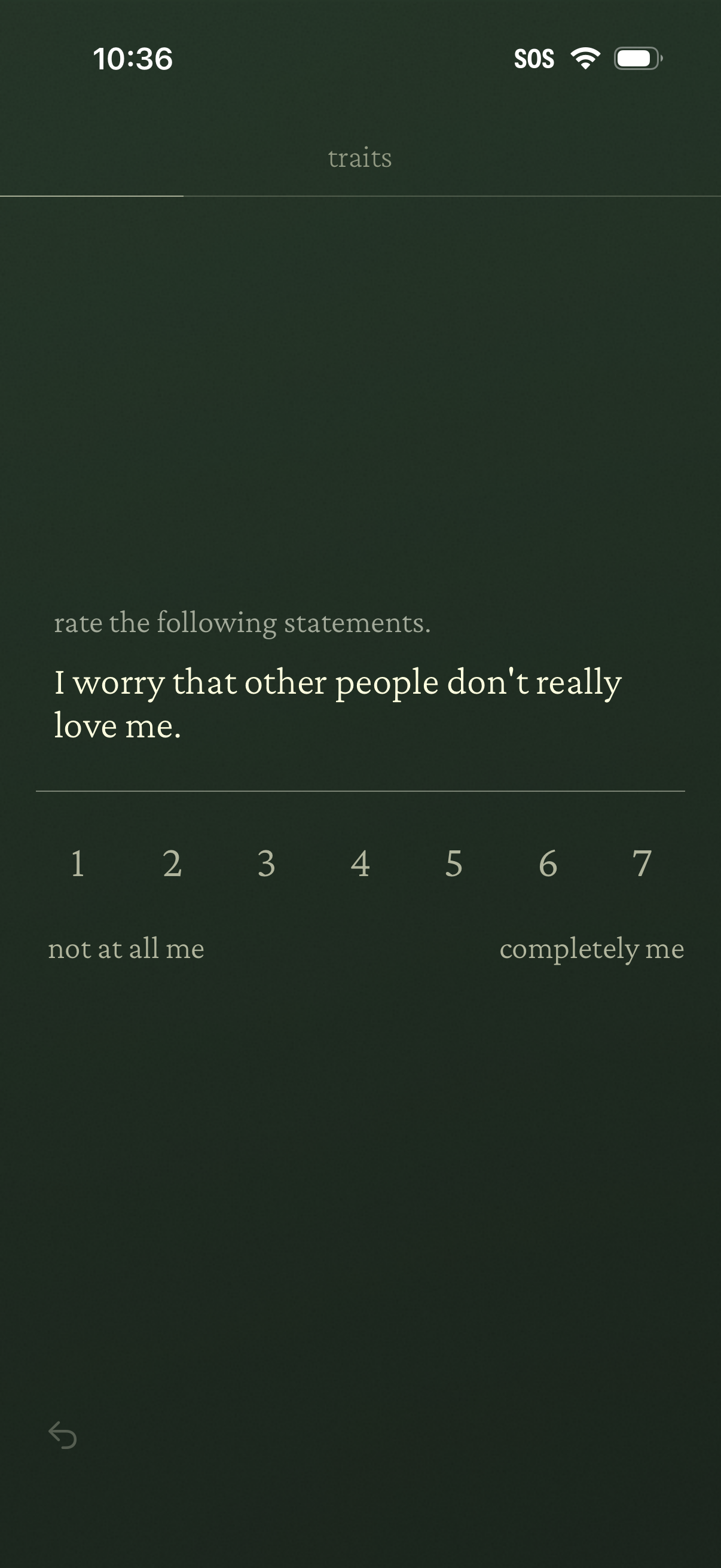
Personality or mental health assessment question screen prompting the user to rate a statement using a 1–7 Likert scale. Includes anchored labels from “not at all me” to “completely me” and a back navigation control.
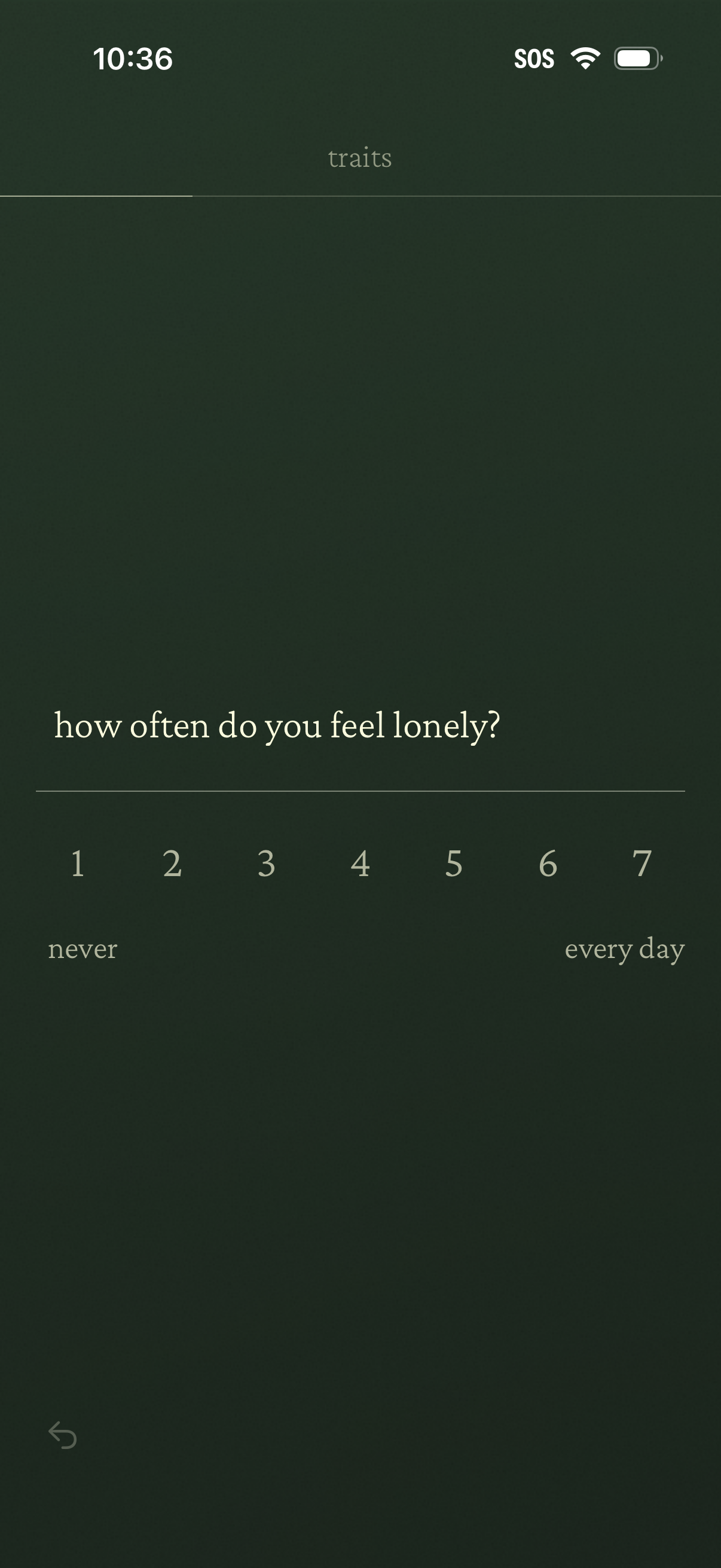
A mental health or personality traits questionnaire screen asking “how often do you feel lonely? ” with a 1–7 Likert scale slider labeled from never to every day for selecting a frequency response.
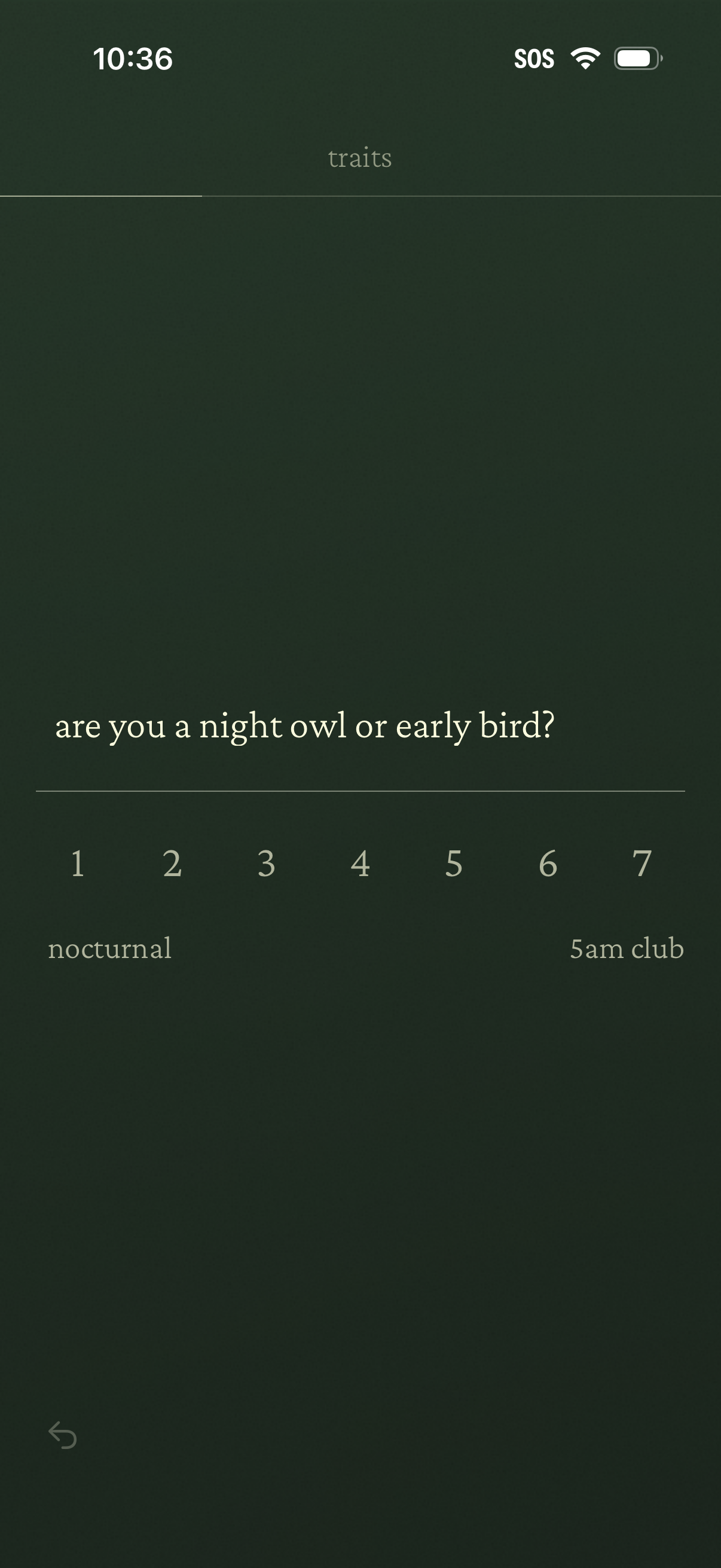
Personality traits questionnaire screen asking “are you a night owl or early bird? ” with a 1–7 rating scale ranging from “nocturnal” to “5am club,” allowing the user to select their sleep chronotype preference.
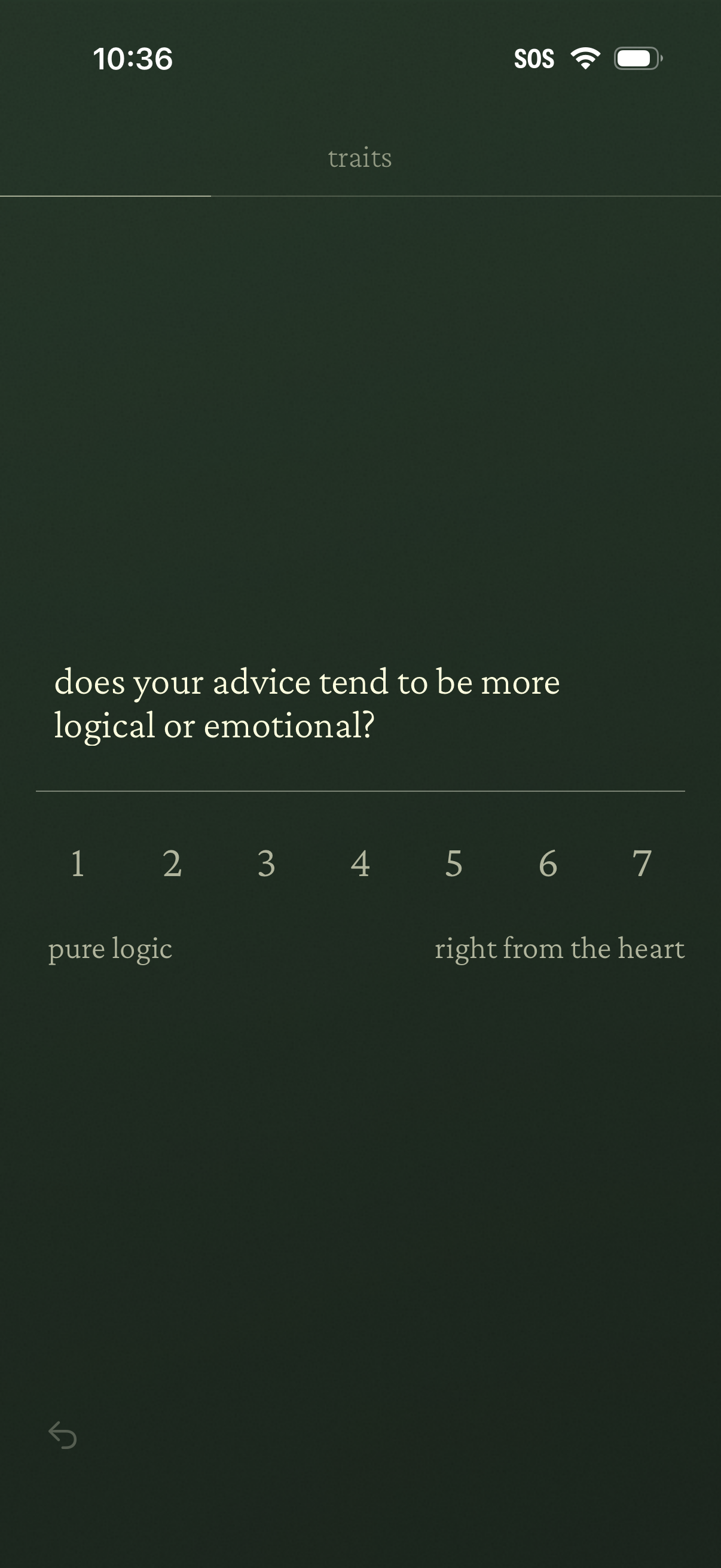
Personality/traits questionnaire screen asking “does your advice tend to be more logical or emotional? ” with a 1–7 rating scale slider labeled from “pure logic” to “right from the heart,” plus a back navigation control.
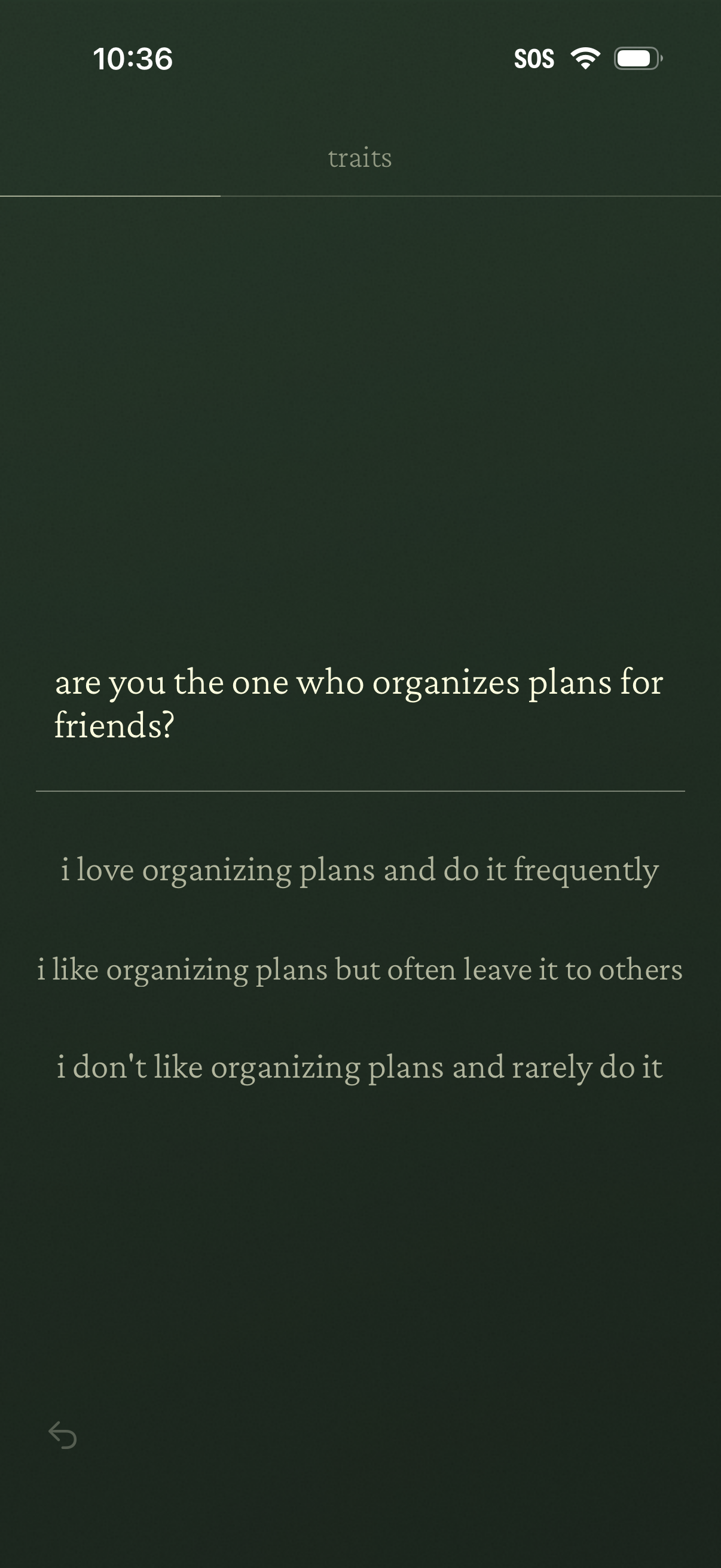
Personality traits questionnaire screen asking if the user organizes plans for friends, with three selectable multiple-choice responses ranging from doing it frequently to rarely. Includes a minimal header and back navigation as part of an onboarding or profile setup flow.
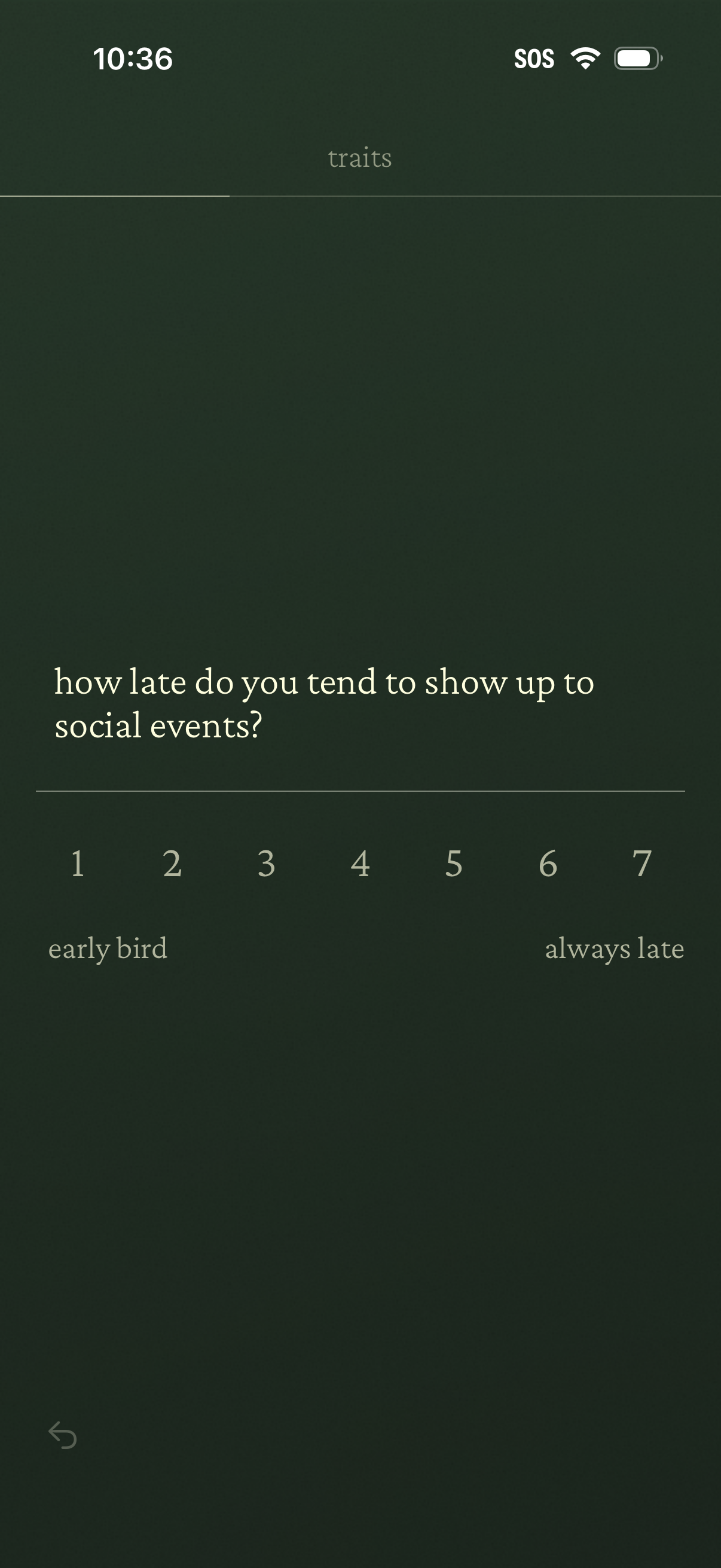
Personality traits questionnaire screen asking how late you tend to show up to social events, with a 1–7 Likert scale slider from “early bird” to “always late” for selecting a response. Minimal UI includes a back button for navigating to the previous question.
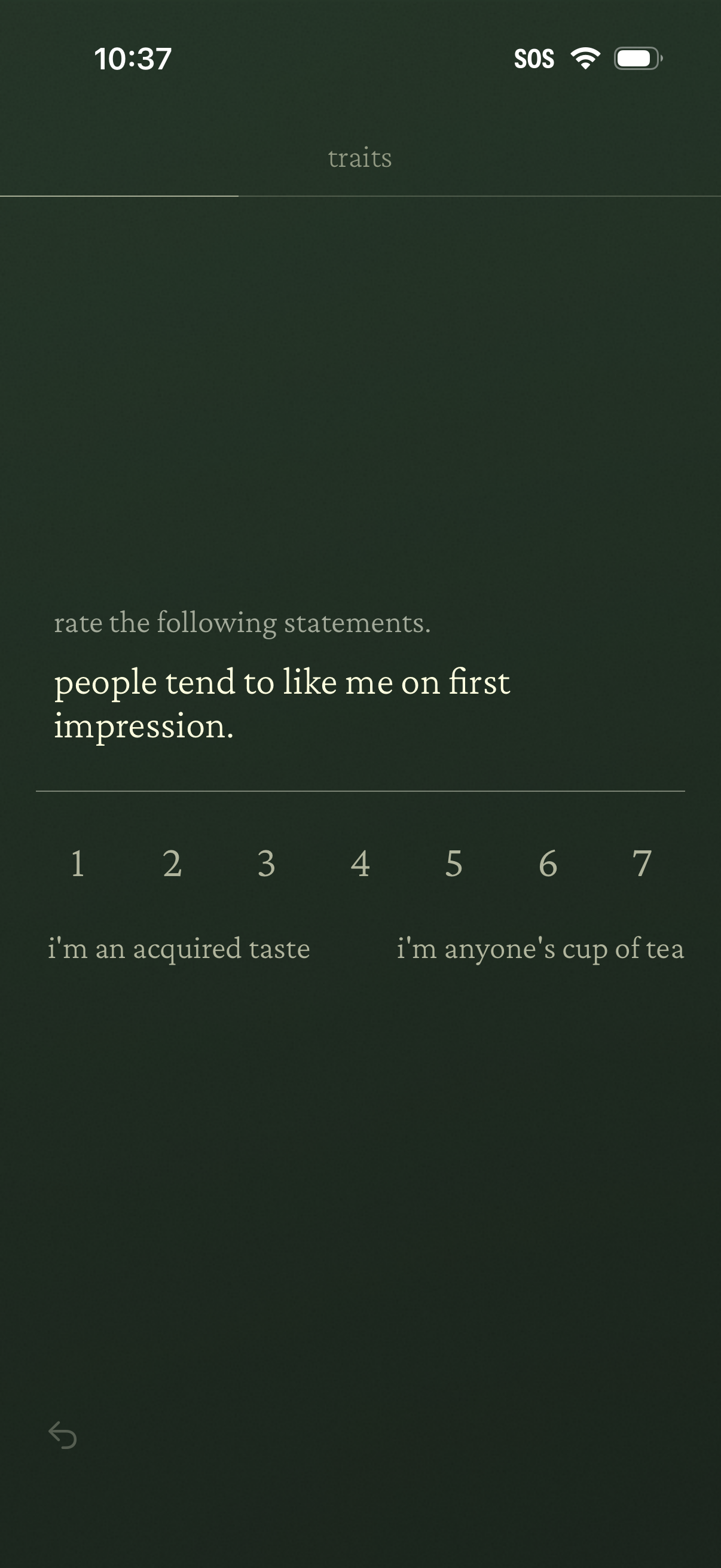
Personality traits questionnaire screen prompting the user to rate a statement (“people tend to like me on first impression”) using a 1–7 Likert scale with labeled endpoints (from “I’m an acquired taste” to “I’m anyone’s cup of tea”). Includes a back navigation control as part of a multi-step assessment flow.
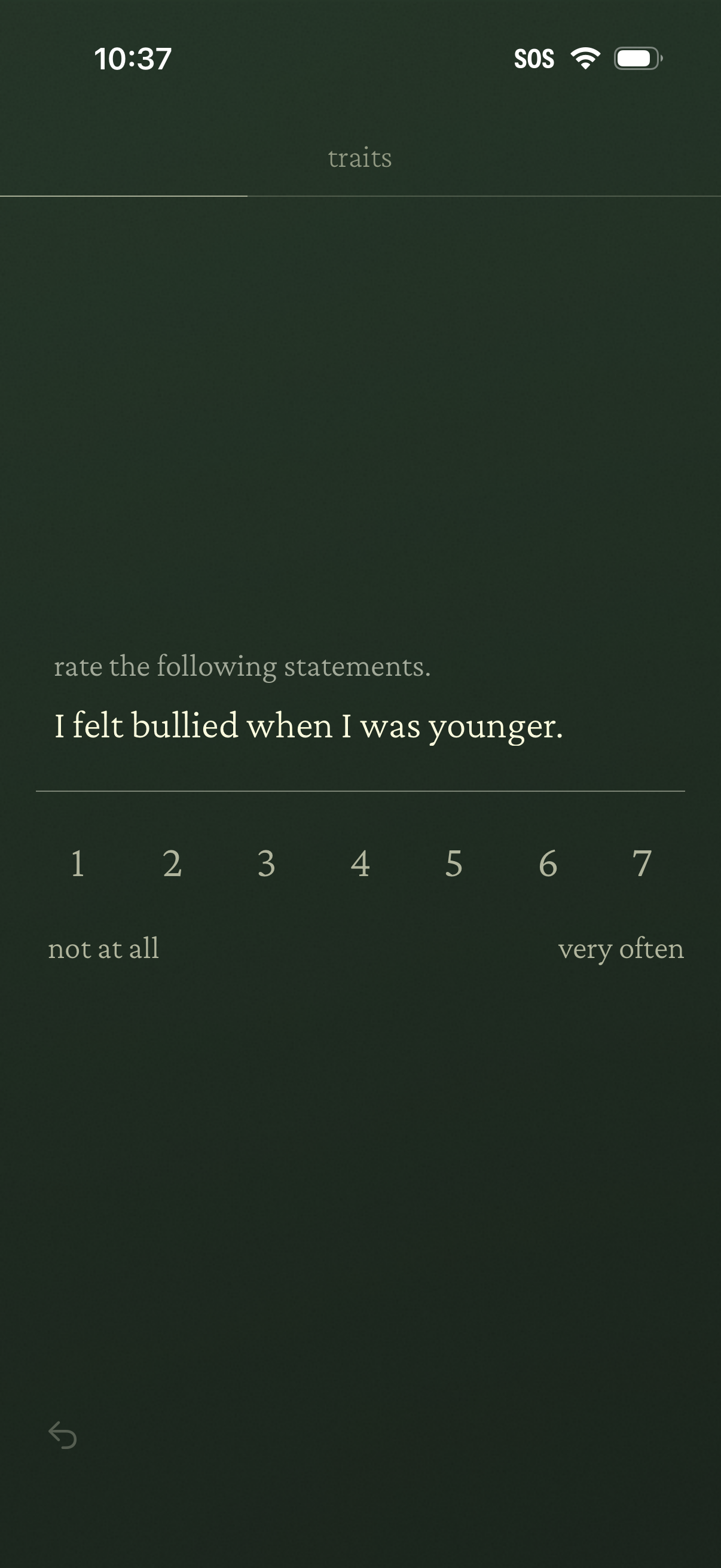
Personality/traits questionnaire screen prompting the user to rate a statement using a 1–7 Likert scale. Includes endpoints labeled from “not at all” to “very often” and a back navigation control.
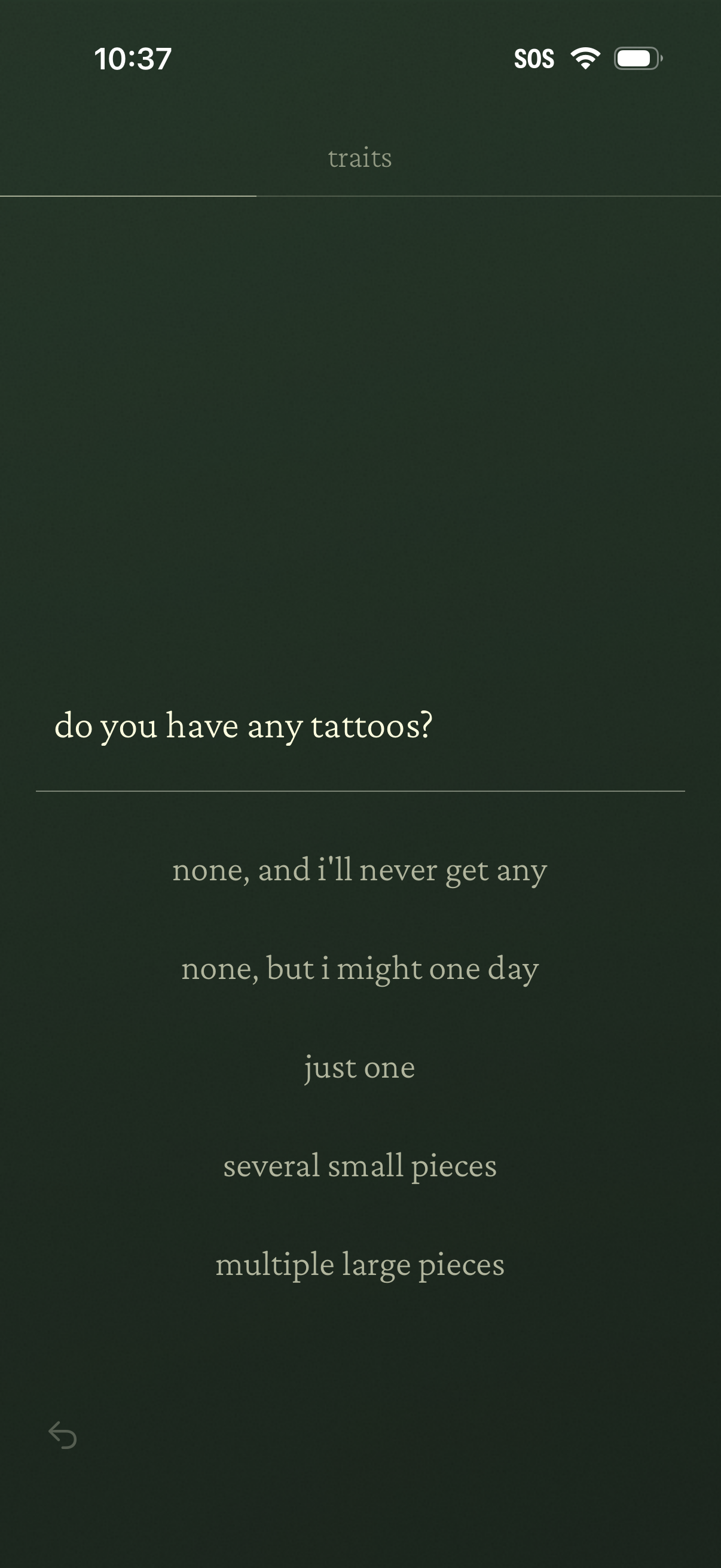
Profile traits questionnaire screen asking “Do you have any tattoos? ” with multiple-choice answers ranging from none to multiple large pieces, allowing the user to select a trait for their dating/profile setup.