answer perspective questions
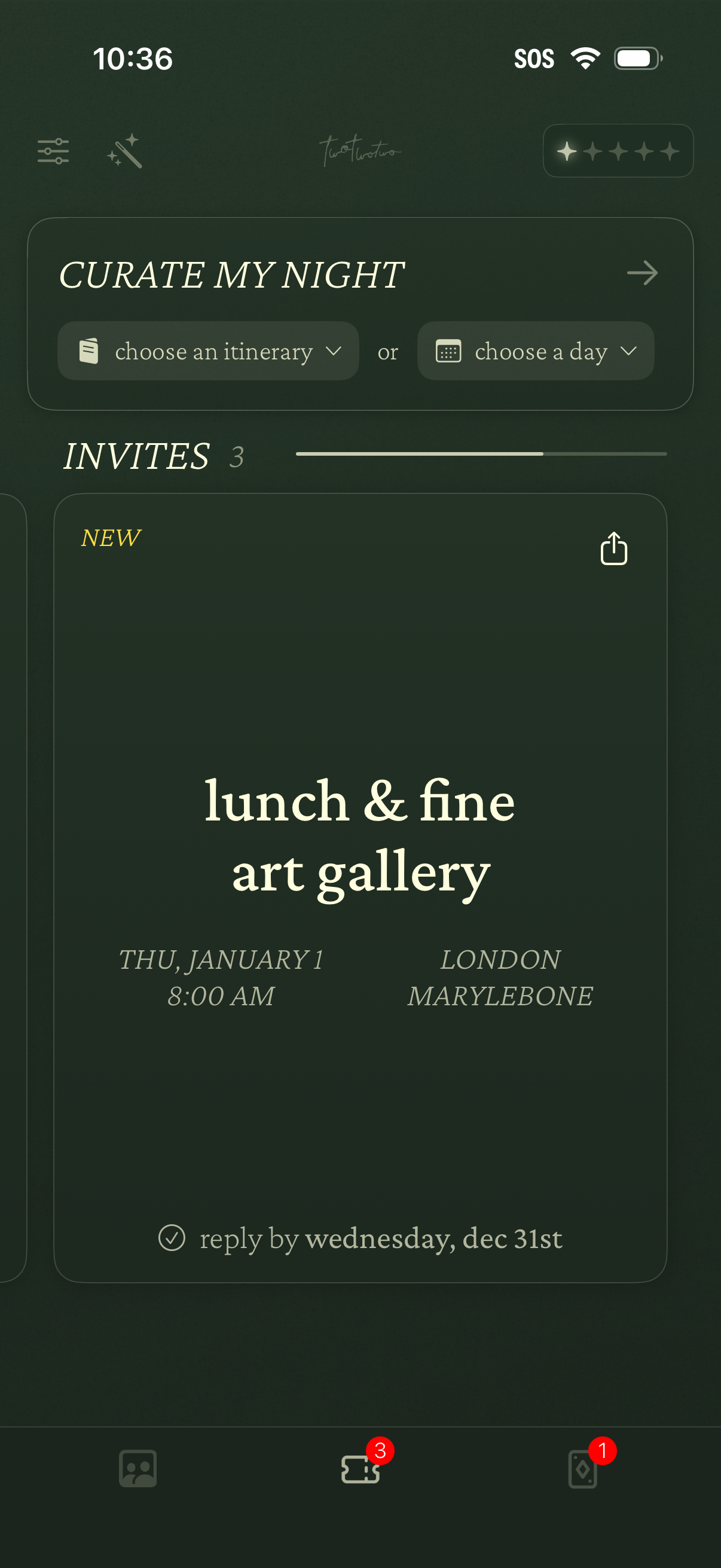
Event planning home screen for curating a night out, with dropdown actions to choose an itinerary or select a day. Displays an Invites section with event cards showing title, date/time, location, RSVP deadline, and a share option, plus bottom navigation with badge counts.
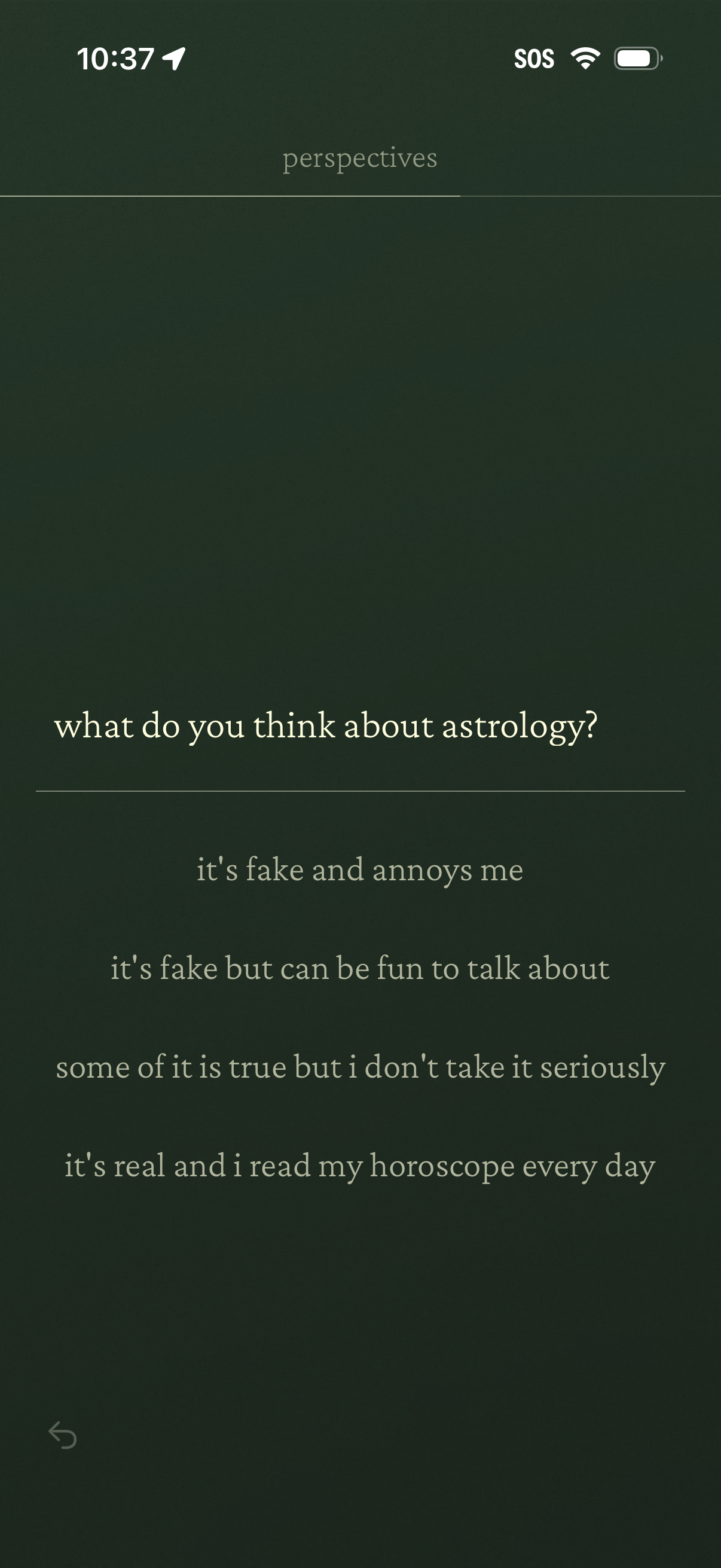
A “Perspectives” questionnaire screen asking “what do you think about astrology? ” with multiple-choice answer options ranging from skepticism to strong belief.
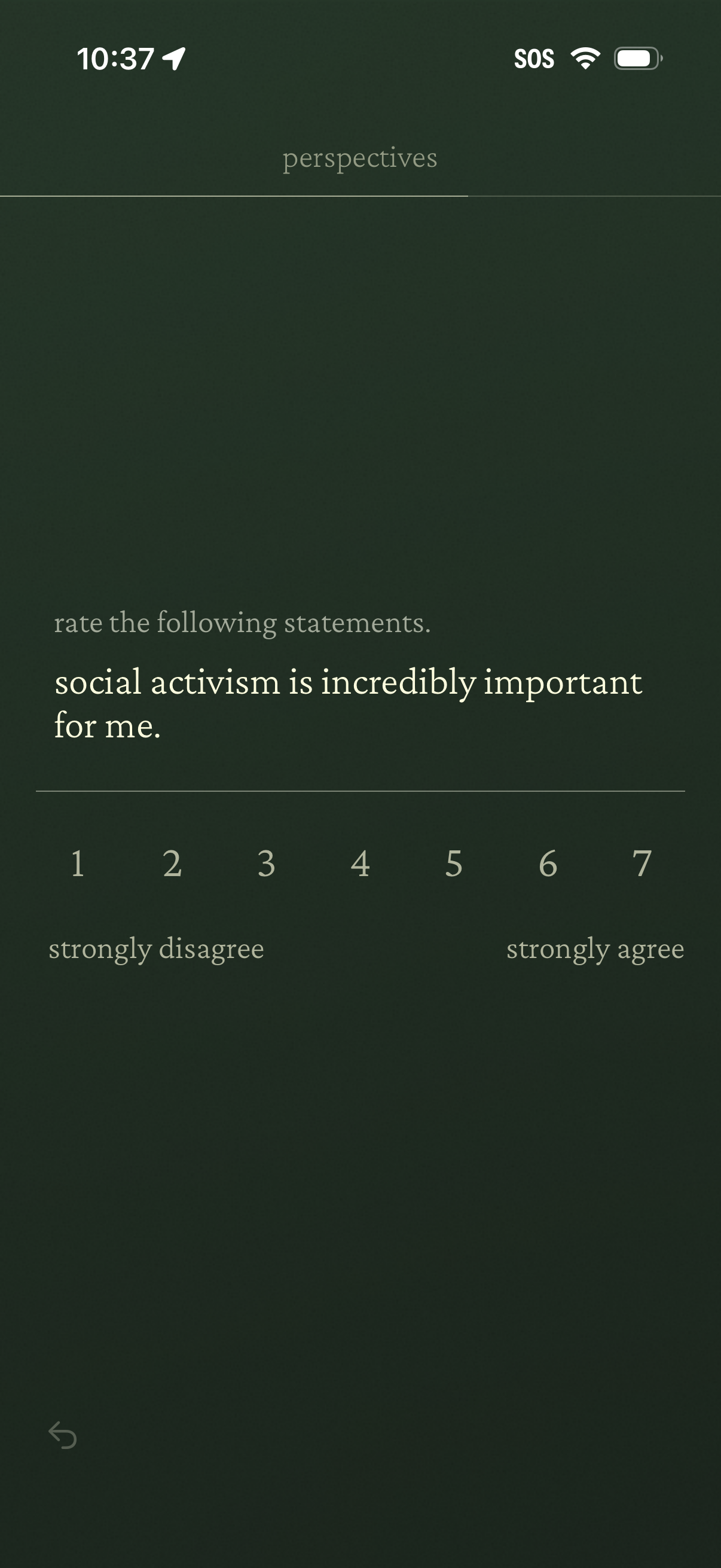
Survey questionnaire screen asking the user to rate a statement about personal values, using a 1–7 Likert scale from strongly disagree to strongly agree with a back navigation option.
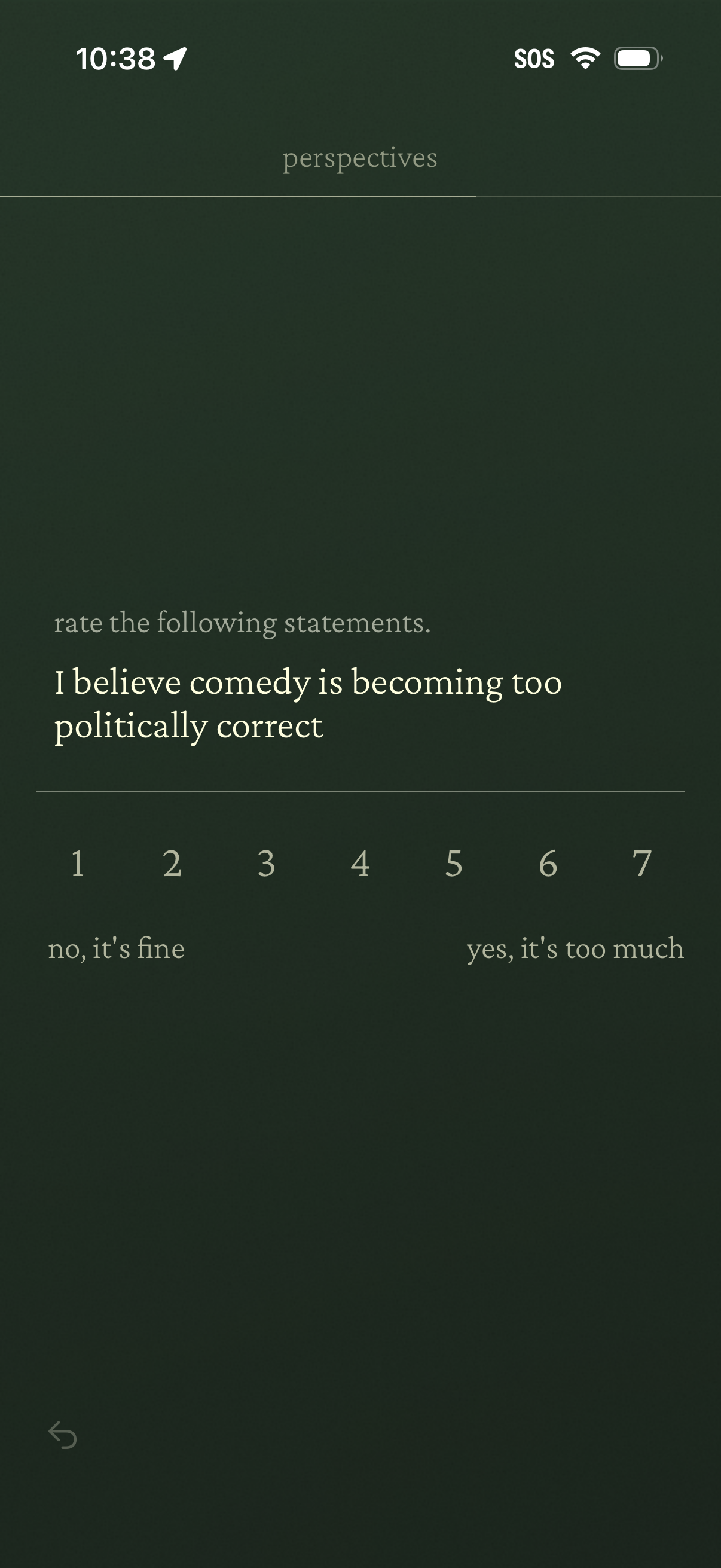
Survey/quiz rating screen asking the user to evaluate a statement in a “perspectives” section, using a 1–7 Likert scale with labeled endpoints to indicate agreement level. Includes a back navigation control for moving to the previous question.
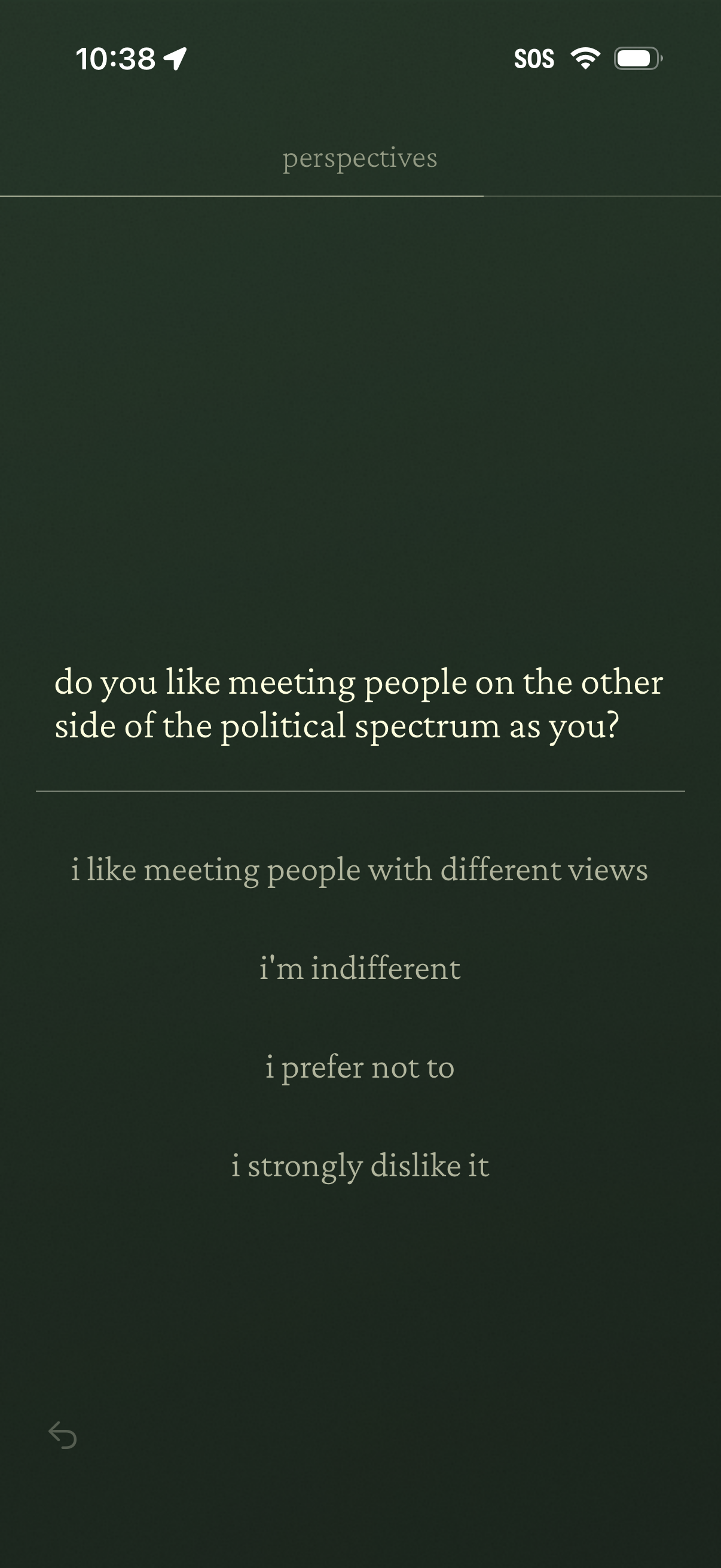
Survey-style onboarding question screen in a social or matching app asking how the user feels about meeting people on the other side of the political spectrum. Presents multiple-choice preference answers (like/indifferent/prefer not/strongly dislike) with a back navigation control.
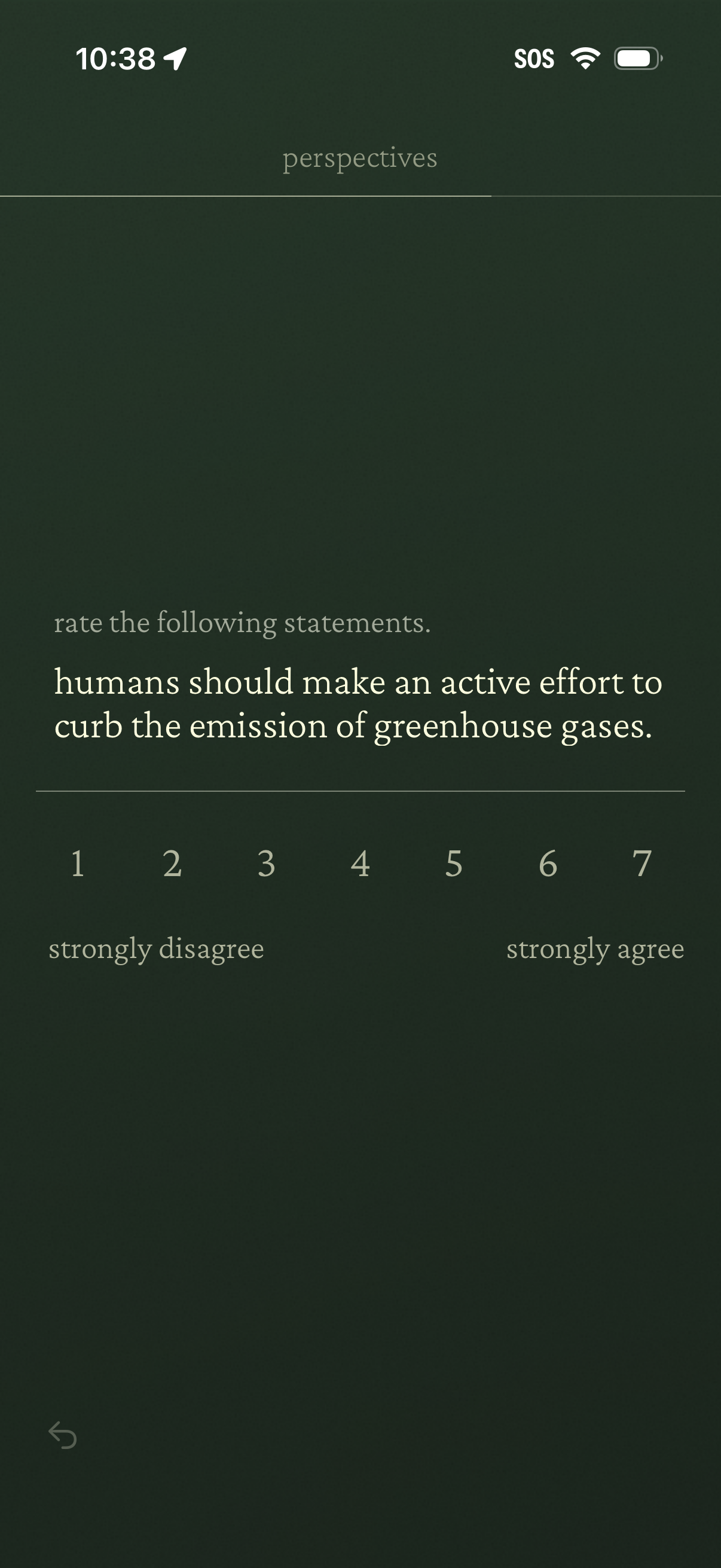
Survey questionnaire screen asking the user to rate a statement using a 1–7 Likert scale from strongly disagree to strongly agree, with a back button for navigation. This step captures opinions on climate-related perspectives (e.
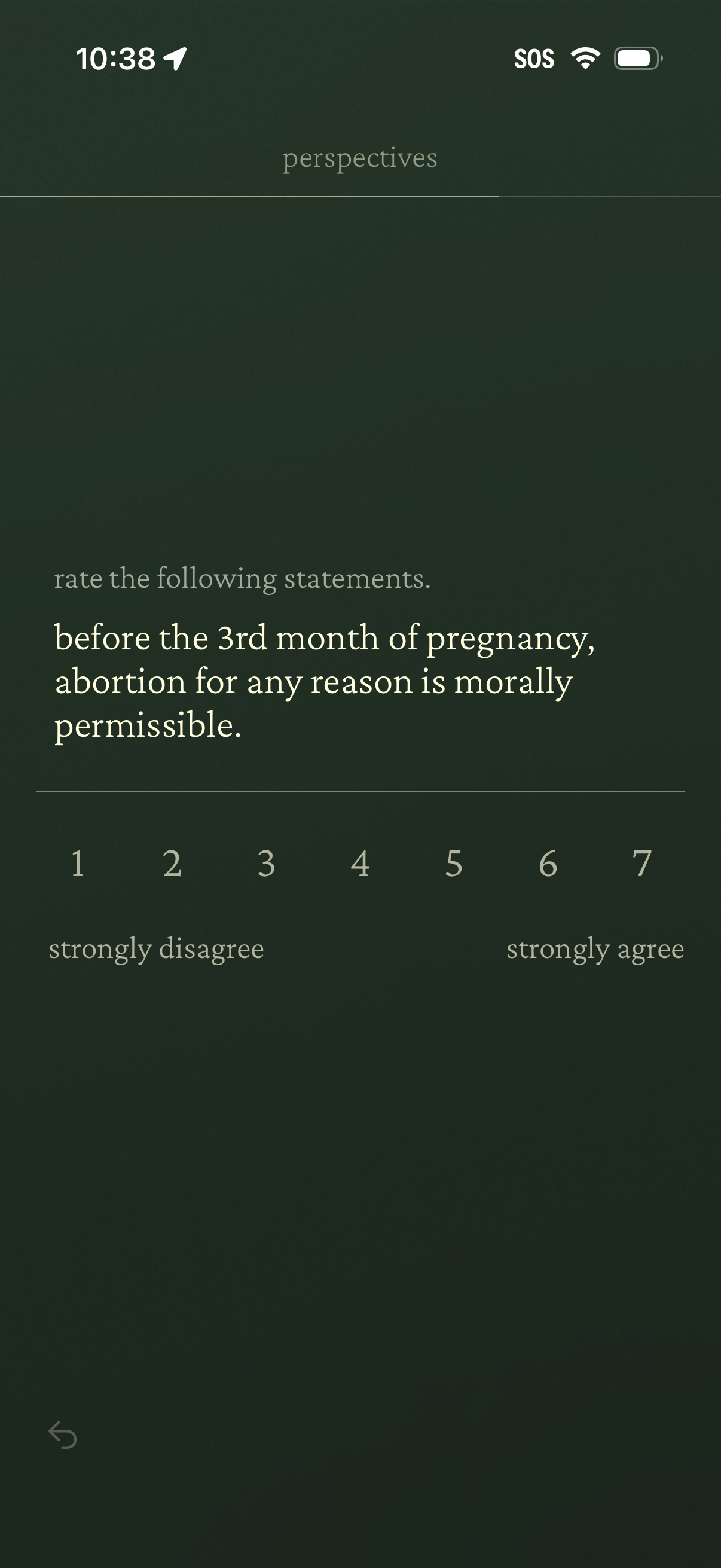
A survey-style questionnaire screen prompting the user to rate a statement on a 1–7 Likert scale from strongly disagree to strongly agree. The screen shows a single moral/political opinion statement with numeric options for selecting agreement level and a back navigation control.
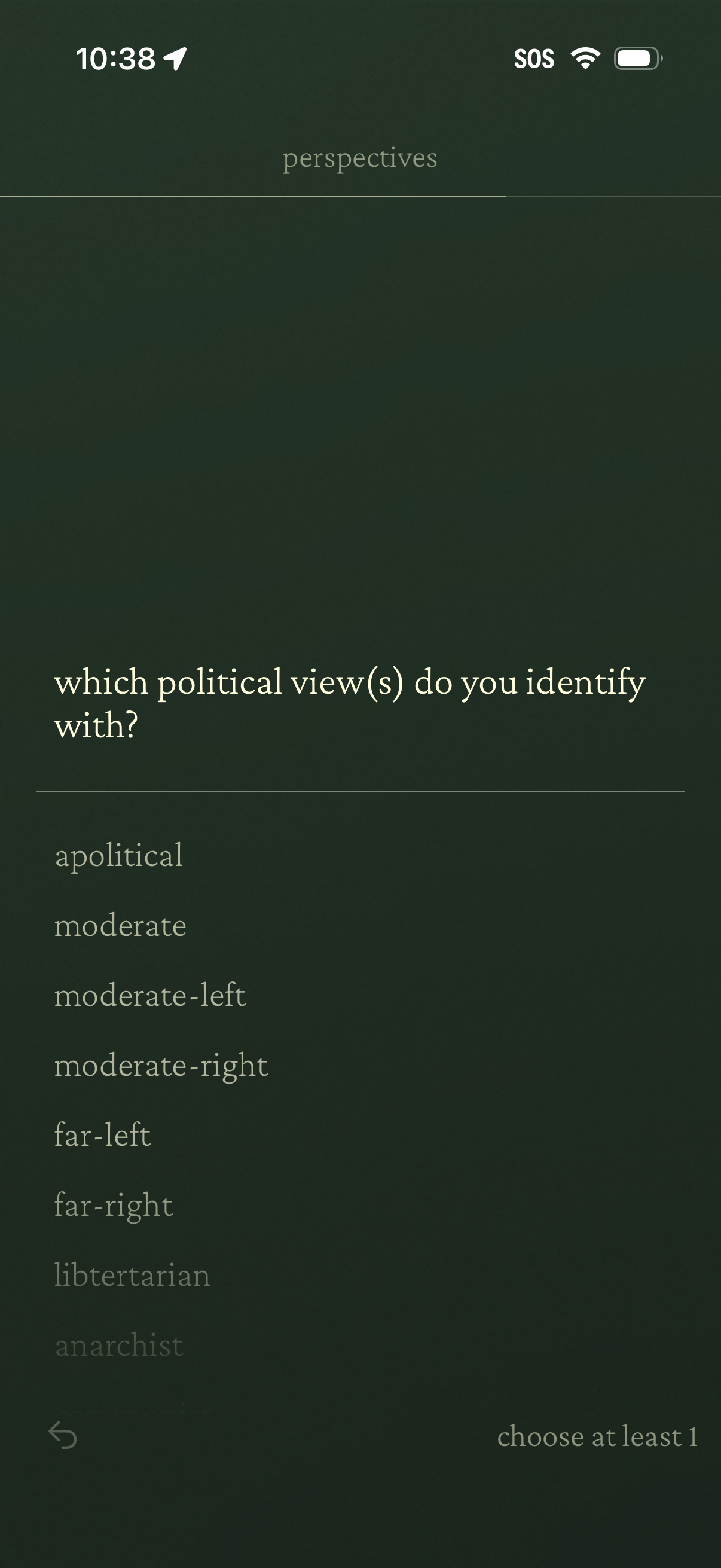
Onboarding survey screen asking the user to select which political views they identify with, presenting a scrollable list of ideology options (e. g.