edits

Photo & Video · 46 screens · Make great videos with Edits. Edits is the new video creation app by Instagram that helps creators make great videos on their phones.

Your agent can search this library too. Lazyweb CLI →
Help menu screen in a mobile app providing customer support options, with naviga
edits
About/settings screen showing a simple list of legal and information links, incl
edits
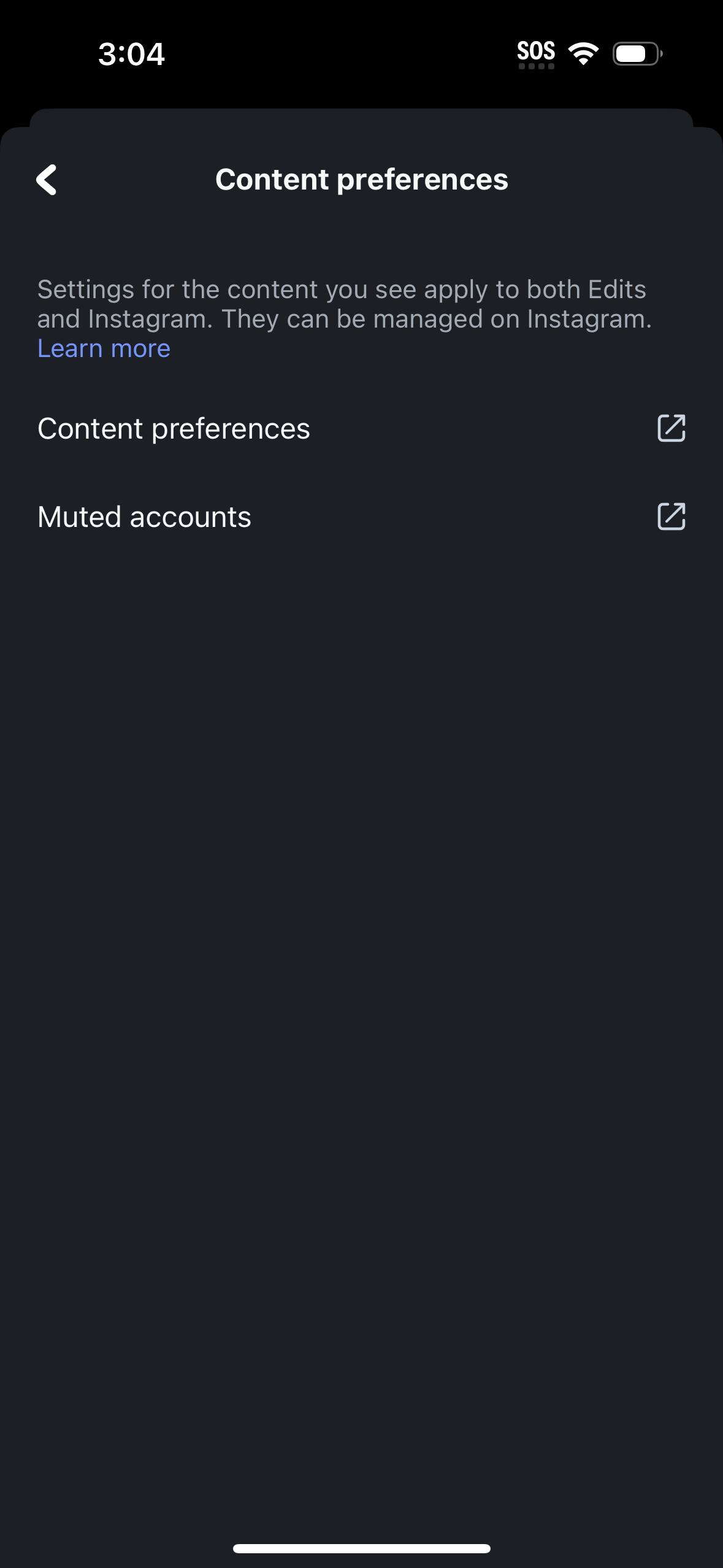
Settings screen for managing content preferences across the app and Instagram, w
edits
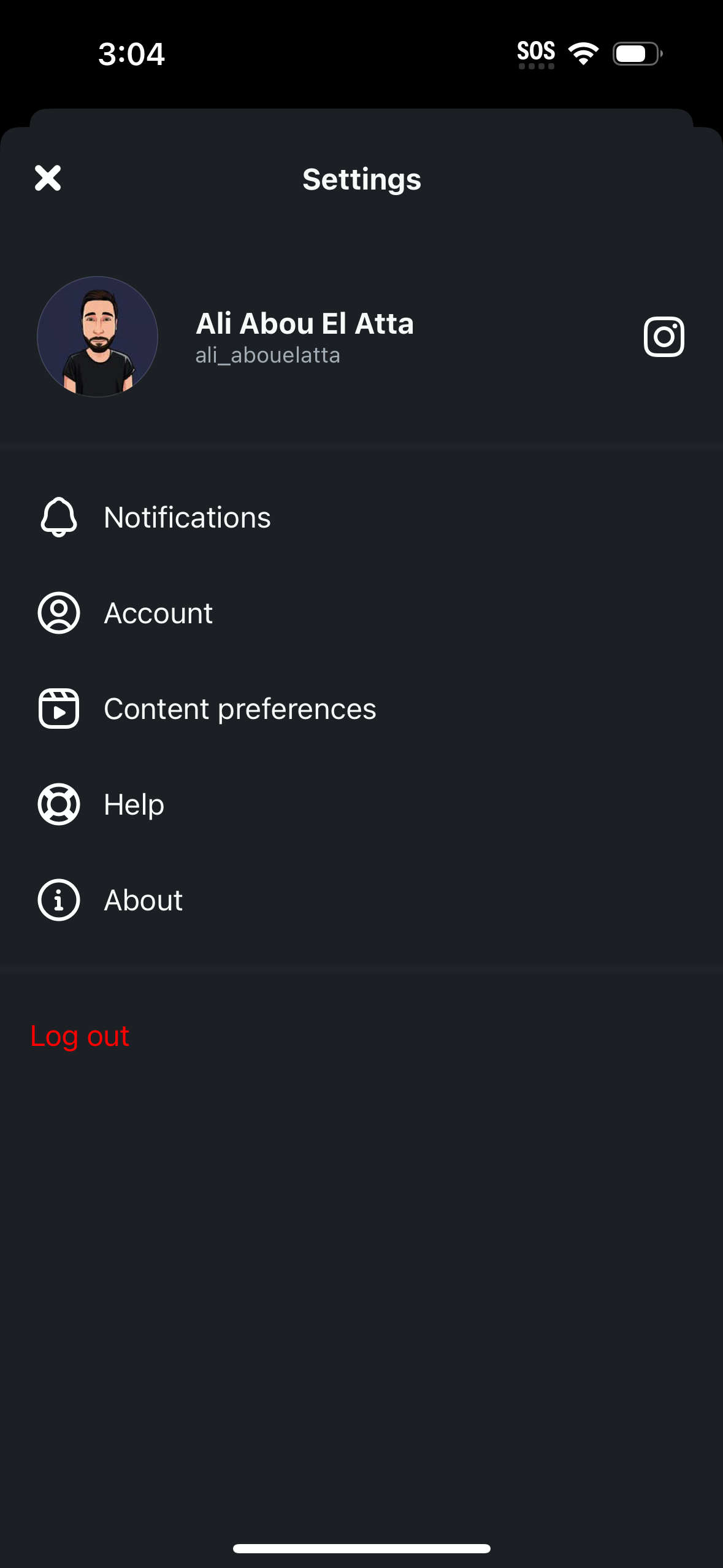
User settings screen showing profile header with avatar, name/username and a lin
edits
Notifications settings screen where users can enable or disable “New features” a
edits
Account settings screen listing privacy and data management options, including c
edits
Projects library screen showing a grid/list of saved projects with thumbnail pre
edits
Analytics/Insights dashboard for a social media account showing a 30‑day perform
edits
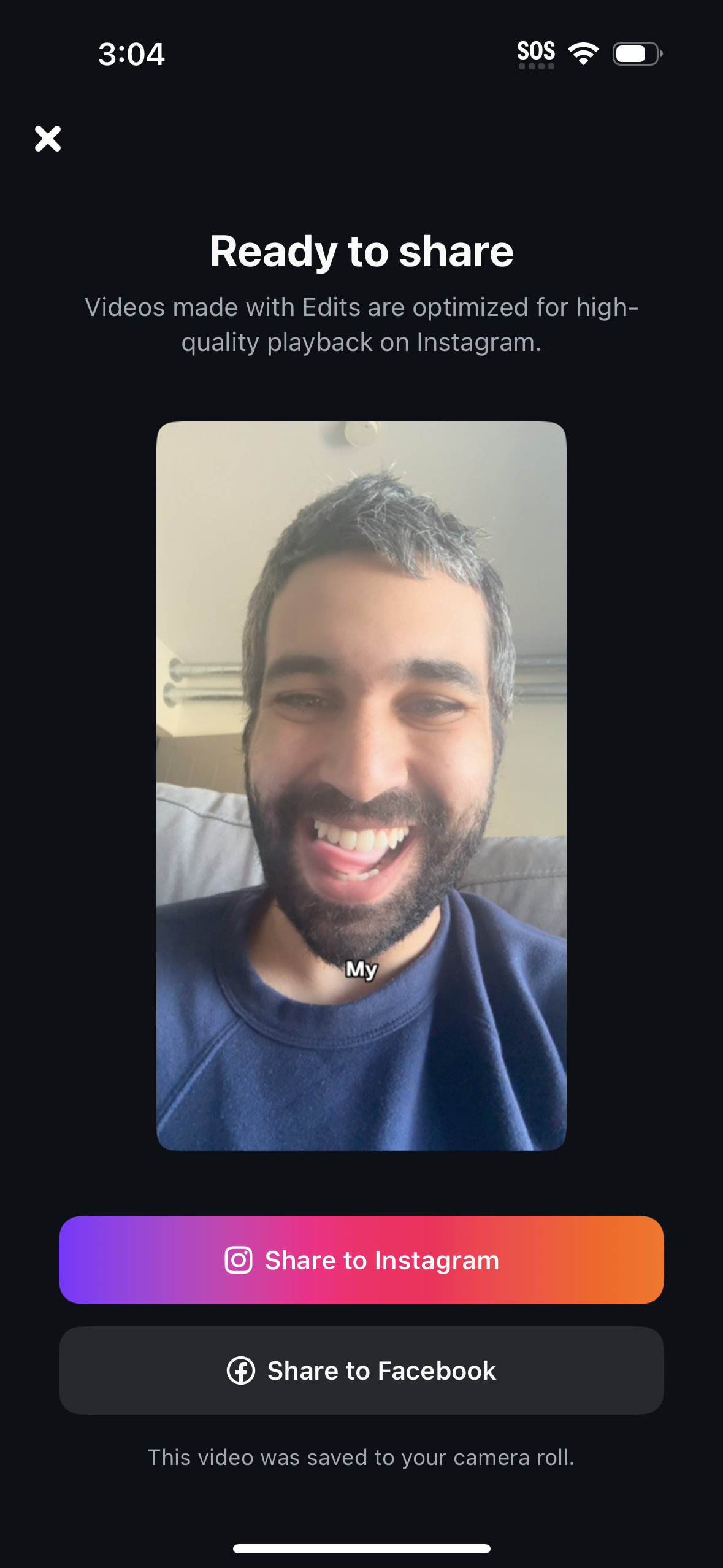
Post-export sharing confirmation screen for a created video, showing a preview a
edits
Video editor export settings screen showing a resolution selector (HD/2K/4K), fr
edits
Video export progress screen showing a percentage complete with a warning not to
edits
A processing/upload progress screen showing 99% completion with a warning not to
edits
Full-screen face scan/identity verification capture screen showing a live camera
edits
GIF/sticker picker overlay in a messaging or social app with a “Search GIPHY” se
edits
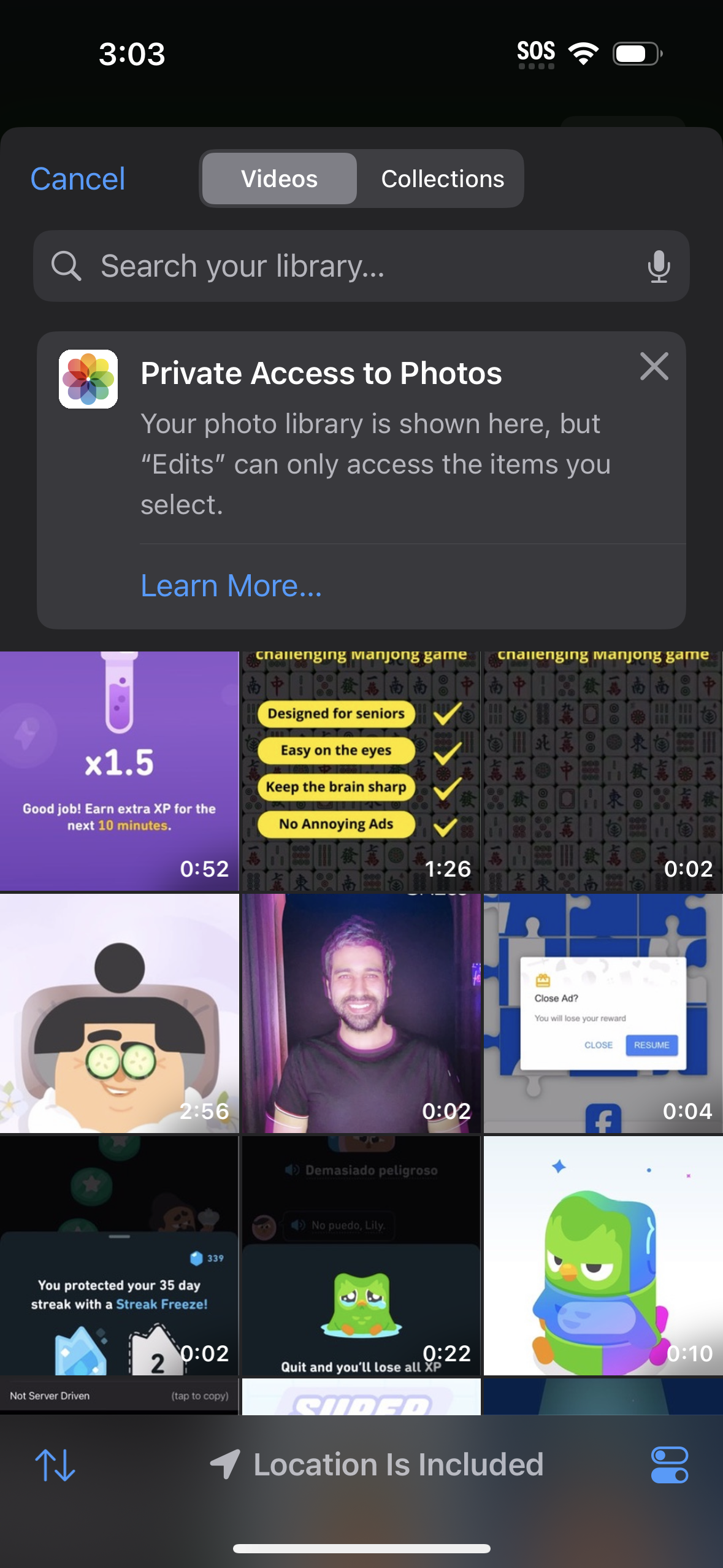
iOS photo picker/library selection screen showing a searchable grid of video thu
edits
A video recording/editing screen with a live camera preview and a bottom sheet f
edits
A video editing screen showing a selfie clip preview while a bottom sheet lets t
edits
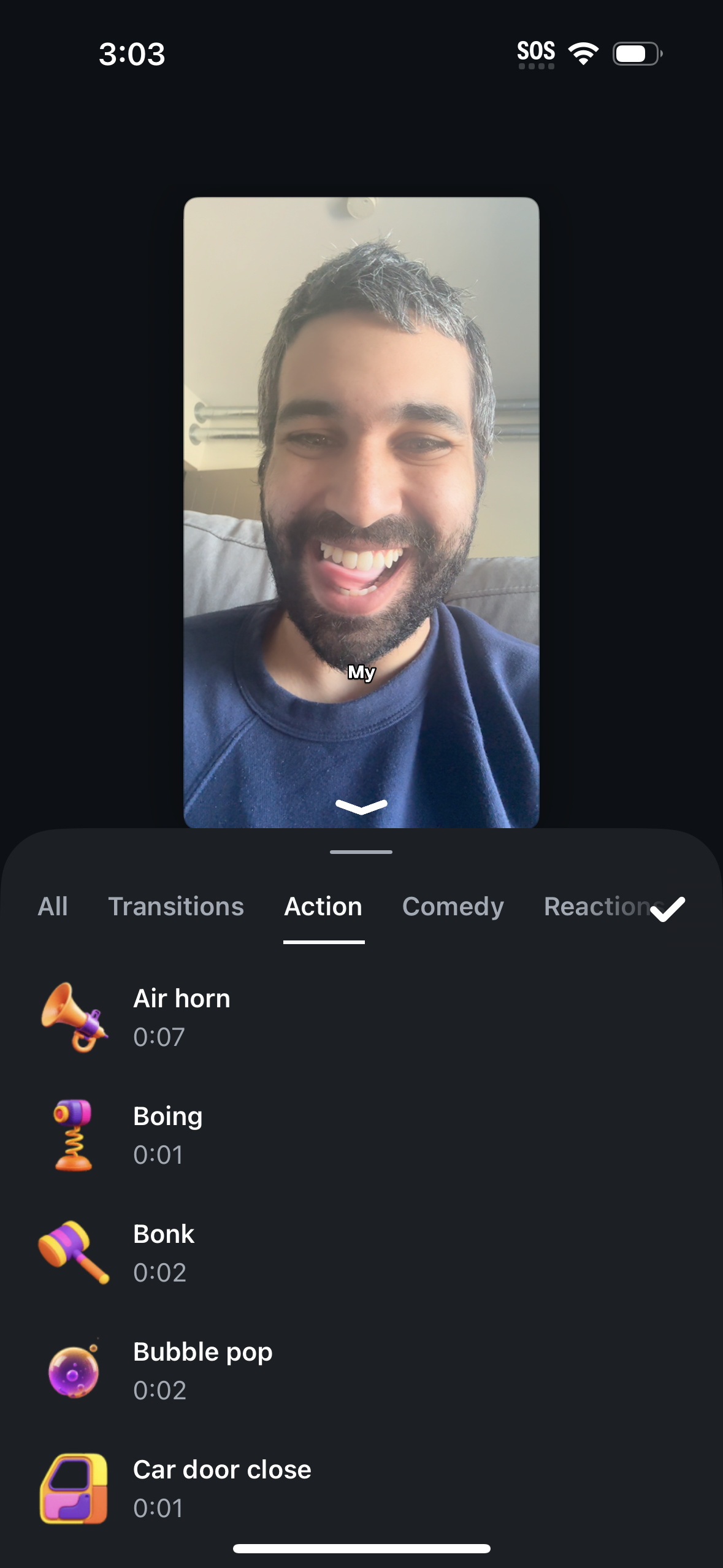
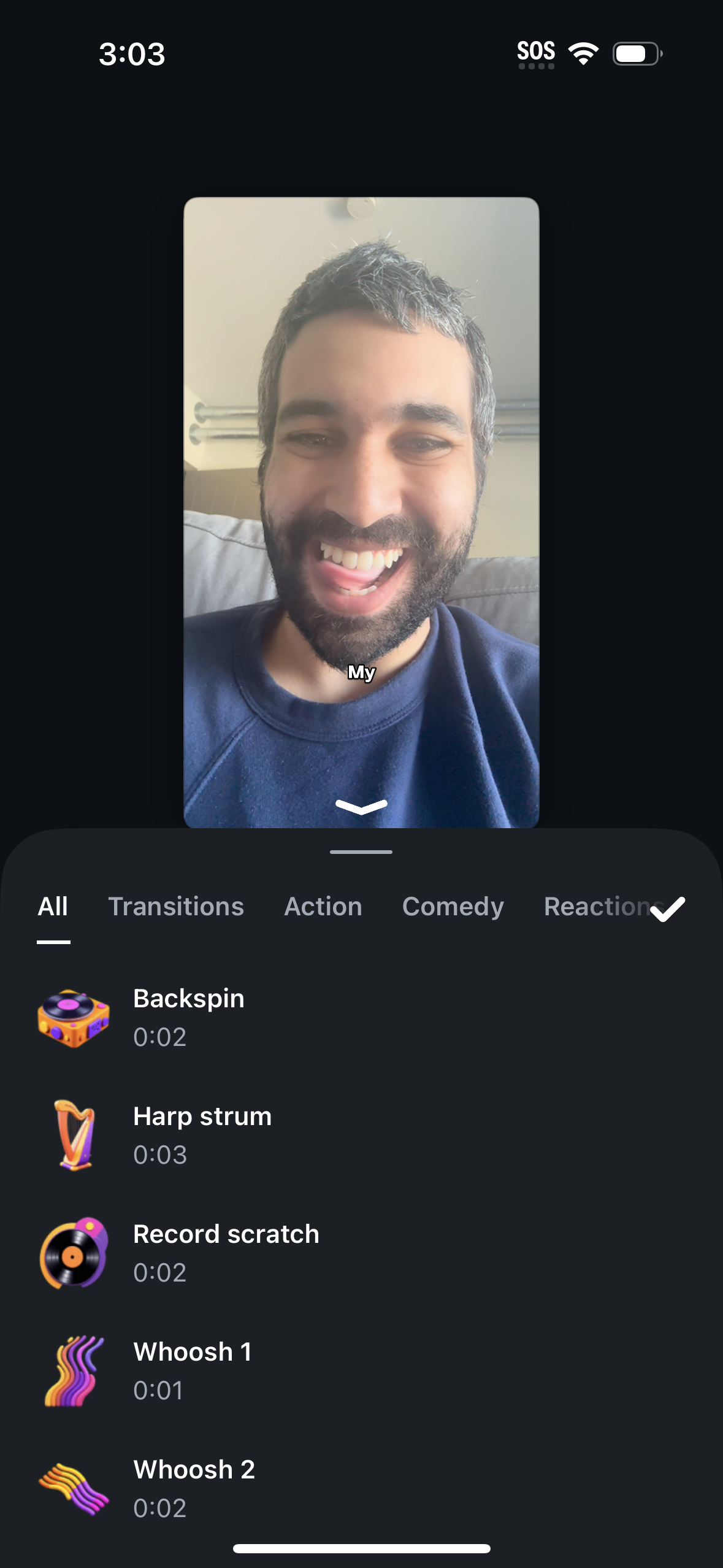
Video editing screen for a short clip where you can add sound effects from a bro
edits
Video editor screen for a selfie clip where users can browse and apply reaction
edits
Short-form video editing screen where you preview a selfie clip and browse an au
edits
Mobile video editor screen showing a preview of a selfie clip while a bottom she
edits
iOS photo picker/library selection screen with tabs for Photos and Collections,
edits
Video editing screen for a selfie clip with a preview player, play control, and
edits
Video editing project screen showing a clip preview and timeline while the app a
edits
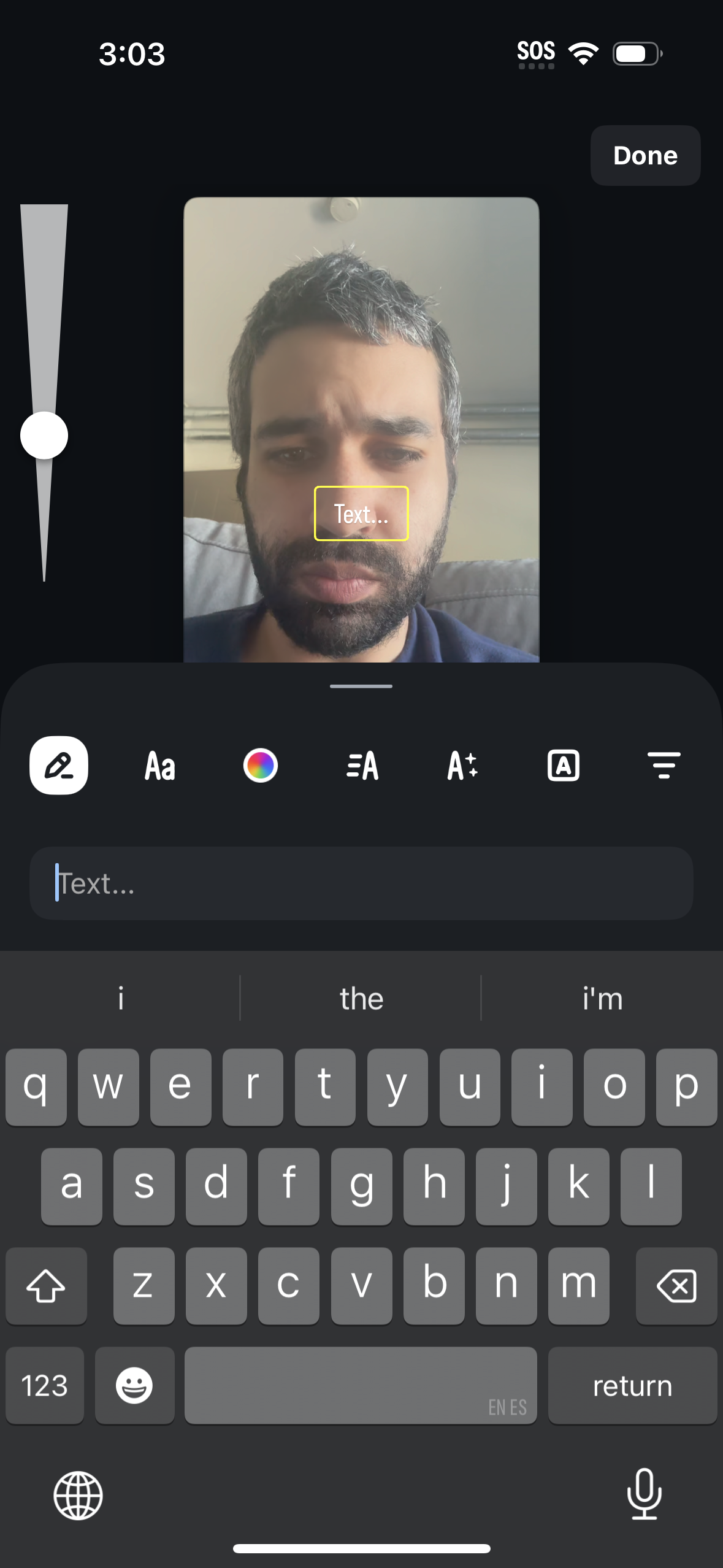
Story/photo editor screen for adding a text overlay to an image or selfie, showi
edits
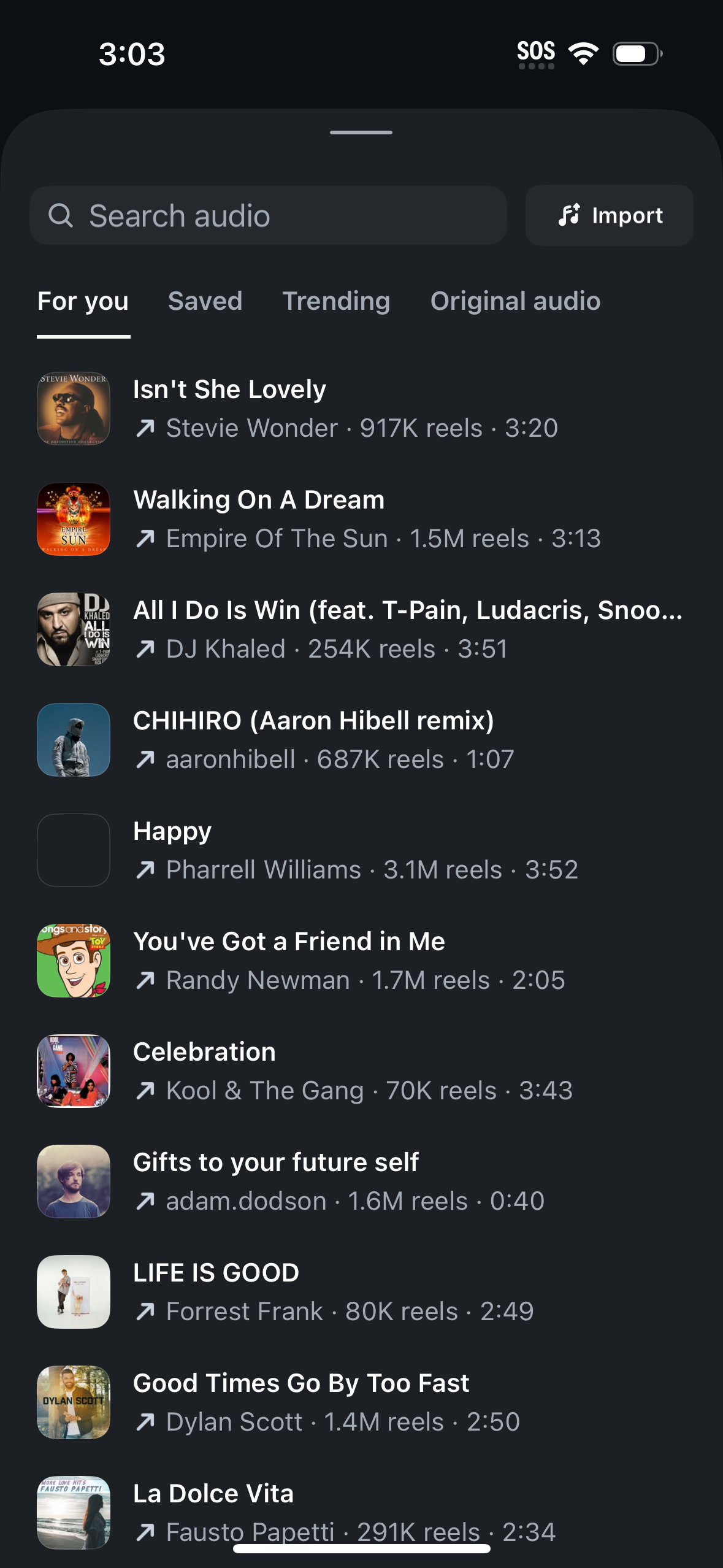
Audio selection screen for creating a short video/reel, with a search bar and ta
edits
Mobile short-video recording camera screen with a large record button, speed sel
edits
Mobile video editing screen showing a clip preview with a timeline, play control
edits
App onboarding permission screen prompting users to allow the Edits app to acces
edits
Permission request screen prompting the user to allow the Edits app to access th
edits
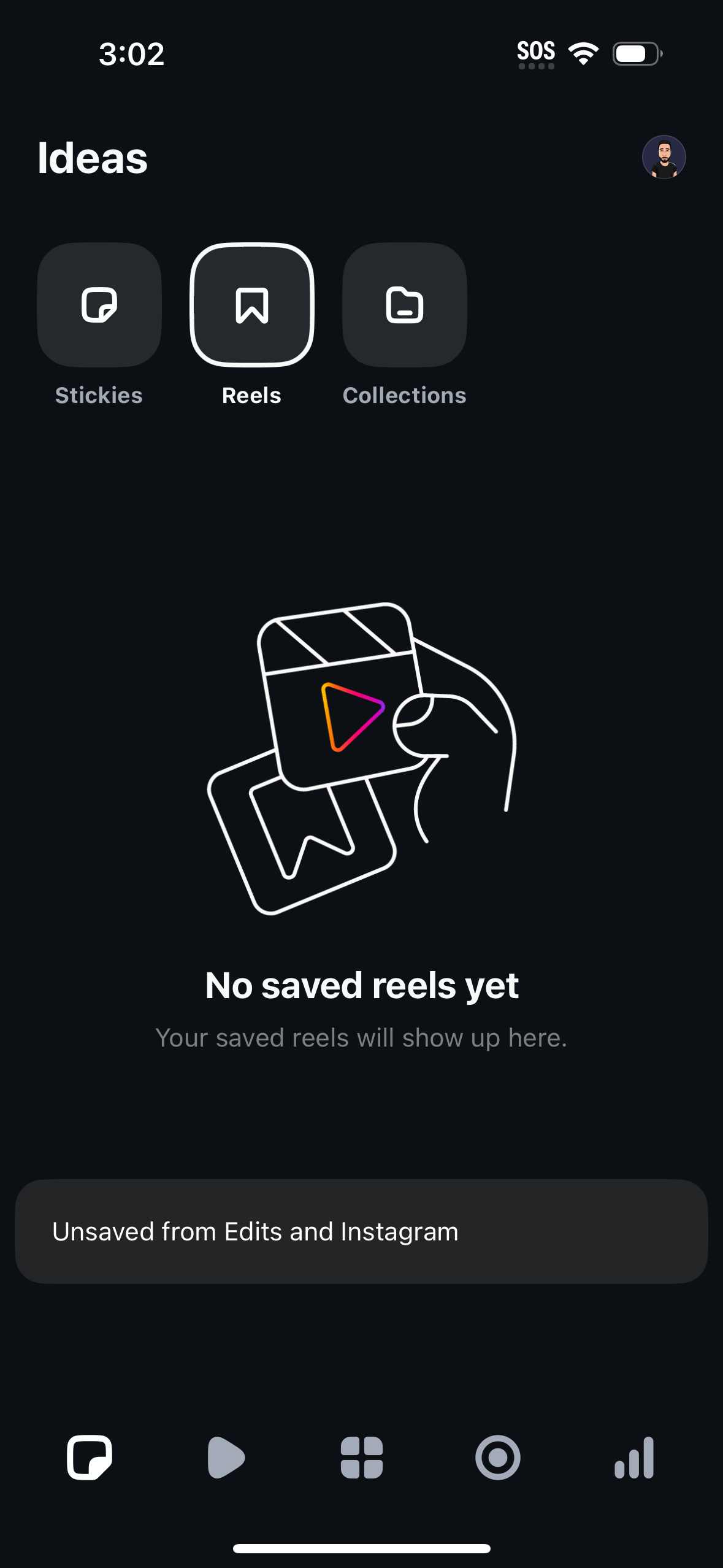
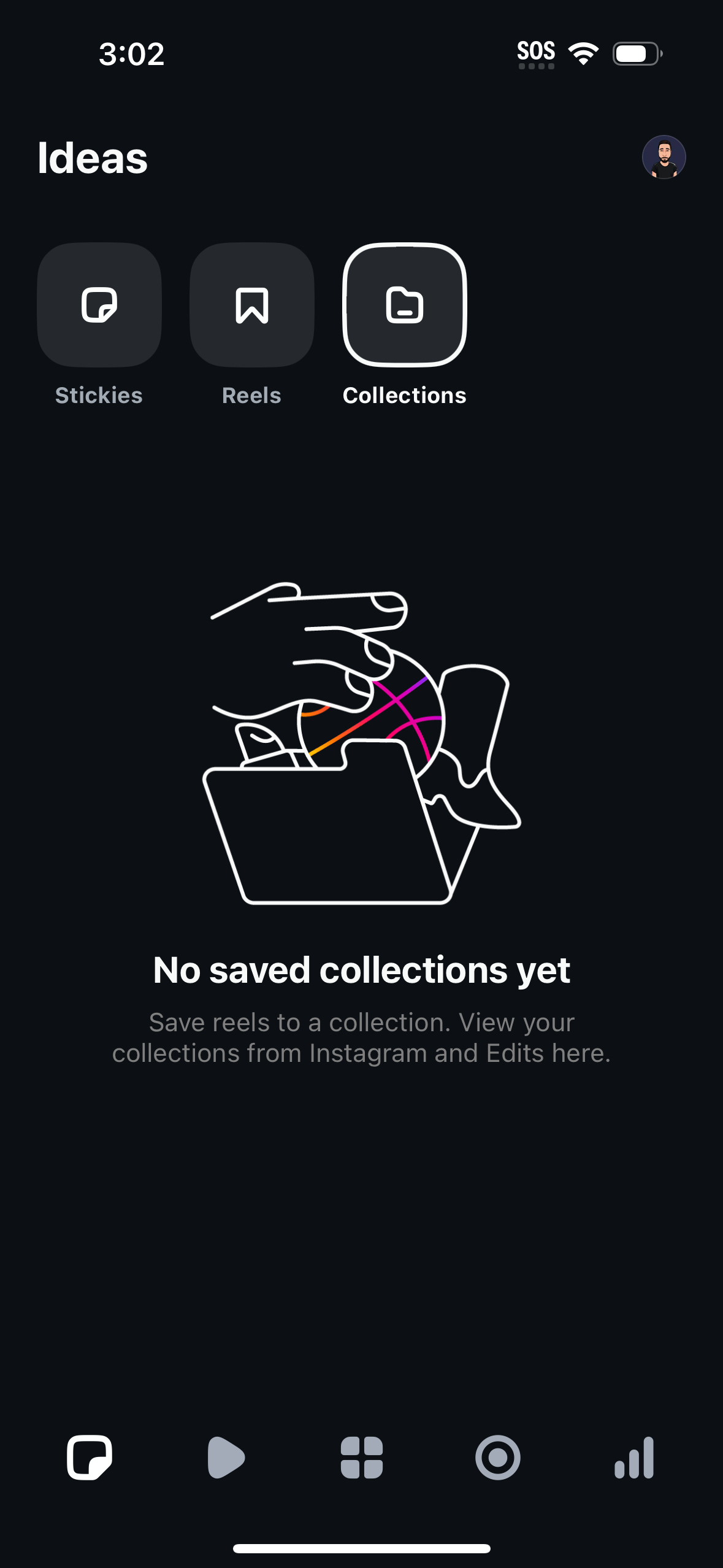
Ideas hub screen for managing saved creative content, with tabs to switch betwee
edits
Permission request onboarding screen asking the user to allow camera and microph
edits
Ideas hub screen for organizing inspiration, with tabs for Stickies, Reels, and
edits
Context menu overlay for a saved photo, showing quick actions to add a sticky no
edits
Ideas hub screen for browsing saved inspiration, with large category buttons to
edits
Short-form vertical video viewer showing a creator’s clip with profile/username
edits
Ideas hub screen for organizing inspiration into Stickies, Reels, and Collection
edits
Social media short-form video post viewer on the Following feed, showing a full-
edits
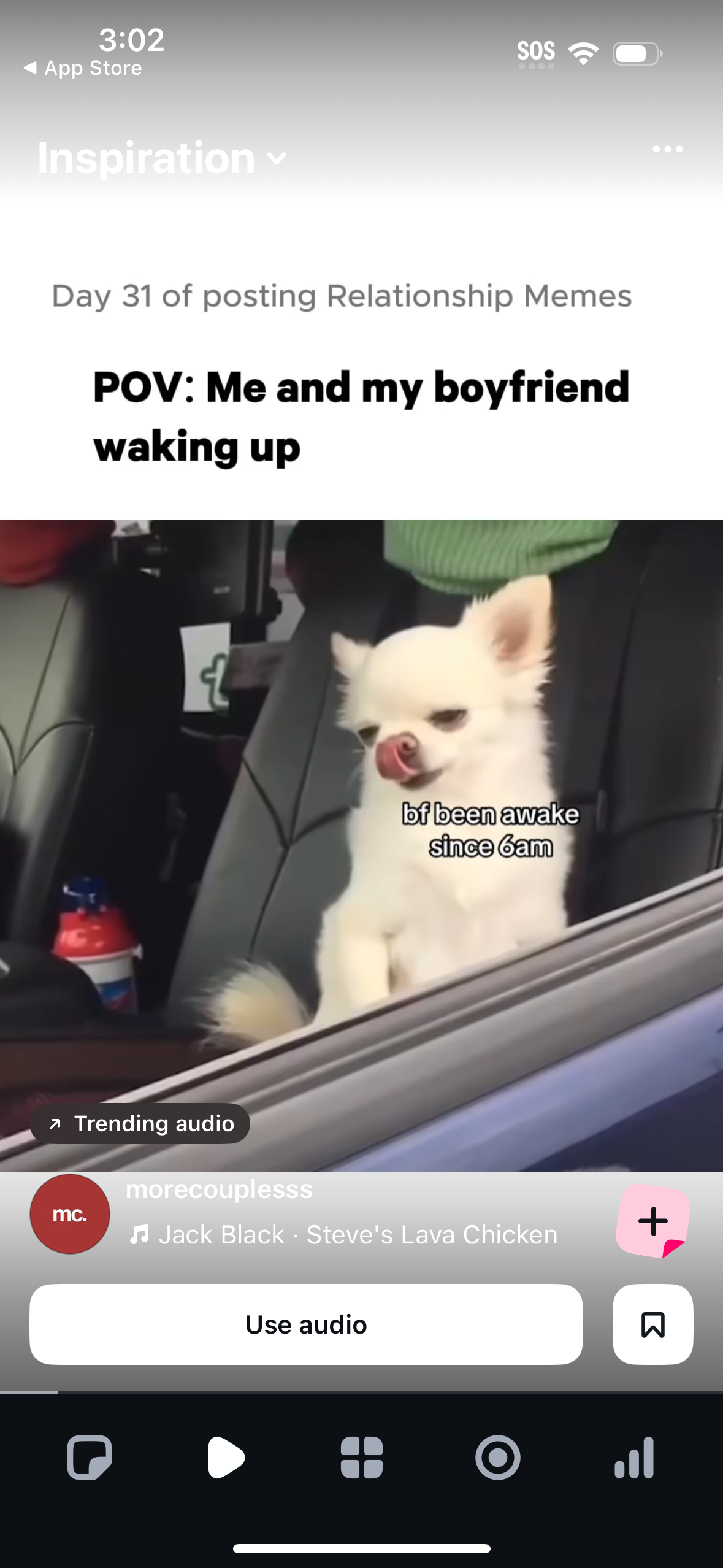
Short-form video feed on an Inspiration/Following tab showing a reel with overla
edits
Short-form video viewer on an Inspiration feed showing a reel with on-screen cap
edits
Short-form video reel viewer in an Inspiration feed showing creator handle, capt
edits
Short-form video post editor showing a meme clip with overlaid text/captions, in
edits
iOS system permission modal asking the user to enable push notifications for an
edits
Empty state “Projects” dashboard for a video editing app prompting the user to c
edits
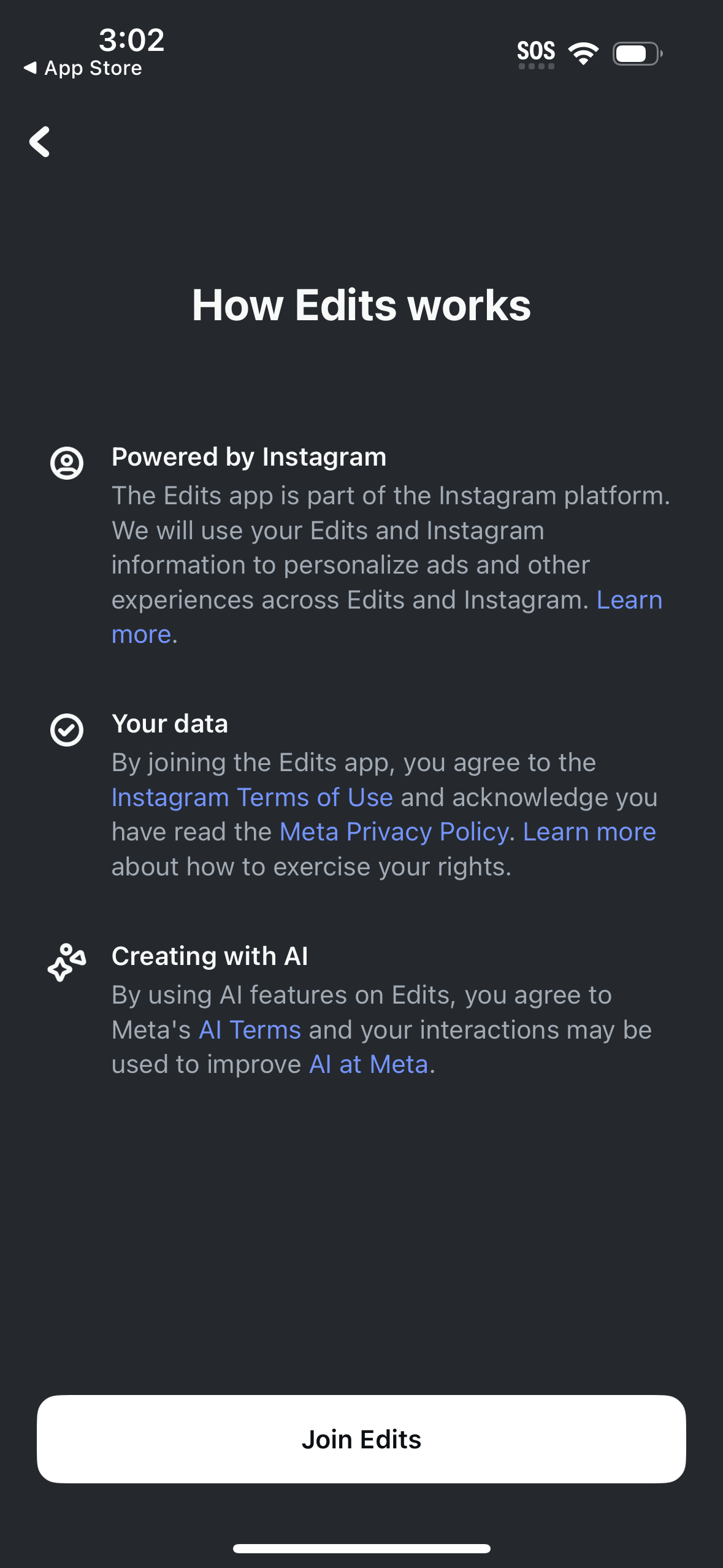
Onboarding info screen explaining how the Edits app works, including sections ab
edits
Edits app welcome/login screen prompting users to continue with an Instagram acc
edits